13 best AI app builders in 2026
May 22, 2026
/
Simon L. & Dainius K.
/
17 min Read
AI app builders let you create functional web and mobile applications by describing what you want in natural language.
Some are fully no-code, turning a text prompt into a deployed app. Others are low-code platforms for internal tools, or AI-powered coding assistants that plug into your existing code editor.
Which one you should pick comes down to two things: how much coding experience you have, and what you’re building. A non-technical founder prototyping a SaaS product needs a very different tool than a developer who wants smarter autocomplete.
Hostinger Horizons is the best all-in-one option if you want hosting, domains, and deployment bundled together. Base44 is great for rapid prototyping with its discussion mode and built-in database.
For developers, GitHub Copilot is still the go-to coding assistant, Replit lets you build full apps in the browser, and Devin AI can handle entire development tasks on its own.
1. Hostinger Horizons
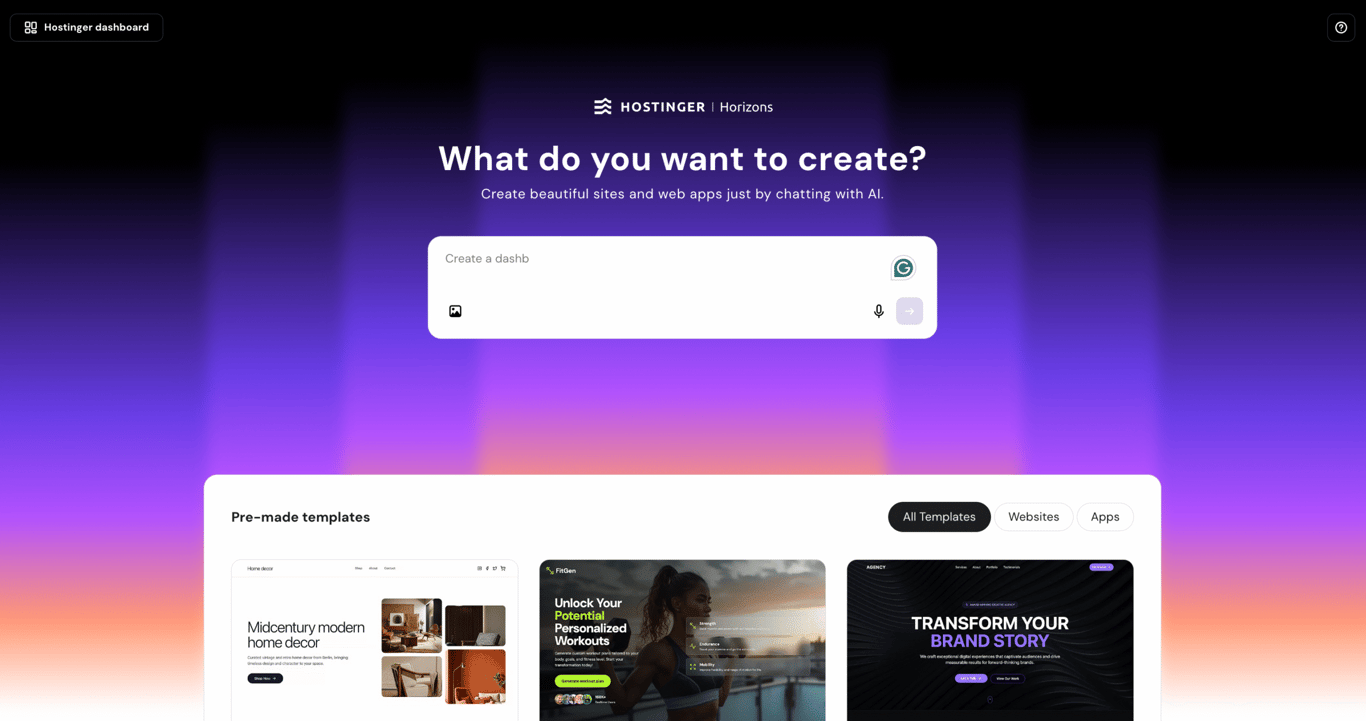
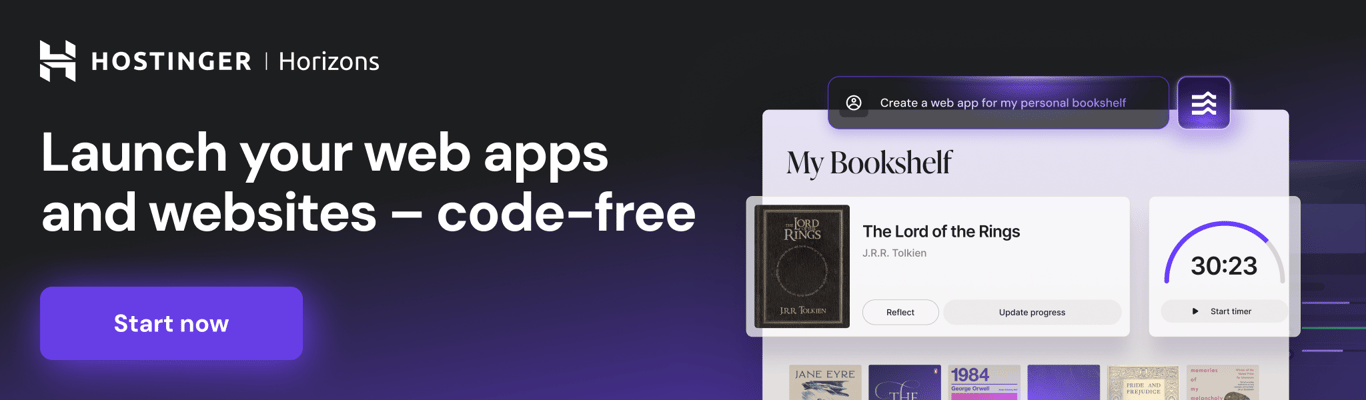
Hostinger Horizons is an AI app builder that creates and hosts web applications for you. Describe your idea using text, voice, or an uploaded image, and it generates a working app you can customize through prompts, visual editing, or direct code access.
The big differentiator is that everything lives under one roof. Hosting, domains, SSL certificates, content delivery networks (CDNs), email, ecommerce, SEO, and an integrated backend for databases and user authentication are all built in.
You can go from idea to live online store without touching a third-party service.
Key features:
- AI-powered app creation from text, voice, and image prompts with a built-in chat mode that helps refine your instructions before building.
- All-in-one infrastructure: hosting, domains, professional email, and backend (user accounts, logins, data storage) in a single ecosystem.
- Built-in ecommerce with the ability to sell subscriptions, physical products, and digital goods via Stripe.
- Content editing mode for tweaking text and images visually in real time without prompting the AI.
- Remixable templates, integrated AI features you can add to published apps, and built-in SEO for Google and AI search engines.
- Direct code editor access for fine-tuning, plus project version history with rollback.
Pricing:
Plans start at $6.99/month and go up to $79.99/month for more credits, code editor access, and early access to new features. Free trial available with no credit card required.
Pros:
✅ True all-in-one platform with hosting, domain, SSL, CDN, and email all included.
✅ Multiple input methods including text, voice, and image-to-design prompts.
✅ Fully automated app creation with integrated backend, no coding or external services needed.
✅ Built-in SEO, ecommerce, integrated AI features, and third-party payment integration.
✅ Free trial with no credit card required to test the platform before committing.
Cons:
❌ Limited customization compared to manual development or developer-oriented AI builders.
❌ Code editor access is locked behind higher tiers.
❌ Apps with multi-step backend logic (like chained API calls or complex conditional workflows) often need several rounds of prompting to get right, which eats into your credit budget.
2. Base44
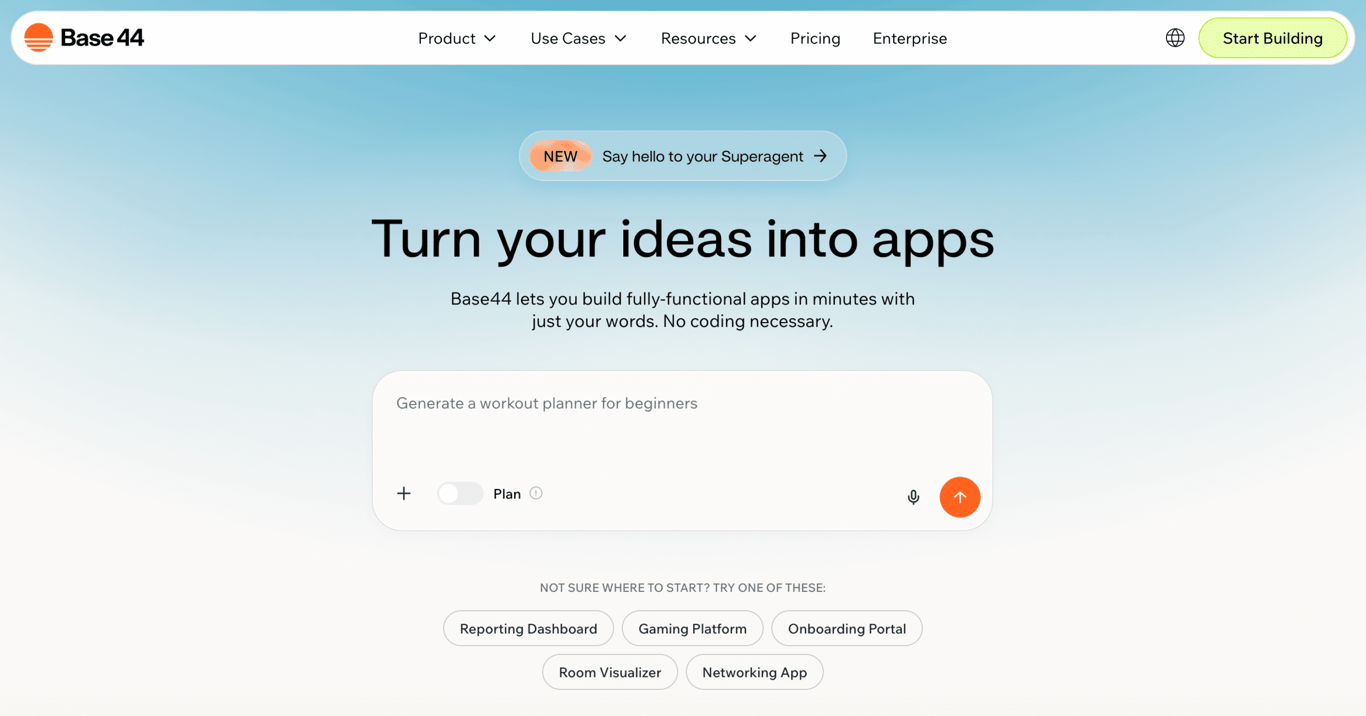
Base44 is a no-code app builder that generates complete applications from plain-language prompts. It handles the UI, database, authentication, and hosting in one go.
The standout feature is discussion mode. You brainstorm with the AI and refine your idea before spending any credits on building, so you waste less on trial and error.
Base44 also supports mobile apps for iOS and Android, Superagents (AI agents that connect to your tools and run on their own), and integrations with services like HubSpot and Zapier.
One thing to watch: pricing uses two separate credit buckets, which can make costs tricky to predict. If that’s a dealbreaker, several Base44 alternatives use simpler pricing models.
Key features:
- Prompt-first workflow that generates the full app stack (UI, database, authentication, hosting) from a text description.
- Discussion mode for brainstorming and refining app requirements without spending build credits.
- Mobile app creation with deployment to iOS and Android.
- AI agents that connect to your tools and run 24/7.
- Built-in integrations for payments, email marketing, and connections to services like HubSpot, Zapier, and Slack.
- Visual editor, templates marketplace, and analytics dashboard included on every plan.
Pricing:
Free plan available with limited credits. Paid plans start at $16/month and scale up to $160/month for more credits, custom domains, and premium support.
Pros:
✅ All-in-one stack with UI, database, auth, and hosting built into the platform.
✅ Discussion mode lets you plan without spending build credits.
✅ Backed by Wix, with an active development roadmap.
✅ Visual editor makes post-generation tweaks easy without re-prompting.
Cons:
❌ Credits can burn through quickly during active development, especially for UI tweaks.
❌ Backend functions and custom domain connection require the Builder plan or higher.
❌ Data ownership could complicate future migration since the database is tightly integrated.
❌ Design output can hit a ceiling for highly custom or polished UIs.
3. Bubble
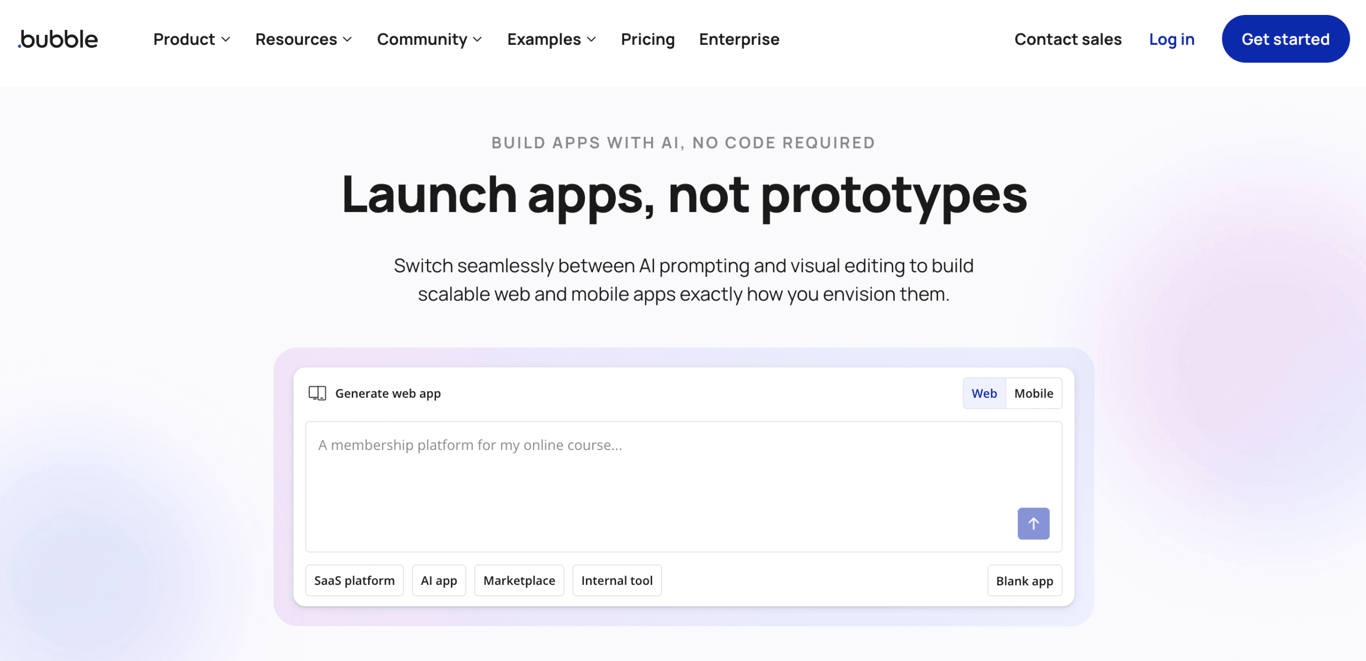
Bubble is one of the most established no-code platforms out there, and it now includes AI-powered app generation.
The real strength is what comes after: a visual workflow editor that lets you wire up database queries, conditional logic, and API calls with a level of control that prompt-only tools can’t touch.
It also has a large plugin ecosystem, native mobile app development, and workload-based scaling for production apps.
The tradeoff is a genuine learning curve that takes most people weeks to get comfortable with, which is why some Bubble alternatives focus on keeping things simpler at the cost of less granular control.
Key features:
- AI-powered app generation from natural language prompts with the ability to refine requirements before building.
- Visual workflow editor for wiring up complex logic, database operations, and conditional actions with precision that prompt-only tools can’t match.
- Built-in relational database with search functionality and backend workflows on all paid plans.
- Native mobile app development with deployment to iOS and Android app stores.
- Large plugin ecosystem for extending functionality with third-party services.
- Workload-based scaling with version control and branching for production apps.
Pricing:
Free plan available with 50,000 workload units (WU)/month. Paid plans start at $29/month and go up to $449/month, with Web+Mobile plans starting at $59/month and enterprise pricing available on request.
Pros:
✅ Deepest control over complex app logic of any no-code builder.
✅ AI generation plus visual editing gives you the best of both approaches.
✅ Large plugin ecosystem for extending functionality with free and paid options.
✅ Supports native mobile apps alongside web applications.
Cons:
❌ Steep learning curve once you move past the AI-generated starting point.
❌ Workload unit pricing can become unpredictable as your app scales, with overages at $0.30 per 1,000 WU if you exceed your plan’s allocation.
❌ AI generation creates the initial build but doesn’t provide ongoing conversational editing.
❌ Page load speeds can suffer on complex apps with heavy database queries and nested repeating groups.
4. DronaHQ
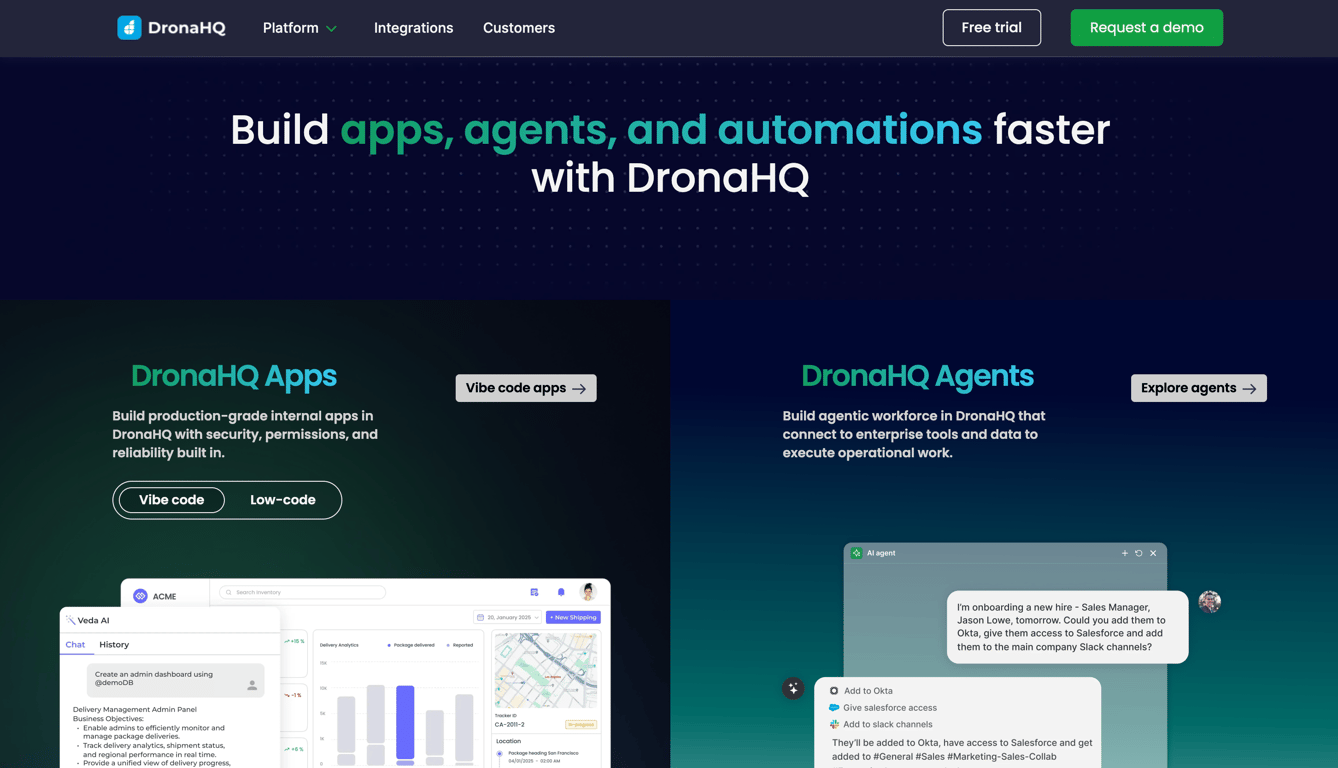
DronaHQ is a low-code platform built for internal tools, operational apps, and AI agents.
Its Vibe Coding feature generates apps from prompts, but the real value is the low-code layer underneath: 50+ prebuilt connectors, visual data binding, and event-driven actions that give you fine-grained control.
It also has a separate AI agent builder and self-hosted deployment for teams with compliance needs. Every plan includes unlimited users, so you pay for usage rather than seats.
Key features:
- Vibe Coding that generates a product requirements document, editable code, and an interactive preview from a natural language prompt.
- Low-code components with visual data binding and event-driven actions for building internal tools and operational apps.
- 50+ out-of-the-box connectors to databases, APIs, and SaaS applications, with unlimited connector usage on all plans.
- Separate AI agent builder for creating autonomous workflows that connect to your business systems.
- Self-hosted deployment option for teams needing on-premises infrastructure.
- Usage-based pricing with unlimited users on every plan, so you’re not paying per seat.
Pricing:
Plans start at $100/month with 25,000 tasks/month, scaling to $500/month for SSO and custom domains. Enterprise pricing is custom.
Pros:
✅ Combines low-code, vibe coding, and AI agents in a single platform.
✅ Usage-based pricing with unlimited users means you’re not paying per seat.
✅ Self-hosted deployment available for teams with strict compliance needs.
✅ Supports both web and mobile app deployment.
Cons:
❌ Vibe Coding is still in early access, so the AI generation experience may evolve significantly.
❌ SSO requires the Business plan ($500/month), and audit logs are Enterprise only.
❌ Apps with many connected data sources can slow down without careful query optimization, especially when pulling from multiple APIs simultaneously.
5. Replit
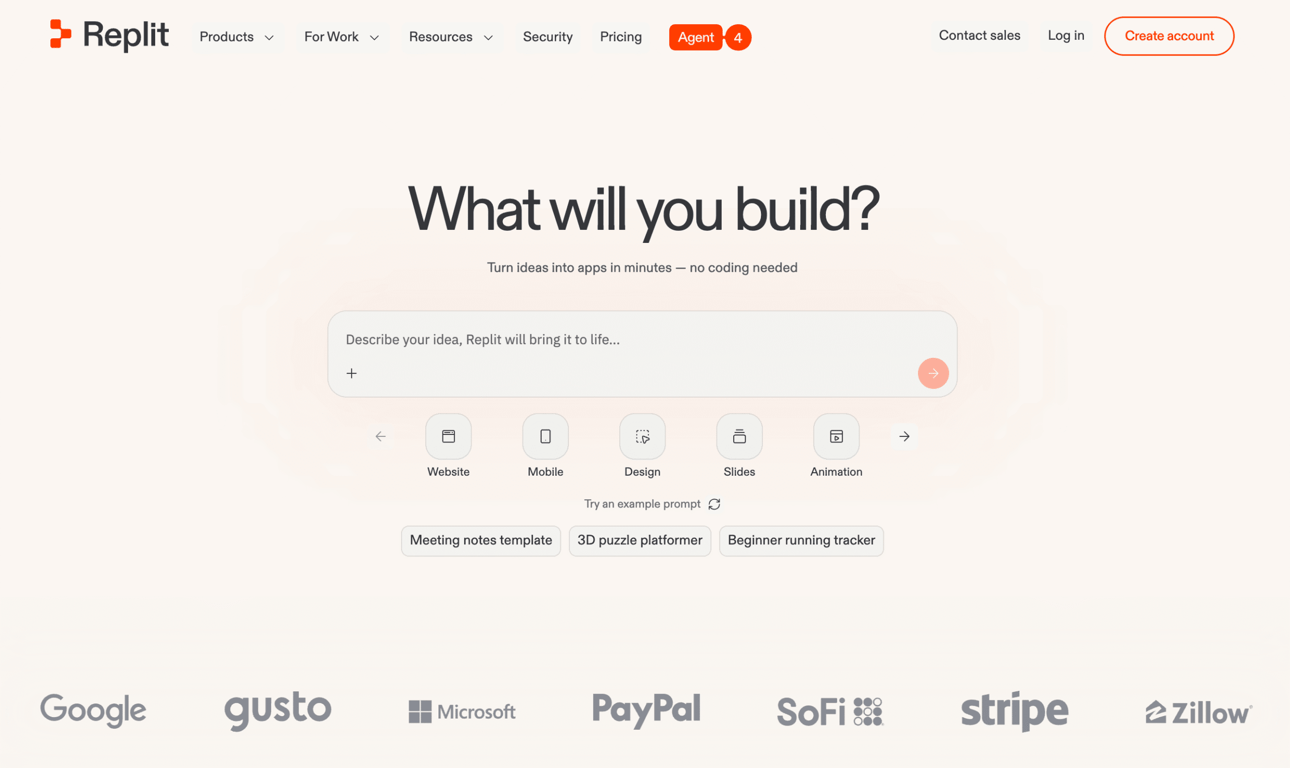
Replit is a browser-based development platform. No local setup, no installations. Its AI feature, Replit Agent, generates full applications from prompts and handles code, dependencies, and debugging on its own.
What makes it stand out is that it’s a complete cloud environment, not just a generator. You get a code editor, hosting, databases, deployment, and collaboration tools all in the browser.
Three Agent modes let you balance cost and speed, though the effort-based pricing can be hard to predict. Several Replit alternatives take a different approach if that’s a concern.
Key features:
- Replit Agent generates full applications from natural language prompts, handling code, dependencies, and debugging.
- Cloud-based code editor with no local installation required and support for multiple programming languages.
- Three Agent modes: Economy (cost-optimized), Power (performance-optimized), and Turbo (fastest, Pro and Enterprise only).
- Collaboration with up to 5 builders on Core, 15 builders and 50 viewers on Pro.
- Built-in hosting, databases, and deployment options (Autoscale and Reserved VM).
- Private deployments and 28-day database restore on Pro.
Pricing:
Free Starter plan available with limited daily credits. Paid plans start at $18/month and go up to $90/month for more credits, Turbo mode, and collaboration features. Enterprise pricing is custom.
Pros:
✅ No local setup needed, runs entirely in the browser.
✅ Agent modes let you optimize for cost or performance depending on the task.
✅ Includes built-in hosting, databases, and deployment options.
✅ Pro plan allows up to 15 collaborators with pooled credits and no per-seat fees.
Cons:
❌ Effort-based pricing makes costs hard to predict, especially on larger projects where longer chat threads increase per-message costs.
❌ Performance and customization are limited compared to local development environments.
❌ Unused monthly credits expire on the Core plan (rollover is Pro only).
❌ Turbo mode, the fastest Agent option, is locked behind the higher tiers and costs up to 6x more per request.
6. Bolt.new
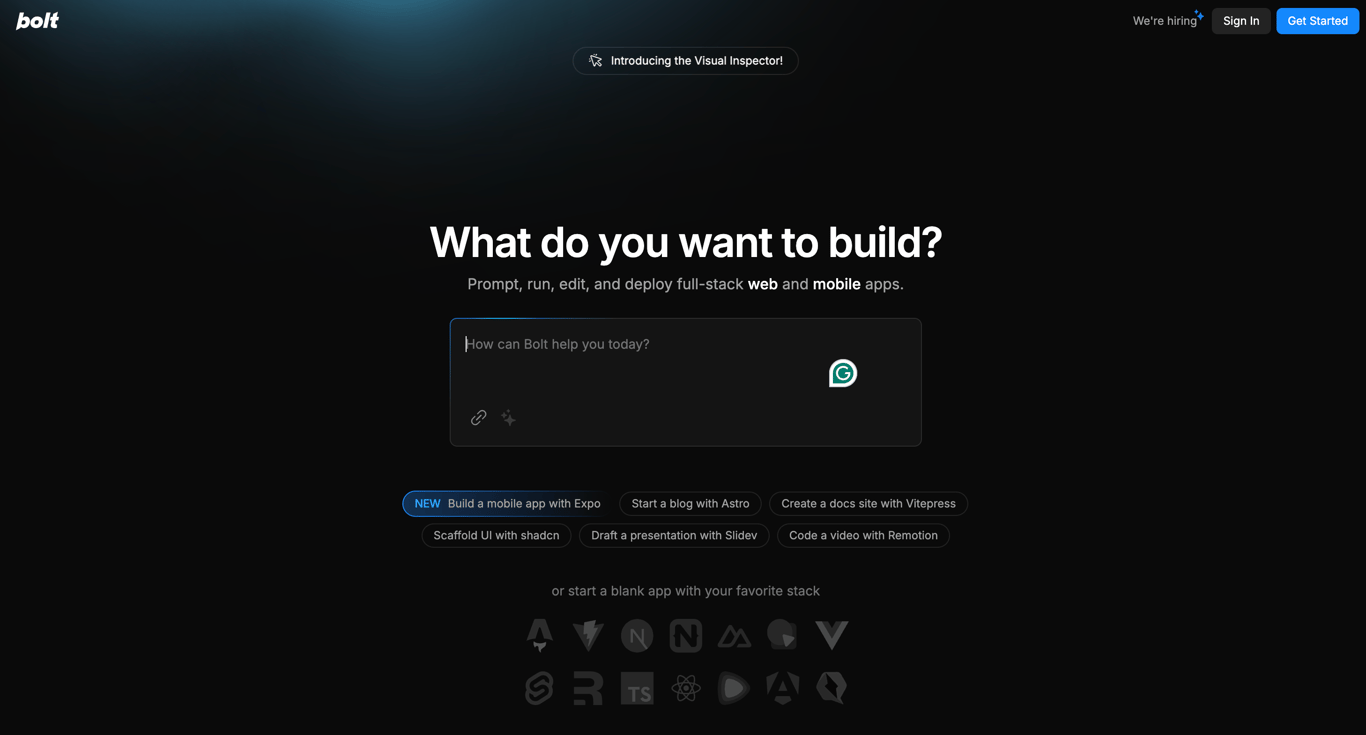
Bolt.new is built for getting web app prototypes off the ground fast. It handles code generation, UI components, and backend setup so you can skip the boilerplate.
You get full code access from day one, even on the free plan. That’s a meaningful advantage over competitors that lock source code behind paid tiers.
Compared to Hostinger Horizons, Bolt gives you more control over the generated code but less built-in backend infrastructure. It’s strong for rapid prototyping, though more complex apps may outgrow it. Several Bolt.new alternatives handle scaling and deployment more comprehensively.
Key features:
- Full code access on all plans from day one, including the free tier.
- Full-stack code generation covering both frontend and backend with real-time deployment previews.
- Unlimited databases, website hosting, and token rollover on all paid plans.
- AI-powered image editing and SEO boosting on Pro plans and above.
Pricing:
Free plan available with 1M tokens/month. Pro plans start at $25/month and scale up to $30/month for more tokens, with custom enterprise pricing.
Pros:
✅ Full code access from day one on all plans.
✅ Streamlines basic web app development and prototyping.
✅ Flexible Pro tiers let you scale token allocation from 10M to 120M/month without switching plans.
✅ Unused tokens roll over for one additional month on all paid plans.
Cons:
❌ Apps that need complex state management or multi-step backend logic will likely outgrow what the platform generates.
❌ Token consumption can spiral during debugging sessions, with larger projects consuming significantly more tokens per message.
❌ Generated code often needs cleanup and restructuring before it’s production-ready.
7. Lovable
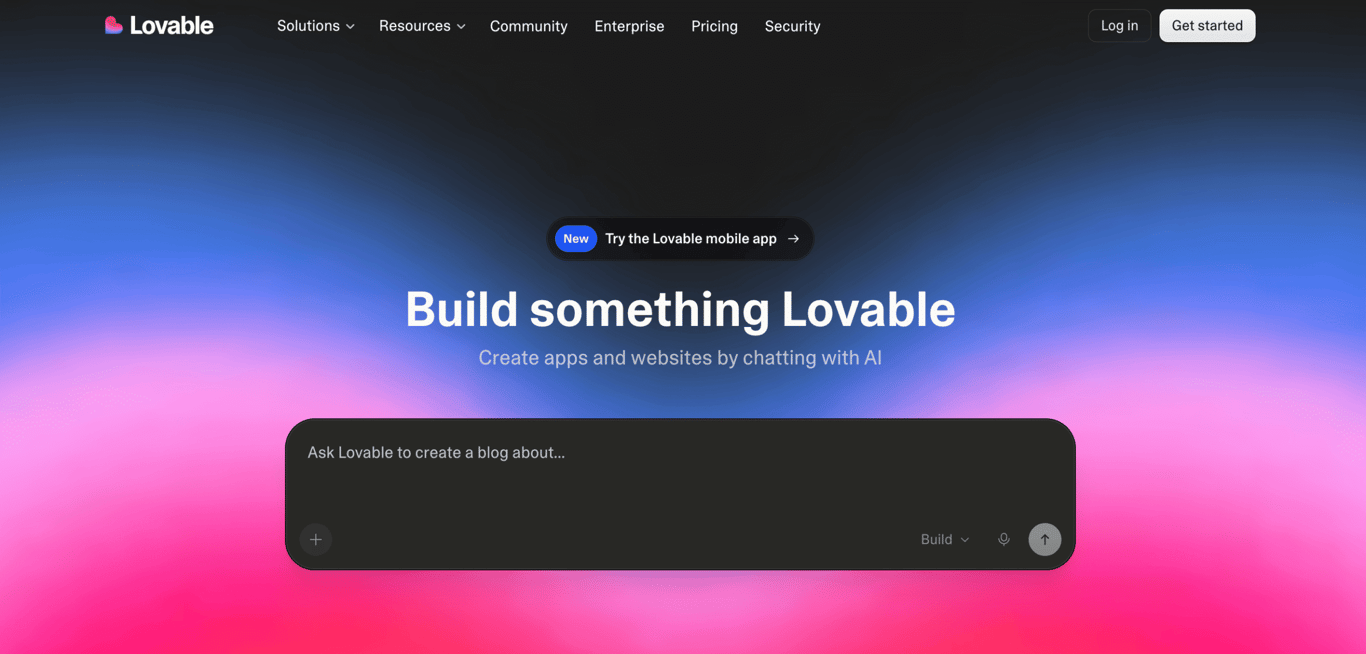
Lovable is an AI app builder where the conversation keeps going after the first generation. You get three ways to iterate: Agent Mode for autonomous development, Chat Mode for back-and-forth planning, and Visual Edits for clicking and tweaking elements directly.
It comes with Supabase for databases and auth, Stripe for payments, and GitHub for version control. Both paid plans are shared across unlimited users with no per-seat charges. If it doesn’t quite fit, several Lovable alternatives take a different approach.
Key features:
- Three building modes: Agent Mode (autonomous AI development), Chat Mode (interactive planning and debugging), and Visual Edits (direct UI manipulation).
- Built-in Supabase integration for databases, authentication, and file storage, plus Stripe for payments and GitHub for version control.
- Security Scan for identifying vulnerabilities in your Supabase-connected apps.
- Both paid plans shared across unlimited users on your workspace with no per-seat charges.
- Credit rollovers on all paid plans, with custom domains and branding removal on Pro.
Pricing:
Free plan available with 5 daily credits. Pro starts at $25/month and Business at $50/month, both shared across unlimited users with no per-seat charges. Enterprise pricing is based on company size.
Pros:
✅ Three distinct building modes (Agent, Chat, Visual Edits) let you switch between autonomous AI, conversational iteration, and direct UI manipulation.
✅ Built-in Supabase, Stripe, and GitHub integrations cover backend, payments, and version control.
✅ Both paid plans shared across unlimited users with no per-seat charges.
✅ Credit rollovers on all paid plans (one month on monthly billing, full remaining term on annual billing).
Cons:
❌ Pro and Business both include only 100 monthly credits, so the main difference between the two is team features rather than additional capacity.
❌ Agent Mode consumes credits at a variable rate, which makes costs harder to predict than the 1-credit-per-message Chat Mode.
❌ Hosting uses Lovable’s own infrastructure (lovable.app domains or custom domains), so self-hosting requires exporting through GitHub.
❌ Audit logs and automated user provisioning are reserved for Enterprise, which uses custom pricing based on company size.
8. GitHub Copilot
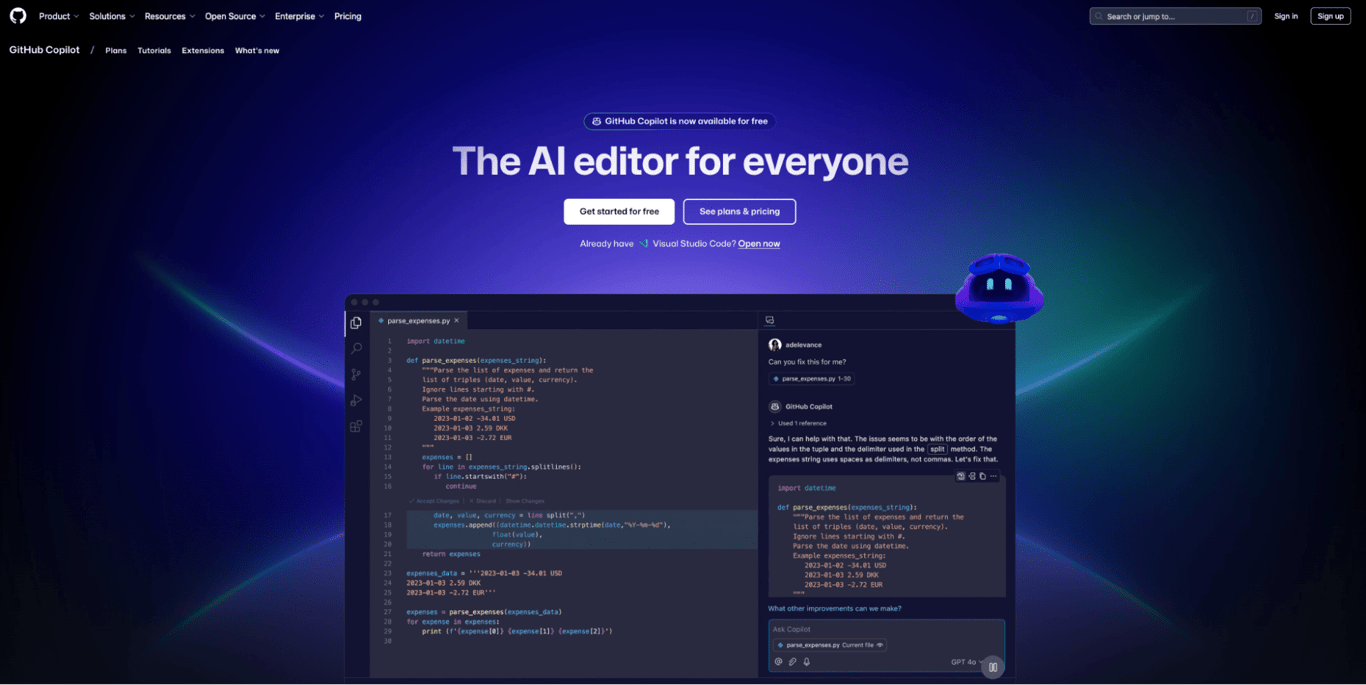
GitHub Copilot is the most widely used AI coding assistant. It plugs into Visual Studio Code, JetBrains, Neovim, Xcode, and Eclipse, and has grown well beyond autocomplete into agent mode, pull request review, and a cloud-based coding agent.
One thing to know: starting June 1, 2026, Copilot is moving to usage-based billing. Plan prices stay the same, but chat, agent mode, and code review will be measured in tokens. Code completions stay unlimited. New sign-ups for most plans are temporarily paused while GitHub rolls out the change.
Key features:
- AI-driven code completion, suggestions, and generation across multiple programming languages including JavaScript, Python, Go, and TypeScript.
- Agent mode for autonomous multi-step coding tasks and agentic workflows.
- AI-powered code review directly on GitHub pull requests.
- Cloud-based coding agent for running tasks in the background.
- Access to multiple AI models (GPT, Claude, Gemini) with model selection on higher plans.
- Integrated into VS Code, JetBrains, Neovim, Xcode, Eclipse, and GitHub Mobile.
Pricing:
Free plan available with limited suggestions and chat. Pro starts at $10/month, Pro+ at $39/month, Business at $19/user/month, and Enterprise at $39/user/month. Free Student plan available. Note: new sign-ups for most plans are temporarily paused as of April 2026.
Pros:
✅ Deep integration with GitHub’s ecosystem and popular IDEs.
✅ Agent mode and code review features go well beyond basic autocomplete.
✅ Supports multiple AI models with user choice on higher plans.
✅ Free tier plus a separate free Student plan for verified students.
Cons:
❌ Moving to usage-based billing, with token-based pricing that varies by model, which may make costs less predictable.
❌ New sign-ups for Pro, Pro+, Student, and Business plans are temporarily paused as of April 2026 while GitHub rolls out new billing infrastructure.
❌ Best suited for developers already in the GitHub ecosystem.
❌ Opus models have been removed from the Pro plan and are now only available on Pro+.
9. Tabnine
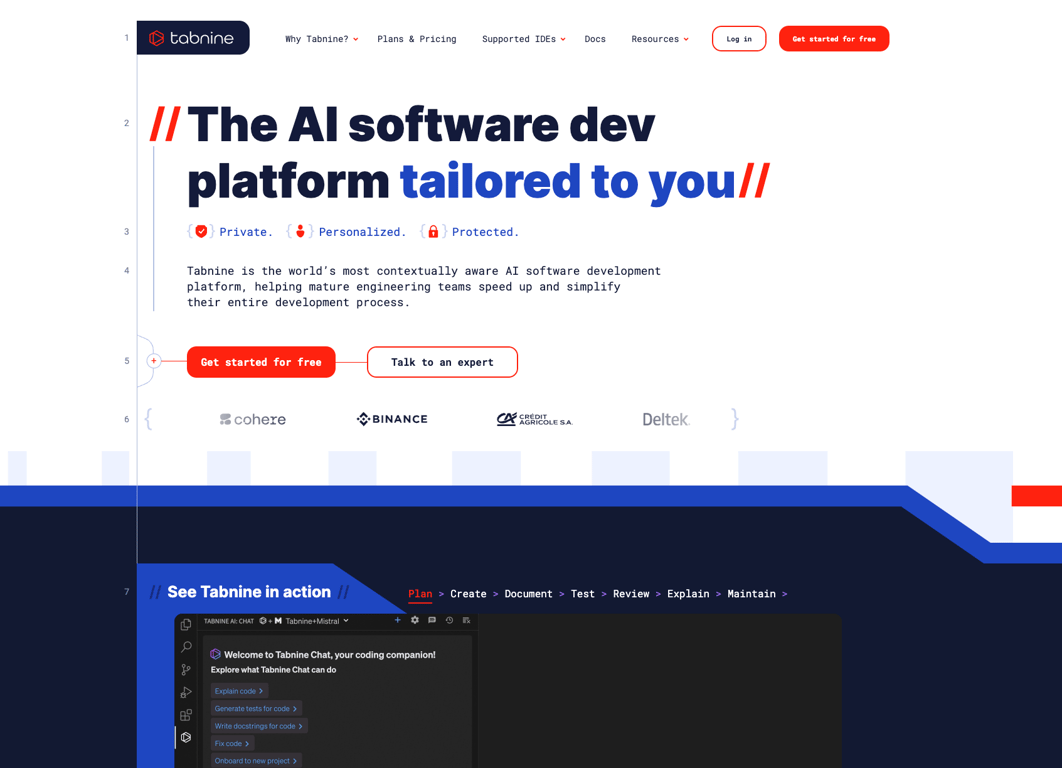
Tabnine is built around one promise: your code stays private. You can deploy it in the cloud, on your own servers, or completely disconnected from the internet.
It retains zero code and never trains on your data. If your organization needs GDPR, SOC 2, or ISO 27001 compliance, this is the most privacy-focused option on the list.
It offers code completions on proprietary models plus AI chat from Anthropic, OpenAI, Google, Meta, and Mistral. The Agentic Platform tier adds autonomous agents that connect to Git, Jira, and Confluence, plus a Context Engine that grounds suggestions in your actual codebase.
Key features:
- Zero code retention, no training on customer code, and end-to-end encryption across all deployment options.
- Flexible deployment: cloud, private cloud, on your own servers, or fully disconnected from the internet.
- AI code completions using Tabnine’s proprietary models, plus AI chat powered by models from Anthropic, OpenAI, Google, Meta, and Mistral.
- Agentic workflows with autonomous agents and MCP support for connecting to Git, Jira, Confluence, Docker, CI/CD pipelines, and other tools.
- Integrated Context Engine that understands your organization’s architecture, dependencies, and coding standards.
- IP indemnification and built-in license compliance scanning to protect against legal risk.
Pricing:
Starts at $39/user/month for the Code Assistant Platform and $59/user/month for the Agentic Platform with autonomous agents and Context Engine.
Pros:
✅ Strongest privacy and compliance story of any AI coding tool: zero code retention, fully disconnected deployment option, GDPR/SOC 2/ISO 27001.
✅ Works across all major code editors, languages, and cloud providers with no lock-in.
✅ Agentic Platform adds MCP support and a command-line agent for terminal-based workflows.
✅ IP indemnification and license compliance scanning protect against legal risk.
Cons:
❌ No free tier or self-serve individual plan since the Basic and Dev plans were sunset.
❌ Enterprise-only positioning at $39-59/user/month makes it inaccessible for solo developers or small teams.
❌ Code suggestion quality trails Copilot and Cursor in head-to-head comparisons, with shorter completions and lower acceptance rates on complex codebases.
❌ Context Engine setup and team model customization take time before suggestions reflect your codebase accurately.
10. Cursor
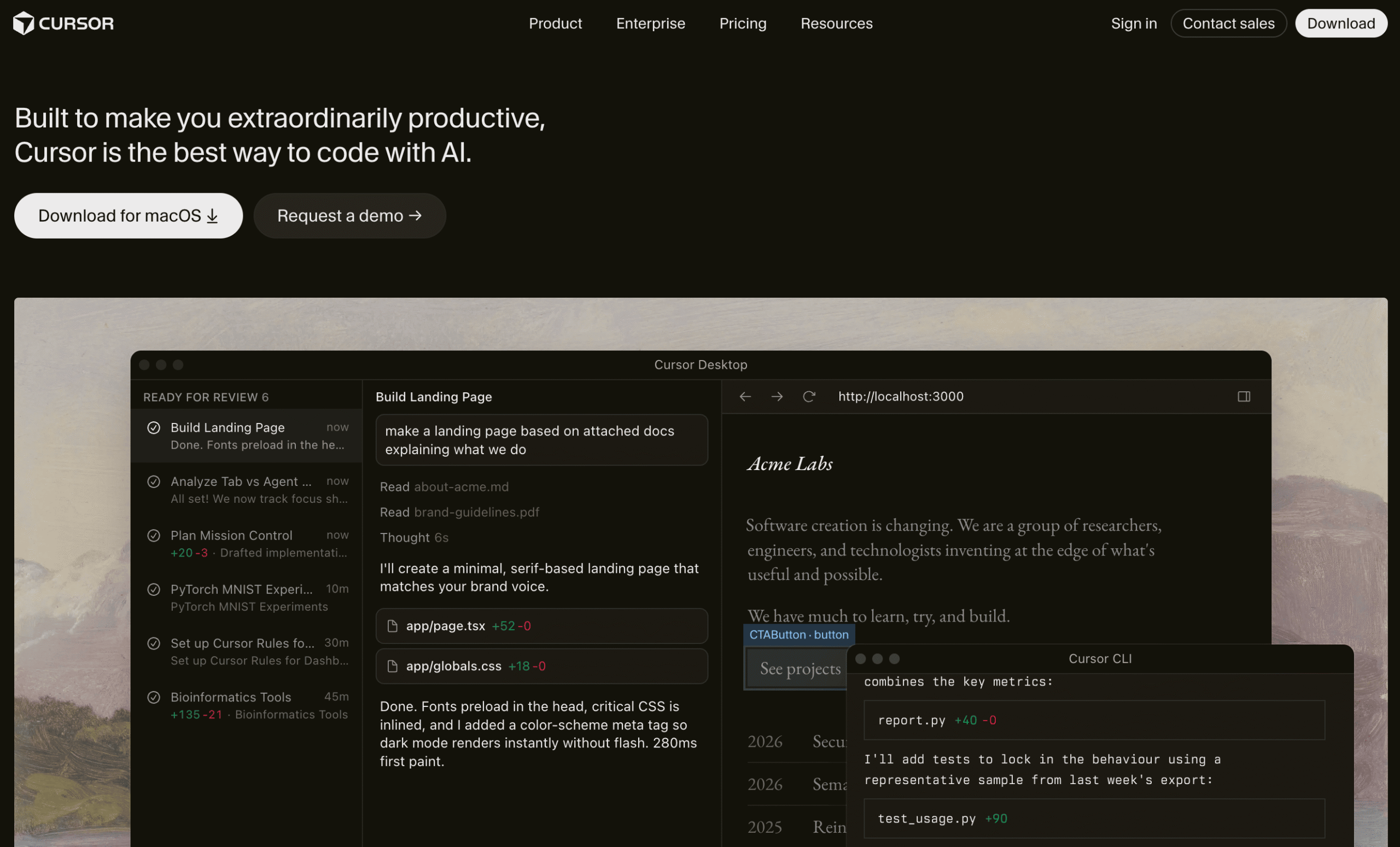
Cursor is an AI-powered code editor built on VS Code, used by over half the Fortune 500. It’s not just a plugin on top of your editor. The AI is built in, indexing your full codebase for context-aware suggestions across every file.
Where Github Copilot adds AI to your existing editor, Cursor replaces the editor entirely and builds AI into every layer of the experience.
What makes it stand out is the agent system. You can run background and cloud agents that plan, build, and test in their own virtual machines while you keep working.
It supports frontier models from OpenAI, Anthropic, Google, and xAI, and includes MCP support for connecting to tools like GitHub and Figma.
If Cursor’s desktop-first approach doesn’t fit your workflow, several Cursor alternatives take a browser-based or plugin-based approach instead.
Key features:
- AI agent with Plan mode that researches your codebase, asks clarifying questions, and builds a plan before writing code.
- Background and cloud agents that run in their own virtual machines, produce screenshots and demos of their work.
- Tab completions using Cursor’s custom model, with multi-file suggestions for refactors and edit chains.
- Access to frontier models including Composer 2, GPT-5.4, Opus 4.6, Gemini 3 Pro, and Grok Code.
- MCP support, skills, and hooks for connecting to external tools and customizing agent behavior.
- Bugbot for automated pull request review (separate pricing).
Pricing:
Free Hobby plan available. Pro starts at $20/month and scales up to $200/month (Ultra) for power users. Teams are $40/user/month, enterprise pricing is custom, and university students get free Pro access for one year.
Pros:
✅ AI is built into the editor rather than added as a plugin, giving it deeper context awareness across your codebase.
✅ Cloud agents run in isolated VMs and can be triggered from web, mobile, Slack, or GitHub, so you can delegate tasks from anywhere.
✅ Supports multiple frontier models with the ability to switch between them per task.
✅ Free tier available, and free Pro access for students.
Cons:
❌ The full editing experience requires the desktop app (macOS, Windows, Linux), though cloud agents can be started and monitored from the web, mobile, Slack, or GitHub.
❌ Usage limits aren’t published as specific numbers, making it hard to compare value across tiers before signing up.
❌ Bugbot (code review) is a separate $40/user/month add-on, not included in the base plans.
❌ Privacy mode must be manually enabled; it’s not on by default.
11. Devin AI
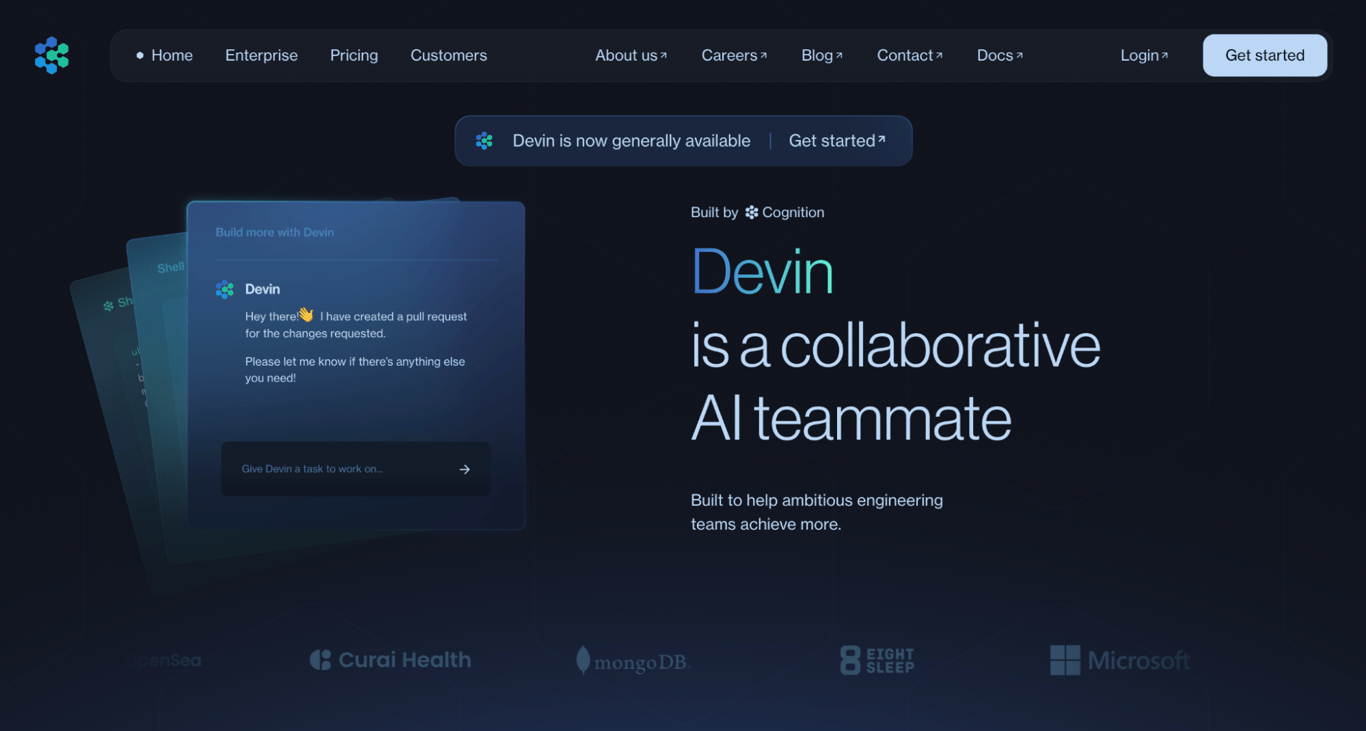
Devin AI is an autonomous software engineer. While tools like Copilot help you write code faster, Devin handles entire tasks from planning and writing to web app testing, debugging and deploying across multiple files and systems.
Think codebase migrations, fixing flaky tests, or refactoring legacy code nobody wants to touch.
Paid plans include Windsurf code editor usage, and it integrates with Slack, Microsoft Teams, Linear, Jira, and major Git providers. DeepWiki helps the agent understand complex codebases, and playbooks let you create reusable workflows.
Key features:
- Autonomous multi-step coding, debugging, testing, and deployment workflows across multiple files and systems.
- Integrations with Slack, Microsoft Teams, Linear, Jira, GitHub, GitLab, and Bitbucket for delegating tasks directly from your existing workflow.
- DeepWiki for understanding complex codebases, plus playbooks for creating reusable task workflows.
- Up to 10 concurrent agent sessions on individual plans, unlimited on Teams and Enterprise.
- Windsurf code editor usage included on Pro and above, giving you both an agent and an editor in one subscription.
- Advanced capabilities for orchestrating parallel Devin agents and managing a shared knowledge base.
Pricing:
Free plan available with limited usage. Pro starts at $20/month and scales to $200/month (Max) for higher quotas. Teams are $80/month with unlimited members, and enterprise pricing is custom.
Pros:
✅ Automates entire development workflows, not just individual code completions.
✅ Free tier and $20/month Pro plan make it accessible to individual developers, not just large teams.
✅ Includes Windsurf IDE usage on paid plans, giving you both an agent and an IDE.
✅ Deep integrations with Slack, Linear, Jira, and Git providers for seamless workflow integration.
Cons:
❌ Output quality varies, especially on tasks requiring nuanced architectural decisions, so code review is still essential.
❌ Usage quota specifics aren’t publicly disclosed, making cost predictability harder until you’ve used the platform.
❌ Single sign-on and private cloud deployment are reserved for Enterprise (custom pricing).
❌ Agent-generated code for complex, novel tasks often needs significant human review and iteration.
12. Continue

Continue started as a free open-source AI extension for VS Code. It’s grown into something bigger.
The core extension (now supporting JetBrains too) is still free and open-source, but on top of that you get Mission Control for running AI agents, AI Checks for automated code review on every pull request, and a command-line tool for terminal workflows.
The key differentiator is flexibility. You bring your own API keys for any model, or buy credits at $3 per million tokens. No vendor lock-in. Where platforms like Cursor tie you to their model selection and pricing, Continue lets you swap models freely and only pay for what you use.
Key features:
- Open-source code editor extension for VS Code and JetBrains with AI chat, autocomplete, inline editing, and agent mode.
- AI Checks that run on every pull request as GitHub status checks, defined as simple markdown files in your repo.
- Mission Control for creating and running AI agents on demand, on schedules, or triggered by integrations with Slack, Sentry, Snyk, and other tools.
- Bring your own API keys for any supported model, or buy credits at $3 per million tokens with no vendor lock-in.
- Built-in MCP support and configurable rules, prompts, and agent behaviors through configuration files.
Pricing:
Free plan available (bring your own API keys, or buy credits at $3 per million tokens). Team plan starts at $20/seat/month, and company pricing is custom.
Pros:
✅ Open-source IDE extension is free and supports both VS Code and JetBrains.
✅ AI Checks on pull requests add automated code review as GitHub status checks.
✅ Bring your own API keys means no vendor lock-in for model access.
✅ Agent platform with scheduling, integrations, and MCP support goes well beyond basic code completion.
Cons:
❌ The platform has expanded rapidly and the product surface (IDE extension, Hub, CLI, Checks, Mission Control) can be confusing to navigate.
❌ Team features like shared agents and access controls require the $20/seat/month plan.
❌ Credit-based model access at $3/million tokens can add up for heavy users compared to flat-rate alternatives.
❌ Documentation references both deprecated and current configuration formats, which can trip up new users.
13. Qodo
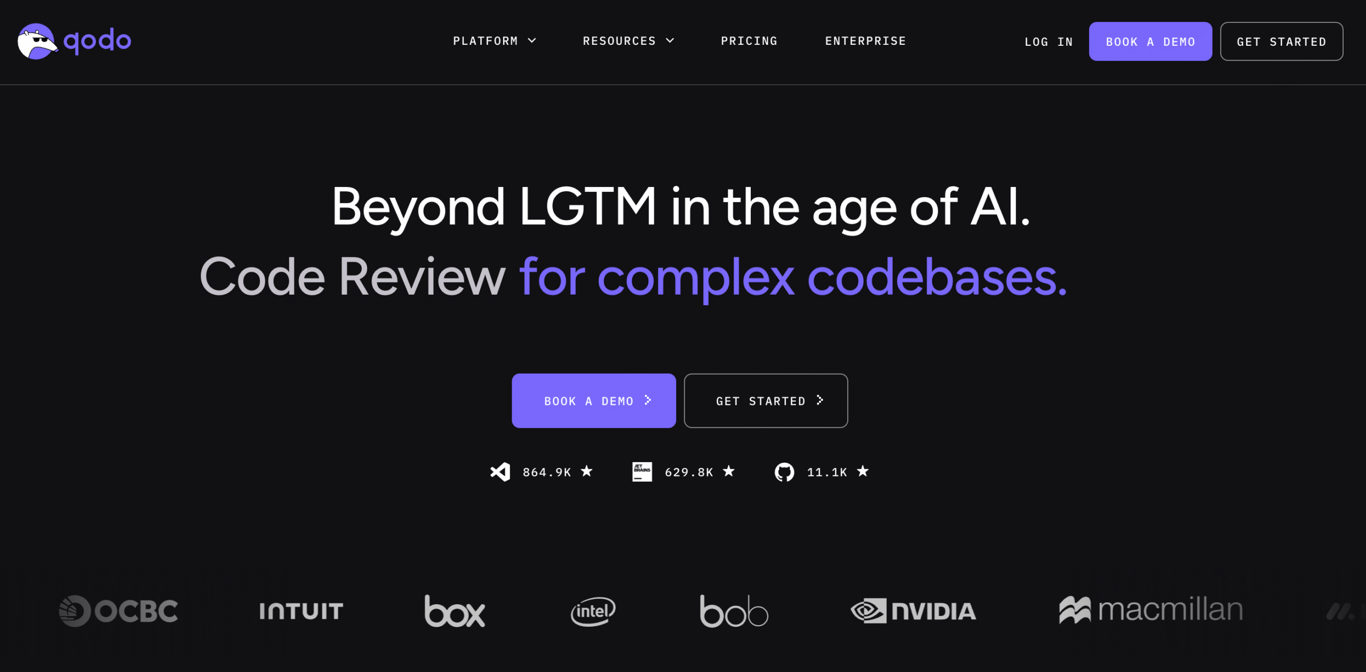
Every other tool on this list helps you write code. Qodo (previously Codium) helps you make sure it works before it ships. It reviews pull requests through GitHub, GitLab, and Bitbucket, catches logic errors and breaking changes, and enforces coding standards.
It pairs well with any code generation tool because it focuses on what those tools miss. Paid plans include strict 48-hour data retention with no model training on your code. The platform is SOC 2 Type II certified.
Key features:
- AI-powered pull request review through GitHub, GitLab, and Bitbucket that catches logic errors, breaking changes, and standards violations.
- Code editor plugin (VS Code, JetBrains, and sub-editors) for local code review, test generation, and AI chat.
- Rules System (beta) for discovering, enforcing, and maintaining coding standards across projects.
- Context Engine for multi-repo codebase awareness and command-line tool for automated quality workflows (Enterprise only).
- SOC 2 Type II certified with strict 48-hour data retention on paid plans and no model training on your code.
Pricing:
Free plan available. Teams starts at $30/user/month with strict data retention and no model training on your code. Enterprise pricing is custom.
Pros:
✅ Free tier covers both pull request review and code editor features for individual developers.
✅ Purpose-built for code review and quality, which complements code generation tools like Copilot or Cursor.
✅ SOC 2 Type II certified with strict data retention on paid plans (48 hours, no model training).
✅ Supports VS Code, JetBrains, and a wide range of JetBrains sub-IDEs.
Cons:
❌ Free tier can hit limits quickly, especially when using premium models that cost more per request.
❌ Additional credit purchases aren’t available yet (coming soon per official FAQ), so you wait for the monthly reset if you run out.
❌ The command-line tool, Context Engine, and advanced AI tool integrations are all Enterprise-only, which limits the platform’s depth for non-enterprise users.
❌ Free tier data is used to improve Qodo’s models, though you can opt out in account settings.
What are the key features to look for in AI app builders?
When choosing an AI app builder, focus on how well it understands your instructions, whether it handles infrastructure for you, how transparent the pricing is, and whether you can export your code if you outgrow the platform.
- Natural language input. Can you describe what you want in natural language and get a good result? Some tools also support voice and image prompts.
- Integrated hosting and deployment. If you’re not technical, an all-in-one platform saves you from stitching together separate services.
- Backend and database support. Does the platform handle databases, user auth, and file storage on its own, or will you need to connect something like Supabase or Firebase?
- Code access and exportability. Can you see and export the source code? This matters if your app outgrows the platform.
- Credit and pricing transparency. Some tools charge per prompt, others per token, and some split credits between building and running. Know how your workflow maps to the pricing before you commit.
- Collaboration features. Can multiple people work on the same project? Are those features locked behind higher-tier plans?
- Scalability. A tool that works great for a prototype might struggle with 10,000 users.
- Security. If your app handles user data, look for built-in authentication, SSL, and vulnerability scanning. Enterprise teams should also consider single sign-on (SSO) and audit logs.
How to get the most value from artificial intelligence when building apps
To get the most from AI when building apps, write specific prompts, break complex features into separate requests, and give detailed feedback when the output needs changes.
For example, “Build me a booking app” gets you a generic skeleton.
But “Build a booking app for a dog grooming business with available time slots on a calendar, service types (bath, haircut, full groom), a field for the dog’s name and size, and a confirmation email. Use a white and teal color palette with rounded buttons” gets you something close to usable on the first try.
That level of detail saves hours of back-and-forth and, on credit-based platforms, real money. Writing effective AI prompts is one of the most useful skills you can build right now, and it applies well beyond app builders.
That means describing what the app does and who it’s for upfront. If you need multiple features, request them one at a time instead of cramming everything into a single prompt.
When the result is close but not right, point to the specific thing that needs changing rather than asking the AI to “make it better.” These prompt engineering tips work across all platforms, whether you’re using a no-code builder like Hostinger Horizons or a developer-focused agent like Devin.
All of the tutorial content on this website is subject to Hostinger's rigorous editorial standards and values.

Simon is a dynamic Content Writer who loves helping people transform their creative ideas into thriving businesses. With extensive marketing experience, he constantly strives to connect the right message with the right audience. In his spare time, Simon enjoys long runs, nurturing his chilli plants, and hiking through forests. Follow him on LinkedIn.

Dainius Kavoliunas is the Head of Product for Hostinger Horizons, with a passion for building innovative solutions. As an expert in product management, he combines deep expertise in UX, experimentation, and data analysis with a technical background to lead product strategy and build strong teams. He is particularly excited about the practical applications of AI and its potential to transform how we work and live. Follow him on LinkedIn.