Best AI for vibe coding: 9 tools for web application development
Oct 08, 2026
/
By Simon L.
/
11 min Read

The best AI for vibe coding is Hostinger AI Builder if you want zero setup, Cursor if you want the most capable AI code editor, and Lovable if you’re building your first MVP (minimum viable product).
Vibe coding means describing what you want in plain language and letting AI handle the implementation, so the tool you pick should match how you think, not just how you code.
No-code builders like Hostinger AI Builder and Base44 let non-technical people ship real apps without writing a line of code.
Tools like Lovable, Bolt.new, v0, and Replit give you real code output while still keeping things approachable.
And dedicated code editors like Cursor and Windsurf are built for developers who want AI woven into their existing workflow.
Tool | Best for | Type | Starting price |
Hostinger AI Builder | Building apps without any setup | No-code AI app builder | $3.99/month |
Cursor | Professional AI-assisted coding | AI-native code editor | $20/month |
Lovable | Beginners and fast prototyping | Full-stack AI app builder | $25/month |
Replit | All-in-one browser development | Cloud code editor + AI agent | $20/month |
Windsurf | Flow-based coding with deep context | AI-native code editor | $20/month |
Bolt.new | Quick browser-based prototypes | AI app builder | $25/month |
v0 by Vercel | Production-quality React components | AI interface generator | $30/month |
Claude Code | Terminal-first agentic coding | Command-line coding agent | $20/month |
Base44 | Complete beginners and internal tools | No-code AI app builder | $20/month |
1. Hostinger AI Builder
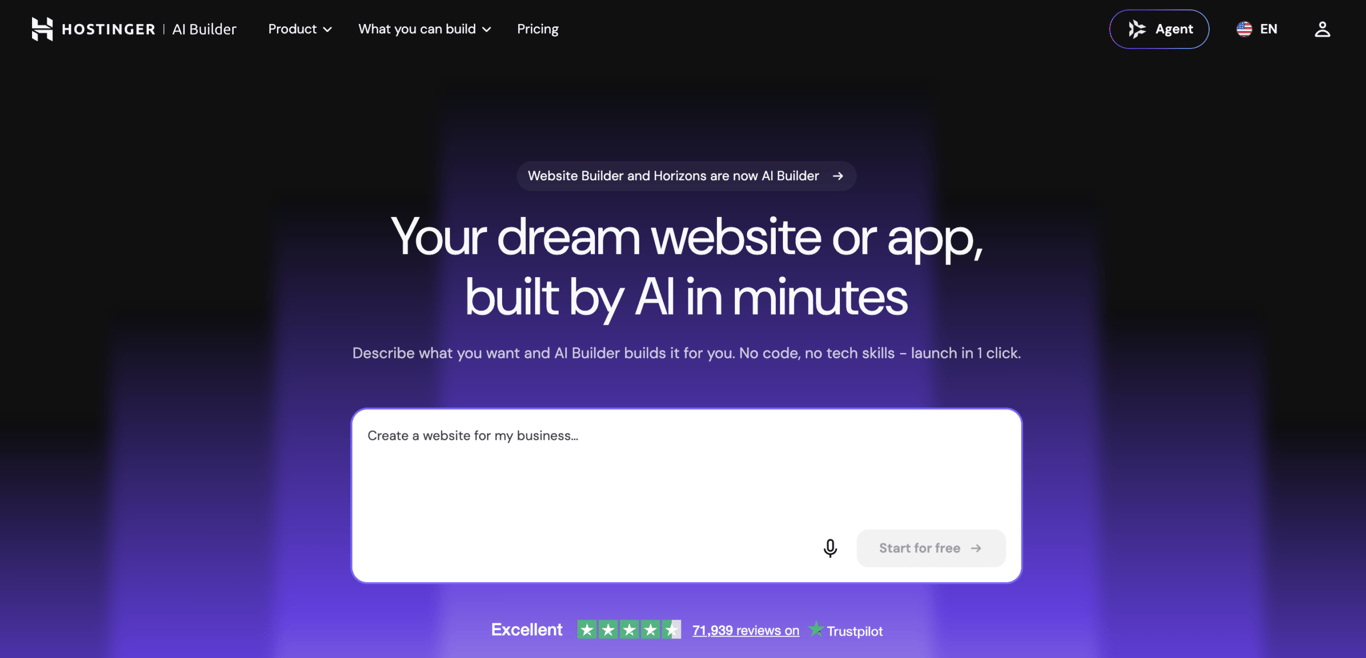
Hostinger AI Builder is an AI-powered no-code app builder that lets you create, edit, and deploy web apps entirely through conversation.
Your idea goes in as plain text. What comes out is a working app – interface, server logic, and hosting already sorted.
There’s no development environment to configure, no secret keys to manage, and no code to write, making it the most accessible entry point for anyone getting into vibe coding.
Say you want to build a client booking system for your consulting business. Just describe it to Hostinger AI Builder with a prompt like: “Build a booking app where clients can pick a time slot, enter their details, and get a confirmation email.”
The AI generates the app, and you can refine it through follow-up prompts until it looks and works exactly how you want. Hit deploy, and it’s live on your domain.
Key features include:
- Prompt-based app creation with support for 80+ languages, voice input, and image uploads.
- Integrated backend with built-in databases, authentication, and file storage.
- Built-in hosting, SSL security, CDN (content delivery network) for fast loading, free domain, and professional email bundled with every plan.
- One-click deployment to a custom domain.
- Integrations with Stripe, Google AdSense, Mailchimp, Zapier, and Supabase.
- Version control with one-click rollback and sandbox testing before publishing.
Best for: Non-technical founders, solopreneurs, and small business owners who want the fastest path from idea to live web app without touching code or managing infrastructure.
Limitation: Complex apps with highly custom logic or advanced third-party API integrations may need more back-and-forth prompting to get right.
What makes it stand out is that, unlike most AI builders, which generate an app but leave you to figure out hosting and deployment on your own, Hostinger AI Builder bundles everything into one platform, including a native backend with databases and authentication.
The starting price of $3.99/month is also more budget-friendly than competitors like Lovable ($25/month) or Bolt.new ($25/month), especially since it gives strong code generation and prompt understanding capabilities.

2. Cursor
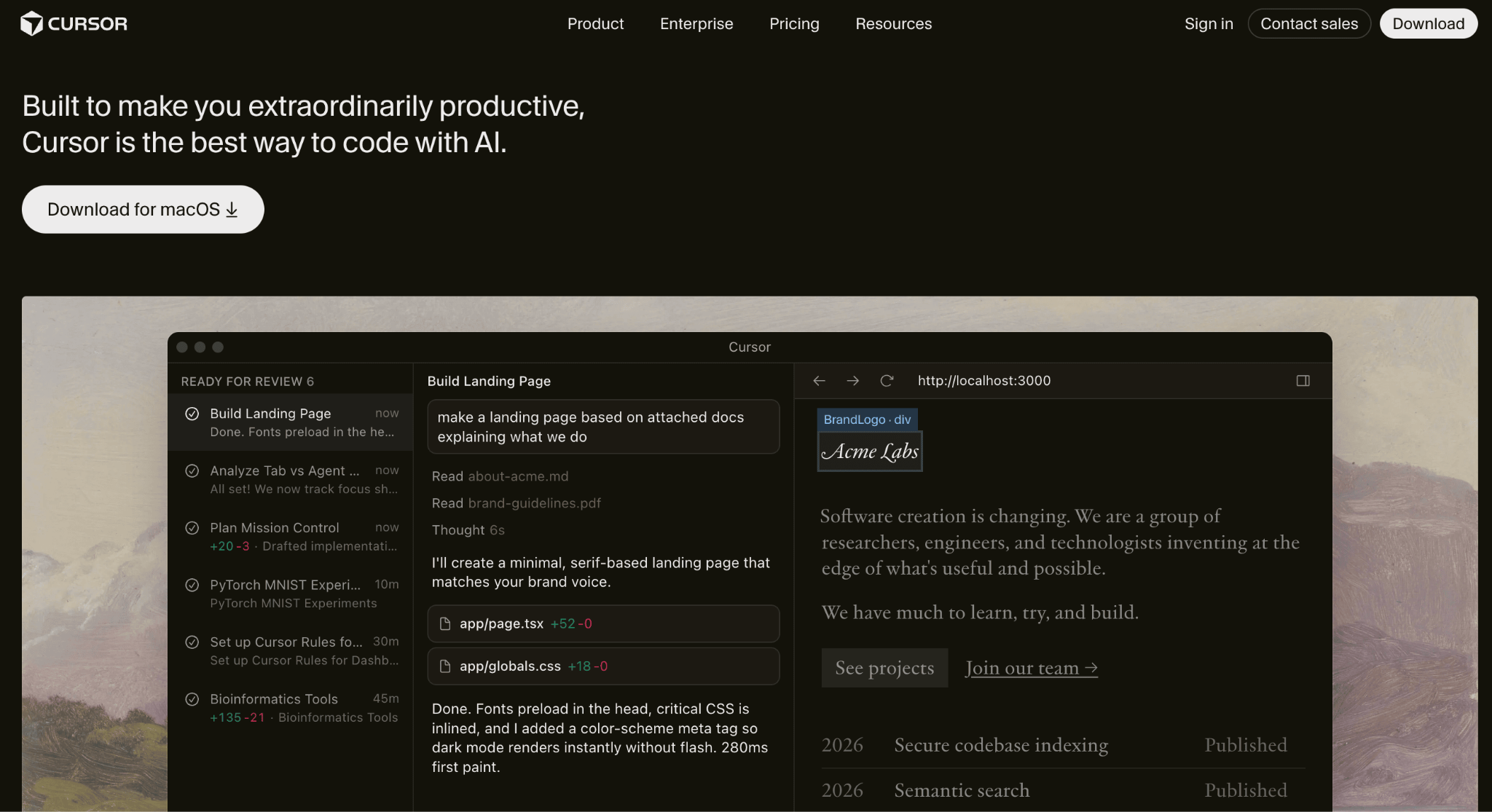
If you do write code and want AI that works alongside you rather than replacing you, Cursor is the current standard.
Cursor is a full AI-native code editor built as a fork of VS Code (one of the most popular free code editors), designed from the ground up for developers who want AI deeply integrated into their coding workflow.
It indexes your entire project, understands the architecture, and can make coordinated changes across multiple files.
For example, say you’re refactoring a login system across a web app built with Next.js (a popular React framework). Instead of manually tracking down every file that touches login logic, you describe the change to Cursor’s agent mode.
It reads the relevant files, proposes a plan, implements the changes, and runs your tests to confirm nothing broke.
Popular Cursor alternatives like Windsurf and GitHub Copilot have closed the gap on individual features, but Cursor’s depth of codebase understanding remains its biggest advantage.
Key features:
- Full project indexing so the AI understands your entire codebase, not just the file you’re editing.
- Inline editing with Cmd+K for targeted code rewrites.
- Agent mode that autonomously plans, edits, tests, and fixes code across multiple files.
- Multi-model support including Claude Opus 4.6, Gemini 3, GPT-5.3, and proprietary models.
- Background and cloud agents that keep working even when your laptop is closed.
Best for: Professional developers and engineering teams who want to stay in a familiar VS Code-like environment while getting meaningful AI assistance across their entire codebase.
Limitation: Cursor is strictly a developer tool, and the free tier runs out fast, so you’ll realistically need the $20/month Pro plan from day one.
3. Lovable
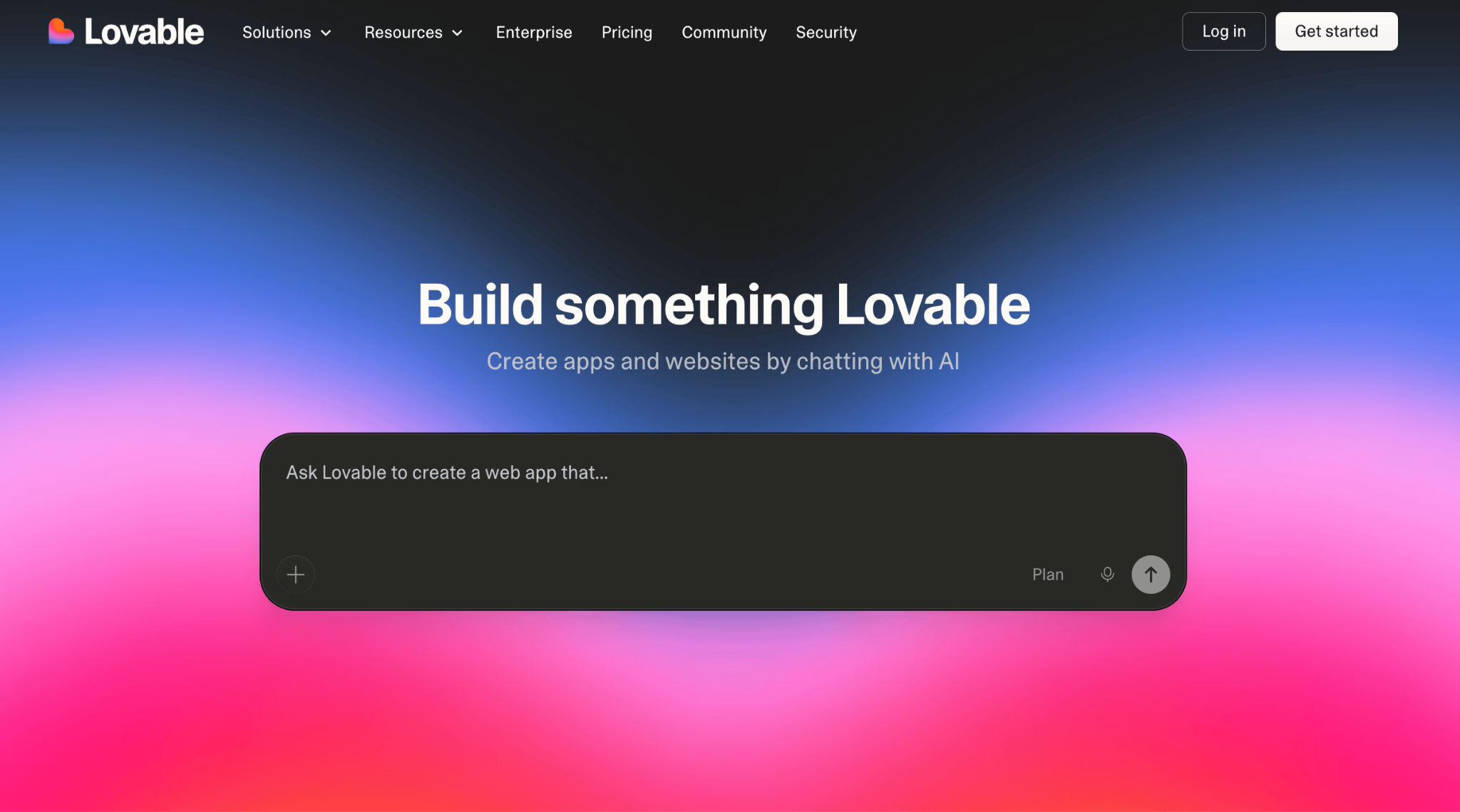
For people who fall between “no code at all” and “professional developer,” Lovable occupies a sweet spot.
Lovable is a full-stack AI app builder, meaning it handles both the visual interface and the server-side logic behind the scenes. It generates clean React and TypeScript code (widely used web technologies), so your prototype can grow into a production app without a rewrite.
Let’s say you’re testing a marketplace idea connecting freelance photographers with small businesses. Describe it to Lovable, and within minutes you’ll have a working app with user accounts, listing pages, a search function, and a basic booking flow.
You can iterate with prompts or hand the exported codebase to a developer when you’re ready to scale.
Several Lovable alternatives offer similar prompt-to-app workflows, but Lovable’s code quality stands out because the output is clean enough for a developer to take over without rewriting it.
Key features:
- Prompt-to-app generation that handles both the user-facing interface and server-side logic.
- Native Supabase integration for user accounts, data storage, and file management.
- Two-way GitHub sync for full code ownership and developer handoff.
- Visual editor with centralized theme controls for design consistency.
- One-click deployment with custom domain support.
Best for: Non-technical founders and product teams who want to rapidly validate SaaS ideas or build MVPs with real functionality, not just mockups.
Limitation: The credit-based pricing can spiral when debugging eats credits at the same rate as building, and the platform is web-only with no native mobile app support.
4. Replit
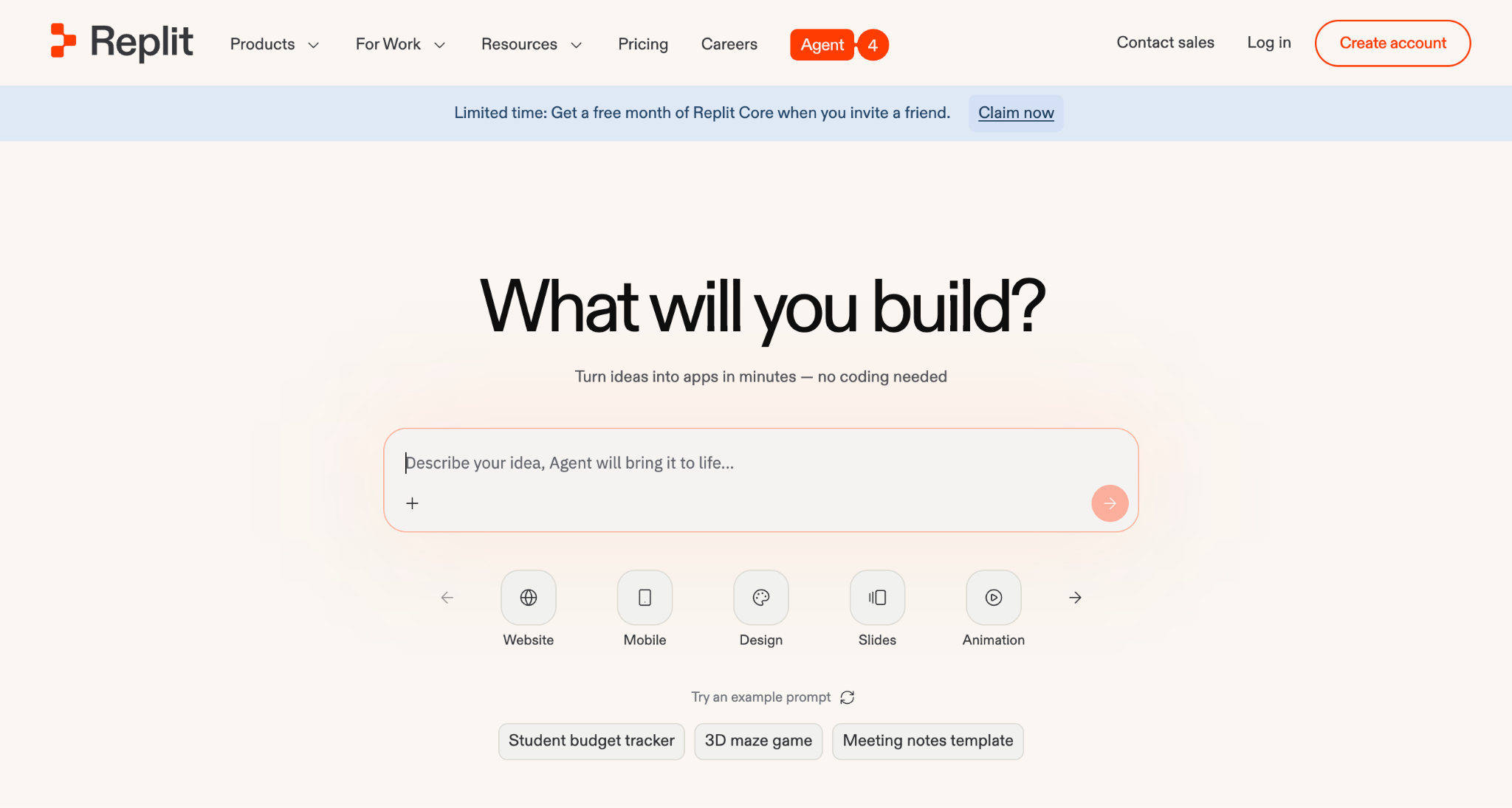
Where Lovable abstracts the code away, Replit takes the opposite approach: it shows you everything.
Replit is a cloud-based development platform where you can build, test, and deploy full-stack applications entirely in the browser. Its AI Agent takes natural language descriptions and generates complete apps, while the built-in code editor supports over 50 programming languages with databases, hosting, and deployments all included.
As an example, if you need an internal inventory tracker for your small business, just describe the app to the Agent, and it generates a working app with a database, the ability to add/edit/delete items, and a clean interface. Deploy it with one click, and your team can start using it immediately.
Many alternatives to Replit focus on either no-code simplicity or pure coding power, but Replit is one of the few tools that combines both in a single browser-based environment while still letting you inspect every line the AI writes.
Key features:
- Browser-based development with zero local setup required.
- AI Agent that autonomously scaffolds full-stack apps from descriptions.
- Built-in databases (PostgreSQL and SQLite), provisioned automatically with no setup.
- Instant deployment with multiple hosting options depending on your needs.
- Real-time multiplayer collaboration and mobile development support (via React Native and Expo).
Best for: Developers and technically curious builders who want a complete development environment in the browser with powerful AI assistance, plus the ability to inspect and understand every line of generated code.
Limitation: Costs are unpredictable because the effort-based credit system charges for the AI’s work regardless of whether it succeeds, and heavy builders regularly spend $100-300/month on top of their base plan.
5. Windsurf
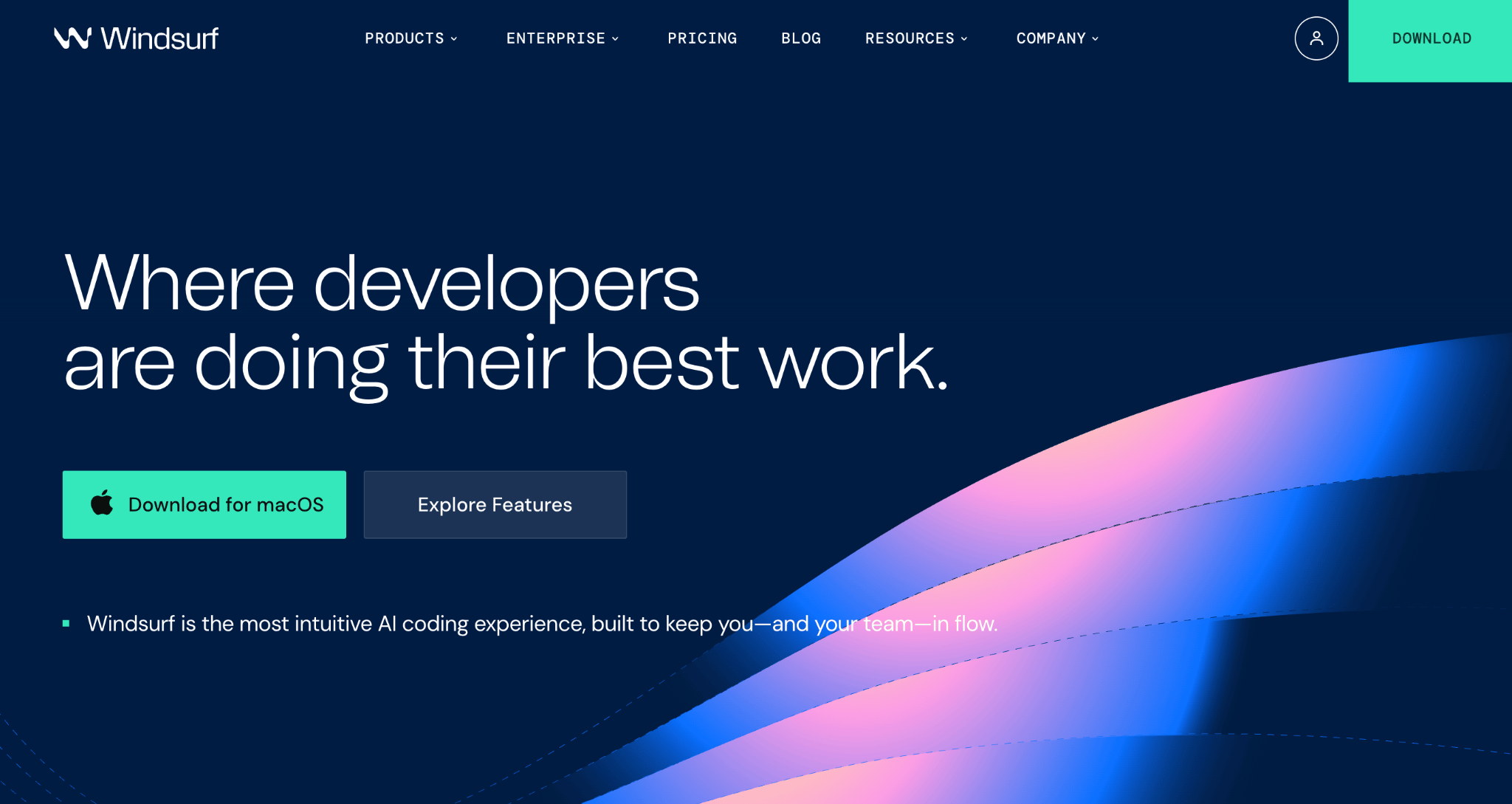
Cursor’s closest competitor takes a different bet: instead of speed, Windsurf optimizes for memory and context.
Windsurf (now Devin Desktop) is a standalone AI-native code editor built around Cascade, an agentic system that understands your entire codebase, plans multi-step changes, and executes them with deep contextual awareness.
Imagine you’re modernizing a large Python codebase, migrating from an older framework to a newer one. Cascade analyzes the project structure, creates a migration plan, and executes changes across dozens of files while running tests to catch regressions.
Its persistent memory means it remembers your coding standards and project conventions from previous sessions, which reduces the repetitive explaining that plagues most AI coding tools.
At $20/month for Pro (the same price as Cursor), the decision comes down to workflow preference rather than budget. Our Devin vs. Cursor comparison breaks down how the two differ on agent workflows, codebase context, and team pricing.
Key features:
- Cascade agent with persistent memory that learns your coding patterns and preferences.
- Multi-file reasoning and autonomous terminal command execution via Turbo Mode.
- Arena Mode for comparing AI models side-by-side on real coding tasks.
- MCP (Model Context Protocol) integrations that let the AI connect to tools like GitHub, Slack, Stripe, Figma, and databases.
- Available as a standalone code editor and as a JetBrains plugin.
Best for: Developers working on large-scale projects or legacy codebases who want AI that remembers context across sessions and can handle complex work with minimal hand-holding.
Limitation: The Cognition acquisition creates real uncertainty about Windsurf’s long-term direction, and Cascade’s memory can occasionally cling to outdated patterns after major adjustments.
6. Bolt.new
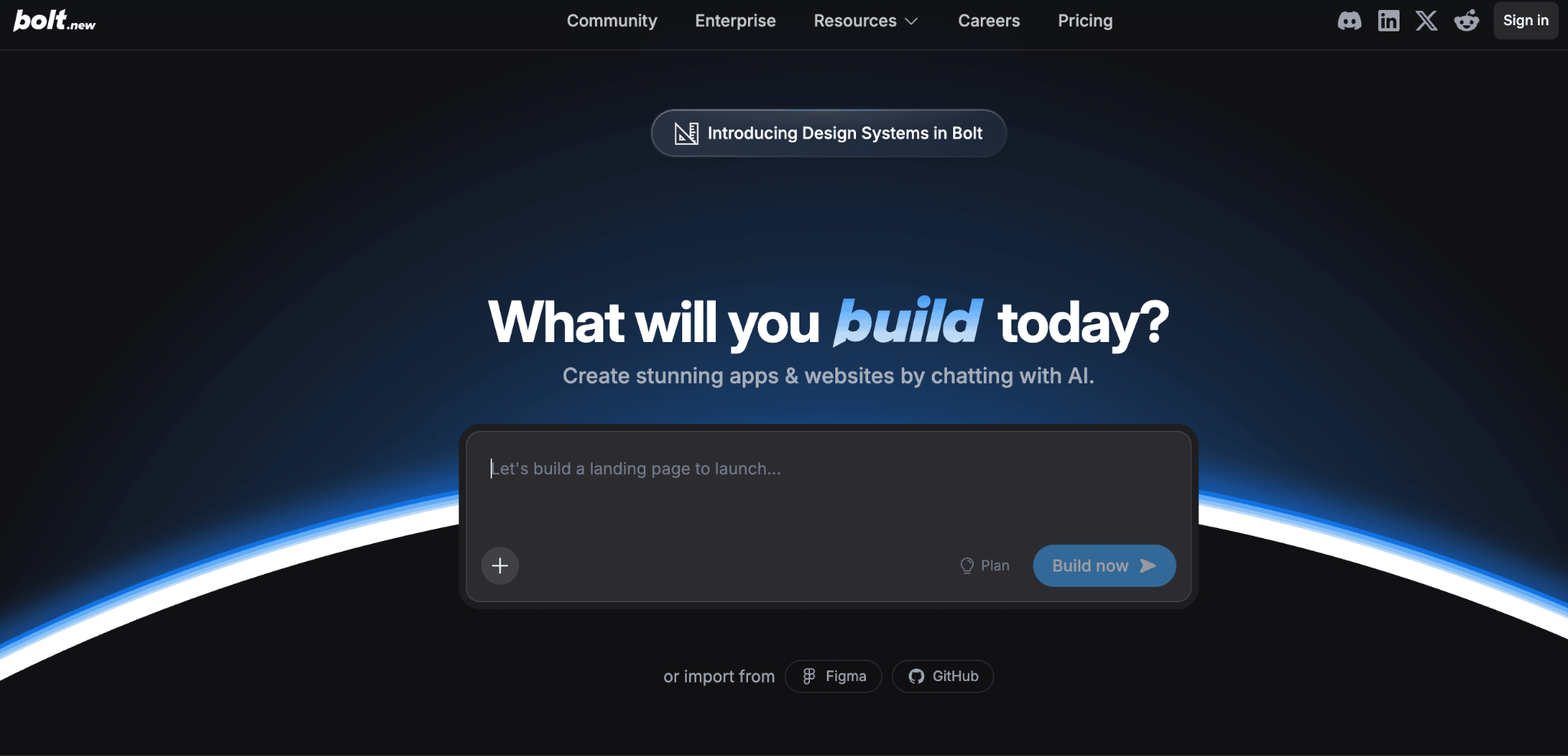
If you need a working demo by tomorrow and don’t want to install anything, Bolt.new is built for exactly that scenario.
Bolt.new is a browser-based AI app builder by StackBlitz that generates full-stack web applications from natural language prompts.
It runs a complete development environment directly in your browser (powered by a technology called WebContainers), meaning you can install packages, run servers, and deploy apps without installing anything on your computer.
If you’re vibe coding a demo for investors, for example, describe your SaaS concept to Bolt.new, and it will generate a full-stack app with a dashboard, user registration, and Stripe integration. Share it via a Netlify URL and iterate based on feedback.
Most Bolt.new alternatives either require local setup or don’t give you the same level of code ownership, which is where Bolt.new’s open-source bolt.diy variant also gives it an edge for teams that want to self-host.
Key features:
- Full-stack app generation covering the interface, server-side logic, database, and API connections.
- In-browser development environment, no downloads or local setup needed.
- Built-in hosting, databases, custom domains, and authentication through Bolt Cloud.
- Figma import for converting designs into functional code.
- Open-source bolt.diy variant for self-hosted setups with your own AI models.
Best for: Developers and technical creators who want rapid prototyping with real code output and the flexibility to export and customize everything.
Limitation: Token consumption scales with project size since every message syncs your entire file system to the AI, so larger projects get progressively more expensive to iterate on.
7. v0 by Vercel
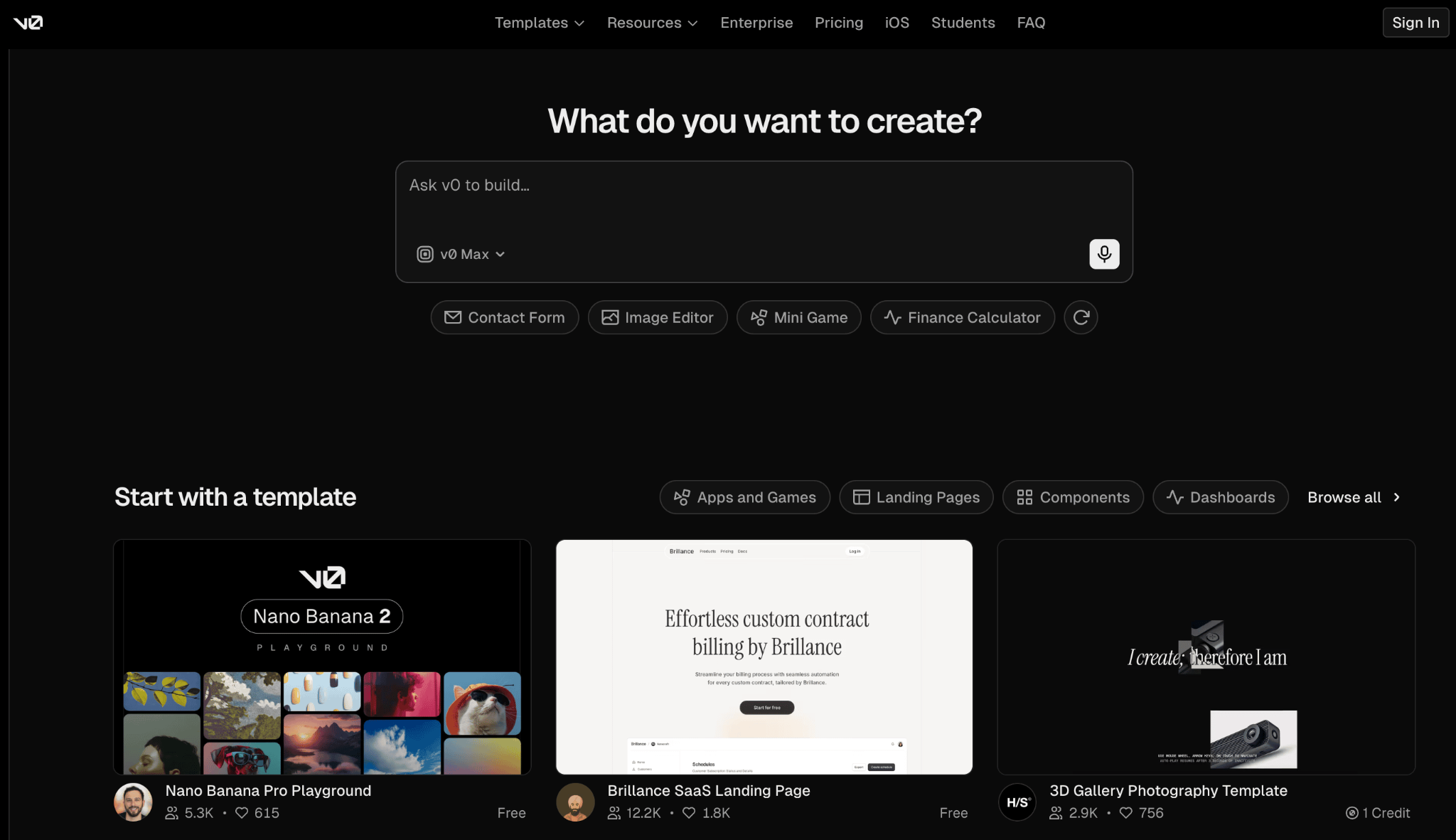
Most AI builders try to do everything. v0 deliberately does one thing and does it better than most: generating production-quality React code.
From natural language descriptions, it outputs clean code using React (for building interfaces), Tailwind CSS (for styling), and the shadcn/ui component library, then deploys directly to Vercel’s hosting infrastructure.
Need a polished pricing page for your SaaS product? Describe the layout, tiers, and feature list to v0, and you’ll get a responsive, accessible web component that you can drop directly into your existing project.
It follows modern web development best practices and generates code that any professional developer would recognize and maintain.
Most alternatives to v0 offer broader full-stack capabilities, but v0 produces components that genuinely meet production standards for the React/Next.js ecosystem.
Key features:
- Prompt-to-code generation of individual components and multi-page web apps.
- Output uses industry-standard React libraries for consistent, professional styling.
- Git integration and built-in code editor.
- Agentic capabilities for planning, debugging, and iterating.
- One-click deployment to Vercel with built-in hosting and vibe coding security fetures.
Best for: React developers and interface-focused teams who want the highest-quality component output and seamless deployment within the Vercel ecosystem.
Limitation: v0 only generates React code and relies on external tools for server-side logic, databases, and user accounts, which locks you firmly into the Vercel/Next.js ecosystem.
8. Claude Code
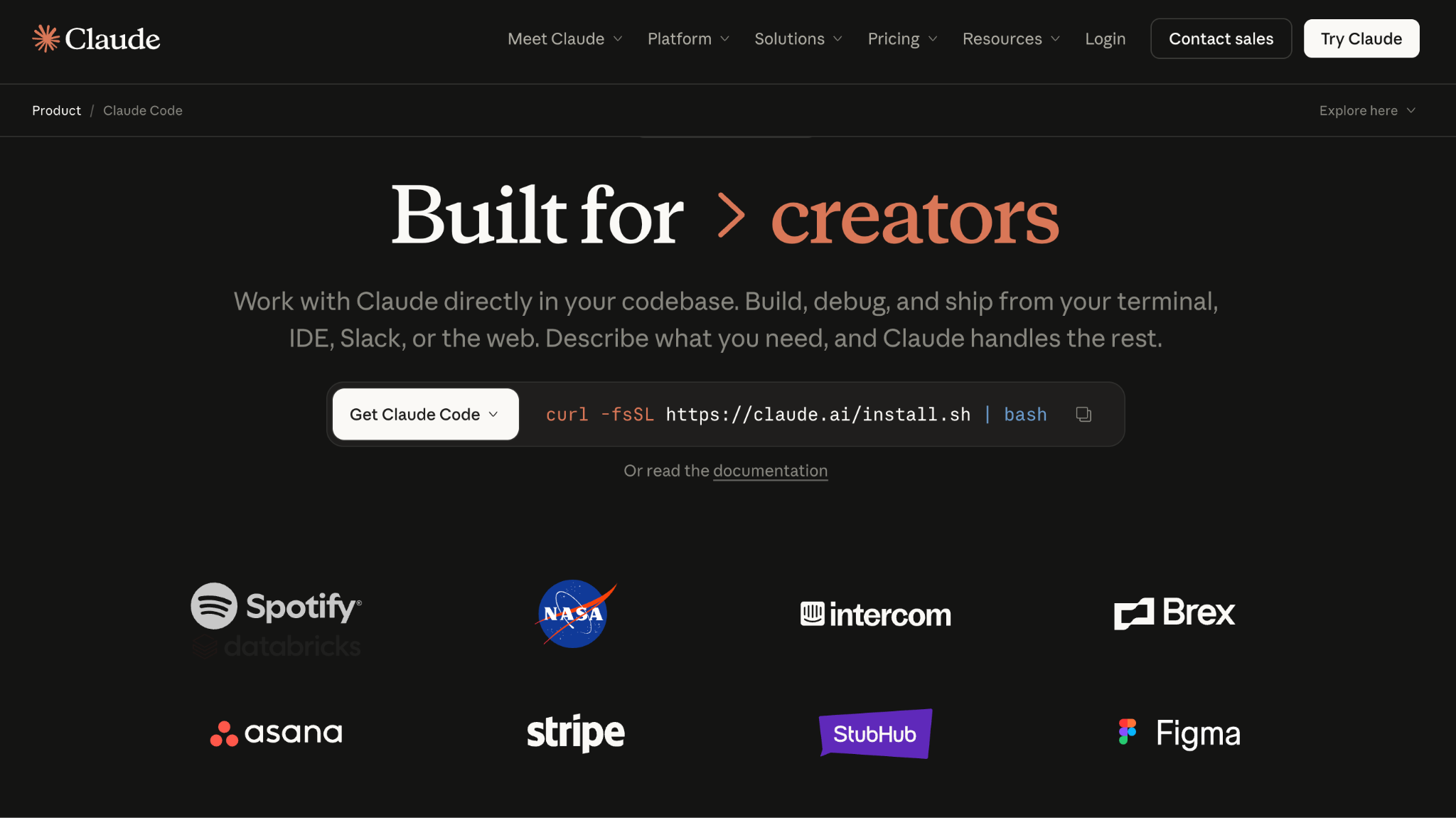
For developers who live in the terminal (for the rest of us, that’s where you type commands directly) and want an AI that can do more than autocomplete, Claude Code is in a category of its own.
Claude Code is Anthropic’s agentic coding tool that runs directly in your terminal. It understands your entire codebase, executes commands, edits files across multiple projects, runs tests, and submits pull requests (code change proposals for your team to review), all through natural language instructions.
Picture joining a new team and needing to understand a large, unfamiliar codebase. Point Claude Code at the project and ask it to explain the architecture, key patterns, and entry points.
Then ask it to vibe code a new feature following the project’s existing conventions. It reads the code, writes the implementation, runs the tests, and opens a pull request for your team to review.
It’s also designed to chain together with other tools, so you can pipe logs into it, run it as part of automated testing workflows, and schedule it to handle recurring tasks like reviewing code changes or checking for outdated dependencies.
Key features:
- Agentic search that automatically finds and understands relevant code across your project.
- Multi-file editing with full file system access, Git integration, and terminal commands.
- CLAUDE.md project files for defining coding standards and architecture decisions.
- MCP integrations connecting to tools like GitHub, Jira, Slack, and databases.
- Sub-agent orchestration for running multiple Claude Code agents on different tasks in parallel.
Best for: Experienced developers who prefer the terminal and want an AI agent that can handle large-scale changes, test generation, and complex multi-file tasks autonomously.
Limitation: It requires a Claude Pro ($20/month) or Max ($100-200/month) subscription, has a steep learning curve around permissions and configuration, and is strictly a command-line tool that won’t appeal to non-technical users.
9. Base44
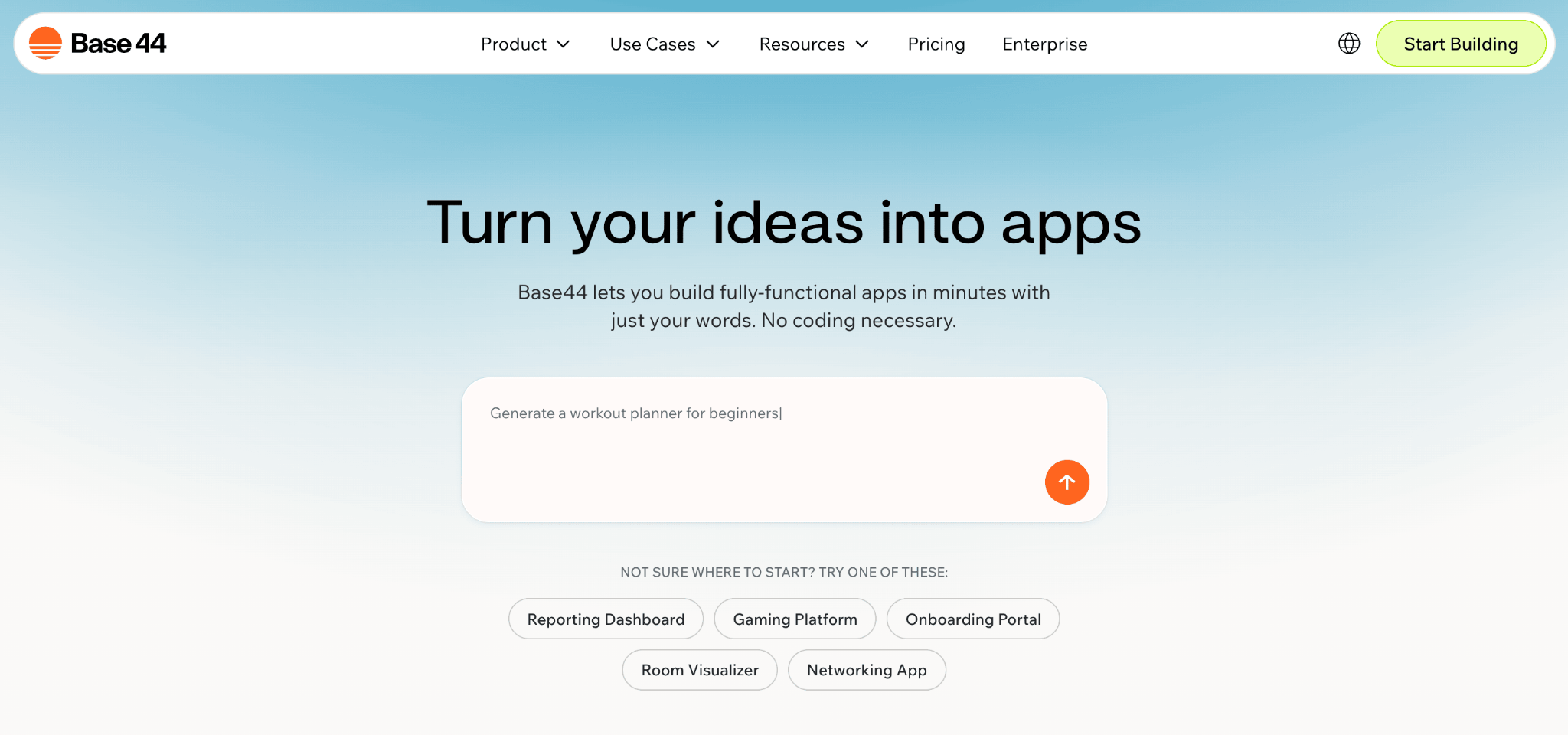
If the idea of connecting Supabase, configuring auth, and managing hosting separately sounds exhausting, Base44 removes all of that by bundling everything into one platform.
Base44 is an AI-powered no-code app builder that generates full-stack web applications from plain English descriptions. It includes a built-in database, user authentication, hosting, and 20+ integrations, all within a single platform, so there’s nothing to configure outside of it.
If you run a small agency and need a simple CRM to track client interactions, describe it to Base44, and it will generate an app with contact management, notes, activity tracking, and role-based access. Everything is hosted and deployed automatically, and you can refine the design through the visual editor.
Key features:
- Conversational app building with a built-in database and auth system, no external services needed.
- Visual drag-and-drop editor for refining generated apps without additional prompts.
- Multiple AI model options, including Claude, Gemini, and GPT-5.
- Discussion mode for brainstorming features without consuming build credits.
- GitHub integration and code export on paid plans.
Best for: Complete beginners who want a one-stop shop for building internal tools, simple SaaS prototypes, or business apps without managing any external infrastructure.
Limitation: The closed ecosystem makes migrating away difficult if you outgrow the platform, and credits burn faster than expected since debugging costs the same as building with no pay-as-you-go top-up option.
How to choose the best AI tool for vibe coding
Your skill level is the single biggest factor in this decision, and it’s worth being honest with yourself about it.
If you’ve never written code and don’t plan to start, Hostinger AI Builder and Base44 are your strongest options. They handle hosting, databases, deployment, and the entire technical stack so you can focus purely on what the app should do.
Hostinger AI Builder is the better starting point for most people thanks to its budget-friendly price and fully bundled infrastructure.
If you’re technically curious but not a full-time developer, Lovable, Replit, and Bolt.new occupy the middle ground.
Lovable produces the cleanest code for developer handoff. Replit gives you the most transparent view of what’s happening under the hood. Bolt.new is the fastest for getting a shareable prototype into someone’s hands.
If you’re a developer, the choice comes down to how you prefer to work. Cursor is the strongest all-around AI code editor and the default recommendation for anyone coming from VS Code.
Windsurf offers deeper contextual memory and persistent project awareness across sessions. Claude Code is the pick if your workflow lives in the terminal and you want maximum agentic capability.
These editors handle the code, not the launch. Hostinger Connector closes that gap: the free extension connects your Hostinger account to editors like Cursor and agents like Claude Code, so you deploy sites and manage domains and DNS through the same chat prompts, with no API keys to set up.
Beyond skill level, pay attention to pricing models. Credit-based tools (Lovable, Bolt.new, Replit and Base44) can surprise you with costs when debugging or iteration-heavy work burns through credits faster than expected.
Flat-rate subscriptions are more predictable. The landscape of vibe coding tools is evolving fast, so pricing and features are worth rechecking before you commit to a plan.
How to start vibe coding with AI tools
To start vibe coding with AI tools, describe the core functionality in one or two concrete sentences, name the key features, and mention who it’s for.
The biggest mistake people make with AI coding tools is starting too broadly. “Build me a project management app” gives the AI too much room to interpret, and you’ll spend more time correcting its assumptions than you would have spent being specific upfront.
Instead, something like “Build a time-tracking app for freelancers where they can log hours per client, see a weekly summary, and export invoices as PDFs” gives the AI enough to generate something genuinely useful on the first try.
With a tool like Hostinger AI Builder, that single prompt can get you from zero to a deployed app in minutes.
Once you have a first version, use targeted follow-up prompts to refine one thing at a time: “Add a dark mode toggle,” “Make the invoice template match this color scheme,” “Add a chart showing hours per client this month.”
Each prompt builds on the last, and small, specific requests consistently produce better results than broad ones. AI tools are much better at executing well-scoped tasks than open-ended ones.
When something breaks, and it will, describe the problem clearly rather than just saying “fix it.” Tell the AI what you expected to happen, what actually happened, and where in the app the issue occurs.
The more context you give, the fewer credits or tokens you’ll burn on back-and-forth debugging.
Once you’ve picked a tool and built your first small project using the approach above, you’ll have a much clearer sense of what the AI handles well and where you need to step in.
From there, the jump from a simple prototype to building a web app that people actually use is smaller than it’s ever been.
All of the tutorial content on this website is subject to Hostinger's rigorous editorial standards and values.

Simon is a dynamic Content Writer who loves helping people transform their creative ideas into thriving businesses. With extensive marketing experience, he constantly strives to connect the right message with the right audience. In his spare time, Simon enjoys long runs, nurturing his chilli plants, and hiking through forests. Follow him on LinkedIn.