Top 15 best transactional email services: key features and pricing
Apr 23, 2026
/
By Simon L.
/
14 min Read

A transactional email service is a specialized delivery platform for sending automated, one-to-one messages triggered by specific user actions.
Since these messages often contain time-sensitive information, such as verification codes or shipping updates, high deliverability without delays is non-negotiable.
Most SaaS platforms and ecommerce stores use these services for:
- Account management. Verification emails, password resets, and two-factor authentication (2FA) codes.
- Ecommerce updates. Order receipts, shipping confirmations, and refund requests.
- System alerts. Low balance warnings, security login alerts, and downtime notifications.
At scale, successful transactional email delivery relies on high-speed infrastructure. Critical messages, such as password resets, need to reach the inbox in seconds to prevent user friction and maintain trust.
The right service handles sudden volume spikes while providing the specialized tools your team needs to succeed. This includes developer-friendly APIs for seamless integration, scalable architecture, and detailed analytics that offer clear visibility into delivery timestamps and bounce reasons.
Here are the best transactional email services compared:
| Tool | Target users | Starting price | Standout feature |
| Mailtrap | Developers and QA teams | $15/month | Deliverability dashboards by mailbox provider |
| SendGrid | High-volume SaaS | $19.95/month | Subuser accounts for multiple projects |
| Amazon SES | AWS developers | $0.10 per 1,000 emails | Lowest per-email cost available |
| Postmark | Product teams | $15/month | 45-day searchable message archive |
| Mailgun | Tech-heavy teams | $15/month | Advanced inbound email parsing |
| Bird | Large enterprises | $1.50 per 1,000 emails | Predictive inbox placement analytics |
| Brevo | Small businesses | $9/month | Unified CRM, email, and SMS platform |
| MailerSend | Startups | $7/month | Template collaboration without code access |
| SMTP2GO | Non-technical teams | $15/month | Automatic SPF/DKIM configuration |
| SocketLabs | Mid-sized businesses | $39.95/month | Dedicated deliverability coaching |
| Elastic Email | Budget-conscious teams | $19/month | Built-in email address validation |
| Mailchimp Transactional | Small businesses | $20/month | Direct Mailchimp template integration |
| Postal | Privacy-focused enterprises | Free (self-hosted) | Complete data ownership |
| Netcore Email API | Large enterprises | Upon request | Blazing fast delivery |
| Mailjet | Cross-functional teams | $15/month | Real-time collaborative editing |
1. Mailtrap
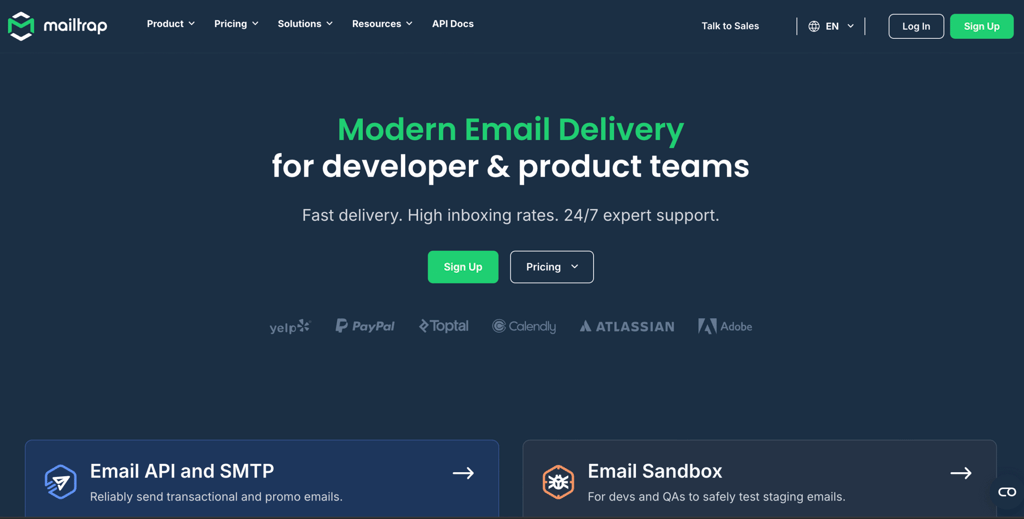
Mailtrap is a modern email delivery platform for developers and product teams that need reliable sending without the operational complexity.
The platform covers both transactional email via its Email API/SMTP service and marketing campaigns under a single account, so teams working across both use cases don’t have to manage separate providers.
The developer experience is well thought out. Official SDKs are available for Python, PHP, Ruby, Node.js, and Java, and the documentation includes working code examples rather than abstract references.
Native integrations with platforms like Supabase, Vercel, or Claude Code reduce setup friction for teams already in those ecosystems. For teams that want visibility beyond send confirmation, the dashboards surface deliverability metrics broken down by mailbox provider, with open and click tracking, and up to 30 days of email logs on higher-tier plans.
Mailtrap pros:
- Deliverability dashboards break down performance by mailbox provider, not just overall send metrics.
- Real-time alerts through Slack or webhooks let you know immediately if something breaks with your email setup.
- A side-by-side view of the HTML and plain text versions makes it obvious when formatting goes wrong.
- 24/7 support from engineers and deliverability experts, with urgent issues handled immediately.
Mailtrap cons:
- The template builder works fine, but doesn’t have advanced AI features or dynamic content blocks.
- Lower-tier volume limits mean pricing jumps quickly when you send plenty of transactional emails.
- The free plan caps daily sending at 150 emails, which is quite restrictive.
Pricing:
The free plan includes 4,000 emails per month. Paid plans start at $15/month to unlock 10,000 email sends.
2. SendGrid
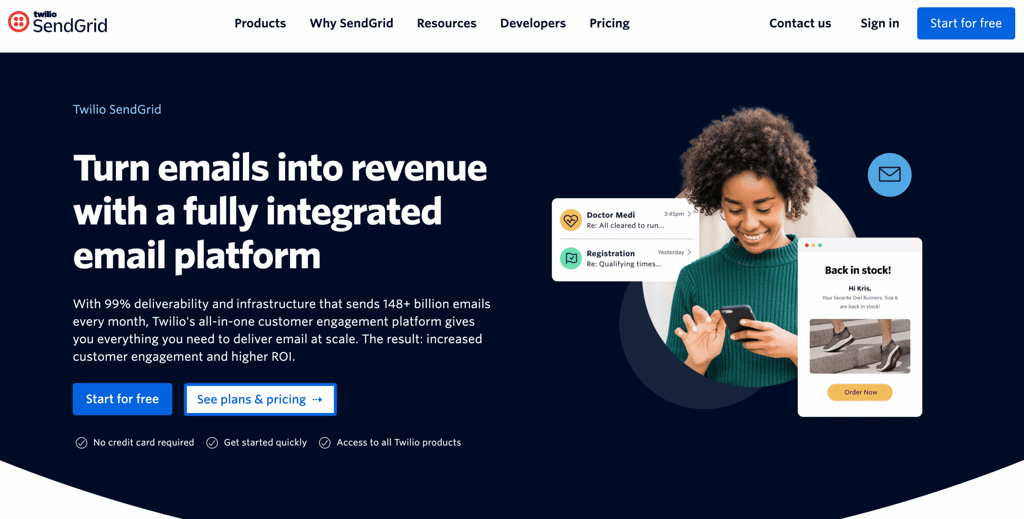
SendGrid, owned by Twilio, is built to handle massive email volume. They deliver billions of emails every month through a global network that automatically finds the fastest route to deliver your message.
The most significant advantage here is the ability to create subuser accounts. This lets you keep different clients or parts of your business completely separate. Each one gets its own API keys, dedicated IP addresses, and reputation score.
This makes SendGrid the go-to choice for agencies, SaaS companies running multiple white-label versions of their product, or any business that needs strict separation between different sending streams.
The tradeoff is complexity. The dashboard shows you every configuration option at once, which experienced email senders would appreciate, but can complicate things for people just getting started.
SendGrid pros:
- Subuser setup prevents one client’s questionable email practices from ruining everyone else’s delivery rates.
- Dedicated IP warmup happens automatically over 30 days, building your reputation gradually without you lifting a finger.
- Huge integration library with ready-made connectors for many popular programming languages and frameworks.
- Event webhooks fire quickly when emails are delivered, bounced, or opened.
SendGrid cons:
- The dashboard is packed with features, which can feel crowded and take beginners some time to master.
- Email support on their basic plan can be slow to respond, which is problematic when password resets aren’t working.
- Other SendGrid customers can cause temporary reputation issues that can affect your delivery.
Pricing:
The free tier gives you 100 emails per day. Paid plans start at $19.95/month for 50,000 emails.
3. Amazon SES
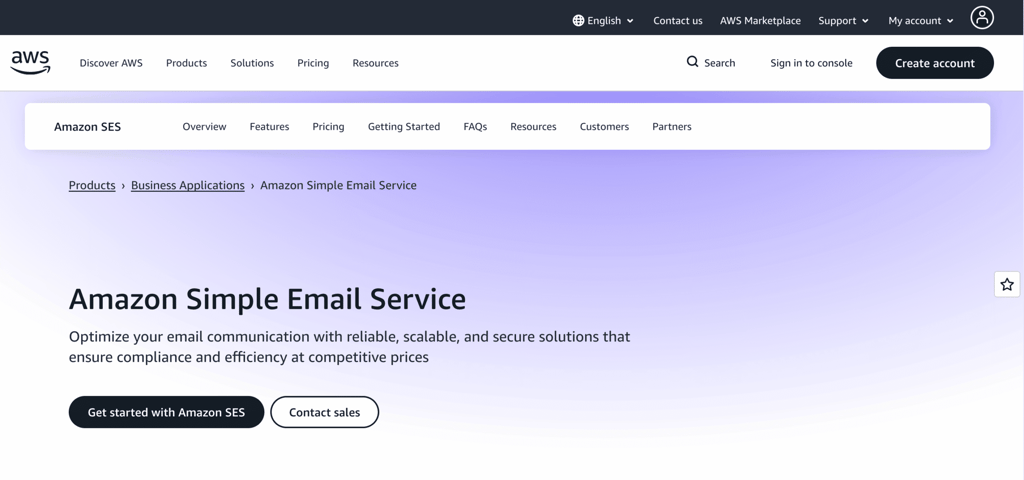
Amazon SES (Simple Email Service) strips email down to pure infrastructure. You pay $0.10 per 1,000 emails, with no monthly fee for sending, making it far and away one of the cheapest options.
The service runs on the same infrastructure Amazon uses for its own retail notifications, making it incredibly reliable.
SES is built for engineers and requires significant technical knowledge of the Amazon Web Services (AWS) platform, meaning non-technical users often get stuck during the complex setup process.
But, it’s the go-to choice for tech-heavy teams already hosted on AWS who want to send emails at the lowest possible cost without a monthly subscription fee.
Amazon SES pros:
- The cost savings are hard to beat – at high volumes, you’ll pay a fraction of what other providers charge.
- Deep integration with other Amazon services lets you build sophisticated automated workflows.
- No sending ceilings, giving you the freedom to send millions of messages without the provider slowing you down.
- Your reputation is entirely your own since you’re not sharing infrastructure with anyone.
Amazon SES cons:
- The dashboard can feel complex if you’re not already familiar with how AWS works.
- Tracking bounces and complaints requires setting up additional services and writing code to process the data.
- New accounts often face sending rate limits that require manual approval to increase.
Pricing:
Starts at $0.10 per 1,000 emails sent, plus $0.12 per GB of attachments. If your app runs on Amazon’s EC2 servers, you get a set of free monthly emails. Dedicated IPs are $24.95/month each.
4. Postmark
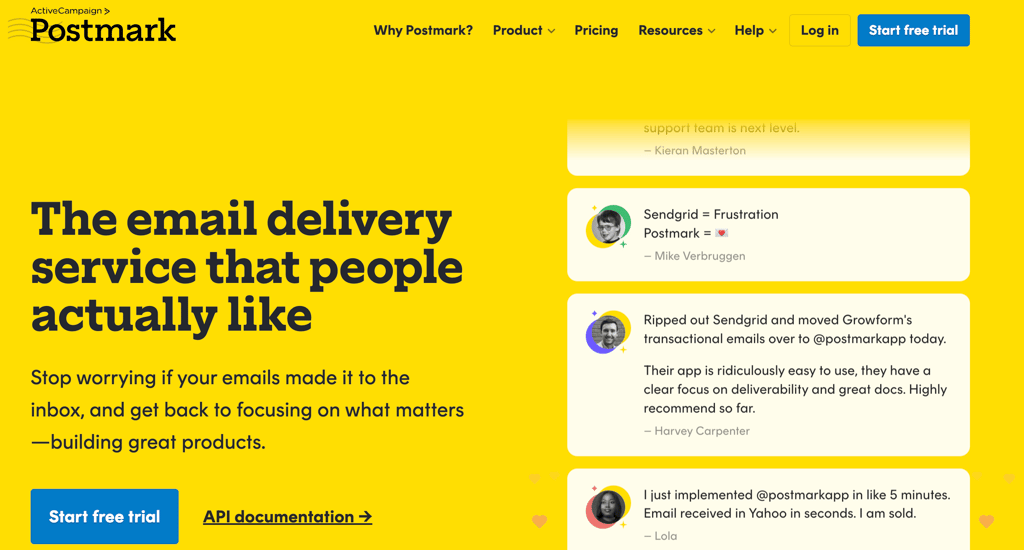
Postmark, owned by ActiveCampaign, obsesses over one thing: getting your email delivered fast.
The company keeps transactional and marketing emails completely separate. This separation prevents the common problem of a poorly targeted marketing campaign ruining the delivery of your essential account emails.
The interface is deliberately simple. You won’t find drag-and-drop template builders or A/B testing, because those features encourage batch sending, which Postmark doesn’t support.
What you will find is 45 days of searchable email history, meaning you can hunt down and inspect any email sent in the last six weeks without needing to keep your own logs.
Postmark pros:
- 45-day searchable history with a real-time activity feed showing every delivery, bounce, and email open as it happens.
- Bounce messages are specific and clear, meaning you’ll see exactly why an email failed instead of vague error codes.
- Inbound email processing turns customer replies into structured data your support system can use automatically.
- Speedy delivery and total transparency regarding the health of their sending servers.
Postmark cons:
- Unused email credits don’t roll over to the next month, so you’re wasting money if you don’t use them all.
- Templates can’t be shared between your transactional and marketing streams.
- No visual template editor means your marketing team will need developer help for every design change.
Pricing:
No free tier. Plans start at $15/month for 10,000 emails.
5. Mailgun
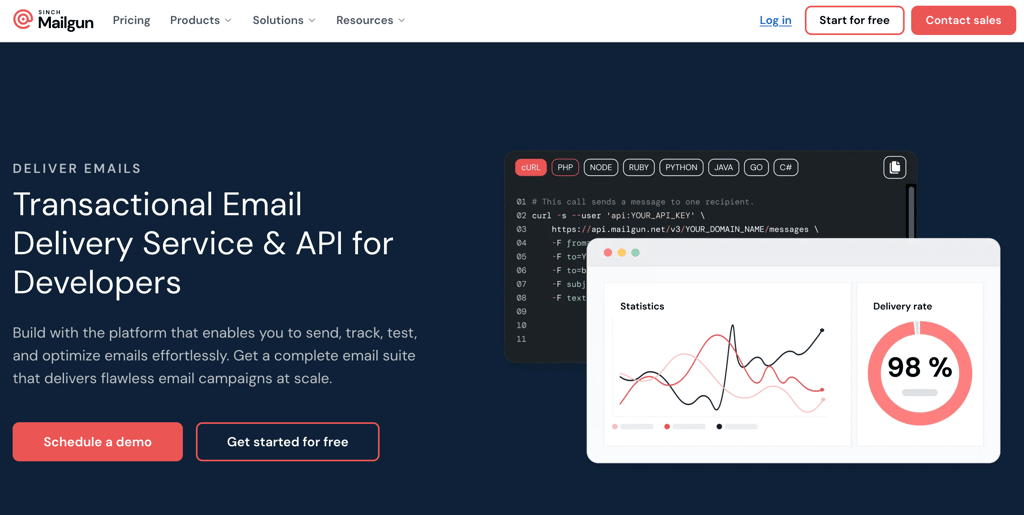
Mailgun is a powerful tool built for technical teams who need total control over how their emails behave.
It’s designed to handle the heavy lifting of sorting incoming mail, validating addresses in real-time to stop fake signups, and triggering actions in your app the moment an email is opened.
If your business has a complex workflow, such as a custom support system or a platform that relies on two-way communication, Mailgun provides the flexibility to build a solution tailored to your specific needs.
Mailgun pros:
- Inbound email routing handles complex if-then logic without you needing to set up your own mail server.
- Validation checks if email addresses actually exist before you send, preventing fake signups.
- Server-side mailing list management with automatic unsubscribe handling saves you from building it yourself.
- Smart timing features that deliver your emails at the exact moment a customer is most likely to see them.
Mailgun cons:
- Shared IP addresses can affect your delivery if other Mailgun customers are violating the terms of service.
- The cost rises significantly as you grow, making it one of the pricier choices for larger businesses.
- Documentation assumes you already know email protocols, which creates a learning curve.
Pricing:
The free plan includes 100 emails per day. Paid plans start at $15/month for 10,000 emails on shared IPs.
6. Bird (formerly SparkPost)
Bird serves large enterprises that have compliance requirements and dedicated deliverability teams.
It provides advanced analytics and deliverability tools designed to help high-volume organizations stay ahead of potential security threats.
For companies with strict data requirements, Bird also offers self-hosted deployments where the entire email system runs on your own servers.
You can also segment your email into different pools, such as billing, marketing, and support, each with its own IP address, all without paying for multiple accounts.
Bird pros:
- Predictive analytics uses machine learning to warn you about potential deliverability issues before they occur.
- IP pool segmentation keeps different types of emails separate without needing multiple accounts.
- Detailed compliance reporting and audit logs satisfy SOC 2 and HIPAA requirements.
- Your sending reputation is independent, not shared with other customers.
Bird cons:
- The dashboard assumes you understand email authentication and ISP feedback systems well.
- Setting everything up typically takes dedicated developer time.
- Support focuses on enterprise customers, with slower response times on cheaper plans.
Pricing:
Pay-as-you-go pricing starts at $1.50 per 1,000 emails, with monthly plans available after 50,000 contacts.
7. Brevo (formerly Sendinblue)
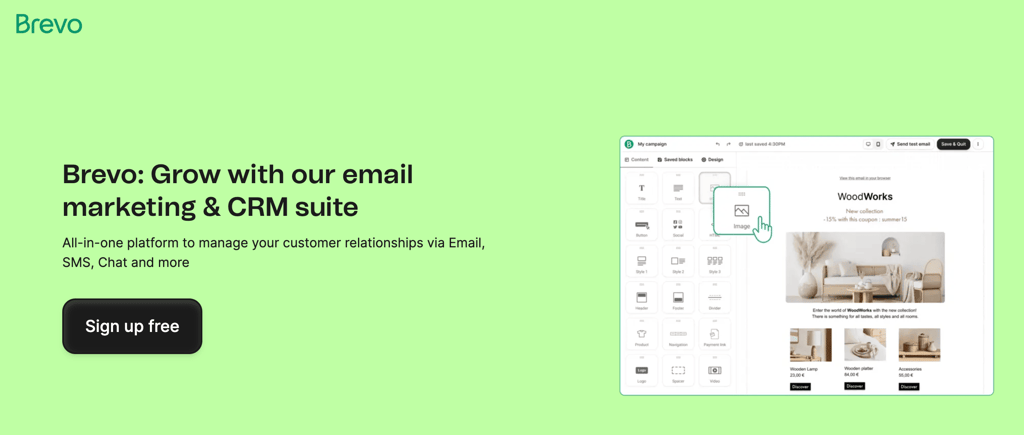
Brevo brings together transactional email, marketing automation, and CRM in one place. This reduces the number of tools small businesses need to manage, especially if you don’t have a technical team to juggle multiple integrations.
The pricing is based on how many emails you send rather than how many contacts you have, which becomes a real advantage once you’re past several thousand contacts.
The drag-and-drop editor automatically generates mobile-friendly HTML, allowing non-technical team members to build email templates without writing code.
Brevo pros:
- Contact data automatically syncs between your transactional emails, marketing campaigns, and CRM.
- Built-in SMS delivery with the same API lets you send 2FA codes via text when email fails.
- Marketing automation can trigger transactional emails based on customer behavior.
- WhatsApp Business integration lets you send order updates through messaging apps.
Brevo cons:
- Daily sending caps on lower plans can delay time-sensitive messages during busy periods.
- Transactional and marketing emails use different template formats that don’t work interchangeably.
- The automation rules can be a bit basic for power users who need more complex logic.
Pricing:
The free plan allows for 300 emails per day. Paid transactional plans start at $9/month for 5,000 emails.
8. MailerSend
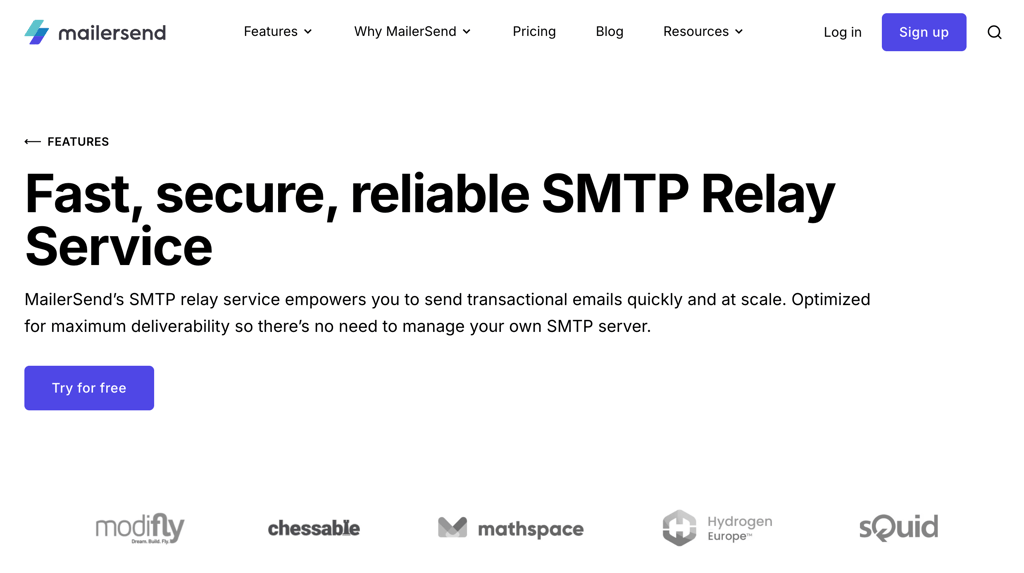
MailerSend was created by the team behind MailerLite to fill the gap between overly complex developer tools and overly simple services.
The standout feature is template collaboration. This lets your marketing and design teams edit email content and styling in a visual editor, while developers control when emails are actually sent via the API.
Template changes take effect immediately across all your emails, and the platform handles dynamic content insertion without requiring you to pass many variables in every API call.
The entire interface focuses on clarity and ease of navigation without dumbing down the technical capabilities.
If you are looking for alternatives to Mailerlite for your marketing, MailerSend offers a similar experience for your automated alerts and notifications.
MailerSend pros:
- Template inheritance lets you create one base design that automatically applies to all emails for consistency.
- Straightforward API integration and excellent documentation for developers.
- Real-time tracking and webhooks that tell your system the second a user interacts with an email.
- Great collaboration tools that let your marketing team manage templates without a developer.
MailerSend cons:
- Enterprise features like dedicated IPs require talking to sales instead of self-service signup.
- Fewer pre-built integrations compared to some competitors, meaning more custom code.
- Strict approval process for new domains – expect manual review if yours is very new.
Pricing:
You can send up to 500 emails per month for free. Paid plans start at $7/month for 5,000 emails.
9. SMTP2GO
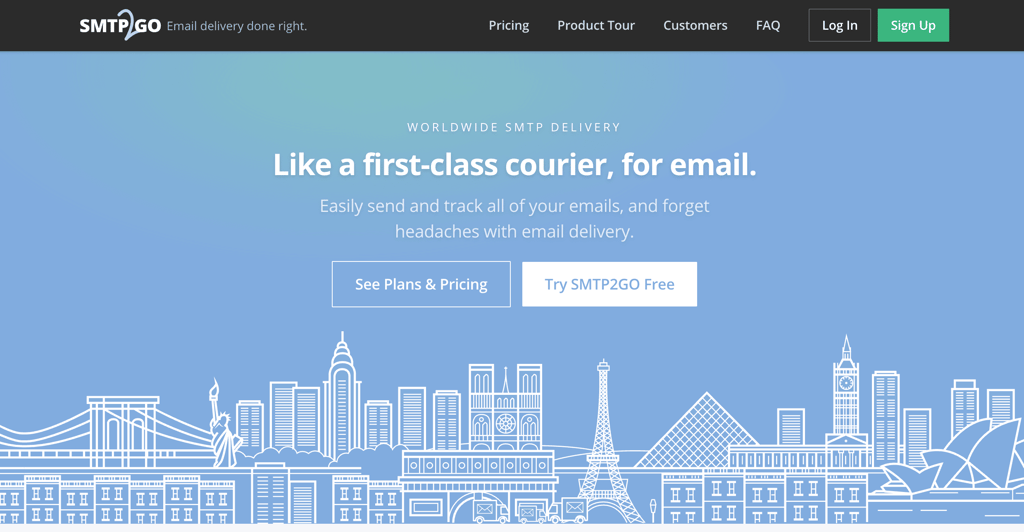
SMTP2GO is a plug-and-play option for businesses that need reliable email without wrestling with technical configuration.
The platform automatically sets up all your essential settings like SPF, DKIM, and DMARC records through a guided process.
They use a global network of sending servers that automatically route through whichever location is closest to your recipient, reducing delivery delays for international emails.
Most configurations are up and running quickly, with automatic checks that verify your DNS records in real-time.
SMTP2GO pros:
- Setup completes quickly with automatic verification of your DNS records.
- Bounce explanations are written in plain English instead of cryptic error codes.
- Global infrastructure routes emails through the closest regional servers.
- Automatic backup email routing ensures continuity even if your primary mail server goes down.
SMTP2GO cons:
- Analytics show basic counts and rates, but not deeper engagement data or send-time optimization.
- Lacks developer features like advanced routing or the ability to trigger complex actions within your app.
- White-label options and dedicated IPs require speaking with sales and involve minimum-volume commitments.
Pricing:
The free plan lets you send up to 1,000 emails per month. Paid plans start at $15/month for 10,000 emails.
10. SocketLabs
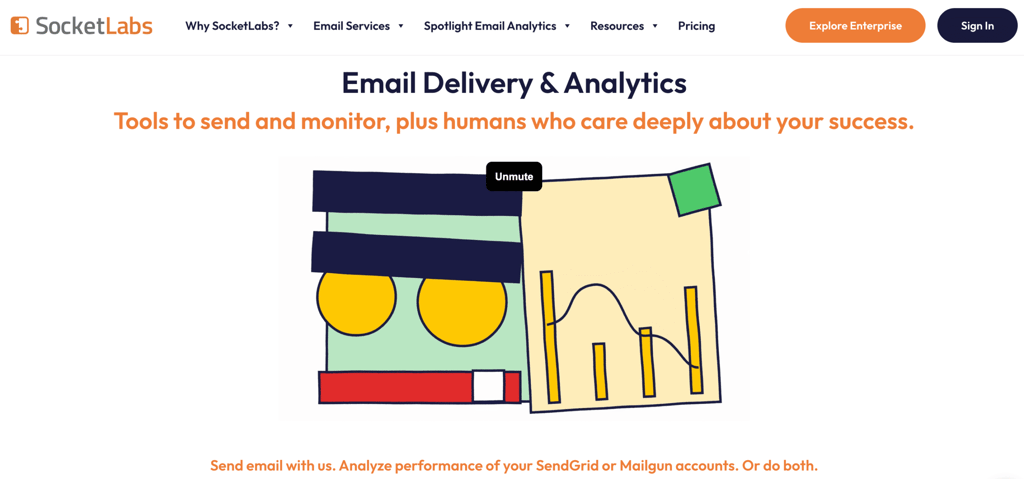
SocketLabs stands out by offering hands-on deliverability support instead of just self-service tools.
Their inbox coaching service means actual delivery engineers review your sending patterns and tell you exactly what to fix to improve your placement rates.
The Deliverability Dashboard translates complex metrics into straightforward insights, showing whether your reputation is improving or worsening and which email providers are filtering your email.
It’s an ideal choice for businesses that want a partner to help them navigate the technical rules of email and ensure their messages are always seen as high-quality.
SocketLabs pros:
- Dedicated delivery engineers review your account and provide specific recommendations on higher-tier plans.
- Real-time reputation monitoring tracks how major email providers view your sending.
- The visual dashboard uses color-coded indicators that make sender health easy to understand at a glance.
- Automatically checks your setup against best practices and flags potential issues.
SocketLabs cons:
- The user interface can feel dated and isn’t as intuitive as some newer platforms.
- Higher starting costs compared to budget tools, which may be a hurdle for small startups with limited funds.
- Marketing tools are an afterthought, as the platform is strictly focused on critical automated messages rather than newsletters.
Pricing:
Paid plans start at $39.95/month for 40,000 emails, with a free trial available.
11. Elastic Email
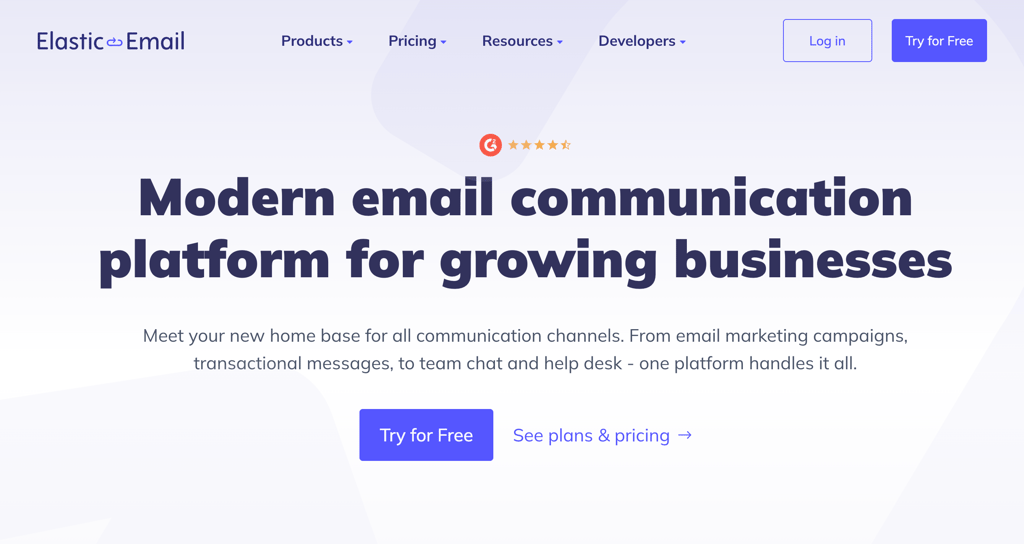
Elastic Email competes mainly on price, offering some of the lowest per-email costs outside of Amazon’s infrastructure.
The platform combines transactional sending, marketing campaigns, and email validation in a single account, without requiring you to buy separate products.
Their validation service checks email addresses before you send, which pays for itself by preventing the deliverability damage that comes from high bounce rates.
However, the aggressive pricing comes with tradeoffs – shared IP reputation quality varies, and inbox placement can be inconsistent compared to premium providers.
Elastic Email pros:
- Significant cost savings at high volumes compared to established providers.
- Combined marketing and transactional capabilities eliminate the need for separate services.
- Email validation integrates directly with signup forms to reject invalid addresses in real-time.
- API libraries for many programming languages with code examples that work out of the box.
Elastic Email cons:
- Deliverability fluctuates based on who else is using the shared IP pools.
- Detailed troubleshooting data requires upgrading to higher-tier plans.
- Interface feels cluttered with marketing features even when you only want transactional sending.
Pricing:
There’s a free plan you can use to test essential features with limited sending. Paid plans start at $19/month for up to 50,000 emails.
12. Mailchimp Transactional (formerly Mandrill)

Formerly known as Mandrill, this is the transactional email add-on specifically for Mailchimp users. It allows businesses to use their existing Mailchimp templates and contact data to trigger personalized, one-to-one emails through a highly reliable infrastructure.
It’s the logical choice for teams already using Mailchimp for their newsletters who want to keep their transactional emails within the same ecosystem.
If you’re looking for alternatives to Mailchimp because you’re unhappy with their pricing or features, you’ll need to look elsewhere for transactional emails, as this add-on cannot be used as a standalone product.
Mailchimp Transactional pros:
- Template changes in Mailchimp instantly update your transactional emails without code.
- Mailchimp’s delivery infrastructure reliably handles sudden spikes in email volume.
- Personalization tags from your marketing campaigns work exactly the same in transactional templates.
- Contact data automatically includes transactional email activity for a complete view.
Mailchimp Transactional cons:
- You’re paying for two subscriptions totaling more per month before sending anything.
- Cannot work independently, making it impossible to switch marketing platforms without also migrating transactional email.
- Emails are sold in blocks with no rollover, creating waste if your volume doesn’t align.
Pricing:
Paid access is sold in blocks of 25,000 emails starting at $20/month, in addition to your standard Mailchimp subscription.
13. Postal
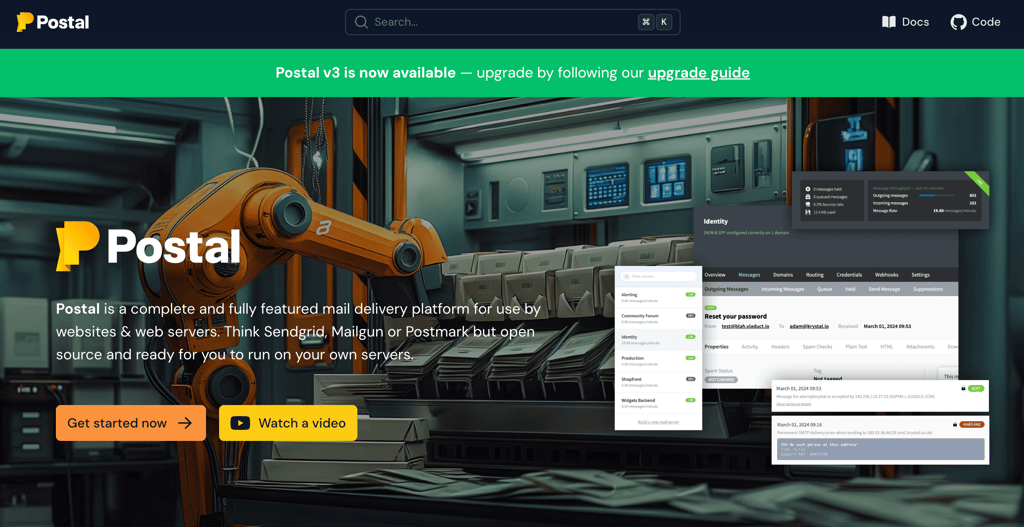
Postal is open-source software that you install and run on your own servers, giving you complete control over your email infrastructure without monthly SaaS fees.
This appeals to large companies with strict data privacy requirements, organizations sending tens of millions of emails monthly where per-email costs add up, or businesses that need email systems independent of any third-party service.
The tradeoff is that you’re responsible for everything, from server maintenance to managing your IP reputation with email providers and building relationships with ISP technical contacts.
When emails start bouncing, there’s no support team to call. You’ll need experienced technical staff who can diagnose and fix email delivery problems.
Postal pros:
- No per-email costs once your infrastructure is running.
- Complete data privacy since your email content and recipient lists never touch third-party servers.
- Unlimited domains and mailboxes without additional licensing fees.
- Full access to source code allows customization of exactly how emails are sent and tracked.
Postal cons:
- You’re entirely responsible for IP reputation, including gradually warming up IPs, monitoring feedback, and maintaining relationships with ISP contacts.
- Requires dedicated systems expertise to install, configure, and maintain properly.
- No support infrastructure means you need staff who understand email protocols and can read raw server logs.
Pricing:
The software itself is free under an open-source license. However, you’ll need to pay for your own cloud hosting services to send emails.

14. Netcore Email API
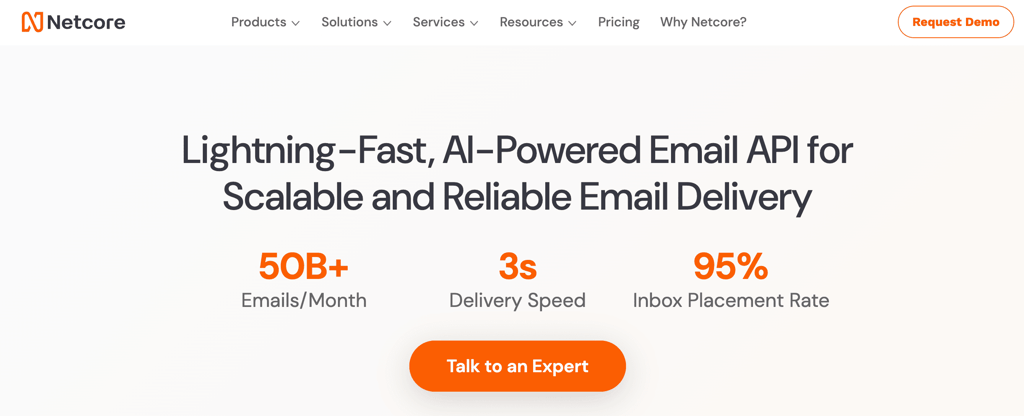
Netcore Email API focuses obsessively on delivery speed. The platform is optimized to the millisecond, ensuring that critical alerts, such as password resets or 2FA codes, arrive almost instantly.
It’s widely used by high-growth companies that need a scalable API that can handle sudden traffic surges while maintaining a clean sending environment to protect their long-term deliverability.
Netcore Email API pros:
- Near-instant delivery that’s perfect for time-sensitive messages.
- AI optimization automatically adjusts sending patterns based on engagement data without manual tuning.
- Boasts high inbox placement, ensuring that your email stays out of the Promotions or Spam tabs.
Netcore Email API cons:
- Dashboard interface feels basic with limited data visualization options.
- Fewer ready-made integrations to popular business tools.
- Transactional email service is locked within Netcore packages, meaning you can’t just purchase the standalone service.
Pricing:
Available with a demo of the Netcore plans.
15. Mailjet
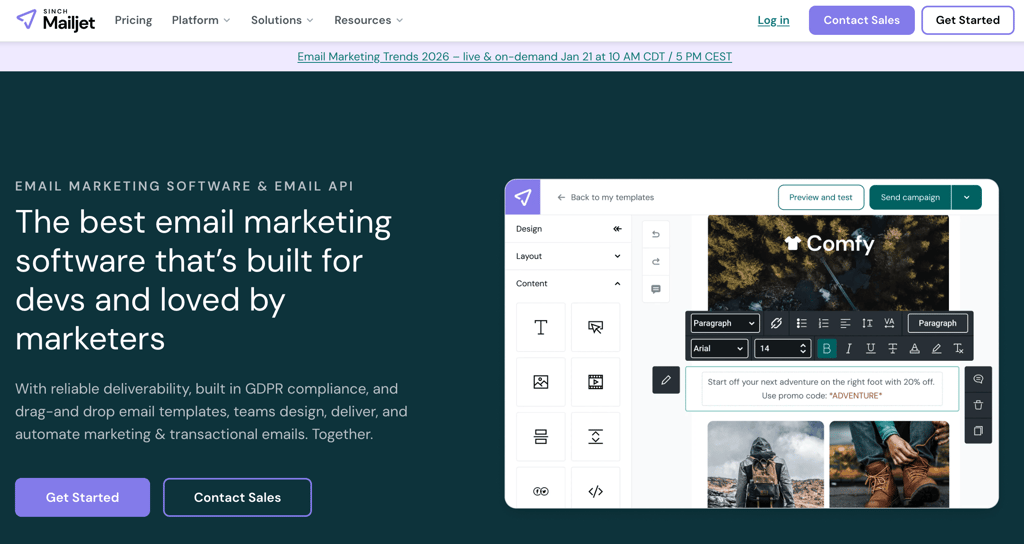
Mailjet’s main differentiator is real-time collaborative editing that works like Google Docs for email templates.
Multiple team members can work on the same template simultaneously, which bridges the gap between marketing teams managing content and developers controlling the sending logic.
The platform combines transactional and marketing capabilities with a strong focus on GDPR compliance, making it popular with European companies dealing with strict data protection regulations.
However, the shared sending infrastructure means deliverability quality can vary depending on what other Mailjet customers are doing.
Mailjet pros:
- Real-time collaboration eliminates back-and-forth with changes appearing instantly for everyone.
- One tool for everything, so you can handle your marketing newsletters and transactional emails in the same place.
- GDPR compliance is built into the architecture with data processing agreements, consent tracking, and EU-based data storage.
- Developer-friendly API documentation with working code samples in multiple languages.
Mailjet cons:
- Shared IP addresses expose you to reputation damage from other customers.
- The template library is limited, giving you fewer design starting points than specialized marketing platforms.
- Interface tries to serve both transactional and marketing needs, creating unnecessary clutter when you only need one.
Pricing:
The free plan allows you to send 6,000 emails per month with a daily limit of 200 messages. Paid plans start at $15/month for 15,000 emails.
How to choose the best transactional email service
To choose the best transactional email service, prioritize the technical ability of the platform and the developer experience required to get it running.
- Prioritize deliverability. Look for tools that protect your sender reputation. Check if the provider offers dedicated IPs or automatic warm-up periods to help you build trust with inbox providers. If a service has a poor reputation, your emails will land in the spam folder regardless of how well they are written.
- Evaluate the developer experience required. Your team will spend hours integrating this service into your app or website. If the documentation is messy or the API lacks webhooks for tracking bounces, the extra development time will quickly cost more than any savings on the monthly fee.
- Match pricing to your volume. Pick a billing model that fits your growth pattern. Pay-as-you-go services, like Amazon SES, are ideal for irregular or unpredictable volume, while monthly tiers offer more predictable budgeting as you scale.
Key features to look for in transactional email platforms
Key features to look for in transactional email platforms include technical flexibility and clear visibility into your delivery performance.
- Robust integration options. Ensure the provider offers both SMTP and REST APIs. This gives your developers the flexibility to choose the best integration method for your specific app or website.
- Real-time monitoring. Look for webhooks and log history. Webhooks provide instant alerts about bounces or complaints, while a log history (ideally 7 to 30 days) is essential for troubleshooting exactly why a specific customer didn’t receive an email.
- Security and deliverability. High inbox placement is impossible without proper authentication. Features like DKIM, SPF, and DMARC should be easy to configure. Additionally, built-in spam monitoring and deliverability analytics help you stay ahead of potential reputation issues.
- Design and customization. If your team includes non-developers, look for a high-quality visual template builder. It should generate responsive HTML to ensure your receipts and alerts look professional on both desktop and mobile devices.
Common mistakes when selecting a transactional email provider
Common mistakes when selecting a transactional email provider include prioritizing low cost over reliability, ignoring support response time, and overlooking your tech stack’s needs.
- Choosing price over performance. A budget provider with a poor reputation can cause your emails to be blocked, leading to lost revenue and frustrated customers. Always prioritize a provider’s track record for actually reaching the inbox.
- Ignoring the need for fast support. Don’t pick a provider with great tech but no one to call when things break. If your emails stop sending on a Friday night, you need immediate support, not a 48-hour wait time.
- Overlooking your tech stack. Check that the provider “plays well” with your current software. Without pre-made code libraries and webhooks, your developers will face a slow, painful, and expensive setup process.
When to upgrade or switch transactional email services?
Upgrading or switching transactional email services is necessary when you experience failing deliverability or when your business outgrows your current provider.
If you see a consistent drop in inbox rates or your support team is overwhelmed with “where is my email?” tickets, your provider’s IP reputation is likely suffering. A reliable service should make delivery invisible, not a constant source of customer complaints.
As your volume increases, your current plan may no longer be cost-effective. Many growing businesses switch to providers that offer better bulk rates or dedicated IPs once they surpass 100,000 emails per month to gain more control over their costs and reputation.
Finally, if your team is struggling with a lack of data, you may have outgrown your current tool. A move is necessary if you require more advanced analytics, longer log history (to troubleshoot old tickets), or multi-region server support to comply with global data laws.
All of the tutorial content on this website is subject to Hostinger's rigorous editorial standards and values.

Simon is a dynamic Content Writer who loves helping people transform their creative ideas into thriving businesses. With extensive marketing experience, he constantly strives to connect the right message with the right audience. In his spare time, Simon enjoys long runs, nurturing his chilli plants, and hiking through forests. Follow him on LinkedIn.