10 best Replit alternatives for easy web development
Sep 18, 2026
/
By Simon L. & Dainius K.
/
12 min Read

The best Replit alternatives include Hostinger AI Builder for no-code AI building with an integrated backend and Lovable for design-focused AI app generation.
GitHub Codespaces is a great option for enterprise-grade cloud development, while Bolt.new is ideal for rapid full-stack prototyping.
Replit is a popular browser-based coding platform with AI-powered development tools, built-in hosting, and support for over 50 programming languages. It’s accessible and fast to get started with, but it’s not the right fit for every workflow.
Credit costs can be unpredictable (especially with heavy AI Agent use), the platform can struggle with larger or more complex projects, and its pricing model has frustrated many users.
Some people want a simpler, no-code path to building apps. Others need a full coding environment that runs in their browser with deeper GitHub integration or container support. And some just want more predictable pricing without worrying about credits running out mid-project.
Here are 10 alternatives worth considering, with their core features and pricing:
Platform | Pricing | Key features |
Hostinger AI Builder | Free tier available; paid plans start at $2.99/month | AI no-code app builder, integrated backend with auth and storage, one-click publishing |
Bolt.new | Free tier available; Pro starts at $20/month | AI full-stack app generation, browser-based coding, token-based pricing, Figma import |
Base44 | Free tier available; paid plans start at $16/month | AI app generation, built-in database and auth, dual-credit system |
Lovable | Free tier available; Starter at $25/month | AI-generated React apps, Supabase integration, GitHub export, polished UI output |
PaizaCloud | Free plan available; Premium starts at $8/month | Lightweight browser-based coding tool, root access, one-click environment setup |
GitHub Codespaces | Free plan available; pay-as-you-go usage | Cloud-hosted VS Code, GitHub integration, Copilot AI assistance |
CodeSandbox | Free plan available; Pro at $9/month | Browser-based coding environment, live previews, real-time collaboration, JS framework support |
Eclipse Che | Free, open-source | Enterprise coding environment, container-based workspaces, self-hosted option |
Koding | Team/enterprise pricing varies | Cloud-based development machines, automated environment setup, multi-language support |
CodePen | Free plan available; Pro at $8/month | Front-end sandbox for HTML/CSS/JS, live previews, community sharing |
1. Hostinger AI Builder
- Best for: Non-technical builders, entrepreneurs, and anyone who wants to build and launch web apps without writing code.
- Pricing: Free tier available. Paid plans start at $2.99/month.
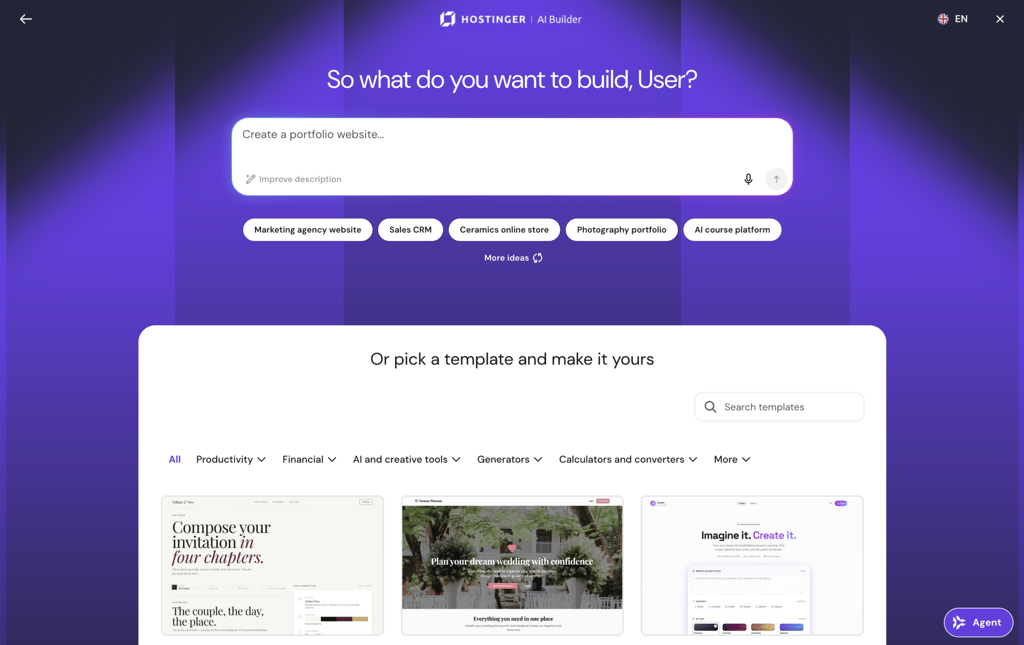
Hostinger AI Builder is a platform that lets you build, refine, and publish web applications without coding. Type your idea, collaborate with the AI through chat to adjust features, and publish with a single click.
The key difference between Hostinger AI Builder and Replit is that Replit gives you a full coding environment and still expects you to work with code, even with AI assistance. Hostinger AI Builder, on the other hand, removes code from the equation entirely. You simply describe what you want in plain language, and the platform builds it for you, making it a completely different kind of tool, designed for people who want results without learning to code.
What makes Hostinger AI Builder stand out is its integrated backend. Rather than relying on external tools for user accounts, data storage, or email, the platform handles it all natively.
Tell the AI something like “add a login page” or “let users submit a contact form,” and it configures authentication, file storage (up to 5 GB per project), and automated email sending (up to 500 messages/day).
If you’ve been wanting to make a web app but found the technical side intimidating, Hostinger AI Builder is one of the most accessible ways to get started.
Hostinger AI Builder pros
- No coding required, making it an accessible AI app creator for complete beginners.
- Built-in backend covers authentication, data storage, and automated email without connecting external tools or services.
- All-in-one solution with hosting, domains, and deployment included, so there’s nothing else to buy or configure.
- Fast prototyping with real-time AI suggestions and one-click publishing to go live in minutes.
- 24/7 support and a 30-day money-back guarantee if it’s not the right fit.
Hostinger AI Builder cons
- Primarily designed for no-code workflows, so experienced developers may want more control.
- Fewer third-party integrations compared to more established coding platforms.

2. Bolt.new
- Best for: Developers and technical founders who want to generate full-stack apps from prompts and immediately edit the code in the browser.
- Pricing: Free tier available. Pro at $20/month. Higher tiers ($50, $100, $200/month) add more tokens for heavier usage.
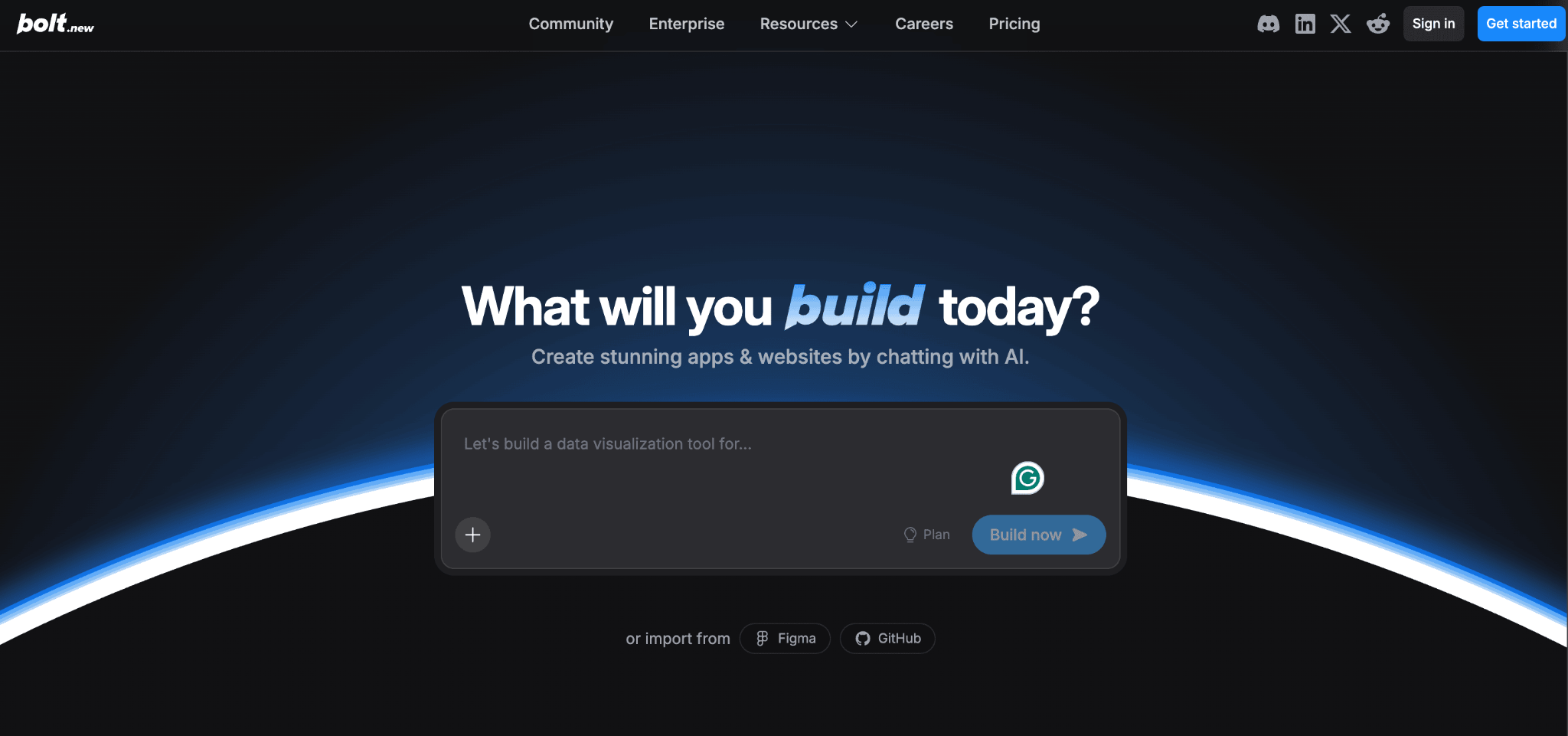
Bolt.new is an AI-powered app builder that generates working full-stack applications from natural-language descriptions and drops you straight into a browser-based coding environment.
Your code runs entirely in the browser without needing a remote server, which means there’s zero setup.
Where Replit gives you a general-purpose coding environment that supports 50+ languages and lets you build anything from scratch, Bolt.new is more focused: you describe what you want, the AI generates the app, and you refine it.
The generated code uses modern frameworks (React, Next.js, Vue) and you can edit it directly, import Figma designs, and deploy to Netlify with a click.
Bolt.new uses a token-based pricing model. Every AI interaction consumes tokens, and larger projects use more tokens per prompt because the AI needs to process your full codebase.
Unused tokens roll over for one billing cycle on paid plans, which gives some flexibility. The free tier includes 1M tokens/month but limits you to public projects.
Bolt.new pros
- Generates full-stack apps fast, with clean code you can export and continue developing elsewhere.
- Browser-based coding environment with no setup required.
- Figma import lets you turn designs into working code directly.
- Token rollover on paid plans prevents waste across quieter months.
Bolt.new cons
- Token costs can spike during debugging or complex multi-step edits.
- Less flexible than Replit for general-purpose coding across different languages. If that flexibility matters, some Bolt.new alternatives offer broader language support.
- Free tier restricts you to public projects with a daily token cap.
- Not ideal for apps that need deep custom backend logic or enterprise infrastructure.
3. Base44
- Best for: Solo builders and early-stage founders who want AI app generation with backend infrastructure included.
- Pricing: Free tier available. Starter at $16/month, scaling up to $160/month (Elite).
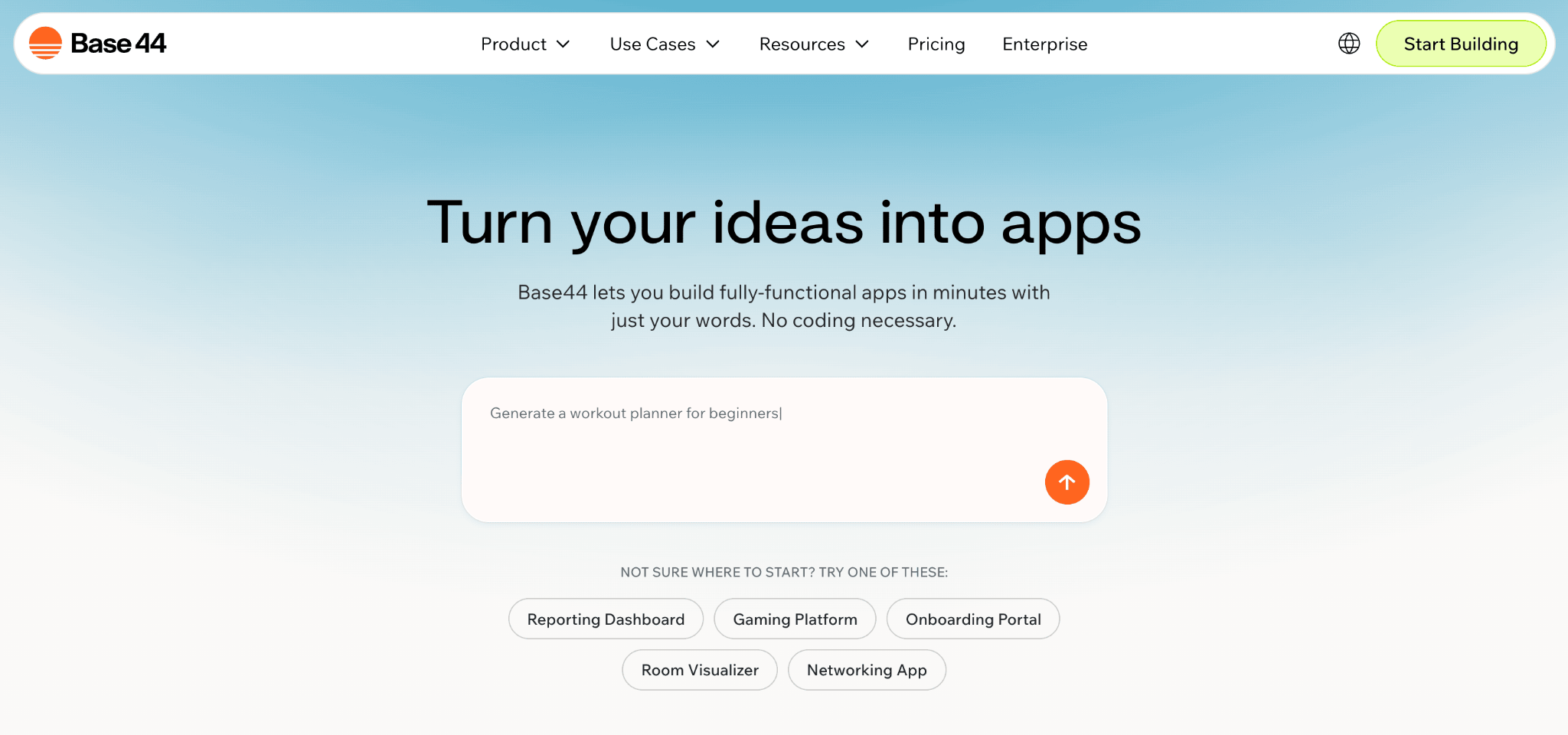
Base44 is an all-in-one platform where the database, authentication, hosting, and app logic all live under one roof.
You prompt the AI to build your app, and everything it needs to run (backend included) is handled internally, with no external services to connect. That’s a different philosophy from Replit, where you get a flexible coding environment but manage your own infrastructure and deployment.
It runs on two types of credits: message credits (used when you prompt the AI to build or edit) and integration credits (consumed when your app’s users trigger actions like file uploads or email sends).
As you move up the pricing tiers, you unlock custom domains, GitHub export for your frontend code, and the ability to write custom backend logic.
When comparing Replit vs Base44, Base44 is less flexible (you can’t code in 50+ languages or build anything you want) but significantly faster for getting a working app live without technical knowledge.
Base44 pros
- Goes from prompt to working app quickly, great for prototyping and internal tools.
- Built-in database, authentication, and hosting without external setup.
- Real-time collaboration works well with small teams.
- Version control protects against breaking changes.
Base44 cons
- No credit rollover or top-ups, so hitting your limit means waiting or upgrading your plan.
- You can only export frontend code; your backend and database remain tied to Base44. If full portability is a priority, some Base44 alternatives give you complete code ownership.
- Custom domains locked behind the Builder plan and above.
- Support response times can be slow based on user reports.
4. Lovable
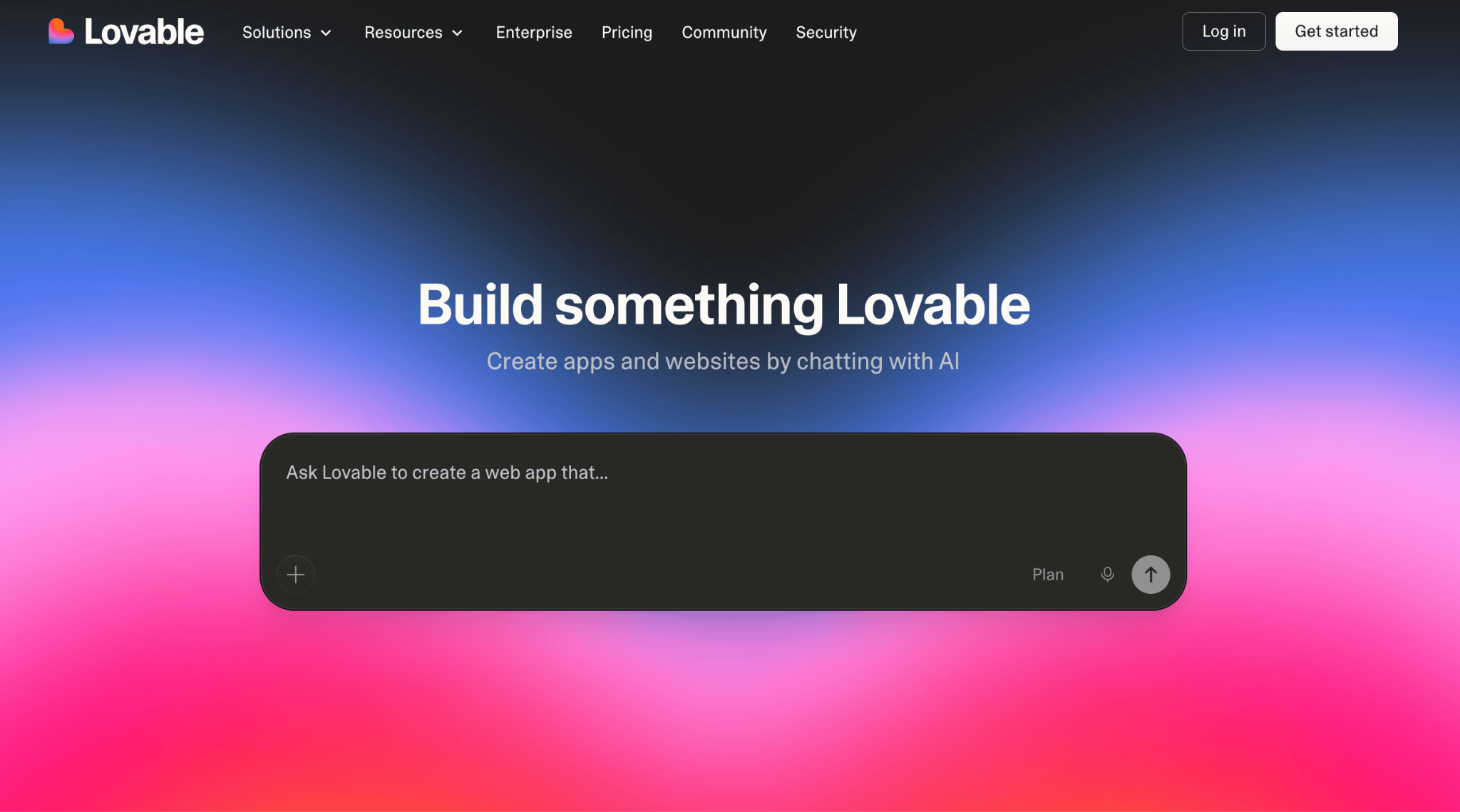
- Best for: Non-technical founders and designers who want polished, AI-generated web apps with clean code they can own.
- Pricing: Free tier with 5 daily credits. Pro plan costs $25/month (100 credits), and Business plan is $50/month (300 credits).
Lovable takes a code-first approach to AI app building. Unlike Base44 (which keeps everything inside its own platform), Lovable generates clean React and TypeScript code that you fully own.
You can export it to GitHub, deploy it anywhere, and continue developing in any editor. The output is also more visually polished than what most AI builders produce, which makes it a strong pick for customer-facing products where design quality matters.
The core trade-off when comparing Replit vs Lovable comes down to flexibility versus speed: Replit lets you build anything from scratch, while Lovable gets you to a polished result faster.
It includes drag-and-drop editing for fine-tuning after generation and connects to Supabase for backend needs like databases and authentication.
One key advantage over Replit: Lovable’s Pro plan covers unlimited team members for around $29/month, while Replit charges per user on its team plans. For small teams building MVPs (minimum viable products), that cost difference adds up quickly.
Lovable pros
- Produces polished, production-ready UI from natural-language prompts.
- Full code ownership with GitHub export, so you can continue developing in any editor or framework.
- Unlimited team members on the Pro plan, making it significantly cheaper than Replit for small teams.
- Native Supabase integration for database and authentication.
Lovable cons
- Credit-based system means heavy iteration can burn through your allowance fast.
- Best suited for React/TypeScript projects, not a general-purpose coding platform. If you need more language flexibility or a different approach, several Lovable alternatives cover a wider range of use cases.
- Complex backend logic can sometimes trip up the AI.
- No native mobile app support (web only).
5. PaizaCloud
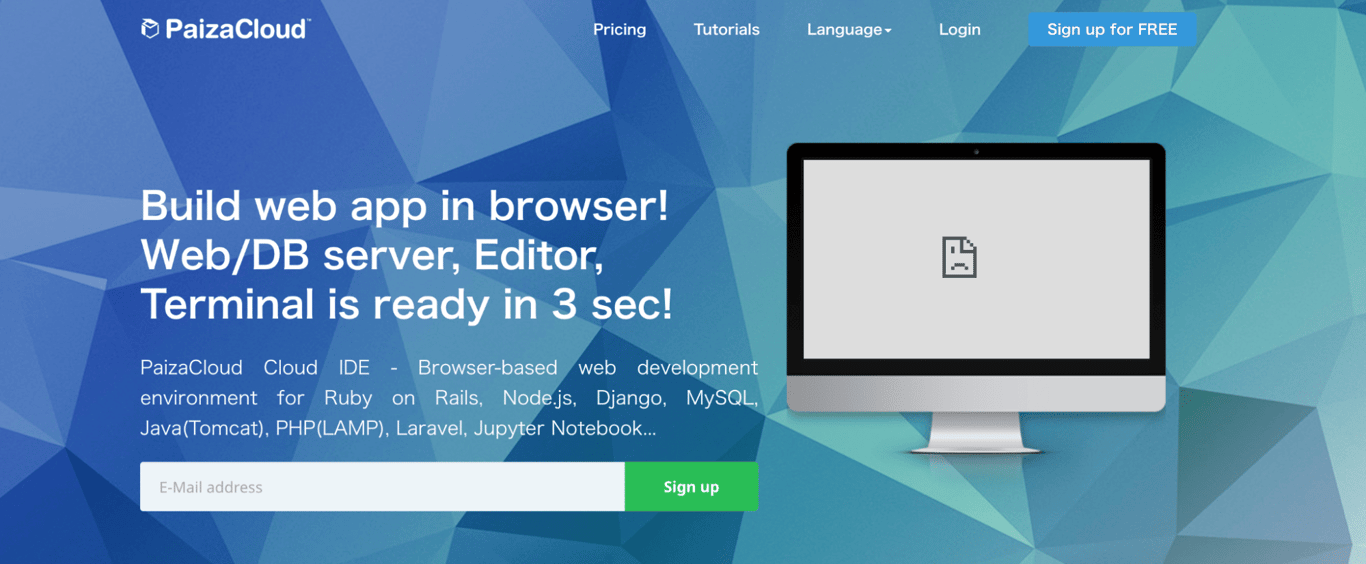
- Best for: Beginners who want a simple browser-based coding environment for quick web development.
- Pricing: Free plan available. Premium plans start at $8/month.
PaizaCloud is a lightweight, browser-based coding environment designed for quick and easy web development. It supports Python, Ruby, PHP, and JavaScript, making it a versatile option for beginners who want to learn by building.
Unlike Replit, which has evolved into a full AI-powered development platform with its own deployment infrastructure, PaizaCloud stays focused on providing a simple place to write and test code.
It offers root access (so you can install additional software and customize your setup) and one-click environment setup for popular frameworks.
It’s a solid choice if you want something straightforward for learning or small projects, but it lacks Replit’s AI capabilities and its collaboration features are more limited.
PaizaCloud pros
- Extremely easy to use, with a clean interface that won’t overwhelm beginners.
- Supports multiple languages (Python, Ruby, PHP, JavaScript) and popular web frameworks out of the box.
- One-click environment setup with root access, so you can install anything you need and customize freely.
PaizaCloud cons
- Free tier has limited computing power, which can slow things down on larger projects.
- No AI-assisted coding features, so you’re writing everything yourself.
- Collaboration tools are basic compared to the real-time multiplayer coding in Replit
6. GitHub Codespaces
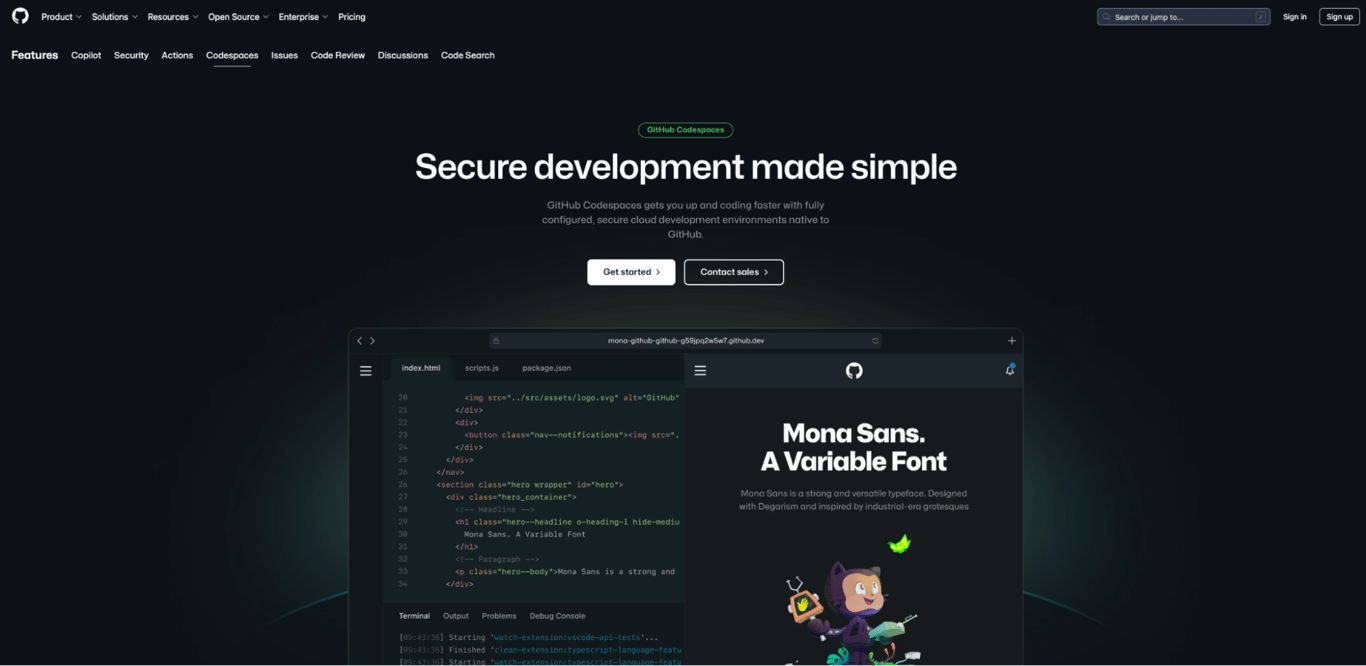
- Best for: Professional developers and teams who want a browser-based coding environment tightly integrated with GitHub.
- Pricing: Free plan available (limited compute hours). Pay-as-you-go based on usage.
GitHub Codespaces is a cloud-based coding environment that connects directly to your GitHub repositories. It provides a fully customizable VS Code workspace in the browser where you can write code, manage pull requests, and collaborate with your team without any local setup.
Where Replit is designed to be beginner-friendly and all-in-one, Codespaces is aimed at professional developers who already live in the GitHub ecosystem.
You can define your project’s exact setup in a configuration file so every team member gets an identical environment, and Copilot integration brings AI-assisted coding directly into your workflow.
The free tier offers 120 core-hours per month, which is generous for most individual developers. But costs can add up quickly for teams or users running large, long-lived environments.
GitHub Codespaces pros
- Seamless GitHub integration, so your code, pull requests, and reviews all live in one place.
- AI-powered coding via GitHub Copilot for faster development.
- Reproducible environments so every team member gets the exact same setup, every time.
- No local setup required, with instant access from any browser on any device.
GitHub Codespaces cons
- Pay-as-you-go costs add up quickly with heavy or extended usage sessions.
- Best suited for developers who already have coding experience and know their way around GitHub.
- Less beginner-friendly than Replit’s guided, all-in-one interface.
7. CodeSandbox
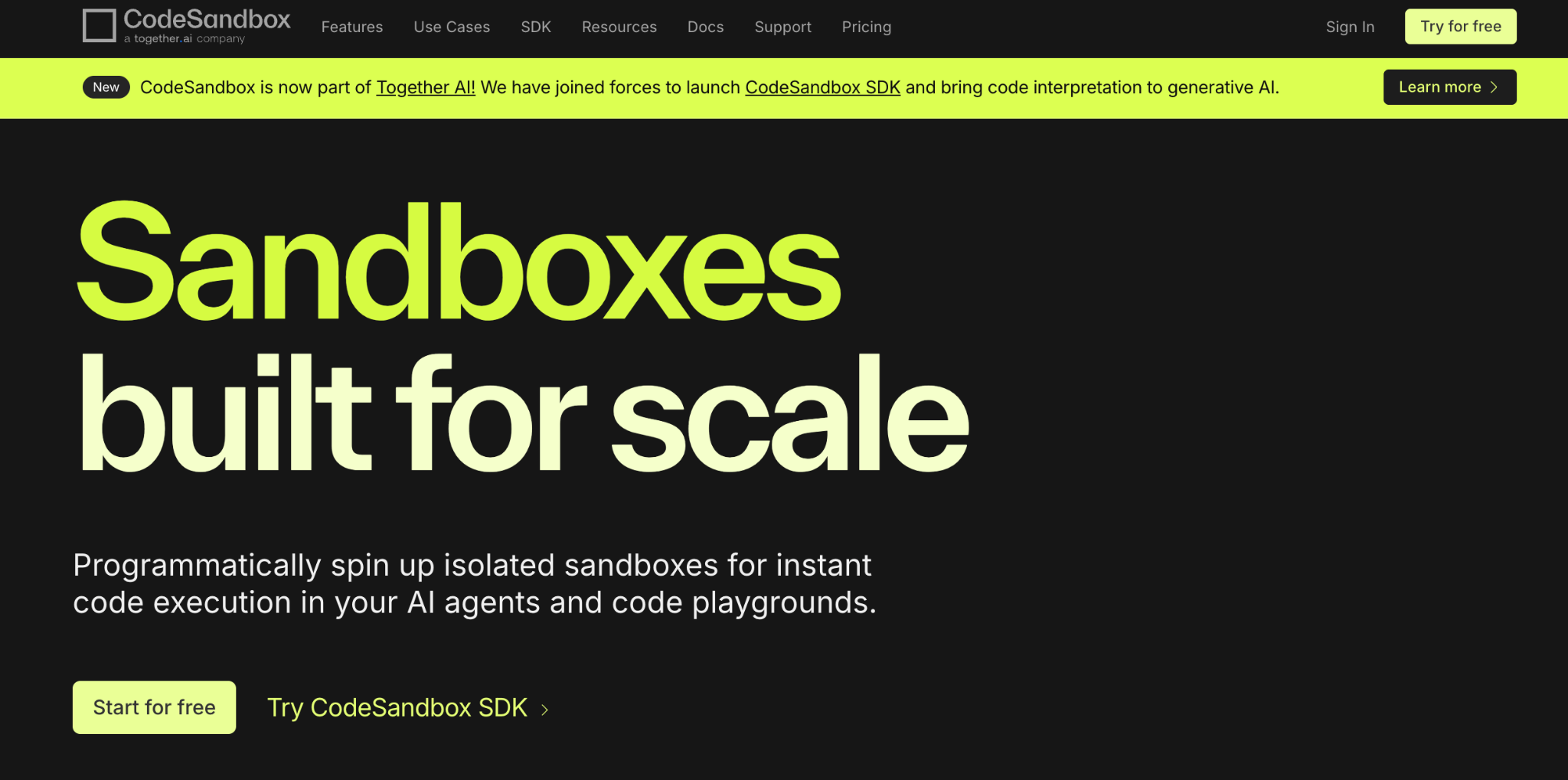
- Best for: Front-end developers working with JavaScript frameworks and rapid prototyping.
- Pricing: Free plan available. Pro at $9/month. Builder at $119/month.
CodeSandbox is an online development environment built for web development, with strong support for React, Vue, Angular, and other JavaScript frameworks.
Unlike Replit’s broader focus across more than 50 languages, CodeSandbox specializes in front-end development and live prototyping.
Its standout features are live preview (changes render instantly as you type), real-time collaboration for pair programming, and an isolated sandbox system that gives each project its own secure environment.
CodeSandbox pros
- Excellent for front-end development, with live previews that update instantly as you type.
- Real-time collaboration and easy sharing make pair programming and code reviews fast.
- Built-in package management and GitHub integration so you don’t need to configure dependencies manually.
- Boxy AI assistant helps with code generation and debugging on Pro plans.
CodeSandbox cons
- Primarily focused on web and JavaScript development, so backend-heavy projects need external tools.
- Can slow down noticeably on large-scale or complex projects.
- Credit system can be confusing, making it hard to predict what you’ll actually pay each month.
8. Eclipse Che
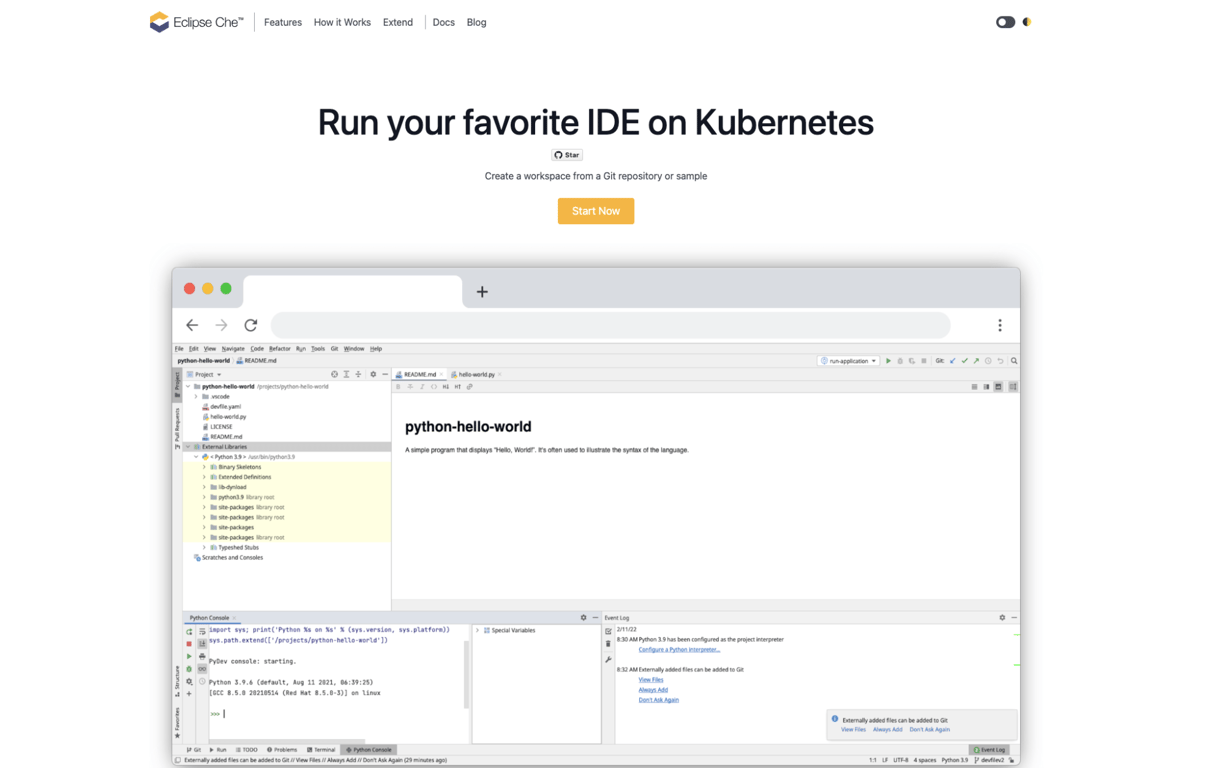
- Best for: Enterprise teams that need a self-hosted, secure coding environment they fully control.
- Pricing: Free and open-source.
Eclipse Che is an open-source, enterprise-grade coding environment built for large-scale development teams. It uses container technology to give each developer an isolated, consistent workspace, so everyone on the team works in the exact same setup regardless of their local machine.
Replit focuses on accessibility and AI-powered coding, whereas Eclipse Che is designed for organizations that need full control over their development infrastructure. It supports multi-user workspaces, role-based access, and can be installed on your own servers or in your own cloud environment.
The trade-off is complexity. Setting up and maintaining Eclipse Che requires infrastructure expertise, and there’s no AI-assisted coding built in.
It’s not a tool for beginners or solo developers. It’s for teams that need enterprise-level security and compliance.
Eclipse Che pros
- Fully open-source with no licensing costs, so you can inspect and modify everything.
- Scalable and secure, built specifically for enterprise development teams.
- Self-hosted option gives full control over where your code and data live.
- Supports multi-user workspaces with role-based access for managing team permissions.
Eclipse Che cons
- Not beginner-friendly; requires infrastructure expertise to install, configure, and maintain.
- Significantly more complex to set up compared to browser-based coding tools like Replit.
- No AI-powered coding assistance, so you won’t get the kind of help Replit’s Agent provides.
9. Koding
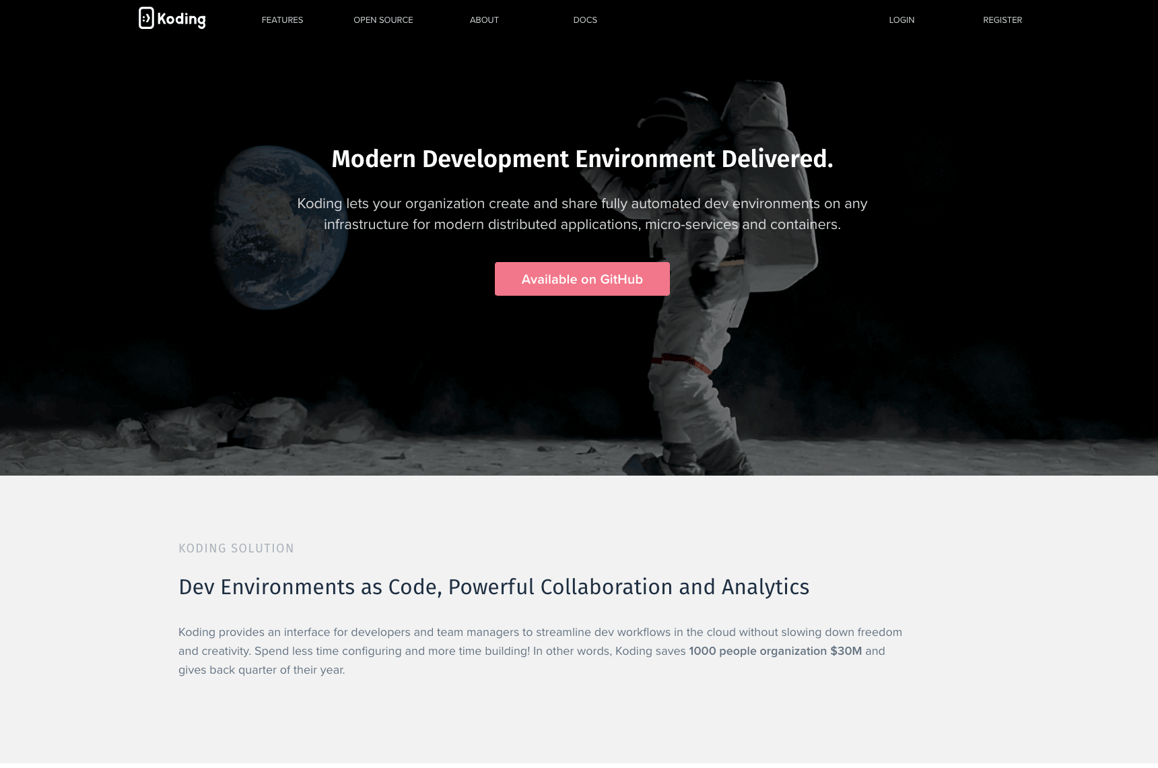
- Best for: Remote teams and enterprises that need configurable cloud development environments.
- Pricing: Team and enterprise pricing based on usage.
Koding provides cloud-based development environments with dedicated virtual machines that support multiple programming languages and frameworks.
Its focus has shifted toward enterprise teams that need automated, pre-configured setups so every developer on the team works in an identical environment.
Unlike Replit, which provides a ready-to-use coding environment in the browser, Koding lets you use your own preferred editor and terminal, connecting to cloud-hosted machines through a command-line tool.
This gives experienced developers more flexibility but makes it significantly less accessible for beginners.
Koding is best suited for organizations with dedicated infrastructure teams that want to standardize their development environments and reduce onboarding time for new developers.
Koding pros
- Fully configurable cloud workspaces with dedicated machines that you can customize to your exact needs.
- Automated environment setup ensures every developer on the team gets a consistent configuration.
- Use your own preferred editor and terminal rather than being locked into a browser-based tool.
- Supports multiple programming languages and frameworks for full-stack work.
Koding cons
- Setup can be challenging for beginners or solo developers who just want to start coding.
- No AI-powered development assistance, which puts it behind most modern alternatives.
- Pricing isn’t transparent; you’ll need to contact sales to get team and enterprise quotes.
10. CodePen
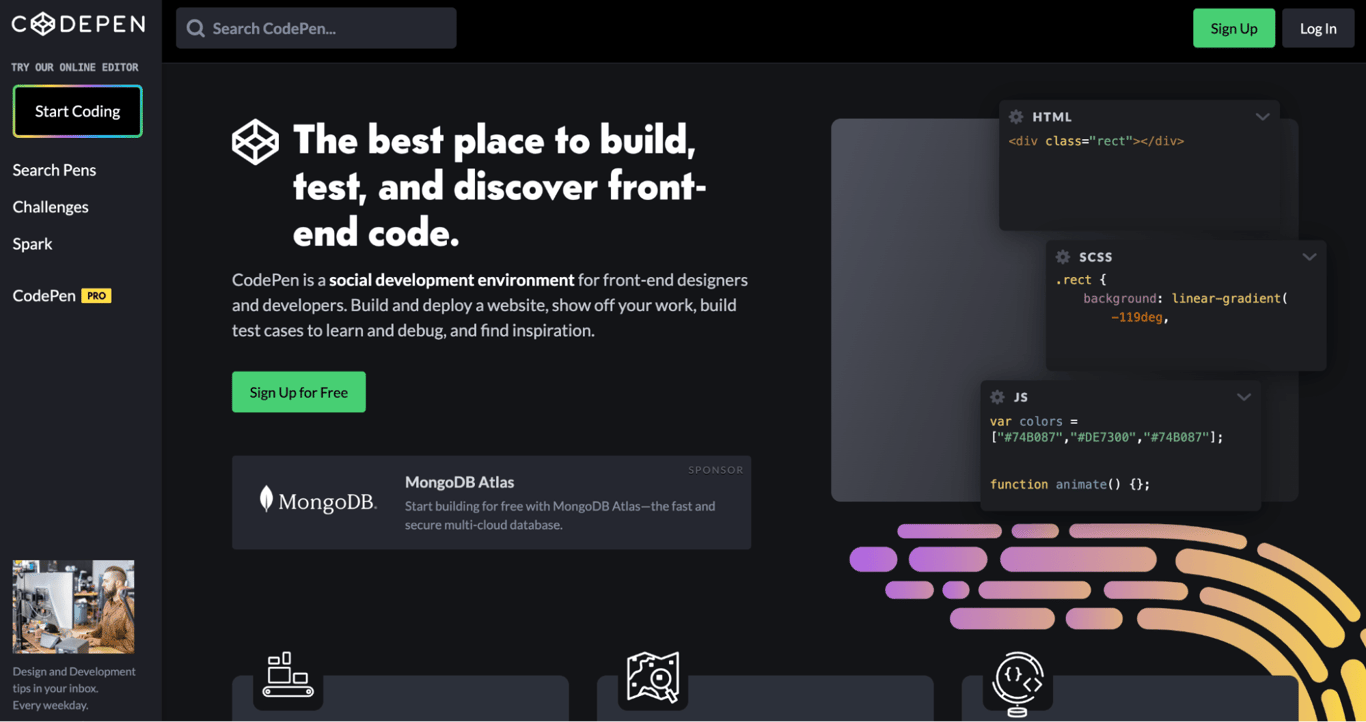
- Best for: Front-end designers and developers who want a quick sandbox for HTML, CSS, and JavaScript.
- Pricing: Free plan available. Pro at $8/month.
CodePen is a front-end development playground focused on HTML, CSS, and JavaScript. It’s widely used by designers and front-end developers to experiment with UI, showcase interactive designs, and share work with the community.
While Replit is a full development platform with backend support, AI features, and deployment, CodePen is intentionally focused on the frontend.
It’s not trying to be an all-in-one coding tool. Instead, it excels at quick experiments, component prototyping, and learning CSS/JS techniques through its active community of creators.
The Pro plan adds features like asset hosting, private Pens, collaborative mode, and embedded Pen customization. For anyone doing primarily front-end design work, CodePen offers a more focused environment than Replit’s broader feature set.
CodePen pros
- Perfect for front-end prototyping and UI design, with a focused environment that stays out of your way.
- Active community of designers and developers for sharing work and discovering creative inspiration.
- Live previews update instantly, so you can see every change as you make it.
- Clean, focused interface that doesn’t overwhelm you with features you don’t need.
CodePen cons
- No backend support at all, so it’s not suitable for full-stack development or apps that need a database.
- Limited integrations with databases and external APIs, which restricts what you can build.
- No AI-assisted coding features, so it won’t help you generate or debug code the way Replit does.
Factors to consider when choosing a Replit alternative
When evaluating a Replit alternative, think about how you actually build and what matters most for your workflow. Here are the key factors:
AI capabilities. Replit’s biggest draw is its AI Agent, which can build apps autonomously. If that’s what you use Replit for, you’ll want an alternative with strong AI features.
Hostinger AI Builder, Lovable, and Base44 all offer AI-driven app generation. Codespaces paired with Copilot offers AI-assisted coding in a more traditional coding environment.
Code ownership and export. Replit lets you export your code, and so do Lovable (via GitHub), Codespaces, and Hostinger AI Builder. If owning and migrating your code matters long-term, check what each platform actually lets you take with you.
Backend and database support. This matters most if you’re building something interactive that stores data, not just a static site. It’s the difference between a web app and a website. Replit includes built-in PostgreSQL databases and handles deployment directly. Hostinger AI Builder matches this with its integrated backend. Lovable connects to Supabase for backend needs.
Pricing predictability. Replit’s credit-based system can surprise you with costs during heavy AI usage. Hostinger AI Builder has straightforward monthly pricing. Lovable uses a per-credit model that’s predictable but can run out fast.
Collaboration features. If you work with a team, look at how each platform handles sharing. Codespaces and CodeSandbox offer strong real-time collaboration. Lovable includes unlimited team members on its Pro plan. Replit’s multiplayer coding is still one of the best, so make sure your alternative doesn’t downgrade your team’s workflow.
Technical level required. Tools like Hostinger AI Builder and Lovable require zero coding knowledge. CodeSandbox and PaizaCloud are beginner-friendly, but expect basic coding skills. GitHub Codespaces and Eclipse Che are built for experienced developers. Match the tool to your team’s comfort level.
What can I build with vibe coding tools like Replit?
Quite a lot, actually. The rise of vibe coding and AI-powered development platforms has made it possible to build things that used to require a full development team.
With tools like Replit and the alternatives, you can build SaaS products, internal business tools, customer portals, booking systems, dashboards, and simple ecommerce stores.
No-code tools like Hostinger AI Builder and Lovable are especially good for MVPs and landing pages where you want something functional fast.
More technical platforms like Codespaces and CodeSandbox let you build anything you could with a local development setup, just from your browser.
If you’re not sure where to start, there are plenty of best web app ideas that work well as first projects, from productivity tools to community platforms.
Now that you know what each tool offers, the next step is to pick the one that fits your skill level and try the free tier with a small project. Nothing beats seeing how a platform actually feels when you’re building something real.
All of the tutorial content on this website is subject to Hostinger's rigorous editorial standards and values.

Simon is a dynamic Content Writer who loves helping people transform their creative ideas into thriving businesses. With extensive marketing experience, he constantly strives to connect the right message with the right audience. In his spare time, Simon enjoys long runs, nurturing his chilli plants, and hiking through forests. Follow him on LinkedIn.

Dainius Kavoliunas is the Head of Product for Hostinger Horizons, with a passion for building innovative solutions. As an expert in product management, he combines deep expertise in UX, experimentation, and data analysis with a technical background to lead product strategy and build strong teams. He is particularly excited about the practical applications of AI and its potential to transform how we work and live. Follow him on LinkedIn.