A catch-all email is a convenient feature that allows you to receive any messages sent to misspelled or invalid email addresses for your domain, e.g., if you have hello@domain.tld and the sender wrote helo@domain.tld.
How to Create a Catch-All
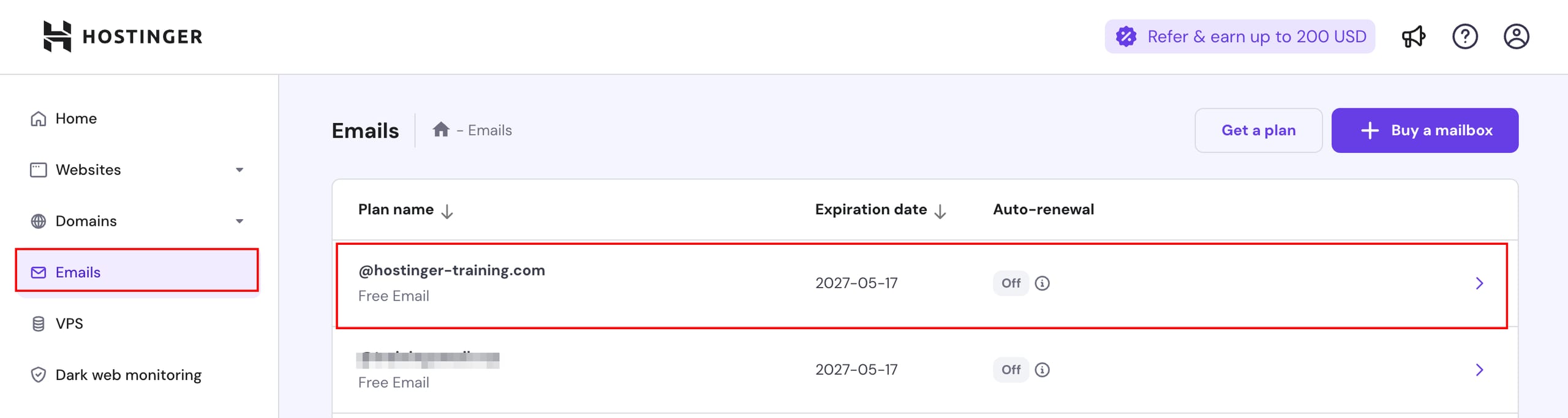
Navigate to the Emails section of hPanel and click on anywhere next to the domain or subdomain of the plan you want to manage.
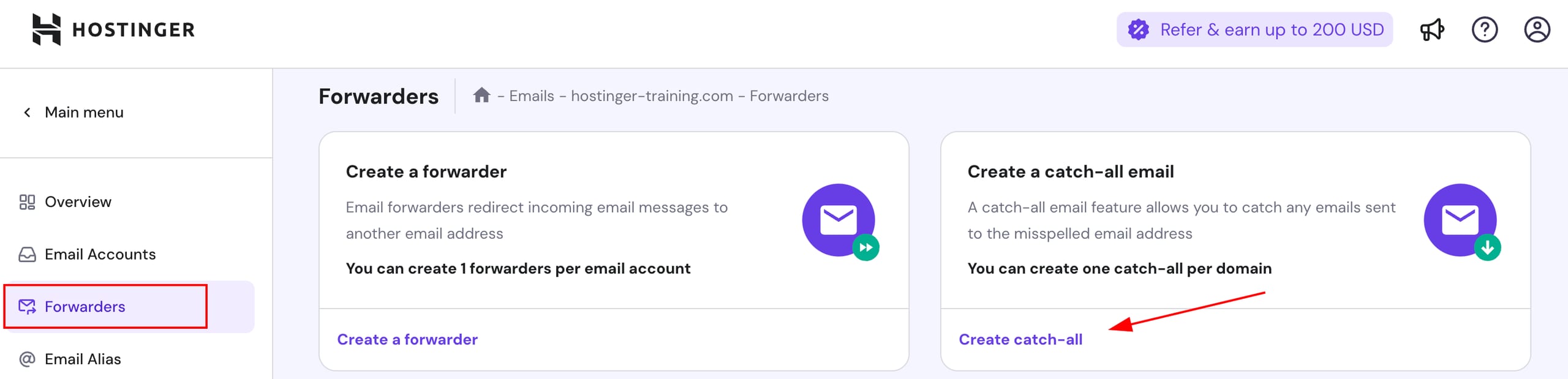
Next, select Forwarders on the left sidebar and click on Create catch-all:
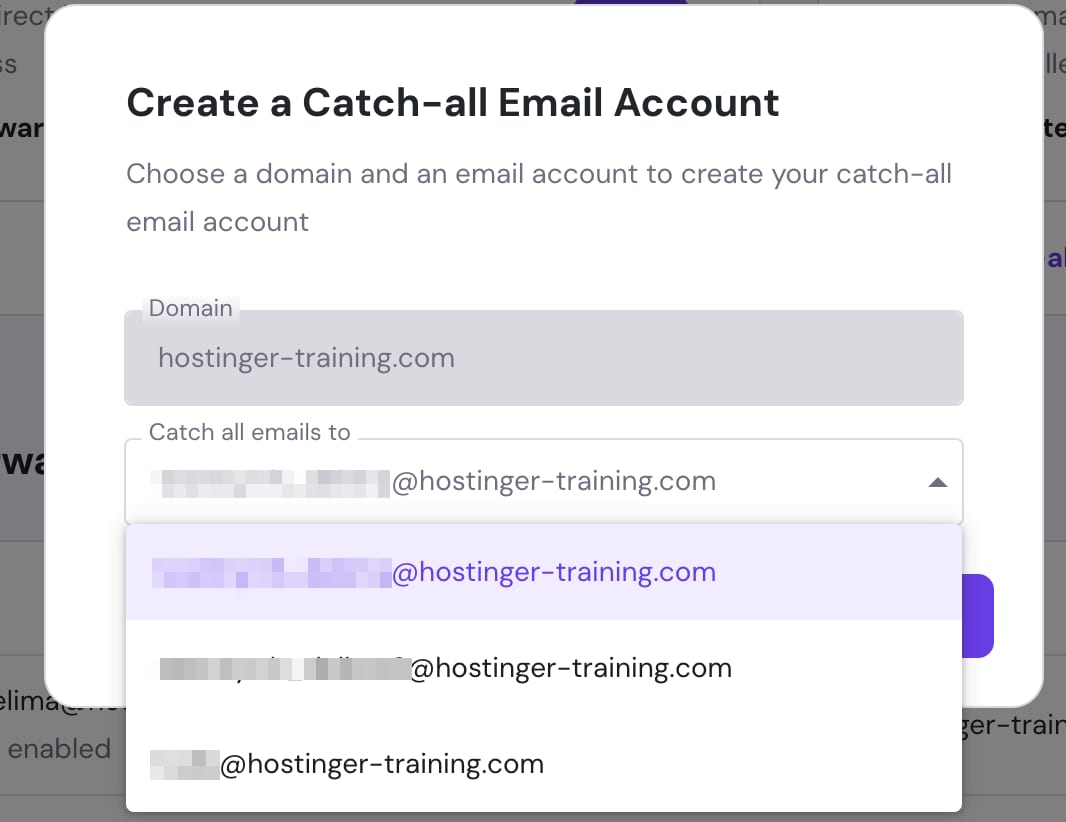
In the window that will pop up, select the mailbox to which messages will be sent to on the dropdown list and click on Create.
To complete the setup process, confirm the catch-all by logging into the destination email address and clicking on the verification link sent to it.
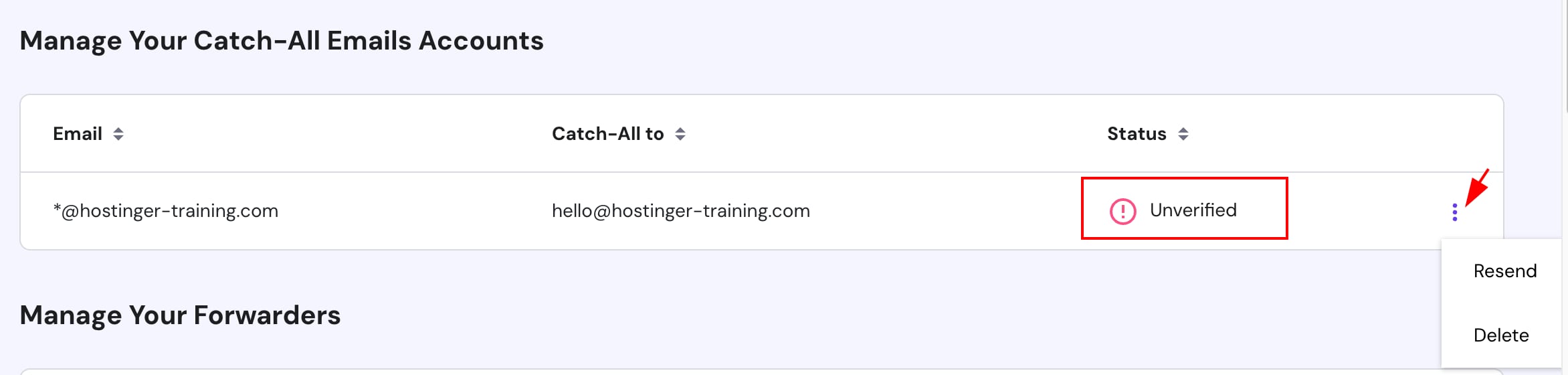
Once verified, all messages sent to a non-existent mailbox for your domain will be forwarded to the specified email address.
Only one catch-all can be created per domain 💡
How to Delete Catch-All Emails
In the Forwarders section, navigate to Manage Your Catch-All Emails Accounts, click on the options button ( ⋮ ) next to the catch-all, and click on Delete:
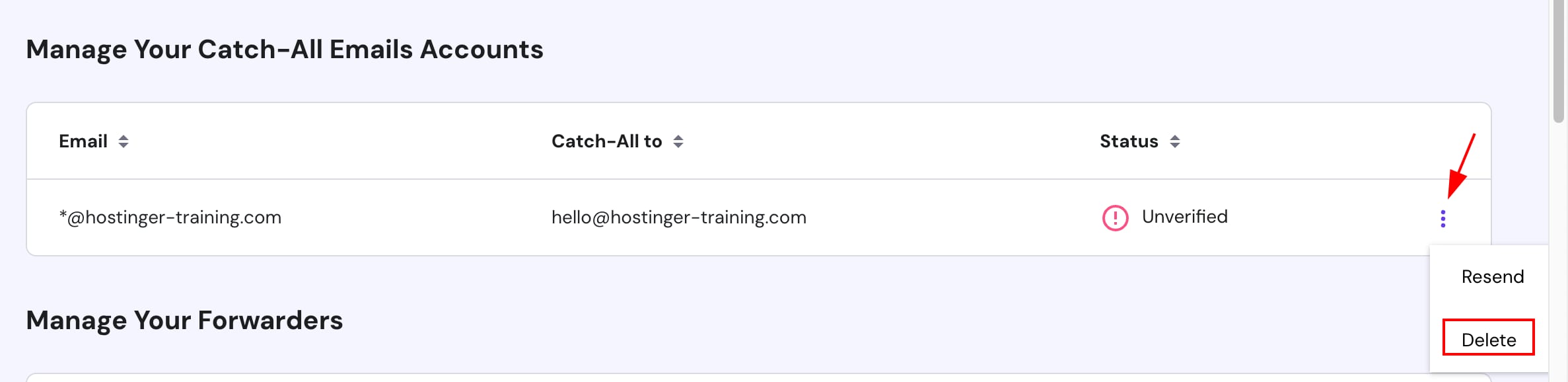
After deletion, you will stop receiving messages sent to non-existing addresses in your domain. If needed, you can create a new catch-all at any time.