10 best website builders in India for 2026
Mar 10, 2026
/
Leonardus N.
/
9 min Read
A website builder is a tool that lets you create a website without coding, using ready-made templates, visual editors, and built-in features like hosting and security. In India, website builders are widely used by beginners, freelancers, small businesses, and creators who want to get online quickly without high upfront costs.
The best website builder in India is not the one with the most features, but the one that balances price, ease of use, performance, and long-term flexibility. Indian users typically look for builders that are affordable, mobile-friendly, easy to manage alone, and suitable for both local and international audiences.
In this guide, we compare the 10 best website builders in India based on factors that matter most in the Indian market, including pricing, usability, design flexibility, ecommerce readiness, and overall value for money.
Here are the website builders we’ll be discussing:
- Hostinger Website Builder: An all-in-one website builder with AI-powered tools, built-in hosting, and ecommerce features, suitable for beginners and small businesses in India.
- Wix: A versatile builder with a wide range of templates and drag-and-drop functionality, suitable for all types of websites.
- Shopify: The go-to solution for building eCommerce websites, offering powerful tools for online stores and scalability.
- WordPress.com: A freemium builder perfect for beginners, with a variety of themes and plugins to customize your site.
- Squarespace: Known for its beautiful design templates, Squarespace is ideal for those looking to create visually appealing and monetized websites.
- Webflow: A highly customizable builder for intermediate to advanced users who want full control over their website design.
- Dukaan: An India-based, ecommerce-first platform that helps small businesses and sellers launch basic online stores quickly.
- Instamojo: A platform combining payments with simple store-building tools, popular among creators and small businesses selling products or services.
- GoDaddy: A beginner-friendly website builder with pre-made templates, ideal for simple websites and small businesses.
- Jimdo: A user-friendly builder with strong mobile optimization, perfect for beginners looking for a simple website setup.
By the end of this guide, you’ll be ready to choose the right website builder and start building your site with confidence.
1. Hostinger Website Builder

Hostinger Website Builder stats:
- Best for: site owners who want an all-in-one solution
- Price: starts at ₹ 129.00/month
Hostinger Website Builder is best for beginners and small businesses in India who want an all-in-one solution that is affordable, easy to use, and quick to launch.
The builder offers two ways to create your website from scratch. You can use the visual drag-and-drop editor with AI assistance, or start with an AI-powered setup where you describe your website idea and the builder generates the layout, structure, and content for you. Both options are designed for users with no coding experience.
Hostinger Website Builder includes 170+ ready-made templates that are optimized for mobile devices. As you build, AI tools help adjust layouts, colors, and on-page content, making it easier to create a clean and professional website without design skills.
For content creation, the builder includes built-in AI tools to generate website copy, blog content, product descriptions, and SEO metadata. You can also create logos and images directly inside the platform, which helps reduce additional design costs.
For ecommerce use cases, Hostinger Website Builder supports selling products online with multiple payment options and 0% transaction fees from Hostinger’s side. This makes it suitable for Indian users who want predictable monthly costs while selling locally or internationally.
Every plan includes hosting, a free domain for the first year, SSL security, and a business email, which removes the need to manage multiple services separately. This bundled approach is especially useful for Indian users who want to keep setup simple and costs under control.
Customer support is available 24/7 via live chat, and the platform includes automatic backups and built-in security features to protect your website.
Key features
- Beginner-friendly setup. Build your website using a drag-and-drop editor or AI-assisted setup without coding.
- AI content and design tools. Generate website text, images, logos, and SEO metadata inside the builder.
- Ecommerce ready. Sell products online with multiple payment options and no transaction fees from the platform.
- All-in-one pricing. Hosting, domain, SSL, email, and website builder included in a single plan.

2. Wix

Wix stats:
- Best for: users who prioritize visual design and want many template options
- Less suitable for: budget-sensitive users or those who want predictable long-term costs
- Price: freemium
Wix is a popular website builder known for its large template library and visual drag-and-drop editor. It is commonly used by individuals and small businesses that want design flexibility without technical setup.
Wix offers a free plan, but free websites display Wix branding and use a subdomain, which limits professionalism. Paid plans remove ads and unlock more features, though costs can increase as you add apps, storage, or ecommerce functionality.
The builder includes hundreds of templates across different categories. However, once a template is selected and the site is published, switching to a new template requires rebuilding the website from scratch. This can be limiting for users who want flexibility later.
Wix also provides built-in SEO tools and an app marketplace that allows users to extend website functionality. While this ecosystem is powerful, many features depend on third-party apps, which can increase ongoing costs.
3. Shopify

Shopify stats:
- Best for: ecommerce-focused businesses with clear growth plans
- Less suitable for: beginners, small businesses, or users looking for an affordable all-in-one website builder
- Price: starts at $29/month
Shopify is a website builder built specifically for ecommerce. It is designed for users whose primary goal is to sell products online and manage orders, inventory, and payments at scale.
The platform provides a structured editor, pre-designed store themes, and a large app marketplace that allows you to extend store functionality. Shopify works well for businesses that already know they want to run an online store and are comfortable using multiple add-ons.
However, Shopify is not a general-purpose website builder. It is best suited for ecommerce only and can feel restrictive if you want to build content-heavy or multi-purpose websites alongside your store.
From an India perspective, cost is an important factor. Shopify does not offer a free plan, and its monthly pricing is higher than most beginner-focused website builders. In addition, transaction fees and paid apps can increase ongoing expenses, which may not suit first-time founders or small businesses starting with limited budgets.
Because of this, Shopify is typically a better fit for businesses that are already generating sales or planning to scale their ecommerce operations quickly.
4. WordPress

WordPress stats:
- Best for: blogs and simple content-driven websites
- Less suitable for: users who want full customization, built-in ecommerce, or predictable all-in-one pricing
- Price: freemium
WordPress.com is a beginner-friendly website builder that allows users to create websites using pre-designed themes and a block-based editor, without managing hosting or technical setup.
It follows a freemium model, which makes it appealing to users in India who want to start with a low upfront cost. The free plan is suitable for basic websites or blogs, but it comes with limitations such as WordPress branding and restricted customization.
One common challenge for beginners is confusion between WordPress.com and WordPress.org (the self-hosted version). WordPress.com is easier to manage but offers less flexibility, especially on lower-tier plans. Installing custom themes, plugins, or advanced ecommerce features requires upgrading to higher plans, which can increase costs over time.
WordPress.com works well for content-focused websites like blogs or simple informational sites. However, users who want more control, built-in ecommerce tools, or an all-in-one setup may find the platform limiting without paid upgrades.
5. Squarespace

Squarespace stats:
- Best for: design-focused websites, portfolios, and brand-led projects
- Less suitable for: beginners, budget-conscious users, or those who want a fast, low-cost setup
- Price: starts at $16/month
Squarespace is a website builder best known for its visually polished templates and design-focused layouts. It is often used by creatives, professionals, and brands that want a visually consistent website with minimal design effort.
The platform offers modern templates and a flexible editor that allows users to adjust layouts, spacing, and visual elements. It also includes built-in tools for ecommerce, appointments, and digital product sales, making it suitable for monetized websites with a strong visual emphasis.
However, Squarespace does not offer a free plan, and its pricing is higher than many beginner-friendly website builders. Some ecommerce plans also include transaction fees, which can affect long-term costs for Indian users who are price-sensitive.
While the editor is powerful, it has a learning curve compared to simpler drag-and-drop builders. This can slow down first-time users who want to launch a website quickly without spending time learning design controls.
6. Webflow

Webflow stats:
- Best for: designers and advanced users who need full design control
- Less suitable for: beginners, small businesses, or users looking for an easy and affordable website builder in India
- Price: freemium
Webflow is a website builder designed for users who want advanced design control and are comfortable working with more complex tools. It is most commonly used by designers, developers, and teams building highly customized websites.
The platform offers extensive design flexibility, allowing users to control layouts, animations, and interactions at a granular level. This makes Webflow suitable for visually complex or bespoke projects where standard templates are too limiting.
However, Webflow has a steeper learning curve compared to beginner-focused website builders. Creating and publishing a website often requires understanding design systems, responsiveness, and site structure, which can be challenging for first-time users.
From an India perspective, Webflow is less practical for beginners and small businesses looking for a fast, affordable setup. While it offers a free plan for testing, paid plans can become expensive as traffic grows, and ecommerce features are limited compared to dedicated ecommerce platforms.
Webflow works best when design control is the top priority, but it is not ideal for users who want an all-in-one solution with simple setup, built-in ecommerce, and predictable costs.
7. Dukaan
Dukaan stats:
- Best for: small Indian sellers who want to launch a basic online store quickly
- Less suitable for: users who want a full website builder with design flexibility, content pages, or long-term scalability
- Price: freemium
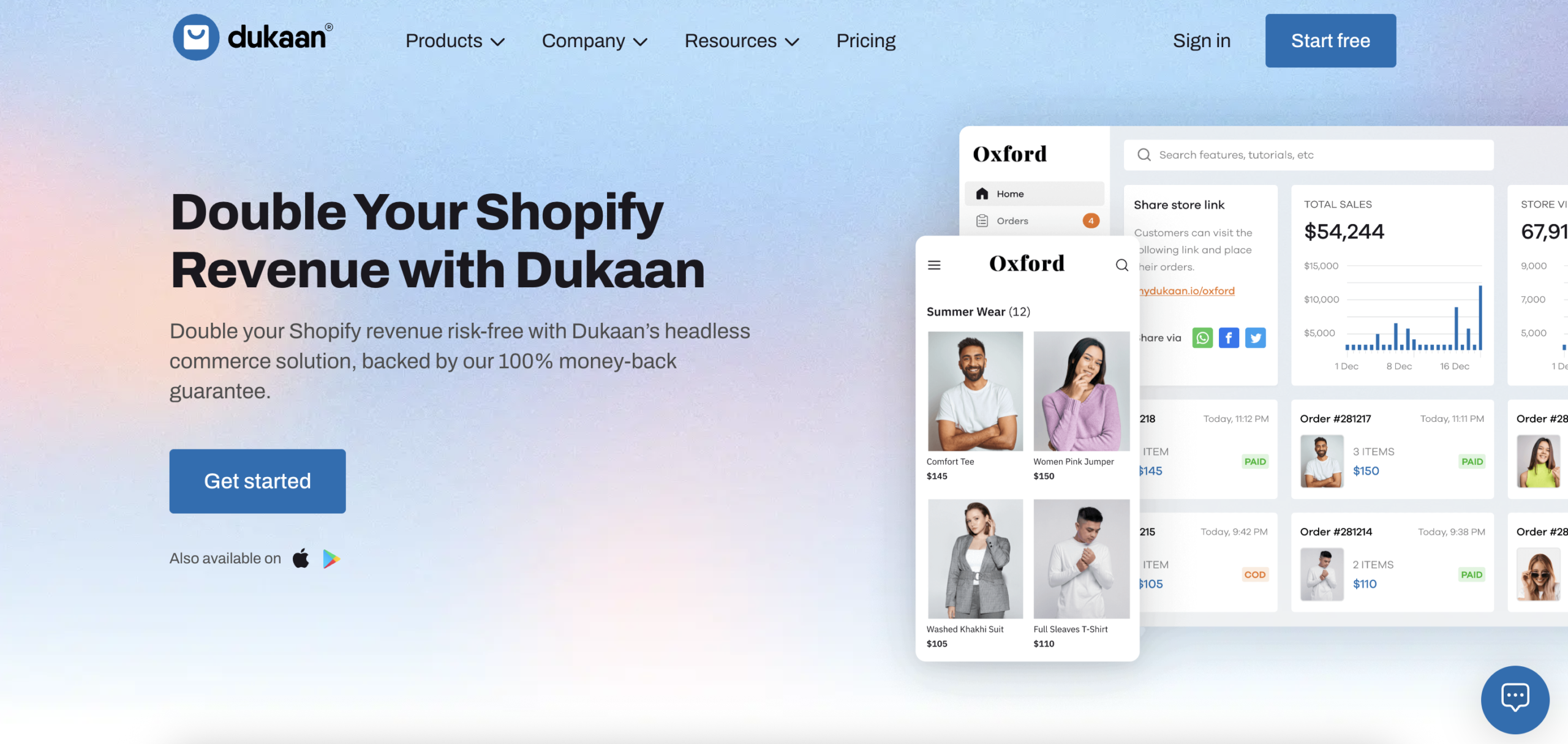
Dukaan is an India-based website builder focused specifically on helping small businesses and individuals launch online stores quickly. It is designed for users who want to start selling online with minimal setup and technical effort.
The platform is ecommerce-first and guides users through a simple store creation process. This makes Dukaan popular among small Indian sellers, local shops, and first-time entrepreneurs who want to go live fast without worrying about design or technical configuration.
Dukaan works best for basic online stores with a limited product range. Customization options are intentionally minimal, which helps speed up setup but also limits flexibility for users who want to build content-rich or multi-purpose websites.
Compared to full website builders, Dukaan is narrowly focused on ecommerce and may feel restrictive as a business grows or needs expand beyond selling products.
8. Instamojo
Instamojo stats:
- Best for: Indian creators and small businesses selling digital products or services
- Less suitable for: users who want a full-featured website builder with design flexibility and content-focused pages
- Price: starts at $19/month
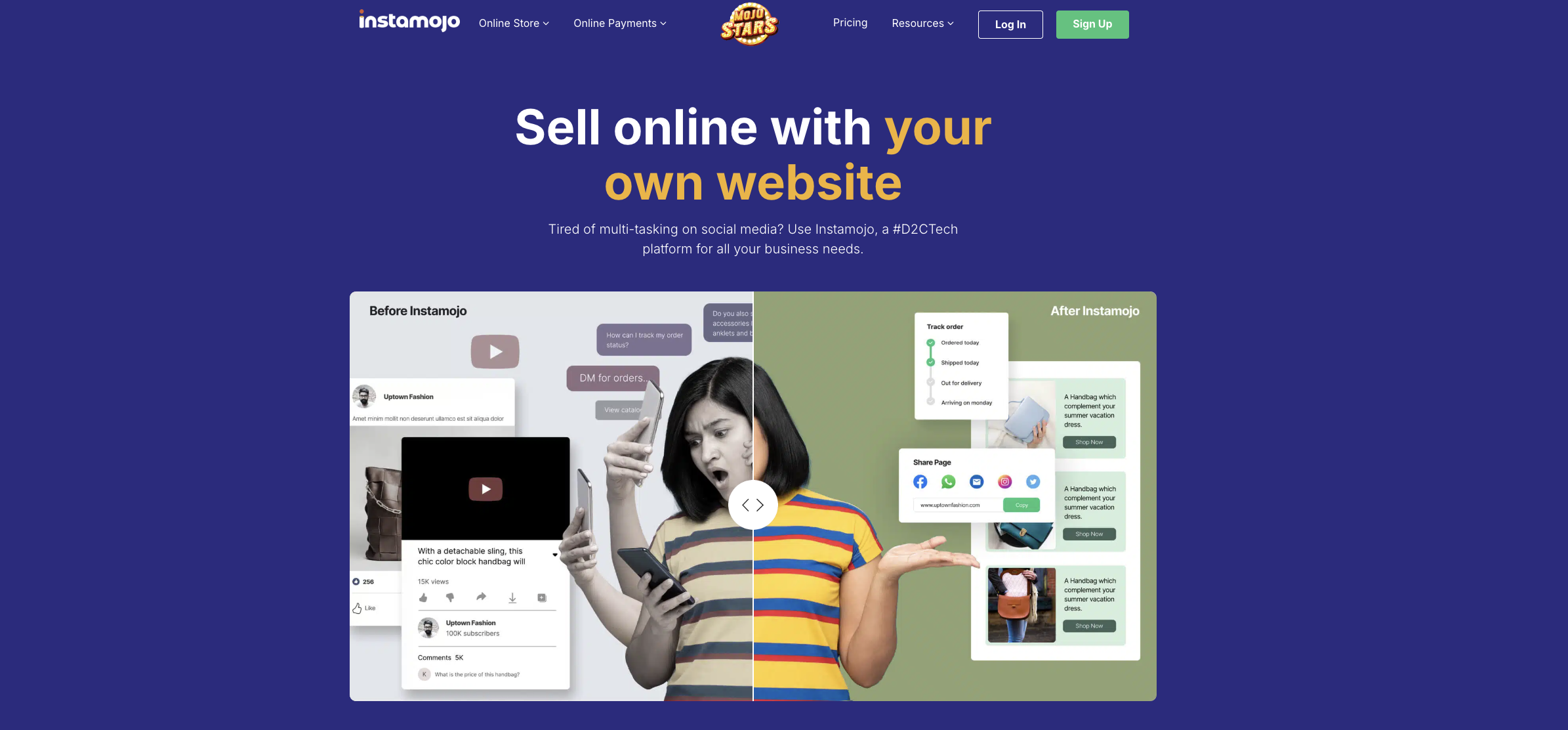
Instamojo is an India-focused platform that combines online payments with simple website and store-building tools. It is commonly used by creators, coaches, and small businesses that want to sell digital products, services, or limited physical products online.
The platform is designed to make selling easy rather than to provide full website customization. Users can create basic storefronts, add products or services, and start accepting payments quickly without technical setup.
Instamojo works well for payment-first use cases such as selling digital downloads, courses, event tickets, or service bookings. However, its website-building capabilities are limited compared to full website builders, especially when it comes to design flexibility, content structure, and long-term scalability.
For users who need a simple way to accept payments and sell online in India, Instamojo can be a practical starting point. For building a complete website with multiple pages, design control, and broader functionality, a full website builder is usually a better choice.
9. GoDaddy

GoDaddy stats:
- Best for: basic websites and quick online presence
- Less suitable for: users who want design flexibility, advanced features, or long-term growth
- Price: freemium
GoDaddy offers a beginner-friendly website builder aimed at users who want to create a basic website quickly with minimal setup. It is commonly used for simple business sites, landing pages, or personal websites.
The builder provides pre-made templates and guided setup, which makes it easy to get started. However, customization options are limited, and design flexibility is lower compared to full website builders. Layout changes, fonts, and advanced features are restricted, which can be limiting as a website grows.
GoDaddy’s free plan includes branding and a subdomain. To use a custom domain or access more features, users need to upgrade to a paid plan. Ecommerce functionality is available, but it is basic and less flexible than dedicated ecommerce or all-in-one builders.
For Indian users, GoDaddy works best for simple, short-term website needs rather than long-term projects that require scalability or customization.
10. Jimdo
Jimdo stats:
- Best for: simple personal websites and basic business pages
- Less suitable for: users who want advanced customization, ecommerce features, or long-term scalability
- Price: freemium
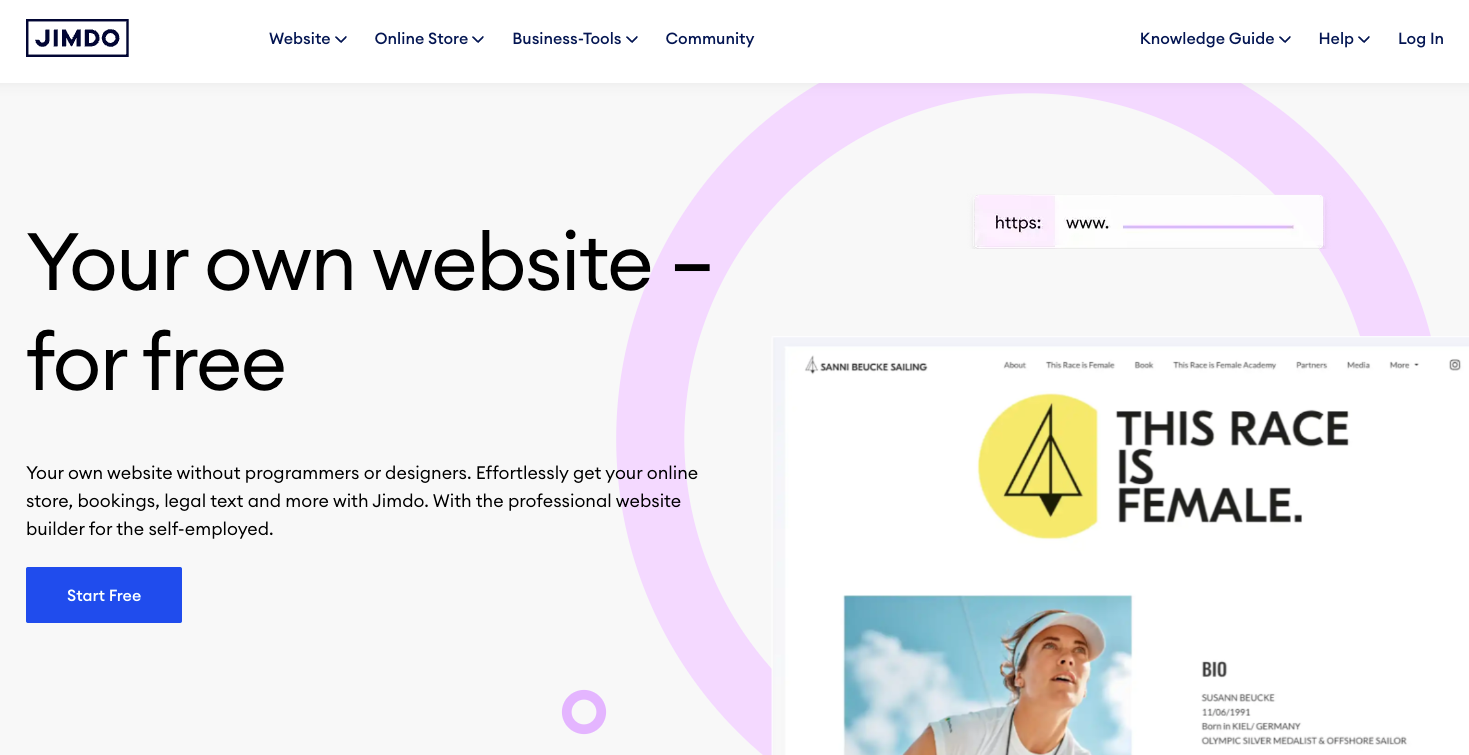
Jimdo is a beginner-friendly website builder designed for users who want a simple website with minimal setup. It focuses on ease of use and mobile optimization rather than advanced customization.
The platform offers AI-assisted website creation and ready-made templates that help users get online quickly. Jimdo websites are mobile-responsive by default, which suits users who expect most visitors to browse on smartphones.
However, Jimdo’s customization options are limited. Users can adjust layouts and content within predefined sections but have little control over design details. Access to support and advanced features is also restricted on the free plan.
For Indian users, Jimdo can work for small personal websites or basic business pages, but it may feel restrictive for projects that require flexibility, content growth, or ecommerce expansion.
How to choose the best website builder
Consider a few key factors to ensure the website builder you choose fits your goals, budget, and technical comfort level. In India, this usually means finding a balance between affordability, ease of use, and features that support long-term growth.
Here are the most important factors to consider before choosing a website builder:
- Determine your budget: Define your budget first. Free builders like Wix or WordPress.com suit low budgets, while premium builders like Squarespace or Shopify offer more features for a price. Consider the costs of creating a website, such as a domain and hosting.
- Evaluate your needs: Assess your website’s purpose (e.g., portfolio, ecommerce), ease of use, customization, templates, and scalability for future growth.
- Explore key features: Ensure the builder includes essential features like ecommerce tools, mobile responsiveness, SEO capabilities, integrations, analytics, and security.
- Consider design options: Look for appealing, professional templates with flexibility for customization. Ensure mobile optimization and additional features like animations.
- Evaluate customer support: Choose a platform with reliable, accessible support (phone, email, live chat). Check availability hours and potential extra costs for premium support.
What are the next steps after choosing a website builder?
Now that you’ve chosen and signed up for a website builder, it’s time to start building your online presence. Begin by selecting a template that fits your website’s purpose, or if you prefer, start with a blank canvas to create a custom design. Make sure the design reflects your brand identity and is optimized for user experience.
Next, add essential pages such as a homepage, about page, and contact page. These pages will serve as the foundation of your website. After that, customize your content by adding text, images, videos, and other media that align with your brand or business. Use the builder’s drag-and-drop editor to make adjustments easily.
If you haven’t already done so, choose a custom domain name that represents your brand. Many website builders offer domain registration as part of their service, making this step convenient. Don’t forget to optimize your site for search engines using built-in SEO tools to add meta descriptions, keywords, and alt text for images, improving your site’s visibility.
Before publishing, take the time to test your website on different devices to ensure it’s mobile-friendly and performs well across platforms. Check for any broken links, slow loading times, or other issues that might affect the user experience. Once everything looks good, publish your site and start promoting it through social media, email campaigns, and other marketing channels to attract visitors.
All of the tutorial content on this website is subject to Hostinger's rigorous editorial standards and values.

Leo is a Content SEO Specialist and WordPress contributor. Armed with his experience as a WordPress Release Co-Lead and Documentation Team Representative, he loves sharing his knowledge to help people build successful websites. Follow him on LinkedIn.


