
How to add a favicon to your website
A favicon is a small icon that serves as your website’s visual identity in browser tabs, bookmarks, and history logs. It helps users recognize...
How to link CSS to HTML files in web development
To link CSS to HTML, use the <link> tag within the <head> section of your HTML document, which creates a reference to an external CSS...
Types of CSS: inline, external and internal definitions and differences explained
CSS defines the front-end appearance of your website. There are several types of CSS, among them are inline and external CSS.In short, the main...
10 best practices to make a website mobile-friendly
Ensuring your website is as user-friendly on any mobile device as on a traditional desktop is key to standing out against the competition.This is...
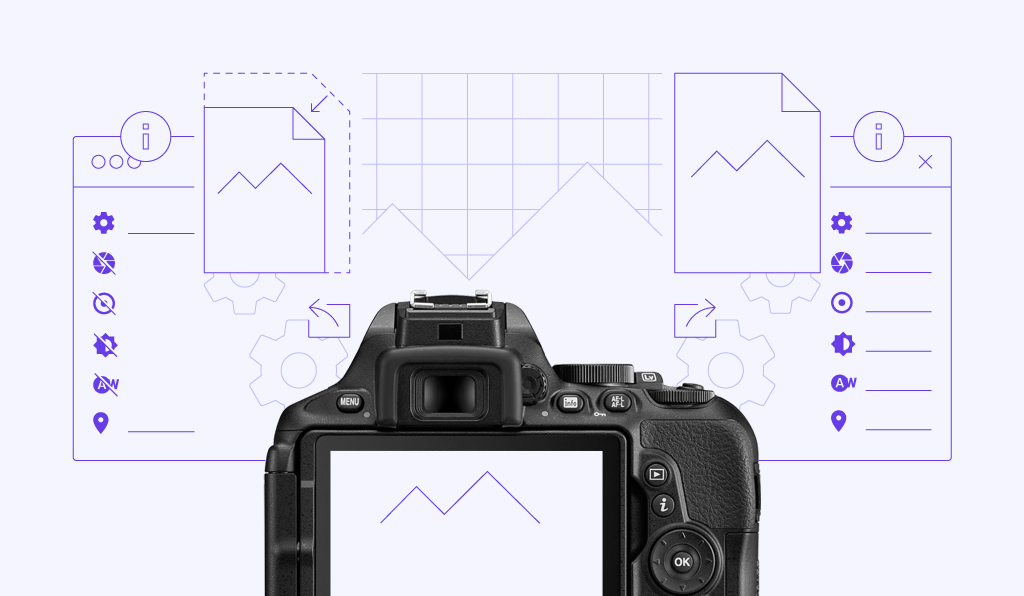
Lossy vs lossless image compression
Image compression is a method used to reduce the size of images, which can improve the loading speed and the overall performance of a website.To help...
What is website caching and how does it work?
Website caching is a method of improving page load time by storing temporary, ready-to-use copies of web content in a more easily accessible location....
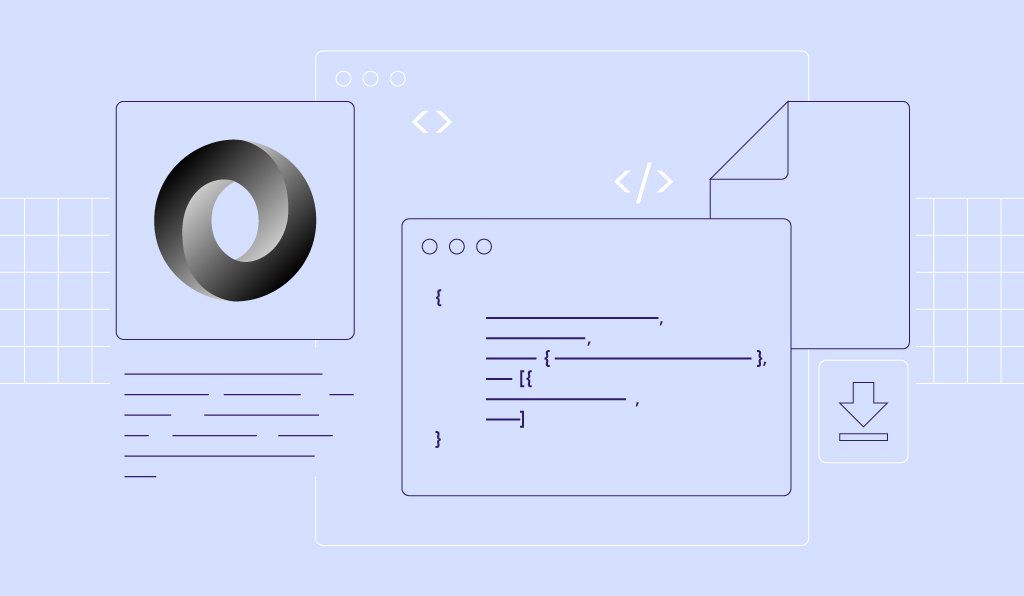
What is JSON: understanding syntax, storing JSON data and downloadable cheat sheet
JSON (JavaScript Object Notation) is a text-based file format designed for data interchange. It represents structured data based on the JavaScript...
Dreamweaver tutorial: How to build a website step by step
Adobe Dreamweaver is a website development tool that combines a visual editor with HTML, CSS, and JavaScript code editing. It lets you create and...
What is CSS and how does it work?
Cascading Style Sheets (CSS) is a rules-based programming language developed by the World Wide Web Consortium (W3C) in 1996 for a simple reason. The...