
What is the cURL command? understanding the syntax, options, and examples
The curl command (client URL) is a command-line tool for transferring data to or from a server. At its simplest, you specify a URL and the data to...

How to use the Linux rsync command to streamline remote file synchronization
Copying files from one device to another can be a cumbersome task. Fortunately, you can simplify this process on Linux using the rsync command.rsync,...

How to set up a VPS in 6 steps
Setting up a VPS means preparing your server, connecting to it via SSH, updating the system, creating a safer user account, securing remote access,...
What is the wget command and how to use it (12 examples included)
This guide teaches you how to use the wget command on Linux. It provides 12 examples of wget commands in action to help you use them. Once...
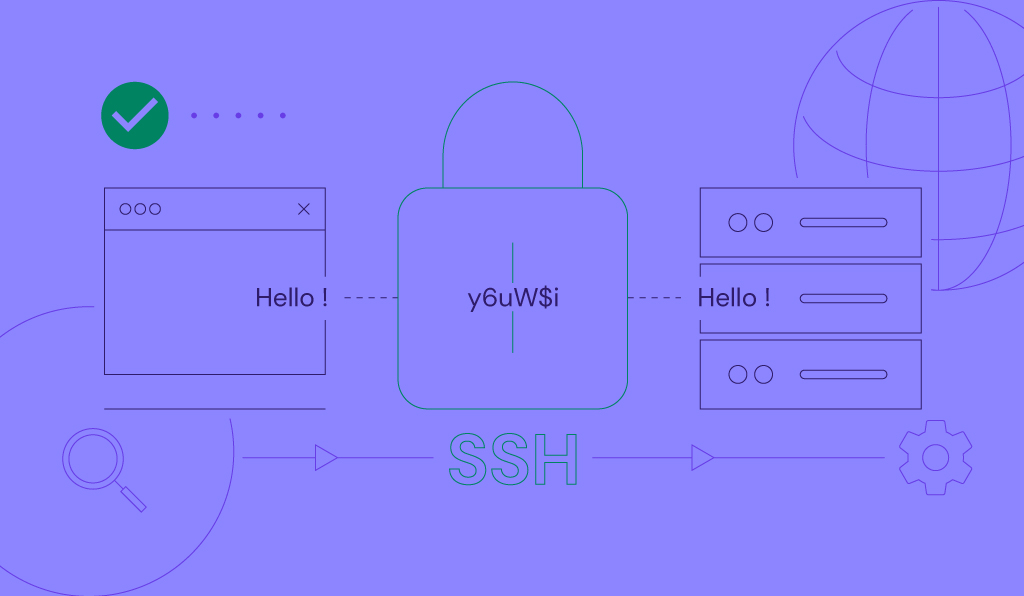
What is SSH? Understanding SSH and its encryption techniques
SSH (secure shell protocol) is an encrypted protocol for accessing and managing remote systems, such as a server, over the Internet. It’s...
How to use the Linux locate command to find any file
If you’re using Linux for the first time, you might be confused about how to search for files and directories on your computer. There are two...
How to install ClamAV on CentOS 9 Stream
Do you want to protect your VPS from dangerous malware and viruses? You can easily do that by installing an antivirus. There are plenty of options out...
How to set up SSH keys for secure server authentication
SSH keys let you authenticate to a remote server using a public-private key pair instead of a password, making remote access more secure and, with an...