The Best Website Builder for Photographers in 2024
Mar 10, 2026
/
Nadia D.
/
10 min Read
A photography website is a great platform to display your work, grow your business, and attract potential clients. Website builders make site creation easy as they often come with an intuitive drag-and-drop visual editor.
These website builders help you build a site for specific purposes, like selling photography services, making a portfolio, and setting up a business page. Some also have features to help with supporting tasks, such as online store maintenance and search engine optimization (SEO).
This article will cover the eight best website builders for photographers to help you decide. We’ve evaluated each platform based on several factors, including ease of use, functionality, and pricing.
Download website launch checklist
Top 8 Website Builders for Photography Websites
Let’s review our handpicked list of the best website builders for creating photography websites.
1. Best Website Builder for Photography Portfolio Website – Fabrik
Fabrik Stats:
- Rating: 4.4/5
- Price: from $9.17/month
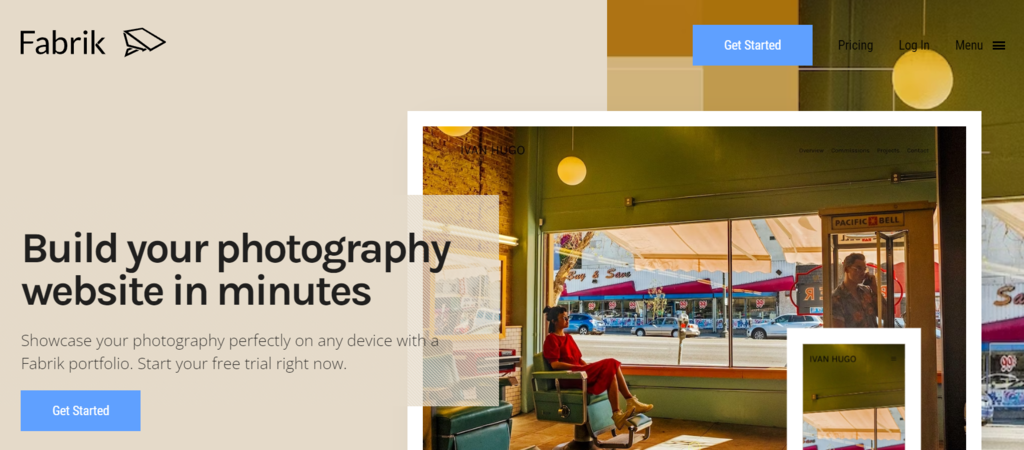
Designed by photographers and artists, Fabrik enables users to build a photography website to showcase their photos online. This website builder specifically caters its online portfolio services for creative individuals, including filmmakers, photographers, agencies, and studios.
To design a website, start by picking a template from the platform’s gallery. Then, continue to create an account, upload media to add to your portfolio, and customize your site’s visual elements.
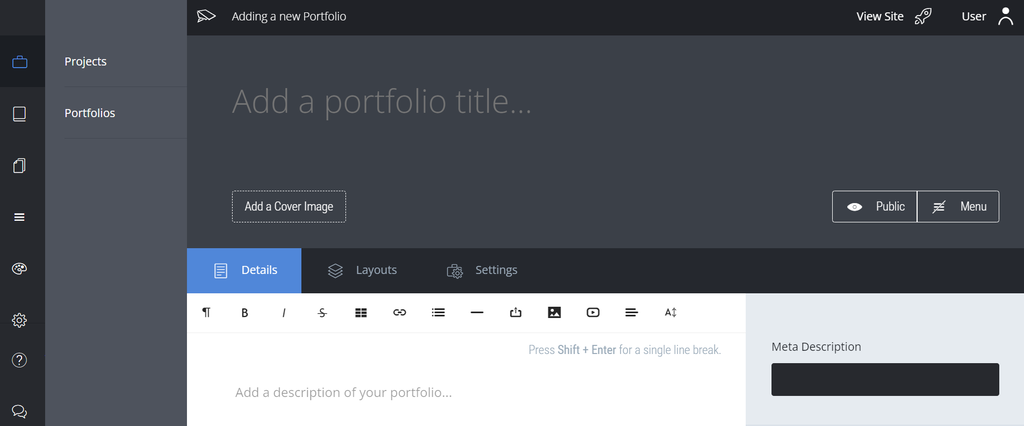
Fabrik offers a drag-and-drop interface that lets you easily structure the site menu. Also, its themes and layouts enable users to display a large, high-quality cover image on their photography portfolios.
The downside is, Fabrik’s pricing is quite high compared to others on this list, especially since it mainly covers portfolio functionality. Additionally, there is no option to add watermarks.
Key Features
- Intelligent themes – lets you change themes without needing to modify your content, and your online portfolio will adjust to different screen sizes.
- Layout customization – enables users to choose varying layouts for different pages, including grids, stacks, lightboxes, magazine layouts, slideshows, and spotlights.
- Image cropping – helps you control how your photos will look on the website with several cropping options.
- Automatic image handling – simplifies the upload process, as it will optimize the photo size for a better viewing experience.
- Creative control – eases the editing process without having to write a single line of code.
- Sharing control – gives options to protect your work, such as setting private or public project statuses as well as passwords.
- Instant media integration – lets you easily upload video and audio files to enhance your website visuals.
2. Best Overall Photography Web Builder – Hostinger Website Builder
Hostinger Website Builder Stats:
- Rating: 4.8/5
- Price: starts at CA$ 4.19/month
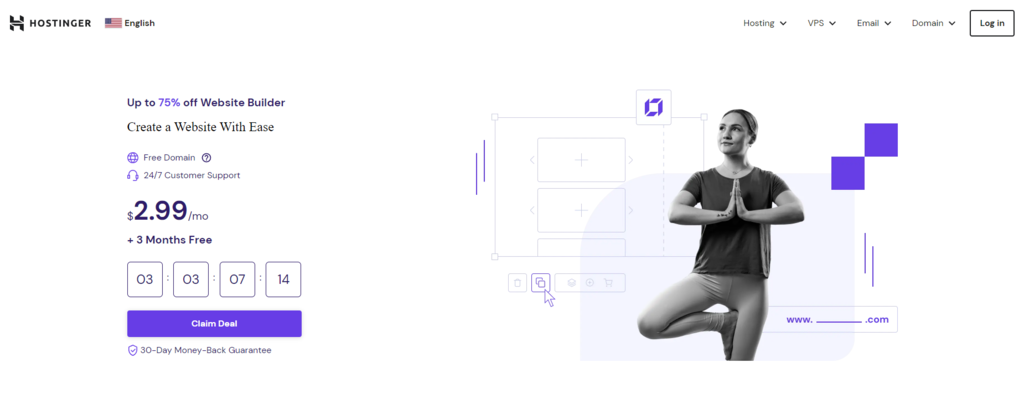
Hostinger Photography Website Builder is an excellent all-in-one solution for building a photography website. It offers a free domain, web hosting, and a professional email account. Analytics features are also accessible from a single dashboard.
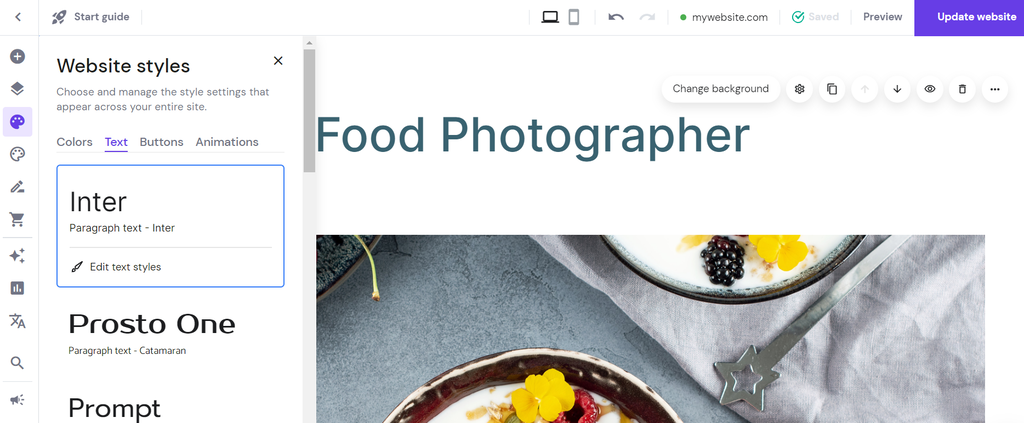
The platform has a drag-and-drop editor and an array of professional-looking photography website themes. Plus, users can adjust elements like fonts, color schemes, button styles, and animated effects to present a compelling portfolio.
A standout feature of Hostinger Website Builder is its built-in AI and SEO tools to simplify the website building process. For example, use the AI Writer to generate optimized portfolio descriptions or the AI Heatmap tool to find the perfect placement for website elements.
Business plan and above comes with a robust online store manager. This helps users configure settings such as product inventory and discounts. With over 20 gateways to accept online payments and no commission fees, it’s especially useful if you’re planning to sell photos online.
To use the platform, you will need to purchase a web hosting plan from Hostinger. However, existing clients can easily switch from their current content management system (CMS) to Hostinger Website Builder at no extra cost.
Pro Tip
Learn the difference between a website builder vs CMS to decide the ideal solution for your project.
You can check the Hostinger Website Builder demo to get familiar with the features and editing interface.
Key Features
- AI tools – includes an AI website creator, AI Writer, and AI Heatmap, letting you quickly design and launch your site.
- SEO toolkit – lets users adjust meta descriptions and titles, image alt text, and keywords, as well as generate a sitemap.
- eCommerce features – available in the Business plan and above, enabling business owners to maintain their online store while handling shipping and order tracking from an integrated dashboard.
- Smart layout feature – helps you align visual elements to ensure a proportional website for a better user experience.
- Blogging features – eases blog post creation and publishing. You can categorize posts based on the content and show them on dedicated pages.
- Excellent security – protects your data with unlimited free SSL certificates, weekly backups, and Cloudflare-protected nameservers.
- Third-party integrations – includes platforms like Google AdSense, Google Analytics, Facebook Pixel, and Google Tag Manager to monitor site performance and conversions.

3. Best Website Builder for Photography Business Website – Squarespace
Squarespace Stats:
- Rating: 4.4/5
- Price: starts at $16/month
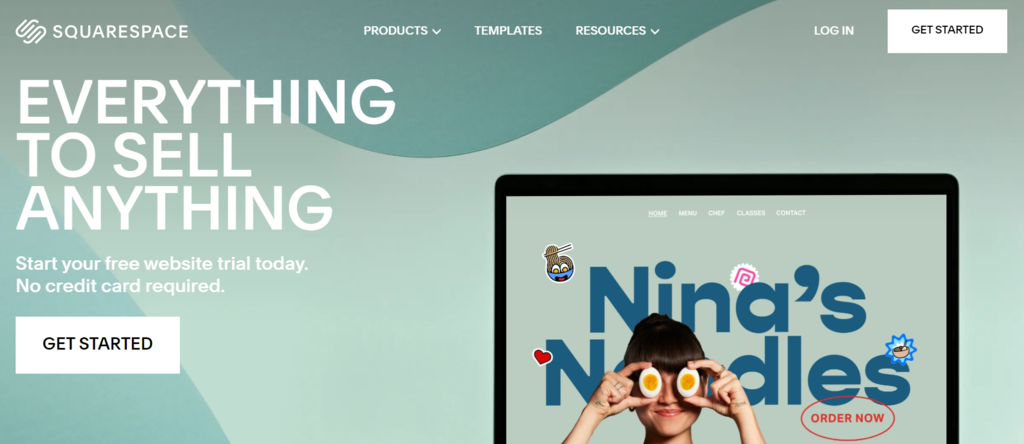
Squarespace is a popular builder to create websites for photography businesses. This excellent website builder has a range of customizable photography templates to display projects with attractive visuals.
Not only does Squarespace ease the website building process, but it also offers rich features to grow your online business. For instance, it supports third-party extensions built into your photography website for order tracking, payments, and shipping.
In addition, it provides photography blog tools. That way, you can share stories about your business and schedule content to engage with potential customers regularly.
Using the platform to create websites is relatively straightforward. Choose a template from the platform’s gallery, customize pages and navigation, adjust the styles, brand your site with a logo, and complete the process by adding a custom domain.

However, Squarespace’s editor is less intuitive than others, as users need to navigate through multiple sections to locate hidden customization options.
Key Features
- Purpose-based templates – enables users to choose a template based on type, like an online store, one-page site, and blog. You can also specify the site topic, such as food, weddings, or travel, to match your photography niche.
- Built-in SEO feature – helps users enhance visibility on search engines. They can gain insights into website traffic, content performance, and best-selling products.
- Third-party extensions – allows users to streamline tasks such as bookkeeping, inventory tracking, and social media marketing. For example, the Mailchimp for Commerce extension helps with personalized marketing to generate more visitors.
- Security features – includes options to set customizable galleries and password-protected pages to enable safe collaboration.
4. Best Website Builder for Professional Photography Websites – PhotoShelter
PhotoShelter Stats:
- Rating: 4.6/5
- Price: from $10/month
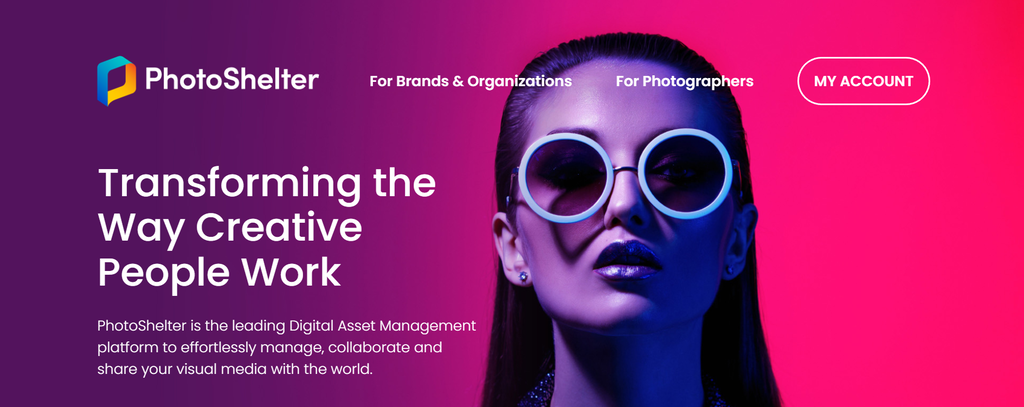
Considered the best photography website builder among professionals, PhotoShelter is a suitable option if you’re a portrait, fashion, or wedding photographer. Used by popular brands like Fujifilm, this platform is fast and easy to use. It offers elegant and responsive template designs and enables quick and secure file sharing.
PhotoShelter has a mobile app, letting users easily manage their photo files and access eCommerce tools on the go. In addition, the platform comes with a drag-and-drop file manager and an integrated shopping cart designed for photography.
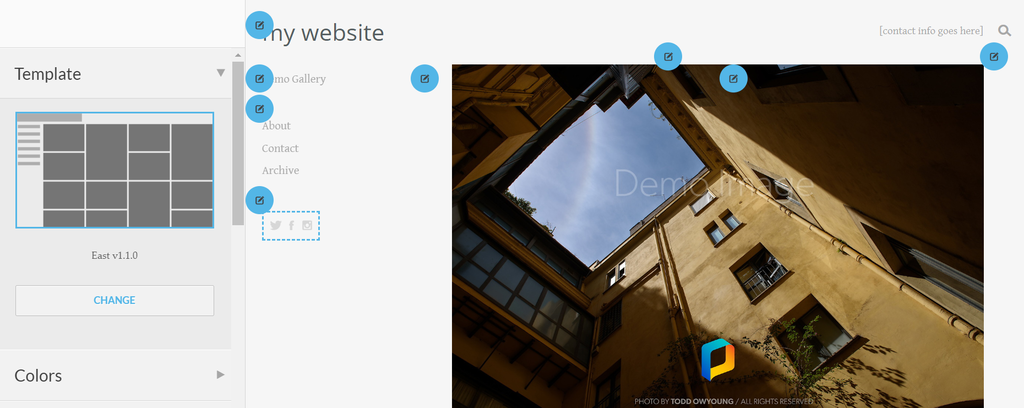
To establish professional branding, you can customize logos, fonts, and colors to create a distinct visual identity. Moreover, the platform integrates with Vimeo, Tumblr, and Instagram for easier media sharing.
The downside is that PhotoShelter’s templates are limited to only nine choices for all plans. If you wish to get more customization options at affordable prices, we recommend choosing other website builders for photographers on this list.
Key Features
- Unlimited storage – comes with an unlimited file size feature, offered only in PhotoShelter’s Pro plan.
- Professional security – includes one-click downloads, protected galleries, non-destructive watermarks, image display size limits, and permission management features.
- Online store functionality – lets users set pricing to sell prints and photo licenses.
- Extensive community – connects you with a network of professional photographers to help you improve your site.
- Built-in client proofing tool – eases high-resolution file sharing without third-party apps. Also, it simplifies collaboration using custom lightboxes.
- Sales and marketing tools – lets users set unlimited price lists for clients and customize branded packages. PhotoShelter also accepts online payments through PayPal and Stripe and supports 23 global currencies.
- SEO features – lets you generate image alt text and titles automatically. Plus, photo downloads are trackable by client, date, and name.
5. Best Web Builder for Selling Photography Services – SmugMug

SmugMug Stats:
- Rating: 4.5/5
- Price: starts at $13/month
If you’re looking for a dedicated photography website builder, SmugMug is a great option. This platform comes with all the photography website essentials – secure storage space, a drag-and-drop customization tool, and an online store feature.
Setting up your site on SmugMug is simple. The platform has various pre-built templates, letting users create a new site quickly. Also, you can use a custom domain to launch a professional-looking site.

The tool is also excellent for creative professionals who want to sell products on their sites. Portfolio and Pro plans support payments with PayPal and credit cards without transaction fees.
Unfortunately, SmugMug doesn’t offer a free plan, and the editor looks outdated and less intuitive than others on this list.
Key Features
- Unlimited cloud storage – lets photographers upload full-resolution images online. The platform will charge you a fixed price, not based on usage.
- Watermark availability – prevents others from stealing your protected creative work and can help to increase brand recognition.
- SmugMug Source add-on – enables you to store, manage, and protect RAW files at an extra charge, starting at $3/month for 512 GB of data use.
- Scalability – grow your brand with Pro features, such as the coupon creator and branded packaging for print sales.
- Lightroom integration – eases the process of editing and uploading files to your site.
- Privacy controls – includes a password-protected gallery, client favoriting, and client downloads limit options.
6. Best Web Builder for Budget-Friendly Photography Website – Format
Format Stats:
- Rating: 4.4/5
- Price: from $4/month
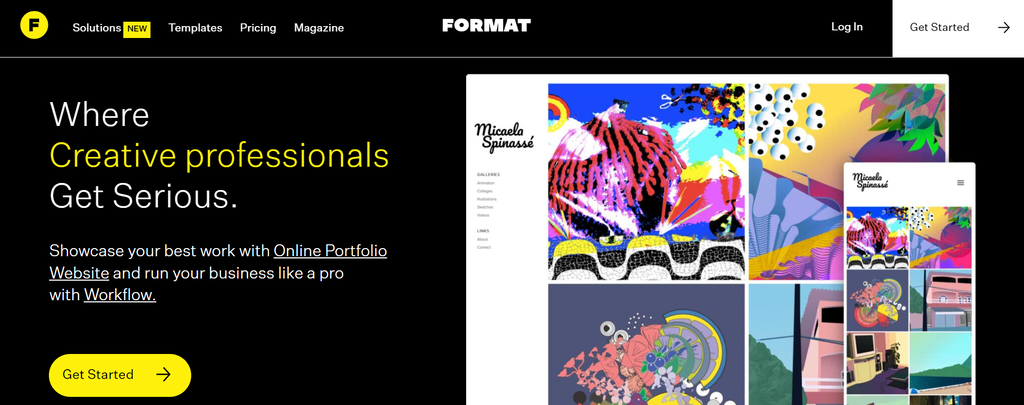
Format is an affordable solution for your photography website. Built for creative professionals, the platform features a website editor, an easy workflow, and an online selling feature.
This great website builder has a range of customizable photography templates, letting users make a compelling website without needing to code. Plus, you can perform multiple tasks from a single dashboard, including photo organizing, portfolio making, product selling, and secure file sharing.
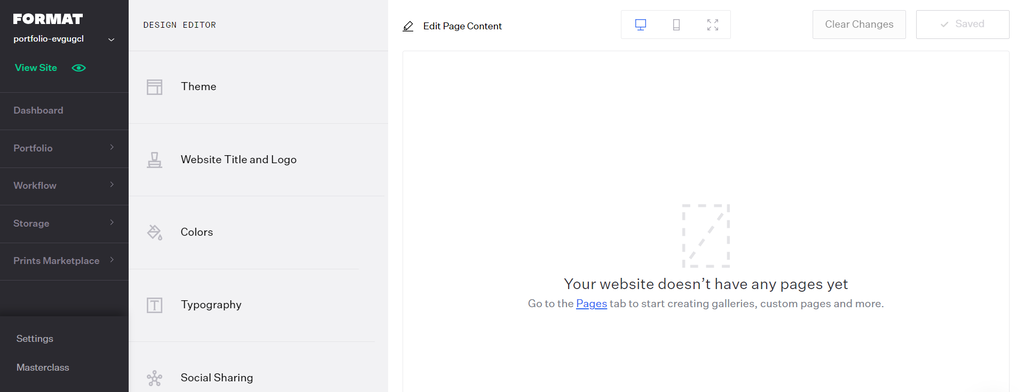
Format also lets you directly upload videos to your website. This way, you won’t have to source media from third-party platforms like YouTube and Vimeo.
The downside of Format is that the Basic plan doesn’t offer image storage or online store functionality. In contrast, other website builders for photographers on our list provide that at an even lower price.
Key Features
- Newly-launched Workflow product – offers a better client experience as it supports proofing, branded client galleries, and collaboration tools. Also, Workflow is available for free on all plans.
- Online store functionality – lets you sell Lightroom presets, customized digital products, and prints with Format’s designated print labs.
- Large file transfers – allows up to 10GB of photo sharing without needing to use a different platform. Supported methods include a shareable gallery and branded ZIP file.
- Copyright protection – limits others from distributing, selling, and using your work without permission.
- Client overviews – enables easy access to your client’s important details, such as file transfers and project notes.
7. Best Website Builder for Beginner Photographers – Pixpa

Pixpa Stats:
- Rating: 4.5/5
- Price: starts at $6/month
This all-in-one photography website builder may suit those wanting to display and sell their work online. With Pixpa, users can easily create a beautiful photography website, since it offers a drag-and-drop editor with more than 150 responsive templates.
To start building a site, choose your desired template and add content. Users can customize various elements, including galleries, blogs, pages, and forms, and the Pixpa theme will automatically adapt the layout.

Moreover, you can connect a custom domain to your Pixpa website. Also, there are options to add a logo, bio, and title text to help build a strong visual identity for your brand.
However, as a website builder for photographers, Pixpa lacks more advanced features compared to most website builders on this list. For example, it only supports five web pages for users on the Basic plan.
Key Features
- Online store tools – makes managing your storefront, selling digital products, and tracking inventory easier.
- Smooth digital workflow – simplifies work sharing and lets your clients proof, purchase, and download images on any device without hassle.
- Cover page customization – helps users create responsive and attractive landing pages for their photography sites.
- Pre-built content blocks – gives you access to 300+ block options to add various site content.
- SEO-ready – offers built-in SEO tools, helping to optimize your website without extra plugins.
- App integrations – includes media platforms like YouTube, Instagram, and Spotify, helping you increase site engagement.
8. Best Free Website Builder for Photographers – Weebly

Weebly Stats:
- Rating: 4.4/5
- Price: freemium
Weebly is one of the popular free website builders. With it, you can access basic features to create a photography site. However, you will need to purchase a domain separately, unless you opt for a Professional or Performance plan with a free domain.
Still, users can get eCommerce functionality with the free option, such as unlimited product listings, inventory management, and a shopping cart.
Other advantages include the platform’s SEO-friendliness and Instagram feed feature. Also, Weebly has a community forum where you can gain tips from other users to improve your site.
Once you create a Weebly account, you will have two options to choose from – a website or a website with an online store. Pick the one relevant to your goals, decide on a suitable theme, and start editing. If you’re using the free plan, make sure to also check for an available subdomain on the platform.
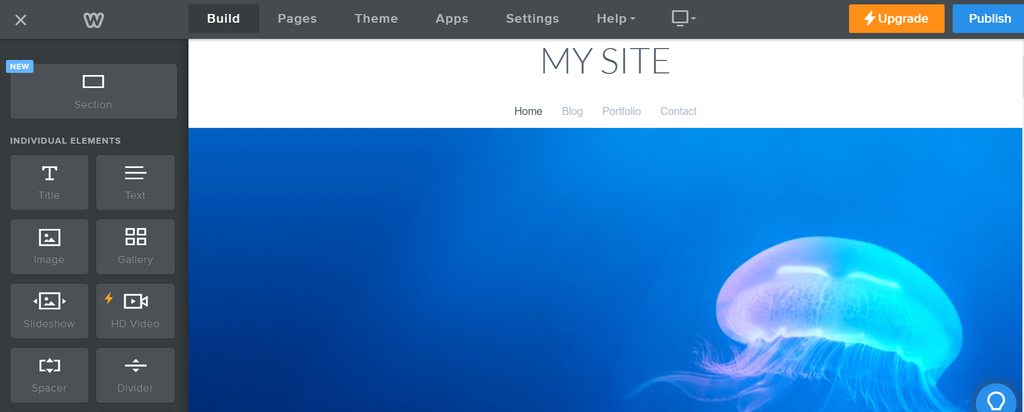
Weebly’s disadvantages are its limited customization features and reduced image quality. Also, using the free service means you will have ads displayed on your site, giving it an unprofessional look.
Key Features
- App Center – lets users add more functionality to their website. It includes marketing tools and eCommerce apps, which you can install via the editor.
- Mobile app feature – available on iPhone, iPad, and Android, letting you manage content while you’re on the go.
- Slideshow maker – helps you create an attractive slideshow with transitions and an auto-play function.
- Extensive photo gallery – saves you time when looking for free and paid photos to add to your site.
- Video hosting – enables you to upload videos directly via the platform to display on the website.
Suggested Reading
Learn about web design best practices to attract more website visitors.
What to Look For in a Website Builder for a Photography Site
With multiple platforms available, consider these factors when choosing a good website builder.
Usability
Most popular website builders offer an easy interface and straightforward navigation for an easier site-building process. However, make sure your chosen platform meets your specific needs.
For instance, if you’re looking to create a photography portfolio site and an online shop, use a platform like Hostinger Website Builder that offers features to support both purposes.
It’s also good to look for an all-in-one solution with an easy setup process, like a photography builder offering a free SSL certificate and a custom domain.
Storage
As it’s important to ensure your site has enough capacity to store images, we recommend using a builder offering sufficient or even unlimited storage. This will save you from the hassle of having to switch platforms or delete your content once the storage space is full.
Customizability
When it comes to building a photography site, the way you present your work is crucial. Look for photography website builders offering ready-to-use yet fully customizable templates. A bonus point is if the tool provides AI-driven designs to help ensure your site layout and content stand out.
Pricing
The best website builders for photographers aren’t always in the higher-tier category – there are many options for affordable all-rounder platforms too. When purchasing a plan, consider if the cost corresponds with the features you will get.
Supporting features
It’s worth getting a photography website builder with extras like SEO, eCommerce, and blogging functionality. Having access to these via a single platform enables you to increase site visibility, sell products, and establish a strong brand without needing to rely on third-party installations.
Conclusion
A website builder is a great solution for building a beautiful photography website. However, it’s essential to look for factors such as ease of use, storage space, customization options, cost, and additional features before choosing the right one for you.
In this article, we have listed the eight best website builders for photographers. Here are our top picks from the list:
- Hostinger Website Builder – the perfect photography website builder with AI-driven features.
- SmugMug – offers great privacy controls and is suitable for photographers selling digital products.
- PhotoShelter – eases media sharing and provides a mobile app for on-the-go website maintenance.
We hope this article has helped you learn about the best photography website builders. Good luck launching your photography business online!
Website Builder for Photographers FAQ
If you wish to know more about the best website builder for photographers, we provide answers to some frequently asked questions below.
Do Photographers Need a Website?
As a photographer, having a website can help you establish an online presence and showcase notable projects. That way, more people will learn about your professional services, increasing your chances of attracting potential clients.
What Is the Best Website Builder for Photographers?
When it comes to the best photography website builders, you will need to consider your site’s purpose and goals. For example, if you want to sell products and need powerful AI solutions, opt for Hostinger Website Builder. Meanwhile, PhotoShelter is among the top choices to create websites for professional photographers.
What Should a Photography Website Include?
Typically, a photography website should include a homepage, Portfolio page, Contact page, and About page. In addition, you can add social proof by displaying client testimonials and a social media feed to increase your website’s credibility. Also, consider adding a blog to help with SEO.

Nadia is a curious thinker that enjoys sharing her IT and digital marketing knowledge through written pieces and helping people success online. In her free time, she spends time in the streets or cafes learning about architecture and culture through urban sketching.