15 email automation examples for better engagement and conversions
Aug 28, 2026
/
By Alma
/
13 min Read
Email automation lets you send the right email at the right time without writing every message by hand.
You create the email once, set the trigger, and the automation sends it when that action occurs. For example, someone might get a welcome email after joining your list, a reminder after leaving products in their cart, or a re-engagement email after they stop opening your messages.
The best email automation examples do one of these things:
- Welcome new subscribers
- Turn leads into customers
- Recover missed sales
- Encourage repeat purchases
- Collect reviews and feedback
- Bring inactive subscribers back
- Notify your team when action is needed
If you’re setting up automated emails for the first time, start with three simple workflows: a welcome email series, an abandoned cart recovery email, and a post-purchase follow-up. These cover the moments where many businesses lose potential customers, and they’re usually easy to build first.
1. Welcome email series
A welcome email series is sent when someone joins your email list, creates an account, or signs up through a form.
Good for: All businesses. Set this one up first.
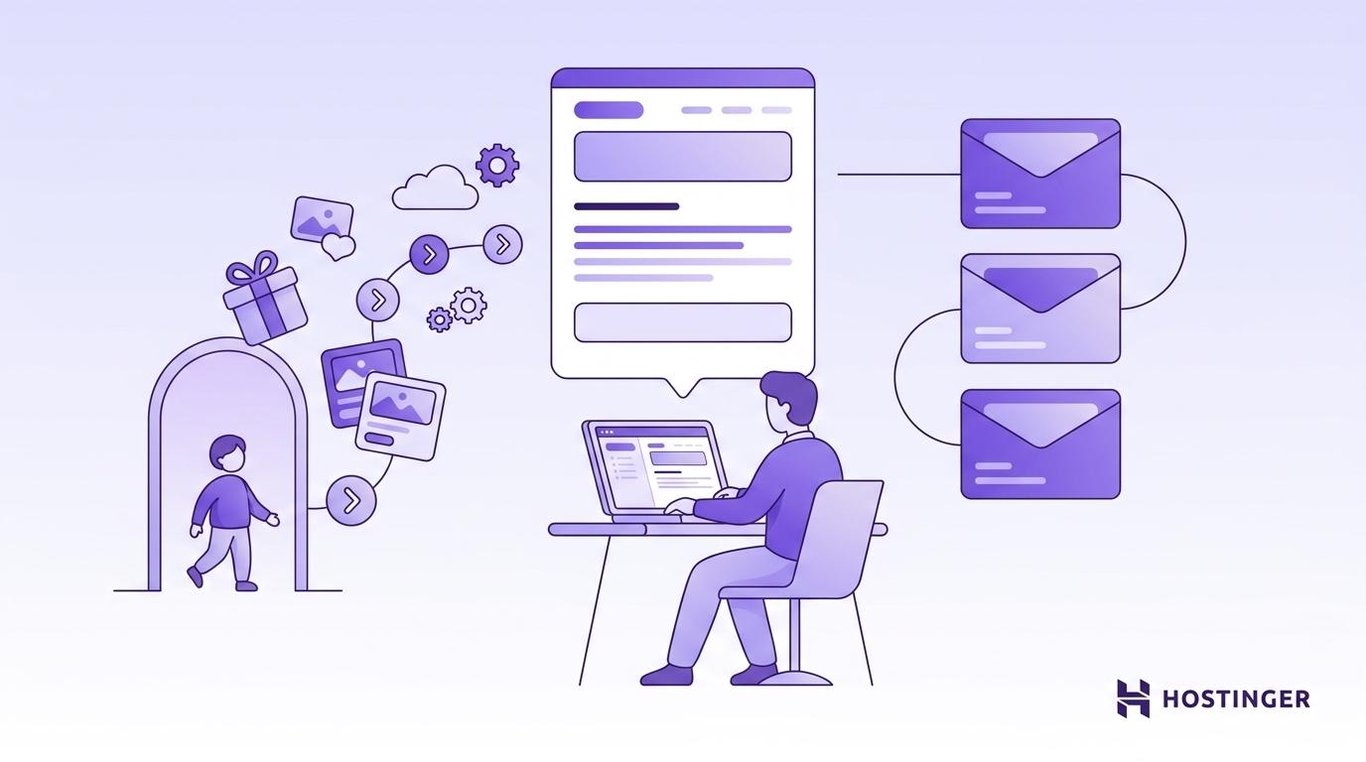
This is one of the best automations to set up first because new subscribers are usually most interested right after they sign up.
Your first welcome email should be simple. Thank the person for joining, confirm what they signed up for, and give them one clear next step.
A single welcome email works if your product is simple. A multi-step series works better when people need to learn about your product, see proof that others like it, or get a push toward a first purchase. Three to five emails across one to two weeks is a good range.
For example, an online store could send:
Email 1: Sent immediately
Subject: Thanks for joining – here’s 10% off
Message: “Welcome to [Store Name]! Use code WELCOME10 at checkout. It’s good for 7 days. Need ideas? Here are our three best sellers this month: [product links].”
Email 2: Sent after 3 days
Subject: Our most popular products this month
Message: “These three products are what our customers keep coming back for. Here’s why: [short descriptions with links].”
Email 3: Sent after 7 days
Subject: Your welcome offer expires soon
Message: “Your 10% off code expires tomorrow. If you’ve been thinking about [product category], now’s a good time: [link to store].”
Keep each email focused. One message should have one main point and one call to action.
2. Lead magnet delivery email
A lead magnet delivery email is sent after someone requests a free resource, such as a checklist, template, ebook, coupon, or webinar link.
Good for: Service businesses, consultants, SaaS companies, and creators who collect leads through free resources.
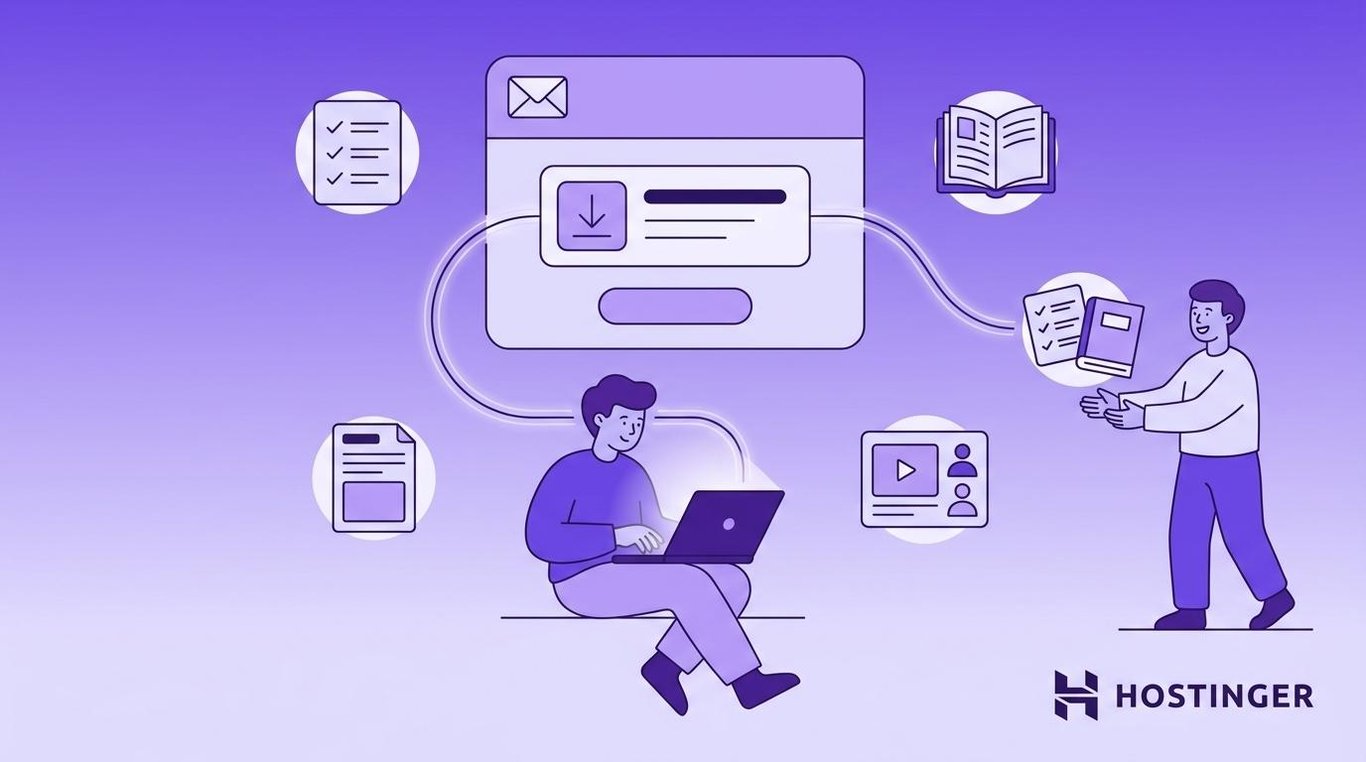
The email should arrive immediately. If people have to wait, they may lose trust or forget why they signed up.
Keep the first lead magnet email short:
- Thank them for signing up
- Give them the download link
- Remind them what the resource helps with
- Add one next step
The follow-up emails go deeper on the same topic. Two to three days later, send an email that connects to the lead magnet they downloaded. If someone got a guide on Instagram marketing, the follow-up could share three quick wins they can try today.
For example, if someone downloads a Blog SEO Checklist:
Email 1: Sent immediately
Subject: Your Blog SEO Checklist is ready
Message: Share the download link and briefly explain how to use it.
Email 2: Sent after 3 days
Subject: 3 quick SEO wins you can apply this week
Message: Share helpful advice related to the checklist and link to a relevant guide or service.
Don’t make the first email too sales-focused. Deliver what you promised first.
3. Onboarding email sequence
An onboarding email sequence helps new users, customers, or members get started after they join or buy.
Good for: Software, online courses, memberships, apps, and services with a setup process.
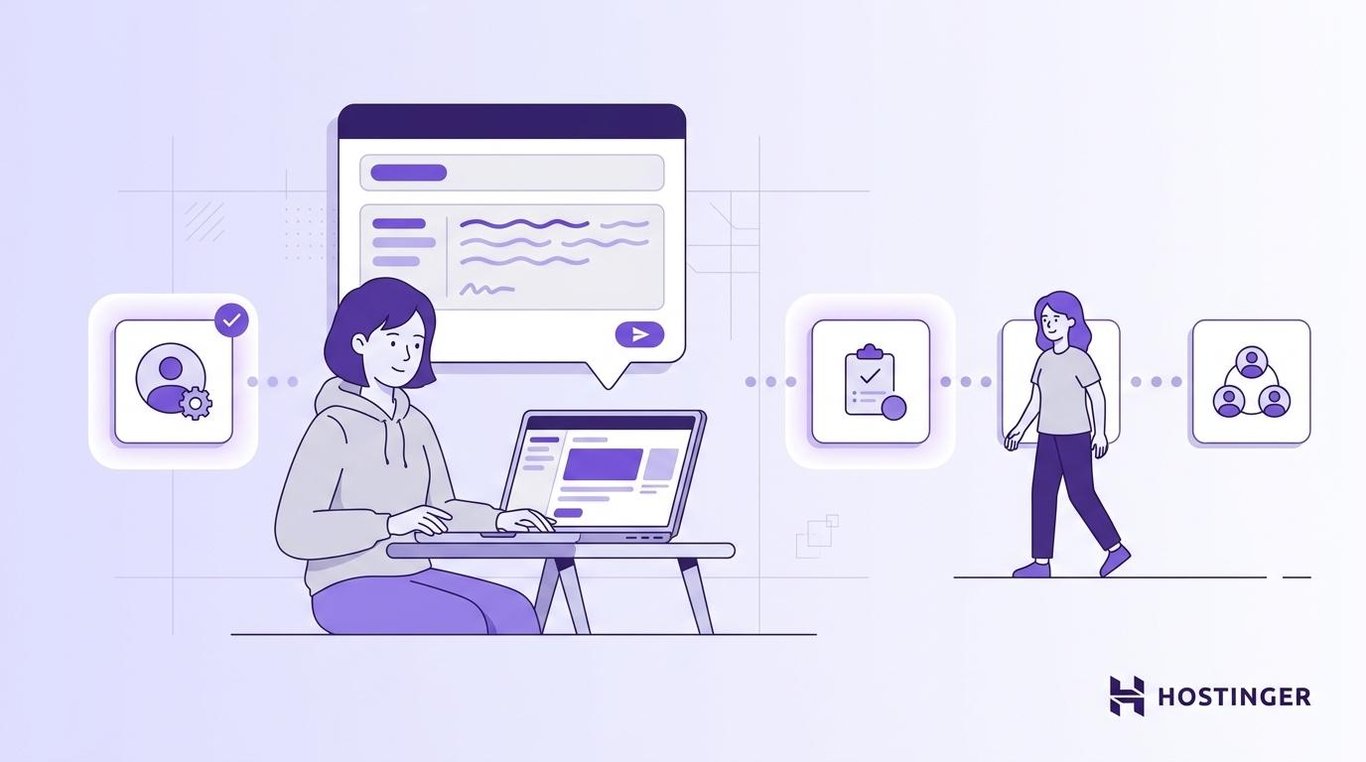
The goal isn’t to explain everything at once. The goal is to help people take the first useful action, like finishing their first task or seeing their first result. That usually takes one or two completed steps, not a full product tour.
For example, a project management tool could send:
Email 1: Sent immediately
Subject: Create your first project in 2 minutes
Message: Link directly to the project creation screen.
Email 2: Sent after 2 days
Subject: Invite your team
Message: Show how to add team members and start working together.
Email 3: Sent after 5 days (only if setup is incomplete)
Subject: Need help getting started?
Message: Share a short tutorial or support link.
Good onboarding emails are short, practical, and focused on progress.
4. Educational drip campaign
An educational drip campaign sends a series of helpful emails over several days or weeks.
Good for: Service businesses, consultants, SaaS products, course creators, and B2B (Business-to-Business) companies with a longer sales cycle.
Each email should teach one thing. Together, the emails should help the reader understand their problem and see your product or service as a good solution.
For example, a bookkeeping software company could send:
Email 1: Day 1
Subject: 3 records every small business should keep
Goal: Give the reader a useful tip they can act on today.
Email 2: Day 4
Subject: Deductions small businesses often miss
Goal: Show that you understand their day-to-day.
Email 3: Day 7
Subject: Spreadsheets vs. bookkeeping software
Goal: Help the reader compare their options.
Email 4: Day 10
Subject: How one business saved 6 hours a month
Goal: Show proof that the product delivers.
Email 5: Day 14
Subject: Start your free trial
Goal: Invite the reader to take the next step.
Don’t send too many emails too quickly. Give people time to read and think.
5. Abandoned cart recovery email
An abandoned cart recovery email is sent when someone adds a product to their cart but doesn’t complete the purchase.
Good for: Any ecommerce store. One of the highest-return automations you can set up.
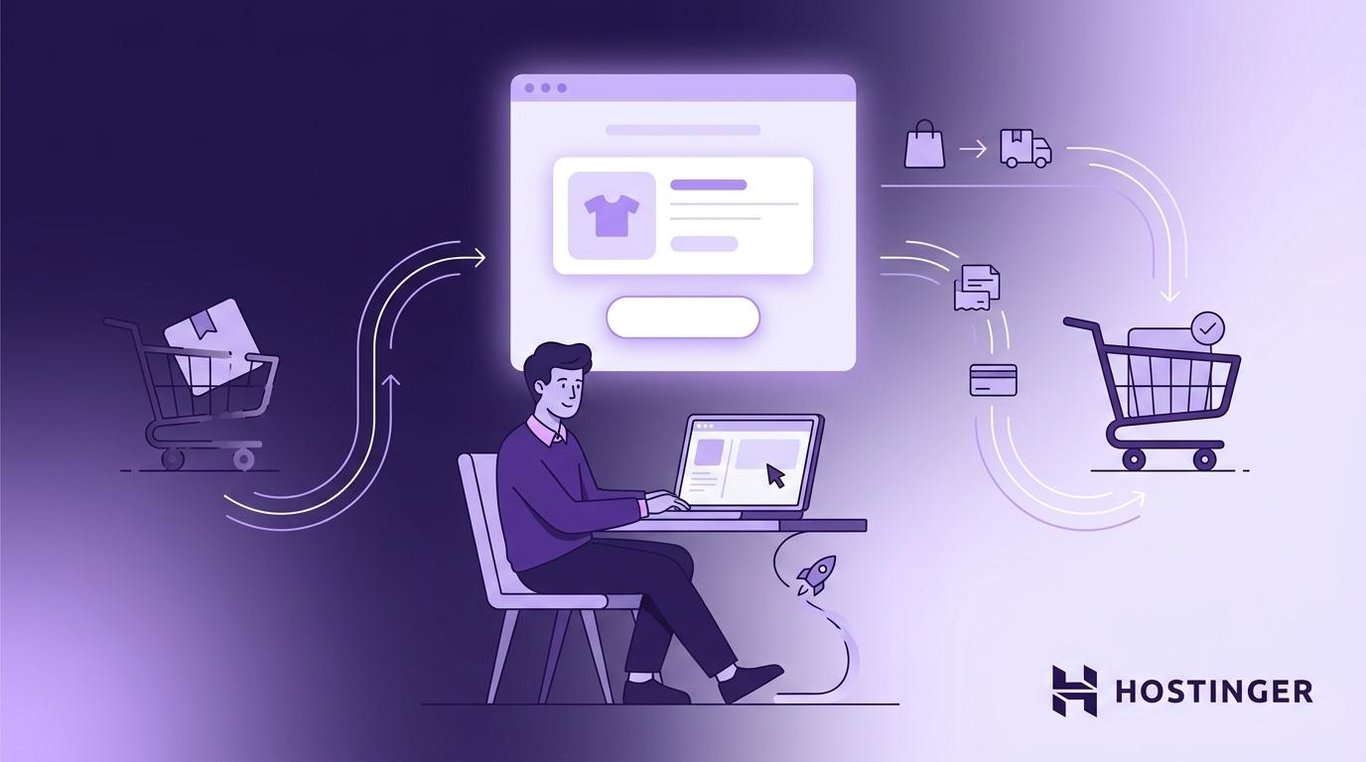
This is one of the most useful ecommerce email automation examples because the shopper has already shown buying intent. Most email platforms, including Hostinger Reach, let you set up a cart recovery trigger in just a few clicks.
Since the shopper is already interested, the first email should go out fast – within one to two hours. It should include:
- Product name and image
- Price
- Link back to the cart
- Clear checkout button
Don’t offer a discount too early. Many people abandon carts because they got distracted, not because the price was too high. Save the incentive for a second or third email.
For example:
Email 1: Sent after 1 hour
Subject: You left something behind
Message: “Hi [Name], you left [Product Name] in your cart. It’s still there – finish your order before it sells out. [product image + price + Complete your order button]. Questions? Just reply to this email.”
Email 2: Sent after 24 hours (only if email 1 didn’t convert)
Subject: Still thinking it over? Here’s free shipping.
Message: “Your [Product Name] is still in your cart. We’ve added free shipping to your order – just check out before midnight. [product image + Finish checkout button].”
6. Browse abandonment email
A browse abandonment email is sent when someone views a product, category, or pricing page but doesn’t add anything to their cart.
Good for: Ecommerce stores with large product catalogs or products that people compare before buying, like laptops, furniture, or software plans.
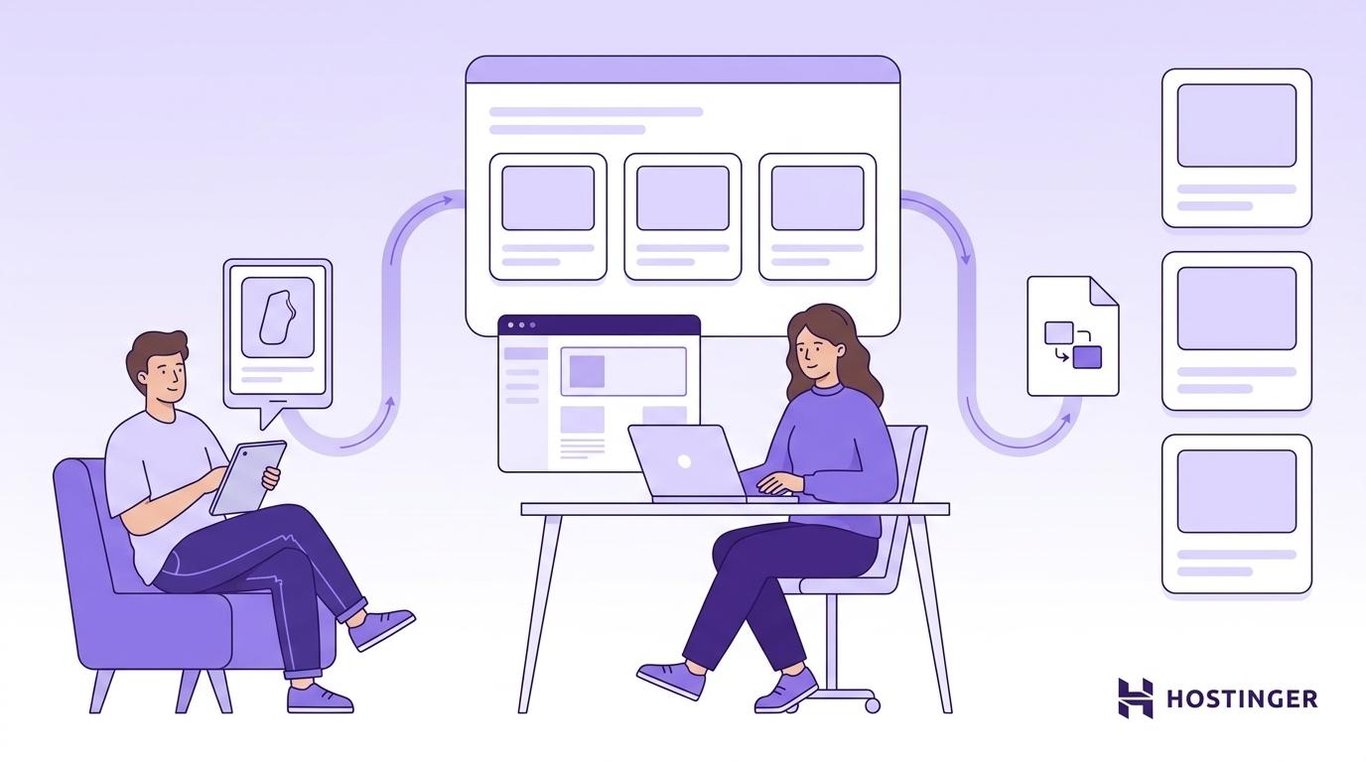
Browsing and carting are different. A cart means the person was close to buying. Browsing means they were only looking. So keep the email light.
Show the products they viewed, suggest similar options, or link to a buyer guide. A “take another look” approach works better than a hard sell. This kind of product recommendation email is a simple form of ecommerce personalization that brings window shoppers back without pressure.
Set limits on these emails. One browse abandonment reminder per visit is enough. You don’t want to email someone every time they look at a product.
For example:
Subject: Still comparing options?
Message: Show the product they viewed, recommend similar items, and link to a comparison page.
7. Back-in-stock alert
A back-in-stock alert tells shoppers when a sold-out item is available again.
Good for: Ecommerce stores that regularly sell out of popular products, sizes, or colors.
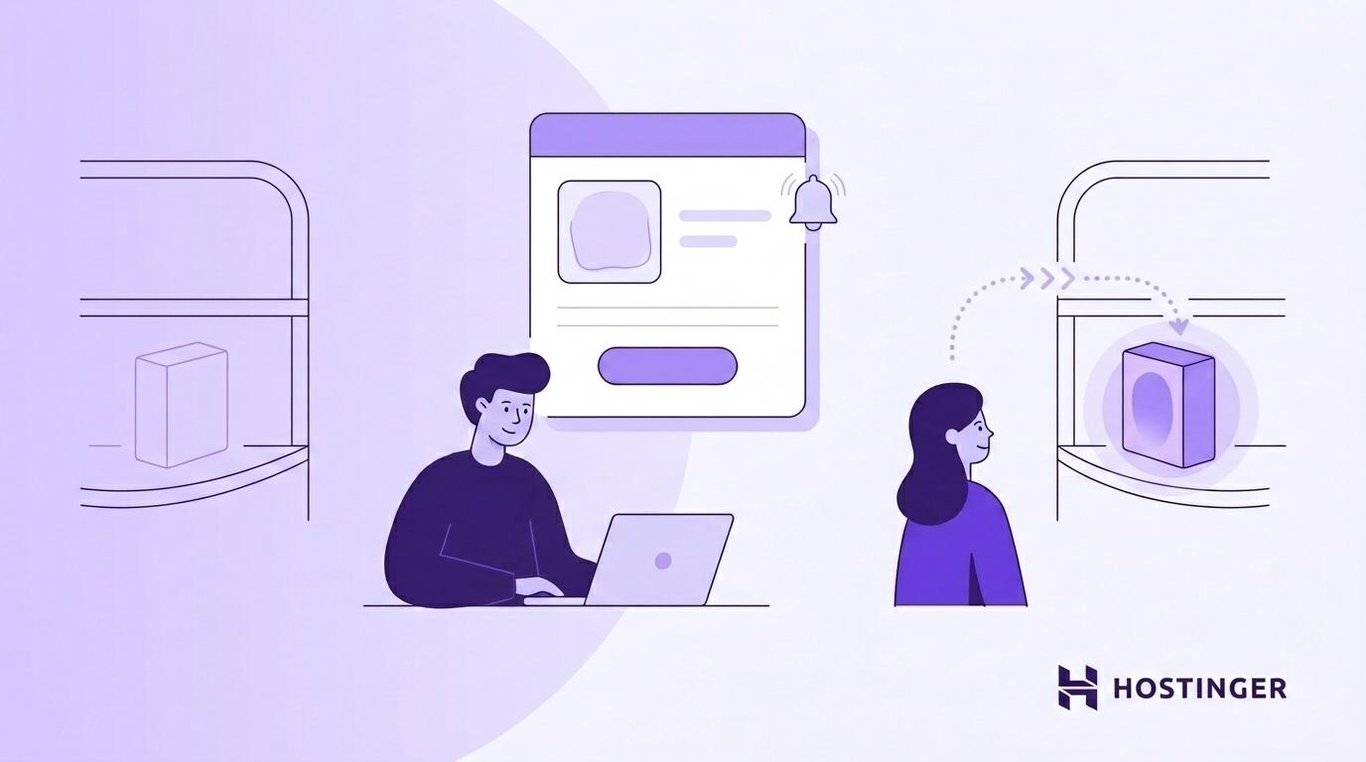
The trigger is simple. A shopper clicks the Notify me button on a sold-out product page, and an automated restock email is sent when that item comes back in stock.
You don’t need to oversell in a back-in-stock email. The shopper already showed interest. A product availability email just needs to make it easy to buy.
For example:
Subject: The TrailMax Pro in size 10 is back
Message: Show the product image, price, variant, and a Shop now button.
Use urgency only when it’s true. If stock is limited, say so. If not, skip fake pressure.
8. Replenishment reminder
A replenishment reminder tells customers when it may be time to reorder something they use up regularly.
Good for: Ecommerce stores selling consumable products like coffee, pet food, skincare, supplements, cleaning supplies, and office supplies.
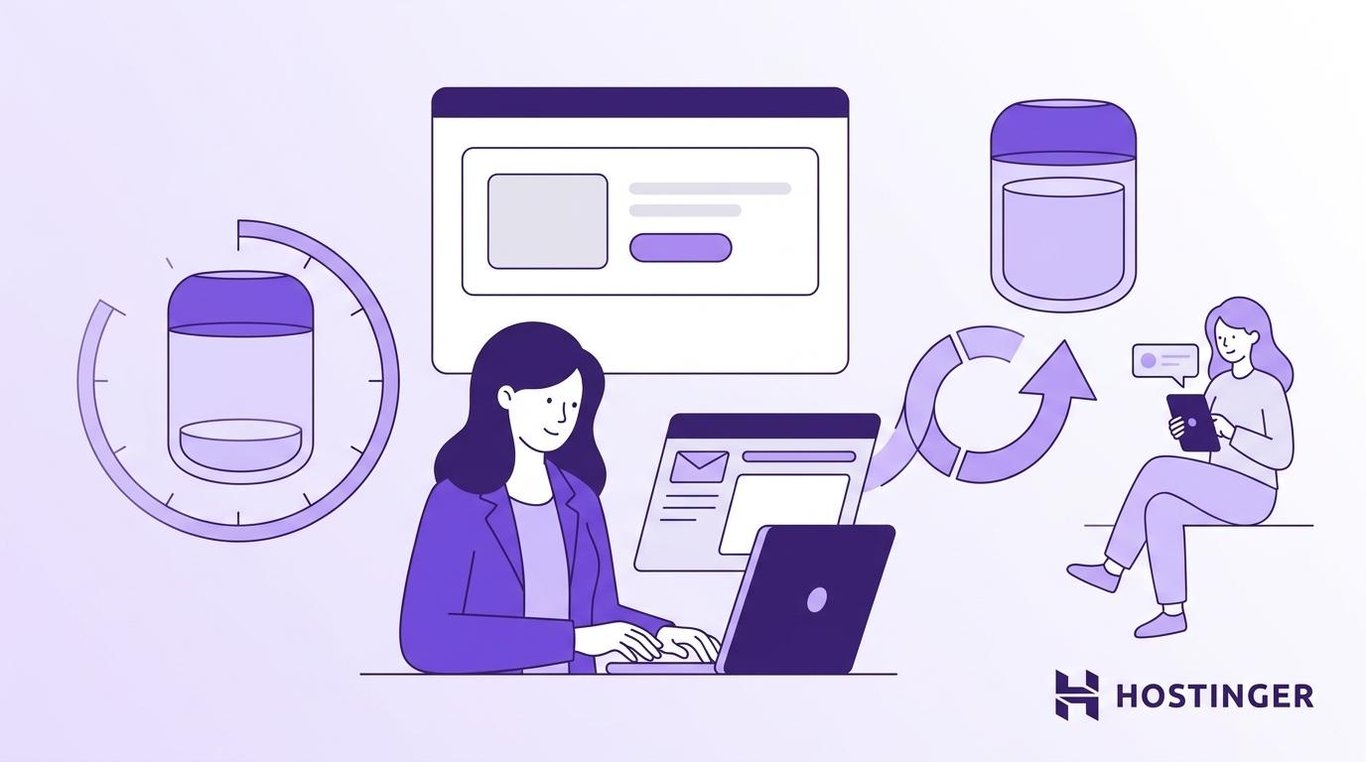
The timing depends on the product. If someone buys a 30-day supply, you might send the reorder reminder around day 25.
For example:
Subject: Time to restock?
Message: Show the product they bought before and include a Reorder now button. You can also offer a subscription option.
This type of replenishment email feels helpful, not promotional. One well-timed reorder reminder keeps the customer buying from you instead of looking elsewhere. That makes it one of the simplest customer retention tools you can set up.
9. Post-purchase follow-up email
A post-purchase email is sent after someone makes a purchase. This is different from an order confirmation – a confirmation tells them the order went through. while a customer follow-up email helps them use what they bought.
Good for: Ecommerce stores, SaaS products, and service businesses that want repeat customers.
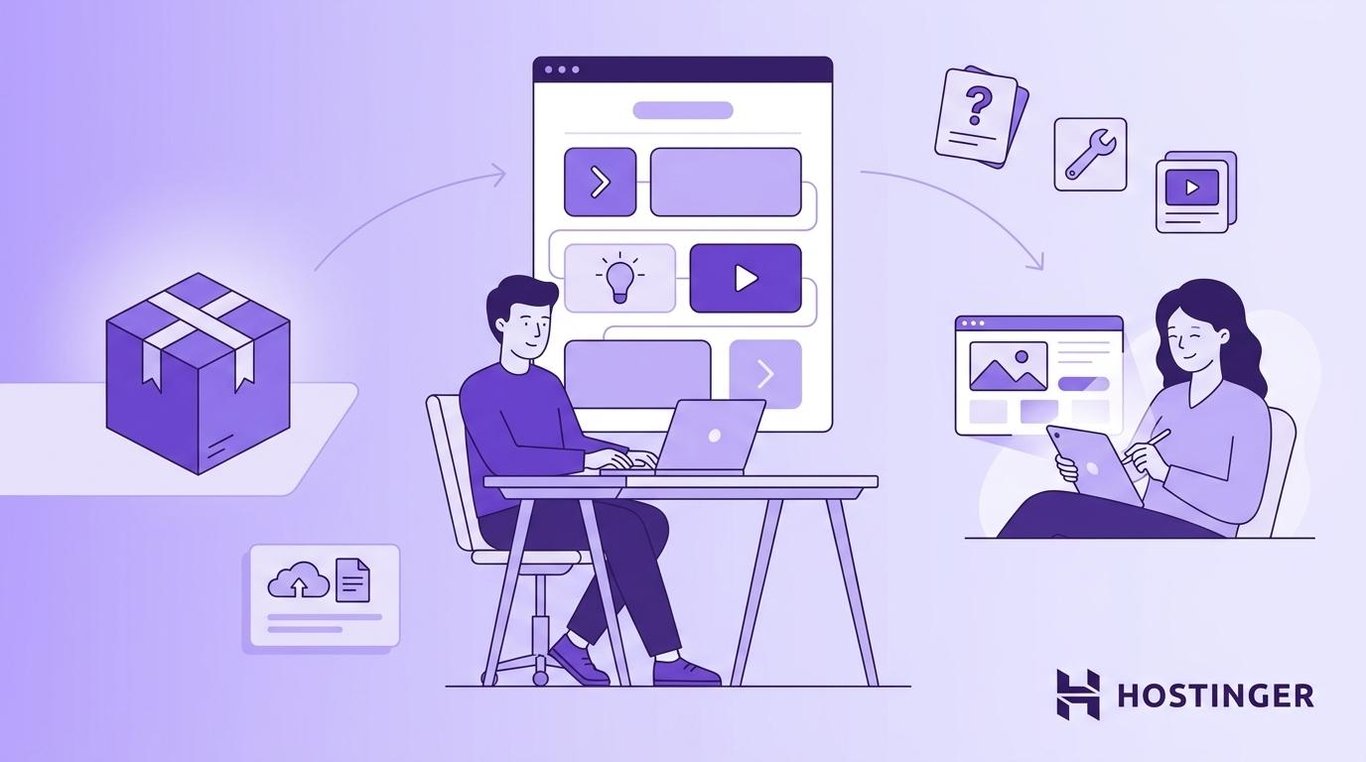
What you send depends on the product. For physical goods, share care tips or setup instructions. For software, send a quick-start tutorial. For a service, explain what happens next. For a course, link to the first lesson.
For example, a cookware store could send:
Subject: Your skillet is on the way – here’s how to season it
Message: “Your cast iron skillet should arrive today. Before you cook with it, rub a thin layer of oil on the surface and bake it at 450°F for an hour. Want more tips? Here’s our cast iron care guide and 5 beginner-friendly recipes: [links].”
You can recommend another product, but keep it secondary. Help first, sell second.
10. Product review request
A product review request asks customers to leave a rating or review after they have had enough time to use the product.
Good for: Ecommerce stores and SaaS products that rely on reviews.
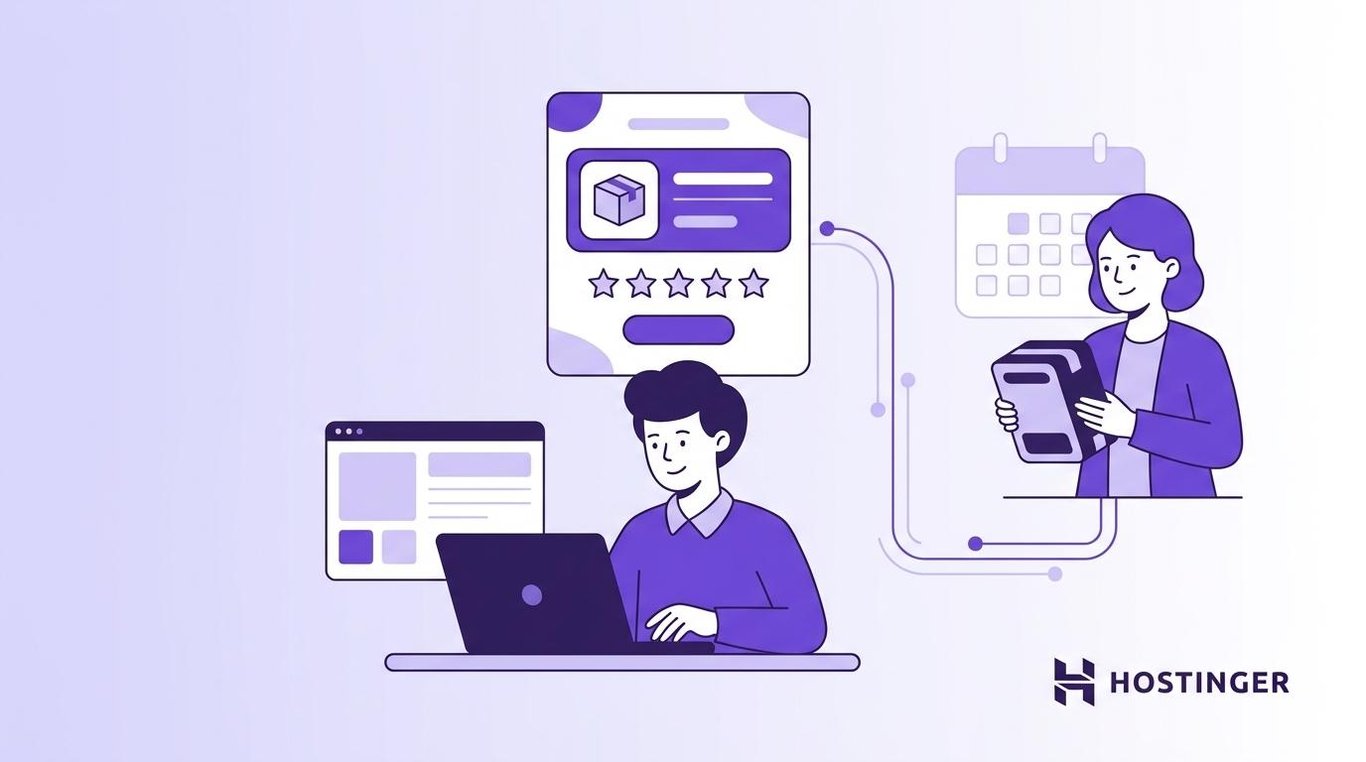
A product review email should be timed right. Send it too early, and they may not have an opinion yet. Send it too late, and they may not care anymore.
A good timing guide can look like this:
- Digital products: 3–5 days
- Clothing and accessories: about 1 week
- Skincare, supplements, or software: 2–4 weeks
For example:
Subject: How’s your keyboard working out?
Message: “You’ve had your wireless keyboard for about a week now. We’d love to hear what you think – it takes 30 seconds. [one-click star rating + Write a review button].”
Make the action easy. The fewer steps involved, the more reviews you get.
11. Customer feedback survey
A customer feedback survey email asks people to share their opinion after a specific experience.
Good for: Any business after support interactions, events, trials, or cancellations.
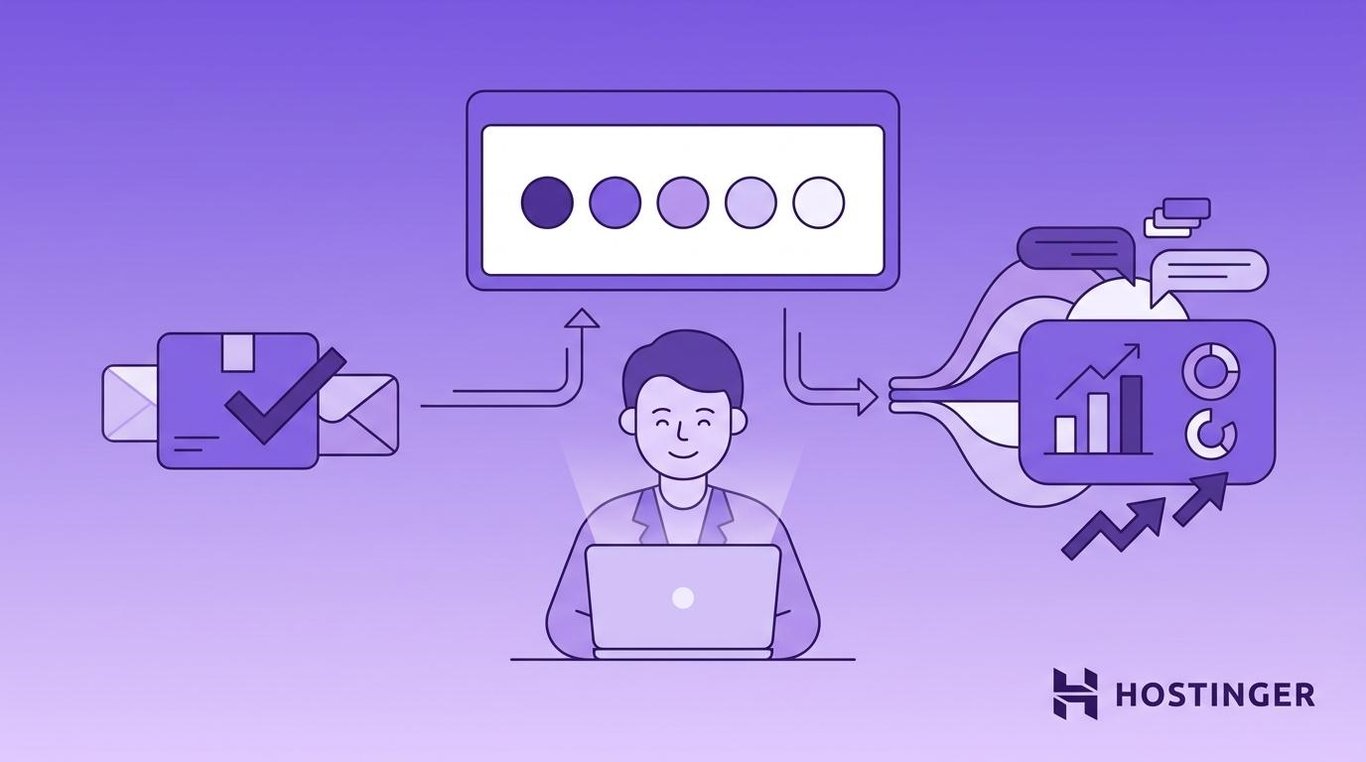
A survey email is different from a product review. A review is usually public. A survey is usually private and helps you find out what is working and what is broken, like slow shipping, confusing navigation, or missing features.
Common triggers include:
- A support ticket is resolved
- A purchase is delivered
- A trial ends
- A customer cancels
- A checkout fails
For example:
Subject: How was your support experience?
Message: Ask the customer to rate the experience from 1 to 5 and leave an optional comment.
Keep surveys short. A one-question survey often gets more responses than a long form.
12. Upsell and cross-sell email
An upsell email recommends a better or higher-tier version of something a customer already bought. A cross-sell email recommends something related.
Good for: Ecommerce stores with accessories or bundles and SaaS products with tiered plans.
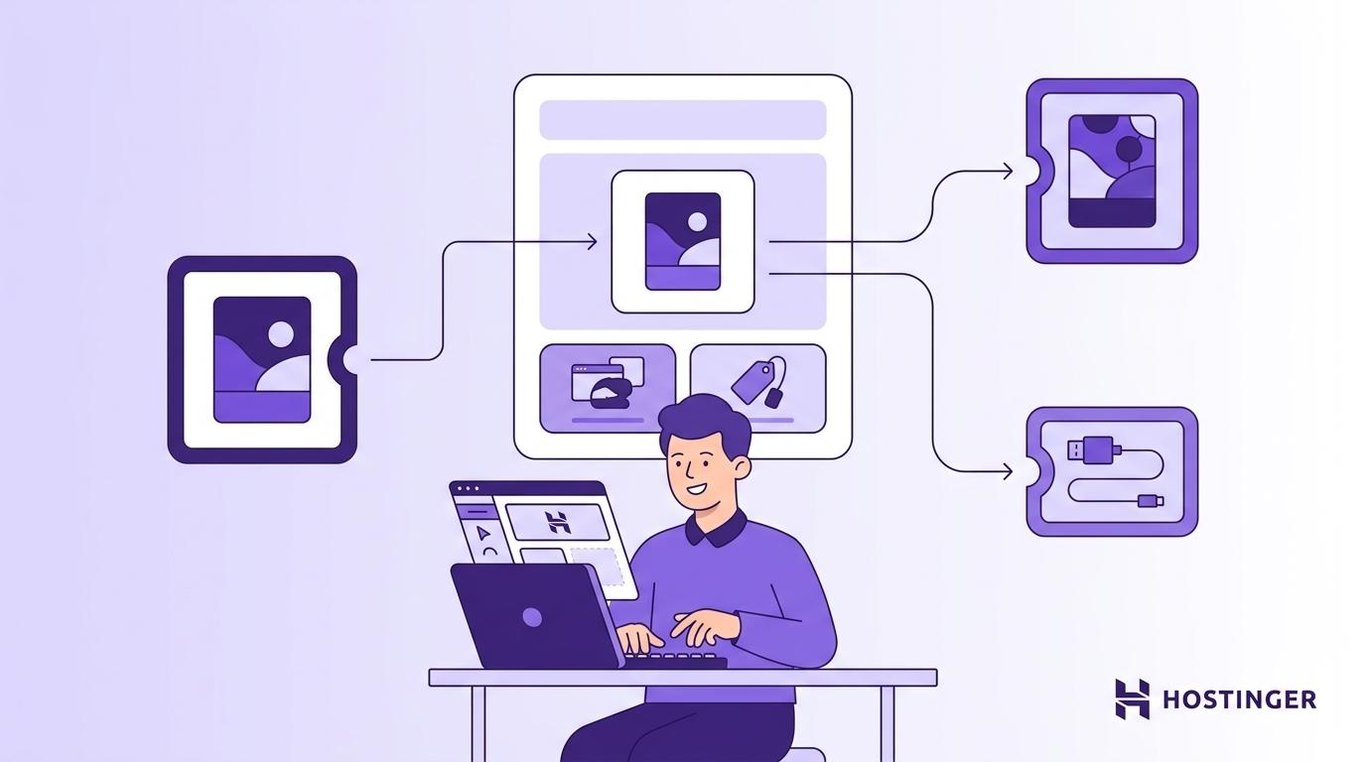
The recommendation should match what the customer bought, viewed, or used. A camera buyer might appreciate a lens recommendation. They don’t need a suggestion for kitchen towels.
Upsell example
Subject: You’re close to your storage limit
Message: Show the benefit of upgrading and link to the plan comparison.
Cross-sell example
Subject: Accessories for your new camera
Message: Recommend compatible products that make sense with the original purchase.
Don’t recommend random products. A poor recommendation makes the email feel automated in the wrong way.
13. Birthday and milestone email
A birthday or milestone email is sent on an important date or after a customer achievement.
Good for: Ecommerce stores, memberships, and loyalty programs that collect customer dates or track milestones.
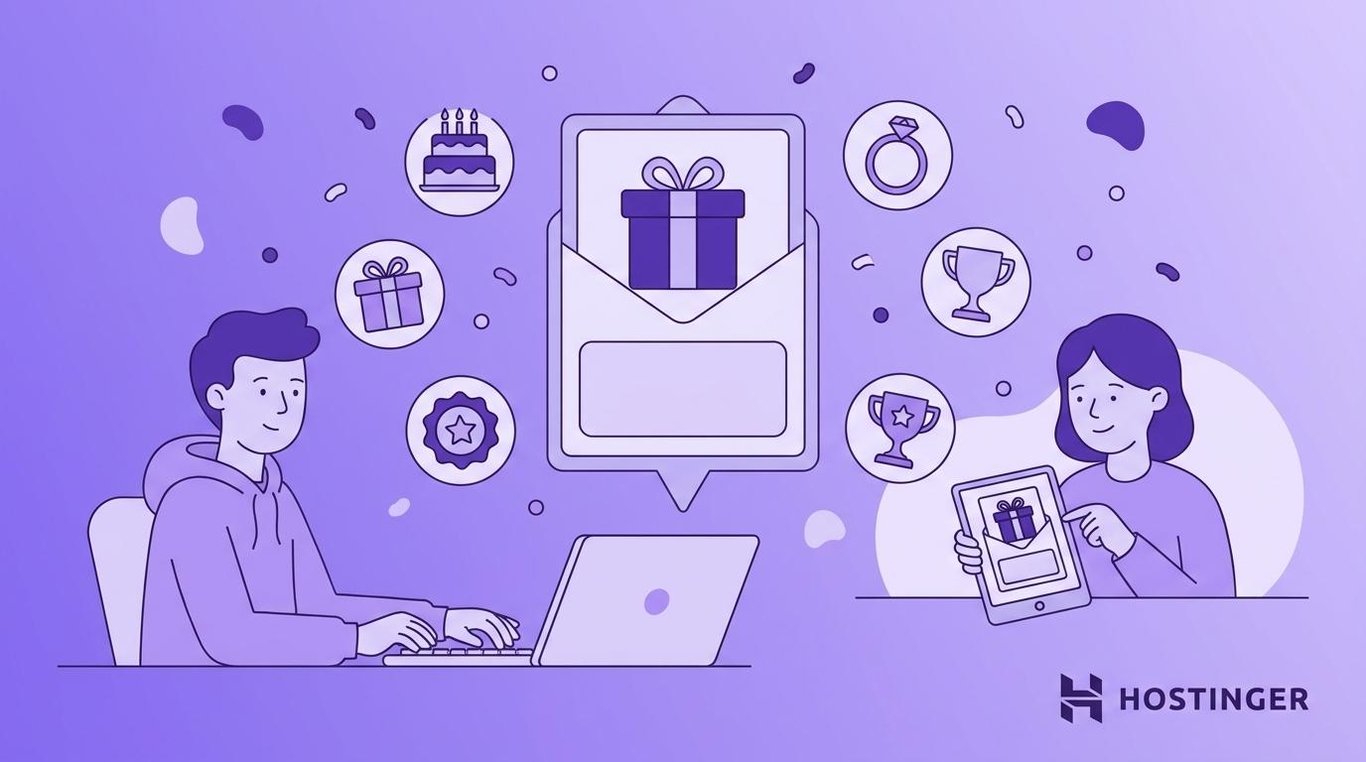
Examples of triggers:
- Birthday
- Signup anniversary
- First-purchase anniversary
- 10th order
- Loyalty program milestone
The automation needs a date field or a milestone rule to send at the right time. For birthdays, you need the subscriber’s birth date from a signup form or profile. For milestones, your platform tracks the event. Either way, once it’s set up, the email takes care of itself.
A $5 birthday email coupon costs almost nothing to send, but it reminds the customer that you are paying attention. That kind of personalized email automation makes people more likely to buy again.
For example:
Subject: Happy birthday – here’s a gift from us
Message: Share a discount code or special offer that is valid for a limited time.
14. Re-engagement and win-back email
A re-engagement email is sent to subscribers or customers who have stopped opening, clicking, buying, or logging in.
Good for: Any business with an email list that has gone quiet. Also helps clean your list.
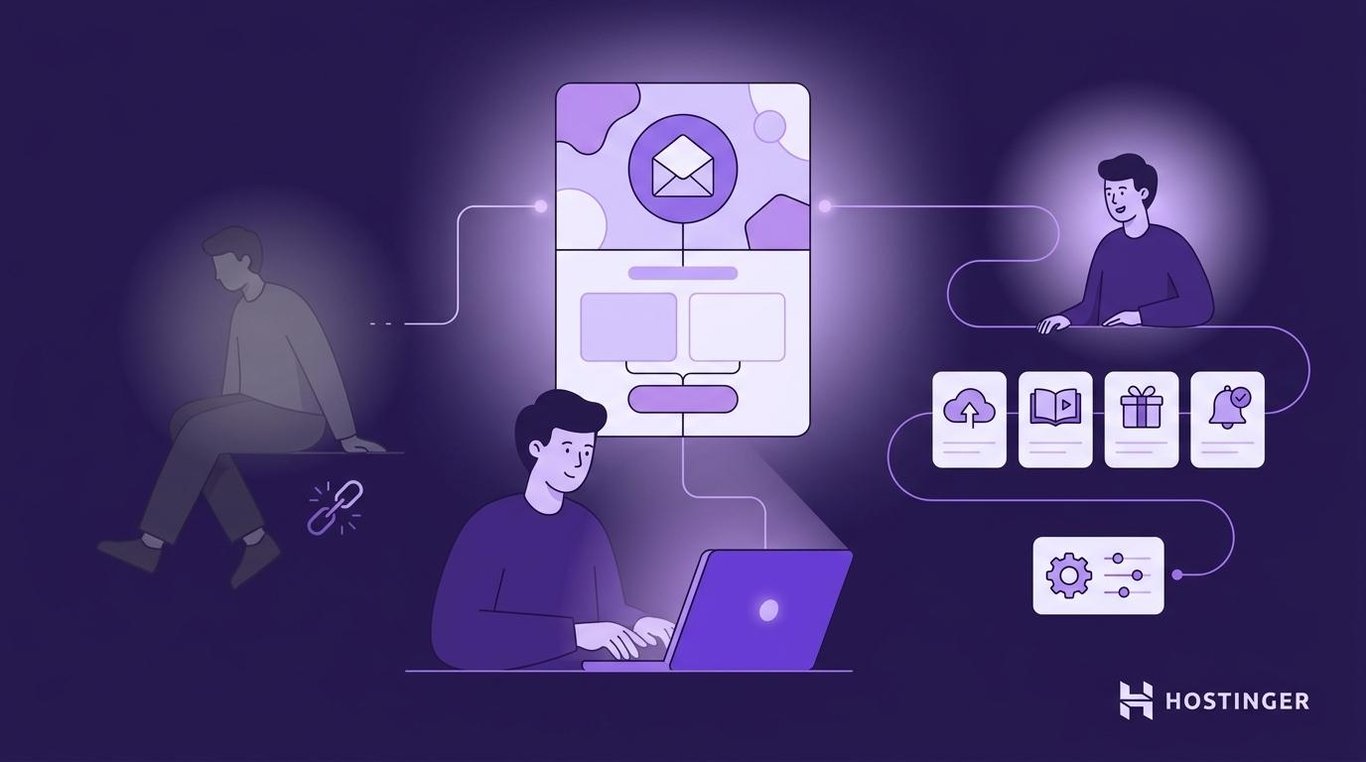
You might trigger this automation after:
- 60 days without an email open
- 90 days without a purchase
- 30 days without logging in
- A subscription expires
The goal of a win-back email is either to bring people back or to remove inactive subscribers respectfully.
Email 1: Sent after 90 days of inactivity
Subject: We’ve missed you – here’s what’s new
Message: Highlight new products, features, or content.
Email 2: Sent 10 days later (if email 1 was not opened)
Subject: Still want to hear from us?
Message: Let them update their preferences or unsubscribe.
Don’t keep emailing inactive subscribers forever. If they don’t respond, suppress them from future campaigns. This is email list hygiene, and it protects your sender reputation.
15. Internal notification email
Email automation isn’t only for customers. You can also use it to notify your team.
Good for: B2B companies, service businesses, and SaaS teams with sales or support workflows.
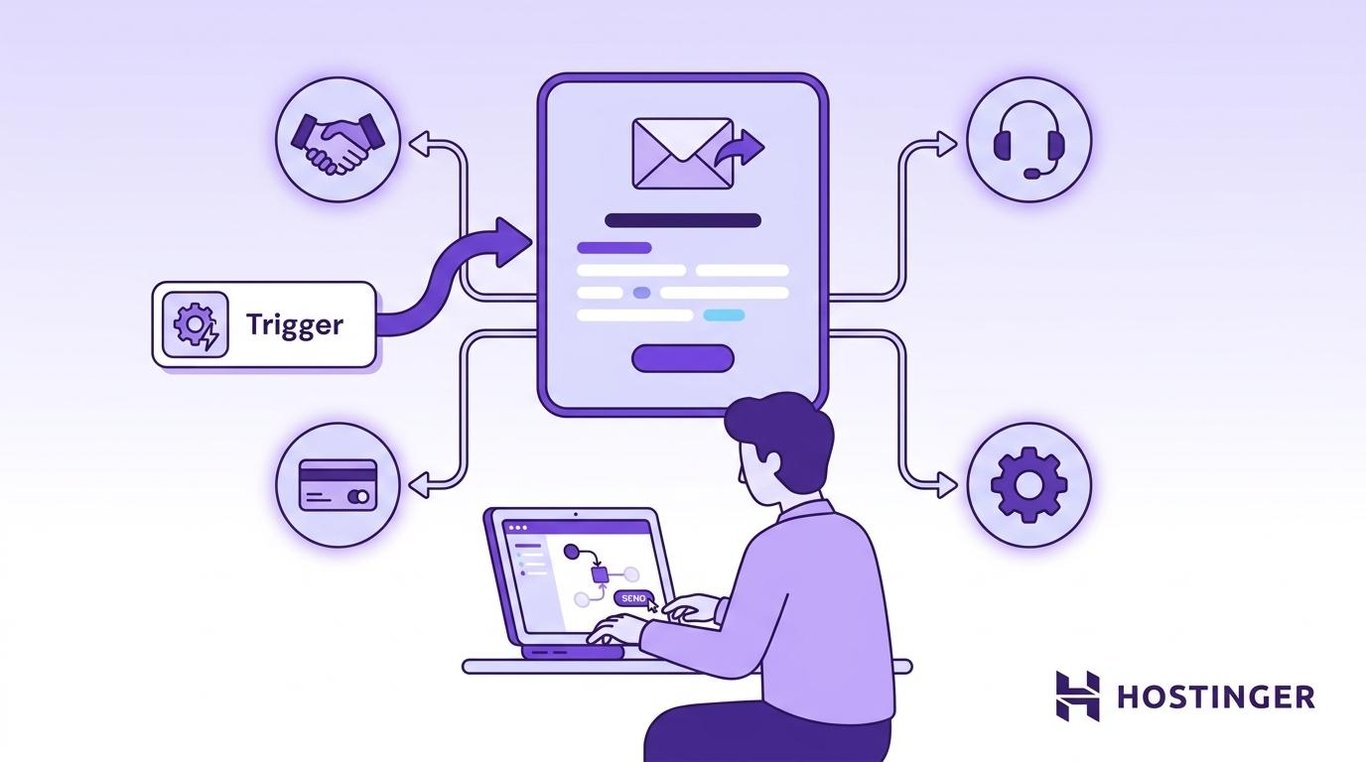
Internal automated notification emails help sales, support, and operations teams respond faster.
Useful triggers include:
- Demo request
- High-value form submission
- VIP support ticket
- Failed payment
- Large order
- Refund request
- Negative survey response
For example:
Subject: New enterprise demo request
Message: Send the lead’s name, company, email, form details, and CRM link to the right salesperson.
This simple automation can help your team respond in minutes instead of hours.
What makes an email automation workflow effective?
An effective email automation workflow sends a relevant message to the right person at the right time, triggered by a clear condition. The examples above work because they connect customer behavior, lifecycle stage, timing, and message intent, rather than sending the same email to everyone.
- Clear trigger – Define the exact action, date, status change, or behavior that starts the workflow, such as a signup, abandoned cart, completed purchase, renewal date, or period of inactivity.
- Relevant segment – Send the automation only to contacts who match the message and goal. For example, you can segment your email list by behavior, purchase history, location, buying stage, or engagement level.
- Specific outcome – Tie each workflow to one purpose, such as first purchase, activation, review collection, reorder, renewal, or reactivation.
- Useful timing – Match the delay between emails to the customer’s decision process. A cart reminder should arrive quickly, while a review request should wait until the customer has had time to use the product.
- Focused message – Keep each email centered on one main idea and one primary call to action.
- Personalization – Use behavior, preferences, purchase history, or lifecycle stage to make the message more relevant.
- Performance tracking – Measure clicks, conversions, revenue, retention, unsubscribes, spam complaints, and deliverability so you know what to improve.
- List hygiene – Suppress or remove contacts who remain inactive after re-engagement attempts. A smaller active list is better than a large list that ignores your emails.
What emails should you automate for your business?
The emails you should automate for your business depend on where customers need the most help, reminders, or follow-up in your sales journey. Instead of copying every workflow at once, choose automations based on your business model, customer behavior, buying cycle, and current bottleneck.
The best email automation examples to start with are usually the ones tied to lost sales, slow follow-up, repeat purchases, or inactive subscribers. A clear email automation strategy helps you focus on the workflows that are most likely to improve revenue, retention, or customer experience first.
Here are good starting points by business type:
- Ecommerce stores – Start with welcome emails, abandoned cart recovery, browse abandonment, post-purchase follow-ups, review requests, and win-back workflows. These cover the main points where shoppers join your list, show buying intent, complete a purchase, or go inactive.
- SaaS and membership businesses – Prioritize onboarding, activation emails, renewal reminders, re-engagement, milestone emails, and internal alerts. These workflows help new users reach value faster, remind existing users to renew, and notify your team when a high-value action needs follow-up.
- Service businesses – Focus on lead magnet delivery, educational drips, booking confirmations, follow-ups, feedback requests, and sales notifications. These automations help you respond to leads quickly, build trust before a sale, and collect feedback after the service is complete.
- Online courses and coaching businesses – Use welcome sequences, onboarding emails, educational drips, milestone emails, and feedback surveys. These workflows help new students or clients get started, stay engaged, and complete the next step.
- Local businesses, such as gyms, salons, and clinics – Start with welcome emails, birthday or milestone emails, replenishment reminders, review requests, and re-engagement workflows. These are useful for bringing people back after an appointment, purchase, or quiet period.
- Agencies – Use lead magnet delivery, educational drips, feedback surveys, upsell or cross-sell emails, and internal notifications. These workflows help qualify leads, support client relationships, and alert your team when a new opportunity comes in.
- Nonprofits – Start with welcome sequences, educational drips, milestone emails, feedback surveys, and re-engagement workflows. These help new supporters understand your mission, stay connected, and take the next action.
- Creators and newsletters – Use welcome sequences, educational drips, segmentation, milestone emails, and re-engagement workflows. These help you introduce new subscribers to your content, learn what they care about, and bring inactive readers back.
How to automate your email workflow
Once you’ve chosen the workflow that fits your business goal, turn it into a simple version you can launch and measure. Set the trigger, choose the audience, write the email, decide when to send it, and keep the call to action focused.
After launch, test the timing, subject lines, segmentation, offers, and calls to action before adding more branches, conditions, or advanced personalization. This helps you create email marketing automation that is easier to manage and can be improved over time.
Tools like Hostinger Reach can help with the next step: building campaigns, managing contacts, and tracking performance as your workflows grow.
Can Hostinger Reach automate email workflows?
Yes. Hostinger Reach is an AI-powered email marketing tool that helps you create, automate, and manage email campaigns in one place.
Here’s what you can automate with it:
What you want to do | How Hostinger Reach handles it |
Send a welcome email after signup | Use the Welcome Series feature to build a multi-step sequence with delays |
Follow up after a form submission | Connect a form to trigger an automated email |
Send an abandoned cart email | Set up a cart recovery trigger for WooCommerce or Hostinger Website Builder ecommerce stores |
Send a post-purchase email | Set up a trigger for WooCommerce or Hostinger Website Builder ecommerce orders |
Re-engage inactive subscribers | Automatically follow up with people who didn’t open or click a campaign |
Build an educational drip campaign | Use the Welcome Series feature with timed delays between emails |
Create emails faster | Use the AI-assisted template creator to draft and design emails |
Track how emails perform | Check opens, clicks, and conversions inside the campaign dashboard |
This means you can use Hostinger Reach for the most common email automation workflows, from welcoming new subscribers to following up with shoppers after they interact with your store.
The available triggers depend on how your website is built. Form-submission triggers work with Hostinger Website Builder forms and with WordPress or WooCommerce sites using the Reach plugin, including Elementor Pro forms. Post-purchase and abandoned cart triggers are available for WooCommerce and Hostinger Website Builder ecommerce stores.
If you’re starting with one workflow, a welcome series is the easiest to build first. It helps you introduce your brand, share useful information, and guide new subscribers toward the next step.
Want to see this built end-to-end? This walkthrough sets up both a welcome automation and a re-engagement automation in Hostinger Reach, including how to personalize each one so they don’t read as generic:
Important! Automation features require a paid Reach plan. The free plan lets you send campaigns and manage contacts, but automated workflows like welcome series, form follow-ups, and cart recovery emails aren’t included.
How to improve your email automation over time
Your first version doesn’t need to be perfect. Once your workflow is live, the next step is to see how people respond and use that information to make small improvements.
Start by checking your email performance metrics. These show what’s working, what needs attention, and whether your emails are reaching the right people.
Look at:
- Open rate
- Click rate
- Conversion rate
- Money earned
- Unsubscribes
- Spam complaints
These numbers can help you spot problems early. For example, a low open rate may mean your subject line needs work, while a high unsubscribe rate may suggest that your emails are too frequent or not relevant enough. Checking these metrics regularly also helps protect your deliverability, which is the percentage of your emails that actually reach the inbox.
From there, improve one thing at a time. You might test a clearer subject line, shorten the email, change the delay between messages, adjust the offer, or send the workflow to a more specific audience.
Start with one automation, learn from the results, and build from there. Following email marketing best practices, such as testing, reviewing performance, and refining your audience segments, will help your workflows stay useful as your audience grows.
This article is a localized version of 15 email automation examples for better engagement and conversions, originally published in English.

Alma is an AI Content Editor with 9+ years of experience helping ideas take shape across SEO, marketing, and content. She loves working with words, structure, and strategy to make content both useful and enjoyable to read. Off the clock, she can be found gaming, drawing, or diving into her latest D&D adventure.