8 best WordPress forum plugins for your site
Dec 02, 2025
/
By Klara R.
/
7 min Read
Forums are a great place to discuss ideas and share information. They are perfect for creating niche communities where anyone can post questions and answers or simply have a conversation.
Individuals or business owners who want to add a forum page to their website can easily do so using a plugin. However, with such a large variety of options available, finding the best WordPress forum plugin for your business can be challenging.
To make this process easier, we listed the top free and paid WordPress forum plugins. All you have to do is read on and install the plugin that suits your needs best.
The 8 Best WordPress Forum Plugins
Here are the best WordPress forum plugins options that you can download.
1. Asgaros Forum
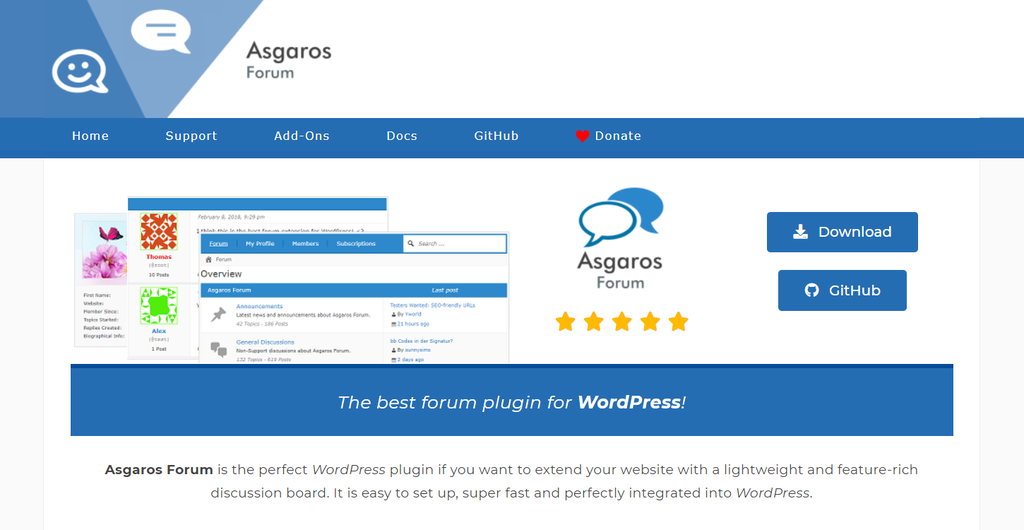
Plugin Stats
- Downloads: 20,000+
- Rating: 4.9/5
- Notable features: customizable theme, statistics display, ads management
Asgaros Forum is a lightweight WordPress plugin that’s simple to set up and easy to use.
- Simple content management. Asgaros Forum provides a robust yet easy-to-understand interface for beginners.
- Statistics display. Shows the number of views, posts, and active users for social proof and user engagement.
- Polls option. Polls are an efficient method of getting people’s opinions by letting them choose among pre-defined answers. This forum plugin allows users to create a survey through polls.
- Customizable and responsive theme. Allows users to edit color schemes and fonts while maintaining a consistent look and functionality across all devices.
This WordPress forum plugin is best for beginners looking for a piece of software with an intuitive design and a simple interface.
Pros:
- It gives moderators full control over user activities and access
- SEO-friendly plugin
Cons:
- No built-in CAPTCHA option for spam protection
2. bbPress
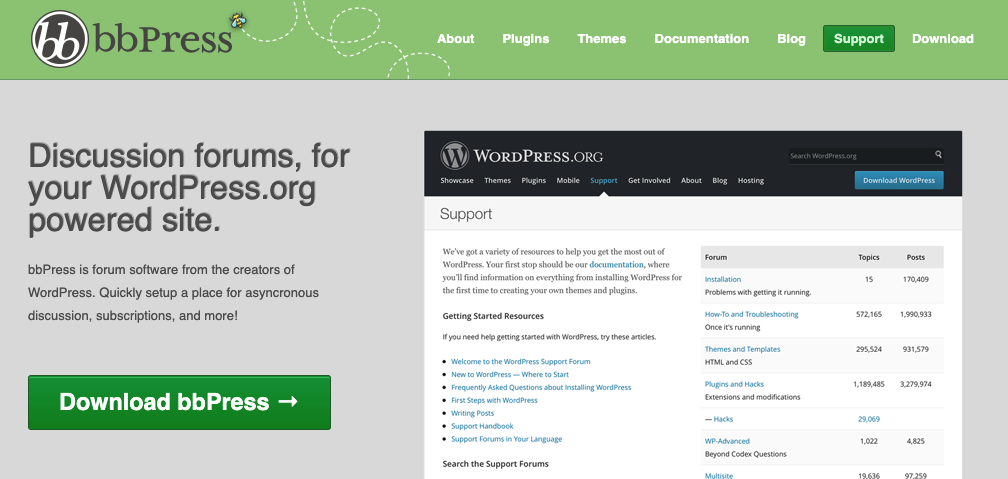
Plugin Stats
- Downloads: 300,000+
- Rating: 4/5
- Notable features: feature-rich interface, easy installation, multisite forums
bbPress is a streamlined WordPress forum plugin that packs advanced management options for full customizability.
- Easy installation. bbPress provides a step-by-step guide for plugin installation.
- Powerful interface. Moderate posts, control user access and create sub-groups within the forum section from a single dashboard.
- Multisite forums. Organize topics by creating sub-categories within your forum.
- Compatible with other WordPress plugins. This WordPress forum plugin works well with other third-party plugins such as bbPress Notify or Private Groups to improve site functionality.
bbPress is one of the best WordPress forum plugins for users that need a relatively small yet highly functional forum.
Pros:
- Offers comprehensive documentation and tutorials
- Allows extensions to improve site functionality
Cons:
- Technical support is not immediately available
- Limited features for large-scale forums
3. wpForo Forum
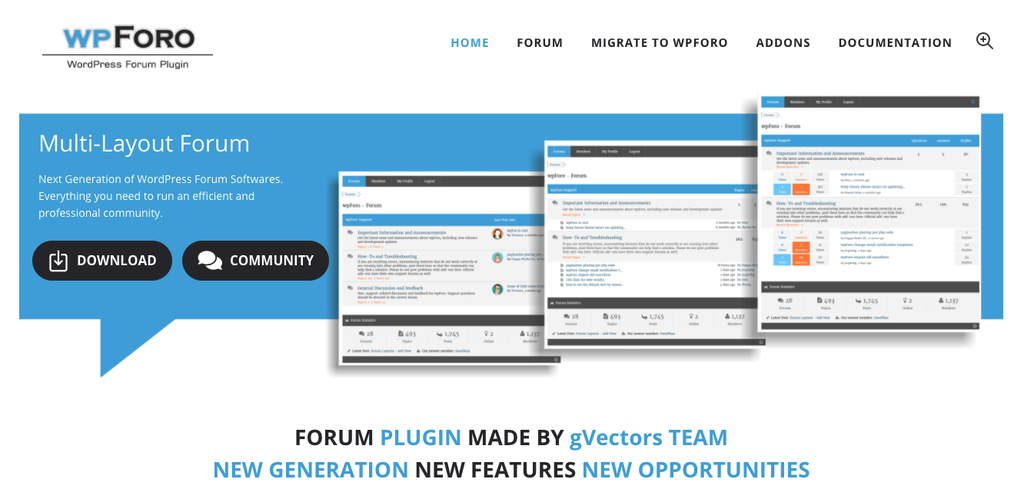
Plugin Stats
- Downloads: 30,000+
- Rating: 4.8/5
- Notable features: multi-layout options, SEO-friendly, responsive design
wpForo Forum is the best WordPress forum plugin for creating highly-interactive and fully-responsive online forums.
- Multi-layout options. There are four forum layout options to choose from – simplified, extended, threaded, and question and answer.
- SEO-friendly. wpForo Forum is SEO-optimized to help increase online traffic and improve search engine ranking.
- Responsive design. Regardless of the device, wpForo Forum retains its appearance and functionality.
- Social network share buttons. Encourage forum users to share topics and invite others to join the conversation.
wpForo is perfect for users who want to build an online community without any coding skills.
Pros:
- Provides a comprehensive knowledge base.
- Available in multiple languages, such as French, Chinese, and Spanish.
- Compatible with BuddyPress, a social network WordPress plugin.
Cons:
- wpForo users need to pay for add-ons.
- Multiple settings and options can be overwhelming for beginners.
4. BuddyPress
Plugin Stats
- Downloads: 200,000+
- Rating: 4.2/5
- Notable features: private messaging, customizable user profiles, micro-communities
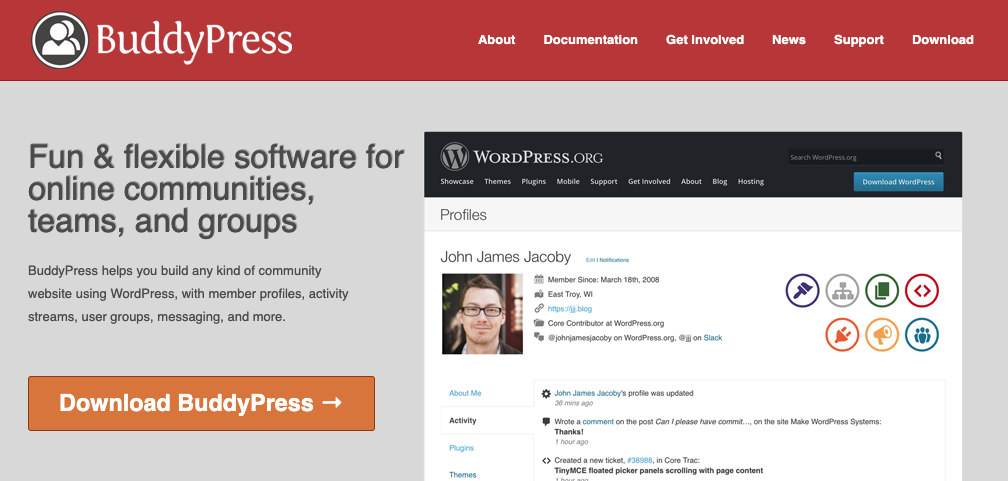
BuddyPress is a plugin for WordPress that is ideal for creating a basic social network within your site.
- Private conversations. Lets members send private messages to each other.
- Customizable user profiles. Allows website users to personalize their profiles by adding their name, photo, and location.
- Micro-communities. Enables admins to create sub-groups so users can easily find relevant topics and join discussions.
BuddyPress is suitable for anyone who wants to build a strong sense of community on their website.
Pros:
- Comes with plenty of helpful features and a user-friendly interface
- Compatible with any type of WordPress plugin
- Its customizable design gives users the ability to enhance site appearance without coding
Cons:
- Limited support
- It does not provide social share buttons
5. CM Answers
Plugin Stats
- Downloads: 1,000+
- Rating: 3.9/5
- Notable features: private messaging, full admin control, and automatic post sorting
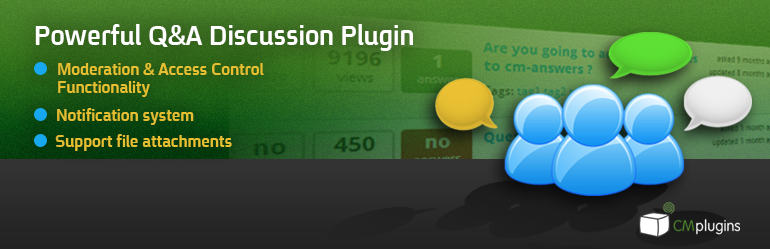
CM Answers is the best forum plugin for creating a multi-purpose online discussion board on your WordPress site.
- Personal messaging. Allows users to send private messages to each other.
- Full admin control. Admins can assign user roles, limit accessibility, and create forum categories.
- Automatic post sorting. Site visitors can filter questions and answers based on relevance, rating, or date posted.
- Multiple file uploads. Ideal for adding images or files to user posts. This feature adds a visual component to your forum site.
CM Answers is best for advanced users who want a Stack Overflow-type discussion forum, where people can post questions and answers, give ratings, and post comments.
Pros:
- Incredible customer support
- Lets website users vote for the best answer given by the user
Cons:
- Users need to pay for additional features that are included for free in other plugins
- Language translation is limited to six languages only
6. ForumWP
Plugin Stats
- Downloads: 100,000+
- Rating: 5/5
- Notable features: fully responsive, lightweight, user-friendly
- Price: from $99/year to $249/year
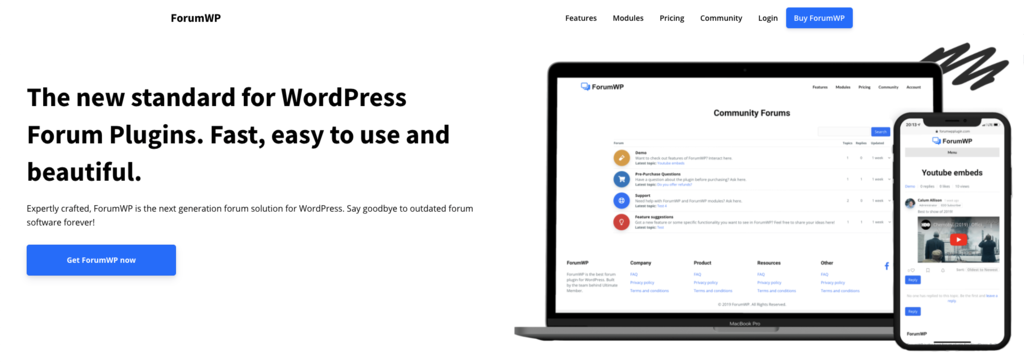
Forum WP is one of the best WordPress forum plugins for building a strong community on your WordPress website.
- Mobile responsive. Automatically adjusts the layout of your WordPress site for mobile browsers.
- Easy moderation. Manage the topics of your discussion forum on the front-end. No coding skills required.
- Lightweight and fast. Forum WP is optimized for an excellent user experience.
- Topics statistics. Users can get real-time updates on the number of views, likes, and comments on their posts.
This forum plugin offers a Basic plan starting at $99/year, which is suitable for a single website. If you need this plugin for more sites, the Pro plan lets you add 10 websites for $249/year.
Forum WP is ideal for businesses that need scalable software for managing a growing community.
Pros:
- Offers a 30-day money-back guarantee
- Provides robust features at an affordable price
Cons:
- Live chat support is not available
- Limited tutorials
7. WP Discussion Board
Plugin Stats
- Downloads: 2,000+
Rating: 4.7/5
- Notable features: responsive, SEO-friendly, and sub-forums
- Price: from $49/year to $199/year
WP Discussion Board is perfect for beginners interested in creating support forums.
- SEO-friendly. Optimized to help your content rank better on search engines.
- Responsive design. Ensures that the forum fully functions on any device.
- One click-installation. Lets you add a forum to your WordPress site without coding knowledge.
- Sub-forums. Organize topics by creating sub-forums within your WordPress site so people can easily find relevant content.
WP Discussion Board starts at $49/year, including image uploads for newly created topics, email notifications, and plugin updates. There is also a Pro plan at $98/year and an Ultimate plan for $199/year.
Pros:
- A free version is also available for download
- WP Discussion Board is compatible with any WordPress theme
Cons:
- There is no free trial for the premium version
- No live chat support
8. Simple:Press

Plugin Stats
- Downloads: 600+
- Rating: 4/5
- Notable features: revenue generation, private conversations, SEO-friendly
- Price: from $199/year to $644/year
Simple:Press is a plugin for WordPress that is ideal for creating a support forum for large communities. It is an excellent plugin for organizations and enterprises that need ample of helpful and robust features.
- Revenue generation. Monetize your WordPress website by charging for a membership subscription.
- Private conversations. Offers an option to send private messages for one-on-one interactions among users.
- Unlimited forums. Organize a large community by creating sub-forums and categorizing content into different topics.
- SEO-friendly. Ideal for getting more traffic and ranking better for SERPs.
Paid plans start at $199/year, including access to priority technical support and premium themes for one website. If you need this plugin for more sites, you can choose the 5 Sites plan for $358/year or the Unlimited Sites plan for $644/year.
Pros:
- A free version of Simple:Press is available for anyone who wants to try the features before purchasing
- Comprehensive documentation on plugin updates, tutorials, and articles is available
Cons:
- Plans are more expensive compared to other plugins
- Simple:Press is ideal only for advanced users
Why Do You Need a WordPress Forum Plugin?
The benefits of using a WordPress forum plugin are:
- Audience engagement. Forums are a great way to encourage interaction among visitors. For businesses, it is also a platform to get customer feedback and post announcements.
- Access to support. Users can post questions and get assistance for their concerns without reaching out to customer support.
- Generates more traffic. Most forum plugins are SEO-optimized so that they can help your website rank better on search engines. Moreover, forums attract active visitors, which is organic traffic.
- Community building. Since users can freely express their opinions and help each other with concerns, forums help create a sense of community.

What to Look for in a WordPress Forum Plugin?
As you see, there are plenty of great WordPress plugins on the market. When deciding which one to choose, make sure to pay extra attention to these features:
- Value for money. Pick a forum plugin for WordPress that provides effective services at an affordable price. It’s a good idea to try the free version of the plugin if it’s available before committing to making a payment.
- Responsive design. Make sure your forum site loads seamlessly on mobile, desktop, and tablet devices. A responsive design ensures an excellent user experience and a fast loading time.
- Relevant to your website. Determine the kind of forum you want to create and look for a plugin that offers the functions you need. Moreover, find a plugin that allows you to pay only for the services you require instead of purchasing a plan you don’t need.
- SEO-friendly. Choose a plugin that is optimized for search engine visibility. This is very important for organic traffic and building brand trust.
Pro Tip
Are you a WordPress beginner creating your own website? Read our WordPress guide that will lead you through the whole process!
Useful Tips for Running an Online Community Forum
When managing an online forum, remember to do the following:
- Engage with the visitors. Doing so will help you understand how people behave, why they participate in your community, and how you can improve the forum.
- Use a simple platform. A forum that is easy to navigate will keep users coming back. Provide a quick sign-up process and a well-organized design.
- Create relevant content. Educate your audience on how to use the platform with video tutorials and blog posts.
- Moderate your forum. Organize topics, monitor questions, answers, and comments to maintain the quality of your forum. Establish guidelines and rules for posting – no swearing or rudeness, for example.
Conclusion
To summarize, here are our best WordPress forum plugin recommendations and who they’re most suited for.
If you want a free WordPress forum plugin:
- Asgaros Forum. An intuitive and easy-to-use plugin for beginners.
- bbPress. Offers a user-friendly interface.
- wpForo Forum. Best for creating an online message board.
- BuddyPress. A social network plugin. .
- CM Answers. Best for building a discussion forum.
If you wish to pick up a premium WordPress forum plugin:
- Forum WP. For managing a large community.
- WP Discussion Board. An SEO-optimized forum plugin.
- Simple:Press. Ideal for managing large forums.
We hope you find this list helpful. Good luck!
Discover Other WordPress Plugins to Help Build Your Website
Best WordPress Popup Plugins
Best WordPress Plugins for Gutenberg Block Editor
Best WordPress PDF Viewer Plugins
Best WordPress Plugins for Menu Creation
Best WordPress Search Plugins
Best WordPress Security Plugins
WordPress Portfolio Plugins
This article is a localized version of 8 best WordPress forum plugins for your site, originally published in English.

Klara is an eCommerce enthusiast. She has a passion for developing content and building websites. In her spare time, she enjoys traveling to experience different cultures. Klara is always looking to learn new things in the IT field, and she loves sharing her knowledge with others.


Comments
9 responsesAugust 03 2018
Never know wordpress can integrated with forum features till I read this post. All the while I am using free forum script the phpbb for my forum. I always face the problem to have a blog and forum that having the same theme and outlook. Now with this, it just solve my problem. Thanks for sharing such useful wordpress forum features to me. It's really help.
August 03 2018
That awesome, Lee! It's always great to find a new approach. I hope it works out well! ;)
September 17 2018
Forums are one of the mainstays of the net. Despite the fact that humans spend most in their time on ‘everyday’ websites, boards are some of the most engaging styles of systems you could create. In truth, loads of contemporary social media websites are basically boards with extra features on top. The hassle is, growing a wordpress forum can contain a truthful little bit of work, for the reason that platform itself wasn’t advanced with this in mind.
November 07 2018
These are great points! Thanks for sharing your thoughts ;)
April 21 2020
Will, many thanks for this excellent post. I want to use this inside a small company Intranet. Hopefully it runs efficiently on a shared server. Cheers!
October 24 2020
Great article! Thanks for taking the time to walk us through. I have a question: how could I set up two forums and have some users able to log into one or, with my permission, both? Is that possible?
February 02 2021
Hi, Matt! The easiest way to do so would be to create a subdomain and set up a second forum over there. That way, the logins will be completely separate and you won't need to worry about visitors accessing the wrong forum ;) For how to create a subdomain, head over here.
June 10 2022
I have recently upgraded my site to newly launched wordpress 6 so If I install Forum Engine Plugin are you sure It will work fine on this new wordpress version? usually this kind of plugins break core functionality.
July 08 2022
Hey! WordPress plugins also get constantly updated with new versions, so it will be compatible with the new version of WordPress ?