IP address restriction allows you to control who can access your website by blocking or allowing specific IP addresses. This security feature helps protect your site from malicious traffic, unauthorized access attempts, and unwanted visitors.
What is IP address restriction?
IP address restriction is a security measure that blocks or permits access to your website based on the visitor’s IP address. When you block an IP address, any requests from that address will be denied access to your site.
Common use cases:
- Blocking malicious bots and scrapers
- Preventing brute force login attempts
- Stopping spam submissions
- Restricting access during site development
- Blocking traffic from specific regions or competitors
- Protecting against DDoS attacks
How to block IP addresses
Use IP blacklist feature in hPanel:
- Go to Security section in your website dashboard
- Select IP Blacklist
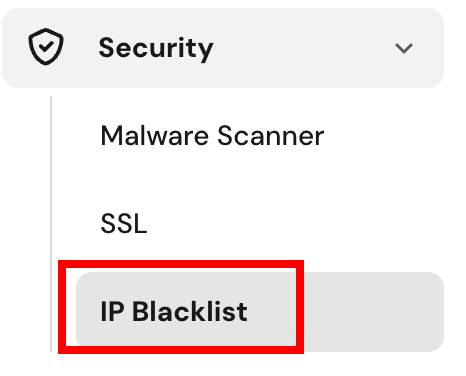
- Add IP addresses you want to block

- Save changes by clicking Add IP address button