Parked domains allow you to point multiple domain names to the same website without creating separate hosting accounts. When visitors access any of your parked domains, they’ll see the content from your primary domain.
What are parked domains?
A parked domain (also called a domain alias) is an additional domain that displays the same content as your main domain. For example, if your primary domain is agency-site.com, you could park agency-site.net and agency-site.org to show identical content.
How to add a parked domain
- Go to your website dashboard
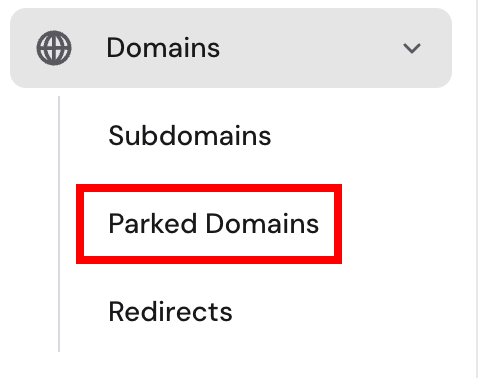
- Navigate to Domains section
- Click Parked Domains
- Enter the domain name you want to park
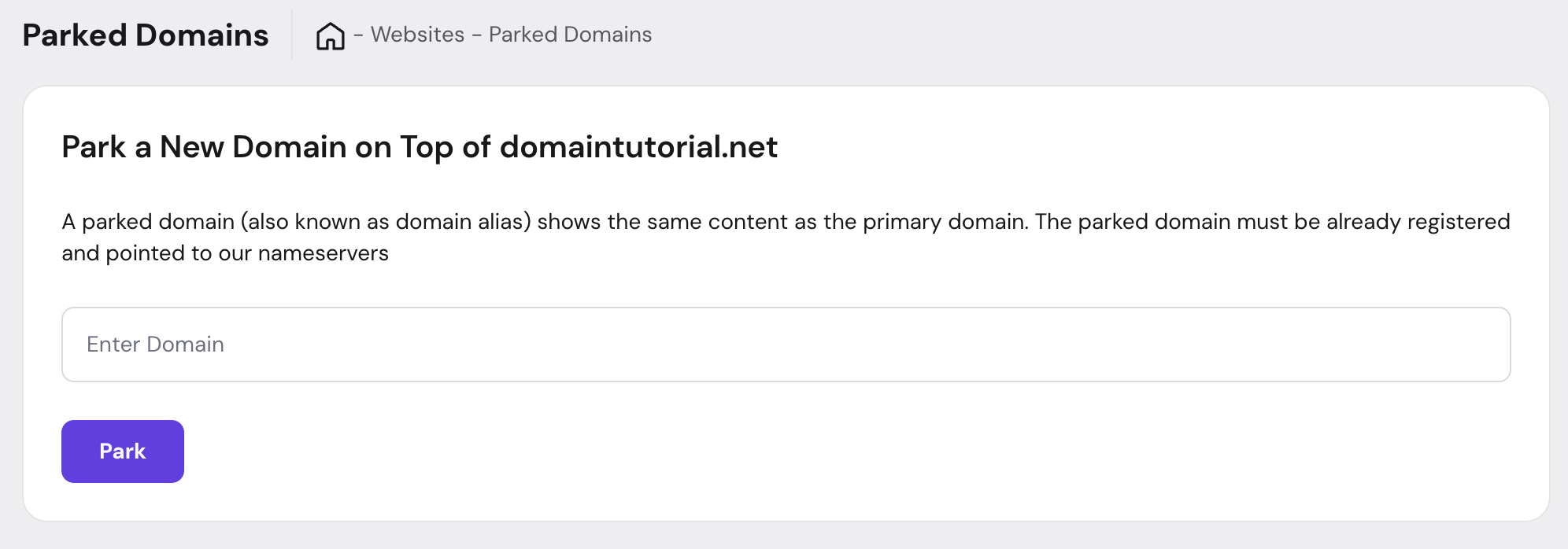
- Click Park
Important: The domain must be registered and its nameservers must point to your hosting account before parking will work.