If you changed your mind, or simply want to adjust your request, Hostinger Horizons lets you stop any AI-generated action instantly. Your website will remain exactly as it was before the generation started.
How it works
When you send a message to the AI, Horizons begins generating content based on your request. If you decide not to continue with the result, you can stop the generation at any moment.
How to stop generation
-
Send your message in the Horizons editor as usual.
-
While it’s generating the response, locate the Stop button.
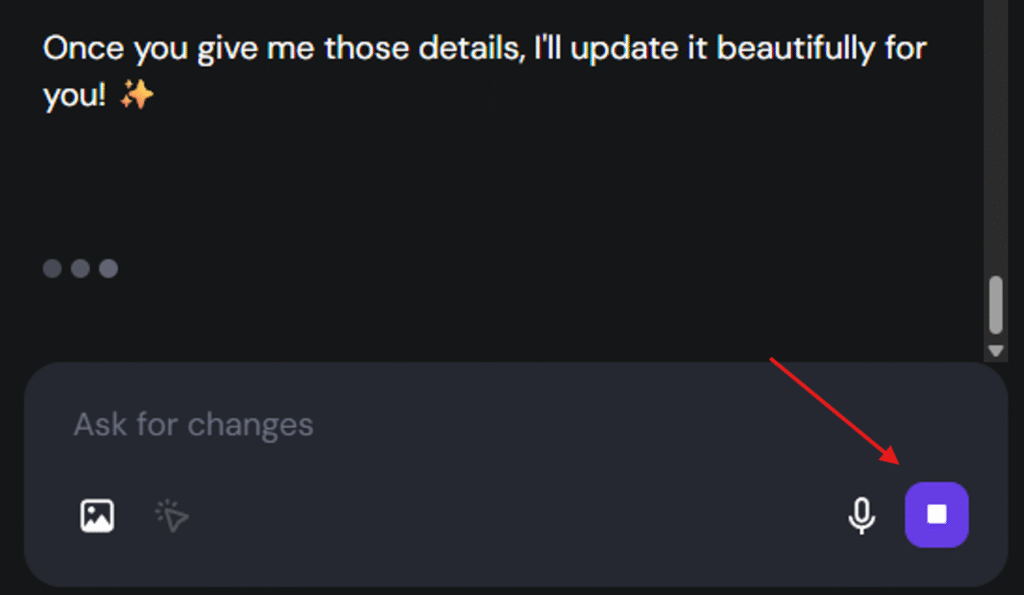
-
Click Stop to immediately halt the generation.
Once you stop it, Horizons will not apply or complete the changes, and your website will stay unchanged.