After your OpenClaw instance is running, you can connect it to various messaging platforms:
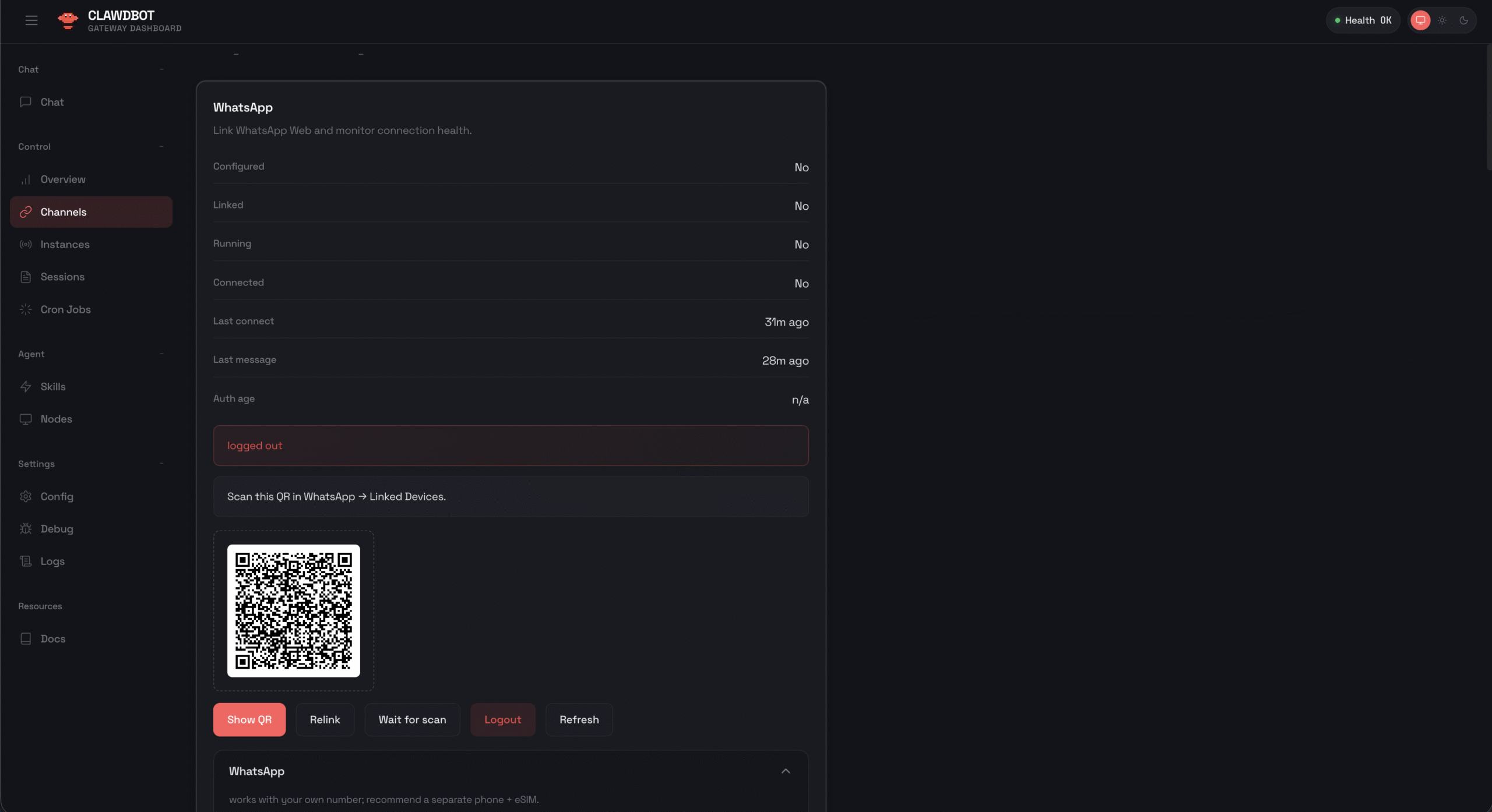
- Go to Channels and press on Show QR
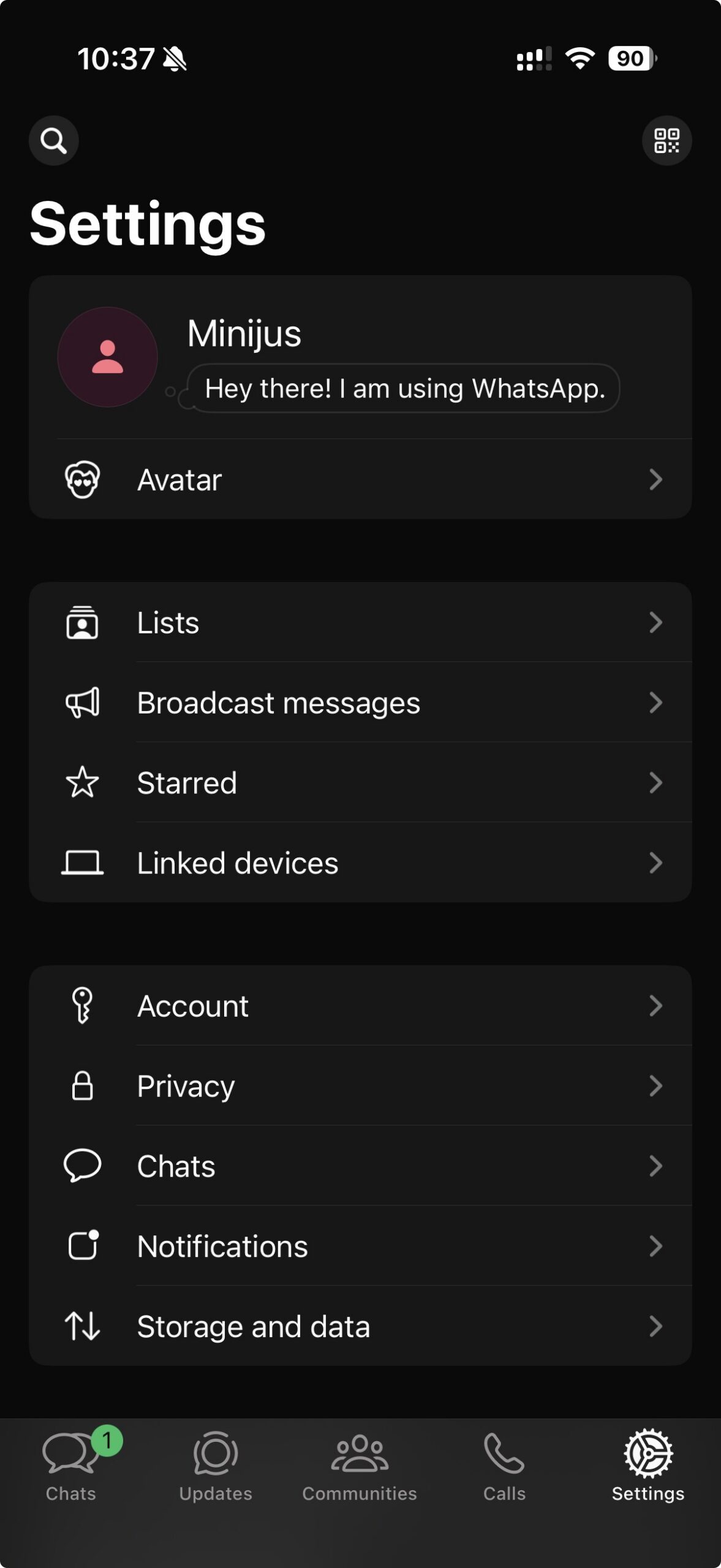
- Head to your WhatsApp Settings -> Linked devices
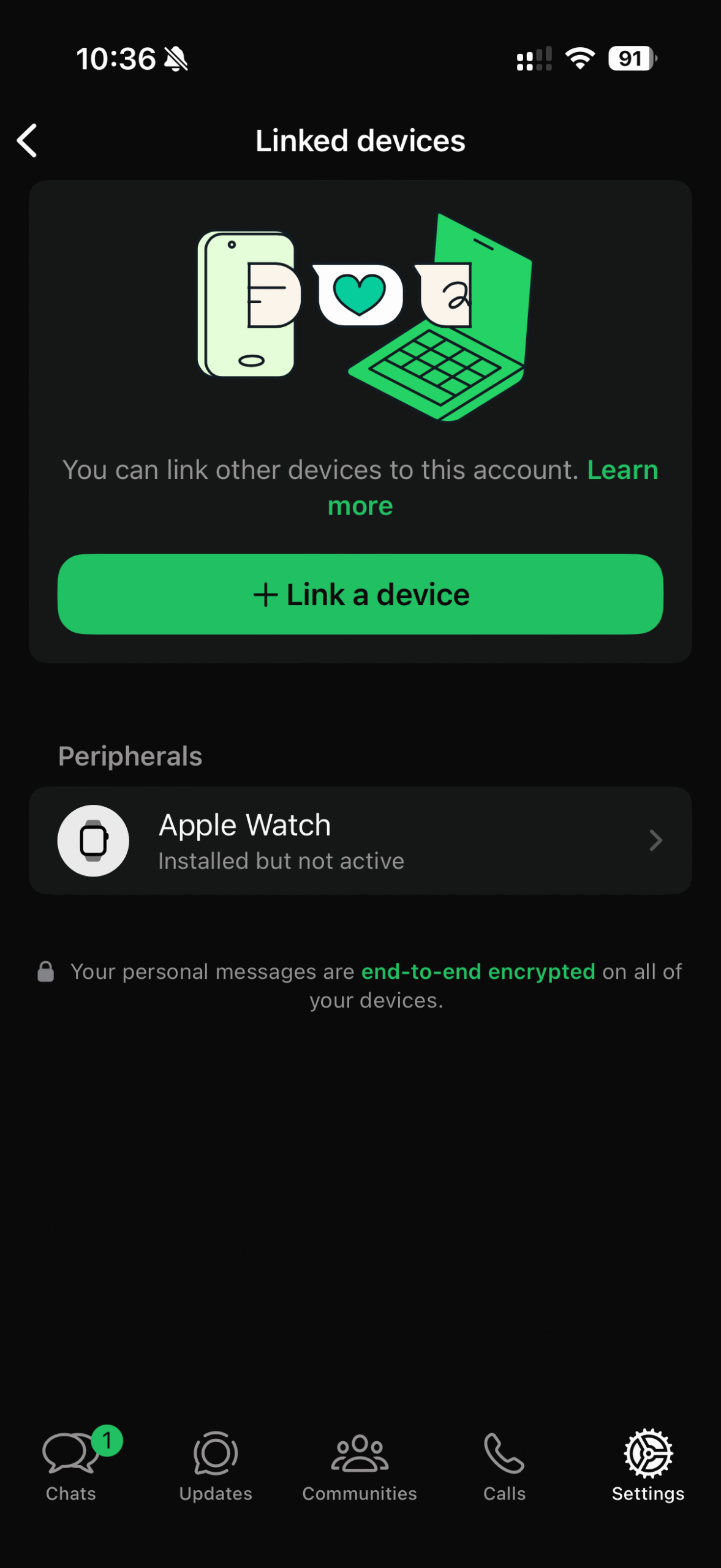
Press on “Wait for scan” and scan the code with your WhatsApp app by pressing on “Link a device“.
Note: You will communicate with your AI assistant by writing messages to yourself.