Although Hostinger Horizons is an AI-powered software development tool that lets anyone create custom web apps in minutes, no coding required, you can also choose a pre-made template to make getting started even easier when creating your website.
How to select a template
Before you begin, make sure you have an active Horizons subscription.
-
Go to Add Website and choose Horizons.
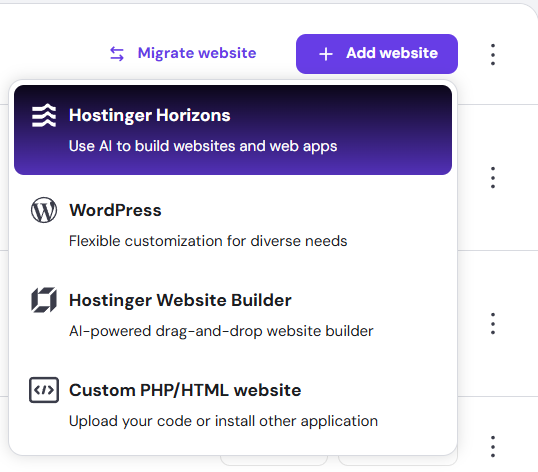
-
You’ll be taken to a screen where you can pick between prompt creation or pre-made Templates.
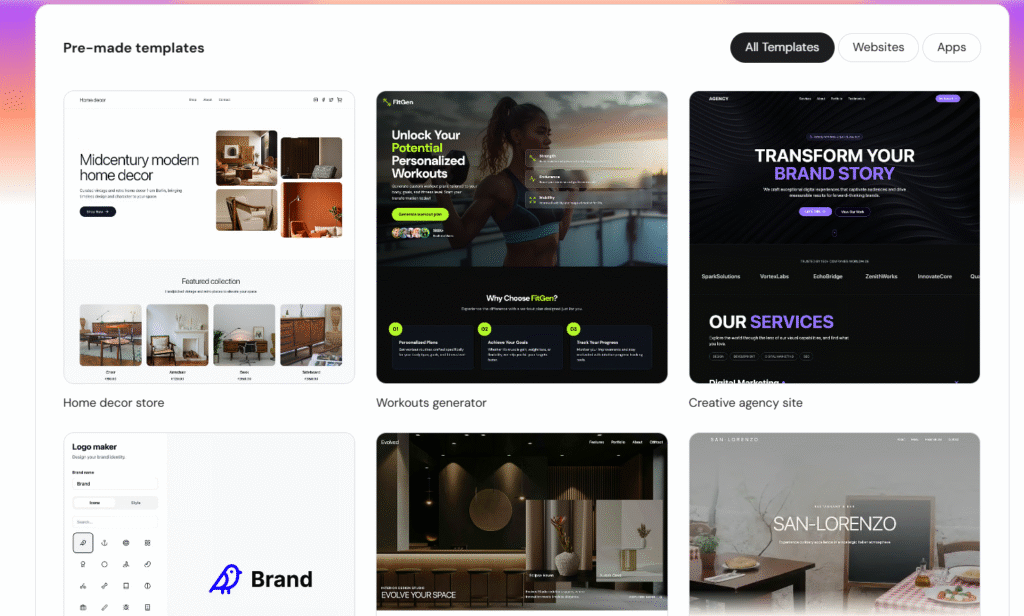
-
Select the template you want to use to start building your website.
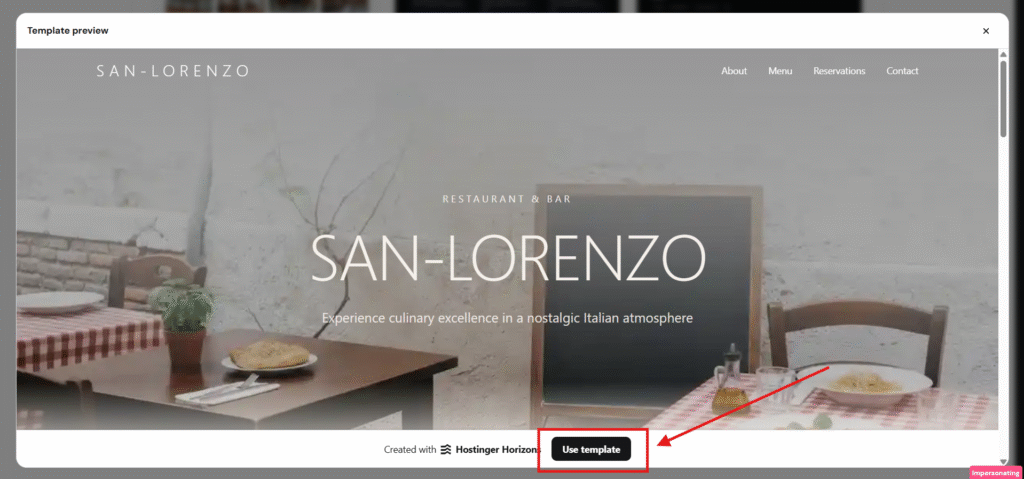
Once your template is selected, you can begin customizing your Horizons project right away and bring your idea to life with ease.