Hermes Agent is an open-source, self-improving AI agent developed by Nous Research that can execute tasks, learn from interactions, and expand its capabilities over time. On Hostinger VPS, Hermes Agent is available through the Application Catalog, allowing you to deploy it quickly using Docker without manual setup. This guide will walk you through deploying Hermes Agent and starting to use it via the command-line interface.
Deploying Hermes Agent
To get started, open your VPS dashboard and navigate to Docker Manager → Catalog. Search for Hermes Agent and click Select. During deployment, you will be asked to provide an API key for your preferred LLM provider, such as OpenRouter, Anthropic, or OpenAI. This key is required for Hermes to interact with language models and execute tasks.
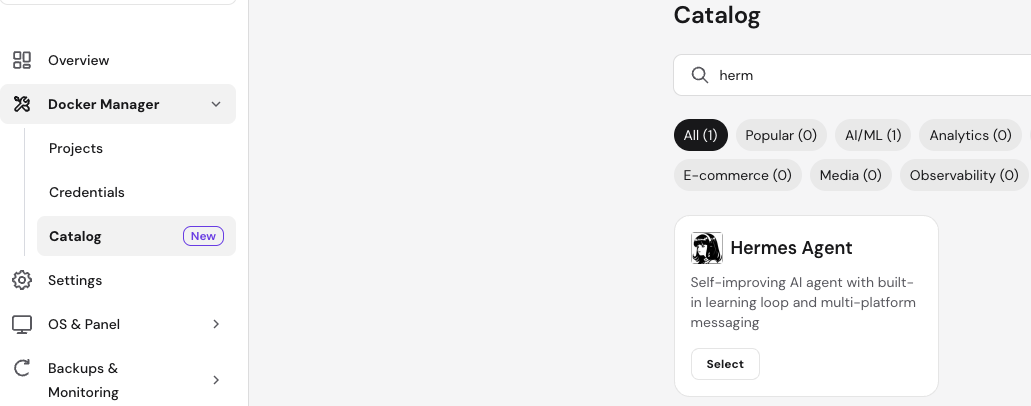
You can provide one API key during deployment and add more providers later if needed. Once you fill in the required fields, click Deploy. The platform will automatically create and start the Hermes Agent container along with required services such as Traefik.
Accessing Hermes Agent
After deployment is complete, Hermes runs inside a Docker container and is accessed via the terminal. From your VPS dashboard, open the Browser Terminal to connect to your server.
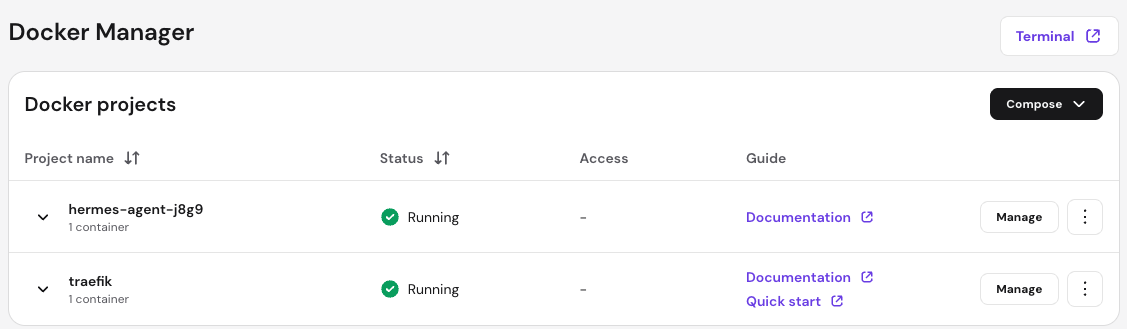
First, navigate to the application directory created by Docker Manager. This will usually follow the pattern shown below:
cd /docker/hermes-agent-xxxx/Replace xxxx with the actual project identifier shown in your Docker Manager.
Next, enter the running container using Docker Compose:
docker compose exec -it hermes-agent /bin/bashOnce inside the container, you will have direct access to the Hermes Agent CLI environment.
Using Hermes CLI
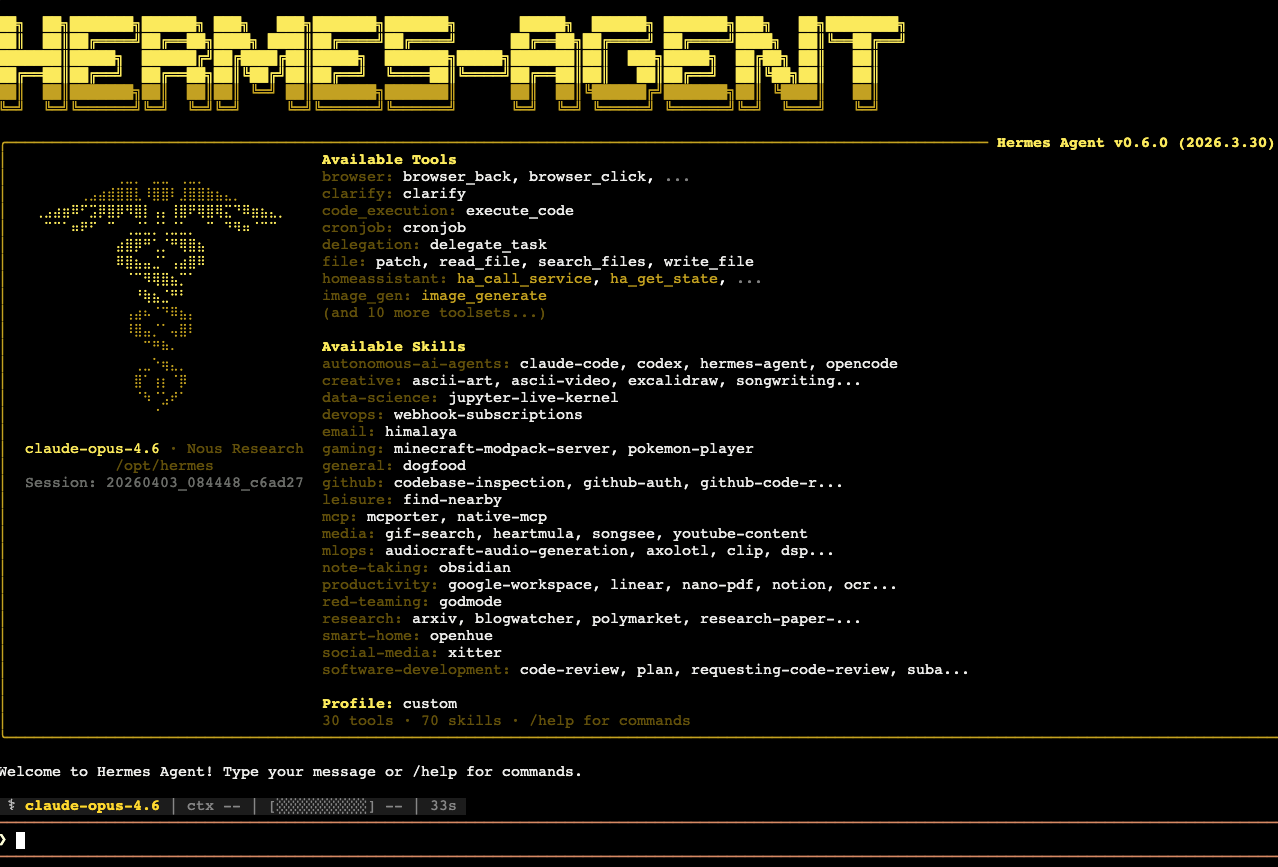
After entering the container, Hermes will start in CLI mode, allowing you to interact with your agent directly from the terminal. You can type messages, commands, or tasks, and Hermes will process them using the configured language model.
The CLI interface provides access to built-in tools, skills, and commands. You can explore available commands by typing /help, which will display supported actions and usage options.
Hermes supports a wide range of capabilities, including code execution, task delegation, file manipulation, and integrations with external services. You can assign tasks, ask questions, or build workflows directly from the CLI.
Managing LLM Providers
Hermes uses API keys to connect to language models. While you provide one key during deployment, you can later configure additional providers depending on your needs. This allows you to switch between models or use multiple providers for different types of tasks.
Refer to the official Hermes documentation for detailed configuration options and advanced setup instructions.
Next Steps
After gaining access to the CLI, you can start experimenting with Hermes by assigning tasks, exploring built-in skills, and building automation workflows. You can also customize your agent’s environment, integrate additional tools, and extend its functionality as your use cases evolve.
Hermes Agent on Hostinger VPS provides a powerful and flexible environment for running autonomous AI agents. By deploying it through the Application Catalog and accessing it via the terminal, you can quickly begin interacting with your agent and building intelligent workflows. With support for multiple LLM providers and a rich CLI interface, Hermes offers a scalable foundation for advanced AI-driven automation.