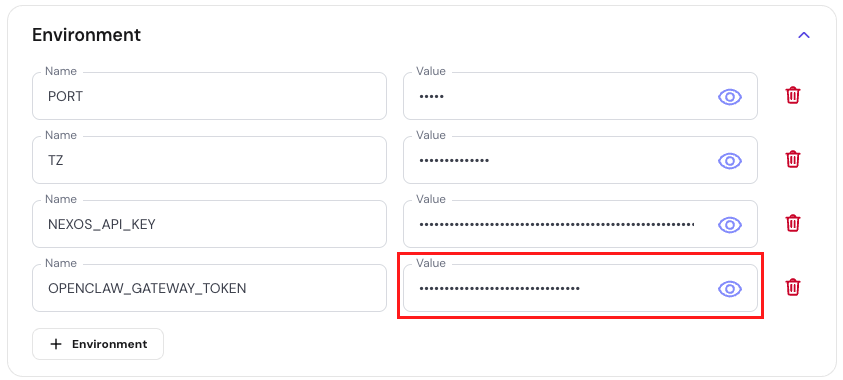
When you deploy OpenClaw through the Hostinger Docker Catalog, a secure login token is automatically generated. This token is required to access your OpenClaw dashboard.
If you did not save the token during deployment, you can find it in Docker Manager by checking your container environment variables.
This guide explains where to locate your OpenClaw login token in hPanel.
Open Docker Manager
Log in to hPanel and navigate to your VPS.
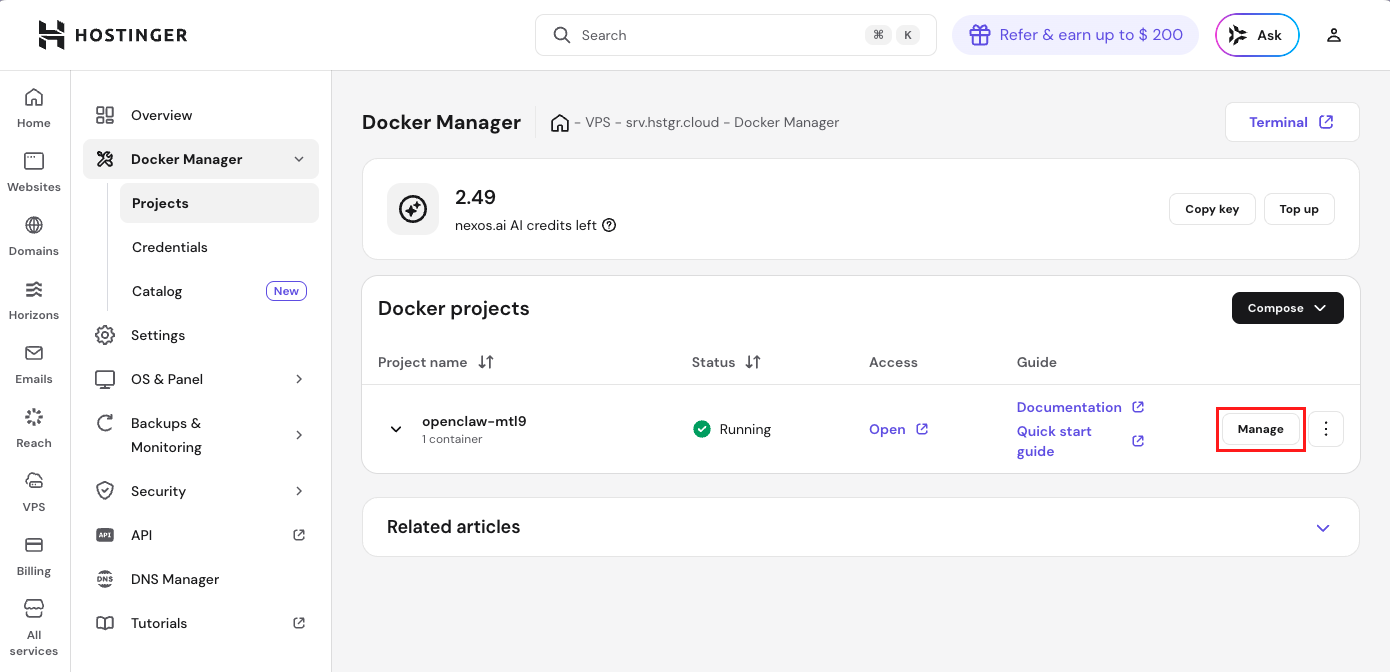
Open Docker Manager from the left sidebar, then go to the Projects section.
In the list of Docker projects, locate your OpenClaw project. Click the Manage button next to it.
Open the environment section
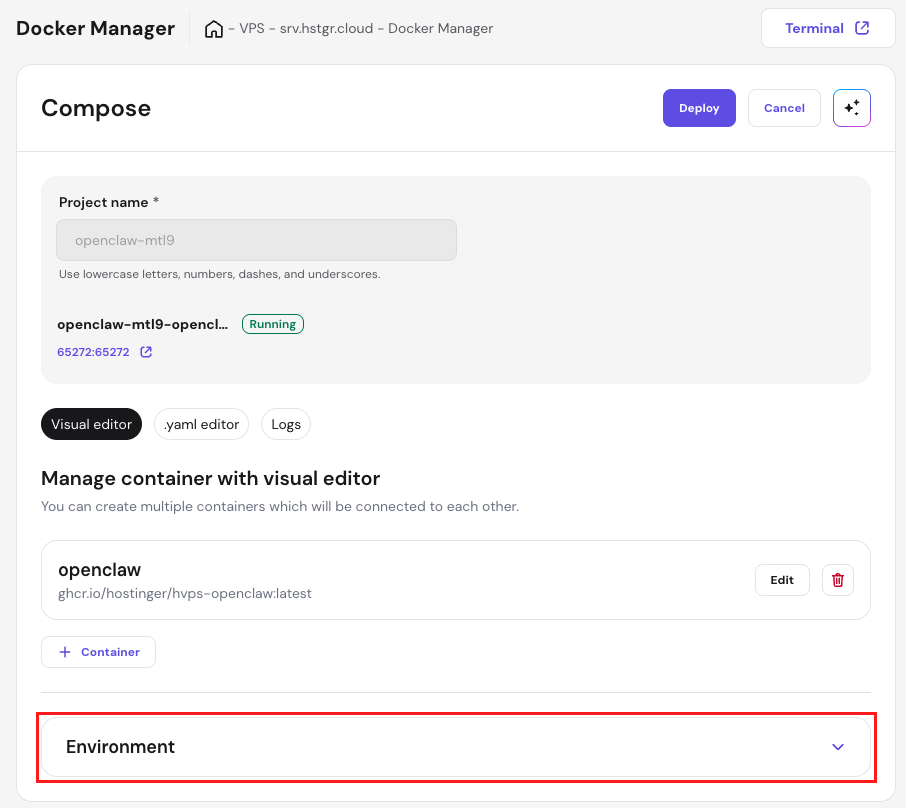
Inside the project management view, scroll down until you see the Environment section. Click it to expand the environment variables list.
Reveal your OpenClaw login token
Locate the environment variable named OPENCLAW_GATEWAY_TOKEN.
By default, the value is hidden for security reasons. Click the eye icon next to the field to reveal it.
You can then copy the token and use it to log in to your OpenClaw dashboard.