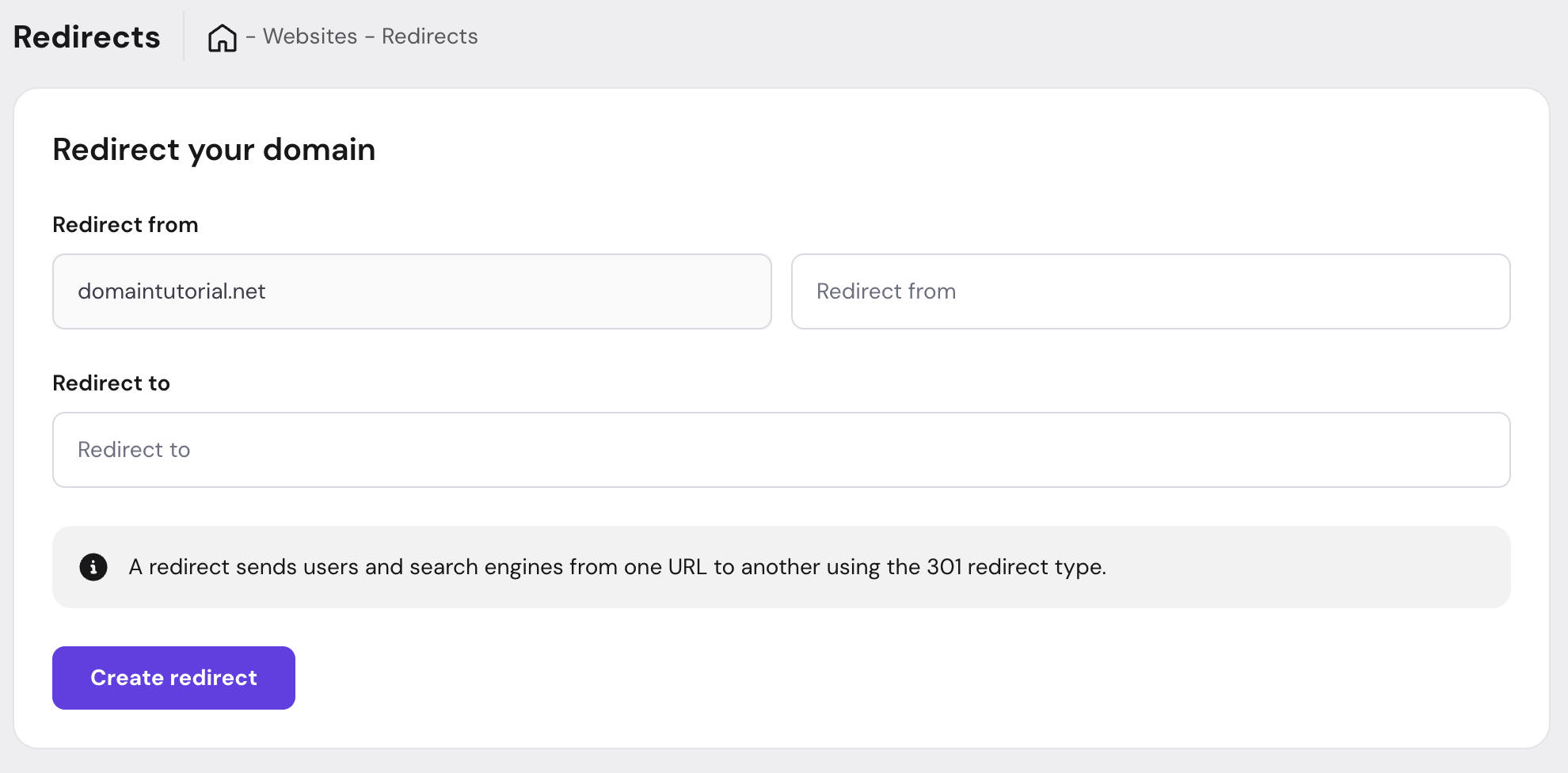
Domain redirects automatically send visitors from one URL to another. This is essential for maintaining SEO value, guiding users to the correct content, and managing multiple domains effectively.
What are domain redirects?
A redirect is an instruction that automatically sends visitors and search engines from one URL to another. When someone tries to access the original URL, they’re immediately taken to the destination URL without any action on their part.
Common scenarios:
- Moving your site to a new domain
- Changing your site structure or page URLs
- Directing multiple domains to one primary site
- Fixing broken links or outdated URLs
How to set up redirects
Use the Redirects feature in your control panel:
- Navigate to your website settings
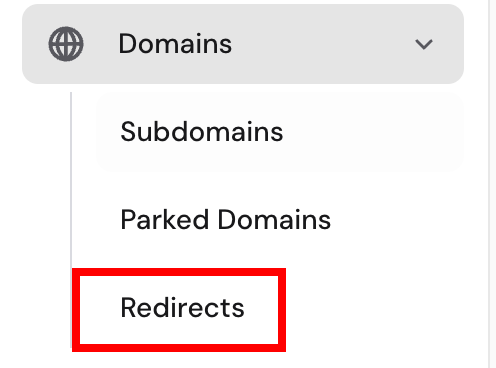
- Go to Domains – Redirects section inside your website dashboard
- Select the URL path you want to redirect from and to: