Two-factor authentication (2FA) is an extra layer of security for your online accounts, requiring both something you know, such as a password, and something you have (phone, security key) to log in.
When migrating your websites to Hostinger from another provider, disabling 2FA will not resolve the issue. Accessing the service from different IP address will still prompt 2FA verification due to the system identifying the IP address as unfamiliar, which is an inherent part of their security system.
How to Migrate a Website When 2FA is Enabled
You can select another migration method that allows you to fill the request using website login details:

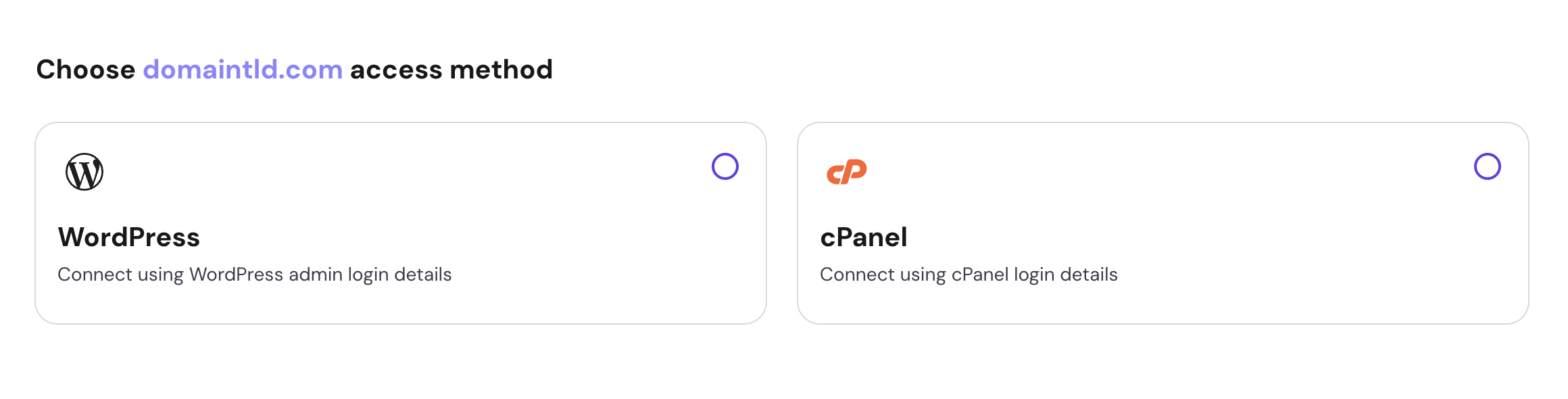
Or, if your site is offline or you have a backup, you can easily upload your website files and database using the ‘Upload Backup Files’ option by going back to the previous step:
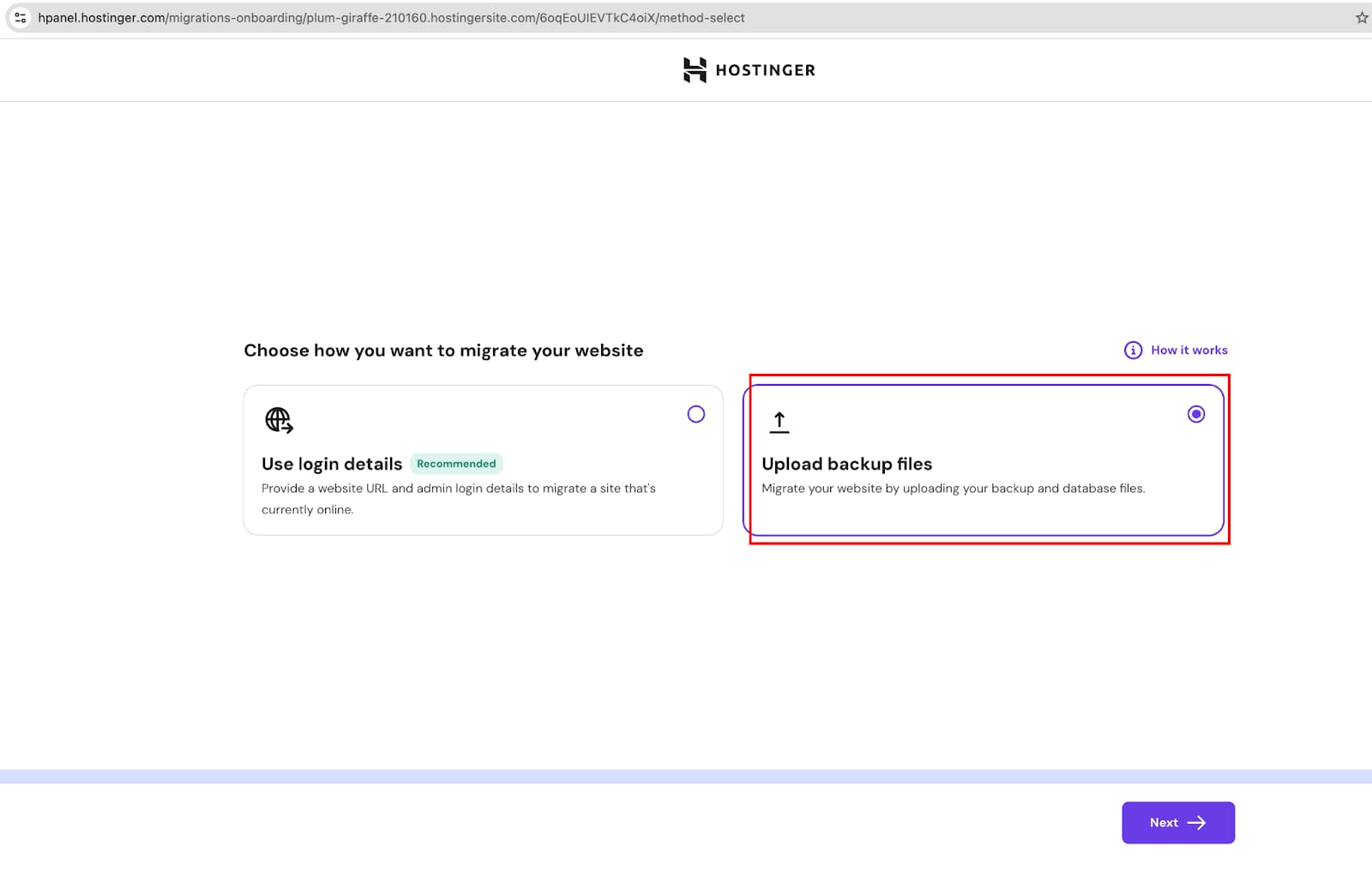
After uploading your website backup, you’ll be redirected to a summary page to review the migration details before final submission. Once the migration request is submitted, our expert migration team will handle the transfer for you, ensuring a smooth and hassle-free website migration.