12 best drag-and-drop website builders
Jul 02, 2026
/
Ksenija
/
11 min Read

A drag-and-drop website builder is a tool that lets you create a website by placing and arranging elements on a page visually, instead of writing code.
You build pages by dragging sections, images, text, buttons, and forms into place, then customize the layout using a visual editor.
Many modern website builders include AI tools for generating websites and content, ecommerce and blogging features, appointment booking, SEO tools, analytics, and web hosting – all in one platform.
The choice of the best drag-and-drop website builder depends on what you want to create. Some platforms are designed for online stores, while others focus on portfolios, business websites, landing pages, or content-heavy sites.
Here are the best drag-and-drop website builders at a glance:
- Hostinger Website Builder – A great choice for beginners, small businesses, and anyone who wants AI tools, hosting, and ecommerce in one platform.
- Squarespace – Ideal for portfolios, blogs, creative professionals, and service-based businesses.
- Wix – Suited for businesses that want extensive customization and a large selection of built-in features.
- Canva – A good fit for portfolios, event websites, landing pages, and other simple websites.
- Jimdo – Designed for freelancers, sole traders, and small businesses managing bookings, payments, and websites together.
- Shopify – Built for online stores, whether you’re launching your first products or scaling an established ecommerce business.
- Weebly – Suitable for personal websites, blogs, and small businesses that need a straightforward website.
- HubSpot – A strong option for businesses focused on lead generation, marketing, and customer management.
- SITE123 – Well-suited to small business websites, restaurants, appointment-based services, and multilingual websites.
- Webflow – Best for designers, agencies, and businesses that want advanced design control.
- Duda – Built for agencies, freelancers, and teams managing multiple client websites.
- GoDaddy Website Builder – A practical choice for small businesses that want a website, online marketing, and appointment scheduling in one place.
1. Hostinger Website Builder
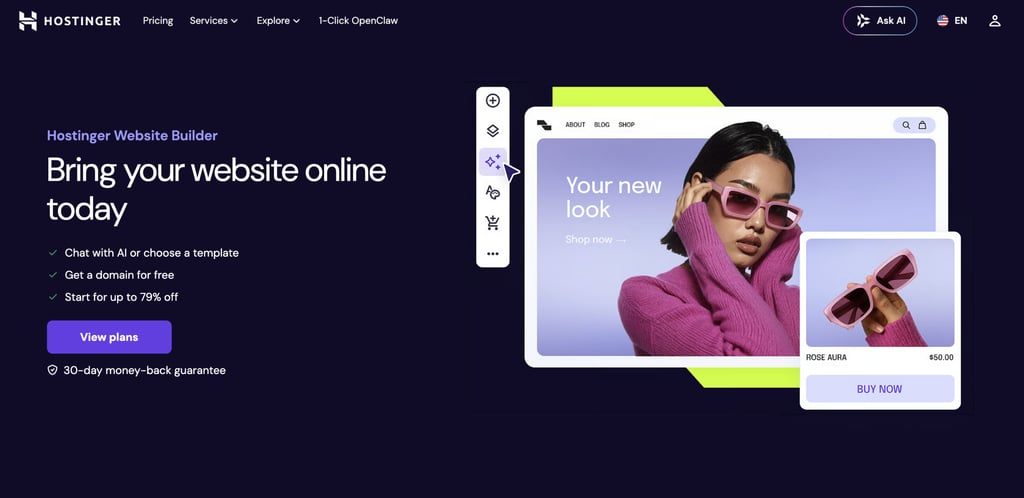
Hostinger Website Builder combines a drag-and-drop editor with AI tools, making it easy to create a website without coding. You can start from a template or generate a website by describing your project, then customize every page with the visual editor.
The platform supports personal websites, portfolios, blogs, business websites, landing pages, and online stores.
You can manage your website, publish new content, and sell products online from the same dashboard without installing additional software.
Hostinger Website Builder pros:
- More than 300 website templates for blogs, portfolios, business websites, landing pages, and online stores.
- Built-in AI tools for writing copy, creating blog posts, generating images and logos, and improving SEO.
- Paid plans include web hosting, SSL certificates, a free domain for the first year (eligible plans), and SEO tools.
- Printful integration, 0% Hostinger transaction fees, support for multiple payment gateways, and tools for selling physical and digital products.
Hostinger Website Builder cons:
- No FTP, SSH, Git, file manager, database access, or PHP configuration.
- Custom functionality is limited to supported integrations and custom code snippets.
Hostinger Website Builder pricing:
Hostinger Website Builder starts at $2.99/month with the Premium plan, which includes up to three websites, web hosting, a free domain for the first year (eligible plans), SSL certificates, more than 300 templates, and AI website creation tools.
The Business plan, starting at $3.99/month, adds ecommerce features, advanced AI tools, analytics, and support for selling products online. All plans are billed upfront, include 24/7 support, and come with a 30-day money-back guarantee.

2. Squarespace
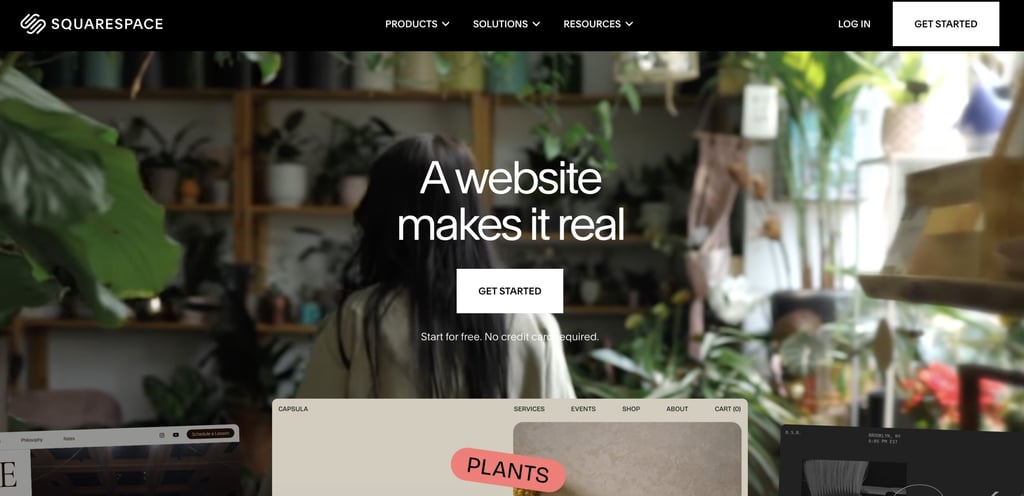
Squarespace is a drag-and-drop website builder with a strong focus on design, branding, and content-driven websites.
You can start with a designer-made template or generate a site with Blueprint AI, then customize layouts using the Fluid Engine visual editor.
The platform supports blogs, portfolios, business websites, online stores, membership sites, online courses, and appointment booking.
Squarespace’s pros:
- Designer-made templates with extensive visual customization options.
- Fluid Engine drag-and-drop editor for flexible page layouts.
- Built-in blogging, ecommerce, memberships, online courses, and appointment scheduling.
- AI tools for website copy, blog posts, SEO content, and product descriptions.
- Built-in SEO, analytics, email marketing, and domain management.
Squarespace cons:
- No third-party plugin ecosystem like WordPress.
- No direct access to server files or databases.
- Code customization is limited to custom CSS and code injection.
Squarespace pricing:
Paid plans start at $16/month for the Basic plan, which includes website building, hosting, and a custom domain for the first year.
The Core plan starts at $23/month and adds business features and ecommerce tools.
Plus ($39/month) and Advanced ($99/month) plans include more advanced commerce features and lower payment processing fees for growing online stores.
3. Wix
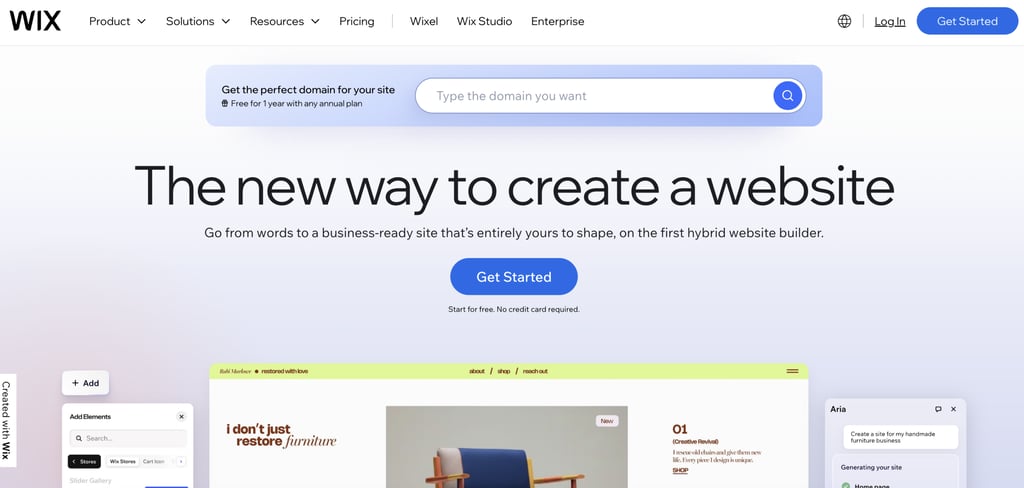
Wix is a drag-and-drop website builder that supports everything from personal websites and portfolios to online stores and business websites. You can start with a template or generate a website with AI, then customize every page using the visual editor.
Beyond building pages, Wix lets you manage your website from a single dashboard. You can publish blog posts, accept bookings, sell products, manage customer relationships, and track website performance without relying on separate services.
Wix pros:
- More than 900 website templates.
- AI website builder and AI tools for content, images, SEO, email campaigns, and product descriptions.
- Built-in ecommerce, bookings, memberships, blogging, CRM, and email marketing.
- App Market with hundreds of third-party integrations.
- Web hosting, SSL certificates, SEO tools, and a built-in CMS.
Wix cons:
- Full access to the hosting environment is not available.
- WordPress plugins are not supported.
- Advanced code customization requires Wix Studio or Velo by Wix.
Wix pricing:
The first paid tier, Light, costs $17/month and includes a custom domain for the first year, web hosting, and 2 GB of storage.
If you want to sell online, the Core plan starts at $14.5/month and adds ecommerce features, online payments, scheduling, and 50 GB of storage.
Higher-tier Business ($19.5/month) and Business Elite ($79.5/month) plans expand storage, marketing tools, ecommerce capabilities, and collaboration features.
4. Canva
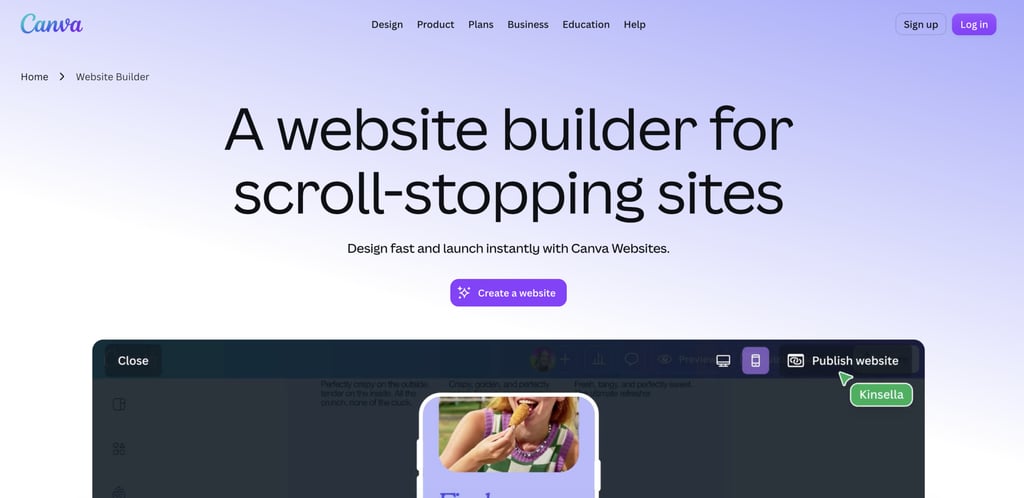
Canva’s website builder uses the same drag-and-drop editor as Canva’s design platform, so you can build a website with the same tools used for presentations, social media graphics, and marketing materials.
The builder works best for portfolios, landing pages, event websites, personal websites, and simple business websites.
You can create and update your website alongside your other Canva projects, making it easy to keep your branding consistent across different types of content.
Canva pros:
- Drag-and-drop editor with thousands of website templates.
- AI tools for generating website copy, images, and interactive elements.
- Built-in library of photos, videos, graphics, illustrations, and animations.
- Real-time collaboration and commenting.
Canva cons:
- No built-in ecommerce features such as shopping carts, inventory management, or online payments.
- SEO tools are limited to basic metadata and do not support schema markup, redirects, or robots.txt customization.
- No access to the hosting environment or server-side code.
- Advanced website customization is limited to the options available in the visual editor.
Canva pricing:
Canva offers a free plan that includes the drag-and-drop editor, more than 1.6 million templates, 4.7 million stock assets, 5 GB of cloud storage, and a limited AI allowance.
Canva Pro costs $144/year for one person and adds premium templates, 100 GB of storage, advanced editing tools, and more AI usage.
Canva Business starts at $250/year per user and includes team collaboration tools, up to 100 Brand Kits, 500 GB of storage, and expanded AI features. Enterprise pricing is available on request.
5. Jimdo
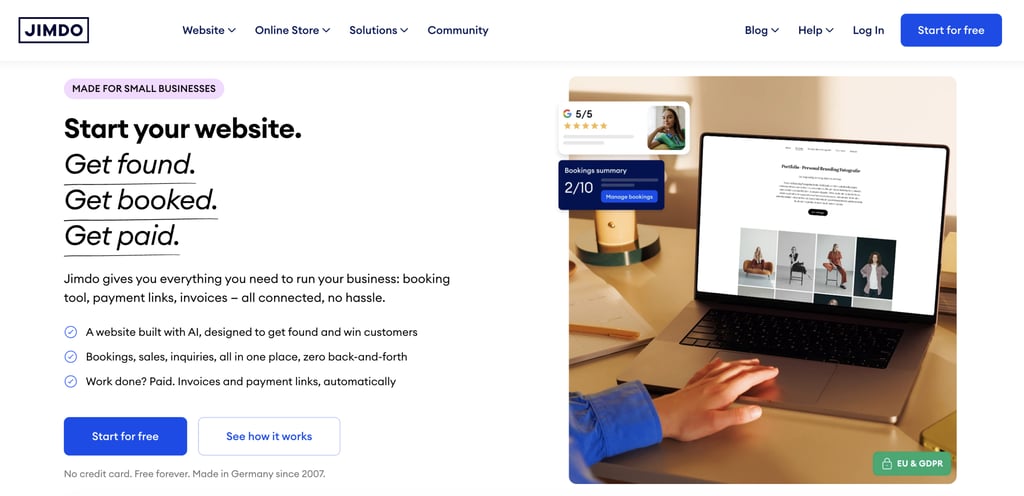
Jimdo is a drag-and-drop website builder aimed at freelancers, sole traders, and small businesses. You can create a website with AI or start building manually, then customize pages with the visual editor.
Beyond building a website, Jimdo lets you manage day-to-day business tasks from the same dashboard.
You can sell products, accept bookings, send invoices, collect payments, and keep customer information in one place.
Jimdo pros:
- Built-in booking, invoicing, payment links, and online store tools.
- SEO tools and AI-generated website content.
- GDPR compliance features and European hosting.
Jimdo cons:
- Limited template selection.
- Limited design customization.
- Third-party app ecosystem is limited.
- No access to the hosting environment or server-side code.
Jimdo pricing:
Jimdo offers a free plan with a .jimdosite.com subdomain, 5 GB of storage, and basic website features.
Paid plans start at $11/month with the Start plan, which adds a custom domain, removes Jimdo branding, and includes advanced SEO tools.
The Grow plan costs $17/month and adds visitor statistics, faster support, and more storage, while the Unlimited plan starts at $49.50/month with 500 GB of storage, professional design analysis, and priority support.
6. Shopify
Shopify is a drag-and-drop website builder designed for online stores. You can create a storefront with a ready-made theme, customize pages with the visual editor, and manage products, inventory, orders, customers, and payments from the same dashboard.
The platform supports selling through your own website, social media, online marketplaces, and in-person with Shopify POS.
You can manage every sales channel from one place without switching between different tools.
Shopify pros:
- Built-in product, inventory, order, and payment management.
- Multi-channel selling through websites, marketplaces, social media, and Shopify POS.
- AI assistant for store management and content generation.
- Shopify App Store with thousands of integrations.
Shopify cons:
- Transaction fees may apply when you don’t use Shopify Payments.
- Advanced features are available on higher-tier plans or through paid apps.
- Limited access to the underlying hosting environment and server-side code.
Shopify pricing:
Shopify offers a 3-day free trial, followed by $1/month for the first three months for new customers.
After the promotional period, the Basic plan costs $29/month and includes an online store, unlimited products, AI tools, and multichannel selling.
The Grow plan costs $79/month and adds more staff accounts and lower payment processing rates, while Advanced starts at $299/month with additional international selling and shipping features.
Shopify Plus, designed for large businesses, starts at $2,300/month.
7. Weebly
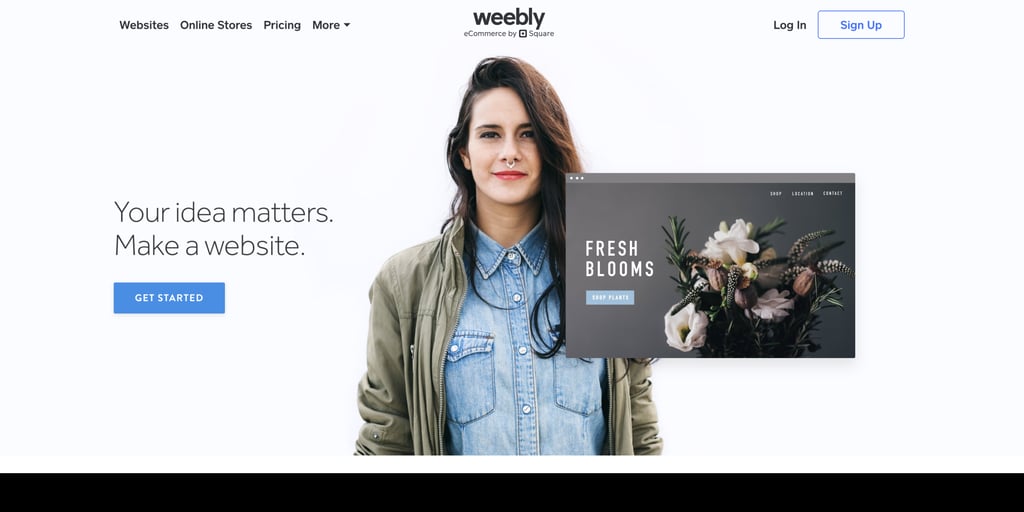
Weebly is a drag-and-drop website builder that remains available, though development has slowed since the payments company Square acquired the platform in 2018.
Existing websites continue to work, and you can still build personal websites, blogs, small business sites, and simple online stores with the classic drag-and-drop editor.
Weebly pros:
- Built-in blogging, ecommerce, and contact forms.
- App Center for adding third-party integrations.
- SEO tools and custom domain support.
- Built-in website analytics and hosting.
Weebly cons:
- Limited template selection.
- Design customization options are limited.
- No access to the hosting environment or server-side code.
Weebly pricing:
Weebly offers a free plan with basic website features, SSL, and a Weebly subdomain.
If you want to connect your own domain, the Personal plan starts at $13/month. The Professional plan costs $15/month and adds unlimited storage, advanced site statistics, password protection, and a free domain.
Businesses that need more ecommerce features can choose the Performance plan, starting at $32/month, which includes abandoned cart emails, shipping labels, priority support, and advanced ecommerce insights.
8. HubSpot
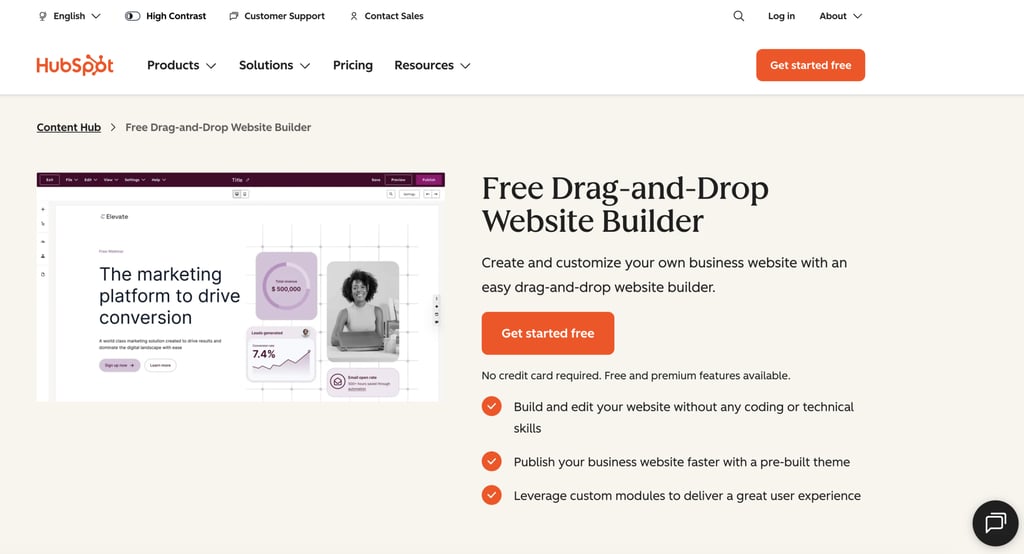
HubSpot’s website builder is part of Content Hub, combining website creation with marketing, lead generation, and customer management tools.
You can create pages with the drag-and-drop editor, start from a theme, and customize layouts without writing code.
You can publish website pages, landing pages, and blog posts from the same dashboard, while customer interactions flow directly into HubSpot’s CRM.
Developers can also extend websites with custom themes, templates, and modules when needed.
HubSpot pros:
- Free CMS with hosting, SSL, and custom domain support.
- Built-in CRM that stores website inquiries, form submissions, and live chat conversations.
- Hundreds of themes plus support for custom themes, modules, and templates.
- Website analytics integrated with HubSpot’s customer platform.
HubSpot cons:
- Ecommerce features are limited.
- No access to the underlying hosting environment.
- Advanced customization requires HubSpot developer tools.
HubSpot pricing:
HubSpot offers a free plan that includes website hosting, SSL, a drag-and-drop editor, themes, analytics, CRM integration, and up to 30 website pages.
Paid plans start at $7/month per seat, adding custom domains, removal of HubSpot branding, and higher limits for website pages, blogs, and landing pages.
Professional costs $450/month (includes three Core seats) with advanced features such as A/B testing, memberships, and custom reporting, while Enterprise starts at $1,500/month (includes five Core seats) and adds multisite management, content approvals, and additional administrative controls.
9. SITE123
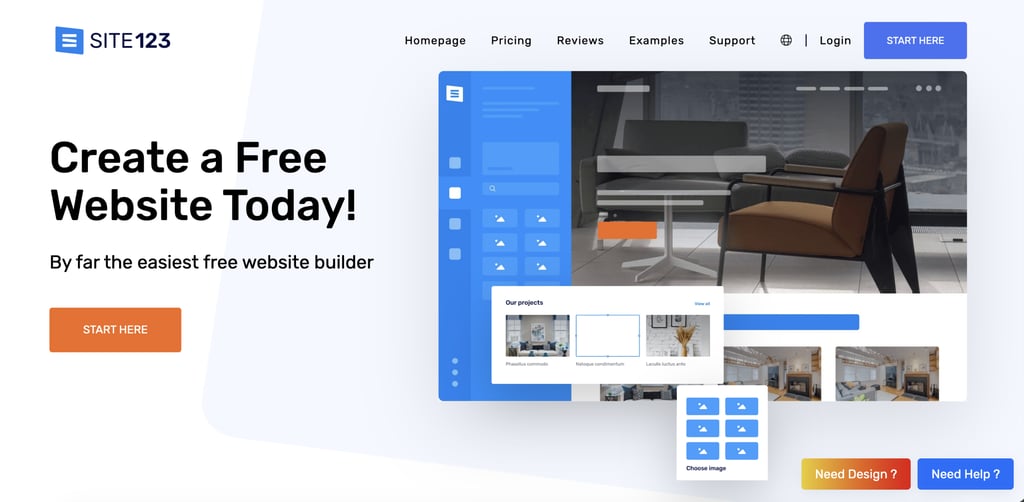
SITE123 is a drag-and-drop website builder for business websites, portfolios, blogs, online stores, restaurants, and appointment-based businesses.
You start with a website category and a template, then customize pages, images, colors, and navigation using the visual editor.
As your website grows, you can add new pages, publish blog posts, sell products, or manage bookings without switching to another platform.
SITE123 pros:
- Supports one-page and multi-page website layouts.
- Built-in tools for appointment booking, restaurant reservations, and event ticket sales.
- Multilingual website support.
- App Market for adding live chat, analytics, marketing tools, and other third-party services.
- Built-in SEO tools and custom domain support.
SITE123 cons:
- Design customization options are limited.
- No access to the hosting environment or server-side code.
- Advanced customization relies on supported integrations and custom code snippets.
SITE123 pricing:
SITE123 offers a free plan with 250 MB of storage, 250 MB of bandwidth, and a SITE123 subdomain.
The Premium plan costs $12.80/month and includes a free domain for the first year, support for a custom domain, 3 GB of storage and bandwidth, ecommerce features, and removal of SITE123 branding.
10. Webflow
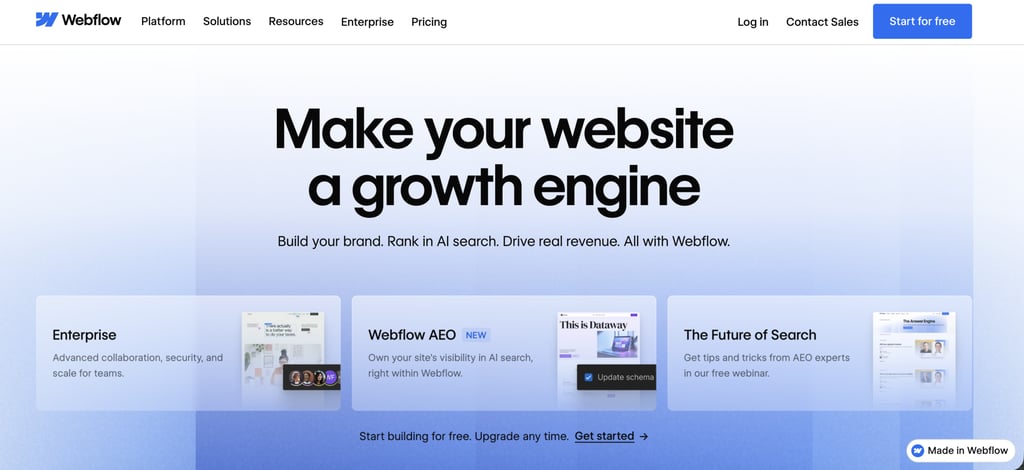
Webflow is a drag-and-drop website builder for designers, agencies, and businesses that want more control over how a website looks and works.
You build pages visually while Webflow generates the underlying HTML and CSS, giving you the flexibility of visual editing without writing every line of code.
The platform supports business websites, portfolios, landing pages, blogs, and other content-driven websites.
You can design pages, manage content, collaborate with clients, and publish your website from the same platform, while developers can extend projects with custom code when needed.
Webflow pros:
- Visual editor with responsive layout controls.
- Built-in CMS for blogs and other dynamic content.
- Custom code support and HTML/CSS export.
- Built-in animations and interactions.
- Version history, backups, and staging environment.
- Integrations with Google Analytics, Mailchimp, Zapier, and other third-party tools.
Webflow cons
- Steeper learning curve than beginner-focused website builders.
- Ecommerce requires a separate, designated plan.
- CMS and advanced features are not available on every plan.
Webflow pricing:
Webflow offers a free Starter plan with a Webflow.io subdomain, two static pages, limited CMS functionality, 1 GB of bandwidth, and 50 form submissions.
Basic plans start at $15/month and support custom domains, up to 300 static pages, 10 GB of bandwidth, and unlimited form submissions.
The Premium plan is $25/month and adds the CMS, 50 GB of bandwidth, site search, code components, and file uploads for forms.
Larger organizations can choose Team and Enterprise platform plans, which add collaboration, governance, localization, security, and administrative features.
11. Duda
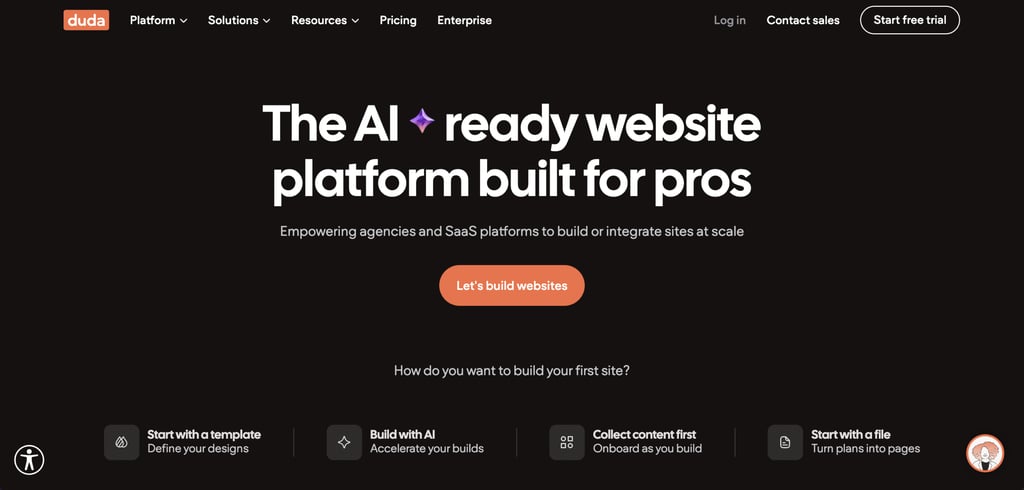
Duda is a drag-and-drop website builder designed for agencies, freelancers, SaaS companies, and teams that build websites for clients.
You can start from a template, generate a website with AI, or build pages from scratch using the visual editor.
The platform supports business websites, landing pages, blogs, online stores, and membership websites.
Teams can manage multiple client projects, collaborate with clients, collect website content, and publish websites from a single dashboard.
Duda pros:
- AI website generation and AI content creation tools.
- Team collaboration and client management tools.
- Custom widgets, APIs, and custom code support.
- Ecommerce, memberships, bookings, and SEO tools.
- Built-in hosting, automatic backups, and SSL.
Duda cons:
- Ecommerce features require higher-tier plans.
- Limited third-party app ecosystem compared with larger platforms.
Duda pricing:
Paid plans start with Basic at $19/month, which includes one website, AWS hosting, unlimited storage, AI website-building tools, and AI SEO assistance.
The Team plan costs $29/month and adds support for up to three team members, client management, code access, and AI-powered content collection.
Agency plans start at $52/month with four websites, code export, a custom widget builder, and priority support, while White Label and Custom plans target agencies and enterprises managing websites at scale.
12. GoDaddy Website Builder
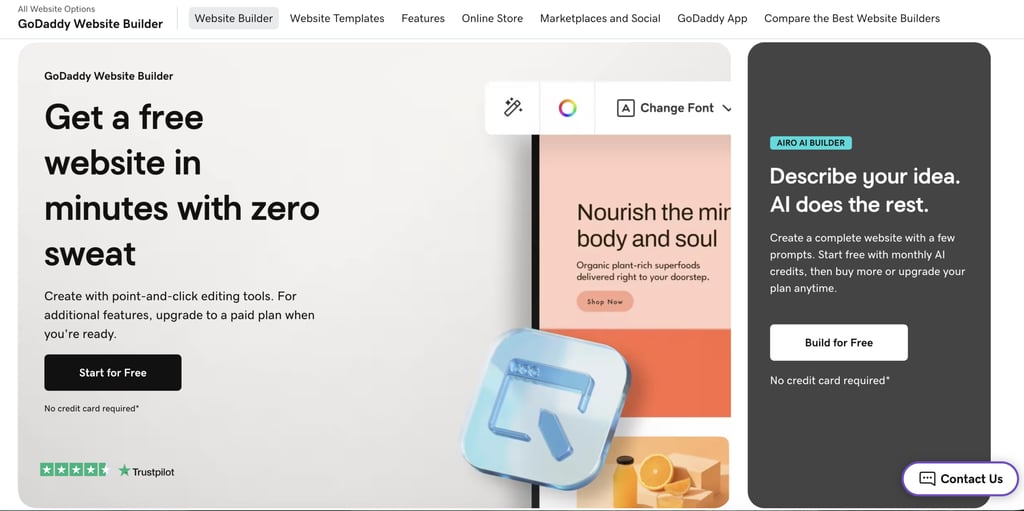
GoDaddy Website Builder helps small businesses create a website and manage their online presence from one dashboard.
You can generate a website with GoDaddy Airo AI or start from a template, then customize pages with the visual editor.
The builder supports business websites, blogs, portfolios, appointment-based businesses, and online stores.
You can accept online payments, sell products, schedule appointments, send email marketing campaigns, and manage your website from the same dashboard.
GoDaddy Website Builder pros:
- Templates for business websites, blogs, portfolios, and online stores.
- Built-in email marketing and social media tools.
- Appointment scheduling and online payment support.
- Ecommerce tools for physical products, digital products, and services.
- Hosting, SSL, custom domains, and website analytics.
GoDaddy Website Builder cons:
- No code export.
- Advanced ecommerce features are only available on Commerce plans.
GoDaddy Website Builder pricing:
GoDaddy offers a free plan with a website builder, templates, AI credits, hosting, and 24/7 support. Paid plans start with Basic at $9.99/month, which adds a custom domain, professional email, website analytics, and basic marketing tools.
The Premium plan costs $14.99/month and adds appointment booking, while Commerce starts at $20.99/month and includes online store features, unlimited products and services, multiple payment and delivery options.
What to look for in a drag-and-drop website builder
When comparing drag-and-drop website builders, focus on the features that affect how easy the platform is to use and whether it will meet your needs over time.
Before choosing a website builder:
- Compare plan features before you subscribe. Check that your plan includes a blog, ecommerce functionality, appointment booking, multilingual support, and membership features if you plan to use them. Many website builders only include these in premium plans.
- Test the AI tools for building websites before you subscribe, if possible.Use a free plan, free trial, or live demo to build a few pages, customize a template, and test any tools you plan to use. You’ll quickly see whether the editing experience matches your workflow and whether the AI features are worth paying for.
- Check ecommerce limits before launching your store. Review the maximum number of products you can sell, supported payment gateways, transaction fees, shipping options, and any restrictions that could affect your business as it grows.
- Review everything included in the subscription. Confirm whether hosting, SSL certificates, a free custom domain, business email, backups, and security features are included or require separate purchases.
- Test the integrations you rely on. Verify that the website builder connects with your payment provider, analytics platform, CRM, email marketing software, booking system, or any other tools your business already uses.
- Compare renewal prices alongside introductory offers. Look at what you’ll pay after the promotional period ends, since long-term subscription costs can vary significantly between providers.
- Plan for future growth before you commit. Check whether you can add team members, sell more products, create multilingual websites, or expand your site’s functionality without migrating to a different platform.
Is Hostinger a good drag-and-drop website builder?
Yes, Hostinger Website Builder is a strong choice for building and managing a website from one place without using multiple services.
The visual editor makes it easy to customize pages, while AI tools can generate a complete website, write content, create images and logos, and help optimize pages for search engines.
The platform includes web hosting, SSL certificates, SEO tools, and a free domain for the first year on eligible plans.
You can also connect Google Analytics, Meta Pixel, and other marketing tools to track performance after your website goes live.
Ecommerce features support physical and digital products, multiple payment gateways, and Printful integration for print-on-demand businesses.
All of the tutorial content on this website is subject to Hostinger's rigorous editorial standards and values.

Ksenija is a digital marketing enthusiast with extensive expertise in content creation and website optimization. Specializing in WordPress, she enjoys writing about the platform’s nuances, from design to functionality, and sharing her insights with others. When she’s not perfecting her trade, you’ll find her on the local basketball court or at home enjoying a crime story. Follow her on LinkedIn.