
How to Create a WordPress Theme: 6-Step Process with Code
While you can always install a pre-made WordPress theme, creating a custom one makes your website more unique.With a custom theme written in popular...
WordPress REST API Guide: Understand How to Set It up and Use It in 2026
WordPress REST API is an interface that enables the content management system (CMS) to exchange data with third-party services. It lets you access...
How to Become a WordPress Developer in 2026
WordPress is the most popular content management system. So, there will always be users looking for developers to help enhance their websites. By...
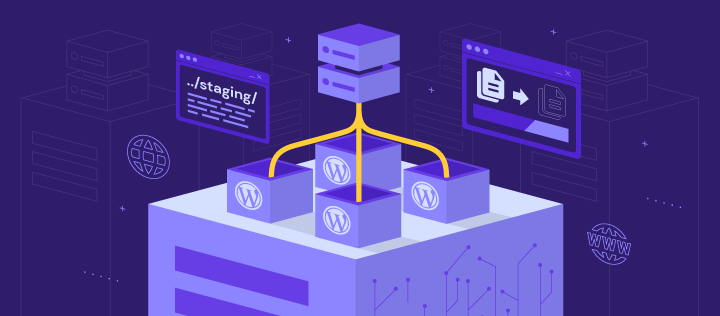
How to create a WordPress staging site using hPanel, A plugin, and a subdomain
WordPress websites have a significant advantage – the possibility of creating a staging site for testing changes and updates before going live....
What Is WordPress Heartbeat API and How to Manage it
In 2013, WordPress introduced Heartbeat API – a feature that allows your browser to communicate automatically with the server. However, there...
How to Find WordPress Post ID and Page ID
Every WordPress post or page has a unique number, called a post or page ID. It functions as an identifier for each piece of website content. Since...
What Are WordPress Hooks and How to Use Them + Practical Examples
WordPress hooks can help you reach your business goals by expanding your website’s capabilities. Hooks allow you to interact and modify code at...

WordPress Database: What It Is, How to Manage It, and Best Practices
A WordPress database stores all the data that makes up a WordPress website, including login credentials, pages, posts, themes, and plugins.Basic...
WordPress RSS Feed: What Is It and How to Configure One on Your Website
RSS stands for Really Simple Syndication, which distributes content or a web feed using an XML file. Adding an RSS feed to your WordPress website...