
How to buy a domain name forever
You can’t buy a domain name forever because domain registration is time-limited, typically capped at 10 years. What “domain name...

What is a personal domain? How a personal domain works
A personal domain is a custom-registered web address (like yourname.com) that represents your unique digital identity on the internet.Unlike free...
What does .in domain mean, and how to register it?
The .in domain name is the country code domain (ccTLD) for India. It acts as a geographic identity marker. It also tells visitors and search engines...
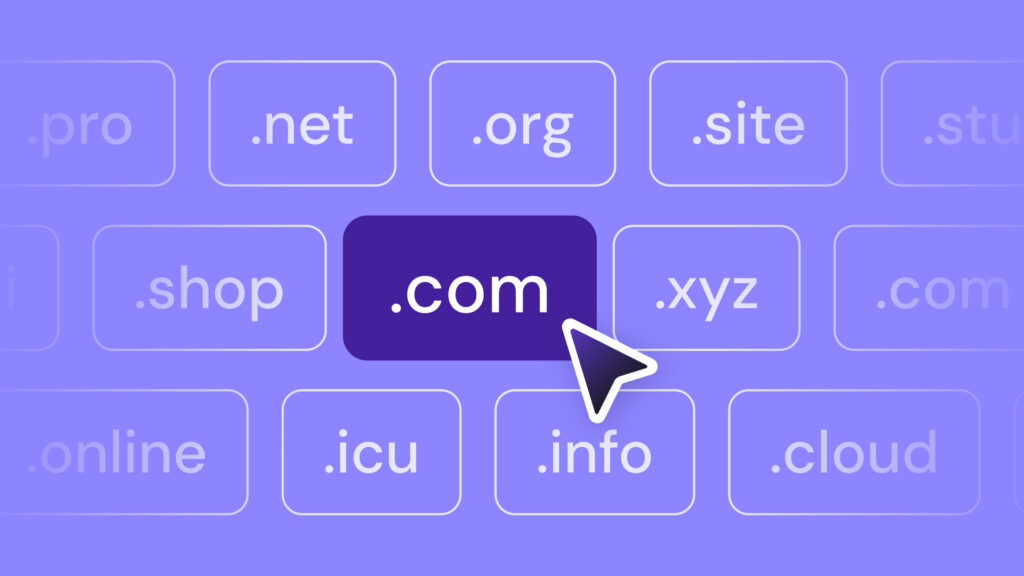
Best European domain registrars: 10 providers compared
The best European domain registrars keep your data under European Union (EU) privacy law, make local domains easy to get, and charge fair renewal...

What is a premium domain name?
A premium domain name is a high-value domain name that costs more than a regular domain because it’s short, memorable, and in high demand.It...
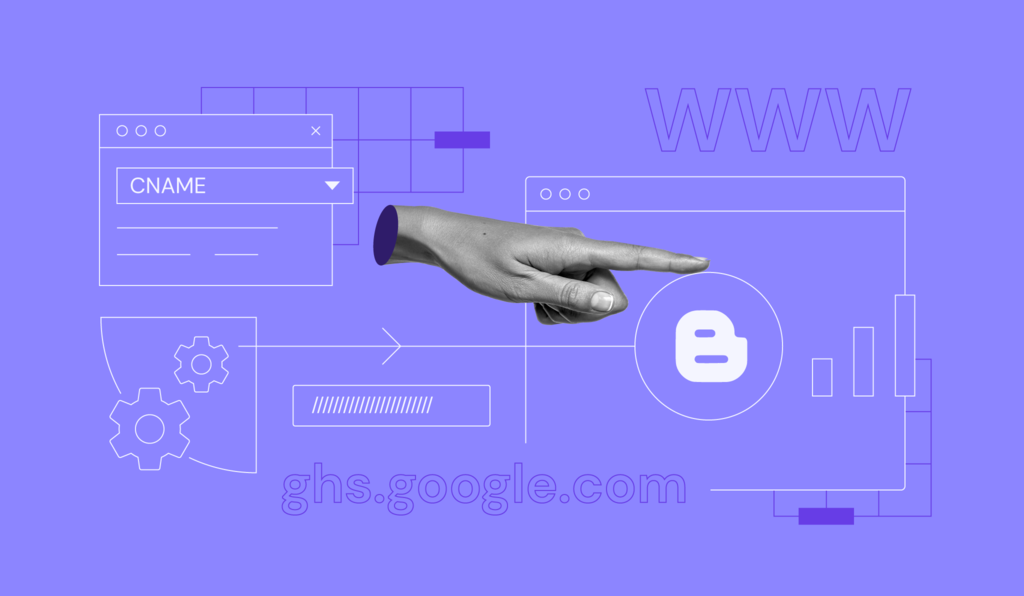
How to set up blogger with a custom domain (using CNAME Records and a records)
Blogger is a free publishing tool from Google that’s mainly used for blog creation.Generally, blogs are hosted by Google as a subdomain of...
How much does a domain name cost?
On average, a typical domain name costs between £10-£15/year, but things like your chosen registrar or included add-ons can influence your...

How to connect a custom domain name to your web app
Connecting a custom domain name is an essential part of creating a web app. It lets users reach your app by typing a simple, memorable name in their...
Is .xyz a good domain?
Yes, a .xyz domain can be a great option, depending on your goals. The extension is globally recognized and unrestricted, so any industry can use it....