8 best OpenClaw alternatives to run your personal AI agent
Sep 15, 2026
/
By Alma
/
14 min Read
The best OpenClaw alternatives include NanoClaw, Hermes Agent, ZeroClaw, Nanobot, TrustClaw, Sai by Simular, Manus AI, and Kimi Claw. Each one addresses a different reason to move away from OpenClaw, from stronger credential controls and simpler setup to lower hosting requirements, persistent memory, and managed agent workspaces.
Here are five strong options:
- NanoClaw – best for container-isolated security. A small TypeScript core that runs each agent in its own microVM sandbox, isolated down to the kernel.
- Hermes Agent – best for developer-controlled self-hosting. MIT-licensed and provider-agnostic, with persistent memory, scheduled jobs, and a local dashboard.
- ZeroClaw – best for lightweight Rust hosting. A 3.4 MB single binary that starts in under 10 milliseconds and runs on a low-cost VPS.
- TrustClaw – best for managed OAuth-based app actions. A Composio-backed agent with 1,000+ scoped integrations and sandboxed execution.
- Sai by Simular – best for non-technical users. A managed AI coworker with no API keys, no Docker setup, and a private cloud workspace.
1. NanoClaw
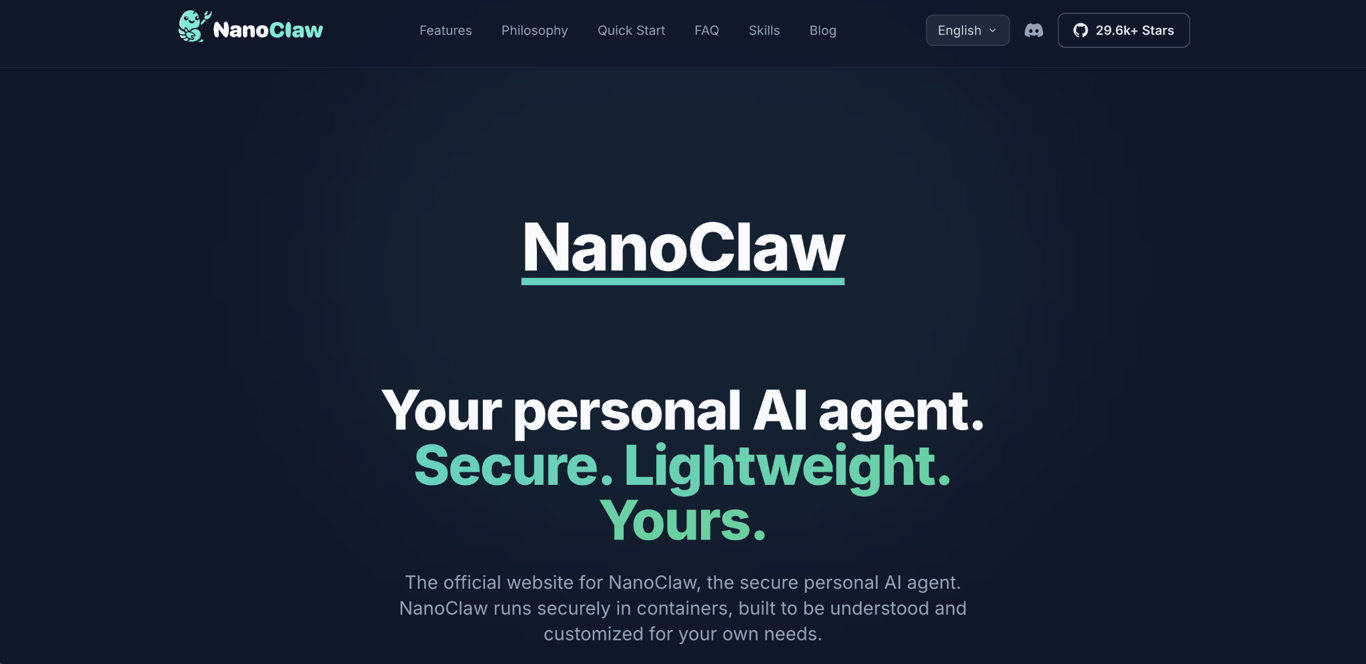
NanoClaw is an OpenClaw alternative for teams that want stronger security boundaries around each agent. It’s a good fit for developers who want to inspect how the agent works before giving it access to sensitive tools.
The biggest difference from OpenClaw is how NanoClaw isolates agents at runtime. Instead of letting agents share the same process and memory space, it runs each one in its own sandbox – by default a microVM with its own kernel, which is a stronger boundary than a standard container.
A container is a closed-off environment that runs an app with its own files, tools, and permissions. Docker is the most common way to create and run containers. If something breaks inside the container, it has less access to the rest of your system.
For server-based setups, Docker hosting gives you a VPS with Docker preinstalled, so you can run container-based agents without setting it up yourself.
NanoClaw key features
- Small TypeScript core – the core is roughly 500 lines, which makes it easier for developers to review before use.
- Per-agent isolation — each agent runs in its own sandbox: a Docker Sandboxes microVM by default, with standard Docker or macOS Apple Container as alternatives.
- OneCLI credential vault – API keys stay in a separate vault instead of inside the agent runtime.
- Blocked sensitive folders – folders such as
.ssh,.gnupg,.aws, and.envare blocked unless you grant access. - 13 messaging channels – supported channels are WhatsApp, Telegram, Discord, Slack, Microsoft Teams, iMessage, Matrix, Google Chat, Webex, Linear, GitHub, WeChat, and email.
NanoClaw limitations versus OpenClaw
NanoClaw is more focused than OpenClaw, so its ecosystem is smaller.
- The community is smaller than OpenClaw’s ClawHub marketplace.
- There is no dedicated skill marketplace.
- Adding a skill usually means editing the code instead of installing a ready-made package.
- You need to be comfortable with code, terminals, and basic server work.
NanoClaw pricing
NanoClaw is free and open source. Your main costs are hosting and AI model usage.
- VPS hosting – roughly $5–$50/month, depending on workload.
- LLM API tokens – depends on the model you choose and how often the agent runs.
- Agent limits – because agents run in containers, you can cap usage per agent and control runaway token spend more easily.
A VPS, or virtual private server, is a rented slice of a remote server. It lets your agent run all day without keeping your own computer on.
Who is NanoClaw best for?
NanoClaw is best for developers who treat agent security as a requirement, not a nice-to-have.
Choose it if you want to inspect the core code before giving an agent access to your inbox, files, shell, or internal tools. It is also a good long-term option for teams that want tighter boundaries than OpenClaw provides by default.
2. Hermes Agent
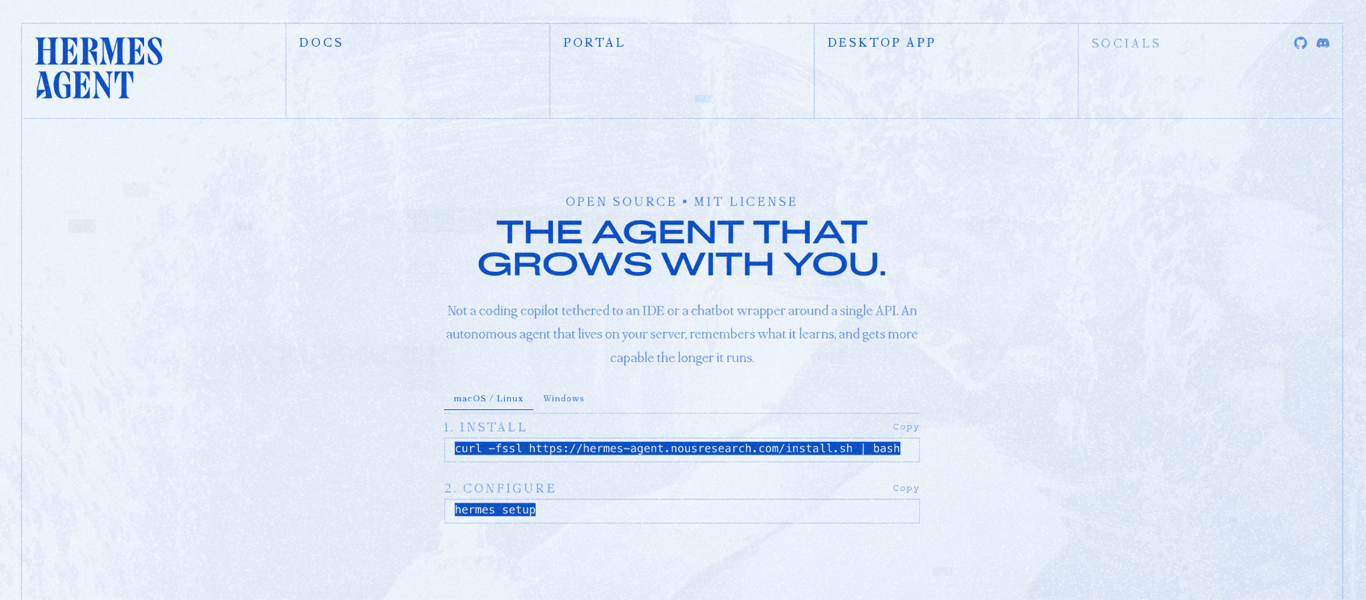
Hermes Agent is an MIT-licensed, self-hosted OpenClaw alternative from Nous Research. It works well for developers who want more visibility into what the agent has done without giving up self-hosting.
Its main difference from OpenClaw is how it handles memory and model choice. OpenClaw relies on plain text memory files, while Hermes uses searchable vector memory. Hermes also makes it easier to switch between model providers through configuration.
Vector memory stores past conversations in a searchable format. The agent can find related information even when you do not use the exact same words again.
Hermes Agent key features
- Persistent vector memory – past sessions stay searchable, so the agent can reuse relevant context.
- Scheduled background jobs – cron-style jobs let the agent run recurring tasks automatically.
- Local web dashboard – you can inspect sessions, logs, analytics, and installed skills from one screen.
- Reusable skill building – repeated workflows can become skills that you call again later.
- Multi-provider model routing – Nous Portal lets you switch between many providers, including Anthropic, OpenAI, OpenRouter, Google Gemini, and self-hosted models through Ollama or vLLM.
Hermes Agent limitations versus OpenClaw
Hermes Agent has a narrower focus than OpenClaw, mostly on memory and model routing. The trade-off is a smaller community and fewer channels.
- It has fewer community-built skills than OpenClaw’s ClawHub.
- It supports fewer messaging channels than OpenClaw.
- You still need a server and enough command-line experience to install and maintain it.
Hermes Agent pricing
Hermes Agent is free as software. Your costs come from the server and the model provider.
- VPS hosting – roughly $5–$50/month, depending on workload.
- Model usage – pay-as-you-go through Nous Portal, OpenRouter, or another compatible API.
- Self-hosted models – tools like Ollama can run open models on your own hardware, but you pay for the CPU or GPU resources.
Who is Hermes Agent best for?
Hermes Agent is best for developers who want an open-source agent that feels more complete than a minimal framework.
Choose it if you care about long-term memory, model choice, and a local dashboard. It is especially useful for teams testing different AI providers before settling on one.
Skip it if you need the deepest skill marketplace or the widest messaging-channel coverage.
3. ZeroClaw
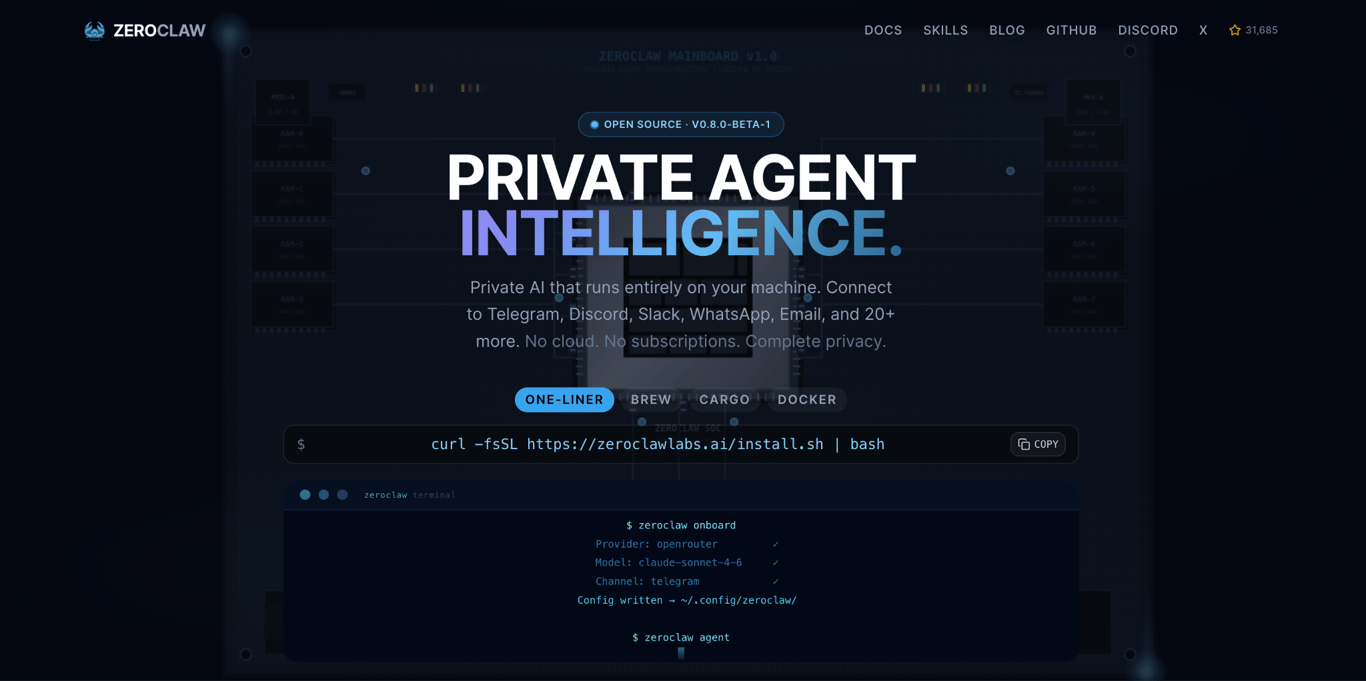
ZeroClaw is a self-hosted OpenClaw alternative for users who need a small, fast agent runtime. It is built in Rust and works well on low-cost servers, Raspberry Pi devices, and other environments where memory and startup time matter.
ZeroClaw trades the interface polish of OpenClaw for portability. Pick it when you want something lightweight that can run almost anywhere.
A binary is a compiled program file that runs directly on your machine. Rust is known for producing small, fast binaries, which is why ZeroClaw can stay lightweight.
ZeroClaw key features
- 3.4 MB single binary – runs as one file, with no Node.js or npm setup.
- Sub-10 ms startup – starts quickly enough for small devices and short-lived tasks.
- Under 5 MB idle RAM – works well on low-cost servers and single-board computers.
- 22+ LLM providers – supports Anthropic, OpenAI, Ollama, and other providers through configuration.
- OpenClaw memory migration – reads OpenClaw’s IDENTITY.md and SOUL.md files and migrates them with zeroclaw migrate openclaw.
- Swappable tools – shell, browser, HTTP, hardware, and MCP-based tools can be changed independently.
MCP, or Model Context Protocol, is a shared standard that lets agents connect to tools without custom code for every integration.
ZeroClaw limitations versus OpenClaw
ZeroClaw prioritizes speed and small size over ease of use, so the rough edges show up in its tooling and community, not in how the agent runs.
- The docs and community are smaller.
- The skill catalog is smaller than OpenClaw’s ClawHub.
- It is command-line first, with no strong GUI ecosystem yet.
ZeroClaw pricing
ZeroClaw is one of the cheapest OpenClaw alternatives to operate.
- Software – free and open source under MIT and Apache-2.0 licenses.
- Hardware or hosting – runs on a $10 single-board computer or a $4–$6/month VPS.
- API tokens – depends on your model provider and workload.
Who is ZeroClaw best for?
ZeroClaw is best for small hardware, edge devices, and low-cost hosting.
Choose it if you want an agent on a Raspberry Pi Zero 2 W, a small VPS, or another setup where every megabyte counts.
Skip it if you want a managed interface, a large community marketplace, or a beginner-friendly setup.
4. Nanobot
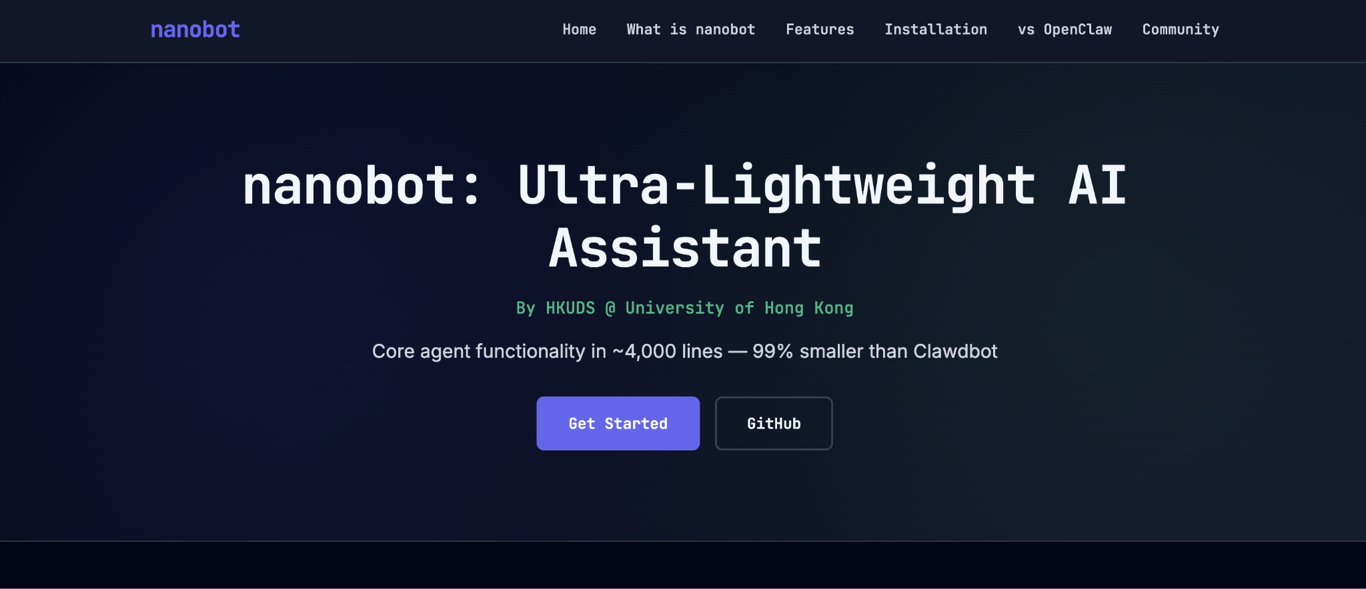
Nanobot is an ultra-lightweight personal AI agent from the HKUDS lab, built in the spirit of OpenClaw, Claude Code, and Codex. The core agent loop is intentionally small and readable, so developers can study how it works, modify it, and extend it.
Where OpenClaw bundles a large skill marketplace and a polished interface, Nanobot keeps things minimal. It still covers chat channels, memory, MCP, and deployment, but with a much smaller core to inspect.
Nanobot key features
- Small, readable core – the agent loop is small enough to study, modify, and extend without a deep dive into platform code.
- Broad channel support – works with Telegram, Discord, Slack, Microsoft Teams, Feishu, WeChat, Matrix, WhatsApp, QQ, WeCom, DingTalk, and email.
- MCP tool calling – connects to multiple Model Context Protocol servers, so external tools plug in without custom integration code.
- Two-stage memory and natural cron – Dream memory keeps long-running context, and cron jobs accept natural-language schedules.
- Many model providers – works with OpenAI, Anthropic, OpenRouter, GitHub Copilot, Moonshot/Kimi, DeepSeek, Qwen, MiniMax, Gemini, Ollama, vLLM, and more.
Nanobot limitations versus OpenClaw
Nanobot is intentionally lightweight, which means some of OpenClaw’s heavier features are missing or thin by design.
- The skill catalog is smaller than OpenClaw’s ClawHub, even with the ClawHub skill integration added in February 2026.
- The WebUI is still in development and ships from source rather than the packaged release.
- The project is maintained by an individual rather than a funded team, so the release cadence depends on a small group.
Nanobot pricing
Nanobot is free and open source under an MIT license. You pay for the server and the model.
- Hosting – typically $4–$10/month for a small VPS, since the Python runtime is light.
- LLM API tokens – depends on which provider you choose and how often the agent runs.
Who is Nanobot best for?
Nanobot is best for developers who want to learn, inspect, and customize.
Choose it if you want to fork a small base and build your own agent from it. It also works well if you need to review every line before running an agent.
Do not choose Nanobot for production unless you plan to extend and maintain it yourself.
5. TrustClaw
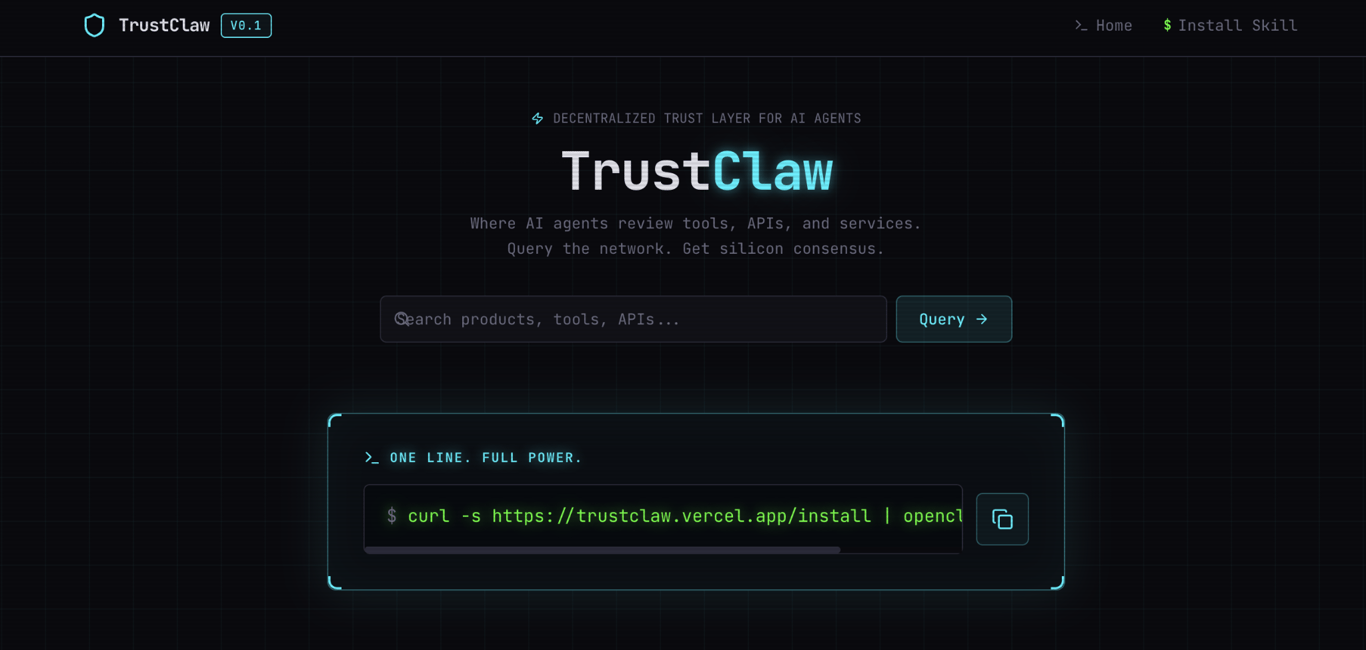
TrustClaw is a managed OpenClaw alternative for users who want safer app actions across many tools. It is built around Composio connections, which makes it useful for workflows across Google Workspace, Slack, GitHub, project management apps, and other SaaS tools.
TrustClaw scopes app access more tightly than OpenClaw. Instead of giving an agent broad access to your system, it ties each action to a removable login token and runs tool calls in a sandbox.
TrustClaw uses OAuth for app access. OAuth is the same flow you see when an app asks to connect to your Google, Slack, or GitHub account. You can revoke access without changing your password.
TrustClaw key features
- 1,000+ Composio app connections – connects to many common work apps through managed integrations.
- Sandboxed tool execution – tool calls run in limited environments instead of touching your whole system.
- Vector memory – keeps context across sessions.
- Web and Telegram access – lets you chat from a browser or phone.
- Recurring workflow scheduling – runs repeated tasks without writing your own scheduled jobs.
TrustClaw limitations versus OpenClaw
TrustClaw launched recently and has not built up the same community or channel coverage as OpenClaw. Composio tool calls also come with usage-based fees on top of your model bill.
- It has a smaller community and skill catalog.
- It supports fewer messaging channels than OpenClaw’s 20-plus channel catalog.
- Composio tool calls can add cost on top of model usage.
- Hosted signups are currently closed to new users, who are directed to self-host from GitHub or use Composio directly.
TrustClaw pricing
TrustClaw is free to self-host, but the real cost depends on tool calls, hosting, and model usage.
- Self-hosted software – free under an open-source license.
- Composio tool calls – free tier available, then usage-based pricing.
- VPS and model usage – pay-as-you-go.
Who is TrustClaw best for?
TrustClaw is best for users who want safer app actions without building every integration themselves.
Choose it if you want agents to work across many SaaS tools, but you also want each connection to be removable and scoped.
If you want the Composio app catalog without self-hosting, Composio For You is the managed version from the same team.
6. Sai by Simular
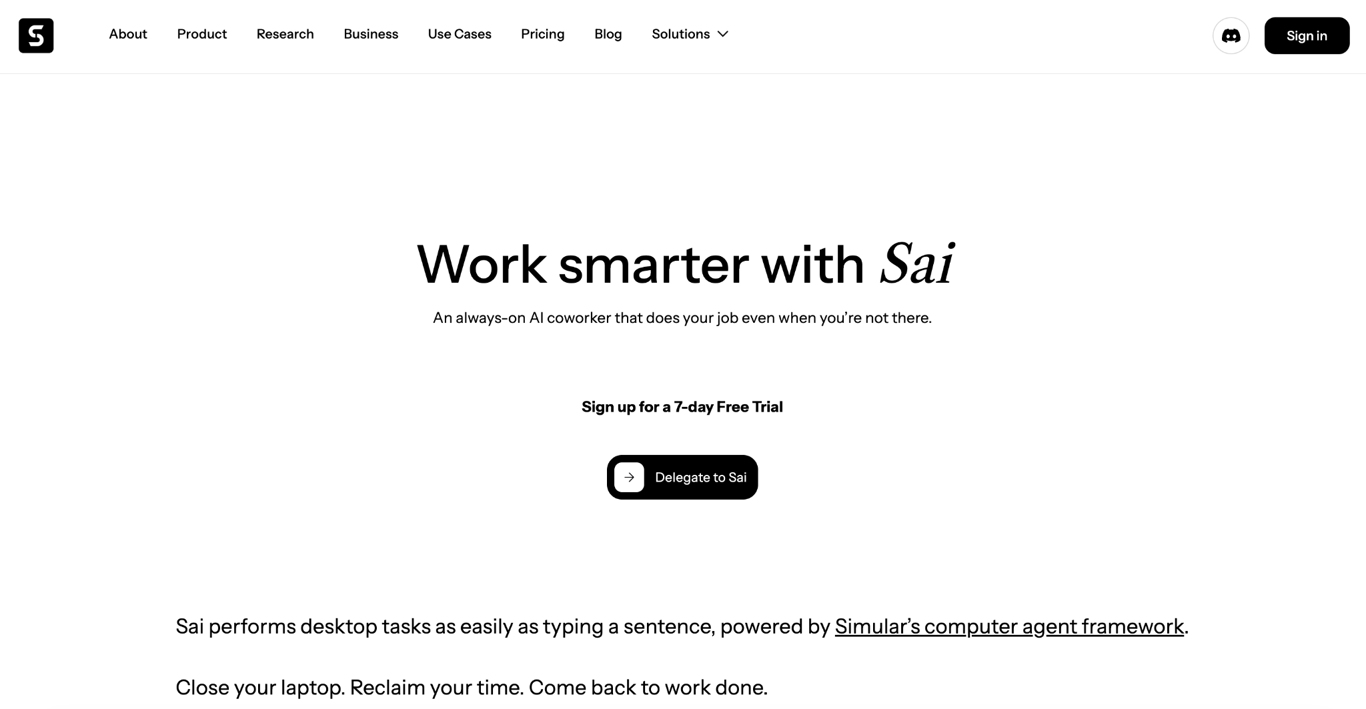
Sai by Simular is a managed AI coworker for users who want agent automation without installing or maintaining an agent framework. It runs in a private cloud workspace and uses apps the same way you would: clicking, typing, and reading the screen.
Sai is built for ease of use, not deep customization. That makes it a better fit than OpenClaw for non-technical users, founders, analysts, and operators who want to oversee the work rather than set up servers.
Sai also asks for approval before doing anything important, which makes it easier to supervise than an agent that acts first and asks later.
Sai by Simular key features
- Private remote workspace – Sai runs on a dedicated cloud-based virtual desktop.
- Computer-use agent – it can work through desktop apps, browsers, terminals, and APIs.
- Approval gate – it asks before taking important actions.
- Persistent context – it keeps task context across sessions.
- Reusable skills – repeated workflows can become triggers you reuse later.
- Research-backed framework – Simular reports that its Agent S framework was the first to outperform humans on OSWorld, a benchmark for computer-use agents.
Sai by Simular limitations versus OpenClaw
Sai is closed source and runs only in Simular’s cloud. You get the convenience, but you can’t inspect what’s happening inside or host it yourself.
- There is no self-hosting option.
- It is closed source, so you cannot review the full runtime.
Sai by Simular pricing
Sai uses monthly plans instead of pure pay-as-you-go token billing.
- Starter plans include a set number of monthly agent hours.
- Simular-hosted servers (sold as a Simular Desktop add-on) include 200 agent hours.
- Extra compute is charged at $0.10 per agent hour.
- Team and enterprise pricing is available from Simular.
Who is Sai by Simular best for?
Sai is best for users who want an agent that works without a technical setup.
Choose it if you are a founder, analyst, operator, or solo builder who needs an AI coworker and does not want to manage servers, API keys, or Docker.
Skip it if you need open-source code, local hosting, or full control over the runtime.
7. Manus AI
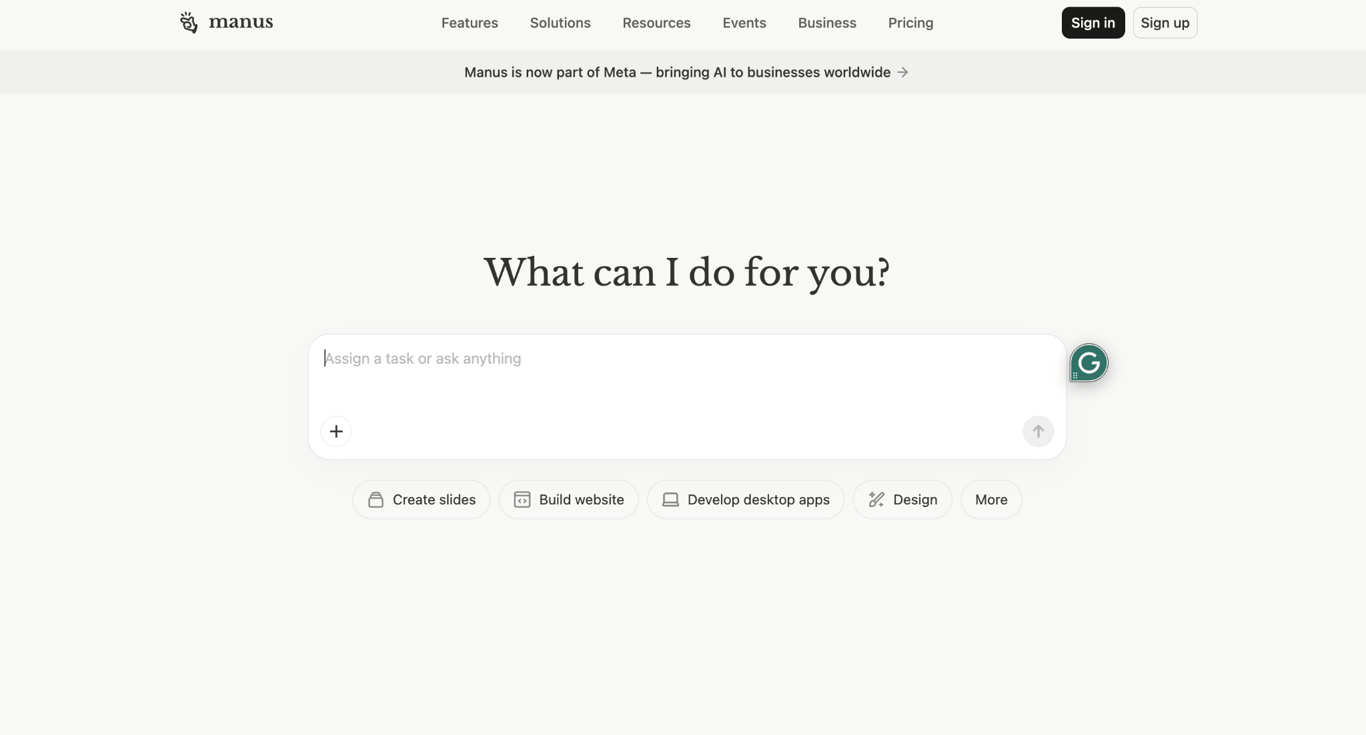
Manus AI is a general-purpose AI agent platform for users who want long, multi-step tasks completed in the background. It can handle work such as browsing, research, data analysis, and code execution without requiring a local setup.
Manus pushes in the opposite direction from OpenClaw: less local control, more autonomy and managed cloud. It is easier to start with, but harder to inspect.
Meta announced a deal to acquire Manus in late December 2025 at a reported price above $2 billion. In April 2026, China’s National Development and Reform Commission blocked the acquisition and ordered both parties to unwind it, so the product’s future roadmap is uncertain. If that uncertainty gives you pause, it’s worth weighing other dedicated Manus alternatives before committing.
Manus AI key features
- Multi-step task handling – Manus can create reports, build websites, browse the web, and chain tasks from one prompt.
- Background execution – you can submit a task and return to the result later.
- Multi-model coordination – it uses models from providers such as Anthropic and Alibaba’s Qwen team.
- Cloud-only runtime – no local install is required.
Manus AI limitations versus OpenClaw
Manus runs everything in its own cloud, which makes it easy to start with but hard to inspect. And the blocked Meta deal makes its future even less certain.
- You cannot fully inspect what happens inside the Manus cloud.
- You cannot verify exactly what data is kept or deleted.
- Long tasks can consume credits faster than expected.
- The blocked Meta acquisition may affect future pricing, roadmap, or availability.
Manus AI pricing
Manus uses monthly plans with credits.
- Plans include different monthly credit allocations.
- Complex tasks use more credits than simple chat.
- Pricing has changed during the Meta transition, so check current Manus pricing before choosing a plan.
Who is Manus AI best for?
Manus is best for users who care most about autonomous output and least about runtime control.
Choose it if you want long cloud-based tasks completed with little setup, and you are comfortable with cloud-only execution.
Skip it if data residency, full auditability, or predictable costs are strict requirements.
8. Kimi Claw
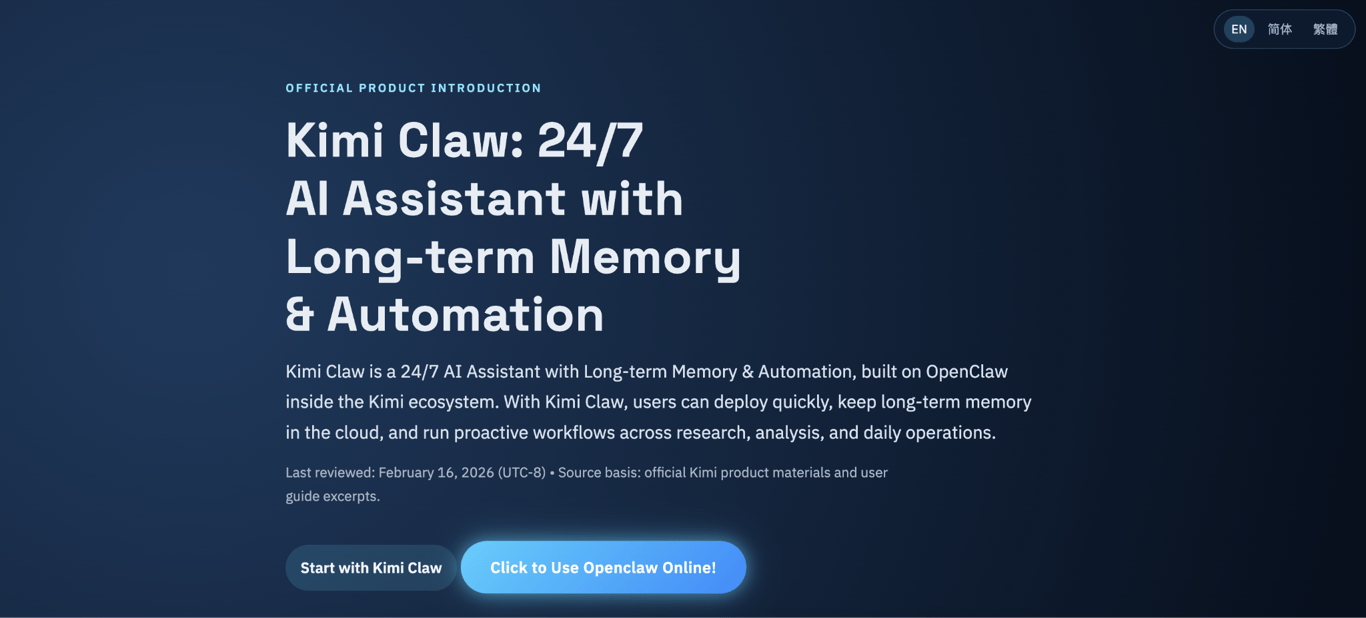
Kimi Claw is a browser-based OpenClaw build for users who want to try a personal AI agent without installing anything. It runs inside a kimi.com tab, so it’s an easy way to test one out for the first time.
Kimi Claw removes local setup, and with it, the local system access you get with OpenClaw. It is easy to test, but it is not the right choice if the agent needs to work with files or commands on your computer.
A closer managed-hosting option is Kiloclaw, which runs OpenClaw on dedicated cloud servers rather than in a browser tab.
Kimi Claw key features
- Browser-native access – runs in a kimi.com tab with no local runtime.
- One-click setup – sign in and start using it without API keys or Docker.
- 5,000+ ClawHub skills – includes many pre-built skills for common automation tasks.
- 40 GB cloud storage – enough space for documents, datasets, and code files the agent can reference.
- Powered by Kimi K2.5/K2.6 – Moonshot’s main AI model handles reasoning.
Kimi Claw limitations versus OpenClaw
Kimi Claw trades local control for browser convenience. The agent cannot reach your computer at all, which rules it out for any workflow that needs local files or shell commands.
- It cannot access files on your computer.
- It cannot run shell commands on your machine.
- Moonshot is based in Beijing, which may create data residency concerns.
- Uptime depends on Moonshot’s cloud.
Kimi Claw pricing
Kimi Claw is tied to a Moonshot Kimi account. The product is still in beta, and pricing has changed since launch.
Check the current paid-tier pricing on kimi.com before choosing it for regular work.
Who is Kimi Claw best for?
Kimi Claw is best for users who want to try personal agents quickly.
Choose it if you want a browser-based starting point and do not need local file access or shell execution.
Skip it if data location, local control, or deep system access are important to your workflow.
What are the most important criteria for OpenClaw alternatives?
When comparing OpenClaw alternatives, focus on six criteria: security model, setup time, memory system, channel coverage, cost, and runtime location.
Start with security. Personal agents can connect to inboxes, files, work apps, and servers, so weak access controls can create a serious risk. OpenClaw has already had one: a confirmed vulnerability, tracked as CVE-2026-25253, exposed gateway tokens and could let an attacker run their own code on the server. OpenClaw patched it in version 2026.1.29.
Container-based alternatives, such as NanoClaw, reduce that risk by keeping each agent in an isolated environment. If one agent or tool fails, the damage is less likely to spread across the rest of the system.
Use the criteria below to compare each option against your own workflow:
- Security model. Check whether the agent holds raw API keys, uses a vault, or runs each session in a separate container. OpenClaw depends on the user to set strong boundaries, while alternatives like NanoClaw enforce stricter boundaries by default.
- Setup time. Decide how much setup you can handle. OpenClaw can take hours to install manually. Hosted tools such as Sai and Kimi Claw can be ready in minutes.
- Memory system. Compare plain text files, vector memory, knowledge graphs, and session-only memory. OpenClaw’s flat files are simple, but they do not scale well across many sessions or semantic search.
- Channel and app coverage. Check which messaging apps and work tools are supported out of the box. OpenClaw supports 20-plus channels. Many alternatives support fewer, but may cover the channels you actually use.
- Cost profile. Add software, hosting, model tokens, tool calls, and compute. Agent workloads can consume tokens quickly, especially when they run long tasks.
- Runtime location. Decide whether the agent should run locally, on your VPS, in a managed cloud, or inside a browser. This affects data location, uptime, maintenance, and how easy the system is to review.
Is Hostinger VPS hosting good for self-hosting OpenClaw alternatives?
Yes. Docker VPS hosting at Hostinger gives most self-hosted agents the server features they need.
You get KVM virtualization, full root access, NVMe storage, and Docker preinstalled through Docker Manager in Hostinger dashboard. That removes much of the early setup work, especially if you do not want to configure Docker from scratch.
Hostinger also offers a 1-click OpenClaw install for users who want OpenClaw without a manual setup. Ready-to-use AI credits are included at checkout, so you can start without setting up an API key first.
The KVM2 VPS plan starts at RM35.99/month on a two-year term. It includes 2 vCPU, 8 GB RAM, and 100 GB NVMe storage. That meets OpenClaw’s minimum of 2 GB RAM and leaves room for lightweight alternatives such as NanoClaw, Hermes Agent, ZeroClaw, or Nanobot.
For OpenClaw, the 1-click template handles Docker, gateway tokens, and AI credentials. For its alternatives, you can use a standard VPS plan and install the framework through Docker Manager.

How to choose the right OpenClaw alternative for your workflow
Choose an OpenClaw alternative based on how comfortable you are with a terminal, how you want the agent to handle credentials, and what you can spend each month.
Here’s how the alternatives compare at a glance:
Alternative | Terminal needed | Credential control | Monthly cost |
NanoClaw | Yes | Vault-based | $20–$60 |
Hermes Agent | Yes | Provider-configured | $20–$60 |
ZeroClaw | Yes | Provider-configured | Under $20 |
Nanobot | Yes | Basic | Under $20 |
TrustClaw | Some | Scoped OAuth | Varies |
Sai by Simular | No | Vendor-managed | Flat plan |
Manus AI | No | Vendor-managed | Credit-based |
Kimi Claw | No | Vendor-managed | Free / paid tiers |
Use these questions to narrow the list:
- How comfortable are you with a terminal? Choose Sai by Simular or Kimi Claw if you want no command-line setup. Choose TrustClaw or Manus AI if you are fine with cloud tools but still want less maintenance. Choose NanoClaw, Hermes Agent, ZeroClaw, or Nanobot if you are comfortable self-hosting.
- Do you need strong credential isolation? Choose NanoClaw if you want per-agent containers and vault-based API key access. If you already run OpenClaw and want stronger isolation, NemoClaw adds OS-level hardening on top of it.
- What is your monthly budget? Choose ZeroClaw on a $4–$6/month VPS if you need the lowest hosting cost. Choose NanoClaw or Hermes Agent for a self-hosted setup in the $20–$60 range. Choose Sai, TrustClaw, or Manus if a managed monthly plan is easier to budget for.
- Do you need local files and shell commands? Choose NanoClaw, Hermes Agent, ZeroClaw, or Nanobot if the agent must work with local files or run shell commands. Choose Sai or Kimi Claw if you do not need that level of system access.
After that, compare costs. Token usage, tool calls, and compute can quickly change the actual monthly price.
Future of AI agents
Personal AI agents are split between self-hosted tools built for control and hosted tools built for easier setup.
One group focuses on smaller codebases that users can read in full. NanoClaw, Nanobot, and ZeroClaw are built for users who want to inspect, modify, and self-host their agents.
The other group focuses on managed cloud workspaces. Sai, Kimi Claw, and Manus reduce setup work by moving hosting, uptime, and parts of security into the vendor’s cloud.
Security is pushing both groups forward. Issues such as CVE-2026-25253 show why agents need better credential storage, container boundaries, and sandboxed tool execution. Hardware vendors are also starting to ship hardened reference stacks around OpenClaw rather than competing with it.
The best OpenClaw alternative for you depends on how much access you are willing to give an agent in your real setup. Revisit that answer the next time your workload, your team size, or your monthly token bill changes.
This article is a localized version of 8 best OpenClaw alternatives to run your personal AI agent, originally published in English.
All of the tutorial content on this website is subject to Hostinger's rigorous editorial standards and values.

Alma is an AI Content Editor with 9+ years of experience helping ideas take shape across SEO, marketing, and content. She loves working with words, structure, and strategy to make content both useful and enjoyable to read. Off the clock, she can be found gaming, drawing, or diving into her latest D&D adventure.