8 best Paperclip hosting providers in 2026: Features and pricing
Apr 17, 2026
/
Larassatti D.
/
12 min Read
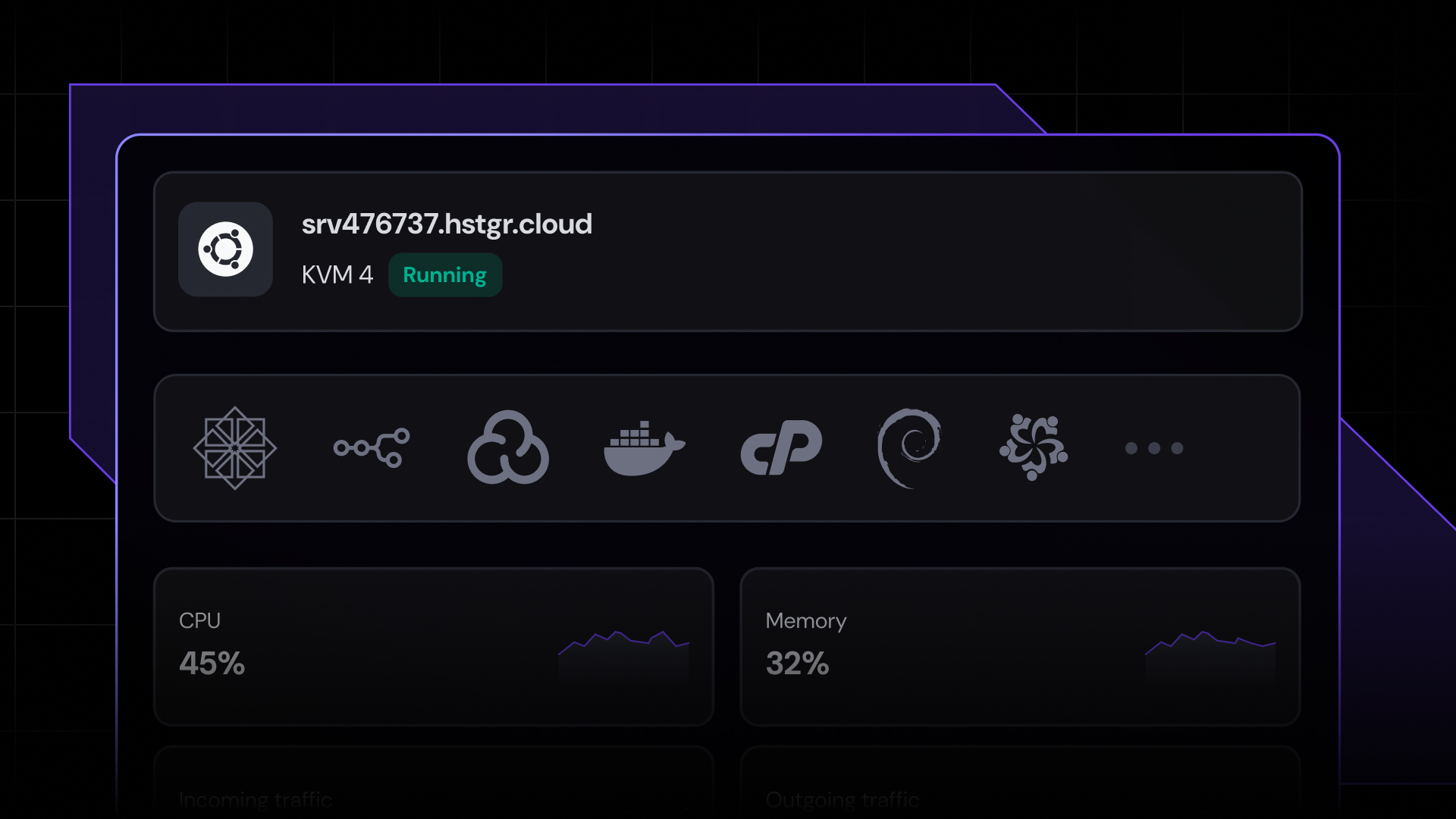
Paperclip is an open-source platform for running fully autonomous business operations using AI agents. To do that reliably, it needs a server that stays on around the clock.
Unlike a basic AI chatbot, Paperclip manages entire org charts of AI agents, each running on a schedule, processing tickets, and reporting back to a central dashboard.
That means your hosting environment has to support long-running processes, persistent storage, and predictable costs without interruption. A VPS or cloud host is just perfect for all of that. The minimum server resources to get started with Paperclip reliably are 4 GB RAM for a stable deployment.
Here are eight Paperclip hosting providers worth considering:
- Hostinger. One-click Paperclip installation available directly in its VPS Application Catalog – pre-configured Docker template, dedicated compute, and full data privacy on your own infrastructure.
- PaperclipCloud. Fully managed, Paperclip-specific hosting with no server setup required. The pricing is steep, but everything you need to run Paperclip is already handled.
- Virtua.Cloud. An emerging European VPS provider with a dedicated Paperclip page and a one-command installer.
- Railway. A PaaS with a community template marketplace – deploy Paperclip with PostgreSQL and persistent storage pre-configured, no server management or terminal work required.
- Hetzner. A well-established European provider popular in the self-hosting community for its consistent performance and competitive pricing across shared and dedicated CPU instances.
- DigitalOcean. Developer-focused cloud platform with strong API and CLI tooling, one-click Docker installation, and extensive community documentation.
- Contabo. Budget-focused German provider that delivers significantly more RAM per dollar than most competitors – a good fit for resource-heavy multi-agent deployments.
- OVHcloud. VPS configurations with daily backups, anti-DDoS protection, and unlimited traffic included on every plan.
1. Hostinger
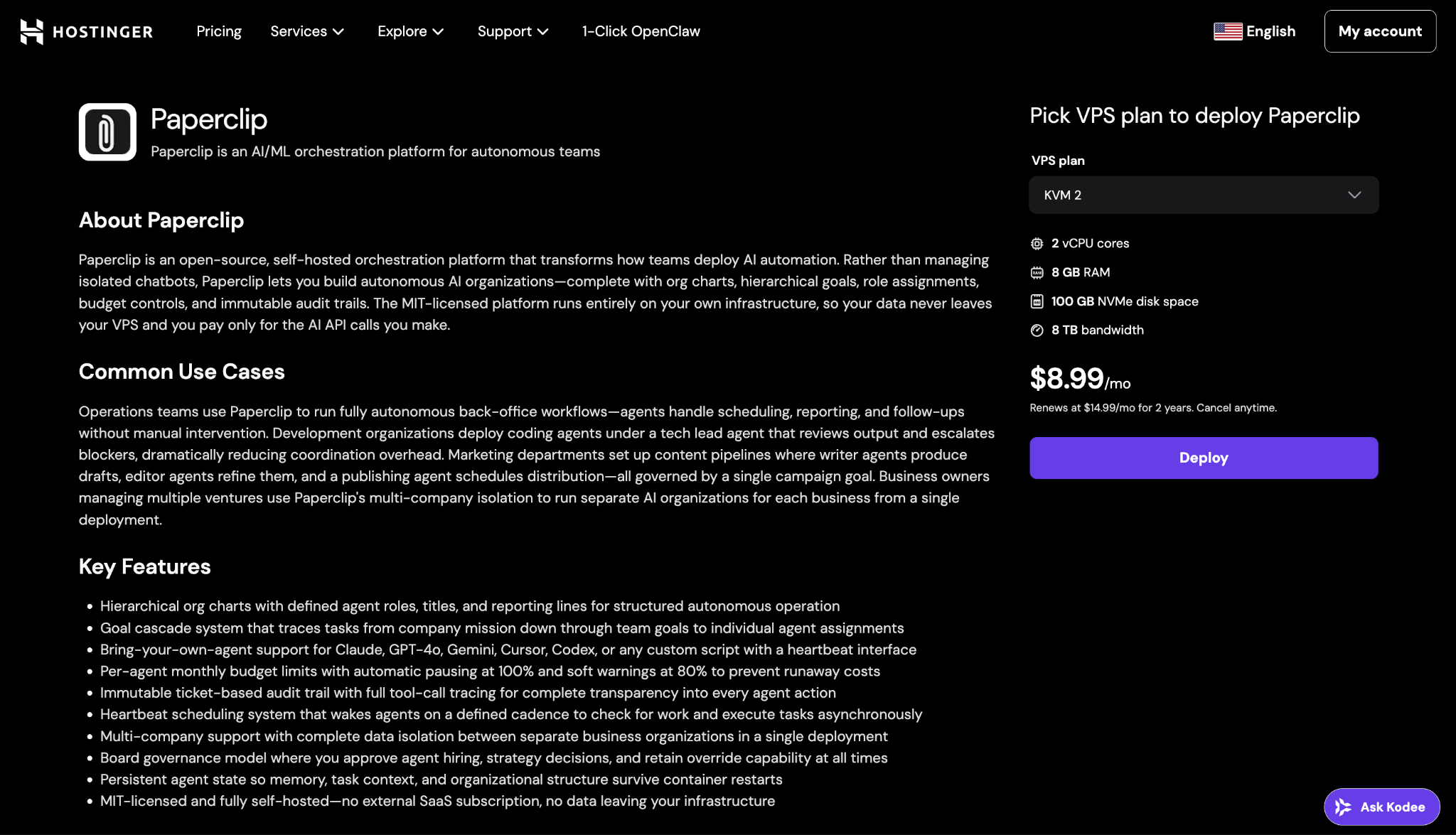
Hostinger is a cloud-based VPS hosting platform optimized for running Dockerized applications and AI workloads. It combines a self-managed VPS environment with an intuitive control panel, giving you a practical balance between flexibility and ease of use.
Hostinger’s application template library includes a pre-configured Paperclip Docker template, so you can launch a ready-to-use Paperclip environment in one click – no need to clone repositories, configure servers, or install dependencies from scratch. You connect your own API keys from Anthropic, OpenAI, or Google directly, with no intermediary markup on model costs.
The setup suits developers and founders building autonomous AI systems, teams experimenting with multi-agent workflows, and anyone working toward fully autonomous companies.
Hostinger VPS plans are available across 10 data center locations spanning Europe (France, Germany, Lithuania, United Kingdom), Asia (India, Indonesia, Malaysia), North America (USA Phoenix, USA Boston), and South America (Brazil) – making it a practical choice regardless of where your users or LLM API endpoints are based.
Since Paperclip agents run on a heartbeat schedule, keeping them on a virtual private server (VPS) means that the cycle continues 24/7, even when your local machine is off. As your AI organization grows from a handful of agents to dozens, you can upgrade your VPS resources without migrating to a new platform or rebuilding your org structure.
Hostinger VPS pros
- Paperclip available directly in the VPS application catalog – no manual Docker setup required
- Connect your own Anthropic, OpenAI, or Google API keys directly – no intermediary markup on model costs
- Always-on execution for autonomous agent workflows, running 24/7 on a heartbeat schedule
- Dedicated compute resources with no shared throttling when multiple agents are active
- Full data privacy – agent memory, audit logs, and business data stay on your own hardware
- Persistent storage ensures org structure and agent history survive container restarts and VPS reboots
- Budget control through predictable monthly pricing, with no usage-based billing surprises
- Straightforward vertical scaling as your agent team grows
- Built-in AI assistance through Kodee, accessible directly from your VPS dashboard
- Extensive documentation and tutorials
- 30-day money-back guarantee policy
Hostinger cons
- Self-managed environment assumes basic Linux familiarity – Kodee can assist, but doesn’t replace hands-on server knowledge
- Requires a long-term commitment to get the best results, not suitable for testing-only purposes
Hostinger VPS pricing
Hostinger Paperclip hosting plans use predictable monthly pricing rather than usage-based billing, which makes it easier to control costs when running multi-agent systems.
The KVM 2 plan is a solid starting point. It includes 2 vCPU cores, 8 GB RAM, 100 GB NVMe storage, and 8 TB bandwidth at ₹799.00/month on a 2-year term.
If you’re running multiple concurrent agents, hierarchical workflows, or compute-heavy tasks, the KVM 3 or KVM 4 plans give you more headroom.

2. PaperclipCloud
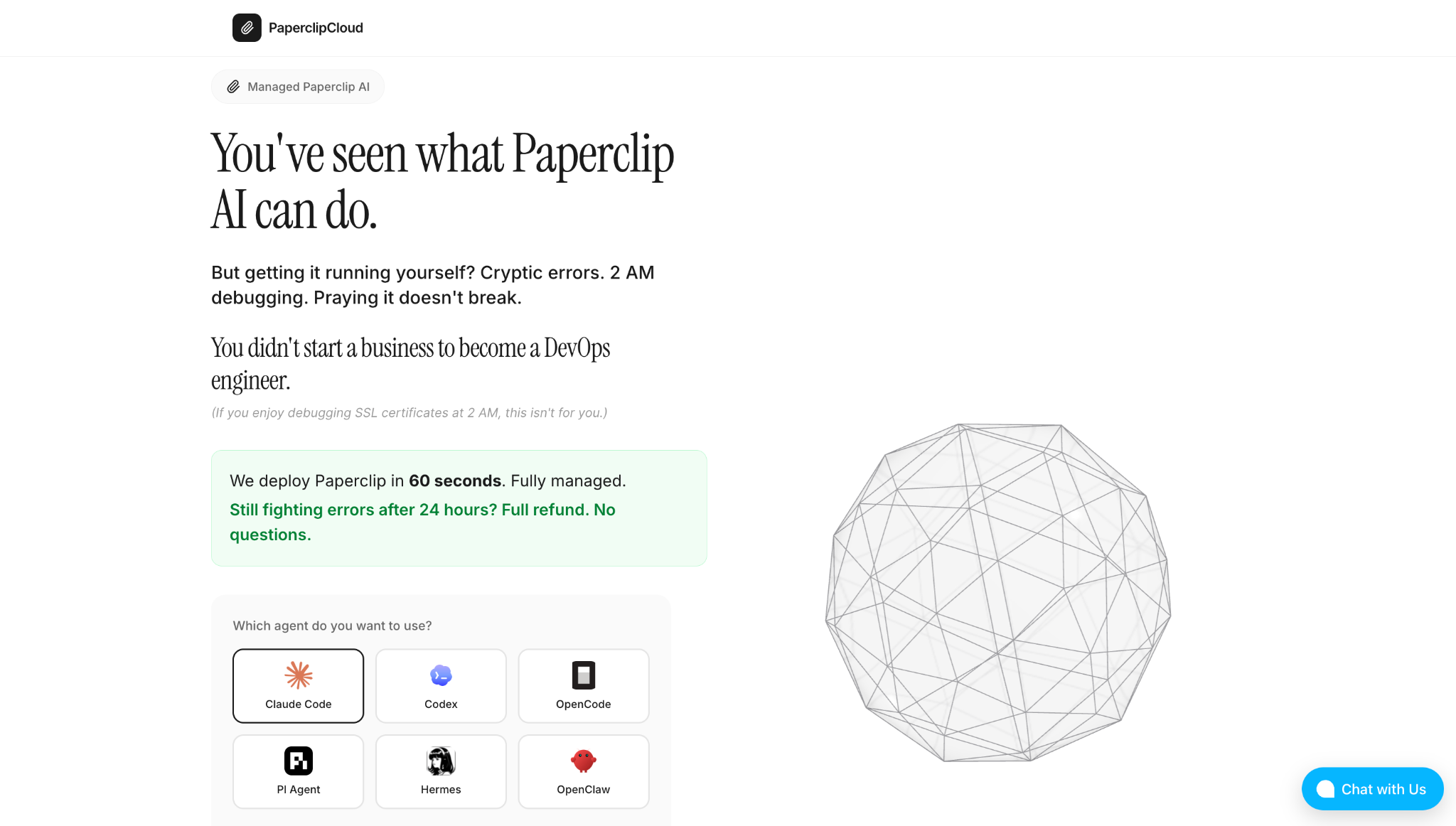
PaperclipCloud is a managed hosting service built specifically for Paperclip. It offers a zero-human infrastructure that handles servers, databases, SSL, backups, and monitoring, so you don’t have to access a terminal. Sign up, choose an AI agent, and a hosting plan to get your Paperclip instance ready instantly.
This provider offers Claude Code, Codex, OpenCode, PI Agent, Hermes, and OpenClaw as agent options, which you can connect to using your API keys. PaperclipCloud then handles the infrastructure underneath.
You can also access your dashboard from any device since everything runs on PaperclipCloud’s servers rather than your local machine.
The trade-off is the same as with any managed service: you don’t control the underlying server, and you’re paying a premium for the convenience layer. Also, note that you still need to budget for LLM API costs separately, as they aren’t included in the monthly fee.
PaperclipCloud pros
- Paperclip-specific managed hosting
- Deploys in under 60 seconds with no server setup
- Supports multiple AI providers and agents
- Includes SSL, backups, monitoring, and automatic updates
- Accessible from any device
PaperclipCloud cons
- No access to the underlying server or infrastructure
- Higher cost than self-managed VPS options
- LLM API costs are separate and not included in the monthly fee
PaperclipCloud pricing
PaperclipCloud starts at $69/month for a single company, with automatic updates, SSL, and backups included. Plans scale up based on the number of companies you want to run, and enterprise pricing is available for larger teams.
3. Virtua.Cloud
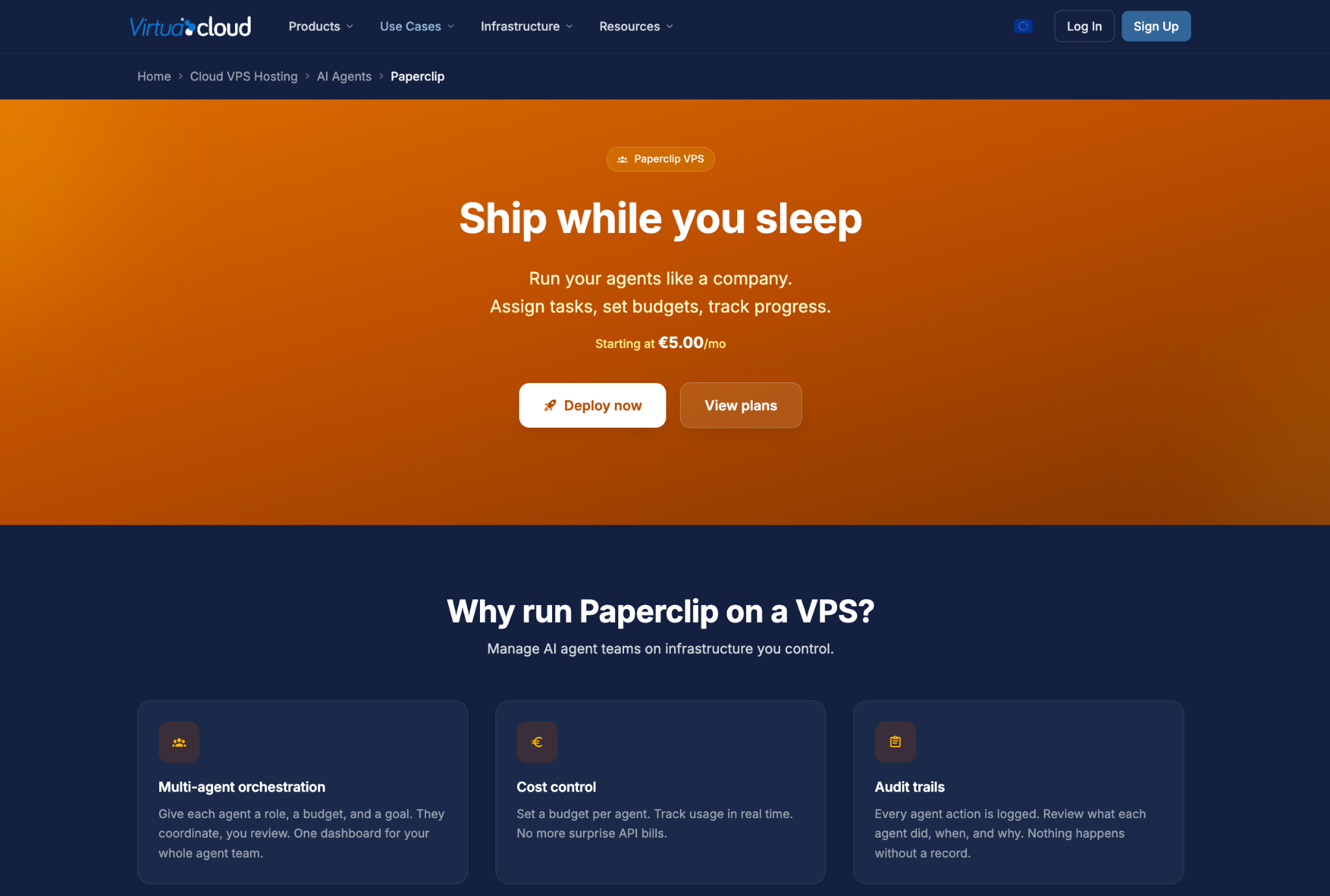
Virtua.Cloud is an emerging European VPS provider with a dedicated Paperclip one-command installer. It’s been around since 2015 and runs on its own servers and network hardware, so there’s no third-party cloud in between.
Plans run on Intel Xeon or AMD Ryzen processors with NVMe SSD storage across five locations: Paris, Lille, Frankfurt, Amsterdam, and Fremont (US). That’s a smaller footprint than most providers on this list, though it covers the main European regions well enough for most Paperclip deployments.
You can subscribe to plans in hourly or monthly rates, depending on your needs. Intel Xeon plans are slightly cheaper than AMD Ryzen ones, so if you don’t need the higher single-core performance that Ryzen offers, the Xeon plans are the more cost-effective pick.
Virtua.Cloud pros
- Dedicated Paperclip page with a one-command installer that handles Node.js, the database, and Paperclip itself
- Owns its own servers and network hardware – no third-party cloud layer underneath
- Choice of Intel Xeon or AMD Ryzen processors, depending on your workload needs
- Full root SSH access with hourly billing and no long-term contracts
Virtua.Cloud cons
- Smaller provider with fewer data center locations than the others on this list
- No managed hosting option
Virtua.Cloud pricing
The recommended plan for running Paperclip, vCS-4 plan, starts at €24/month (around $28/month) for 2 vCPU, 4 GB RAM, and 80 GB SSD, which Virtua.Cloud recommends running two to three agents simultaneously.
4. Railway
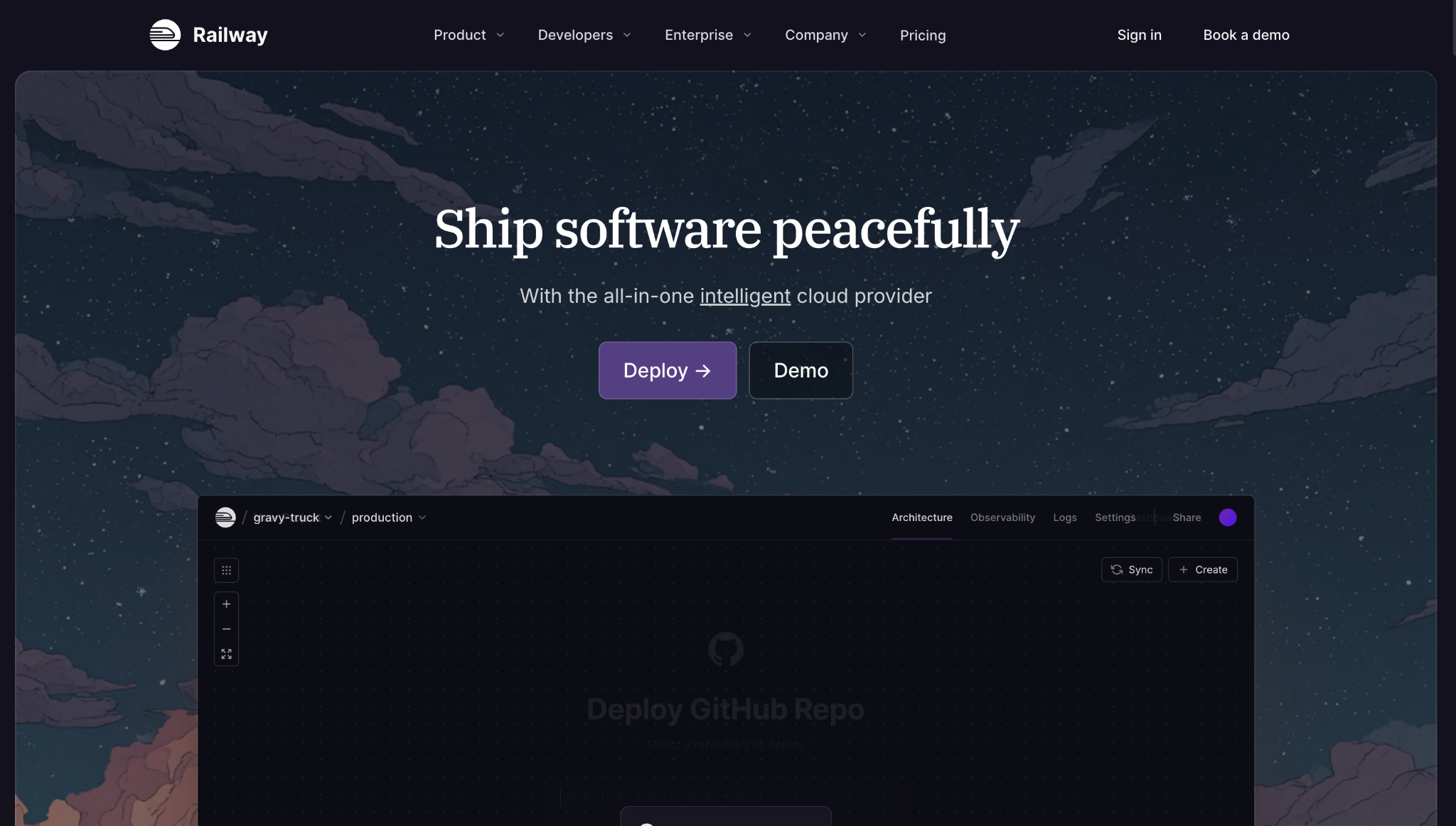
Railway is a platform-as-a-service (PaaS) that simplifies the deployment and hosting of open-source applications without managing servers. One of its core features is a community template marketplace.
For Paperclip specifically, community-built deployment templates are available and come with a managed PostgreSQL database pre-wired and persistent storage mounted at /paperclip.
This way, you don’t need to configure Docker, set up a secure shell protocol (SSH), or manage a server manually. The setup experience is closer to PaperclipCloud than to the self-managed VPS options – connect your account, deploy the template, and Paperclip is running.
The key difference is that Railway charges based on actual resource usage rather than a flat monthly fee, so costs scale with how actively your agents are running. You also don’t have root access to the underlying infrastructure, so customization is limited compared to a self-managed server.
Railway pros
- Template marketplace with a community-built Paperclip deployment
- Fully browser-based setup – no SSH, Docker, or terminal required
- Managed PostgreSQL, persistent storage, TLS, and private networking
- Usage-based billing means you only pay for what your agents consume
- Built-in monitoring, logs, metrics, and alerts in one dashboard
- One-click rollbacks if something breaks
Railway cons
- Templates are community-built, not officially supported by Railway or the Paperclip team
- Usage-based pricing can be harder to predict than a flat-rate VPS as agent activity grows
- No root access or infrastructure-level control
Railway pricing
Railway uses usage-based billing, meaning you pay for the actual compute your Paperclip instance consumes. Each plan sets a minimum monthly spend that doubles as a usage credit.
The Hobby plan is the entry point, with a $5/month minimum. That $5 is applied toward your usage – if your agents stay within that range, you won’t be charged extra. If they exceed it, you pay for actual usage. The Pro plan works the same way with a $20/month minimum, and unlocks higher resource limits and team features.
For a lightweight Paperclip deployment where inference runs on external LLM APIs rather than Railway’s own compute, the Hobby plan may be sufficient to start. As your agent count and activity grow, costs will increase accordingly.
5. Hetzner
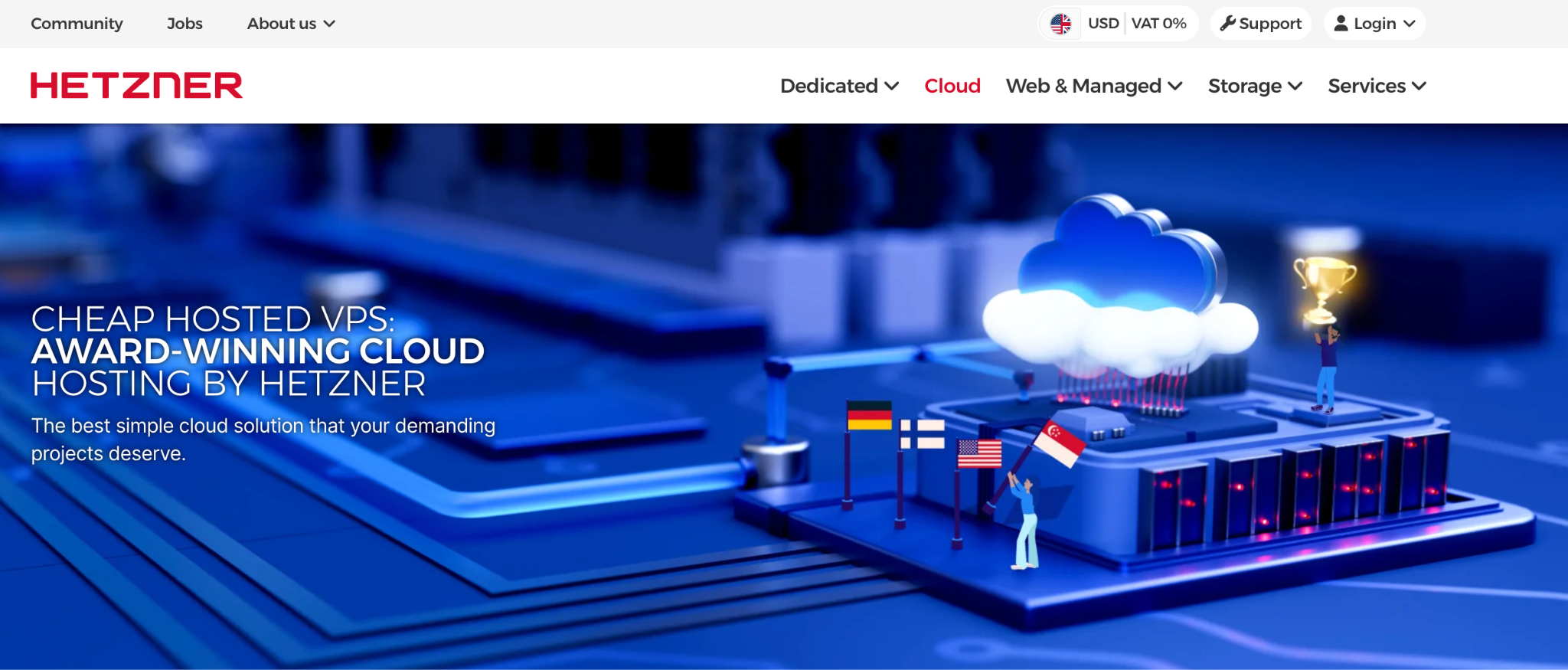
Hetzner offers Hetzner Cloud as a flexible infrastructure platform for running applications, including Paperclip. While it doesn’t provide a Paperclip-specific setup, it’s a reliable option if you’re comfortable working with SSH and Docker.
The Shared Cost-Optimized plan is the cheapest entry point, running on shared Intel or AMD vCPUs with NVMe SSD storage. It’s only available in EU zones and has limited availability, so it may not be the right fit if latency to US-based LLM APIs is a concern.
The Shared Regular Performance plan runs on shared AMD EPYC processors and adds Singapore as an available zone.
If you need guaranteed, consistent performance with no interference from other tenants, the Dedicated General Purpose plan gives you dedicated AMD EPYC vCPUs and the widest zone coverage – EU, Singapore, and the US.
Hetzner pros
- Competitive pricing with solid, well-documented performance
- 20 TB traffic included on all European plans
- Multiple instance families to match different workload needs
Hetzner cons
- No Paperclip-specific deployment – manual Docker and SSH setup required
- The cheapest plan tier provides EU-only data center coverage, which may affect latency to US-based LLM APIs
Hetzner pricing
Hetzner Cloud pricing depends on a few factors: the plan you choose, the number of vCPUs, your availability zone, and expected traffic. All plans include DDoS protection, firewall management, and 20 TB of traffic, with additional usage charged at €1.00/TB.
As a reference, the entry-level General Purpose plan (CCX13, 2 vCPU AMD) starts at €16.49/month (around $19/month). Use Hetzner’s pricing calculator to estimate costs for your specific setup.
6. DigitalOcean
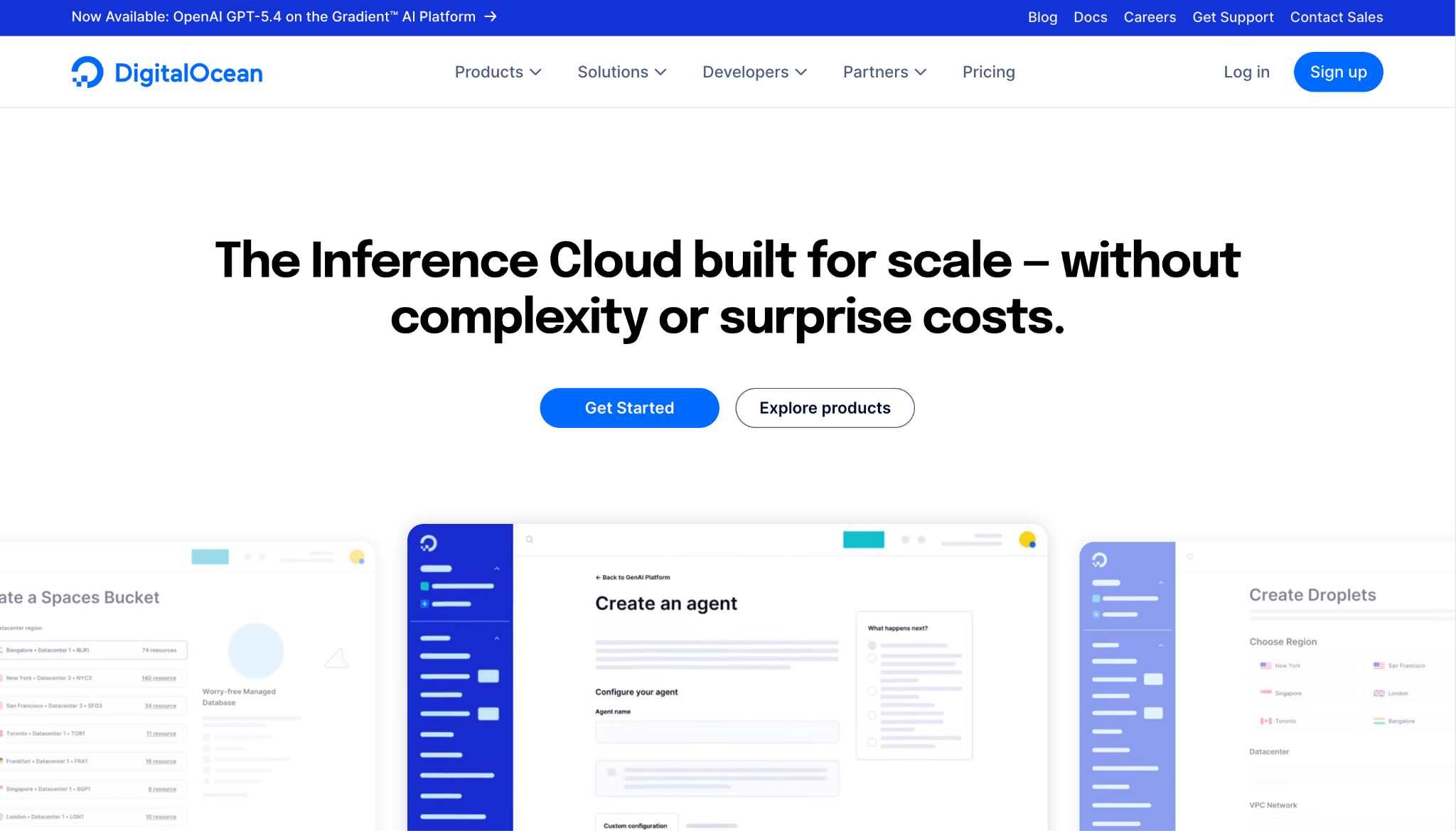
DigitalOcean is a VPS hosting provider that caters to developers and users with technical expertise. It combines a clean, intuitive control panel with powerful programmatic control.
You can manage infrastructure through the UI, via the REST API, the doctl CLI, or Terraform. So if you prefer managing infrastructure through code rather than a dashboard, DigitalOcean supports that well.
The platform is built around Linux-based virtual machines called Droplets, which you can spin up in under a minute. This makes it a solid option for manually deploying Paperclip via SSH and Docker. There’s also a one-click Docker installation available through the Marketplace, which can save some setup time.
Droplets are billed per second with a monthly price cap, meaning you only pay for what you use and never exceed the monthly rate. Data centers are available across North America, Europe, Asia, and Australia.
DigitalOcean pros
- Clean interface with strong API, CLI, and Terraform support
- Extensive documentation and community tutorials
- One-click Docker installation via the Marketplace
- Per-second billing with a monthly price cap
- Wide global data center coverage
DigitalOcean cons
- Higher cost per GB of RAM compared to other providers on this list
- No managed option, so it’s beneficial to know how to troubleshoot your server
DigitalOcean pricing
Droplets come in five plan types, each designed for different workload needs. The main differences are in how CPU resources are allocated (shared vs. dedicated), the memory-to-CPU ratio, and the type of storage used.
The Basic Droplets type is the most affordable starting point with shared vCPUs suited for variable workloads. To run Paperclip comfortably with 4 GB RAM and 2 vCPU, the price starts at $24/month. You can choose between Regular, Premium Intel, and Premium AMD processors within this tier, with prices varying accordingly.
Use DigitalOcean’s pricing calculator to estimate the cost of your specific setup.
7. Contabo
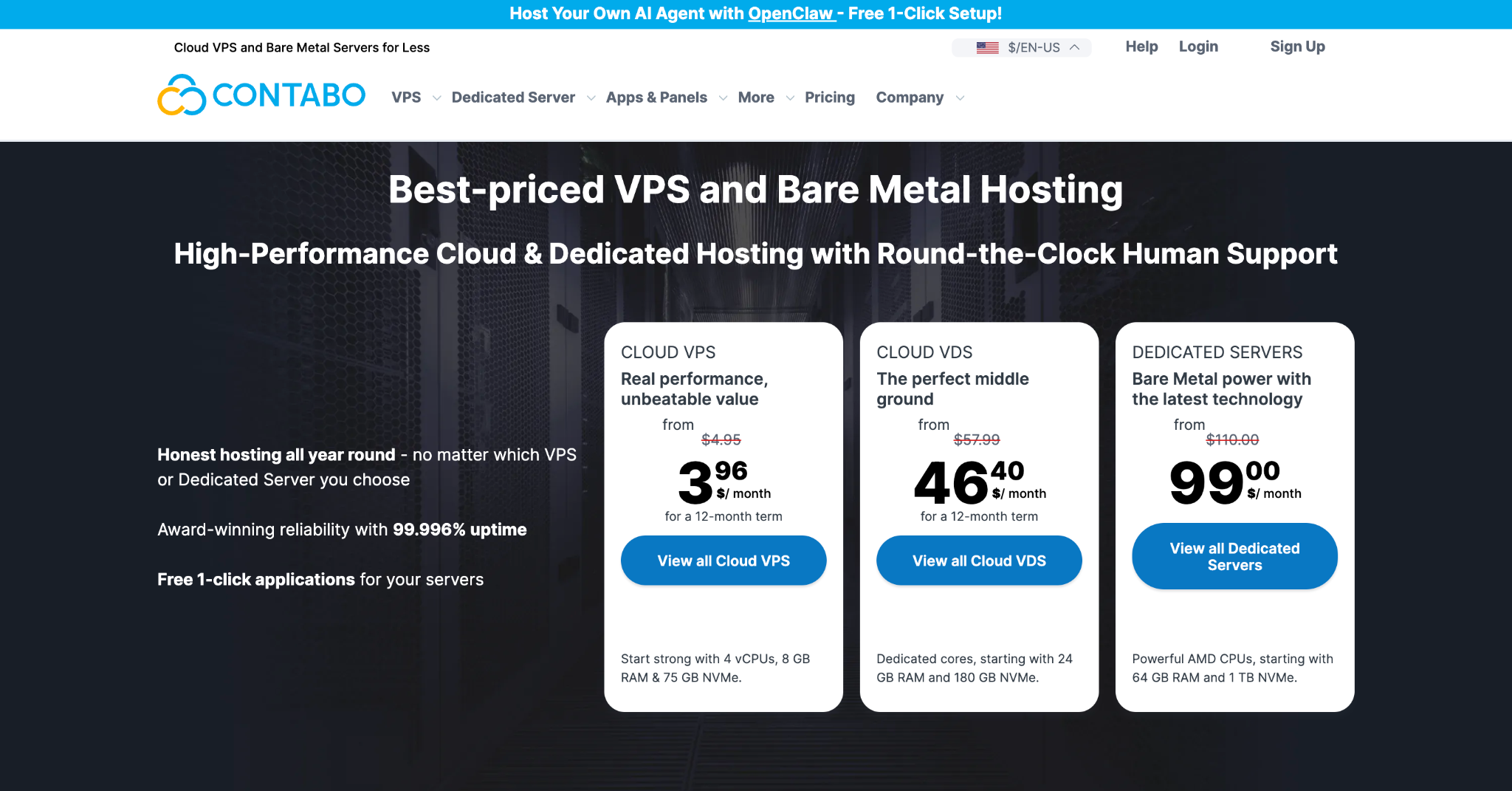
Contabo is a German VPS provider with affordability as one of its main appeals. Its entry Cloud VPS plan starts with 4 vCPU and 8 GB of RAM.
There are two main VPS product types relevant for running Paperclip with Contabo.
Cloud VPS uses shared CPU resources across six tiers, scaling from the entry plan up to 18 cores and 96 GB RAM. Alternatively, Cloud VDS (Virtual Dedicated Servers) provides dedicated AMD EPYC CPU cores for workloads that need guaranteed, consistent performance.
All plans use NVMe or SSD storage, include unlimited traffic under a fair-use policy, and include DDoS protection. Data centers are available in 11 locations, spreading across nine regions worldwide.
The trade-off is that Contabo is fully unmanaged, meaning you’ll handle all setup, security, and maintenance yourself. Moreover, automatic daily backups aren’t included in the base pricing, but they can be added for a higher pricing point.
Contabo pros
- Highest RAM-per-dollar ratio in this comparison
- Entry Cloud VPS starts with 4 vCPU and 8 GB RAM
- Unlimited traffic (fair use) and DDoS protection on all plans
- 11 data center locations across 9 regions worldwide
Contabo cons
- No Paperclip-specific deployment or installer
- Automatic backups cost extra and are more expensive than competitors
Contabo pricing
Contabo’s Cloud VPS plans start at $3.96/month for 4 vCPU and 8 GB RAM. The price increases with each tier as you add more vCPUs, RAM, and storage. All prices are for unmanaged servers – additional costs apply for auto backups and Windows licenses if needed.
8. OVHcloud
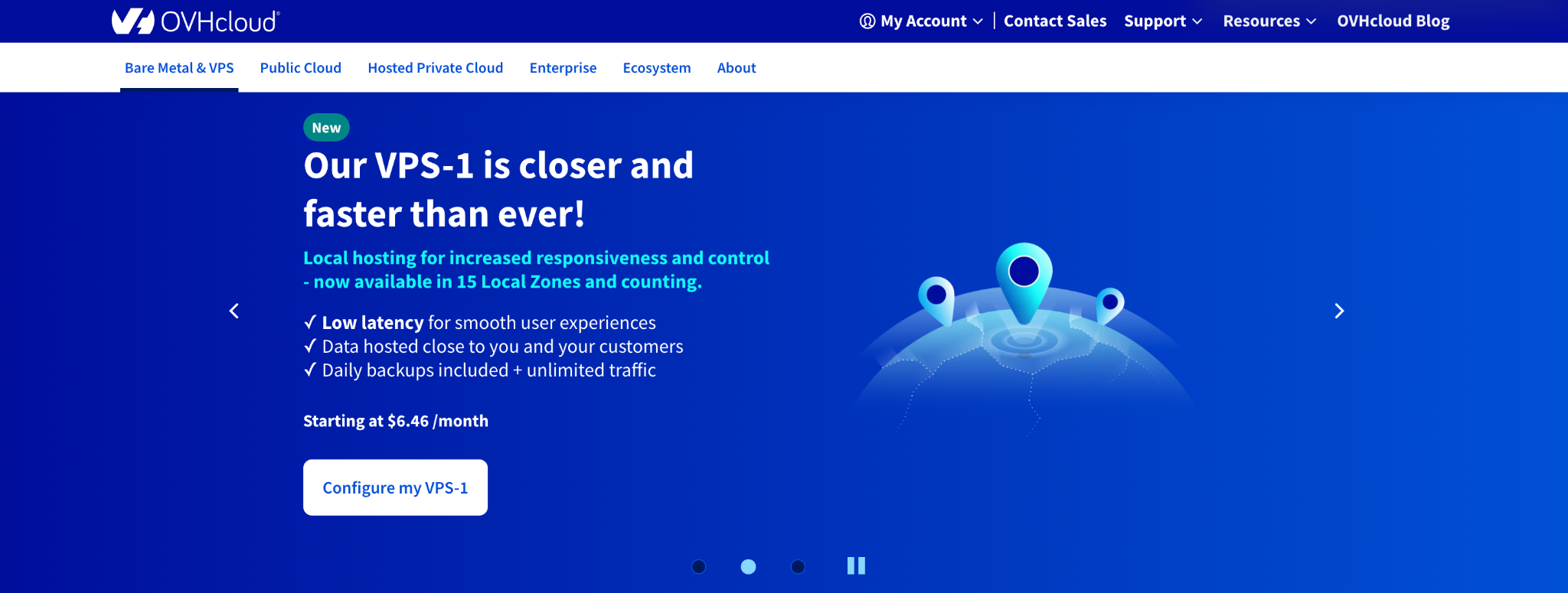
OVHcloud is a major cloud provider with 46 data centers across four continents. To run Paperclip, you’d use their VPS product, which offers six basic configurations that scale from entry-level to enterprise-grade.
Each plan includes daily automatic backups, anti-DDoS protection, and unlimited traffic at no extra cost, which is more generous than most providers at comparable price points.
The VPS range runs on NVMe SSD storage (VPS-2 plans or above) and supports one-click scaling from the OVHcloud Control Panel – you can upgrade to a higher tier without manual data migration.
The main limitation is the same as the other self-managed options: you’ll need to connect via SSH, install Docker, and set everything up manually. The control panel is also less intuitive than Hostinger, DigitalOcean, or Hetzner, which can slow down initial setup.
OVHcloud pros
- Anti-DDoS protection and unlimited traffic are included on all plans
- 1-click scaling from the control panel with no data migration required
- Guaranteed public bandwidth per plan, ranging from 400 Mbps on VPS-1 up to 3 Gbps on VPS-6
- 46 global data centers across four continents
OVHcloud cons
- No Paperclip-specific deployment or managed option
- The price can easily add up according to your chosen server setup
- The control panel is harder to navigate than most competitors
OVHcloud pricing
OVHcloud VPS plans come in six fixed configurations, with the base price reflecting the default specs for each tier. The VPS-1 plan is the entry point, starting at $6.46/month for 4 vCores, 8 GB RAM, and 75 GB SSD.
Keep in mind that your final price can be higher than the base rate depending on a few factors: the data center location you choose, whether you add premium automatic backup, and whether you opt for a distribution with a pre-installed application or a clean OS only.
How to choose the right Paperclip hosting
For most Paperclip deployments, look for a host with at least 4 GB RAM – or 8 GB if you plan to run multiple agents simultaneously – along with NVMe SSD storage and reliable uptime so your agents can run on their heartbeat schedule without interruption.
Beyond that, the right provider depends on your technical comfort, budget, and the complexity of your agent setup.
Start by deciding whether you want a managed or self-managed setup. Managed options like PaperclipCloud offer the highest level of convenience, but they also cost more.
Self-managed providers like Hostinger give you more control at a lower cost, though you’ll be responsible for installation and maintenance. Depending on the provider, there may also be tools available to help simplify these tasks, like Hostinger with the one-click Paperclip installer.
Railway sits in between – it’s not a traditional VPS, but its Paperclip deployment template gets you running without touching a terminal.
On the technical side, RAM matters more than CPU for Paperclip. AI processing runs on the LLM provider’s servers, so your host mainly handles orchestration and the dashboard. 4 GB is enough for two to three agents on basic tasks, but you’ll need to scale once your org chart grows.
NVMe storage helps with container restarts and database access, and server location affects latency to your LLM API. US-based servers typically perform better with most providers.
In terms of pricing, many VPS plans charge a flat monthly rate, which is easier to forecast. Usage-based platforms like Railway can be cheaper for light workloads but harder to predict as agent activity increases. Either way, LLM API costs often exceed the hosting bill itself, so factor those in too.
Finally, choose a provider that makes scaling straightforward. Paperclip deployments grow – more agents, more departments, more complexity – and migrating mid-deployment is disruptive.
Key features to look for in AI agent hosting
When evaluating hosting options for running AI agents, these are the features that matter most:
- Persistent storage. Agents need to save artifacts, memory, and context between runs. Transient compute breaks down in production because agents lose their state every time the container restarts, effectively starting from scratch on every heartbeat.
- Always-on uptime. Agents running on a heartbeat schedule are only useful if the server stays online. Make sure to find a host with a high uptime guarantee.
- Scheduling and background jobs. Look for heartbeat scheduling, cron support, and retry logic so agents can wake up, check their task queue, and act without manual intervention.
- Security and isolation. MCP protocol support is now the industry standard for agent security, acting as a gatekeeper so agents can only perform specific, pre-authorized actions rather than having unrestricted access to your infrastructure.
- Cost controls. Per-agent budget limits and usage alerts help you catch runaway API costs before they add up. A single misconfigured agent can burn through hundreds of dollars in tokens before you notice.
- Observability and audit logs. Full tracing of every tool call, decision, and API request means you can debug issues, review agent behavior, and stay in control as your org chart grows.
- Multi-agent coordination. Single-agent tools won’t scale to a full Paperclip org chart. Look for a hosting environment that can keep multiple agents running concurrently without resource contention.
- Model flexibility. Bring your own API keys for Anthropic, OpenAI, Gemini, or any other provider directly, with no intermediary markup on model costs.
- Low latency. If your agent takes 30 seconds to reason through a five-step tool chain, it becomes a bottleneck for any time-sensitive operation. Server location relative to your LLM API provider makes a real difference here.
- Scalability. As your agent count grows, you want to upgrade resources without migrating your entire setup or re-onboarding your agent workforce.
How to set up Paperclip hosting
Paperclip supports three installation methods – via the NPX on the server, manual Git clone, and Docker – so the setup process will vary depending on which path you take and where you’re hosting.
If you’re setting up manually on a VPS, the Docker method is the most practical for a production environment.
After connecting to your server via SSH, clone the Paperclip repository and navigate to the project directory. Then, build and launch the containers using the quickstart compose file:
docker compose -f docker-compose.quickstart.yml up --build
Once running, Paperclip is accessible at http://localhost:3100. Open the web dashboard, create your first company, define a mission, and start hiring agents by assigning them roles like CEO, CTO, or engineer.
Your data persists in ./data/docker-paperclip on the host – back this directory up to avoid losing your org structure, agent history, and audit logs if the container is removed.
If you’re using Paperclip on Hostinger VPS, you can complete this entire process in a single click. Hostinger’s application catalog includes a pre-configured Paperclip Docker template that handles the repository, container setup, and configuration.
For a full step-by-step walkthrough, follow our guide on how to set up Paperclip on a VPS.
All of the tutorial content on this website is subject to Hostinger's rigorous editorial standards and values.

Larassatti Dharma is a content writer with 4+ years of experience in the web hosting industry. She has populated the internet with over 100 YouTube scripts and articles around web hosting, digital marketing, and email marketing. When she's not writing, Laras enjoys solo traveling around the globe or trying new recipes in her kitchen. Follow her on LinkedIn

