Node.js vs. Angular: Key differences between Node.js and Angular
May 19, 2026
/
By Alma
/
9 min Read
Node.js and Angular are both used in JavaScript web development, but they serve different purposes.
Node.js is a runtime environment. It lets JavaScript run outside the browser, usually on a server. Developers use it to build backend features like APIs, database connections, server logic, real-time apps, and microservices.
Angular is a frontend framework built with TypeScript. It helps you build structured, interactive user interfaces in the browser. It’s often used for complex single-page applications (SPAs) because it includes tools like reusable components, routing, and form handling.
Node.js and Angular are often compared because they appear in the same project. But they’re not alternatives. Node.js handles the backend, Angular handles the frontend.
The Node.js vs. Angular choice depends on what your project needs: backend functionality, frontend structure, or both.
Here are the main differences between Node.js and Angular at a glance:
Feature | Node.js | Angular |
Type | Runtime environment | Frontend framework |
Use case | Backend: APIs, servers, real-time apps | Frontend: SPAs, dashboards, enterprise UIs |
Language | JavaScript | TypeScript |
Performance focus | High concurrency, low-latency server responses | Fast client-side rendering, lazy loading |
Learning curve | Moderate | Steep |
Ecosystem | npm (2+ million packages) | Angular CLI, RxJS, Angular Material |
Development speed | Flexible but requires more setup | Faster for structured frontend projects |
Flexibility | High – you choose your own tools | Lower – follows built-in conventions |
Real-time capabilities | Strong (WebSockets, event-driven) | Displays real-time data, doesn’t process it |
What does Node.js do that Angular doesn’t?
Node.js handles the server-side parts of an application that Angular is not designed to manage. It runs JavaScript outside the browser, which lets developers build APIs, connect to databases, process authentication, run business logic, and handle background tasks.
Node.js is especially useful when a project needs backend functionality, real-time communication, or JavaScript beyond the frontend.
- Backend logic. Angular can call an API and display the returned data, but it doesn’t create or run the backend logic itself. Node.js fills that role.
- High-concurrency backend services. Node.js uses a non-blocking approach, so it can handle many I/O-heavy requests without waiting for each one to finish before starting the next. This makes it useful for APIs, backend services, and applications with many simultaneous connections.
- Real-time processing. Node.js works well for real-time features because of its event-driven architecture. Libraries like
wsand Socket.io help developers add WebSocket support for live chat, notifications, collaborative editing, and streaming data feeds. - Flexible backend architecture. Node.js doesn’t enforce one specific project structure. You can build a single backend application, split the system into microservices, or choose your own frameworks and libraries based on the project.
- Runtime use beyond web apps. Node.js is not limited to web servers. Developers also use it for command-line tools, automation scripts, IoT applications, background workers, and build tools like Webpack, Babel, and ESLint.
What are the limits of Node.js?
Node.js doesn’t include tools for building the browser-side user interface. It can serve files, generate HTML on the server, and power SSR setups, but it doesn’t provide the client-side structure that Angular gives you.
For interactive interfaces, you’ll usually pair Node.js with a frontend framework such as Angular, React, or Vue.
- No built-in frontend layer. Node.js doesn’t include tools for building browser interfaces. It doesn’t manage UI state, handle client-side routing, respond to browser events, or structure reusable UI components.
- Extra setup for the user interface. To build a full web application, you need to add a frontend framework and connect it to the Node.js backend. That means choosing the frontend stack, configuring it, and setting up the API flow between the browser and server.
- Async complexity. Node.js relies heavily on callbacks, promises, and
async/awaitfor tasks like database queries and API calls. These patterns are powerful, but they can become harder to trace and debug in larger applications. - Less built-in structure. Node.js gives developers a lot of freedom, but it doesn’t prescribe how to organize a project. On larger teams, that flexibility can lead to inconsistent codebases unless the team defines clear conventions.
What does Angular do that Node.js doesn’t?
Angular gives you a structured way to build browser-based interfaces with reusable components, routing, forms, HTTP tools, and TypeScript support. Node.js doesn’t provide any of this on its own.
Angular is especially useful for single-page applications, dashboards, admin panels, and complex interfaces where consistency matters.
- Frontend application structure. Angular is built for creating dynamic user interfaces in the browser. It handles rendering, user interactions, animations, page transitions, and client-side application flow.
- Component-based UI. Angular applications are built from self-contained components. Each component can manage its own template, styles, and logic, which makes interfaces easier to reuse, test, and maintain.
- Built-in frontend tools. Angular includes routing, forms, an HTTP client, CLI tooling, and patterns for managing state through services, RxJS, and signals. Larger applications may still use a dedicated state management library like NgRx, but Angular covers many frontend basics out of the box.
- Strong project conventions. Angular is opinionated about how applications are structured. This helps larger teams keep code consistent and reduces time spent deciding how every part of the project should be organized.
- TypeScript-first development. Angular uses TypeScript by default, so type checking is part of every project from the start. Node.js can use TypeScript too, but it’s optional and requires extra setup.
What are the limits of Angular?
Angular can display data, call APIs, manage browser interactions, and support server-side rendering, but it doesn’t replace a backend like Node.js.
Most production Angular applications still need an API, backend service, or backend-as-a-service platform to handle dynamic data and secure server-side operations.
- No backend layer. Angular cannot directly manage database operations, server-side business logic, background jobs, or secure authentication flows. Angular SSR can render pages on the server, but it does not replace APIs, database access, or backend processing.
- Larger framework size. Angular includes many features out of the box, which can make applications heavier than those built with lighter alternatives. Lazy loading and ahead-of-time compilation help, but they need to be used properly.
- Backend integration required for dynamic apps. Most Angular applications need a backend to supply data and handle secure operations. Teams often pair Angular with Node.js and Express, a REST API, or platforms like Firebase or Supabase.
Which is better for backend development: Node.js or Angular?
Node.js is built for backend development. Angular is not. Angular runs in the browser and can support server-side rendering, but SSR only covers page rendering – not APIs, database access, or server logic. Backend work is Node.js territory.
You use Node.js to build APIs that receive requests from the frontend, process them, and send responses back. Frameworks like Express and Fastify speed this up by providing routing, middleware, and error handling.
Which is better for frontend development: Node.js or Angular?
Angular handles frontend development. Node.js isn’t built for it, though it plays a supporting role by running build tools and powering server-side rendering.
Angular can also render pages on the server before sending them to the browser, which helps with SEO and initial load speed. Node.js provides the runtime that makes this possible, so the two work together here.
Which is better for full-stack development: Node.js or Angular?
Node.js and Angular work well together in a full-stack setup. Node.js handles the backend, Angular handles the frontend, and both use JavaScript (or TypeScript). Your team works in one language across the entire application.
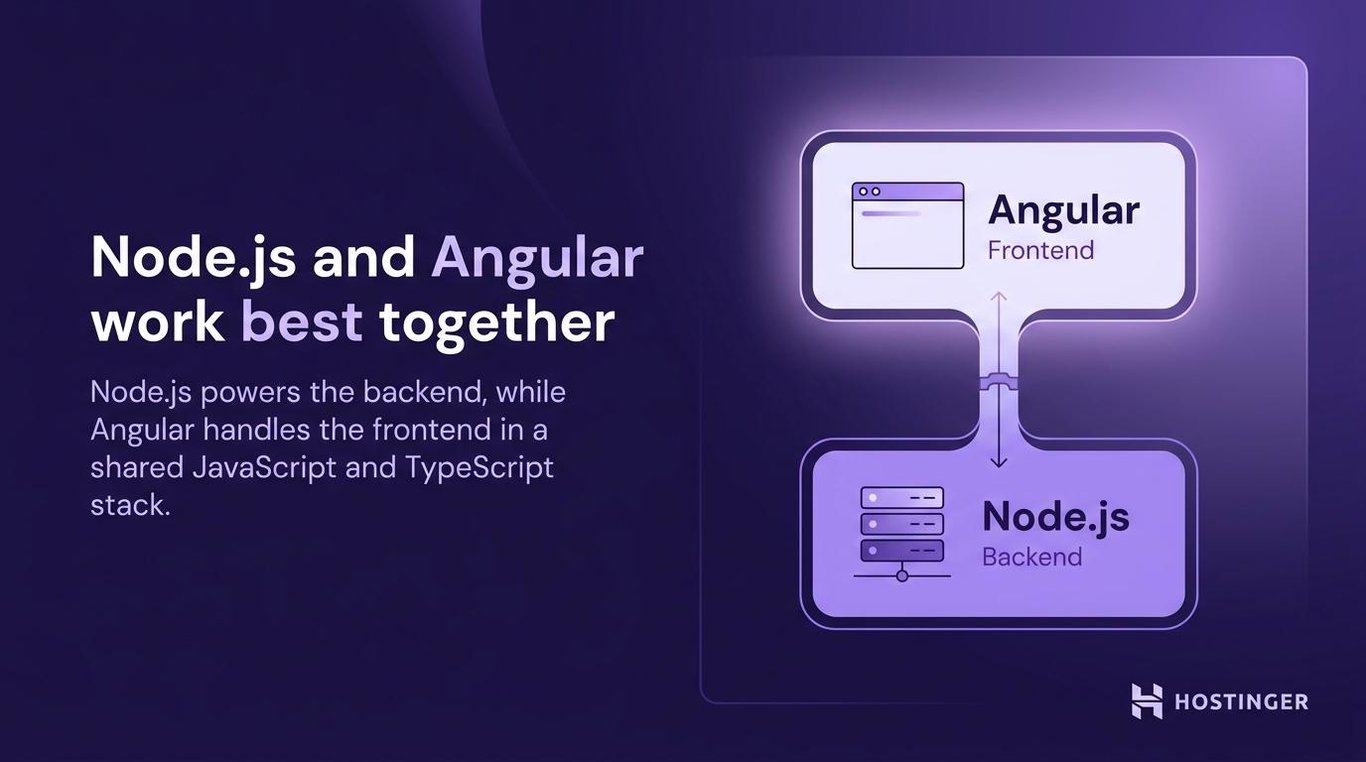
The most well-known version of this setup is the MEAN stack: MongoDB for the database, Express for the backend framework, Angular for the frontend, and Node.js as the runtime. Data flows as JSON from the database through the server to the browser without format conversion.
You could replace Angular with React (MERN stack) or Vue (MEVN stack), or swap MongoDB for PostgreSQL. But the MEAN stack remains popular for teams that prefer Angular’s structured approach to frontend development.
A unified JavaScript stack also makes hiring and onboarding simpler. Instead of needing separate backend and frontend specialists who know different languages, you can work with developers who are comfortable across the full stack.
Which is better for performance: Node.js or Angular?
Node.js and Angular optimize for different things because they run in different environments. Node.js focuses on server-side speed – how fast your backend responds to requests. Angular focuses on client-side speed – how fast the interface loads and reacts in the browser.
On the server, Node.js runs JavaScript on a single main thread, but it uses an event loop to handle many tasks without waiting for each one to finish. This makes it efficient for work that involves waiting, like database queries and network requests.
A well-built Node.js app can handle many concurrent connections, though actual capacity depends on the workload and whether the code avoids blocking the main thread.
In the browser, Angular uses lazy loading to only load parts of the app when the user needs them. Ahead-of-time (AOT) compilation converts templates to code before the page loads, which reduces startup time. Change detection watches for new data and updates only the affected parts of the page.
Each has a weak spot in its own domain. Node.js struggles with CPU-heavy tasks because long computations block the main thread and slow down other requests.
Angular struggles with initial load time because the framework itself is large – the first page load can be slower than lighter alternatives unless you configure lazy loading and AOT carefully.
Which is better for deployment: Node.js or Angular?
Angular is simpler to deploy because it produces static files. Node.js requires a running server, which means more setup but also more control.
When you build an Angular application, the CLI generates a folder of HTML, CSS, and JavaScript files. You can host these on any static hosting service or content delivery network (CDN) like AWS S3, Vercel, or Netlify. No server runtime needed. The files sit there, and the browser does the rest.
Node.js deployment is different. Your application needs a server that stays running to process requests. You deploy to a cloud server, a container, or a serverless platform. You also need to set up process managers, environment variables, and scaling.
For teams that don’t want to manage the runtime manually, managed hosting can handle the builds, deployment, and server setup. Hostinger’s Node.js web app hosting works this way. You connect your GitHub repo or upload your files, and the platform takes care of the rest. Free SSL is included on all plans, and Business plans and above add CDN and DDoS protection.
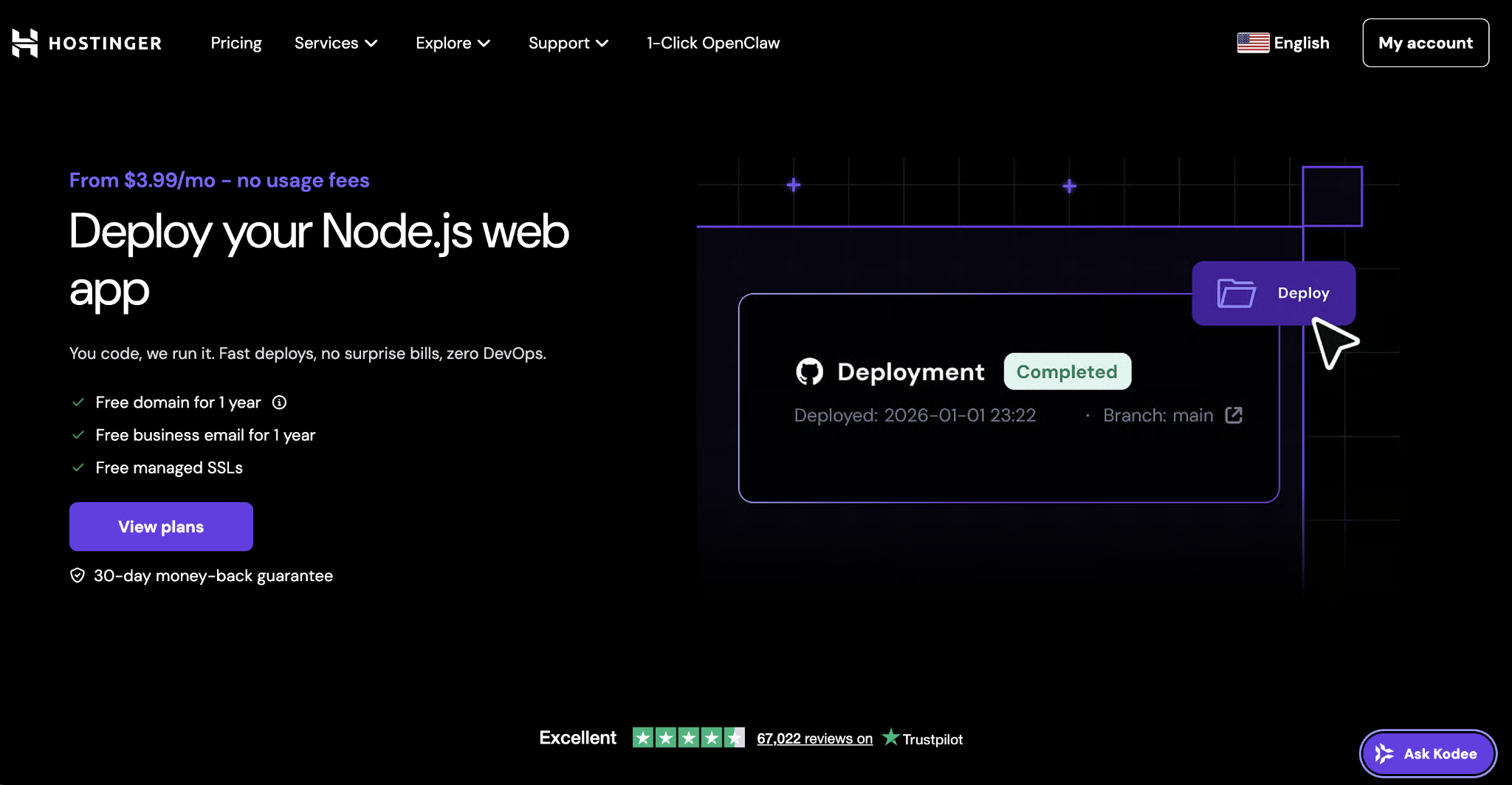
For full-stack applications, many teams deploy the backend and frontend separately so each part can update independently. With Hostinger, you can also run both from the same platform – its Angular hosting runs as part of the Node.js hosting environment, so your backend and frontend deploy from one place.
Which is better for learning curve: Node.js or Angular?
Node.js is easier to learn than Angular, especially if you already know JavaScript. You can start with a basic server, then add routing, database connections, authentication, and project structure as your application grows.
To get started with Node.js, you need JavaScript basics and an understanding of how HTTP requests work. Frameworks like Express make the first steps simpler by giving you a lightweight way to create routes, handle requests, and return responses.
Angular has a steeper learning curve because it asks for more upfront. You need to learn TypeScript, components, templates, services, dependency injection, RxJS, and the Angular CLI before you can work comfortably with the framework. For developers coming from plain JavaScript, this can take more time.
Both technologies have mature ecosystems and strong community support. Node.js has a large npm ecosystem, which gives developers access to many packages and tutorials. Angular has detailed official documentation, CLI tooling, and an active community, especially among enterprise development teams.
That extra structure can be useful on larger projects. Angular projects tend to follow consistent patterns, which helps teams keep code organized and makes existing applications easier to understand. For smaller projects or developers new to backend work, Node.js is usually the faster starting point.
Which is better for real-time applications: Node.js or Angular?
Node.js handles real-time backend logic, and Angular handles real-time UI updates. You typically use both together in a real-time application.
Node.js is where real-time processing happens. It supports WebSockets through libraries like Socket.io, which maintain open connections between the server and connected clients.
Instead of the client asking the server for updates repeatedly, the server pushes new data the moment it’s available. Live chat, multiplayer games, and stock tickers all work this way.
Angular’s role is displaying those updates on screen. When new data arrives through a WebSocket connection, Angular updates the UI instantly. Its change detection system spots the new data and re-renders only the affected components.
A chat application is a good example. Node.js manages the WebSocket connections and broadcasts messages to all connected users. Angular receives those messages and displays them in the chat window as they arrive.
What are the alternatives to Node.js and Angular?
Node.js and Angular solve different parts of web development, so their alternatives depend on which layer you’re comparing. Angular alternatives are frontend tools, while Node.js alternatives are backend runtimes or server-side frameworks.
Angular alternatives (frontend frameworks):
React. React is a JavaScript library for building user interfaces. It is more flexible than Angular because it focuses mainly on the view layer, while developers choose separate tools for routing, state management, and data fetching. React is a good option for teams that want more control over their frontend stack.
Vue.js. Vue.js is a progressive frontend framework that is often easier to learn than Angular. It gives you a component-based structure and can be expanded with official ecosystem tools like Vue Router and Pinia for routing and state management. Vue is a strong choice for smaller to mid-sized applications, or for teams that want a simpler frontend framework.
Next.js. Next.js is a React-based framework for building frontend and full-stack web applications. It includes rendering options like server-side rendering and static site generation, and it can also handle server-side functions depending on the deployment setup.
While the Node.js vs. Next.js comparison is common, Next.js is closer to an Angular alternative because both help developers build user-facing applications.
Node.js alternatives (backend tools):
Deno. Deno is a JavaScript and TypeScript runtime created by Ryan Dahl, the original creator of Node.js. It includes built-in TypeScript support, a permissions-based security model, and a standard library.
Deno solves some of Node.js’s early design limitations, but its ecosystem is smaller than Node.js’s.
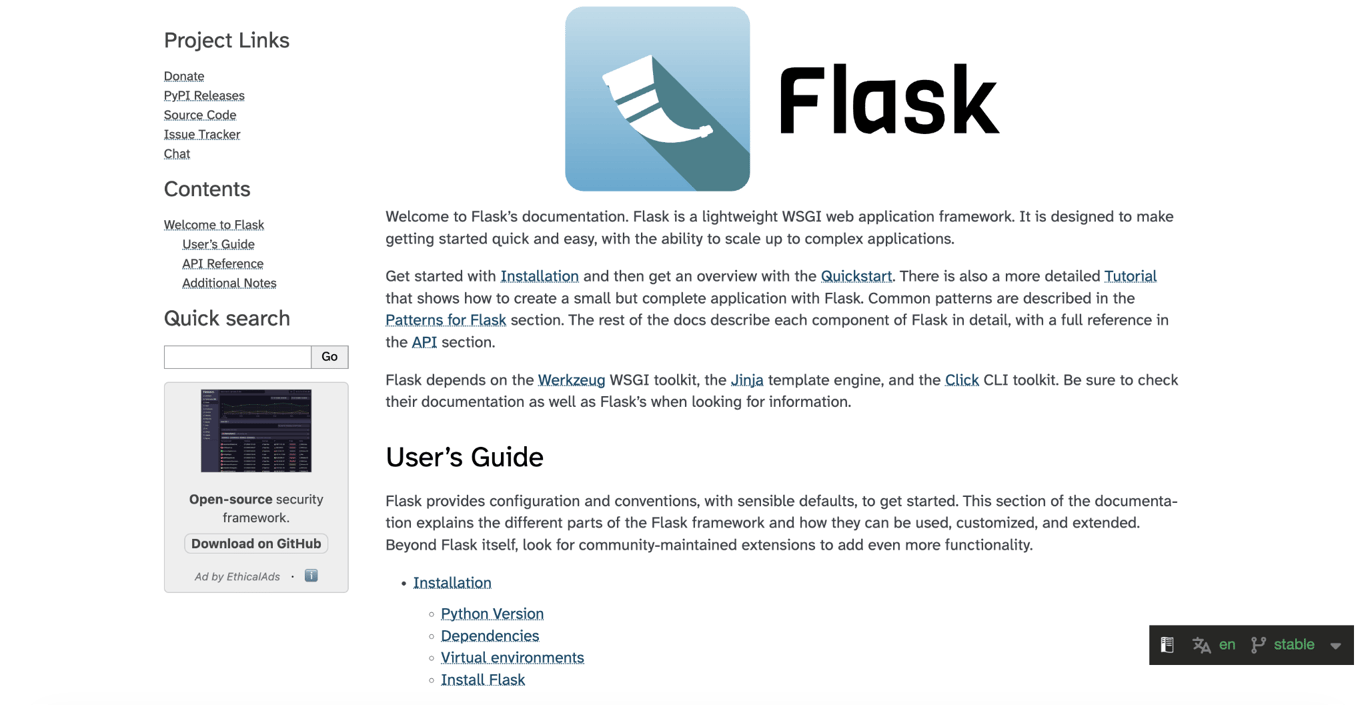
Flask. Flask is a lightweight Python backend framework. The Node.js vs. Flask decision usually comes down to language and project needs: Node.js runs JavaScript and is often a strong fit for real-time, I/O-heavy applications, while Flask runs Python and is a good option for teams already working in Python or building data-heavy applications.
Often compared, but not direct competitors:
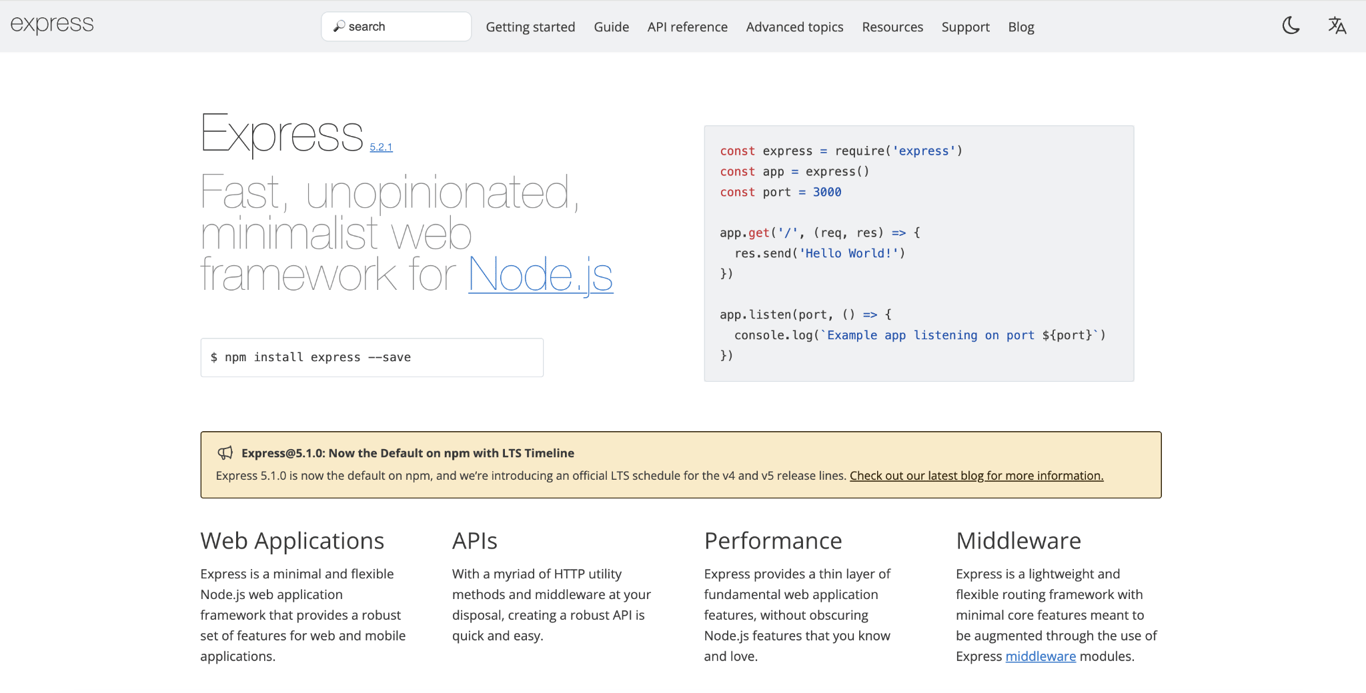
Node.js and Express.js. The Node.js vs. Express.js comparison comes up often, but they are not alternatives. Node.js is the runtime that lets JavaScript run on the server, while Express is a backend framework built on top of it.
Developers commonly use them together: Node.js runs the server-side code, and Express adds routing, middleware, and API handling. Angular can then connect to those APIs and display the data in the frontend.
Which should you choose: Node.js or Angular?
Your choice depends on which part of the application you’re building.
Choose Node.js if you need backend functionality. APIs, microservices, real-time servers, CLI tools, automation scripts, and background jobs all need server-side logic that Angular is not designed to handle.
Choose Angular if you need a structured frontend. Dashboards, enterprise applications, admin panels, and complex single-page applications benefit from Angular’s components, routing, forms, and TypeScript support.
Use both together for full-stack applications. Node.js can power the backend, while Angular handles the user interface. This setup works well when you want a JavaScript-based stack across both layers, such as the MEAN stack.
Node.js and Angular are not competing tools, so the best choice starts with the role you need to fill. Define your backend and frontend requirements first, then build a small prototype to test the stack before committing to the full project.
{reusable}
vps-hosting-cta
{/reusable}
All of the tutorial content on this website is subject to Hostinger's rigorous editorial standards and values.

Alma is an AI Content Editor with 9+ years of experience helping ideas take shape across SEO, marketing, and content. She loves working with words, structure, and strategy to make content both useful and enjoyable to read. Off the clock, she can be found gaming, drawing, or diving into her latest D&D adventure.


