06 Nov, 2019 •
WordPress
•
Being stuck on the WordPress login page can be frustrating. Fortunately, there are several ways to solve this issue. Take a look at this article as...
CSS defines the front-end appearance of your website. There are several types of CSS, among them are inline and external CSS.In short, the main...
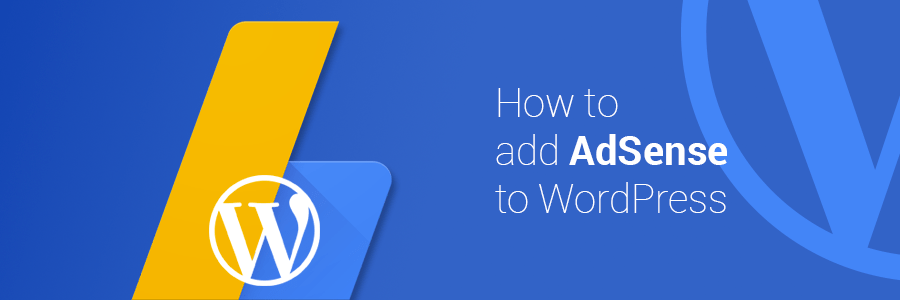
Do you want to earn passive income from your website? Using AdSense is one of the best ways to make money online! This article will show you how to...
25 Oct, 2019 •
WordPress
•
WooCommerce
•
You’re planning to use PayPal as the payment gateway for your WordPress online store made with WooCommerce, but you don’t know where to...
Do you want to understand the basics of MySQL operations? Read on, as this article will show you how to create a user in MySQL. You’ll also...
If you are a realtor who wants to ensure the success of your business, creating a real estate website is an absolute must. Make sure that your website...
CLI is a powerful program, but its use CLI hasn’t always been well-received. Beginners are reluctant to use it, thinking that it is only for...
17 Feb, 2019 •
WordPress
•
User experience, search engine optimization, and dwell time are essential factors to maintain a successful WordPress website.When visitors enter a...
WordPress private page and posts are not visible to the public. In other words, visitors can’t see the content even if they know the URL. It is...