10 best GoDaddy alternatives for hosting, domains, and websites
Oct 14, 2026
/
By Bruno S.
/
12 min Read
The best alternative to GoDaddy depends on which of its products you’re replacing: web hosting, domain registration, website building, or all three. Hostinger is the best overall option for beginners and small businesses that want hosting, domains, SSL, email, and site-building tools in one account, while domain-first services like Porkbun and Cloudflare Registrar focus more narrowly on registration and DNS.
Cost is one reason users compare GoDaddy alternatives. GoDaddy currently advertises .com registration starting at $0.01 for the first year with a three-year purchase, with a renewal price of $22.99/year. Hosting, website building, email, and security products each have their own billing terms, so compare the bundle’s total renewal cost rather than the headline introductory price.
The 10 alternatives below span shared hosting with bundled domains, standalone domain registration, and website builders that include hosting.
Choosing between them comes down to your priorities: total cost, WordPress tooling, domain management, or design flexibility. If you’re moving from GoDaddy, plan the domain transfer, DNS records, email, site files, SSL, and timing before you switch
Quick comparison of the best GoDaddy alternatives
Finding the right GoDaddy alternative depends on your specific needs and understanding what web hosting is for your business. While GoDaddy bundles hosting with domains and site builders, the best alternative may offer faster speeds, lower renewal costs, and better security.
Provider | Best for | Starting price (annual billing) | Renews at | Free domain | Key inclusion |
Hostinger | All-in-one hosting and domains | CA$ 5.59/mo | $10.99/mo | First year | 500+ TLDs, SSL, email, AI tools |
Namecheap | Low-cost domain registration | $2.28/mo | $4.66/mo | With hosting | Free WHOIS privacy |
Bluehost | WordPress beginners | $4.99/mo | $11.99/mo | First year | Managed WP, staging, WP-CLI |
DreamHost | Month-to-month flexibility | $2.89/mo (yr 1) | $10.99/mo | First year | Unlimited SSL, daily backups |
SiteGround | Managed support and performance | $2.99/mo (yr 1) | $17.99/mo | First year | Google Cloud, phone on all plans |
IONOS | Business bundles on a budget | $1/mo (yr 1) | $14/mo | First year | Personal consultant, wildcard SSL |
Wix | Drag-and-drop website building | $17/mo | $17/mo; varies by location | First year | Free plan, 2000+ templates, AI builder |
Squarespace | Design-led websites | $7/mo | $19/mo; varies by location | First year | All-inclusive domain pricing |
Porkbun | Transparent domain pricing | $11.08/yr (.com) | $11.08/yr | None | Free WHOIS privacy + SSL |
Cloudflare Registrar | At-cost domain renewals | At registry cost | At registry cost | None | Zero-markup at-cost model |
1. Hostinger – best all-in-one alternative for hosting and domains

- Best for: beginners and small businesses who want hosting, domains, email, SSL, and site-building tools in one account
- Pricing: from CA$ 5.59/month (annual billing)
Hostinger is an agentic platform and web hosting provider that bundles hosting, domain registration, email, SSL, and AI tools into one account, with 24/7 support and a 30-day money-back guarantee. It’s the best GoDaddy alternative for beginners and small businesses that want hosting and domains managed in one place.
Hostinger key features
- Hostinger Domains registrar. ICANN-accredited and supports 500+ extensions with free WHOIS privacy on supported TLDs. The .com registers for $0.01 for the first year and renews at $19.99/year, compared with GoDaddy’s $22.99 renewal price.
- Hostinger dashboard. Centralizes hosting, domains, DNS, email, SSL, and website management in one dashboard.
- Managed WordPress tools. Supports WordPress installation, WP-CLI, SSH, Git, and other developer tools. WordPress staging is available on eligible higher-tier hosting plans.
- AI tools. AI-powered Hostinger AI Builder, Reach email marketing tool, and vibe coding features, with allowances varying by plan.
- Included essentials. Free domain on eligible plans, unlimited SSL, and malware scanning are available from the start.
- Business email. Hostinger’s business email starts at $0.39/month per mailbox, compared to GoDaddy’s $1.99/month, according to the Hostinger Mail vs GoDaddy Email comparison.
Hostinger pricing
The Premium plan (CA$ 5.59/month, renewing at $10.99/month) covers three websites, 20 GB SSD storage, and two email mailboxes per website, free for the first year. The Unlimited plan (CA$ 6.99/month, renewing at $16.99/month) removes those caps and adds daily backups, CDN, unlimited mailboxes, and AI tools, including the Reach email marketing suite.
Cloud Startup (CA$ 13.99/month, renewing at $25.99/month) moves to dedicated resources and 100 GB NVMe storage, suited for higher-traffic sites or agencies managing multiple projects. Annual plans include a free domain in the first year and a 30-day money-back guarantee.

2. Namecheap – best for low-cost domain registration
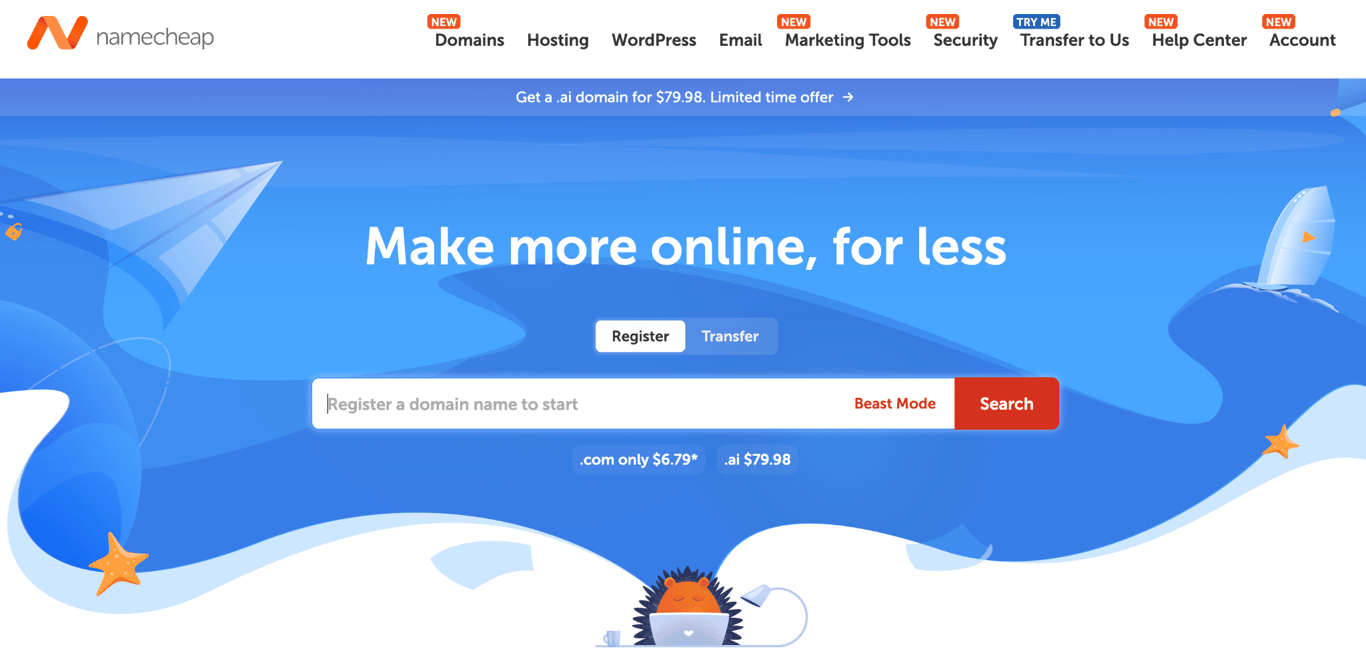
- Best for: users who want low .com renewal pricing and free lifetime WHOIS privacy
- Pricing: from $2.28/month (annual billing)
Namecheap is an ICANN-accredited domain registrar and web host that has been operating since 2001 and manages over 16 million domains. It’s the best GoDaddy alternative for users who prioritize domain privacy and low-cost domain registration but still want shared hosting from the same company.
Namecheap key features
- Free lifetime WHOIS privacy on all eligible domain registrations and transfers, with no renewal fee.
- Domain pricing. .com at $11.28 for the first year, then $18.48/year at renewal, with free domain privacy on eligible registrations. It remains a competitive option among the best domain registrars that also offer hosting.
- cPanel on all hosting plans with a 100% uptime guarantee, unmetered bandwidth, and a 30-day free trial.
- AI Website Builder and AI for WordPress are included on all shared hosting plans.
- 30 email accounts on Stellar, with unlimited accounts and AutoBackup on Stellar Plus and above.
Namecheap pricing
The Stellar plan ($2.28/month, renewing at $4.66/month on an annual billing plan) covers three websites, 20 GB of SSD storage, and 30 email accounts. Stellar Plus ($2.98/month) adds unlimited websites and unmetered SSD storage.
Free SSL certificates are included for the first year only (50 certificates). After that, SSL requires a separate renewal.
Shared hosting offers a 30-day free trial. Namecheap’s 30-day money-back guarantee applies to eligible first-time Shared Hosting customers who start without the free trial.
3. Bluehost – best for WordPress beginners
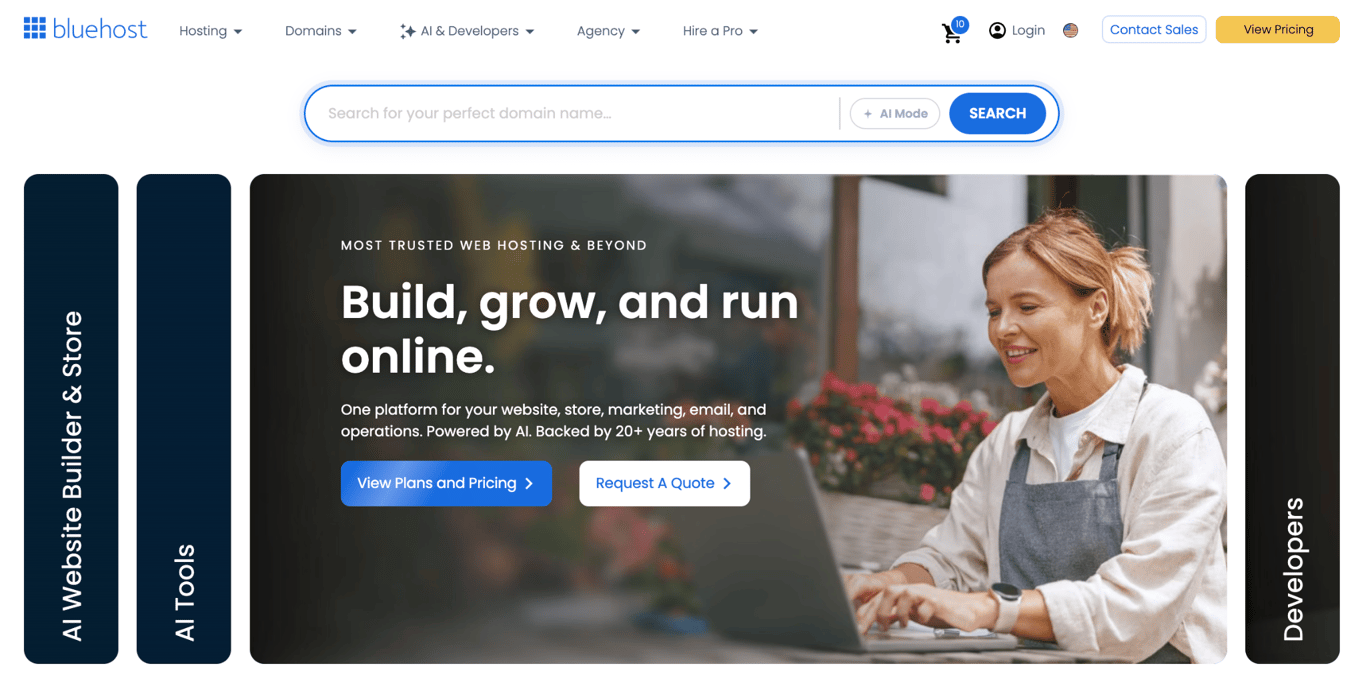
- Best for: WordPress beginners who want a host with staging on the entry plan
- Pricing: from $4.99/month (annual billing)
Bluehost is a web hosting provider and one of WordPress.org’s longest-running recommended hosts, partnering since 2005 and used by over 2 million websites worldwide. It’s the best GoDaddy alternative for WordPress beginners who want managed updates, staging, developer tools, and migration features built into the hosting environment.
Bluehost key features
- WordPress.org-recommended host, with managed updates, staging, WP-CLI, SSH, and pre-installed Yoast SEO on all plans.
- 99.99% uptime SLA, stronger than GoDaddy’s 99.9% guarantee.
- 10 websites and 10 GB NVMe storage on Starter, with CDN and free site migration included.
- Free domain for the first year on eligible hosting terms.
- 24/7 chat on all plans, with phone support on Business and above.
Bluehost pricing
The Starter plan ($4.99/month, annual billing, renewing at $9.99/month) covers 10 websites, 10 GB NVMe storage, CDN, free site migration, and AI site creation tools. The Business plan ($7.99/month, annual billing, then $13.99/month) includes unlimited websites, 50 GB of storage, domain privacy, and phone support.
Email is a one-month free trial, then $2.99/month per mailbox, not bundled in any plan. For domains, .com is $12.99 in the first year and renews at $23.99/year, the highest in this list.
4. DreamHost – best for month-to-month hosting
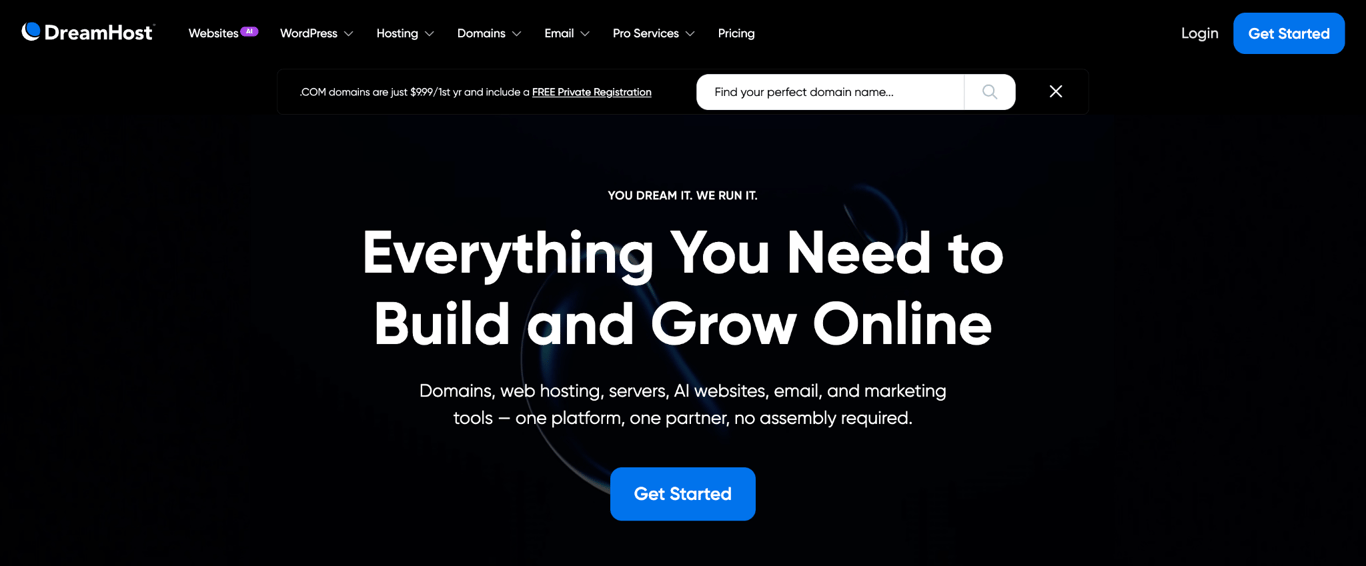
- Best for: users who want flexibility with no long-term commitment, or unlimited SSL on every site
- Pricing: from $2.89/month (first year, annual billing)
DreamHost is an independently owned web hosting provider that has been operating for nearly 30 years and hosts over 1.5 million websites. Among GoDaddy alternatives, it stands out for its flexible billing, daily backups, free SSL, and a custom control panel on its shared hosting plan.
DreamHost key features
- Month-to-month billing at $11.99/month, no annual commitment required.
- Unlimited free SSL on every site on the account, auto-renewing, with no expiry after year one.
- 100% uptime guarantee, compared to GoDaddy’s 99.9%.
- 25 websites, 25 GB NVMe storage, daily automated backups, and unmetered bandwidth on the entry plan.
- Custom control panel (no cPanel license cost), with one-click WordPress, WP-CLI, and SSH included.
DreamHost pricing
The Web Hosting Launch plan ($2.89/month for the first year, then $10.99/month) includes 25 websites, 25 GB of NVMe storage, daily backups, and unlimited free SSL certificates. Month-to-month billing is also available starting at $11.99/month.
Email is free for the first three months, then billed separately.
The .com domain is currently $9.99 for the first year and $19.99/year at renewal. DreamHost also offers a 30-day money-back guarantee for its web hosting plans.
5. SiteGround – best for managed support and performance

- Best for: WordPress professionals who need Google Cloud infrastructure and phone support on every plan
- Pricing: from $2.99/month (first year, annual billing)
SiteGround is a managed web hosting provider that runs on Google Cloud infrastructure, managing 3 million domains. It’s the best GoDaddy alternative for WordPress users who prioritize managed performance, daily backups, and access to human support. However, its renewal price rises sharply after the introductory year.
SiteGround key features
- Google Cloud infrastructure with multilevel caching across its shared hosting plans.
- Phone, chat, and ticket support on all plans, including the entry tier.
- Free SSL, CDN, email, and daily backups with 30-day restore points on every plan.
- WordPress AI Agent, managed automatic updates, free migrations, WP-CLI, and SSH on all tiers.
- Staging and on-demand backups on GrowBig and above.
SiteGround pricing
The StartUp plan ($2.99/month, renewing at $17.99/month) covers one website, 10 GB of storage, and the full managed WordPress feature set. GrowBig ($4.99/month, renewing at $29.99/month) removes the one-site cap and adds staging.
The StartUp plan increases from $2.99 to $17.99/month at renewal, so the long-term cost is substantially higher than the introductory rate.
The .com domain can be registered for $11.99 in the first year and renews for $22.99/year. SiteGround offers a 30-day money-back guarantee on shared hosting.
6. IONOS – best for business bundles on a budget

- Best for: first-time site owners who want a low first-year hosting price and a personal point of contact
- Pricing: from $1/month (first year, annual billing)
IONOS is a European web host, offering geo-redundant infrastructure and a personal consultant assigned to every account. It’s a strong GoDaddy alternative for first-time site owners who want to minimize year-one costs and value a named support contact.
IONOS key features
- Personal consultant assigned to every account, alongside 24/7 phone, chat, and email support.
- Wildcard SSL on all plans, covering the main domain and all subdomains under a single certificate.
- Unlimited websites and 350 GB NVMe storage on the Plus plan from year one.
- Daily backups, DDoS protection, and geo-redundant infrastructure are included across all tiers.
- $1/month with a one-year term on the Plus plan.
IONOS pricing
The Plus plan ($1/month for the first year, renewing at $14/month) is the best-selling tier, covering unlimited websites, 350 GB NVMe storage, 5x server resources, CDN, and four email addresses. The Essential plan ($4/month, renewing at $8/month) covers one website and 100 GB of storage.
Email is capped at 1–5 accounts per plan, with 2 GB per mailbox, and there is no unlimited option at any tier.
You can register a standalone .com domain for $1 for the first year; renewals cost $20/year. IONOS offers a 30-day money-back guarantee on its plan.
7. Wix – best for drag-and-drop website building
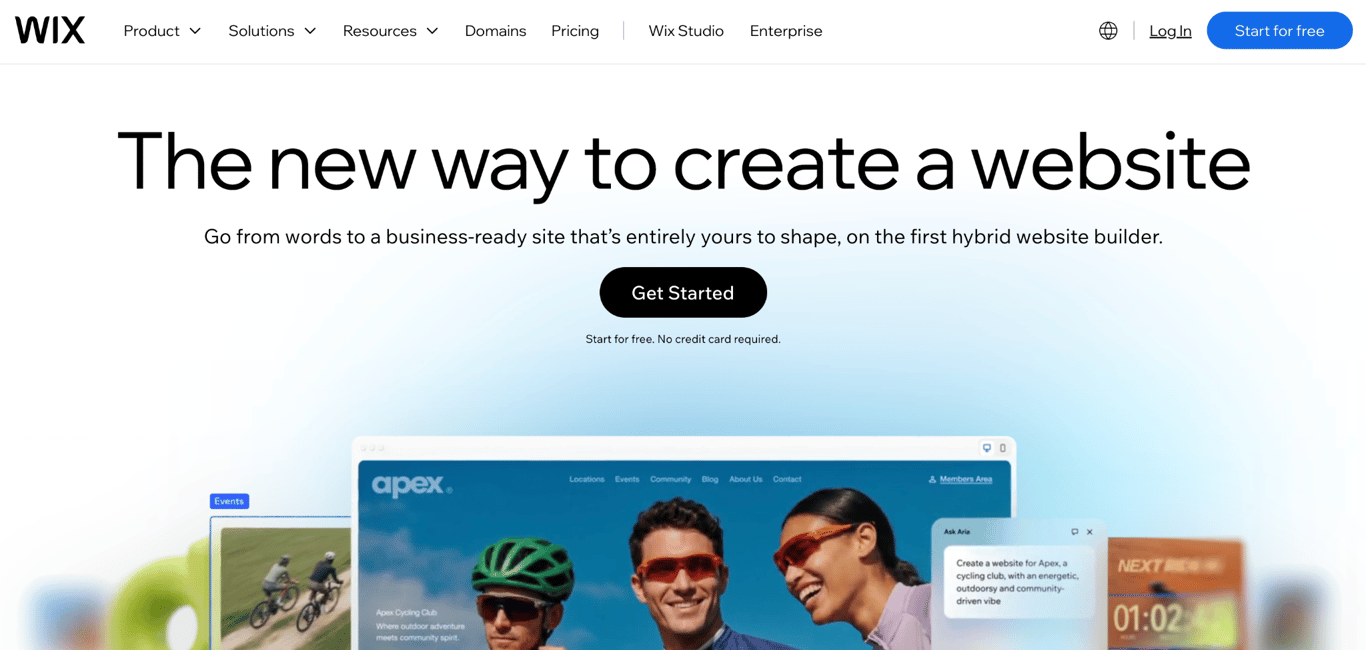
- Best for: users who want a no-code builder with a free plan to test before paying anything
- Pricing: from $17/month (yearly billing)
Wix is a website builder and hosting platform with a free plan, a drag-and-drop editor, and a large library of templates covering business, portfolio, and ecommerce categories. It’s the best GoDaddy alternative for users who want to build and manage a site using a drag-and-drop editor, without traditional hosting dashboards or server management.
Wix key features
- Free plan with no credit card required, full editor access, and a large template library.
- Drag-and-drop editor and AI website builder on all paid plans, with templates for business, portfolio, and ecommerce use.
- Payment acceptance and ecommerce are available on the Core plan and above.
- Free domain in the first year on all paid annual plans, with 400+ extensions available.
Wix pricing
Wix pricing varies by location. In the U.S., the Light plan ($17/month, billed annually) includes 1 website, 2 GB of storage, and a basic marketing suite. Core ($29/month) enables payment acceptance, basic ecommerce, and scheduling. Business ($39/month) adds standard ecommerce features, 100 GB of storage, and 10 site collaborators.
Business Elite ($159/month) offers advanced ecommerce, unlimited storage, and 100 sites and collaborators. Each paid plan covers a single website; a second site requires a second plan at the same price. Wix often advertises discounted introductory rates (often 50% off via weekly promos) to attract new users
The .com domains register at $7.90 for the first year and renew at $21.35/year; the first year is free with any paid annual plan.
8. Squarespace – best for design-led websites

- Best for: portfolios, editorial sites, and small businesses that want design-led templates and all-inclusive domain pricing
- Pricing: from $9/month (yearly billing; varies by location)
Squarespace is a website builder and domain registrar with templates built for editorial, portfolio, and ecommerce sites. It’s a strong GoDaddy alternative for users who prioritize visual site creation and want domains, hosting, privacy, SSL, and management tools all in one platform.
Squarespace key features
- Design-led templates built for portfolios, editorial sites, and service businesses.
- Domain inclusion. Eligible Squarespace domains include free WHOIS privacy, SSL, premium DNS, domain/URL forwarding, and email forwarding.
- Google Domains successor, with a familiar management interface and 400+ TLDs.
- Payment acceptance on all plans, with a 2% transaction fee on Basic that drops to 0% on Core and above.
- Annual plans include a free eligible custom domain for the first year
Squarespace pricing
The Basic plan ($19/month, billed annually) includes one website, a free domain for the first year, AI tools, and payment acceptance, with a 2% transaction fee on store sales. Core ($29/month) drops that fee to 0% and adds advanced analytics and CSS/JavaScript customization.
Plus ($49/month) drops digital content fees to 1% and adds advanced functionalities for selling in releases. Advanced ($99/month) removes all transaction fees on digital content and memberships. Note that prices vary by location; use the live pricing page to confirm the pricing for your location.
Custom email uses Google Workspace. Eligible higher-tier Squarespace website plans can include one Google Workspace Starter user free for the first year.
Domain extensions such as .com and .org are currently $20/year when purchased separately. An eligible domain is free for the first year with an annual website plan
9. Porkbun – best for transparent domain pricing
- Best for: users who want transparent domain pricing
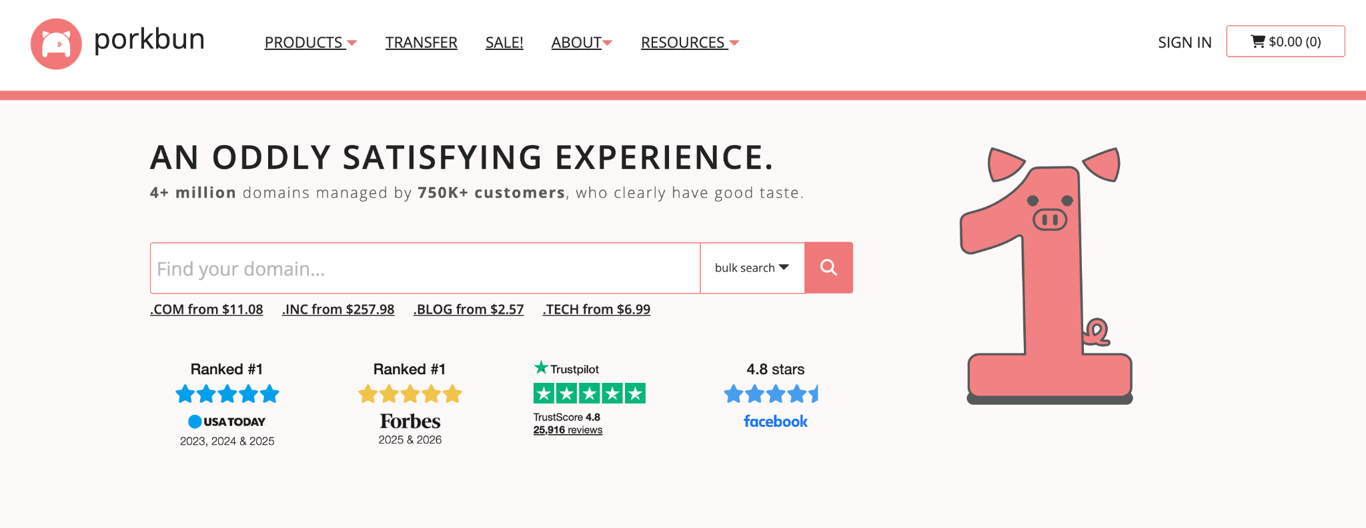
- Pricing: $11.08/year for a .com domain
Porkbun is an ICANN-accredited domain registrar based in Portland, Oregon, and has been operating since 2014. It’s a strong GoDaddy alternative for users who prioritize transparent domain pricing.
Porkbun key features
- Free WHOIS privacy on every eligible domain, with no renewal fee.
- Free Let’s Encrypt SSL with auto-renewal included on all domains.
- Free URL forwarding, up to 20 email forwards, and Cloudflare-powered DNS are bundled with every domain.
- Phone support daily 9 AM–5 PM Pacific, including weekends.
Porkbun pricing
Porkbun currently charges $11.08/year for a .com registration, renewal, and transfer. All prices include the ICANN fee. Price is expected to rise to $11.81/year on Nov. 1, 2026, as registry costs increase.
A $200 domain restoration fee applies if a domain enters the Redemption Grace Period after expiration.
10. Cloudflare Registrar – best for at-cost domain renewals
- Best for: users who want domains at registry costs and are comfortable using Cloudflare DNS
- Pricing: at cost with no markup; exact registration and renewal prices vary by TLD and registry pricing
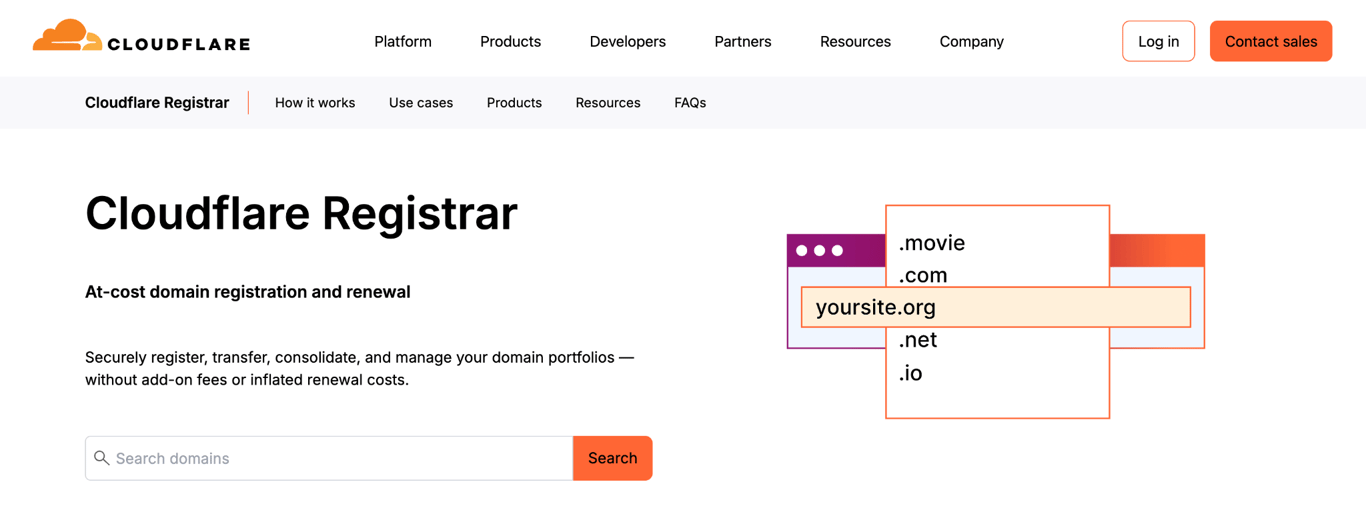
Cloudflare Registrar sells domains at registry cost with no markup and integrates registration with Cloudflare DNS and security services. It’s the best GoDaddy alternative for users who already use or are willing to use Cloudflare’s DNS and security stack and want registrar pricing without a retail markup.
Cloudflare Registrar key features
- At-cost pricing on 400+ supported TLDs: registration and renewal at the same wholesale rate, zero markup.
- Free WHOIS redaction where the registry permits it, plus free one-click domain..
- Integrates with Cloudflare’s full ecosystem: DNS, CDN, SSL, Workers, and firewall, all from one dashboard.
Cloudflare Registrar pricing
Cloudflare Registrar charges the registry and ICANN costs without markup. The current registration and renewal price is returned for each TLD and can change when registry pricing changes.
Using Cloudflare Registrar requires Cloudflare’s nameservers. For users already running Cloudflare’s DNS and security services, this is not a constraint. For users who need custom nameservers (domain parking, specific aftermarket platforms, or third-party DNS), this option is ruled out.
How to choose the best GoDaddy alternative
Choose a GoDaddy alternative based on the specific product you are replacing and the trade-off you care about most.
If you want hosting and domains in one place, Hostinger is the strongest all-in-one choice in this list. The Premium Plan combines hosting, a first-year domain, SSL, email allowance, AI tools, and 24/7 support; it is currently priced at CA$ 5.59/month for hosting and $19.99/year for .com renewals. IONOS can cost less in the first year on its $1/month Plus promotion, but that plan renews at $14/month after the one-year term.
If you’re building on WordPress. Bluehost offers managed updates, staging, WP-CLI, and SSH on its entry plan. SiteGround adds Google Cloud infrastructure and phone support on all plans. Both are more purpose-built for WordPress than GoDaddy’s general cPanel setup.
If you want easier hosting management, Hostinger dashboard keeps hosting, domains, DNS, email, and SSL in one dashboard. Before committing to any provider, you should learn how to choose a web hosting plan, which breaks down the criteria that matter long-term: storage type, bandwidth policy, PHP version control, and support channels.
If you want simpler domain management. Porkbun emphasizes transparent registrar pricing and includes domain tools, while Cloudflare Registrar charges registry and ICANN costs with no markup. With Porkbun, you can do a domain name search to see the first-year and renewal rates side by side across extensions before you commit.
If you need month-to-month flexibility, DreamHost offers web hosting starting at $11.99/month without an annual commitment.
If design quality matters most for your site, Squarespace is well-suited for editorial, portfolio, and service-based sites. Wix is a good fit for businesses that need a flexible builder with ecommerce, scheduling, and collaborator access.
How to switch from GoDaddy to a new provider
Treat the website, email, DNS, and domain registration as separate migration tracks. Move and test the new website and email setup before changing DNS or starting the registrar transfer. This reduces the risk of avoidable downtime.
1. Check the domain lock and transfer eligibility. Unlock the domain before transferring it away from GoDaddy. Also check for transfer restrictions: domains generally cannot be transferred within 60 days of a new registration or a previous transfer, and some contact-detail changes can trigger a 60-day lock.
2. Request the authorization (EPP) code. After confirming the domain is eligible or unlocked, request the authorization code from GoDaddy. Hostinger’s guide on how to transfer a domain from GoDaddy to Hostinger walks you through Hostinger’s side of the process. GoDaddy says transfers typically take five to seven days unless you approve them sooner.
3. Copy your DNS records before changing anything. Export or take a screenshot of your current DNS zone from GoDaddy’s panel. You’ll need to recreate all A, AAAA, MX, CNAME, and TXT records at the new provider before switching nameservers.
4. Set up email at the new host first. If you use GoDaddy’s bundled Microsoft 365 email, configure the replacement email environment at the new provider and confirm it’s receiving mail before you change nameservers.
5. Move the website files and database. Many providers include a free migration tool or service. Set up and fully test the site on the new host before changing DNS. Hostinger offers free automatic website migration, including WordPress migration tools.
6. Lower your DNS TTL before the switch. If you manage TTL values yourself, lowering them before the switch can shorten how long old DNS answers remain cached.
7. Confirm SSL at the new host. Provider-managed SSL usually needs to be issued or activated for the new hosting environment. Confirm HTTPS works on the new site before directing live traffic to it.
8. Switch nameservers and start the domain transfer. Once the site and email are confirmed to be working, point the domain to the new host’s nameservers. If you’re also leaving GoDaddy as your registrar, submit the transfer to the new registrar using the authorization code from step 2; most transfers complete within 5–7 days and don’t affect the live site as long as the DNS records are recreated first.
9. Cancel GoDaddy after confirming everything is working. GoDaddy notes that DNS changes usually take effect within an hour, but can take up to 48 hours globally. Once the new host is confirmed live on all networks, cancel the GoDaddy products you’ve replaced to avoid further charges.
This article is a localized version of 10 best GoDaddy alternatives for hosting, domains, and websites, originally published in English.

Bruno is a Content Writer at Hostinger, focused on creating and optimizing helpful, engaging articles about web development and marketing. With a background in journalism, he combines storytelling with practical insights to make complex topics easier to understand. He has also contributed to publications like MacMagazine and Jornal A Tarde. Outside of work, Bruno enjoys exploring art, cooking, and technology.