13 Shopify alternatives for your ecommerce store
Sep 29, 2026
/
By Justina B. & Brian
/
17 min Read
The best Shopify alternatives let you build an online store without Shopify’s transaction fees, high costs, or design limits. They range from free open-source platforms to hosted builders and niche tools for digital products or enterprise stores.
Shopify is a capable platform, but it isn’t the right fit for everyone. Its transaction fees add up if you don’t use Shopify Payments, its blogging tools are basic, and checkout customization requires the Plus plan.
Your best choice depends on your budget, technical skills, and what you’re selling. Starting prices reflect annual billing unless noted, and each section below covers the full pricing breakdown.
| Platform | Ease of use | Customization | Starting price | Key features |
| Hostinger Ecommerce | Easy | Moderate | $5.99/month | Social media sharing, AI tools for product descriptions, payments with no transaction fees |
| WooCommerce | Moderate | High | Free plus hosting | Works with any WordPress theme or plugin, WooPayments, large community |
| Magento Open Source | Hard | High | Free plus hosting | Deep customization, 3,000+ extensions, progressive web app support |
| Adobe Commerce | Hard | High | Custom quote | SaaS and PaaS cloud deployment, Commerce Optimizer, AI-powered merchandising, B2B tools |
| Wix | Easy | Moderate | $29/month (annual) | AI website builder, 2,000+ templates, abandoned cart recovery |
| Squarespace | Easy | Moderate | $16/month | Designer-made templates, blogging, subscription selling, 2% store + 7% digital fee on Basic |
| Ecwid | Easy | Limited | $5/month | Adds a store to any site, no transaction fees, social and marketplace selling on higher plans |
| PrestaShop | Hard | High | Free plus hosting | 3,000+ modules, 75+ languages, PrestaShop Checkout |
| OpenCart | Hard | High | Free plus hosting | Multi-store management, unlimited products, 40+ languages |
| BigCommerce | Easy | Moderate | $29/month | Sell on Amazon, eBay, and Walmart, real-time shipping, 2% fee on outside gateways |
| Shift4Shop | Easy | Moderate | Free with Shift4 ($500/month in sales min.), or from $41/month | Built-in CRM, cart recovery, and make-an-offer pricing |
| Gumroad | Easy | Limited | No monthly fee, 10% + $0.50 per sale + processing | Sells digital products, handles global sales tax, 30% fee on Discover sales |
| E-junkie | Easy | Limited | $8/month | Embeddable cart buttons, PDF stamping, no transaction fees |
Want a quick rundown of these options? This video covers the top 10 Shopify alternatives for 2026.


1. Hostinger Ecommerce
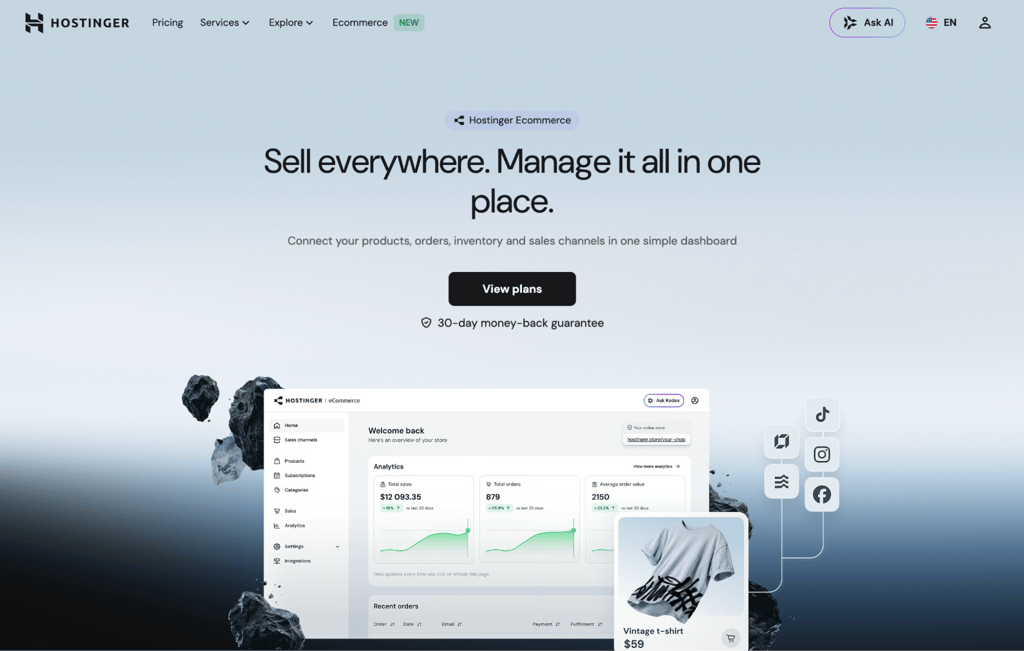
Best for: Beginners and social sellers who want to start selling fast without a high upfront cost.
Hostinger Ecommerce is an all-in-one platform that lets you manage products, orders, inventory, and sales channels from a single dashboard. It starts with your business, not a website. You set up your products and payments first, then decide where and how to sell.
You don’t even need a website to get going. You can create a quick product link and share it on WhatsApp, Instagram, or via email.
While features such as built-in email marketing and abandoned cart recovery are live to use, some are yet to be rolled out. That includes deeper social media marketplace integrations, such as Meta. TikTok Shop integration is already available – currently for Brazil-based merchants, with broader regional rollout ongoing.
Hostinger Ecommerce supports selling unlimited physical products, digital downloads, services, as well as up to 400 print-on-demand merchs.
Hostinger Ecommerce accepts payments via Stripe, PayPal, dLocal Go, and manual payment options, with no transaction fees. AI tools help you write product descriptions and generate product details from a photo. Hostinger Agent, Hostinger’s unified AI assistant, can help with a range of account and business tasks across Hostinger dashboard.
If AI support is important to you, compare other AI ecommerce website builders to see how their setup, design, and store management tools differ.
Compared to Shopify, Hostinger Ecommerce costs less per month and charges no transaction fees on any gateway, while Shopify adds 0.5%–2% if you skip Shopify Payments. Shopify does offer unlimited products on every plan and a much larger app ecosystem.
Hostinger Ecommerce pros
- Sell anywhere without a website. Share product links on social media, messaging apps, or email and start taking orders right away.
- No transaction fees. You keep 100% of what you earn, while Shopify charges extra when you use a payment gateway other than Shopify Payments.
- Centralized management. Your products, inventory, and orders across your website and product links stay in sync through a single dashboard. More sales channels are being added.
Hostinger Ecommerce cons
- Fewer third-party integrations. Shopify’s app store is much larger, so you have fewer options to extend your store.
- Subscriptions require an AI Builder plan. You’ll need a Hostinger AI Builder plan for managing subscriptions.
Hostinger Ecommerce plans and pricing
Hostinger Ecommerce has one plan starting at $5.99/month. The plan lets you sell unlimited products across unlimited sales channels. You can sell digital and physical products, gift cards, services, and print-on-demand products. Unlimited usage is subject to the fair usage policy.
After the first term, the plan renews at $8.99/month. All prices are based on a 12-month commitment, and the plan includes a 30-day money-back guarantee.

2. WooCommerce
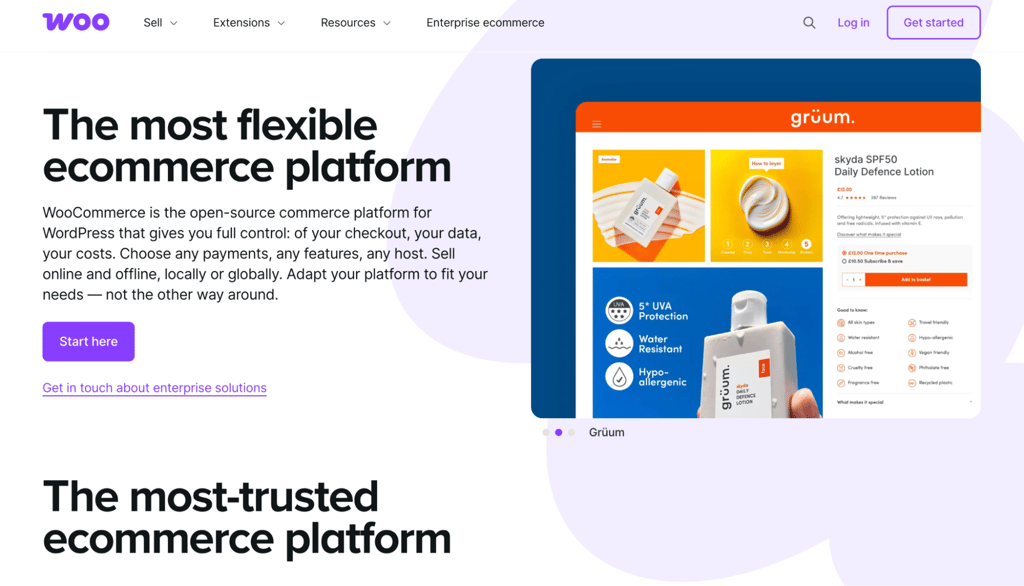
Best for: WordPress users who want full control over their store.
WooCommerce is a free, open-source plugin that turns any WordPress site into an online store. It’s the most popular choice for people who already use WordPress or want full control over how their site works.
It’s compatible with almost every WordPress theme and plugin, so you can customize your store and add features without writing code. For payments and shipping, you can choose from 1,000+ extensions or use WooPayments, a free payment extension.
A block-based editor also lets you build product and checkout pages visually.
Unlike Shopify, WooCommerce gives you far more control over your store’s code and charges no platform fee, but you’ll need to manage your own hosting and maintenance. Shopify handles all of that for you, at the cost of flexibility.
WooCommerce pros
- Works with WordPress. Shape your store’s look and features with thousands of themes and plugins, plus regular security updates.
- Large community. A big base of users and developers means plenty of guides and documentation when you get stuck.
- No platform fees. WooCommerce charges no monthly fee and takes no percentage of your sales. Your only transaction cost is your payment provider’s rate, such as 2.90% + $0.30 per domestic card sale with WooPayments in the US.
WooCommerce cons
- Learning curve. WordPress familiarity makes a real difference here – without it, the setup can feel like a lot to take in.
- Support depends on your setup. With the free plugin alone, help comes through documentation and community forums. If you buy extensions or use WooPayments, a WooCommerce.com account adds dedicated ticket-based support.
WooCommerce plans and pricing
The plugin itself is free, which makes it one of the lowest-cost ways to sell online. Your actual costs come from hosting, a domain name, and premium extensions or themes you add, like shipping calculators or subscription tools.
WooCommerce is a plugin, not a hosted solution, so you’ll need your own hosting, domain, and SSL. Managed WooCommerce hosting from Hostinger starts at $3.99/month and includes up to 50 websites, 50 GB NVMe storage, a free domain, unlimited free SSL, and 1-click WordPress setup.
3. Magento Open Source
Best for: Developers who want full control.
Magento Open Source is a free, self-hosted platform built for stores that need deep customization and room to grow. It gives you full control over your store’s design, content, and features.
Because it’s open source, you can modify the code to build almost any feature you need. A community forum connects you with experienced developers, and more than 3,000 marketplace extensions add extra functionality.
You can also build an SEO-friendly store with product metadata, image alt text, and clean URLs. Progressive web app support lets you offer an app-like experience on mobile.
Magento gives you full control over your code and infrastructure, but you’ll need to handle hosting, security, and updates yourself. Shopify takes care of all that for you, at the cost of flexibility. Our Magento vs. Shopify comparison covers the full trade-off.
Magento Open Source pros
- Highly customizable. As an open-source platform, it gives you near-total control over how your store works.
- 3,000+ extensions. Add tools for accounting, marketing, sales, and customer management from a large marketplace.
- Developer community. Learn from and work alongside a network of Magento developers and experts.
Magento Open Source cons
- Steep learning curve. It’s designed for developers and needs real technical skills to run well.
- Depends on your host. Your store’s speed and security rely heavily on your hosting provider.
- No dedicated support. Help comes only through documentation, articles, and forums.
Magento Open Source plans and pricing
Magento Open Source is free but self-hosted, so you’ll need a hosting plan. Hostinger’s Magento hosting runs on a VPS and starts at $6.49/month. The recommended KVM 2 plan at $8.99/month gives you 2 vCPU cores and more room to grow.
4. Adobe Commerce
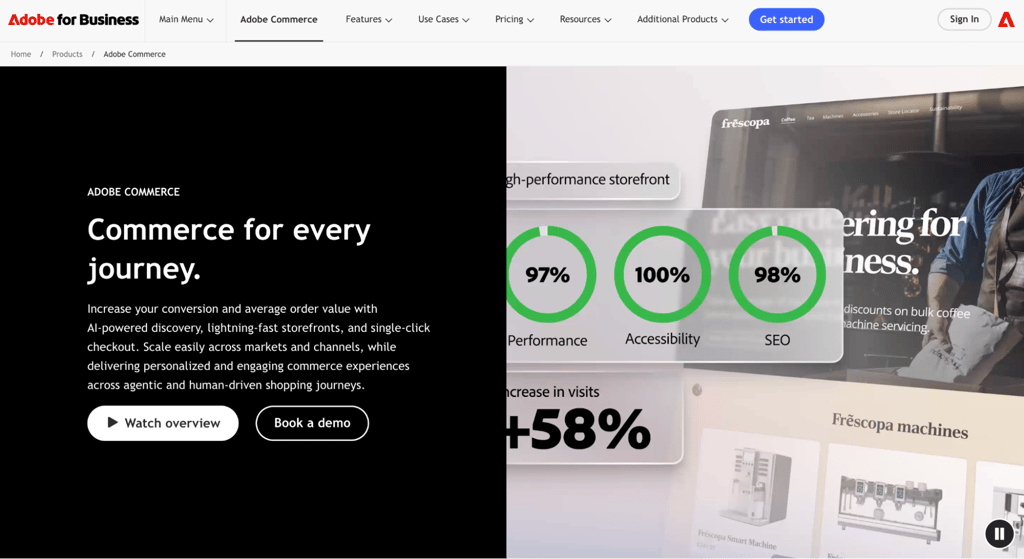
Best for: Large enterprises and B2B sellers.
Adobe Commerce, formerly Magento Commerce, is an enterprise ecommerce platform built for large businesses and B2B sellers. It offers two cloud deployment models: a fully managed option where Adobe handles the infrastructure, and a platform option where your team controls the code.
Adobe Commerce Optimizer is a newer, lower-cost entry point for businesses that want Adobe’s storefront and merchandising features without adopting the full platform. It’s designed for companies that already have their own commerce backend.
Edge Delivery Services loads pages from servers close to the shopper, giving you fast load times without a complex custom build. Adobe’s AI powers personalized search, product recommendations, intelligent merchandising, and content generation.
The main thing that sets Adobe Commerce apart from Shopify is that it targets large enterprises with deeper B2B tools and customization, with licenses that start at $40,000+/year and require dedicated developers. Shopify Plus costs a fraction of that and is far simpler to manage.
Adobe Commerce pros
- Fast storefronts. Edge Delivery Services delivers pages from servers near your shoppers, giving you fast load times without extra development work.
- Sells across channels. Give shoppers a consistent experience across websites, apps, and marketplaces.
- Adobe integrations. As part of Adobe Experience Cloud, it connects to a suite of analytics and marketing tools.
Adobe Commerce cons
- High total cost. Adobe doesn’t publish set prices, and first-year costs typically start above $100,000 once you factor in the license, setup, and ongoing maintenance. Complex enterprise builds can push that much higher.
- Too complex for small stores. The platform needs dedicated developers or an agency to run well, which adds to the ongoing cost.
Adobe Commerce plans and pricing
Adobe Commerce doesn’t publish set prices. You contact its sales team for a custom quote based on your annual sales volume and average order value.
Cloud licenses range from $40,000 to $190,000+ per year. Total annual costs range from $122,000 to $450,000+ for mid- to large-sized stores, and complex enterprise builds can exceed $500,000 in the first year.
5. Wix
Best for: Small stores that want design control.
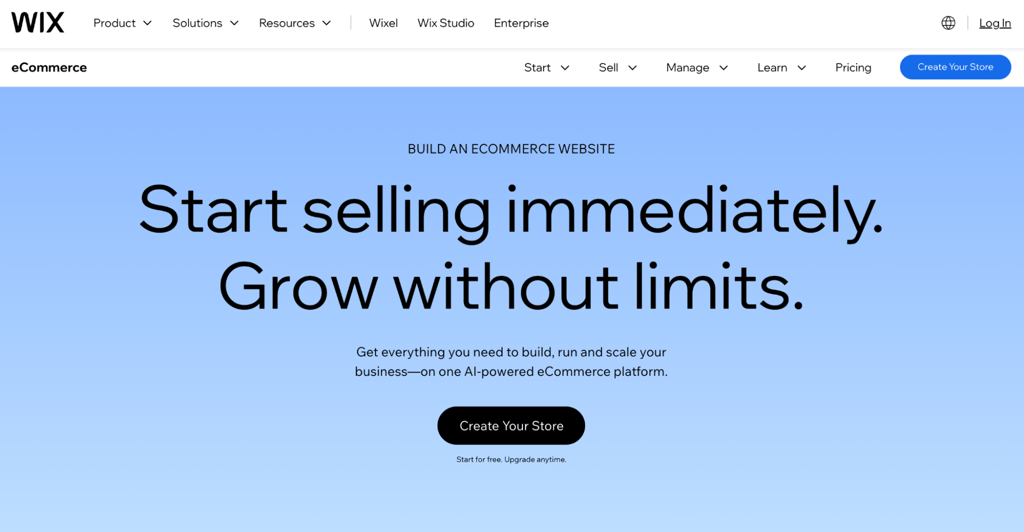
Wix is a hosted website builder with a full set of ecommerce tools, so you can design your store and sell from one place. It’s a strong pick if you want creative control over how your store looks without having to touch code.
You build your site with a drag-and-drop editor, 2,000+ templates, or the AI builder. Once you’re selling, built-in marketing and SEO tools let you reach customers across social media and marketplaces. Abandoned cart recovery is available on the Core plan.
The Business plan lets you sell in up to six currencies and adds automatic sales tax for up to 100 transactions per month, which helps if you sell internationally.
Wix offers more design freedom than Shopify and charges no transaction fee on standard sales, while Shopify adds a fee if you skip Shopify Payments. On the other hand, Shopify wins on ecommerce-specific features like advanced inventory and multi-channel selling.
Wix pros
- Design freedom. A flexible editor and thousands of templates make it easy to build a store that looks the way you want.
- No fees on standard sales. Wix takes no platform transaction fee on regular product sales. It only charges a tiered fee on purchases made through its Pricing Plans feature, which covers both one-time and recurring payments.
- Sells everywhere. List products on Instagram, Facebook, and marketplaces alongside your main store.
Wix cons
- Templates are fixed. Once you pick a template, you can’t switch to another without rebuilding your site.
- Slower with big catalogs. Performance can dip for stores with many products or large image sizes.
Wix plans and pricing
Selling on Wix starts with the Core plan at $29/month, since the free and Light plans don’t include a store. The Business plan runs $39/month, and Business Elite is $159/month. These are annual billing rates, so paying monthly costs more at around $36, $46, and $172.
On standard product sales, Wix charges no platform transaction fee, just payment processing of 2.9% plus $0.30. It applies a tiered fee to all purchases made through Pricing Plans, including one-time and recurring: 4% on Core, 2% on Business, and 0% on Business Elite.
6. Squarespace

Best for: Brand-first stores that value design.
Squarespace is a hosted platform known for its polished, designer-made templates, which makes it a favorite for brand-focused stores. If how your store looks matters as much as what it sells, Squarespace makes a strong choice.
Every plan includes hosting, an SSL certificate, and a built-in blog. You can sell physical products, digital downloads, services, subscriptions, and memberships on any plan. Abandoned cart recovery is included, but carrier shipping is available only on higher plans.
Squarespace is a website builder with ecommerce added on, while Shopify is built ecommerce-first. That makes Squarespace stronger if your store sits alongside a blog or portfolio, but Shopify pulls ahead once selling becomes the main focus.
Squarespace pros
- Great design. Its templates are among the most polished you’ll find and require little effort to set up.
- All-in-one. Hosting, security, and blogging come with every plan.
- No store fees from Core up. Core, Plus, and Advanced charge 0% transaction fees on standard product sales, so only Basic carries a store fee.
- Sells more than products. Handle memberships, subscriptions, and services alongside physical goods.
Squarespace cons
- Fewer integrations. The app selection is smaller than WooCommerce’s or other larger platforms’.
- Fees on lower plans. Squarespace charges transaction fees on top of your plan cost, and they stack up. Basic and Core both take a cut of digital product and membership sales, so your margins shrink until you move to a higher tier.
Squarespace plans and pricing
Squarespace plans start at $16/month annually with Basic, but Basic charges a 2% store fee and 7% on digital content and memberships. The Core plan at $23/month removes the store fee, which makes it the practical starting point for sellers. It still charges 5% on digital products.
The Plus plan at $39/month drops the digital fee to 1%, and the Advanced at $99/month removes it entirely. These are annual billing rates. Monthly billing runs higher: $25 for Basic, $36 for Core, $56 for Plus, and $139 for Advanced.
For payments, Squarespace Payments charges tiered rates: 2.9% plus $0.30 on Basic and Core, 2.7% plus $0.30 on Plus, and 2.5% plus $0.30 on Advanced. You can connect to Stripe or PayPal instead, and each sets its own rates.
7. Ecwid
Best for: Adding a store to an existing website.
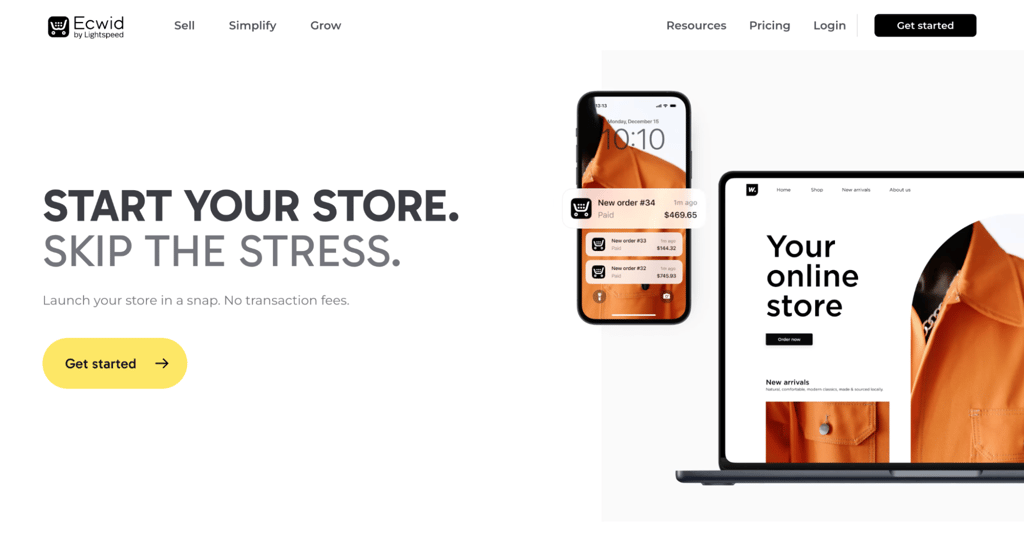
Ecwid, now called Ecwid by Lightspeed, lets you add a store to a website you already have instead of building a new one. You drop a small piece of code into your existing site, social page, or blog, and a full store appears.
It works with WordPress, Wix, Squarespace, and most other site builders, and your store keeps the look of your current site. From Venture up, you get access to more than 70 payment gateways with no transaction fees.
Selling on Facebook and Instagram starts at the Venture plan. Marketplace selling on Amazon, eBay, and Walmart, plus multiple languages, recurring subscriptions, and abandoned cart recovery, all require the Business plan or higher.
Compared to Shopify, Ecwid plugs into an existing website rather than replacing it, making it a better fit if you already have a site you like. Shopify has more built-in ecommerce features, but Ecwid charges no transaction fees on any plan.
Ecwid pros
- Adds to any site. Turn an existing website or social page into a store without rebuilding it.
- Sells across channels. From Venture up, you can sell on Facebook and Instagram. Business adds Amazon, eBay, and Walmart, all managed from one dashboard.
- No transaction fees. You only pay your payment provider’s standard rates on every plan.
Ecwid cons
- Limited design on its own. As an add-on, it offers less styling control than a standalone builder.
- Product caps by plan. Starter allows 10 products, Venture 100, and Business 2,500. Only Unlimited removes the cap.
- Key features are locked to higher tiers. Social selling, marketplace integrations, subscriptions, and abandoned cart recovery all require the Venture or Business plan.
Ecwid plans and pricing
These are annual billing rates, and Ecwid charges no transaction fees on any plan: $5 for Starter, $29 for Venture, $49 for Business, and $119 for Unlimited.
The Starter plan covers up to 10 products and is ideal for trying out a store on your existing site. Venture raises the limit to 100 products and adds social selling on Facebook and Instagram.
Business supports up to 2,500 products and adds marketplace selling on Amazon, eBay, and Walmart, as well as multiple languages, subscriptions, and abandoned cart recovery. Unlimited removes the product cap.
8. PrestaShop
Best for: Global stores that need customization.
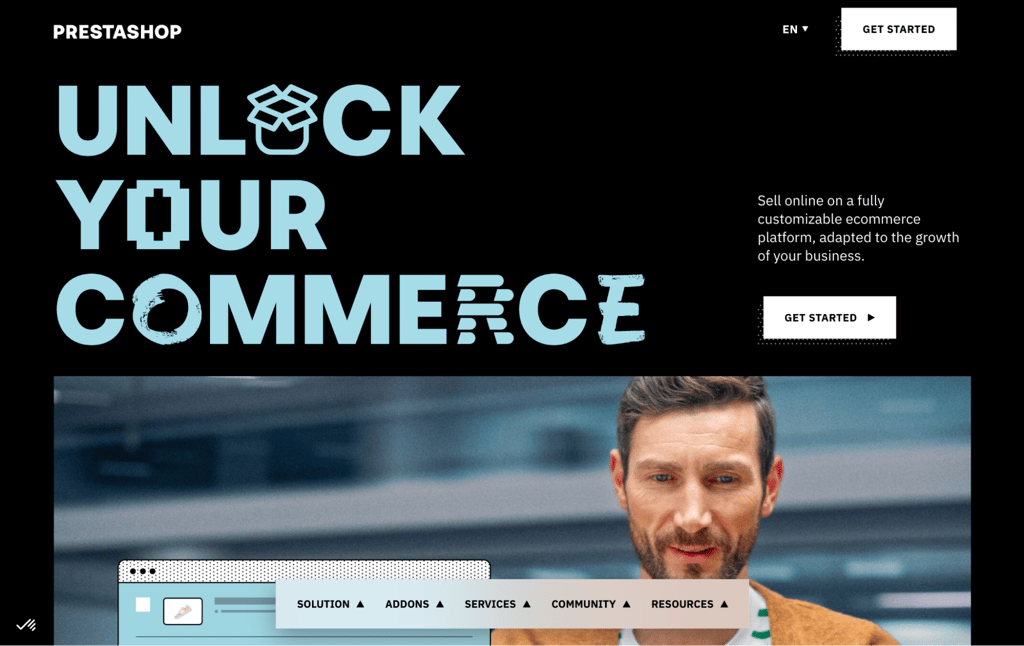
PrestaShop is a free, open-source platform built for stores that need heavy customization and sell across borders. In February 2026, Polish tech group Cyber_Folks acquired PrestaShop through its subsidiary Cyber_Pixel.
It includes SEO tools like a URL cleaner and automatic sitemaps. For payments, PrestaShop Checkout lets you accept cards and wallets, and the Marketplace has extra gateway modules.
You can also set local currencies and translate your store into more than 75 languages, which makes cross-border selling simpler.
PrestaShop gives you a free, open-source platform, but expects you to handle hosting, setup, and maintenance yourself. Shopify charges a monthly fee to handle all that. The full PrestaShop vs. Shopify comparison goes deeper into features and ease of use.
PrestaShop pros
- 4,000+ modules. Extend your store with add-ons for payments, shipping, marketing, and more from the PrestaShop Addons Marketplace.
- Multilingual. Reach global shoppers with support for more than 75 languages.
- No ongoing fees. PrestaShop takes no monthly fee and no sales commission.
PrestaShop cons
- Steep learning curve. With so many settings, setup takes longer than on a hosted platform, though Hostinger users can install it in 1-click.
- Paid support on self-hosted. Free help is available through forums and docs. For about $57, Quick Start Help Service offers installation service if you need a hand getting started.
PrestaShop plans and pricing
The software is free, but like other open-source options, you’ll manage your own hosting. Hostinger’s PrestaShop hosting starts at $3.99/month on a 48-month plan, includes a domain, and installs PrestaShop with one click. The renewal price is $16.99/month.
If you’d rather skip server management, PrestaShop offers a Hosted plan that bundles hosting and six-day technical support. It costs $24/month on annual billing or $29/month with no commitment.
9. OpenCart
Best for: Running multiple stores.
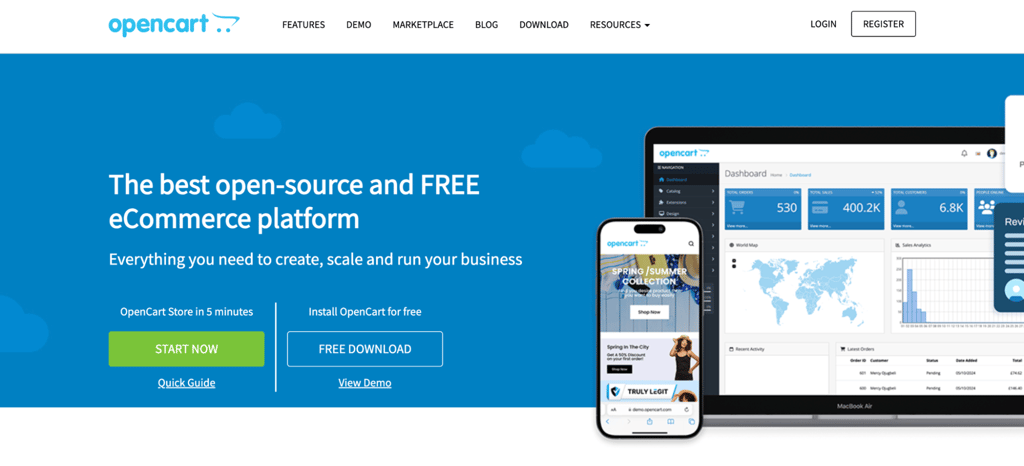
OpenCart is a free, open-source platform designed to run several stores from a single dashboard. It’s a solid choice if you manage more than one shop or want to scale without licensing fees.
You get unlimited products and categories, support for multiple currencies and more than 40 languages, and multiple built-in payment gateways. You can edit meta information and add keywords to help your pages rank.
Its marketplace offers 13,000+ modules and themes, including hundreds of extra payment gateways. Progressive web app support also gives shoppers an app-like experience on mobile.
OpenCart lets you run multiple stores from a single dashboard at no extra cost, while Shopify charges separately for each store. It’s completely free but requires technical skills.
OpenCart pros
- Runs many stores. Manage multiple shops and unlimited products from one place.
- Multilingual. Sell in more than 40 languages to reach customers worldwide.
- No transaction fees. OpenCart takes no cut of your sales.
OpenCart cons
- Learning curve. You’ll need some technical skills to get the most from it.
- Paid support. Free help comes through forums, blog posts, and docs. Dedicated support is available for a fee.
- Needs optimization. Pages can load slowly unless you tune your store and hosting.
OpenCart plans and pricing
OpenCart is free to download, but you’ll need your own hosting. Hostinger’s OpenCart hosting runs on a VPS, starting at $6.49/month for small stores and $8.99/month for growing ones.
You can install OpenCart in a few clicks with either Hostinger plan. If you’d rather skip server setup entirely, OpenCart’s officially endorsed hosting partner, ScalaHosting, offers managed cloud hosting starting at $14.95/month.
10. BigCommerce
Best for: Growing stores that need built-in features.
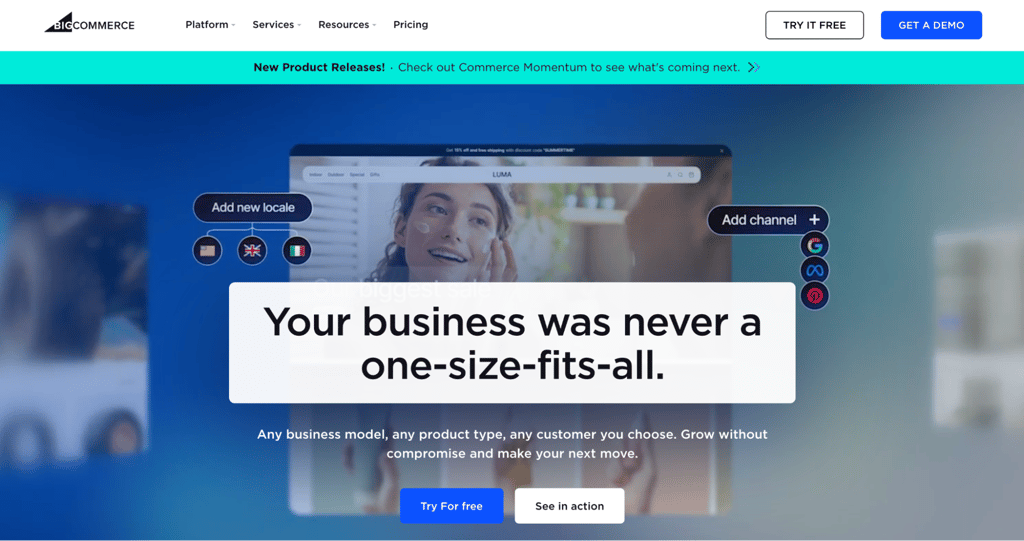
BigCommerce is a hosted platform with advanced selling tools and a direct competitor to Shopify. It packs in features that Shopify often makes you add through paid apps.
Its entry plan already includes product reviews, real-time shipping quotes, professional reports, and support for more than 100 currencies.
You can sell on Amazon, eBay, Walmart, Facebook, and Instagram from one place, with unlimited products, unlimited staff accounts, and a single-page checkout.
On Shopify, you’d need paid apps for product reviews, real-time shipping, and multi-currency support. BigCommerce includes all three, though it enforces annual sales caps that Shopify doesn’t.
BigCommerce pros
- Features included. Reviews, real-time shipping, and reporting come built in, which saves on app costs.
- Sells across channels. Manage Amazon, eBay, and Walmart listings alongside your store.
- 24/7 support. Chat and email ticket support come with every plan. Phone support is available from Growth Up.
BigCommerce cons
- No free plan. You get a 15-day free trial, but no free tier.
- Lower sales caps. The mid-2026 restructure dropped Core’s yearly limit from $50K to $30K and Growth’s from $180K to $100K. Going over your cap automatically moves you to a pricier plan.
- Limited multilingual support. There’s no built-in translation tool. You can set up language-specific storefronts as a workaround, but each extra storefront costs $30–$100/month.
BigCommerce plans and pricing
BigCommerce renamed its plans in mid 2026. With annual billing, Core costs $29/month, Growth $79/month, Scale $299/month, and Performance starts at $1,499/month.
BigCommerce charges no transaction fees when you use one of its 20+ embedded payment providers, though the provider list may change over time. The fee applies per order based on the gateway used, so orders from embedded providers always cost $0.
For outside gateways, offline payments, or B2B manual purchase orders, the Open Payment Provider Fee kicks in: 2% on Core, 1% on Growth, 0.6% on Scale, and 0% on Performance.
11. Shift4Shop
Best for: US sellers who use Shift4 Payments.
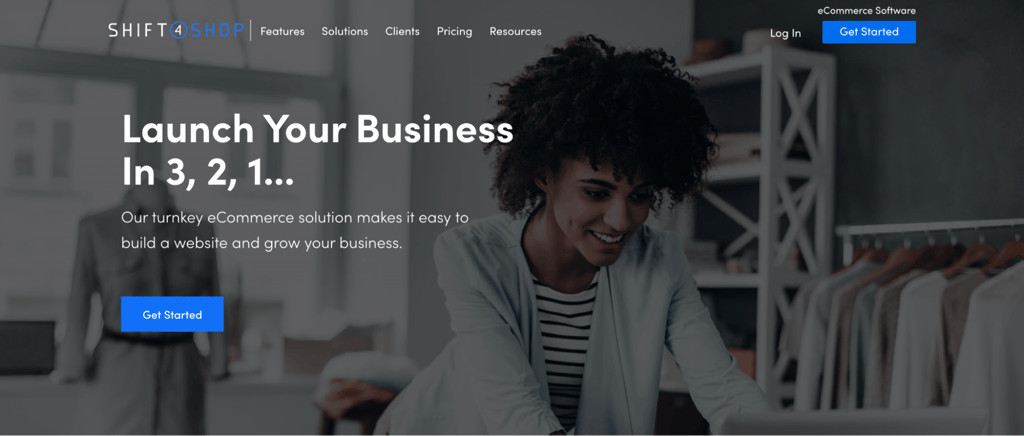
Shift4Shop, formerly 3dcart, is a hosted platform that US sellers can use for free if they process payments through Shift4. It’s owned by the payment company Shift4, which is how the free plan works.
US merchants processing $500+/month through Shift4 get the End-to-End Ecommerce plan free. New sellers have 60 days to hit that threshold. You get unlimited products, abandoned cart recovery, a CRM, real-time shipping, and SEO tools that cost extra on Shopify.
A make-an-offer feature even lets shoppers propose a price you can accept or counter, which is handy for higher-priced items. PayPal users don’t qualify for the free plan, even if they meet the processing minimum.
To compare, Shopify has a more modern interface and a larger app store. Shift4Shop counters with a built-in CRM and cart recovery that Shopify charges extra for.
Shift4Shop pros
- Free for US sellers. With Shift4 Payments, you get a full-featured store at no monthly cost.
- Features included. A built-in CRM, cart recovery, and SEO tools come standard, so you spend less on extras.
- Round-the-clock support. Reach the team by phone, live chat, and ticket at any time.
Shift4Shop cons
- Dated interface. The editor feels older than newer builders like Wix or Squarespace. It also uses two separate editors, which makes the workflow clunky.
- Tied to Shift4. The free plan only works for US businesses that use Shift4 Payments. PayPal users are excluded entirely.
Shift4Shop plans and pricing
The End-to-End Ecommerce plan is free for US sellers who use Shift4 Payments and process at least $500/month in sales. New merchants get 60 days to reach that threshold. On that plan, you pay only your standard card processing rate, with no added platform fee.
Outside the US, the same plan costs $41/month. Features are the same either way: unlimited products, staff users, and bandwidth, plus over 100 free themes and built-in marketing tools.
12. Gumroad
Best for: Creators and digital sellers.
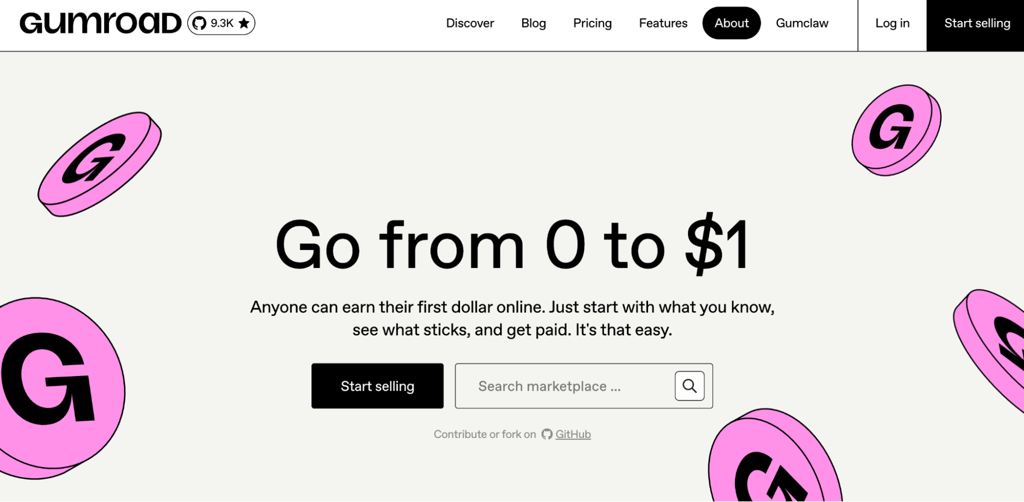
Gumroad is a hosted marketplace designed for creators who sell digital products, memberships, and subscriptions. There’s no external website to build or hosting to set up. You create a product page, set a price, and share the link.
There are no monthly fees, and you can embed products in an existing website or share direct links. Gumroad integrates with tools like Zapier to automate tasks.
Selling digital products gets complicated when taxes come into the picture, especially across borders.
Since January 2025, it also serves as a merchant of record, collecting and paying sales tax worldwide for you. That takes a big compliance job off your plate. You won’t have to register for tax IDs in different states or countries, calculate local rates, or file returns yourself.
You can go from product idea to live checkout in minutes on Gumroad, with no store to build. Shopify gives you a full storefront and more advanced selling tools, but it takes more time and money to get running.
Gumroad pros
- You only pay when you make a sale, which suits sellers on a tight budget.
- Handles your taxes. As merchant of record, Gumroad manages global sales tax so you don’t have to.
- Easy to embed. Add products or full collections to an existing website with a widget.
Gumroad cons
- No volume discount. The 10% rate is flat regardless of how much you sell. Higher sales volume doesn’t lower your per-sale cost.
- Refunds cost you. Gumroad keeps its 10% plus $0.50, plus the processing fee, on refunded sales. On a $100 refund, you’d lose roughly $13.70 in fees you can’t recover.
- You don’t own the payment relationship. This is the direct trade-off for Gumroad’s global tax compliance. As the merchant of record, it handles all billing, so you don’t have direct access to your subscribers’ payment details.
- Subscriptions aren’t portable. If you leave Gumroad, your recurring subscriptions stop. Subscribers would need to re-enter their payment details on your new platform.
Gumroad plans and pricing
On direct sales, it charges 10% plus $0.50, with processing fees on top: 2.9% plus $0.30 through Stripe, or 2.99% plus $0.49 through PayPal. The effective rate works out to roughly 13% plus $0.80–$0.99 per sale.
Discover marketplace sales carry a flat 30% fee, including processing. You can’t always control which sales get tagged as Discover, since even traffic you send yourself can sometimes route through the marketplace.
13. E-junkie
Best for: Digital product sellers who want simple, flat-rate pricing.
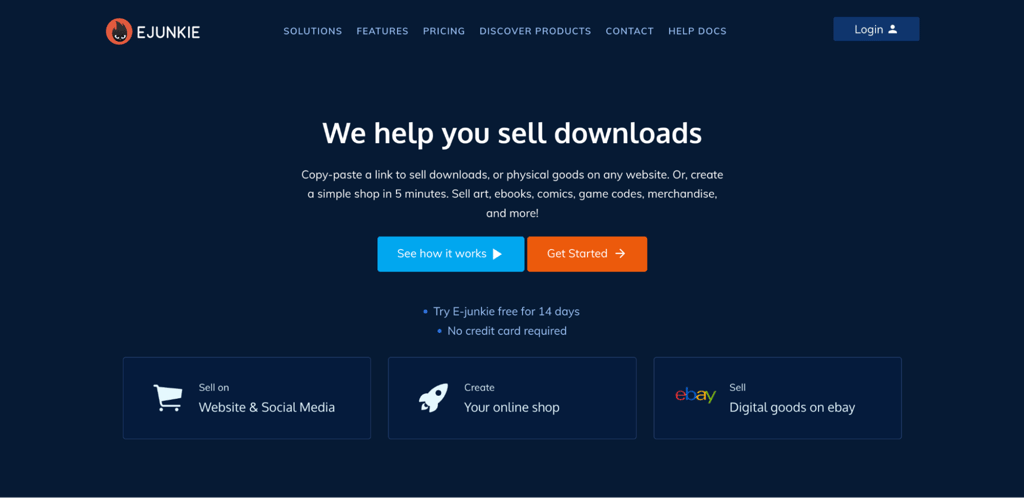
E-junkie is a shopping cart and digital delivery service for selling downloads like ebooks, music, and software. You can also use it for physical products that need shipping calculations.
Instead of building a store, you copy a buy-now or cart button from E-junkie and paste it onto your own website. You can also share product links on social media, messaging apps, and email. E-junkie handles tax, VAT, and shipping calculations for you.
Useful extras include PDF stamping, which adds a buyer’s details to files to discourage sharing, and pay-what-you-want pricing. From the $20/month plan up, you can also host files on your own server, which is handy for large downloads.
E-junkie is built for sellers who want to add a checkout to what they already have, not build a business around a storefront. If selling digital products is your side project, not your full-time operation, E-junkie keeps things simple, whereas Shopify adds complexity.
E-junkie pros
- No per-sale fees. You pay a flat monthly rate and keep everything you earn.
- No bandwidth limits. Buyers can download without restrictions on any plan.
- Sells anywhere. Share product links on social media and email, or paste buy buttons onto any website.
- Protects your files. PDF stamping and expiring download links help prevent unauthorized sharing.
E-junkie cons
- No free plan. There’s a 14-day free trial, but no free tier.
- Product limits on lower plans. You’ll need the $40 plan to sell unlimited products.
- PayPal-dependent subscriptions. Subscription billing runs through PayPal, so you’ll need a PayPal Business account to sell recurring products.
E-junkie plans and pricing
E-junkie charges a flat monthly fee with no transaction fees or bandwidth limits. There are four plans: $8/month for 10 products and 200 MB; $10/month for 40 products and 2 GB; $20/month for 150 products and 8 GB; and $40/month for unlimited products and storage.
How to choose the best Shopify alternative
The best Shopify alternative depends on your budget, your skills, and what you plan to sell. Every ecommerce platform handles these differently, so here’s what to weigh before you decide:
- Total cost. Look past the monthly price and consider the total cost of running an ecommerce website, including transaction fees, payment processing, renewal rates, hosting, and paid add-ons.
- Technical skill. Hosted platforms like Hostinger Ecommerce, Wix, and Squarespace require no code, whereas Magento, PrestaShop, and OpenCart require development know-how.
- What you’re selling. Physical goods, digital downloads, services, and subscriptions each suit different platforms, so pick the one that best handles your product type.
- Room to grow. Check product limits and sales caps. Some platforms automatically move you to a pricier plan once you pass a threshold.
- Design control. If your brand’s look matters, favor platforms with flexible editors and strong templates.
- Payment options. Make sure your preferred payment methods are supported, and check whether the platform adds its own fee on outside gateways.
- Selling channels. If you want to sell on Amazon, eBay, or social media, choose a platform with built-in multi-channel tools.
- Support. Decide whether you need 24/7 help or whether you’re comfortable with community forums and documentation.
Is Hostinger a good Shopify alternative?
Hostinger Ecommerce is a strong Shopify alternative if you want to sell online without transaction fees or a high monthly cost. It offers a simpler setup and lower ongoing costs, while Shopify provides a larger ecosystem and more advanced ecommerce tools.
Shopify is better suited to large, fast-growing stores, especially if you need extensive integrations, multichannel selling, or tools for running a physical shop alongside your online store.
Hostinger Ecommerce is a better fit for new sellers and small businesses that want to cover the essentials with less complexity.
Both platforms support unlimited products, so product limits are unlikely to determine your choice. The bigger differences are the available ecommerce tools, integrations, and ongoing costs.
Once you’ve chosen the right platform, follow the remaining steps to start your online store, from preparing products to setting up payments and launching the site.
Every Hostinger Ecommerce plan includes a 30-day money-back guarantee.
This article is a localized version of 13 Shopify alternatives for your ecommerce store, originally published in English.

Justina is a Content Writer passionate about marketing, with a background in social media and customer success management. She also loves reading books, traveling and exploring new places as well as cooking, and trying out new recipes. Follow her on LinkedIn.

Brian is a Content Writer who loves telling complex stories in a simple way. He has written all types of content, including tutorials, blog posts, landing pages, social media posts, white papers, infographics, and YouTube scripts. Follow him on LinkedIn.