All Hostinger Tutorials
Learn more about web hosting, VPS, domain names, SSL, and more with our newest releases.
Adding PHP to WordPress: 2 methods to add PHP code snippets
Adding PHP to WordPress lets you add custom functionality, automation, and specific logic directly to your website’s architecture.By adding...

How to upload your website (in 6 easy steps)
Creating your own website will help boost your online presence, expand your customer base, and increase your conversion rate. However, it’ll be...

How to Use Google SMTP Server
If you have a Gmail account or Google business email account (Workspace), you might want to use its free SMTP service. Aside from using your...
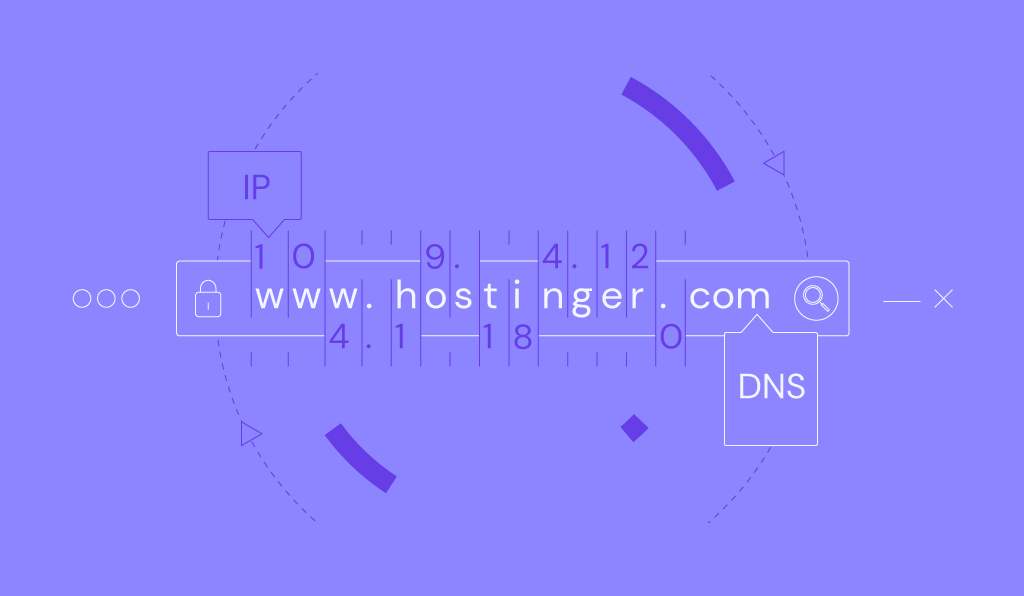
How to flush DNS: A step-by-step guide for Windows, macOS, Linux, and web browsers
Flushing DNS caches is a quick and easy solution to internet issues like inaccessible websites or 404 errors. It is risk-free and has various...

Change domain nameservers: point to a different provider (godaddy, namecheap, and others)
Nameservers define who manages your domain’s DNS zone and are responsible for mapping domain names to IP addresses. If you switch hosting...

What is the ERR_TOO_MANY_REDIRECTS error and how to fix it in WordPress
ERR_TOO_MANY_REDIRECTS is a browser error that signals a redirect loop, preventing you from accessing your WordPress site.This process creates an...
How to Check If FTP Port 21 Is Not Blocked
Having issues connecting to your FTP account? If that’s the case, it’s worth checking whether port 21 is the culprit behind the connection...

How to Fix Error 421 Too Many Connections (8) from This IP Error in FileZilla
In this tutorial, you’ll learn how to quickly fix 421 too many connections (8) from this IP error using FileZilla FTP client and cPanel. Error...
How to block IP by country: restrict access to your website from specific countries using .htaccess
This quick and easy tutorial will show you how to control site access based on visitors’ location. With some tweaks to the .htacess file,...
How to use WordPress do_shortcode
Extending site functionality is easy with the help of shortcodes. To place them on any part of your website, you can use the WordPress do_shortcode...
How to increase the maximum file upload size in WordPress
To increase the maximum file upload size in WordPress, you can change your PHP settings through your hosting control panel, edit configuration files...
IMAP vs POP3: A comprehensive guide to email protocols
Choosing the right email protocol impacts how you access, manage, and store your emails. While Simple Mail Transfer Protocol (SMTP) is used for...
How to add a favicon to your website
A favicon is a small icon that serves as your website’s visual identity in browser tabs, bookmarks, and history logs. It helps users recognize...
How to Force HTTPS Using .htaccess (Updated 2026)
After you buy an SSL certificate and install it on your website, it will be available over HTTP and HTTPS. However, it’s better to use only the...
How to discourage search engines from indexing this site in WordPress
WordPress site owners will do anything to get their websites indexed. However, you might not want search engines to crawl through your website if...

How to fix the “sorry, this file type is not permitted for security reasons” WordPress Error in 2024
When uploading a file to the WordPress media library, users might encounter the “Sorry, this file type is not permitted for security...
How to change WordPress URL in database: A MySQL tutorial using phpMyAdmin
WordPress relies on the MySQL database to store its data, including site URLs. If you ever need to change your WordPress URL, you have to make...

How to install WordPress plugins
WordPress plugins are add-ons that extend the functionality of a WordPress website without custom coding. As plugins interact directly with your...

How to use FileZilla FTP client to connect to a remote server
File Transfer Protocol (FTP) is a standard for exchanging files over the internet, enabling users to upload or download files to and from a remote...
WooCommerce tutorial: how to set up ecommerce on WordPress
WooCommerce is the most popular WordPress plugin for creating a full-fledged online store. It offers a wide range of ecommerce features for handling...
WordPress vs HTML: which is better for your website?
WordPress and HTML are the two most common camps of website creators.If you never coded before, the concept of creating a website from scratch using...
How to install WordPress on Ubuntu using Docker
Installing WordPress on an Ubuntu virtual private server (VPS) commonly requires LAMP (Linux, Apache, MySQL, PHP). However, you can also set up the...