All Hostinger Tutorials
Learn more about web hosting, VPS, domain names, SSL, and more with our newest releases.
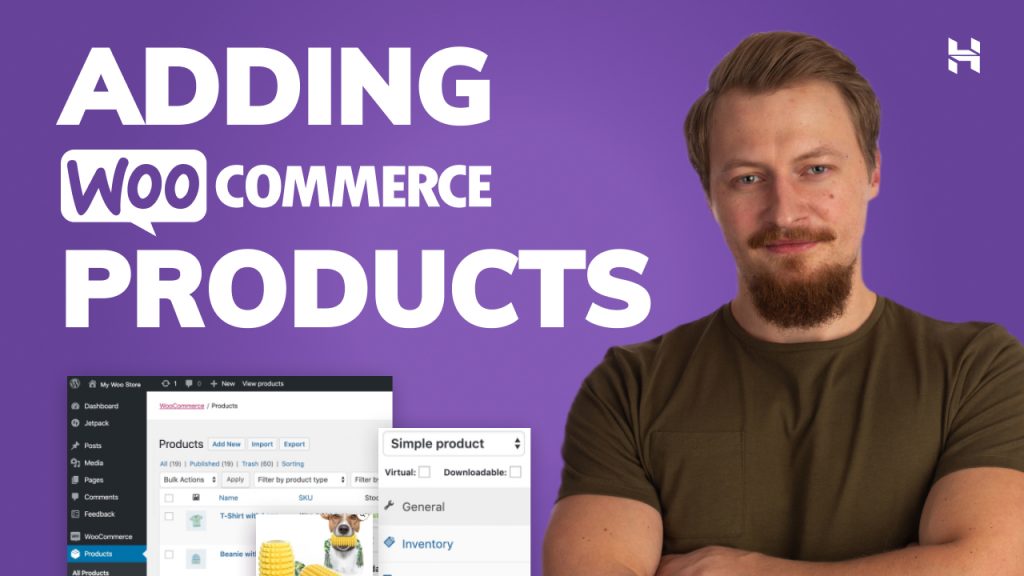
How to Add Products to WooCommerce – Video Tutorial
In this Hostinger Academy tutorial, you will learn how to add both simple and variable products to your WooCommerce website. These two product...
How to install CyberPanel? Using a VPS template and manually
CyberPanel provides a graphical interface and various features to streamline Linux virtual private server (VPS) management. However, setting up this...
Before Publishing Your First Post: 7 Things You Should Know
So you started a blog, and now you’re ready to share your content with the world. Great! However, will the world be interested in reading it? In...

How to install Kali Linux on a VPS
Kali Linux is an open-source operating system primarily used for penetration testing and security auditing. One of its key advantages is its hardware...
How to Fix ERR_CONNECTION_TIMED_OUT – Video Tutorial
If you come across the ERR_CONNECTION_TIMED_OUT error message, you won’t be able to visit the desired website unless you repair the issue. Find out...
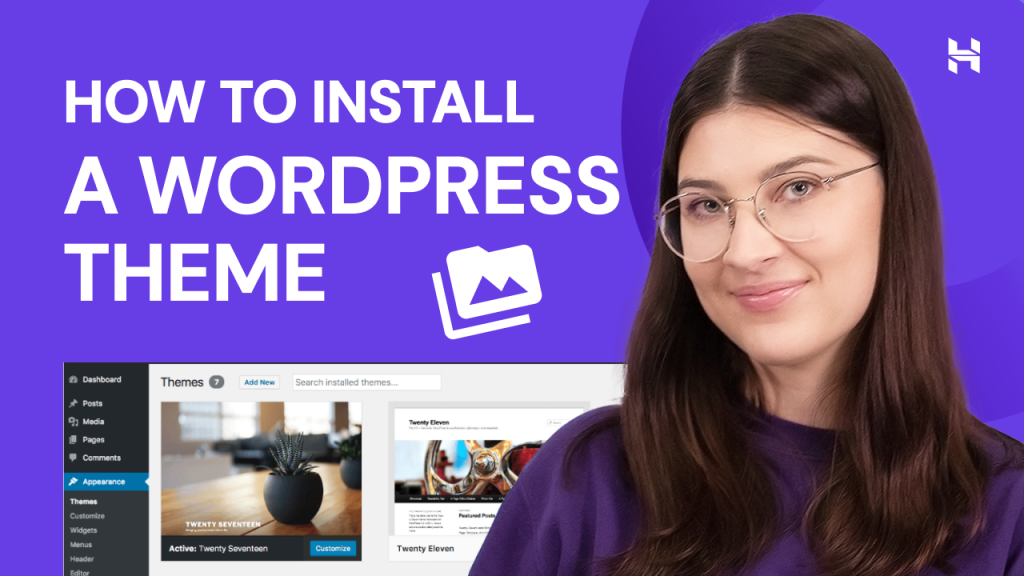
How to Install a WordPress Theme? – Video Tutorial
Thousands of WordPress themes are available to help you create an appealing website design. In this video, learn the steps on how to install a...
How to Migrate My Website Without Any Downtime?
The biggest risk concerning a website migration is downtime. It can seriously affect your traffic and conversions, not to mention the overall...

WooCommerce vs BigCommerce: What’s the Best Choice?
If you’re starting an online store, one of the first decisions you’ll need to make is the eCommerce platform you’re going to use. The right...
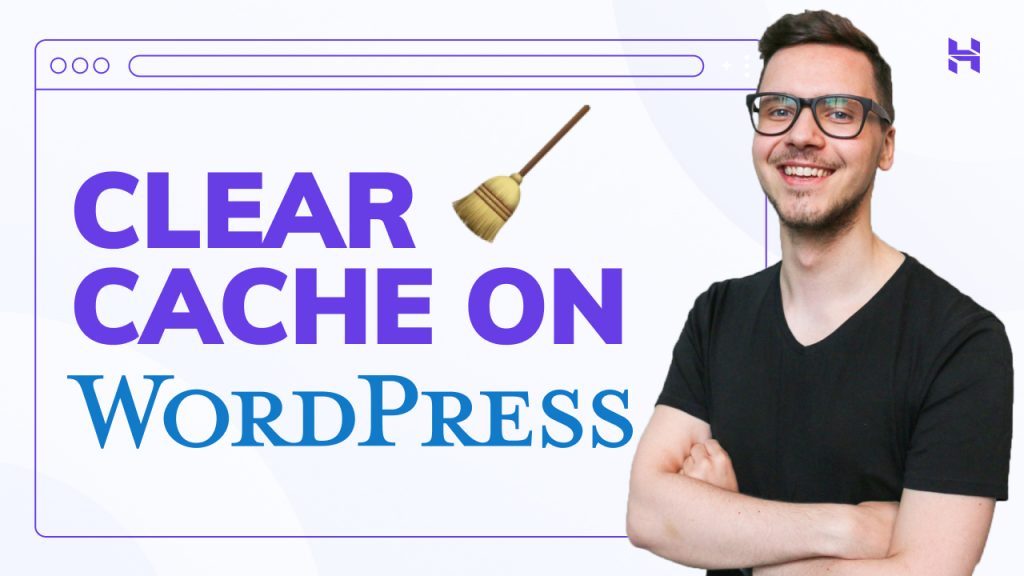
How to Clear Cache in WordPress Website
In this short tutorial, you will learn about what a cache is, how to clear it in your browser, and what doing so can change in your workflow. ...