The best GPU cloud providers include Hostinger for straightforward NVIDIA GPU access with full root control; RunPod and Modal for serverless GPU workloads; Vast.ai for lower-cost, marketplace-based rentals; and CoreWeave for larger multi-GPU deployments.
The right choice depends on the GPU hardware you need, how you want to deploy your workload, and how much infrastructure you want to manage.
We compared 10 leading GPU cloud providers based on their available GPUs, deployment options, pricing, scalability, and suitability for different workloads.
Here’s a quick overview:
Provider | Available GPUs | Best for |
Hostinger | RTX 4090, RTX PRO 6000, L40S, A100, B200 | Straightforward GPU servers with root access |
RunPod | 30+ models, including A40, A100, H100, H200, B200, B300 | Flexible AI development and serverless inference |
Vast.ai | 68+ types, including RTX 3090, RTX 4090, RTX 5090, H100, H200, B200 | Finding low-cost GPU capacity |
Lambda | V100, A100, H100, B200 | ML training and fine-tuning |
CoreWeave | L40, L40S, A100, H100, H200, B200, and more | Large multi-GPU AI workloads |
Modal | T4, L4, A10, L40S, A100, H100, H200, B200, B300 | Serverless inference and batch workloads |
Google Cloud | L4, A100, H100, H200, B200, RTX PRO 6000 | GPU workloads already using Google Cloud |
AWS | L4, L40S, A100, H100, H200, B200, B300 | Distributed GPU workloads within AWS |
Microsoft Azure | A10, T4, A100, H100, H200, RTX PRO 6000 | GPU workloads within Azure |
Nebius | L40S, RTX PRO 6000, H100, H200, B200, B300 | Scaling from individual GPU VMs to AI clusters |
1. Hostinger – best for flexible GPU infrastructure without hyperscaler complexity
Hostinger GPU Hosting provides direct access to NVIDIA GPUs while keeping deployment simpler than a traditional hyperscaler.
You still control the server environment through full root, terminal, and SSH access, but you can skip part of the initial setup by launching preconfigured AI applications with drivers, containers, and dependencies already installed.
GPU instances start at $0.38/hour for an RTX 4090, with six instance options across five GPU models currently listed, including a separate dedicated B200 option:
GPU | VRAM | Starting price | Best suited for |
RTX 4090 | 24GB | $0.38/hour | Development, image and video generation, rendering, small and medium-model inference |
RTX PRO 6000 Server | 96GB | $0.60/hour | Large-model inference and fine-tuning, video processing, simulations, and intensive rendering |
L40S | 48GB | $0.92/hour | Generative AI, inference, medium-model fine-tuning, rendering, and video workloads |
A100 80GB PCIe | 80GB | $1.43/hour | Model training, memory-intensive LLM inference, research, and large-scale data analytics |
B200 | 192GB | $4.50/hour | Large-model fine-tuning, inference at scale, LLM training, and scientific computing |
B200 Dedicated | 192GB | $7.08/hour | Large AI and HPC workloads that require non-shared GPU resources |
The RTX 4090 is the most accessible starting point when 24GB of video memory (VRAM) is enough for your workload.
It suits experimentation, Stable Diffusion, and other image-generation workloads, as well as rendering and inference with smaller models.
Moving up the range gives you more memory for larger models and more demanding workloads.
The A100 provides 80GB of VRAM for training and memory-intensive inference, while the B200 increases that to 192GB for large-model training and inference at scale.
Hostinger meters GPU usage per minute through an hourly credit model with no long-term commitment. Billing continues for as long as the instance exists, including while the workload is idle, and destroying the instance is currently the only way to stop compute charges.
There are also no egress charges, which makes costs easier to estimate when a workload needs to transfer generated data out of the instance.
You can manage instances and monitor usage from the Hostinger dashboard, while the browser terminal and SSH access let you install your own software and configure the environment as needed.
Ready-made applications provide a faster alternative when you don’t want to install the initial AI stack yourself.
Storage requires some planning for longer jobs. Save model weights, datasets, and checkpoints to persistent storage when they need to survive instance changes or destruction.
GPU availability also changes with demand and region. Hostinger shows live availability before deployment, so you can see whether the GPU you need is currently available before creating the instance.
Pros
- Low entry price for experimentation, with higher-memory GPUs available as workloads grow.
- Easier to budget for short or data-heavy jobs because compute is billed per minute, and egress is free.
- Balances server-level control with preconfigured apps that reduce initial setup.
- Broad workload coverage, from image generation and smaller-model inference to large-model training and HPC.
Cons
- Requires more infrastructure management than a serverless or fully managed AI platform.
- Workloads tied to a specific GPU or location may need deployment flexibility when capacity is unavailable.
- Long-running projects require careful storage management to avoid losing data when instances are destroyed.
Best for: Developers and technical teams running self-hosted AI applications, inference, fine-tuning, experimentation, image and video generation, rendering, and other workloads that benefit from root-level server control.
Not ideal for: Complete beginners looking for a fully managed AI platform where the provider handles the application and infrastructure.
2. RunPod – best for flexible AI development and serverless GPU workloads
RunPod gives developers two main ways to use GPU compute: Pods for persistent GPU environments and Serverless for API-based workloads that scale with demand.
This makes it particularly useful when you want to develop or fine-tune a model on a persistent instance, then deploy it for production inference without moving to another provider.
RunPod currently offers more than 30 GPU models across 31 regions. The catalog ranges from lower-cost consumer and workstation GPUs to A100, H100, H200, B200, and B300 accelerators for larger AI workloads.
Here are some representative options:
GPU | VRAM | Starting price | Best suited for |
RTX A5000 | 24GB | $0.27/hour | Budget experimentation and smaller AI workloads |
A40 | 48GB | $0.49/hour | Inference, rendering, and general GPU compute |
L40S | 48GB | $1.09/hour | Generative AI and inference |
A100 PCIe | 80GB | $1.59/hour | Model training and memory-intensive inference |
H100 PCIe | 80GB | $2.89/hour | Large-model training and inference |
H200 | 141GB | $4.59/hour | Larger models with high memory requirements |
B200 | 180GB | $6.79/hour | Large-scale training and inference |
B300 | 288GB | $7.89/hour | Very large AI workloads requiring more GPU memory |
RunPod bills GPU compute by the second, so a short job does not need to be rounded up to a full hour.
There are no ingress or egress fees, and users who need capacity for longer periods can also reserve GPUs at discounted rates.
The deployment model makes a bigger difference than the size of the GPU catalog.
Pods are dedicated GPU environments where you control the GPU, container, storage, and runtime.
They are suited to development, training, fine-tuning, batch processing, and other workloads that need an environment to remain available between jobs.
Serverless removes the need to keep that GPU environment running continuously. You deploy an API endpoint, and RunPod starts and scales workers according to incoming requests.
This is particularly useful for inference APIs, AI agents, and applications with fluctuating traffic, because compute can scale with actual demand rather than leaving an instance running idle.
Storage is separate from GPU compute. Pod volumes currently cost $0.10/GB/month while the Pod is running and $0.20/GB/month while idle.
Persistent network volumes cost $0.07/GB/month below 1TB and $0.05/GB/month above 1TB, with no ingress or egress fees.
Persistent storage is particularly useful for model weights, datasets, and checkpoints that need to remain available when compute instances change.
RunPod also supports multi-GPU deployments, while its separate Clusters product extends the platform to multi-node distributed AI workloads. For providers that handle billing, setup, and hardware differently, see these RunPod alternatives for GPU workloads.
Developers can automate deployments and instance management through the RunPod API, CLI, and SDKs, or connect deployments to GitHub and CI/CD workflows.
RunPod Hub provides ready-made open-source models and templates, making it faster to start from an existing AI stack than to configure one manually.
RunPod operates across 31 regions and offers Secure Cloud and Community Cloud infrastructure, so the GPUs, configurations, and prices available for a particular deployment can differ by location and capacity.
Check the actual inventory for your required GPU and region before planning around an advertised rate.
Pros
- Supports both persistent GPU Pods and serverless workloads.
- Broad GPU selection across different performance and VRAM requirements.
- Per-second billing and reserved capacity support short and long-running workloads.
- No ingress or egress fees.
- Supports single-GPU, multi-GPU, and multi-node deployments.
- API, CLI, and SDK support for automated deployments.
Cons
- Multiple deployment and storage options add setup decisions.
- GPU availability and pricing vary by region and infrastructure type.
- Persistent storage can continue generating charges when compute is stopped.
Best for: Developers who want GPU-native tooling for development, training, fine-tuning, inference, and serverless AI applications, especially when workloads may need to move between persistent and automatically scaling compute.
Not ideal for: Teams that primarily want a conventional GPU server with a simpler infrastructure model and fewer deployment options to evaluate.
3. Vast.ai – best for finding low-cost GPU capacity
Vast.ai is a GPU marketplace where you rent computing capacity from independent infrastructure providers.
Vast.ai currently lists more than 20,000 GPUs across over 40 data centers, with more than 68 GPU types available. Options range from consumer GPUs such as the RTX 3090, RTX 4090, and RTX 5090 to data center GPUs such as the H100, H200, and B200.
Prices vary significantly across these options:
GPU | VRAM | Starting price | Median price | Best suited for |
RTX 3090 | 24GB | $0.07/hour | $0.15/hour | Budget experimentation, image generation, and smaller inference workloads |
RTX 4090 | 24GB | $0.12/hour | $0.36/hour | Generative AI, rendering, and small to medium-model inference |
RTX 5090 | 32GB | $0.29/hour | $0.44/hour | Generative AI and workloads that need more VRAM than a 24GB consumer GPU |
H100 SXM | 80GB | $1.33/hour | $2.00/hour | Large-model training, fine-tuning, and inference |
H200 | 141GB | $2.63/hour | $4.61/hour | Memory-intensive training and inference with larger models |
B200 | 192GB | $5.31/hour | $6.00/hour | Large-model training and inference requiring high GPU memory |
The gap between starting and median prices is important. A $0.12/hour RTX 4090, for example, represents the lowest currently available offer.
The median at the same point is $0.36/hour, and both figures can change as machines enter and leave the marketplace.
Price also isn’t the only difference between offers. Individual listings can vary in CPU, RAM, storage, bandwidth, location, number of GPUs, and host reliability.
Vast.ai provides filters and reliability information to help evaluate machines before deployment, so choosing an instance involves comparing the complete configuration rather than sorting by GPU price alone.
Vast.ai supports both on-demand and interruptible instances. On-demand instances are intended to remain available until you stop them, while interruptible instances can offer lower prices in exchange for the risk that the workload will be interrupted.
The latter can work well for fault-tolerant experiments and jobs that can resume from checkpoints, but they are less suitable for tasks that require uninterrupted GPU access.
Storage and bandwidth also contribute to the actual deployment cost and vary between marketplace offers.
This means the GPU with the lowest advertised hourly rate isn’t necessarily the least expensive option for a workload that needs substantial persistent storage or data transfer.
Beyond individual marketplace instances, Vast.ai now provides two additional deployment models.
Serverless lets you deploy models as endpoints that automatically scale down to zero when they are not needed.
Clusters provide dedicated multi-node GPU infrastructure with InfiniBand networking for large-scale training.
Developers can also search for, provision, and manage compute resources programmatically via the REST API, Python SDK, and CLI.
The marketplace model gives Vast.ai unusually broad hardware and pricing choices, but it also makes infrastructure less uniform than a conventional cloud.
Two offers for the same GPU can differ in supporting hardware, locations, prices, and reliability characteristics, so users need to evaluate the machine behind the GPU before deploying a workload.
Pros
- Some of the lowest GPU prices in this comparison.
- Large selection of consumer and data center GPUs.
- On-demand and lower-cost interruptible instances.
- Serverless and multi-node cluster options.
- Filters for comparing hardware, location, price, and reliability.
Cons
- Prices and available machines change with marketplace supply.
- Hardware and infrastructure can vary between hosts.
- Finding the best offer requires more comparison than using a standardized GPU cloud.
Best for: Price-sensitive experiments, training, inference, rendering, and other GPU workloads where users are comfortable comparing individual offers and infrastructure characteristics.
Not ideal for: Teams that need consistent hardware configurations, predictable capacity, and the same deployment conditions across every GPU instance.
4. Lambda – best for straightforward ML training infrastructure
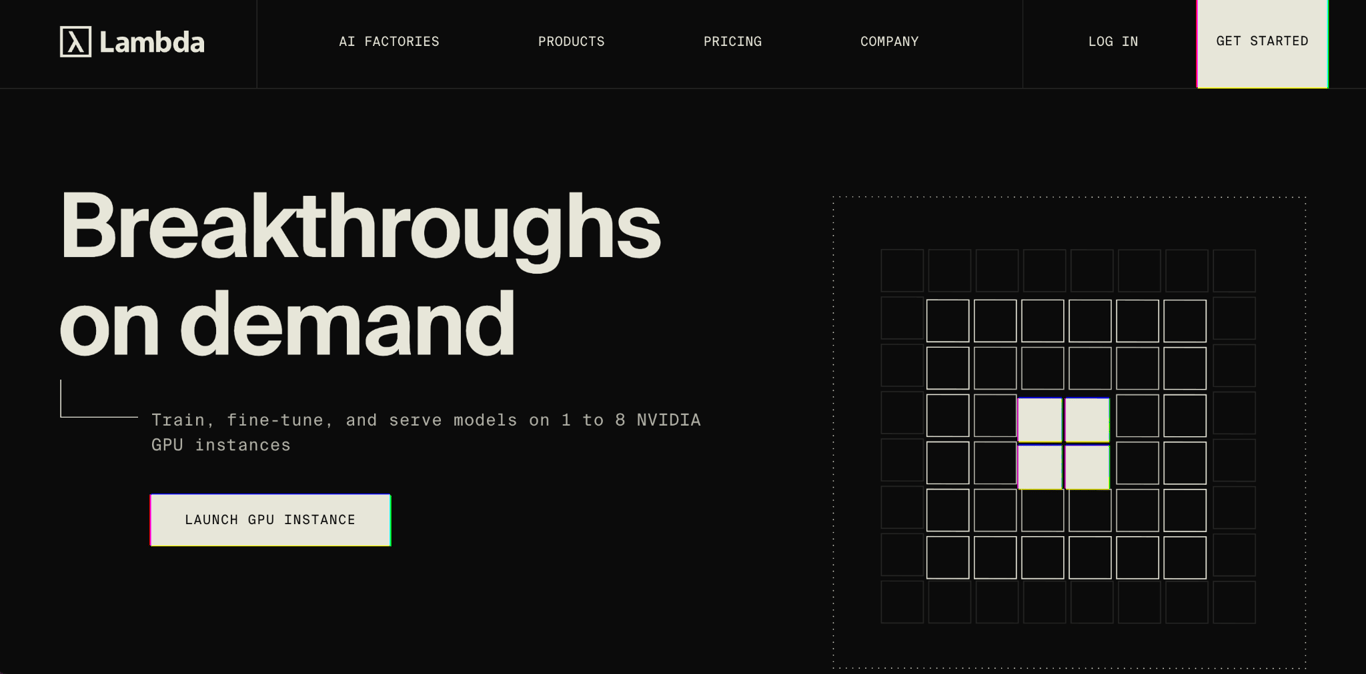
Lambda provides GPU infrastructure specifically for AI and machine learning workloads. Its instances come with a Lambda Stack that includes CUDA, PyTorch, and other ML tools, reducing the setup required before you can start training, fine-tuning, or running inference.
Lambda’s current self-service catalog includes RTX 6000, A10, A6000, A100, H100, GH200, B200, and V100 configurations. Depending on the GPU, instances are available with 1×, 2×, 4×, or 8× accelerators.
The prices below are the per-GPU rates for Lambda’s 8× configurations, where available:
GPU | VRAM per GPU | Price per GPU in 8× configuration | Best suited for |
Tesla V100 | 16GB | $0.79/hour | Smaller training jobs, experimentation, and legacy CUDA workloads |
A100 SXM | 40GB | $1.99/hour | Model training and fine-tuning with moderate memory requirements |
A100 SXM | 80GB | $2.79/hour | Larger training jobs and memory-intensive models |
H100 SXM | 80GB | $3.99/hour | Large-model training, fine-tuning, and inference |
B200 SXM6 | 180GB | $6.69/hour | Large-scale training and inference requiring substantially more GPU memory |
Per-GPU pricing can vary by instance size, so these rates shouldn’t be treated as the price for every 1×, 2×, or 4× configuration. The total compute cost also increases with the number of GPUs you select.
Instances are billed by the minute, and Lambda does not charge egress fees. CPU, RAM, and local SSD storage are bundled with each configuration rather than priced as separate GPU-only resources.
An 8× H100 instance, for example, includes 208 vCPUs, 1,800 GiB of RAM, and 22 TiB of SSD storage.
Persistent storage lets datasets, checkpoints, and model outputs remain available between compute sessions. Lambda also provides GPU, memory, and network monitoring through its dashboard and API.
For workloads that outgrow an 8-GPU instance, 1-Click Clusters provide interconnected H100 or B200 infrastructure ranging from 16 to more than 2,000 GPUs.
Self-service GPU instances are offered on a first-come, first-served basis, so a specific GPU configuration may not always be immediately available.
Pros
- Preinstalled ML stack reduces initial environment setup.
- 1× to 8× GPU instances support both smaller and multi-GPU training jobs.
- CPU, RAM, and SSD storage are bundled with GPU instances.
- Per-minute billing with no egress fees.
- 1-Click Clusters support distributed training beyond a single instance.
Cons
- Smaller GPU selection than providers with broad GPU catalogs.
- Self-service capacity isn’t always immediately available.
- Per-GPU rates can vary with the selected configuration.
Best for: ML engineers, researchers, and AI teams that want preconfigured environments for training, fine-tuning, and inference, with a path from individual GPUs to large clusters.
Not ideal for: Short, cost-sensitive jobs where access to inexpensive consumer GPUs is more important than a standardized ML environment.
5. CoreWeave – best for large-scale AI infrastructure
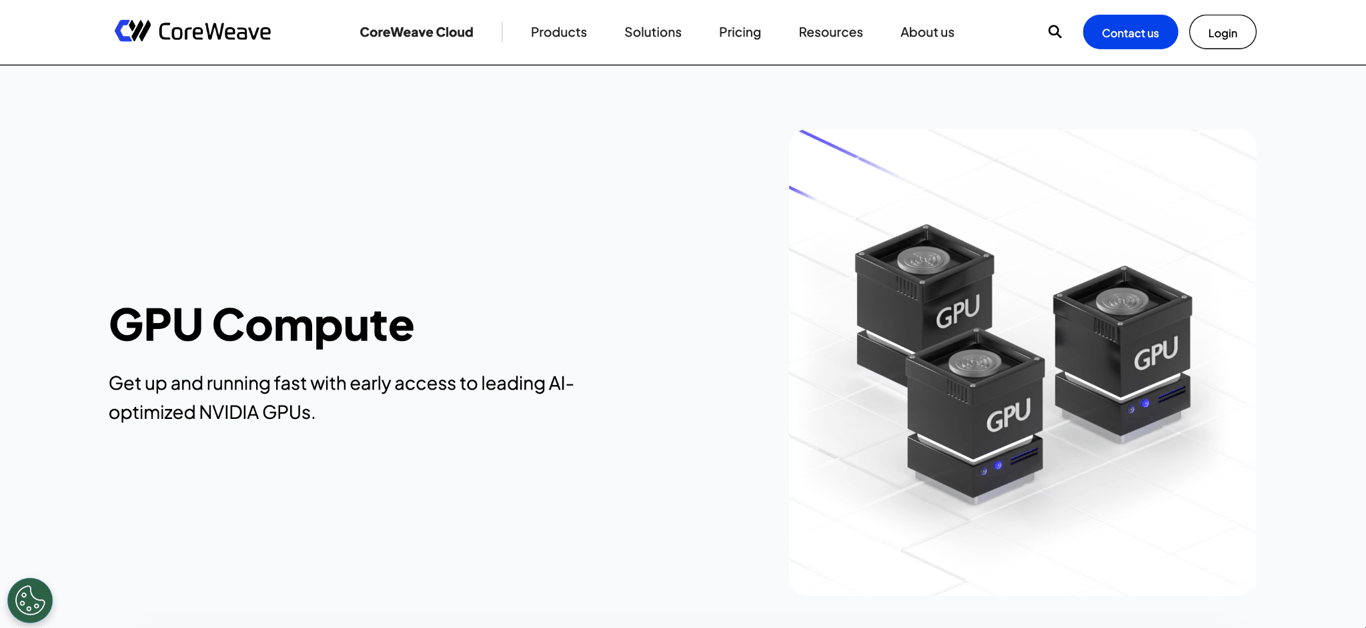
CoreWeave provides dense multi-GPU infrastructure for distributed AI workloads, combining NVIDIA GPU nodes with high-speed networking and support for large clusters.
Its current portfolio includes A100, H100, H200, B200, B300, GB200 NVL72, GB300 NVL72, GH200, L40, L40S, and RTX PRO 6000 Blackwell Server Edition GPUs.
Unlike providers where you can rent one GPU from most of the catalog, many CoreWeave on-demand training configurations are priced as complete multi-GPU nodes; CoreWeave separately publishes single-GPU pricing for its inference platform.
This makes the total node price just as important as the normalized price per GPU.
GPU configuration | GPU count | VRAM per GPU | On-demand price | Approx. price per GPU/hour | Best suited for |
L40 | 8 | 48GB | $10.00/hour | $1.25 | Inference and generative AI workloads |
L40S | 8 | 48GB | $18.00/hour | $2.25 | Generative AI, inference, and visual workloads |
A100 | 8 | 80GB | $21.60/hour | $2.70 | Distributed training and large inference workloads |
H100 HGX | 8 | 80GB | $49.24/hour | $6.16 | Large-model training and production inference |
H200 HGX | 8 | 141GB | $50.44/hour | $6.31 | Memory-intensive training and inference |
B200 HGX | 8 | 180GB | $68.80/hour | $8.60 | Large-scale training and inference on Blackwell GPUs |
For example, an H100 HGX node costs $49.24/hour and includes eight H100 GPUs. That works out to about $6.16 per GPU/hour, but you are still paying for the complete eight-GPU node.
This makes CoreWeave better suited to workloads that can actually use multiple GPUs rather than jobs that only need one accelerator.
Those GPUs can also be connected across multiple nodes for larger distributed workloads.
CoreWeave’s H200 infrastructure uses NVIDIA Quantum-2 InfiniBand networking, which provides fast communication between systems when GPUs need to exchange data during distributed training.
For managing larger deployments, CoreWeave Kubernetes Service (CKS) provides managed Kubernetes for deploying and scaling workloads across the infrastructure.
CoreWeave also offers on-demand and Spot capacity, while reserved capacity can reduce costs for workloads with predictable long-term GPU requirements.
Storage is charged separately from compute, but CoreWeave doesn’t charge for storage ingress and egress, internet data transfer, or transfers within its cloud.
CoreWeave makes the most sense when multi-GPU compute is already a requirement. If your model training or inference workload can run efficiently on a single GPU, providers that let you rent one accelerator at a time can offer a simpler and potentially less expensive starting point.
Pros
- Eight-GPU nodes support demanding training and inference workloads.
- High-speed networking supports distributed workloads across multiple nodes.
- Managed Kubernetes helps orchestrate larger GPU deployments.
- On-demand, Spot, and reserved capacity support different usage patterns.
- No charges for internet or internal data transfer.
Cons
- Many configurations require renting a complete multi-GPU node.
- Smaller workloads may end up paying for GPUs they don’t need.
- Multi-node deployments require more infrastructure planning and management.
Best for: AI companies running distributed model training, high-volume production inference, or other workloads that need multiple GPUs, fast interconnects, and cluster-scale infrastructure.
Not ideal for: Small experiments, occasional inference jobs, or development workloads that only need one inexpensive GPU for a few hours.
6. Modal – best for serverless GPU applications
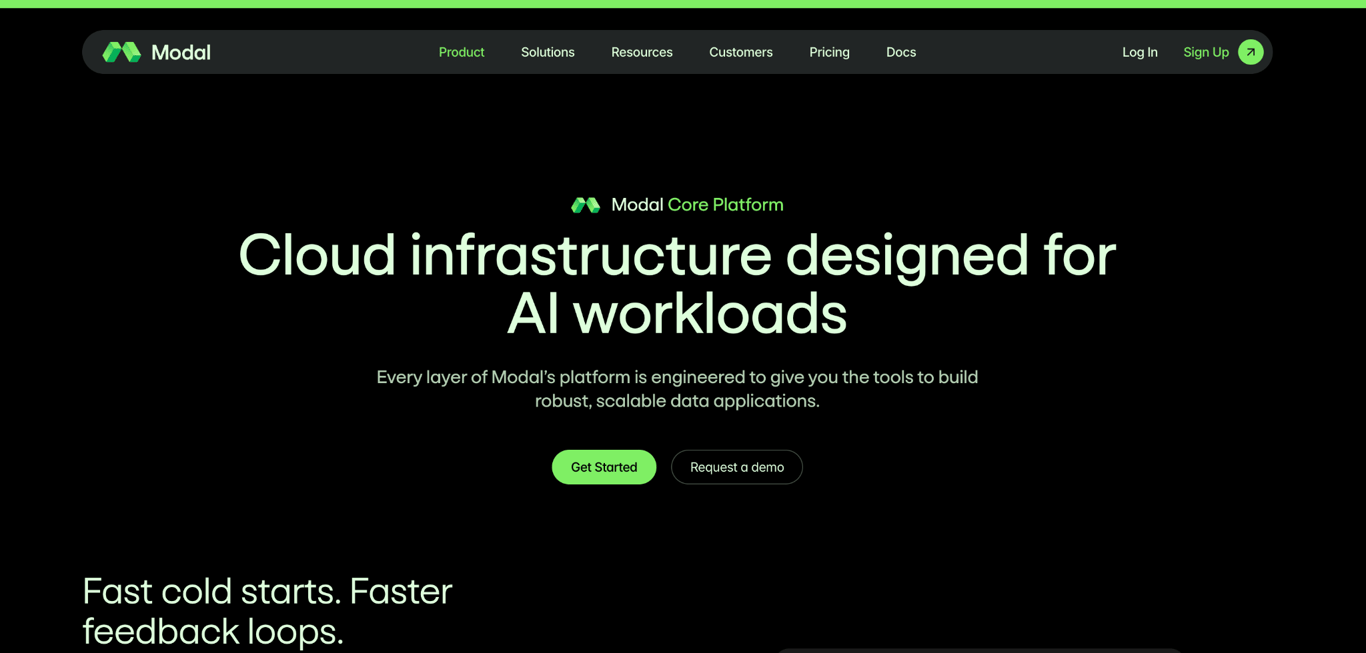
Modal offers serverless GPU compute that starts resources when an application needs them and scales them down when demand falls.
You define the resources your code requires, and Modal handles provisioning, execution, and autoscaling.
This makes Modal particularly useful for inference APIs, batch processing, and other workloads where GPU demand changes over time. When a workload scales to zero, you stop paying for GPU compute until resources are needed again.
Modal is built around Python. You can define an application’s code, dependencies, GPU requirements, scaling behavior, and deployment configuration in Python rather than configuring and maintaining the underlying servers yourself.
Its current GPU pricing is metered by the second:
GPU | Price/second | Approx. hourly equivalent |
T4 | $0.000164 | $0.59 |
L4 | $0.000222 | $0.80 |
A10 | $0.000306 | $1.10 |
L40S | $0.000542 | $1.95 |
A100 80GB | $0.000694 | $2.50 |
RTX PRO 6000 | $0.000842 | $3.03 |
H100 SXM5 | $0.001097 | $3.95 |
H200 SXM | $0.001261 | $4.54 |
B200 | $0.001736 | $6.25 |
B300 | $0.001972 | $7.10 |
The hourly equivalents make the GPU prices easier to compare, but Modal doesn’t require you to rent a GPU for an entire hour. GPU compute is billed by the second, while CPU and memory usage are metered separately.
Modal also has a separate workspace plan, which is different from the usage charges above. The Starter plan has no monthly fee and includes $30/month in compute credits and up to 10 concurrent GPUs.
The Team plan costs $250/month plus compute, includes $100/month in credits, and raises the limit to 50 concurrent GPUs. Enterprise plans use custom pricing and support higher limits.
Your total cost can therefore include both the resources your application consumes and a workspace fee, depending on the plan you use.
Applications may experience a cold start as a new container initializes and loads the model, since resources are allocated on demand.
Modal provides memory snapshots and an optimized filesystem to reduce these startup times, which can be particularly useful for inference applications where response time is important.
Persistent data is stored separately from temporary compute using Modal Volumes. This lets datasets, models, and other files remain available even when the GPU resources scale down to zero.
Compared with a conventional GPU server, Modal gives you less control over the underlying infrastructure but removes much of the work involved in provisioning and scaling it.
This makes it a better fit when GPU demand changes frequently than when you need the same server running continuously.
Pros
- Automatically scales GPU resources with demand, including to zero.
- Per-second billing reduces unnecessary compute costs for short and intermittent workloads.
- Python-based configuration keeps infrastructure requirements alongside application code.
- Broad GPU selection from T4 to B300.
- Persistent storage remains available independently of temporary compute.
Cons
- Cold starts can add latency when containers and models initialize.
- Less system-level control than a persistent GPU server.
- Team features add a $250/month platform fee on top of compute.
- Region selection and non-preemptible execution increase base resource prices.
Best for: Inference APIs with fluctuating traffic, scheduled and bursty batch jobs, and Python-based AI applications that benefit from automatically scaling GPU resources.
Not ideal for: Always-on training jobs, persistent development environments, or self-hosted AI applications that require the same GPU server to run continuously with full system-level control.
7. Google Cloud – best for GPU workloads already using Google Cloud
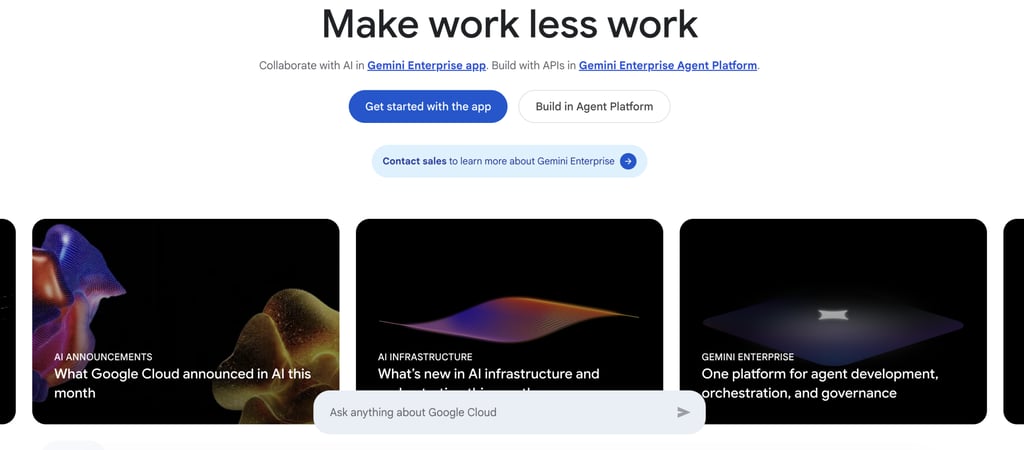
Google Cloud provides GPU compute through Compute Engine, where GPUs are typically part of VM configurations that also include predefined CPU, system memory, and sometimes local SSD storage.
The main accelerator-optimized options include A2 with A100 GPUs, A3 with H100 or H200 GPUs, A4 with B200 GPUs, G2 with L4 GPUs, and G4 with RTX PRO 6000 GPUs.
Depending on the machine family, you can choose anything from a smaller single-GPU VM to an eight-GPU system for distributed workloads.
Both pricing and GPU availability depend on location. Google Cloud publishes prices by region, while individual GPU machine types are only available in specific regions and zones.
The prices below use Iowa (us-central1) as the reference region, so they shouldn’t be treated as universal Google Cloud rates.
Machine type | GPU configuration | vCPUs / system RAM | On-demand price | Current Spot price | Best suited for |
G2 Standard (g2-standard-4) | 1× L4 | 4 vCPUs / 16GiB | $0.71/hour | $0.42/hour | Inference, media processing, and smaller GPU workloads |
A2 Standard (a2-highgpu-1g) | 1× A100 | 12 vCPUs / 85GiB | $3.67/hour | $2.12/hour | Model training and memory-intensive inference |
G4 Standard (g4-standard-48) | 1× RTX PRO 6000 | 48 vCPUs / 180GiB | $4.50/hour | $1.61/hour | AI inference and visual computing |
A2 Ultra (a2-ultragpu-1g) | 1× A100 | 12 vCPUs / 170GB | $5.07/hour | $2.93/hour | A100 workloads that need more system memory and local SSD |
A3 Ultra (a3-ultragpu-8g) | 8× H200 | 224 vCPUs / 2,952GB | $84.81/hour | $49.01/hour | Large-model training and distributed AI |
A3 Mega (a3-megagpu-8g) | 8× H100 | 208 vCPUs / 1,872GB | $93.40/hour | $56.03/hour | Distributed training and high-throughput inference |
Unlike providers that list prices for individual GPUs, these prices cover the entire VM. For example, the $0.71/hour G2 instance includes one L4 GPU, four vCPUs, and 16GiB of system memory.
At the other end of the range, the $84.81/hour A3 Ultra includes eight H200 GPUs alongside 224 vCPUs and 2,952GB of system memory.
That distinction is especially important for the larger machines. An eight-GPU configuration may look competitive when its cost is divided by eight, but you still have to rent and pay for the complete VM.
Google Cloud also offers Spot VMs at lower prices for workloads that can tolerate interruptions. Committed-use discounts and other purchasing options are available for longer or more predictable workloads.
Before choosing a GPU, check whether its machine family is available in the region and zone where you want to deploy.
Availability isn’t uniform, and capacity and quota requirements can also affect which configurations you can launch. Persistent storage and some networking resources are charged separately from the VM.
Pros
- Options range from single-GPU VMs to eight-GPU systems.
- Spot VMs can reduce costs for interruptible workloads.
- High-end VMs bundle substantial CPU and system memory with the GPUs.
- Integrates with the wider Google Cloud infrastructure.
Cons
- VM families and pricing are more complex than renting an individual GPU.
- Some high-end machines require renting multiple GPUs together.
- GPU availability varies by region and zone.
- Storage, networking, and other resources can increase the total cost.
Best for: Training, inference, and HPC workloads that already rely on Google Cloud storage, Kubernetes, networking, analytics, or managed AI services.
Not ideal for: Standalone experiments, small inference workloads, or development environments that only need direct access to one GPU without configuring a broader cloud environment.
8. AWS – best for GPU workloads inside a large AWS architecture
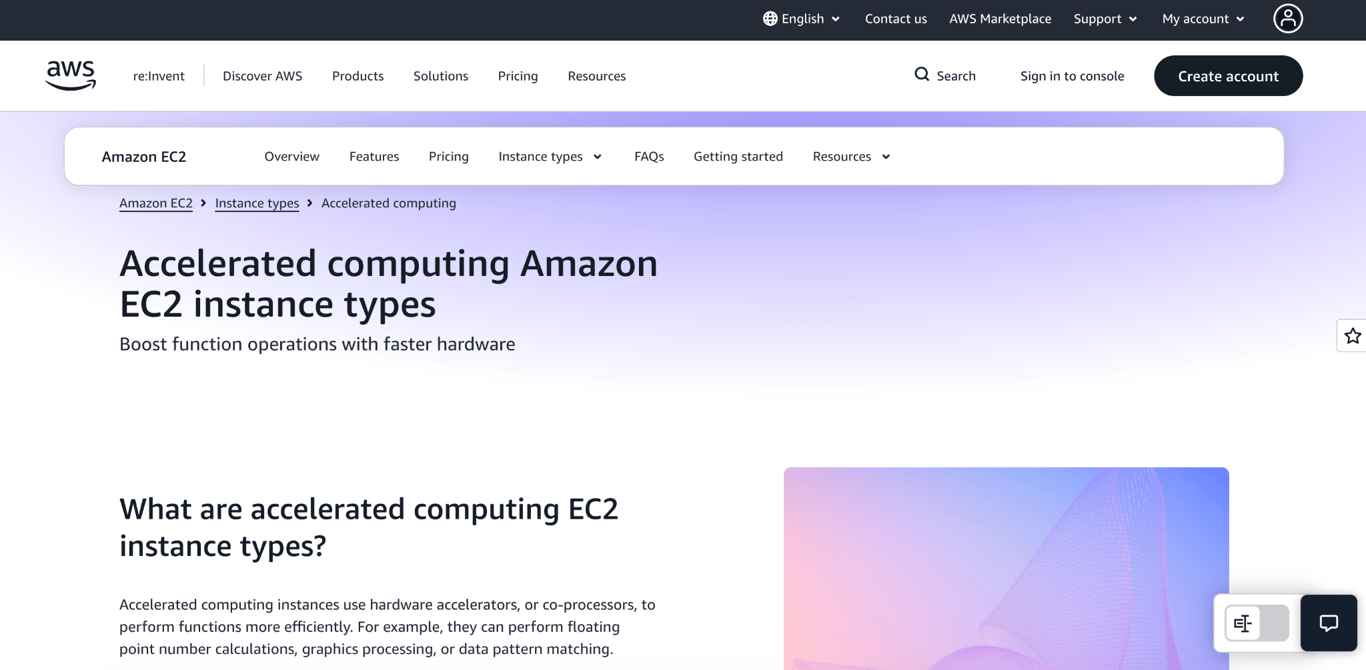
AWS provides GPU compute through Amazon EC2 accelerated computing instances, which combine NVIDIA GPUs with predefined CPU, memory, storage, and networking resources.
The GPU you get depends on the EC2 instance family. G6 uses L4 GPUs, G6e uses L40S, P4 uses A100, P5 and P5en use H200, and newer P6 families use B200 or B300 accelerators.
Configurations range from single-GPU instances to eight-GPU systems, while P6e UltraServers connect 36 or 72 Blackwell GPUs for much larger workloads.
AWS has several purchasing models, and pricing varies across instance families and locations.
The table below uses EC2 Capacity Block pricing, which lets you reserve supported GPU capacity for a scheduled period and is charged upfront. Treat these as reservation rates rather than standard on-demand prices:
Instance type | GPU configuration | Capacity Block price | Best suited for |
p4d.24xlarge | 8× A100 | $11.80/hour | Distributed training and HPC |
p5.4xlarge | 1× H100 | $5.19/hour | Single-GPU training, fine-tuning, and inference |
p5.48xlarge | 8× H100 | $41.53/hour | Distributed training and high-throughput inference |
p5e.48xlarge | 8× H200 | $47.76/hour | Memory-intensive large-model workloads |
p5en.48xlarge | 8× H200 | $54.92/hour | Distributed workloads requiring higher network performance |
p6-b200.48xlarge | 8× B200 | $98.84/hour | Large-scale Blackwell training and inference |
p6-b300.48xlarge | 8× B300 | $112.32/hour | Very large models with higher GPU memory requirements |
Disclaimer: Prices use US East rates where available and are rounded to two decimal places. Capacity Blocks require accelerator capacity to be reserved in advance, so these rates shouldn’t be compared directly with standard On-Demand GPU prices from other providers.
The configuration size has a major effect on what you actually pay. A p5.4xlarge gives you one H100 for $5.19/hour, while the p5.48xlarge combines eight H100 GPUs for $41.53/hour.
The H200, B200, and B300 configurations shown above also contain eight GPUs, making them better suited to workloads that can use parallel compute across multiple accelerators.
For distributed training across multiple instances, AWS provides Elastic Fabric Adapter (EFA) for high-speed communication between nodes. This becomes important when a training workload is too large for a single multi-GPU instance and needs GPUs across several machines to work together.
Capacity Blocks aren’t the only purchasing option. AWS also offers On-Demand instances without a long-term commitment and Spot Instances for interruptible workloads, along with commitment-based discounts for eligible configurations.
The EC2 price also isn’t necessarily the complete workload cost. Persistent storage, services such as Amazon S3, and some data transfers are charged separately, depending on how the workload is configured.
Pros
- GPU options range from single H100 instances to large Blackwell systems.
- Eight-GPU instances support demanding training and inference workloads.
- EFA supports distributed workloads across multiple instances.
- Multiple purchasing models accommodate different workload durations and interruption tolerance.
Cons
- Instance families and purchasing options make pricing harder to compare.
- Many high-end configurations require renting eight GPUs together.
- Storage, data transfer, and other AWS services can increase the total cost.
- Large distributed deployments require considerably more infrastructure configuration than a standalone GPU server.
Best for: Distributed training, large-model inference, and other GPU workloads that need high-speed multi-GPU infrastructure or already run within a larger AWS environment.
Not ideal for: Small experiments, short GPU jobs, and standalone AI applications that only need direct access to one GPU with simple, predictable pricing.
9. Microsoft Azure – best for GPU workloads inside a Microsoft cloud environment
Microsoft Azure provides GPU compute through GPU-enabled Virtual Machines, which bundle NVIDIA GPUs with predefined CPU, system memory, temporary storage, and networking resources.
Its current GPU options include A100, H100, H200, A10, T4, and RTX PRO 6000 Blackwell GPUs.
Some VM families provide one or two GPUs, while the ND series combines eight GPUs with high-speed networking for distributed training and HPC.
Azure offers pay-as-you-go pricing for GPU VMs, with Spot pricing available for workloads that can tolerate interruptions.
Prices vary by VM configuration and region, while storage and data transfer can add to the total cost.
VM size | GPU configuration | vCPUs / system RAM | Pay-as-you-go price | Spot price | Best suited for |
NC24ads A100 v4 | 1× A100 80GB | 24 vCPUs / 220GiB | $2,681.29/month | $495.50/month | Training, fine-tuning, and A100-based inference |
NC40ads H100 v5 | 1× H100 NVL 94GB | 40 vCPUs / 320GiB | $5,095.40/month | $941.63/month | Generative AI training, inference, and GPU-heavy development |
ND96asr A100 v4 | 8× A100 | 96 vCPUs / 900GiB | $19,853.81/month | $4,367.84/month | Distributed training and tightly coupled HPC |
ND96amsr A100 v4 | 8× A100 80GB | 96 vCPUs / 1,900GiB | $23,922.10/month | $6,162.33/month | Large training jobs with higher GPU-memory requirements |
ND96isr H100 v5 | 8× H100 | 96 vCPUs / 1,900GiB | $71,773.60/month | $13,263.76/month | Large distributed generative AI training and HPC |
These prices cover the entire VM, not the GPU alone. For example, NC24ads A100 v4 combines one A100 80GB GPU with 24 vCPUs and 220 GiB of system memory, while NC40ads H100 v5 provides one H100 NVL 94GB GPU with 40 vCPUs and 320 GiB of memory.
For workloads that require multiple GPUs to work together, Azure’s ND series now supports eight-GPU configurations.
These VMs use technologies such as InfiniBand, NVLink, and GPUDirect RDMA to provide fast communication between GPUs during distributed training. Azure also offers H200-based ND VMs with 141GB of memory per GPU.
The lower Spot prices in the table come with an important trade-off: Spot VMs can be interrupted when Azure needs the capacity back. They are therefore better suited to checkpointed training, batch inference, and other workloads that can safely resume after an interruption.
For predictable long-running workloads, Azure also offers savings plans and Reserved VM Instances.
GPU availability varies by region, so the VM family you need may not be available in every location.
Storage is also charged separately through services such as Managed Disks, and data transfer can add to the overall deployment cost.
Azure is most useful when the GPU workload already needs to connect with other Azure infrastructure, such as Azure Kubernetes Service, Managed Disks, or Azure Monitor.
Pros
- Single-GPU A100 and H100 VMs are available alongside larger multi-GPU systems.
- ND VMs provide high-speed interconnects for distributed training.
- Spot VMs can reduce costs for interruptible workloads.
- Integrates GPU compute with the wider Azure infrastructure.
Cons
- VM families and pricing are more complex than renting an individual GPU.
- Large ND configurations require eight GPUs, creating a high minimum cost.
- GPU availability varies by region.
- Storage and data transfer can add to the VM cost.
Best for: Large training, inference, and HPC workloads that already run alongside other Azure infrastructure or need tightly connected multi-GPU systems.
Not ideal for: Small experiments, standalone inference servers, and self-hosted AI workloads where the main requirement is quick access to one GPU with simple, predictable pricing.
10. Nebius – best for scaling AI workloads from single GPUs to large clusters
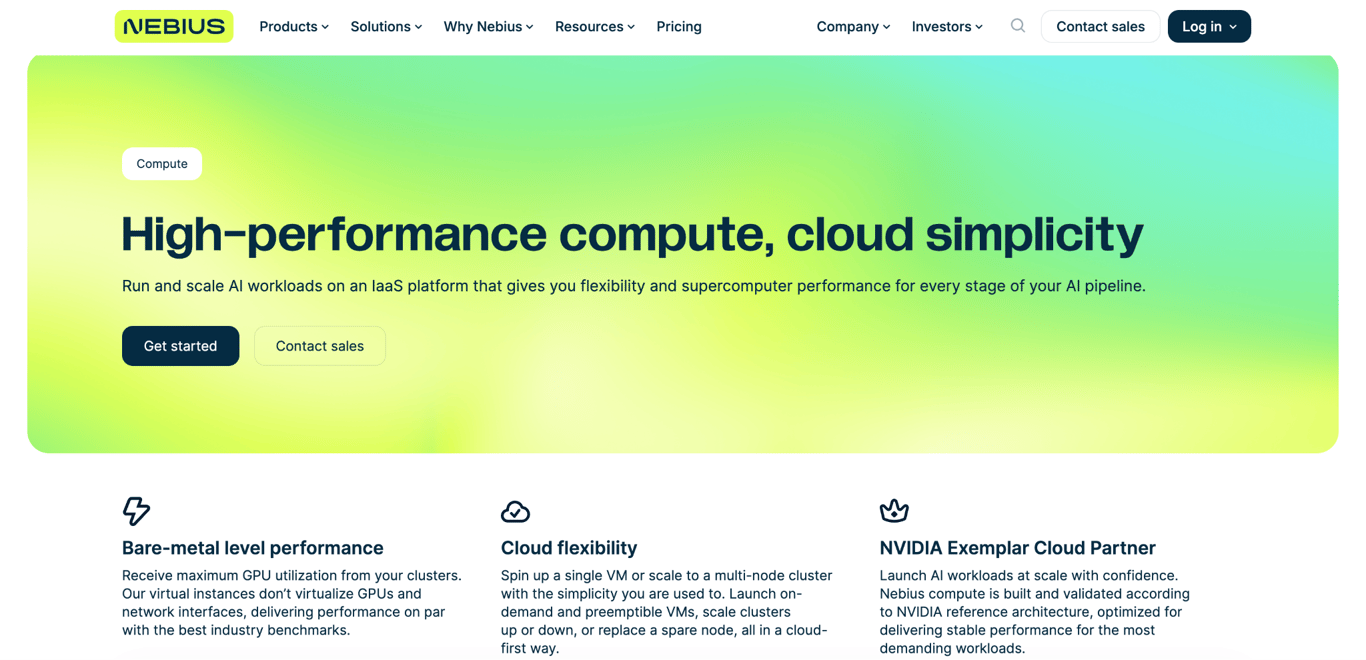
Nebius is an AI-focused infrastructure cloud built around NVIDIA GPUs. You can launch a single virtual machine for development, fine-tuning, or inference, then scale to multi-node clusters connected through NVIDIA Quantum-2 InfiniBand when the workload requires substantially more compute.
Its current GPU VM lineup includes L40S, RTX PRO 6000, H100, H200, B200, and B300.
Nebius bills running GPU VMs by the second while publishing prices per GPU-hour, so a 30-minute GPU session costs half the listed hourly GPU rate.
GPU | GPU price | Preemptible price | Availability | Best suited for |
L40S with AMD CPU | From $1.55/hour | From $0.74/hour | eu-north1 | Inference, generative AI, and visual workloads |
L40S with Intel CPU | From $1.82/hour | From $0.90/hour | eu-north1 | Inference, generative AI, and visual workloads |
RTX PRO 6000 | $1.80/hour | $0.95/hour | us-central1 | AI inference, simulation, and physical AI |
H100 | $3.85/hour | $2.15/hour | eu-north1 | Training, fine-tuning, and inference |
H200 | $4.50/hour | $2.45/hour | eu-north1, eu-north2, eu-west1, us-central1 | Memory-intensive LLM training and inference |
B200 | $7.15/hour | $3.95/hour | us-central1, me-west1 | Large-scale LLM training and high-throughput inference |
B300 | $7.85/hour | $4.30/hour | uk-south1, eu-west2, us-north1 | Large-scale training, reasoning, and multimodal AI |
The prices above are GPU charges rather than complete VM prices. For L40S instances, Nebius lists separate AMD and Intel configurations, with CPU and RAM charged separately from the GPU.
Storage is also billed separately. Nebius currently lists block volumes with erasure coding at $0.071/GiB/month, while other storage tiers use different rates.
Preemptible GPUs provide a cheaper option for workloads that can tolerate losing the instance. An H200 drops from $4.50 to $2.45 per GPU-hour, while a B200 falls from $7.15 to $3.95.
This makes preemptible capacity useful for checkpointed training, batch processing, and other jobs that can resume after an interruption.
Regional availability is much more restrictive than the GPU catalog might initially suggest. H200 has the broadest availability among the listed accelerators, spanning several European and US regions, while H100 is limited to eu-north1 and RTX PRO 6000 to us-central1.
B200 and B300 availability is similarly limited to specific regions, so workloads tied to a particular accelerator may have little flexibility over deployment location.
Where Nebius becomes more distinctive is in scaling beyond an individual VM. Its compute platform extends from single-node instances to multi-node GPU clusters using NVIDIA Quantum-2 InfiniBand.
At the upper end, Nebius offers systems such as HGX B200 and B300, as well as GB300 NVL72 infrastructure for large-scale model training and inference.
Managed Kubernetes provides another route for running these larger deployments. Nebius manages the orchestration layer while teams control their containerized AI workloads, avoiding the need to build and maintain Kubernetes infrastructure themselves.
Pros
- Per-second billing for shorter and variable-length jobs.
- Lower-cost preemptible GPUs for interruption-tolerant workloads.
- Supports both individual GPU VMs and multi-node clusters.
- High-memory GPUs for demanding AI workloads.
- Managed Kubernetes and InfiniBand for distributed deployments.
Cons
- CPU, RAM, and storage can add to the advertised GPU price.
- Some GPUs are available in only a few regions.
- Cluster and Kubernetes features add complexity for smaller workloads.
Best for: AI training, fine-tuning, inference, and other workloads that may need to scale from individual GPU VMs to multi-node clusters.
Not ideal for: Small standalone GPU workloads where the priority is a simple server setup, broad location choice, and minimal infrastructure configuration.
How to choose the best GPU cloud provider for your workload
Choose a GPU cloud provider by matching the GPU and VRAM your workload needs first, then compare the true minimum cost, billing model, management level, availability, and scaling options.
The lowest advertised GPU rate is only useful if that GPU fits your workload and is actually available.
A provider can look cheap per GPU-hour but cost more overall once you account for multi-GPU minimums, storage, data transfer, idle time, or extra infrastructure.
Match the GPU to your workload
Start with the GPU memory and compute requirements of the model or application. VRAM is the GPU’s dedicated memory, and the amount you need depends on factors such as model size, numeric precision, context/batch size, training methods, and whether the workload is inference or training.
For self-hosted models, check the model’s GPU and VRAM requirements before choosing an instance.
Smaller inference, image generation, and development workloads may run comfortably on GPUs such as the RTX 4090, L4, or L40S, while large-model training and memory-intensive inference may require A100, H100, H200, or Blackwell GPUs.
Pay particular attention to VRAM. A lower-priced GPU won’t help if your model doesn’t fit into its memory, while paying for 192GB or more of GPU memory is unnecessary when the workload only requires 24GB.
Compare the actual minimum cost
Hourly GPU prices aren’t always directly comparable. Hostinger and RunPod let you rent individual GPUs, while some CoreWeave, AWS, Google Cloud, and Azure configurations bundle multiple GPUs into a complete machine.
Check how many GPUs you must rent, which CPU and RAM are included or charged separately, and whether storage and data transfer are included in the bill. Our cloud GPU pricing comparison shows how egress, storage, and idle time can add 20–40% to the advertised hourly rate.
An attractive per-GPU rate can still lead to a high minimum cost if you have to rent eight GPUs at once.
Choose a billing model that fits how long the GPU runs
Short experiments and irregular workloads benefit from granular usage-based billing. Per-second or per-minute billing reduces wasted spend when an instance only runs briefly.
For continuous workloads, compare on-demand pricing with reserved or commitment-based options.
Spot and preemptible GPUs can reduce costs for checkpointed training, batch processing, and other jobs that can safely restart after an interruption.
Decide how much infrastructure you want to manage
A conventional GPU VM gives you control over the operating system, drivers, containers, and software environment, but also leaves you responsible for configuring and managing the server.
Hostinger reduces some of that setup while preserving server-level control. You get full root and SSH access, while preconfigured AI applications come with the required drivers, containers, and dependencies already installed.
Serverless providers such as Modal handle more of the underlying infrastructure and automatically scale compute with demand.
Managed Kubernetes and cluster platforms become more relevant when workloads need orchestration across multiple GPUs or nodes.
Check GPU and regional availability
A provider listing a GPU doesn’t mean that the accelerator is immediately available everywhere. Availability can vary by region, data center, capacity, quota, and purchasing model.
Confirm the required GPU and geographic location together before choosing a provider if your workload depends on a specific accelerator or region. This becomes especially important for newer accelerators such as H200, B200, and B300.
Plan for how the workload may scale
Consider what happens if a single GPU stops being enough. You may first need a GPU with more VRAM rather than multiple GPUs.
Hostinger lets you move from a 24GB RTX 4090 up to GPUs with substantially more memory, including the 192GB B200, which can support larger models without introducing multi-node infrastructure.
When a workload requires multiple GPUs to work together, look for multi-GPU instances and high-speed interconnects between GPUs and nodes.
Providers such as CoreWeave, AWS, Azure, Google Cloud, Lambda, and Nebius offer infrastructure for larger distributed deployments.
Additional cluster infrastructure may add unnecessary complexity for a self-hosted model or inference server, image-generation application, or smaller training job.
This article is a localized version of 10 best GPU cloud providers for AI and machine learning, originally published in English.

Ksenija is a digital marketing enthusiast with extensive expertise in content creation and website optimization. Specializing in WordPress, she enjoys writing about the platform’s nuances, from design to functionality, and sharing her insights with others. When she’s not perfecting her trade, you’ll find her on the local basketball court or at home enjoying a crime story. Follow her on LinkedIn.