Best AI tools to build a website in 2026
May 22, 2026
/
Matleena S.
/
11 min Read

Looking to build and launch a website for a client or your own business? You should know that AI tools can help you design layouts, write content, and improve user experience.
From AI-powered website builders to tools that help with content creation, testing, and optimization, building a website has never been easier.
In this article, we’ll explore the best AI tools to build a website, categorized based on their primary use cases. Whether you’re a beginner trying to get your first website off the ground or a professional looking for ways to streamline your website development process, the following tools will help you get your idea online in no time.
AI tools for website development
These AI-powered website builders and design tools automate layout generation, content creation, and website structure, making it easy for you to build a professional-looking website without a lot of tedious technical work.
1. Hostinger AI
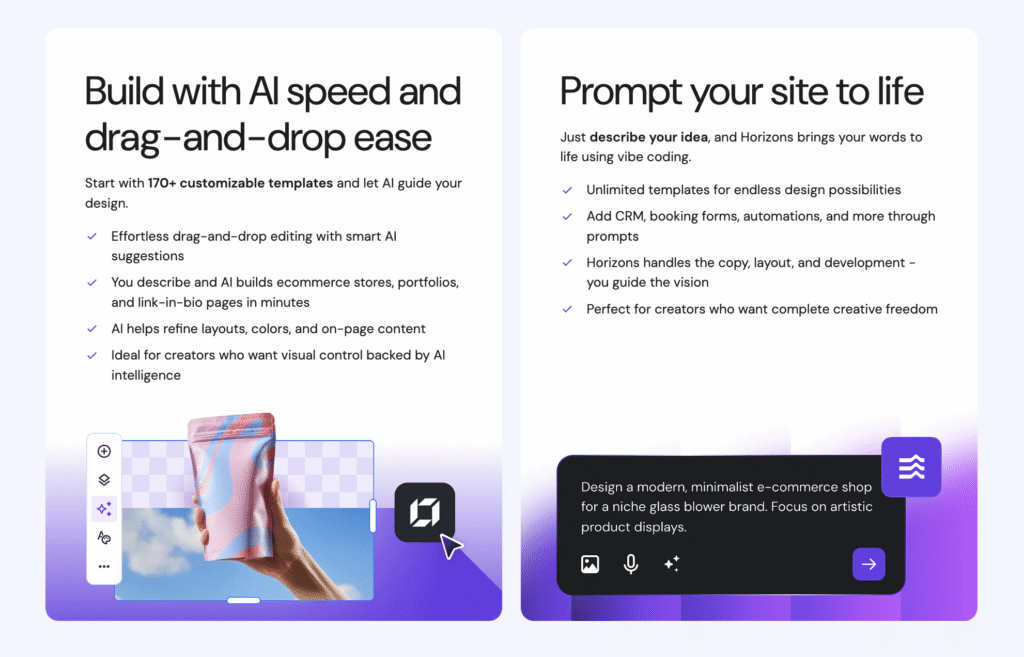
If you want to build a website with AI but not sure where to start, consider Hostinger’s AI website builder. The service offers two approaches: a drag-and-drop builder with intelligent design suggestions, or Horizons – a prompt-based tool that turns your descriptions into fully functional websites using vibe coding.
With the drag-and-drop builder, AI assists at every step. Describe your business, and it generates a complete site structure with layouts, content, and images.
From there, use the visual editor to refine the design while AI suggests improvements for colors, spacing, and on-page elements.
Horizons takes a different approach: just describe what you need in plain language, and the AI handles the copy, layout, and development. You can add features like CRM integrations, booking forms, and automations through prompts alone.
Both options include built-in AI tools for generating headlines, product descriptions, blog posts, and custom images. SEO assistance helps optimize your site for search engines, while analytics tools track visitor behavior so you can make data-driven improvements.
Plans start from RM9.99/month and include hosting, a custom domain, and business email.
Key features
- Two AI-powered building methods. Choose between visual drag-and-drop editing with AI suggestions or prompt-based site generation with Horizons.
- AI content and image generation. Create headlines, descriptions, blog posts, and custom visuals directly within the platform.
- SEO and analytics built in. Optimize for search engines and track site performance without third-party tools.
- All-in-one platform. Hosting, domain, SSL, and business email included – no separate setup required.
- 24/7 live chat support. Get help with setup, customization, or troubleshooting anytime.

2. Divi AI
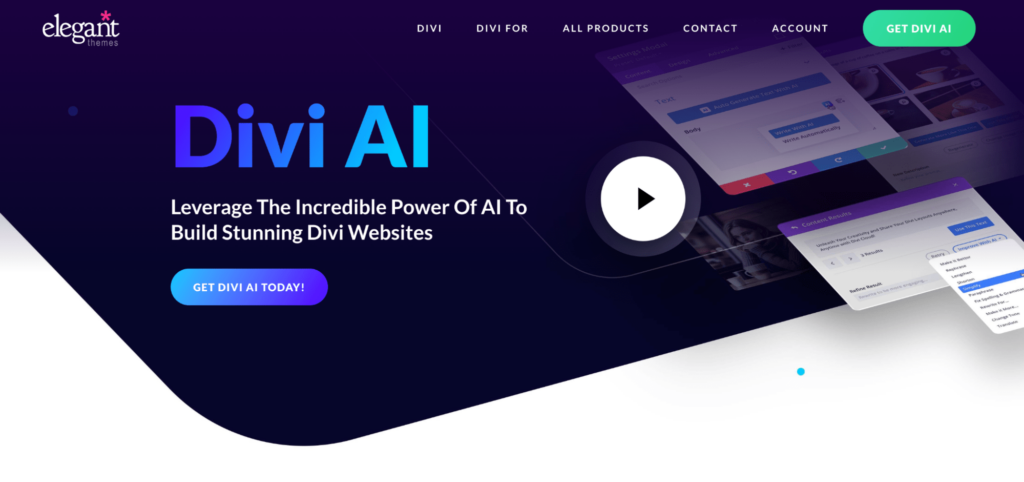
Divi AI is a website design assistant built into the Divi Theme and companion Divi Builder. It enhances WordPress site creation by offering intelligent styling, smart layout suggestions, and AI-generated text.
It’s ideal if you’re a WordPress user who wants assistance designing, structuring, and writing content for your website without needing to use a separate AI writing tool. Since it’s built directly into Divi, there’s no setup required – just activate it and start enhancing your WordPress site instantly.
Key features
- Page structure and layout recommendations. Page sections, headers, footers, and navigation menus are suggested automatically based on the type of website.
- Content automation. Divi AI generates blog posts, about pages, and landing page copy tailored to user input.
- Smart design adaptation. The model learns from existing website styles and suggests improvements for better consistency.
- One-click element customization. Adjust fonts, colors, and spacings to match branding in a single click.
- AI-powered image enhancement. Divi AI suggests optimized images or replaces placeholders with relevant graphics.
3. Uizard
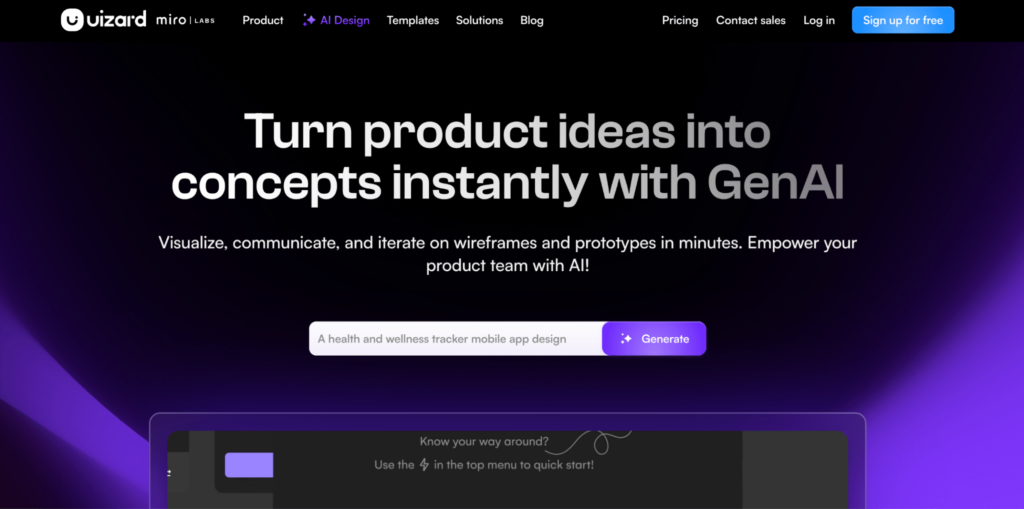
Uizard is an AI-driven wireframing and prototyping tool that transforms hand-drawn sketches into fully functional website layouts. It’s a fast and intuitive way for non-designers and beginners to create blueprints of their proposed websites.
We recommend this tool if you’re a startup founder, product designer, or a non-technical user who wants to plan website layouts visually before starting the development process.
Key features
- Sketch-to-website conversion. Upload a hand-drawn wireframe or rough layout idea, and the AI model transforms it into a fully interactive digital design.
- AI-generated templates. The tool has pre-made website sections tailored to different industries.
- Intelligent UI/UX suggestions. Let AI adjust spacing, alignment, and proportions automatically for a polished look.
- Drag-and-drop customization. Get real-time layout recommendations to enhance site usability.
4. DeepAI
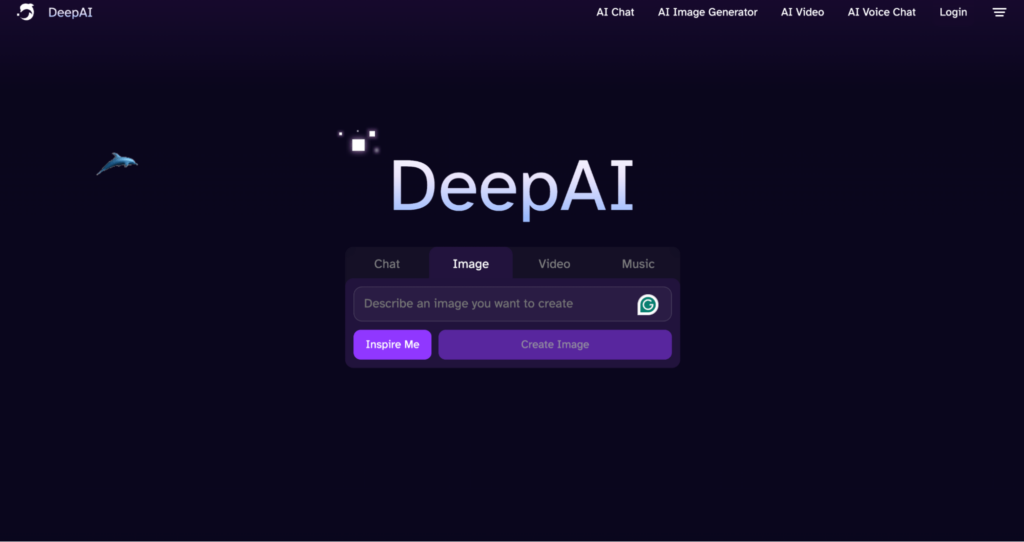
DeepAI offers an image generation tool that can generate custom logos, icons, and illustrations for websites. Instead of using generic stock images, you can create unique graphics that match your website’s branding.
It’s ideal if you need original graphics, but you don’t have the budget for a designer or the skills to use professional design tools.
Key features
- Custom image generation. Describe what you need, and the AI creates unique images that are free to use for commercial projects, including NFTs.
- Multiple artistic styles. Choose from different styles, from photorealistic to abstract, to match your branding.
- API access for automation. Integrate DeepAI’s image generation into your workflow with APIs.
AI tools for content creation
Creating compelling website content is essential for improving search engine optimization (SEO), engaging site visitors, and driving conversions. AI writing tools automate text generation, improve readability, and optimize content for search engines, making it easier to build a website with high-quality content.
1. Hostinger AI Assistant
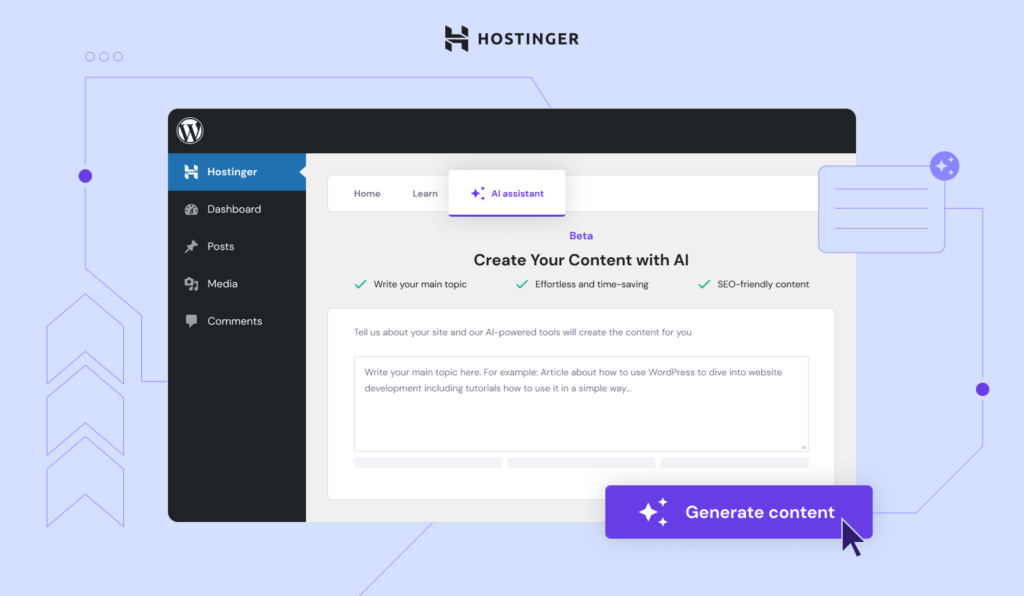
Need a quick way to create content in WordPress? Hostinger AI Assistant helps you effortlessly generate blog posts, product descriptions, and other website content. Available for free with our Managed WordPress Business and cloud hosting plans, it’s built right into your WordPress dashboard for seamless access.
The interface keeps things simple – you can choose the type of content, set the tone, and adjust the length to match your needs. For SEO, you can enter your own focus keywords or let the AI handle it, making sure your content is optimized from the start.
This plugin is ideal for bloggers, businesses, and website owners who need a fast, AI-powered content solution built into the WordPress dashboard.
Key features
- AI-generated blog posts. The assistant automatically creates structured blog posts, including titles, headings, and conclusions.
- Search engine optimization. Optimize your content with built-in keyword integration and logical formatting for better rankings.
- Multilingual support. The plugin writes in 50+ languages, making content creation accessible to global users.
- WordPress-native integration. Works directly inside the WordPress dashboard, streamlining content generation.
- Automated revisions. Users can regenerate drafts instantly to refine and improve content written by AI.

2. CopyAI
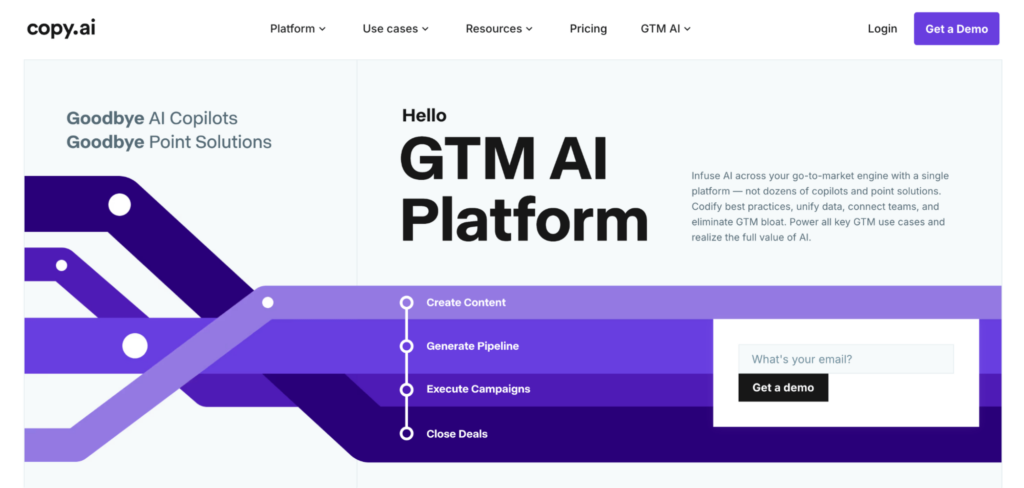
CopyAI is a copywriting tool that specializes in website copy, marketing content, and product descriptions. It uses OpenAI-based models to output persuasive and conversion-focused text.
As content creation tools go, CopyAI is great for startups, marketers, and ecommerce store owners who need high-quality AI-generated sales and website copy.
Key features
- AI-generated landing page text. The tool creates engaging headlines, subheadings, and CTAs, instantly.
- Product and service descriptions. Create compelling ecommerce and business descriptions to increase sales.
- Blog and article generation. Helps website owners draft long-form content quickly.
- Metadata creation. Use AI to suggest keywords and meta descriptions to improve rankings.
- Tone customization. Users can generate playful, professional, or persuasive website content.
3. Grammarly
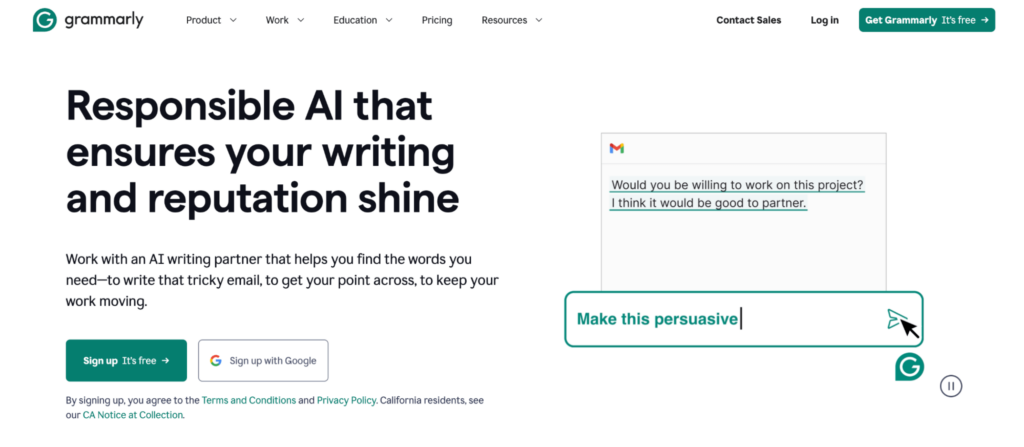
Grammarly is a popular writing assistant that enhances the quality of website text by detecting grammatical errors, optimizing sentence structure, and improving readability.
It’s a must-have tool for anyone who wants error-free, polished content – from bloggers and freelancers to ecommerce store owners.
Key features
- Grammar and spell-check. The tool identifies and fixes spelling, punctuation, and grammatical mistakes in real time.
- Readability and clarity improvements. Use AI to suggest simpler sentence structures and more concise phrasing.
- Tone and style suggestions. The tool ensures your content matches the brand’s voice, whether professional or friendly.
- Plagiarism detection. Grammarly checks that your website content is original and unique.
4. ContentBot
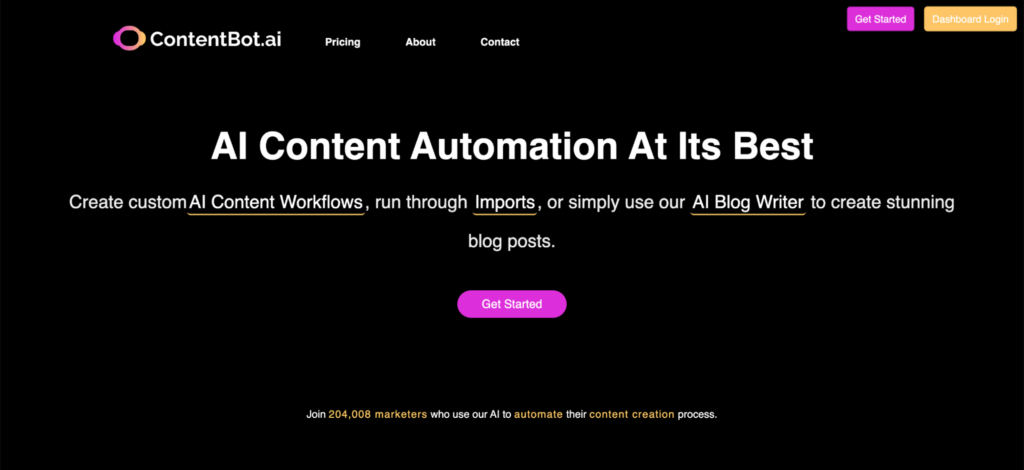
Need a faster way to create content? ContentBot helps you generate blog posts, marketing copy, and website content in minutes. Whether you’re brainstorming ideas or drafting full-length articles, it streamlines the writing process so you can focus on strategy.
With built-in automation and seamless integrations, ContentBot is a solid choice for marketers and businesses looking to scale content creation without sacrificing quality.
Key features
- AI-generated blog posts. Produce long-form articles optimized for search engines.
- Website page content automation. Use AI to help with site structure and create content for about pages, service pages, and contact pages.
- Email and landing page copy. Output persuasive text for marketing campaigns and website CTAs.
- Pre-built templates. Comes with pre-made content structures for different types of websites.
5. WordLift
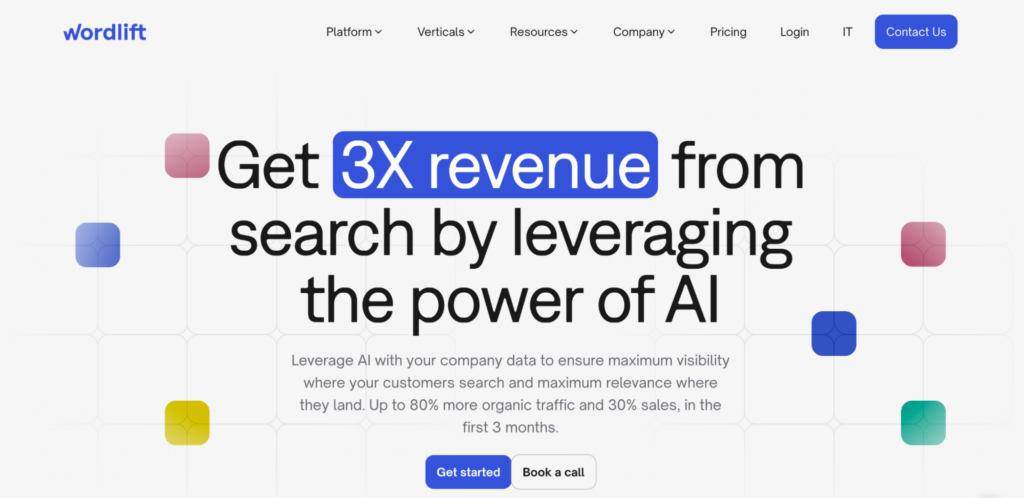
WordLift is an SEO tool that helps website owners structure and optimize content for search engines using semantic AI and knowledge graphs.
Website owners, bloggers, and SEO professionals looking to improve search rankings using AI-powered structure optimization will find this platform especially useful.
Key features
- AI-driven internal linking. The tool suggests relevant internal links to improve website navigation and SEO.
- Schema markup automation. Add structured data to your content to improve search engine visibility.
- AI-powered content categorization. Use AI to organize website content into topic clusters for better indexing.
- Knowledge graph creation. Help Google understand website structure and topics more effectively.
6. Article Forge
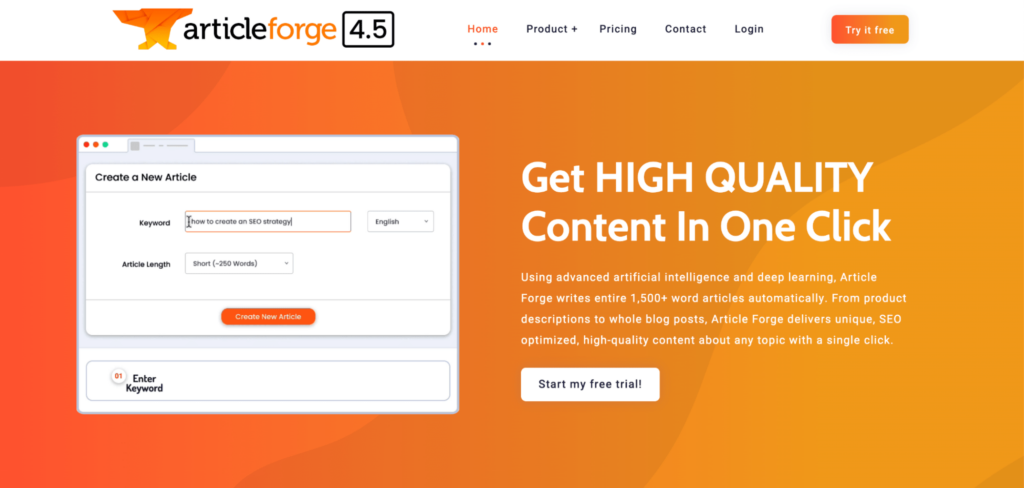
If you need a steady stream of long-form content for your website, Article Forge might be worth a look. While it’s not as widely known as some other AI writing tools, it uses deep learning to generate full-length articles with minimal input. The AI pulls information from various sources, ensuring your content is structured and SEO-friendly.
It’s a solid option for bloggers or content-heavy websites that require frequent updates. Not sure if it’s the right fit? You can test it out with a 5-day free trial before committing.
Key features
- Automated blog post generation. Write entire articles in minutes.
- SEO-friendly writing. AI ensures proper keyword usage and readability.
- AI-powered content research. Use AI to pull information from multiple sources to generate well-structured posts.
- Auto-generated citations. Fight misinformation by using AI to reference sources.
7. Rank Math SEO
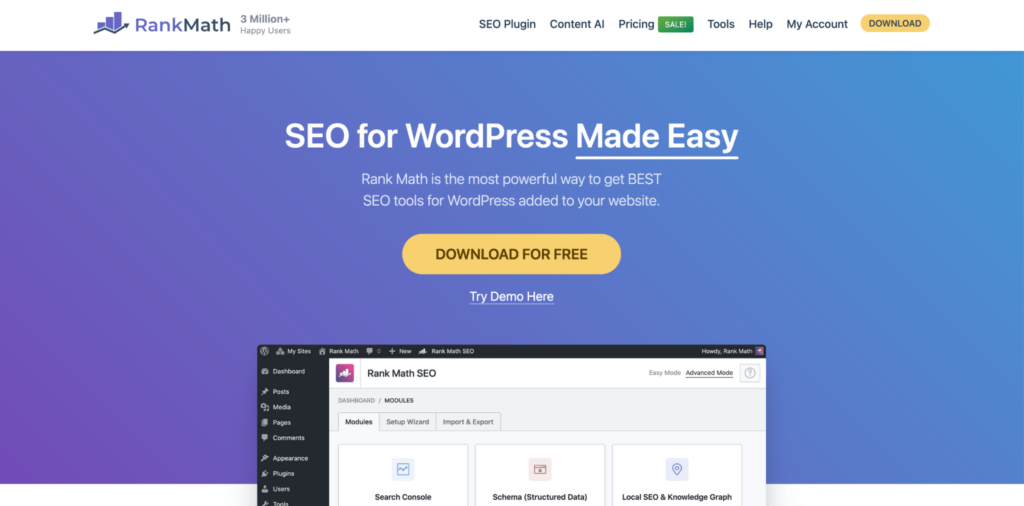
The Rank Math SEO WordPress plugin helps optimize website content for higher search engine rankings. It works by analyzing existing on-page content and suggesting improvements, like keyword usage, readability, and image alt tags.
If you’re a WordPress website owner wanting to streamline on-page SEO, this plugin could be a great help.
Key features
- Real-time SEO analysis. Get AI-driven recommendations for keyword placement and readability.
- AI-generated meta tags. Automatically create meta descriptions and title tags.
- Content readability optimization. Rank Math SEO detects wordiness, passive voice, and sentence complexity.
- Structured data implementation. Add rich snippets and schema markup to your posts and pages to improve visibility.
8. GPT-4 by OpenAI
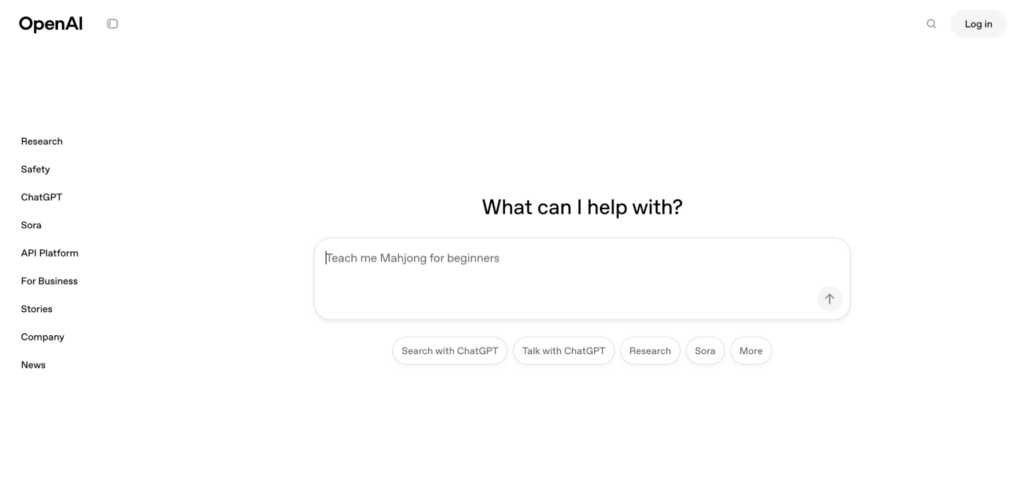
GPT-4 is one of the most advanced AI language models. It yields long-form articles, product descriptions, and customer support answers that sound natural and engaging.
By automating content creation, GPT-4 saves you time while turning out high-quality, well-structured writing that aligns with your brand voice. It’s ideal if you’re looking to scale content production efficiently without compromising on readability or SEO performance.
Key features
- Website and landing page copy. Generate engaging, AI-written website text.
- Conversational AI chatbots. Create customer support chatbots to help site visitors navigate your site.
- Long-form content generation. Use GPT-4 to write blog posts, FAQs, and product descriptions.
AI technologies for testing and optimization
Once your website has been built and content has been added, you’ll want to ensure that your site is easy to use on any device. AI-fueled testing and analytics tools help analyze user behavior, conduct A/B tests, and identify areas for improvement, making websites more efficient and user-friendly.
1. Optimizely
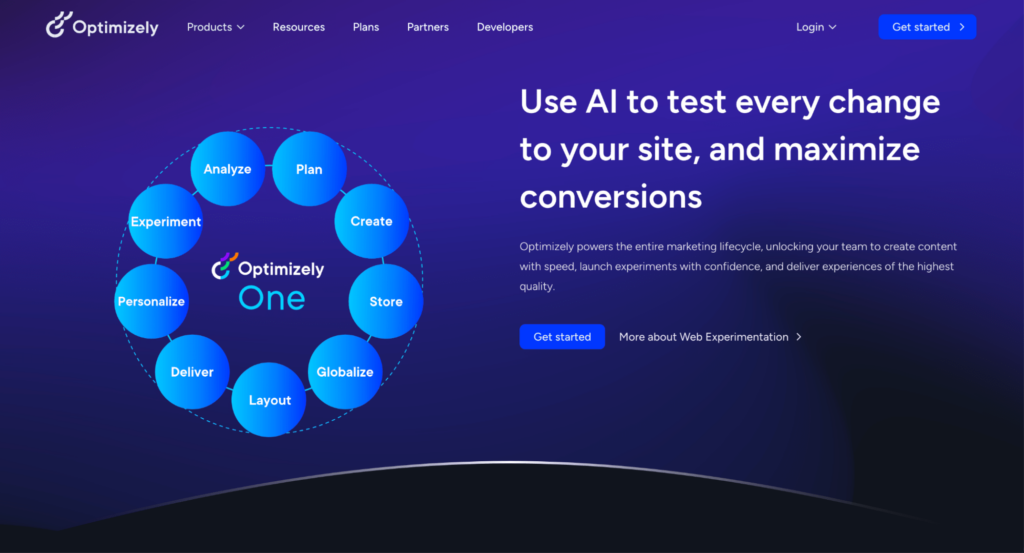
Want to fine-tune your website’s design, layout, and content to maximize conversions? Optimizely makes that process easier by letting you test different versions of your site and make data-backed improvements. Whether you’re tweaking headlines, adjusting button placements, or rolling out new features, you can experiment with confidence and see what works best.
It’s a powerful tool for businesses focused on optimizing user experience and engagement. If you’re looking for a way to make smarter design decisions, Optimizely might be worth exploring.
Key features
- AI-driven A/B testing. Automatically run multiple variations of website elements (headlines, buttons, images) to find the best-performing version.
- Predictive user behavior analysis. AI learns from visitor interactions and predicts which content or design will convert better.
- Automated personalization. The tool dynamically adjusts page elements and messaging based on user behavior.
2. VWO (Visual Website Optimizer)
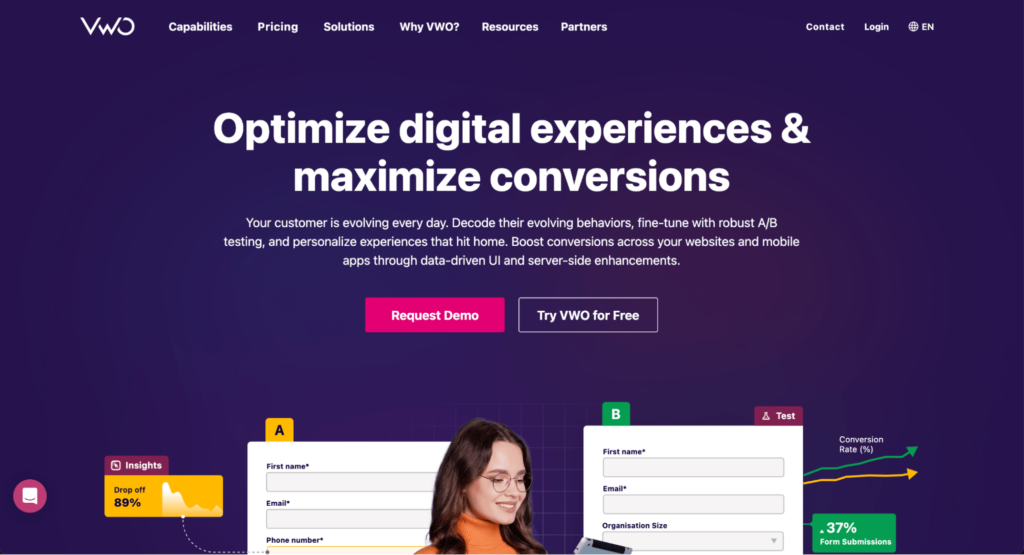
If you want to improve your website’s performance and quality of user experience, VWO gives you the tools to test, analyze, and optimize to your heart’s desire. From A/B testing different page elements to tracking visitor behavior with heatmaps and session recordings, this tool helps you understand what’s working and what’s not.
Whether you’re looking to boost conversions, refine your design, or personalize the user journey, VWO makes it easy to experiment and make data-driven improvements.
Key features
- AI-powered session recording. Track how visitors interact with the site and identify friction points.
- Smart A/B and multivariate testing. Get suggestions for optimal design and content changes based on visitor engagement.
- Heatmaps and click-tracking. Use AI to analyze which areas of a webpage get the most attention.
- User segmentation and behavioral targeting. The tool personalizes website experiences based on visitor type, location, or behavior.
3. Hotjar
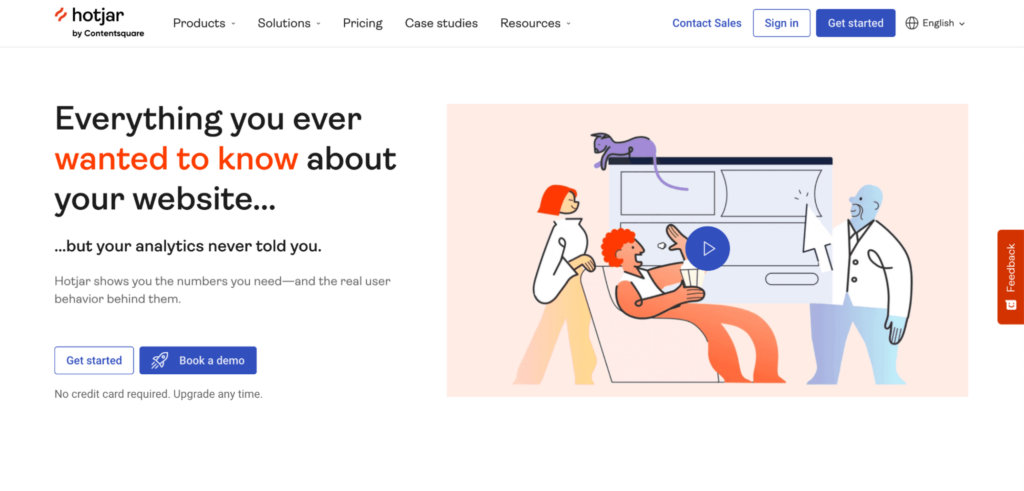
Want to see how visitors actually interact with your website? Hotjar helps you track user behavior with heatmaps, session recordings, and feedback tools. You can spot where users click, scroll, and drop off, making it easier to fine-tune your pages and improve engagement.
With a clear view of user interactions, you can identify what’s working, uncover friction points, and make data-driven improvements that enhance the overall experience.
Key features
- AI-generated heatmaps. Hotjar highlights areas of high engagement and low interaction to optimize page elements.
- AI-powered session recordings. Record visitor behavior and use the tool to identify usability issues.
- Survey and feedback analysis. Understand trends in user feedback to suggest website improvements.
- Conversion funnel tracking. See where users drop off in the sales process, then get recommended fixes.
4. Nelio A/B Testing

Running a WordPress site and want to improve engagement? Nelio A/B Testing lets you experiment with different versions of pages, posts, and layouts – all without leaving your WordPress dashboard.
With built-in heatmaps and conversion tracking, you can see what’s working and refine your content for better results. If you’re looking for a simple, WordPress-friendly way to optimize your site, this plugin is worth a try.
Key features
- AI-assisted A/B testing. Test different versions of headlines, buttons, images, and CTAs to maximize conversions.
- Automated variation selection. Use AI to automatically identify the best-performing design, then auto-apply it across the website.
- Real-time analytics and reporting. Get detailed insights into visitor behavior and test performance.
- Easy WordPress integration. Works seamlessly with WordPress to test layouts and content without coding.
Artificial intelligence for development and deployment
Beyond website creation and content optimization, AI can also assist in automating code generation, improving development workflows, and optimizing deployment. These tools help developers and website owners streamline back-end processes to launch sites that run smoothly.
1. Azure Machine Learning (AML)
Enhancing your website with machine learning doesn’t have to be complicated. Azure Machine Learning (AML) lets you build, train, and deploy models for automation, predictive analytics, and security monitoring – all within a cloud-based platform.
Use this platform to serve dynamic content, adjust website performance based on real-time data, or detect unusual activity before it becomes a problem. While AML has a user-friendly studio interface, working with this tool does require some familiarity with data science concepts and model training.
Key features
- AI-driven predictive analytics. Helps website owners forecast traffic spikes, user behavior, and performance trends.
- Automated model deployment. AML simplifies personalization, such as dynamic content recommendations, on your website or store.
- AI-enhanced security monitoring. Detect anomalies and use AI to automatically respond to potential security threats.
2. GitHub Copilot
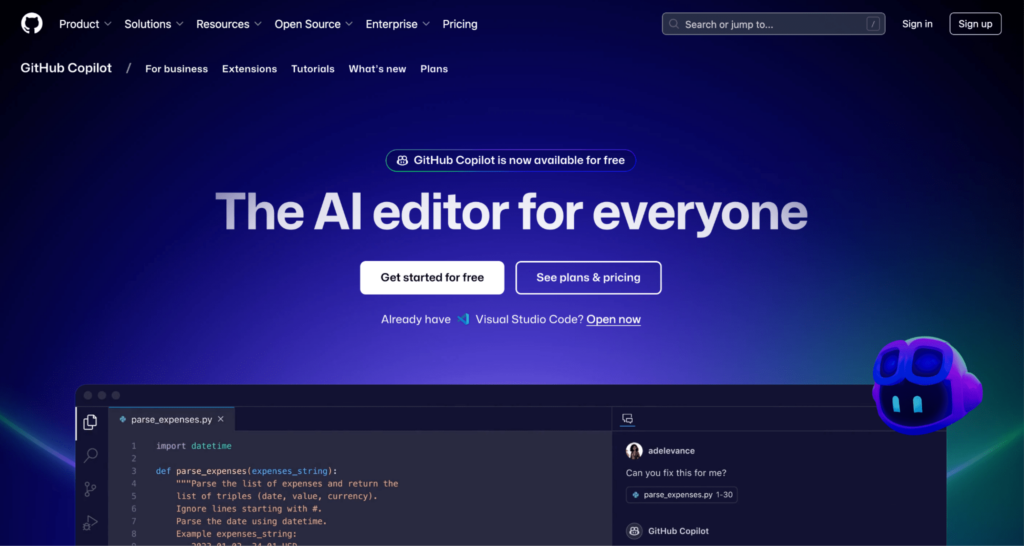
Writing code from scratch can be time-consuming, but GitHub Copilot helps speed up the process. This AI coding assistant suggests entire lines or functions as you type, making it easier to write clean, efficient code with less time and effort.
Whether you’re troubleshooting errors or refining backend logic, Copilot adapts to your coding style and provides helpful recommendations. It works seamlessly with popular frameworks and editors, so if you’re looking to boost productivity, get started for free.
Key features
- AI-assisted code generation. Suggests and auto-completes entire lines of code for HTML, CSS, JavaScript, and backend languages.
- Bug detection and error fixing. Use AI to detect coding errors in real time and provide fix suggestions.
- Code optimization and refactoring. Helps developers write cleaner, more efficient code with AI-powered recommendations.
- Supports multiple frameworks. Works seamlessly with WordPress, React, Angular, and other web development platforms.
3. TensorFlow.js
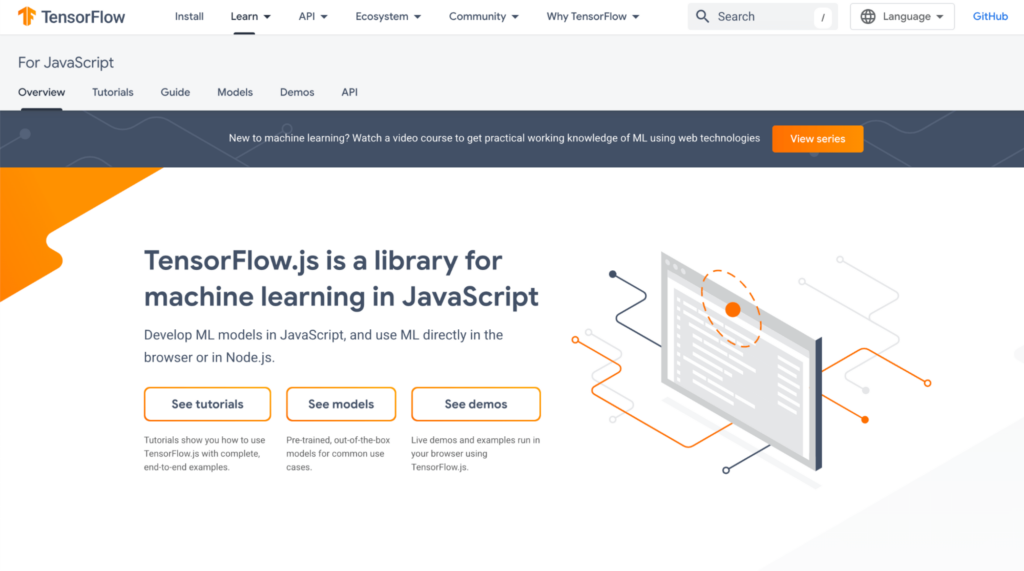
Want to add machine learning to your website without relying on server-side processing? TensorFlow.js lets you build, train, and run models directly in the browser, making real-time AI-powered features like image recognition, predictive analytics, and smart search easier to integrate into your site.
Since everything runs client-side, your site stays fast and responsive. If you’re looking for a way to bring interactive machine learning to the web, TensorFlow.js is worth exploring.
Key features
- Real-time AI interactions. Add features like chatbots, recommendation systems, and voice recognition to your site.
- AI-powered image and text analysis. Automatically detect objects in images or translate text using machine learning models.
- Website speed and performance optimization. Use AI to optimize how machine learning tasks are processed by the browser, reducing server load.
- Browser-based. Runs entirely in the browser, eliminating the need for complex server-side AI infrastructure.
4. Jungle Scout
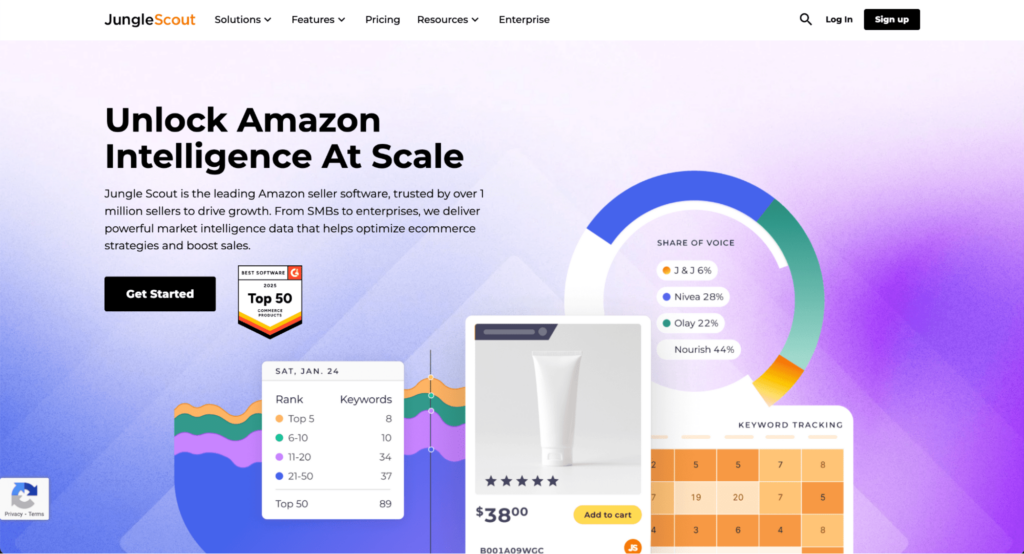
Struggling to find the right products to sell on Amazon? Jungle Scout takes the guesswork out of ecommerce by analyzing market trends, tracking demand, and uncovering profitable opportunities. It helps you spot winning products before your competitors do.
Beyond product research, you can use Jungle Scout to refine pricing strategies, monitor sales trends, and manage inventory more effectively. If you’re looking to grow your online store, this tool is a solid investment.
Key features
- AI-powered product research. Analyze market trends and get suggestions for profitable products for online stores.
- Predictive analytics for ecommerce. Use AI to forecast sales trends, seasonal demand, and competitor activity.
- Website conversion optimization. Refine product descriptions, pricing strategies, and ad campaigns.
- Automated inventory tracking. Monitor stock levels and get suggestions for restocking times to prevent shortages.
Conclusion
AI is making website development faster, easier, and more accessible than ever before. Whether you’re a beginner looking to create a site from scratch or an experienced developer seeking to streamline workflows, AI tools offer solutions for every stage of website building.
You should use AI for:
- Website creation. Builders like Hostinger AI generate full websites with text and images.
- Content generation. AI writing tools like CopyAI and Grammarly help craft SEO-friendly, engaging text with minimal effort.
- Testing and optimization. AI-driven platforms like Hotjar and Optimizely analyze user behavior and conversion rates.
- Development and deployment. AI coding assistants like GitHub Copilot and TensorFlow.js streamline web development and automation.
Building a website no longer requires advanced technical skills. With AI’s ability to automate time-consuming tasks, personalize user experiences, and enhance site performance, you only have to choose the AI-powered tools that align with the vision you have for your website.

Best AI tools to build a website FAQ
What kinds of AI tools are available for website development?
AI tools for website development fall into several categories: website builders that generate complete sites, writing assistants for content creation, testing tools for user behavior analysis, and coding assistants for development. These tools automate different aspects of building and managing a website.
Are website development AI tools expensive?
Many AI tools offer free or trial versions, while premium features may require a subscription. Costs vary based on features, usage limits, and automation level, so choosing the right tool depends on your needs and budget.
Can AI tools completely replace human website developers?
AI can automate design, content, and optimization, but lacks human creativity and strategic decision-making. While it can speed up website creation, human expertise is still required for branding, customization, and complex development.
How do I choose the best AI tool for my website?
Choose an AI tool based on your experience level, website goals, and automation needs. Beginners may prefer AI website builders, while advanced users might focus on AI-driven content, SEO, or testing tools.
All of the tutorial content on this website is subject to Hostinger's rigorous editorial standards and values.

Matleena is a seasoned Content Writer with 5 years of content marketing experience. She has a particular interest in emerging digital marketing trends, website building, and AI. In her free time, Matleena enjoys cups of good coffee, tends to her balcony garden, and studies Japanese. Follow her on LinkedIn