Dec 02, 2025
Nadia & Miglė C.
20min Read
Although WordPress dominates website creation by powering 43% of all sites, it might not be suitable for every business or project. Fortunately, there are numerous WordPress CMS alternatives for beginners and those with specific requirements.
In this article, we have curated 19 of the best WordPress alternatives in 2025. They include some of the most popular content management systems (CMSs) and website builders. You’ll discover each platform’s notable features, as well as their pros and cons, including whether they come with a hosting solution, SEO tools, and other website launch essentials.
We also have an article that compares website builders vs WordPress to help you decide on which type of tool is better for your website creation needs.
Download website launch checklist
Our experts have handpicked the 19 best WordPress alternatives to consider. We’ll compare each platform to WordPress.org, the extremely popular and free self-hosted CMS.
As a quick overview, here are our top picks:
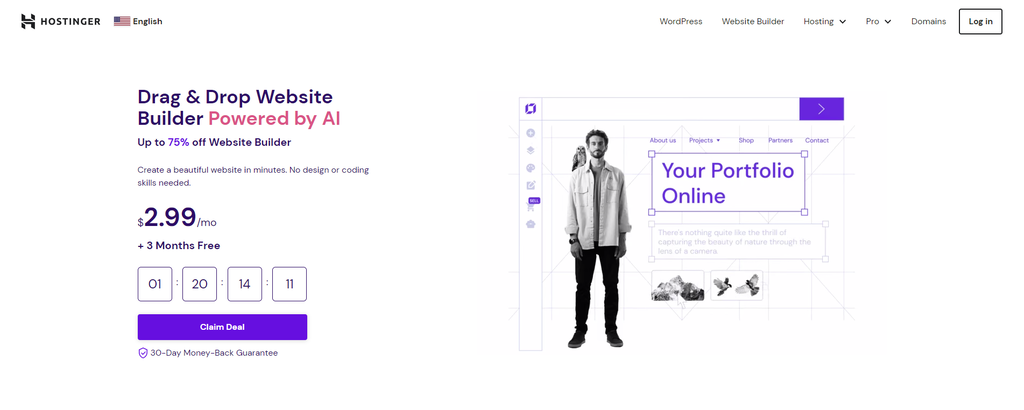
Hostinger Website Builder is an intuitive WordPress alternative. It offers a user-friendly site builder with a drag-and-drop editor, ready-made templates, and useful AI tools. It helps beginners and less tech-savvy users easily create and publish modern and stylish websites.
With Hostinger Website Builder, you will get access to the following features:
Hostinger Website Builder can help you build full-fledged portfolios, business websites, and online stores for small businesses. Moreover, the development team continuously implements new features to meet users’ demands.
This website-building solution is included with every Hostinger hosting plan, allowing you to choose one that fits your needs and budget. To launch your site, you’ll need a custom domain name. It is available for purchase from the builder’s dashboard.
Pros
Cons
Best For
Hostinger’s web development solution is ideal for those who want to make a visually appealing website without researching themes, plugins, or add-ons. Unlike WordPress, you can have your site up and running in under an hour, even if you don’t know how to make a website.

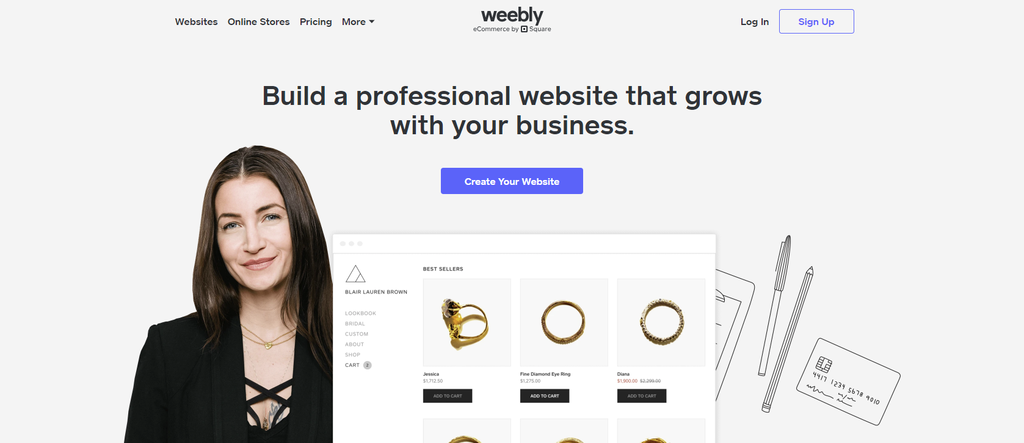
Weebly is an intuitive website builder and software-as-a-service (SaaS) platform with user-friendly building tools. Its simple drag-and-drop builder and affordable plans make Weebly a popular choice for non-technical users and small businesses seeking WordPress alternatives.
Weebly offers the following features:
Weebly has a free version with limited features. Upgrade to one of the premium versions – which costs $10-26/month – to connect your website with a custom domain and unlock more features and support channels.
Pros
Cons
Best For
Weebly is an excellent free WordPress alternative for non-CMS users. Its drag-and-drop builder and affordable plans appeal to non-technical users and small businesses.
If you don’t mind the ads and the default subdomain, you can create a simple website and sell items using Weebly’s free plan. However, Weebly has fewer customization options compared to WordPress. It also has limited publishing capabilities as a platform not dedicated to blogging.
Check out our article on Weebly vs WordPress to explore other areas where they differ.

Drupal is one of the most well-known open-source CMS platforms alongside WordPress. It powers over 1.7 million websites, including those operated by government entities, higher education institutions, and global companies.
Take a look at Drupal’s notable features:
This open-source CMS is free to download. You only need to pay for your site’s domain name and Drupal web hosting.
Pros
Cons
Best For
Drupal is a powerful CMS and a solid choice for experienced users seeking WordPress alternatives. While both platforms offer flexibility, Drupal has a steeper learning curve and requires coding knowledge.
The bottom line, Drupal is excellent for content-rich websites equipped with superior features. If you’re still undecided between Drupal and WordPress, check out our Drupal vs WordPress article for further insights.
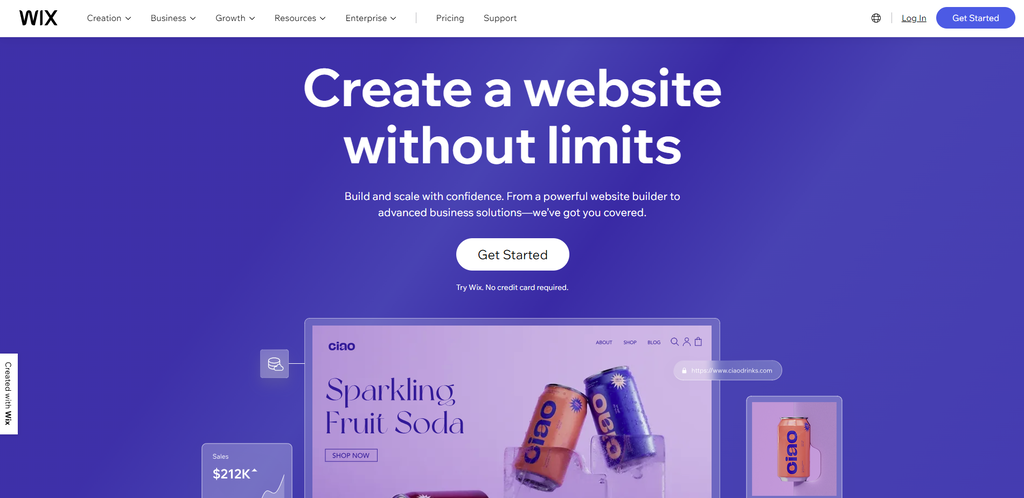
Wix is one of the most popular website builders on the market. The drag-and-drop editor lets you create a stylish and modern website without design or coding skills. It makes it one of the best WordPress alternatives for beginners.
Here are some of Wix’s notable features:
The free plan assigns you to a Wix-branded subdomain. You must upgrade to a premium plan to connect your site with a custom domain name and access more advanced features.
The most affordable plan is Light. At $16/month, it caters to simple, personal sites. To unlock eCommerce functionality and online payments, purchase the Core, Business, or Business Elite plans, which cost $27-159/month.
Pros
Cons
Best For
Wix is an excellent all-in-one solution for beginners who want to quickly launch a website without worrying about hosting. Its user-friendly tools help you build a website faster than WordPress.
That said, Wix is less customizable than WordPress. Our article on Wix vs WordPress compares the two platforms in detail.
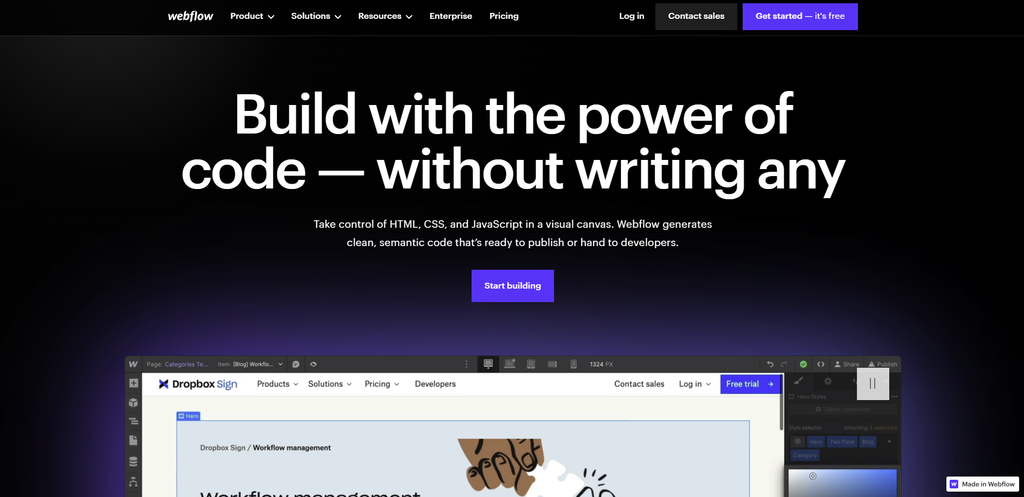
Webflow is a web-based platform that offers responsive website creation without coding. It provides advanced customizations, making it an ideal choice for design-savvy individuals.
Some of Webflow’s key features include:
Like several other website builders on this list, Webflow offers a free plan with a default subdomain and site badge. Upgrading to the premium version removes these restrictions and lets you access premium features.
The premium General plans, costing $14-39/month, cater to personal websites, blogs, portfolios, and landing pages. To access online store-building tools and accept payments, you must purchase an eCommerce plan with costs between $29-$212/month.
Pros
Cons
Best For
Webflow is one of several WordPress alternatives favored by web designers who want to streamline their building process. Users can utilize the editor’s versatile website-building tools to quickly add and modify page elements and insert custom code for further personalization.
Refer to our article comparing Webflow and WordPress for more insights.
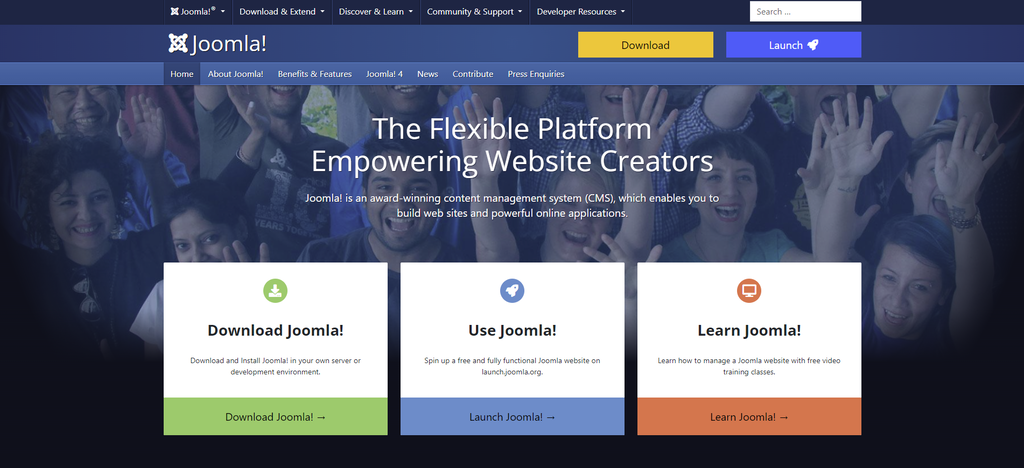
Joomla is among the best CMS platforms due to its robust built-in features. Like WordPress, Joomla is versatile for creating all kinds of websites, from personal blogs to complex social networking websites.
This WordPress CMS alternative offers the following features:
Since this platform is a self-hosted CMS, you must buy a domain name and Joomla hosting to create a website. Hostinger’s Premium and Business plans include a free domain, so you don’t need to buy one from a third-party registrar.
Pros
Cons
Best For
Joomla is a suitable CMS alternative to WordPress for users with technical expertise.
Unlike WordPress, Joomla has a more complex setup process and interface. Its control panel has numerous admin pages and advanced settings, which may be intimidating for beginners.
However, these options offer tremendous control over site management, which appeals to many advanced users looking. Refer to our article on Joomla vs WordPress to learn about their strengths and weaknesses side-by-side.
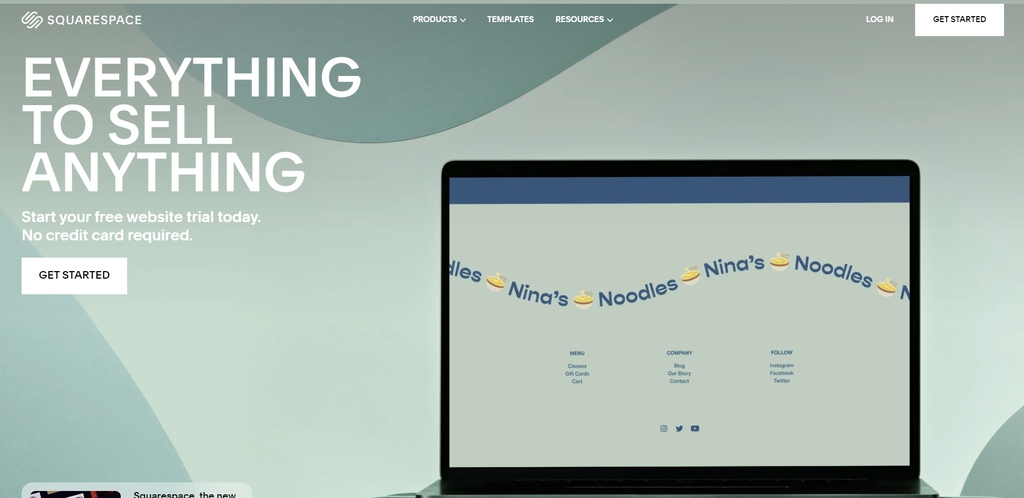
Squarespace’s main selling point is its visually engaging and professionally designed templates. It’s an all-in-one platform for businesses and creators who prioritize aesthetics when building their online presence.
Some of its notable features include:
Although Squarespace doesn’t have a free plan, you can get a 14-day free trial to test the platform. Premium plans start from $16/month. However, the eCommerce functionality is available from the Business plan onwards, which costs $23-49/month.
Pros
Cons
Best For
Squarespace is one of the best WordPress alternative options for image-rich sites. Its modern, minimalist templates excel when paired with high-quality images. Naturally, it usually attracts designers, photographers, and visual artists.
Like WordPress themes, Squarespace templates are available in-house and on various marketplaces. However, Squarespace templates primarily emphasize visual aesthetics, making them less suitable for text-heavy websites.
Our article on Squarespace vs WordPress offers in-depth insights into each platform’s features to help you decide. Also, check out our Squarespace alternative article if you prefer to use a builder platform similar to Squarespace.
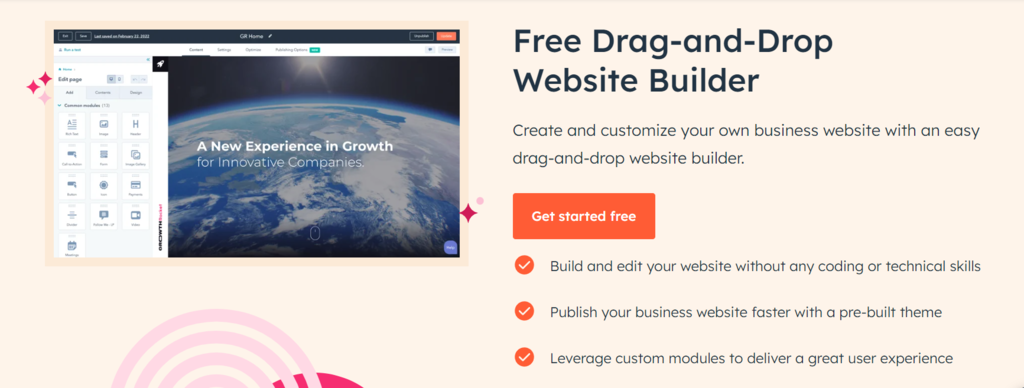
HubSpot’s Drag-and-Drop Website Builder empowers you to craft a stunning online presence without any coding skills. Whether you’re a beginner or a seasoned marketer, this free tool allows you to easily create and customize your business website.
Hubspot offers the following features:
Pros
Cons
Best For
HubSpot’s Drag-and-Drop Website Builder is best for small to medium-sized businesses, startups, and individuals looking to create professional websites without the hassle of coding.
It’s an excellent choice for those seeking a user-friendly, cost-effective solution with integrated marketing tools for lead generation and growth.

Shopify is one of several WordPress alternatives focusing on eCommerce stores. It’s a hosted solution with robust eCommerce features suitable for small to large companies.
Here are some of Shopify’s staple features:
Compared to other WordPress alternatives in this list, Shopify’s starting price is high at $29/month. It offers a three-day free trial and $1/month on your plan for the next three months. This deal gives you plenty of time to gauge the platform’s return on investment.
Pros
Cons
Best For
Shopify is best for straightforward and multi-channel selling with its seamless integration with physical storefronts. This built-in feature sets Shopify apart from a WordPress site with eCommerce plugins.
However, as an eCommerce-focused platform, Shopify has limited blogging functionality. Businesses operating in countries without Shopify Payments support should also consider the higher payment processing fees.
Luckily, there are plenty of Shopify alternatives that provide advanced content creation capabilities and charge no transaction fees.
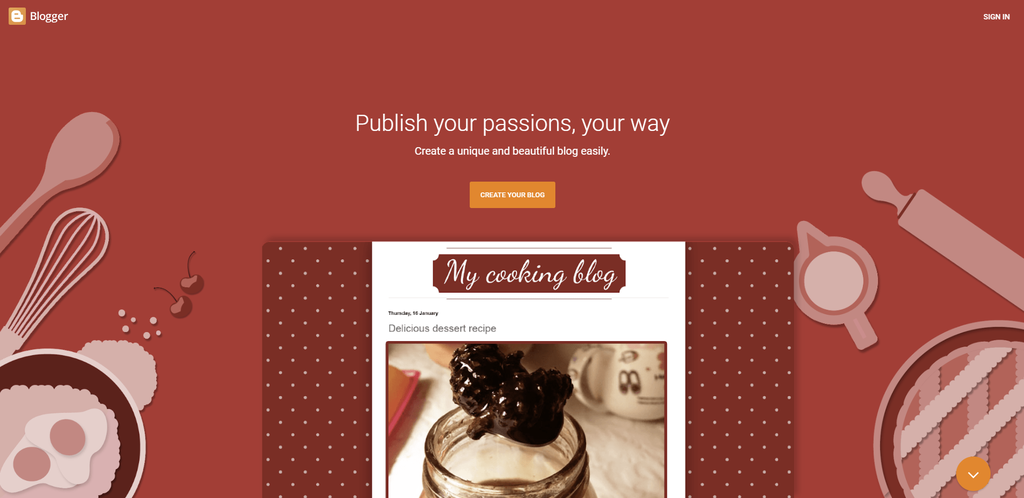
Blogger, owned by Google, is one of the free WordPress alternatives available for building personal blogs and simple websites. It provides fully hosted solutions with a .blogspot subdomain. This blogging platform is an ideal choice for users seeking a free solution.
Here’s more information about Blogger’s features:
Blogger’s straightforward functionality makes it easy to use by even non-technical users. If you’re familiar with Google products, you’ll have no trouble using this blogging platform.
Pros
Cons
Best For
Blogger is a straightforward and completely free publishing platform that’s excellent for beginner bloggers and non-technical users. However, its limited customization and lack of flexibility make the blogging platform less suitable for custom websites or eCommerce stores.
Read our article discussing the 7 best blogging platforms to know more which solution fits your needs the best.
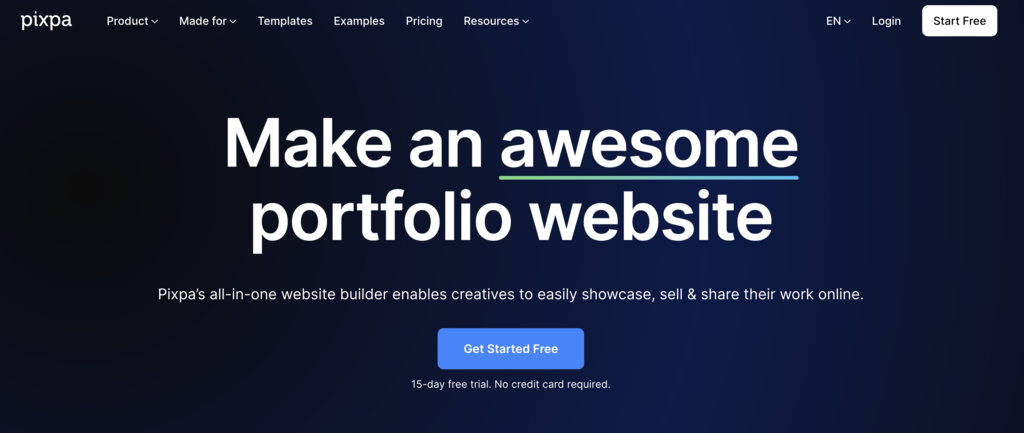
Pixpa is an all-in-one website builder that allows users to effortlessly create and design websites, portfolios, blogs, and eCommerce stores with its user-friendly no-code interface.
Check out this list for Pixpa’s features:
Pros
Cons
Best For
Pixpa is the perfect WordPress alternative for creative professionals, small business owners, artists, photographers, and creative entrepreneurs to easily create their websites, portfolios or online store without requiring any technical knowledge. Pixpa offers 50% on all plans for students, making it an affordable and accessible platform for students to showcase their creative work online.
Similar to WordPress, one drawback of Pixpa is that users need to purchase custom domain names from third-party providers.
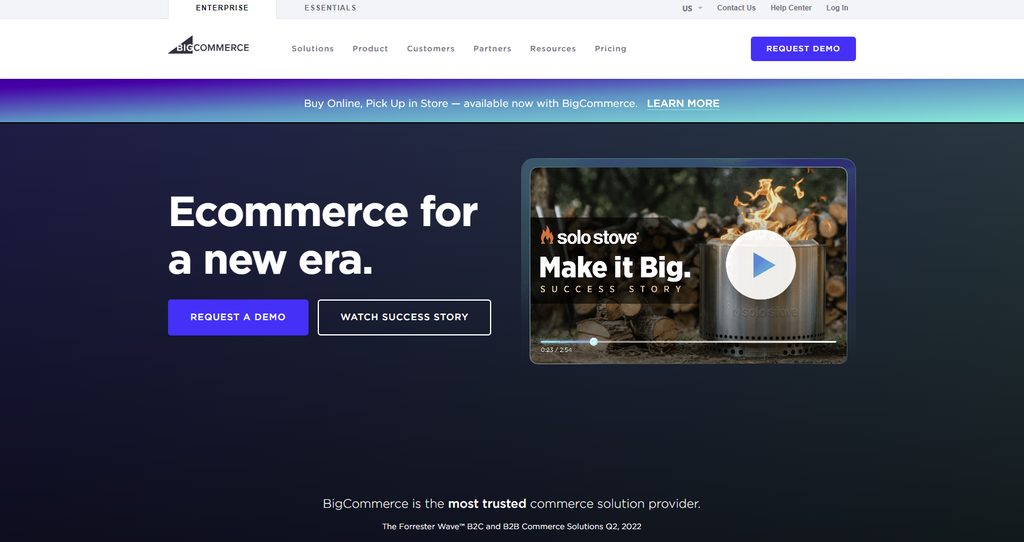
BigCommerce is a powerful hosted website builder designed for medium to large-scale eCommerce stores. It offers many built-in tools to create a multi-channel eCommerce solution.
Here’s a preview of BigCommerce’s key features:
All BigCommerce plans include a 15-day free trial. BigCommerce automatically upgrades your plan based on annual sales thresholds starting at $50,000, ensuring small businesses are not affected.
Pros
Cons
Best For
BigCommerce, compared to WordPress, stands out as a powerful alternative for large businesses focused on their online presence. By offering seamless WordPress integration, it combines the best of both platforms.
There might be more budget-friendly options among WordPress competitors. However, the robust features and functionality provided by BigCommerce make it a worthwhile investment.
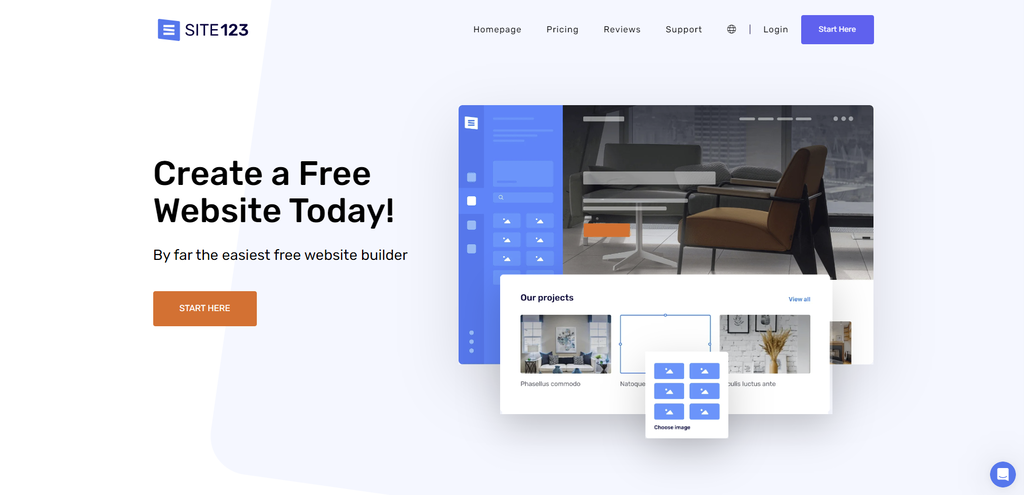
SITE123 is one of the WordPress alternatives that can help you build one-page and multi-page websites. With its section-based editor, you can effortlessly create anything from a simple blog to a full-fledged eCommerce store.
Let’s see what features this hosted website builder has to offer:
SITE123 provides a free plan with a subdomain as well as 250 MB of storage and bandwidth. The paid versions start at $12.80/month and grant additional storage space and bandwidth. They also include a free domain for one year.
Pros
Cons
Best For
SITE123 is a user-friendly WordPress alternative for creating simple websites, including one-page sites. Its section-based editor offers a unique experience among drag-and-drop builders.
However, WordPress is the better choice for more complex websites. Even SITE123’s basic features are only available in the mid-tier plan and above. It makes SITE123 less cost-effective than a WordPress site in the long run.
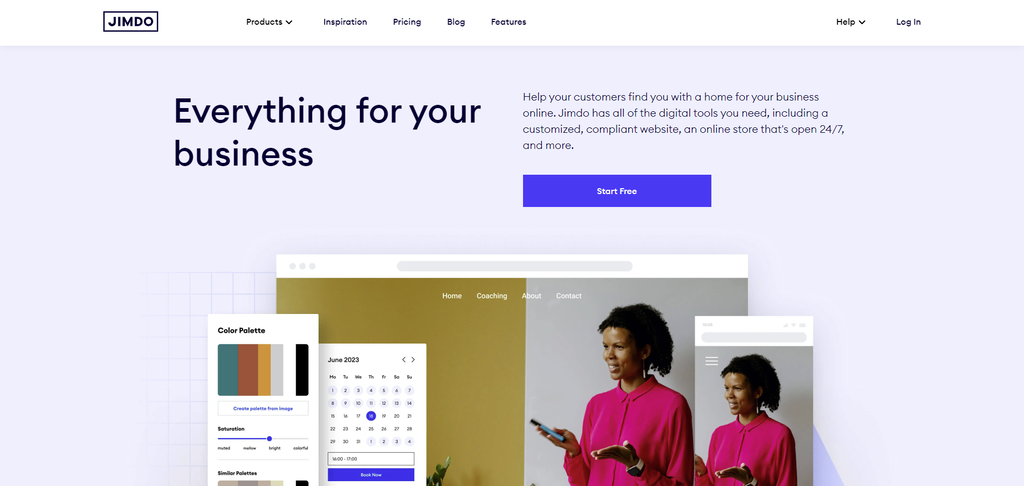
Jimdo is a beginner-friendly site builder catering to self-employed professionals. Like some site builders on this list, it offers AI-powered features to simplify website building processes.
Here are more details about Jimdo’s features:
Jimdo’s Website plans are ideal for personal blogs and business websites, as they include SEO tools, visitor statistics, and forwarding email addresses. The Online Store plans are suitable for eCommerce businesses, supporting online payments and social selling on Facebook and Instagram.
While Jimdo offers a free plan, it comes with ads and extremely limited bandwidth, storage space, and features. We recommend only using it to test the platform’s capabilities.
Pros
Cons
Best For
Jimdo offers a hassle-free website creation experience, especially if you prefer a pre-designed solution with minimal customization. Its AI site builder lets you quickly create simple online stores or personal websites.
However, Jimdo may not be suitable for large and complex projects. Other alternatives to WordPress offer better customization and scalability.
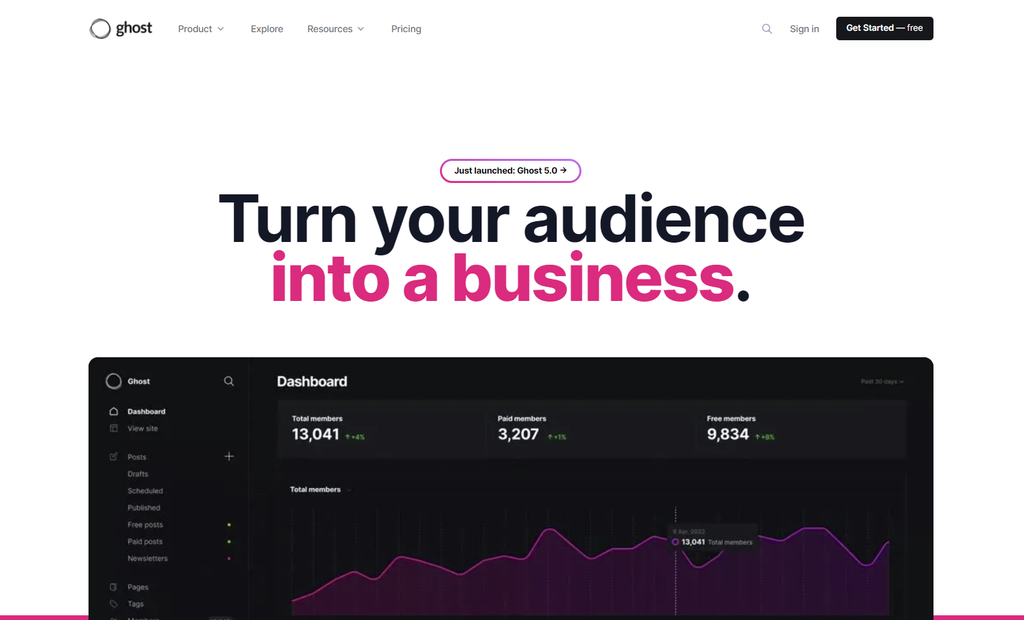
Ghost is a publishing platform that offers essential blogging tools for content production and management. It provides two options ‒ a free self-hosted solution and a fully-managed PaaS called Ghost(Pro).
Here is more information on Ghost’s features:
The Ghost(Pro) pricing is based on the size of your membership audience. Ghost provides a handy calculator for its pricing page. Its lowest-tier plan, Starter, can support up to 500 audience members for $9/month. All plans include a 14-day free trial.
Pros
Cons
Best For
Ghost is one of the best CMS alternatives to WordPress for content-focused businesses seeking monetization options. The publishing platform offers robust membership and subscription features that surpass WordPress in some aspects.
However, if you plan to run an online shop, consider looking for WooCommerce alternatives with more robust eCommerce capabilities.
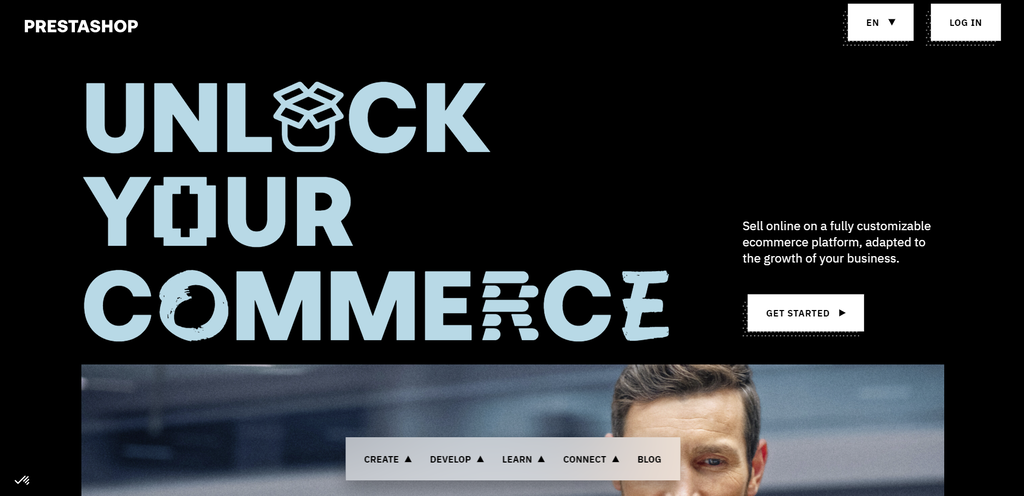
PrestaShop is among the top WordPress alternatives trusted by businesses of all sizes. The open-source CMS offers a user-friendly interface and various eCommerce tools to build a full-fledged online store.
Let’s take a closer look at PrestaShop’s features:
PrestaShop is free to download, like other open-source CMS platforms. However, it requires hosting, preferably a Prestashop-optimized solution, and a custom domain name.
With over 4,000 free and paid modules, PrestaShop offers a wide range of options to enhance your eCommerce store.
Pros
Cons
Best For
PrestaShop is a great WordPress alternative for creating an online store, especially if you offer customizable products. Like a WordPress website, it lets you start an online store for free and scale it with add-ons as you go.
Since PrestaShop’s primary focus is eCommerce, its built-in blogging tools may not be as robust as WordPress. You also need to manage your own hosting, updates, and security, which require technical expertise.
Learn how to choose the right web hosting plan to ensure optimal website performance and the best value for money.
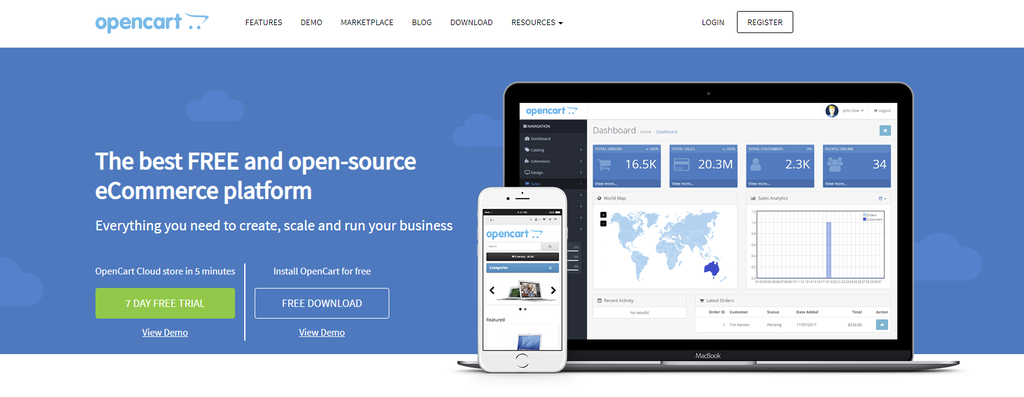
OpenCart is among WordPress competitors that offer extensive built-in features to create medium to large-sized eCommerce websites. It rivals WordPress sites regarding eCommerce functionality, empowering you to build a custom website that fits your business needs.
This WordPress alternative offers the following features:
Like a WordPress website, OpenCart only costs you the fees for registering a domain and a hosting plan. Then, install free and premium extensions from the platform’s marketplace to scale your website’s capabilities.
Pros
Cons
Best For
OpenCart is a reliable WordPress alternative for global eCommerce websites. It offers advanced built-in features, such as multicurrency and multilingual support.
While it may not be as flexible or customizable as WordPress websites, OpenCart remains a robust choice for businesses that don’t prioritize blogging.
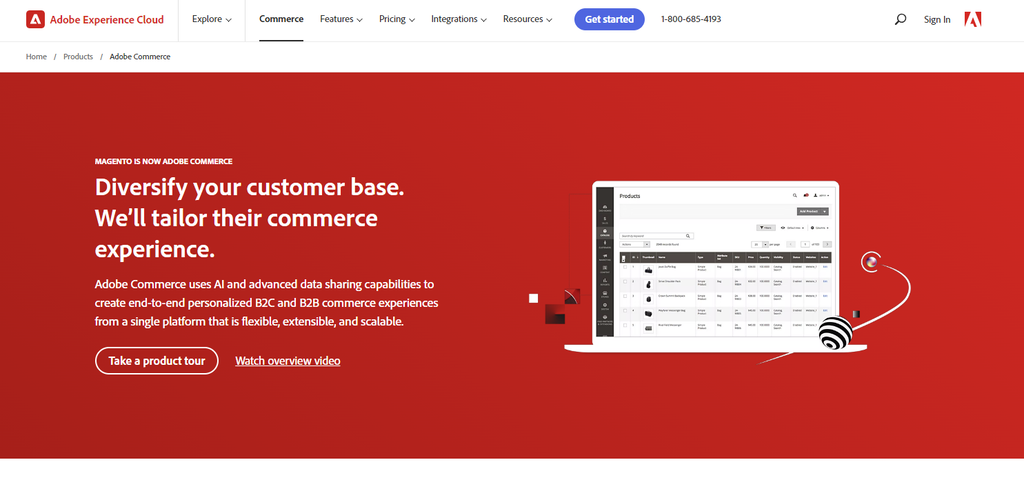
Adobe Commerce is an eCommerce-oriented content management system powered by Magento. It offers two solutions – Magento Open Source and Adobe Commerce. The latter was formerly known as Magento Commerce and Adobe Commerce Cloud before its consolidation.
Here’s more information about the features of Adobe Commerce:
Adobe Commerce provides advanced features such as customer segmentation, web application firewall, and performance monitoring tools, which are not found in Magento Open Source.
Pricing for Adobe Commerce is available upon request, based on the annual Gross Merchandise Value (GMV) and Average Order Value (AOV).
Its counterpart, Magento Open Source, is free to download. You only need to pay for your domain, hosting, and optional Magento extensions to run and expand your website.
Pros
Cons
Best For
Adobe Commerce is a powerful WordPress alternative for creating an eCommerce store. It’s particularly ideal for large-scale enterprises, offering advanced features with its hosted solution.
Magento Open Source and Adobe Commerce don’t have native blogging tools like WordPress. That said, Adobe Commerce supports headless commerce, which can integrate with other platforms to handle blogging alongside its powerful eCommerce technology.
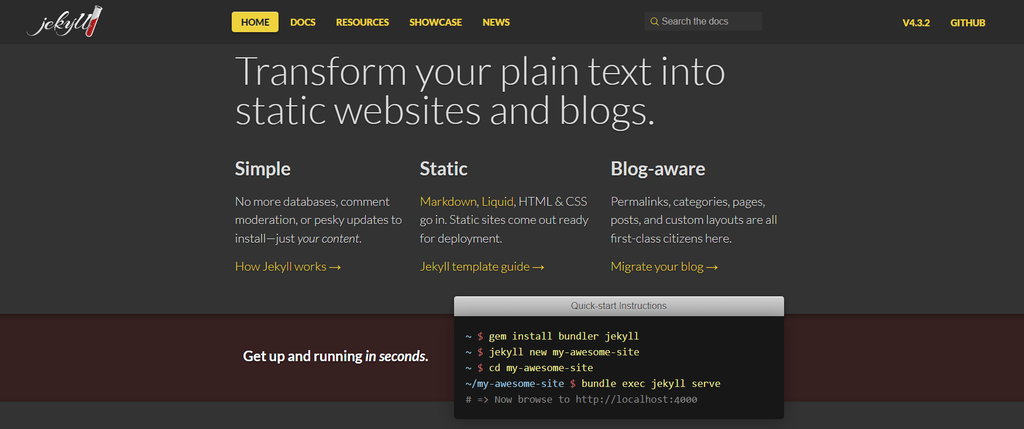
Jekyll is one of the popular WordPress alternatives for blog creation. This Ruby-based platform uses coding with Markdown, Liquid templates, HTML, and CSS to simplify the process.
Take a look at some of its features:
Jekyll is a cost-effective option among WordPress competitors. You can get a free hosting service with a GitHub subdomain on the Git repository’s servers. Alternatively, pick the self-hosting option to host your website locally or on a third-party server.
Pros
Cons
Best For
Jekyll is one of the recommended WordPress alternatives for advanced users familiar with HTML, CSS, and Markdown. It excels in creating static web pages like landing pages or project prototypes that don’t require frequent updates.
Unfortunately, Jekyll is not as beginner-friendly as WordPress. In turn, developing dynamic websites with Jekyll may be challenging.
Refer to our article comparing WordPress vs HTML for more insights on how static site generators like Jekyll differ from WordPress.
WordPress websites still dominate the internet today. However, popularity doesn’t guarantee a perfect fit. That’s why exploring alternatives to WordPress that align with your specific needs is crucial.
This article has presented a selection of the 19 best WordPress alternatives in 2025, focusing on popular CMSs and website builders. Here are our top picks:
We hope this article helped you find the perfect solution to match your requirements and create a successful online presence. Good luck!
This section will answer some of the most common questions about WordPress alternatives.
A content management system (CMS) provides a flexible platform for managing and organizing website content. It requires some learning curve but offers extensive customization options. On the other hand, website builders are beginner-friendly tools that simplify website creation with pre-designed templates.
There are many alternatives to WordPress. Content management systems like Joomla and Drupal offer robust features for advanced users. Website builders like Hostinger Website Builder and Wix provide user-friendly interfaces for beginners. Other options include niche platforms like Shopify for eCommerce and Ghost for blogging.
The answer depends on your needs. Hostinger Website Builder offers an intuitive interface and AI tools for easy website creation. Wix and Squarespace provide visually appealing templates, and Shopify offers robust eCommerce tools. These builders have a lower learning curve than WordPress without compromising functionality.

Maya is a Content Specialist and WordPress Contributor. With years of journalistic experience under her belt, her main goals are to help people understand complex processes in a simpler way, and tell the stories of people who thrive thanks to technology. When she’s not writing, you can find her watching sci-fi movies while eating ramen. Follow her on LinkedIn.

Miglė Cicėnaitė-Jocė is a Product Manager for Hostinger's Website Builder. She is on a mission to redefine website creation, focusing on the AI flow and its features, and is always eager for product feedback and market insights to improve the user experience. Follow her on LinkedIn.

/p> OpenClaw is an open-source, self-hosted AI agent that runs on your own server and can interact with the tools you already use, including...

Draft OpenClaw is an autonomous AI agent framework you can host on a virtual private server (VPS). It integrates with different tools and platforms,...

To secure WordPress for AI automation, you need to protect the APIs, user accounts, plugins, and automated workflows that allow AI tools to operate...
Comments
August 09 2021
Hi. Can you suggest an option for me vs Wordpress? Too difficult. I want to simply share my family history archive…..stories, recordings, images along with a blog option to post new material Thank you, mike
September 17 2021
Hi Mike! In your case, it's best to go with an easy-to-use tool like Zyro - it has a drag and drop interface, which will help you design everything just how you want it.
March 25 2024
Very useful information about the CMS, thanks.
March 26 2024
Happy to hear that! Feel free to let us know if there's anything else you'd like to know ?