What are ecommerce operations? A comprehensive guide
Mar 10, 2026
/
By Simon L.
/
10 min Read

Ecommerce operations are the engine room of an online selling business, encompassing everything from inventory management and payment processing to the logistics of shipping and handling returns.
While a great website might attract visitors, it’s the operations behind the scenes that turn those visitors into happy, loyal customers.
Getting your operations running smoothly helps profitability by reducing mistakes, like shipping the wrong item, and ensuring your customers get their packages on time. By building a reliable process, you naturally encourage people to come back and buy again.
To manage your online store effectively, you need different parts of your business to work seamlessly together. When systems like your warehouse, marketing, and customer support are well connected, you can grow your business without feeling like things are getting out of hand.
The key components of efficient ecommerce operations include:
- Tracking stock. Keeping an eye on inventory levels so you don’t run out.
- Finding customers. Marketing and sales efforts that bring people to your site.
- Checking orders. Making sure the order details are correct before you start packing.
- Getting paid. Processing payments securely and stopping fraud.
- Packing products. The physical work of picking items and boxing them up.
- Shipping products. Getting the package to the customer and letting them track it.
- Customer support. Answering questions and handling returns if things don’t work out.
- Reviewing the numbers. Using data to see what’s working and what isn’t.
What are the differences between ecommerce operations and traditional retail operations?
The main differences between ecommerce operations and traditional retail operations come down to logistics, how you manage inventory, and how you talk to your customers.
If you’ve ever worked retail, you know customers do a lot of the heavy lifting – they browse the aisles, grab what they want, and take it home themselves.
In ecommerce, you handle most of that. You’re responsible for storing products, picking up the items, packing them carefully, and making sure they arrive safely.
Here’s what’s different:
- Your store is always open. You can make sales at 3 AM while you sleep. Since automated systems handle the transaction, you generate revenue around the clock without needing to pay staff to stand behind a counter.
- Your content does the selling. Since customers can’t touch products, you get to build desire through photos and storytelling. It’s a chance to control exactly how your brand is perceived, and great descriptions can actually help customers make better choices.
- The world is your market. A physical store is limited to a specific location, but online, you can sell to shoppers from Tokyo to Texas. While managing different shipping zones takes some planning, the trade-off is access to a massive global customer base.
- Returns can be tricky. When a customer doesn’t want something, they’re shipping it back for processing instead of just walking back to your store. This is one of the key ecommerce advantages and disadvantages – you get access to unlimited customers, but you also absorb costs that physical retailers don’t face.
- You compete on speed. Amazon has trained everyone to expect fast, free shipping. You don’t need to match them perfectly, but you do need to be quick.
The best part? Once you set up solid systems, you can serve customers nationwide (or worldwide) without needing expensive storefronts.
Your operational approach will vary depending on whether you’re running B2C, B2B, or another model. Each of these ecommerce types has different fulfillment expectations and logistics challenges.
What are the key components of ecommerce operations?
The key components of ecommerce operations are inventory tracking, order validation, payment processing, fulfillment, and post-sale support.
Every ecommerce order follows the same journey: a customer places an order, which triggers instant checks on inventory, payment, and address validity.
The order routes to your warehouse for picking and packing, then ships to the customer with automated tracking updates. Along the way, your support team handles any questions or returns.
Understanding each step helps you spot where things break down. Delayed orders? Check your picking process or carrier. High returns? Investigate product quality or descriptions.
Let’s break down each component:
Inventory tracking and management
Inventory management is the system that tracks every product you have in stock. It includes details about where it’s located, how many units you have, and when you need to reorder.
This is your foundation. If your website says you have 50 blue widgets but you actually have 3, you’re about to disappoint 47 customers.
Good management helps you strike the perfect balance: it prevents losing sales because items aren’t available, and minimizes dead stock so your cash isn’t tied up in products that aren’t moving.
Getting this right means you can confidently meet demand without overspending on storage.
Here’s how to do it well:
- Set reorder points at 2-3 weeks of average sales so you never run out of bestsellers.
- Conduct monthly spot checks to catch discrepancies between what your system says and what’s physically on the shelf.
- For seasonal businesses, analyze last year’s data and stock up 6-8 weeks before peak season.
- If you’re just starting out, relying on inventory management features offered by the best ecommerce platforms, or even a well-organized Google Sheet, can work.
Marketing and sales
Marketing and sales are the engines that attract customers and turn them into buyers. Think email campaigns, social media management, abandoned cart recovery, and loyalty programs.
This works best when it acts as a bridge between your promotions and your fulfillment systems.
When marketing alerts the warehouse about an upcoming flash sale, your operations team can prepare the right inventory and staffing ahead of time. This alignment ensures that a spike in sales feels like a victory to celebrate, not a logistical headache.
Here’s what you need to do:
- Segment your audience so you’re sending relevant messages. For example, customers who bought running shoes get emails about running gear, not yoga mats.
- Set up automated email flows for abandoned carts, post-purchase follow-ups, and restock alerts.
- Coordinate with your operations team before launching promotions to give them a heads-up on expected order volume.
- Use Google Analytics to track which marketing channels drive the most visitors, and provide the highest average order value and lowest return rates.
Order receipt and validation
The moment a sale happens, your system needs to:
- Verify the shipping address is real and not a typo.
- Confirm the items are in stock.
- Check that the payment went through.
- Send the details to whoever’s packing the order.
Think of this as your automated quality control. By validating these details instantly, you ensure every package reaches the right doorstep and every customer gets exactly what they were promised.
Here’s what you need to keep in mind:
- Enable address verification to catch typos before orders ship (saves you from undeliverable packages).
- Set up automatic inventory holds the moment an order is placed, not after payment clears.
- Create order routing rules where high-value orders get signature confirmation, and international orders get extra documentation.
- Test your order flow weekly by placing test orders to catch any broken integrations.
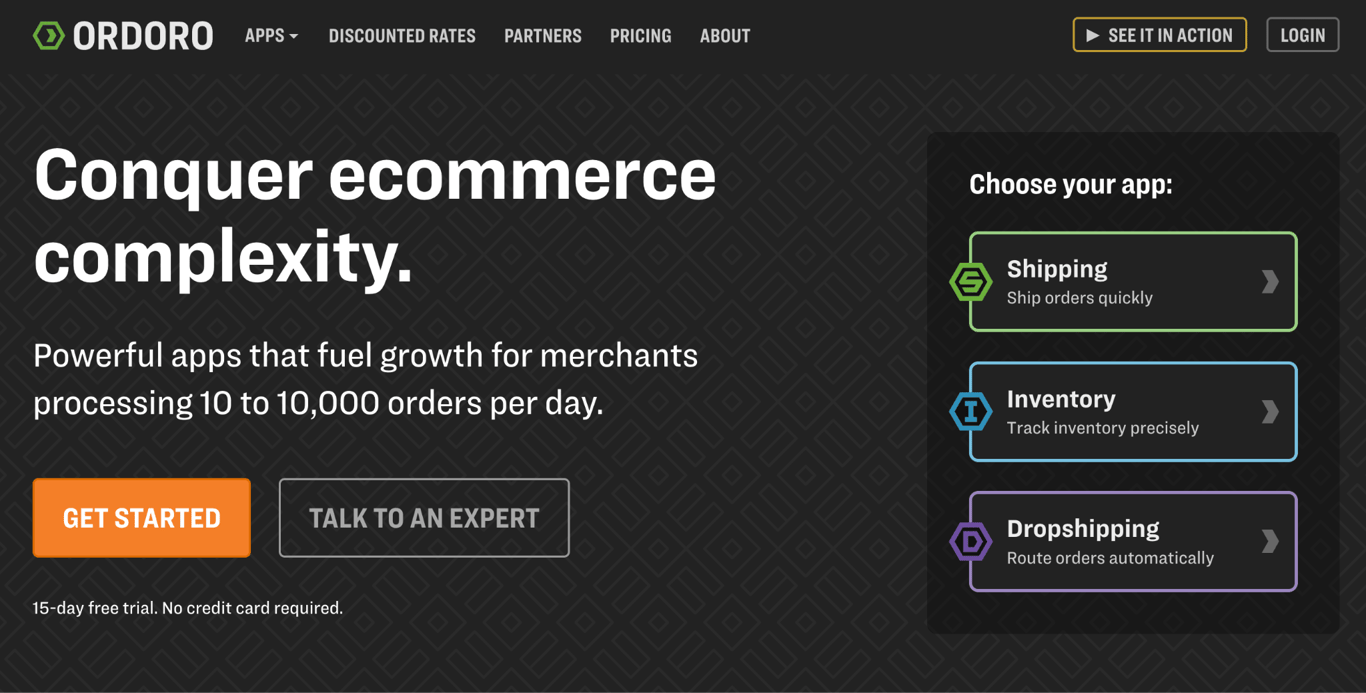
Most ecommerce platforms handle these tasks automatically. For more complex needs, ShipStation or Ordoro add powerful routing and automation features. If you’re on multiple platforms, Rithum syncs everything.
Payment processing and fraud checks
Payment processing is the system that securely moves money from your customer to your bank account.
It involves three key parts: the gateway (what customers see at checkout), the processor (the technology moving the funds), and the security tools that block fraud.
Getting this right is vital because if customers don’t see their preferred payment option, they often abandon their cart. The best providers also include built-in fraud protection, keeping your business safe without extra effort on your part.
Here’s what you need to do:
- Offer multiple payment methods, such as credit cards, PayPal, Apple Pay, and Google Pay at minimum.
- Respond to customer disputes within 24 hours with tracking info to win chargeback claims.
- Keep your chargeback rate under 0.5%.
- Use Stripe or Square since they have straightforward pricing and strong fraud detection.
Picking, packing, and shipping
This is the hands-on process of locating products in your warehouse, preparing them for shipment with proper protection, and getting them to the carrier.
An organized warehouse is one of the easiest ways to protect your profits. It prevents the mix-ups that lead to returns and ensures you aren’t overpaying to ship air in oversized boxes.
By streamlining this process, you can empower your current team to handle more orders without breaking a sweat.
Here’s how to do it well:
- Organize your warehouse by order frequency and put bestsellers closest to the packing station.
- Use wave picking, where you pick 10-20 orders in one warehouse trip, then sort and pack at the station.
- Standardize to 3-4 box sizes and negotiate volume discounts with your shipping carrier.
- Pre-assemble boxes and pre-print common labels during slow periods.
- Take photos of packed orders for high-value items (helps win dispute claims)
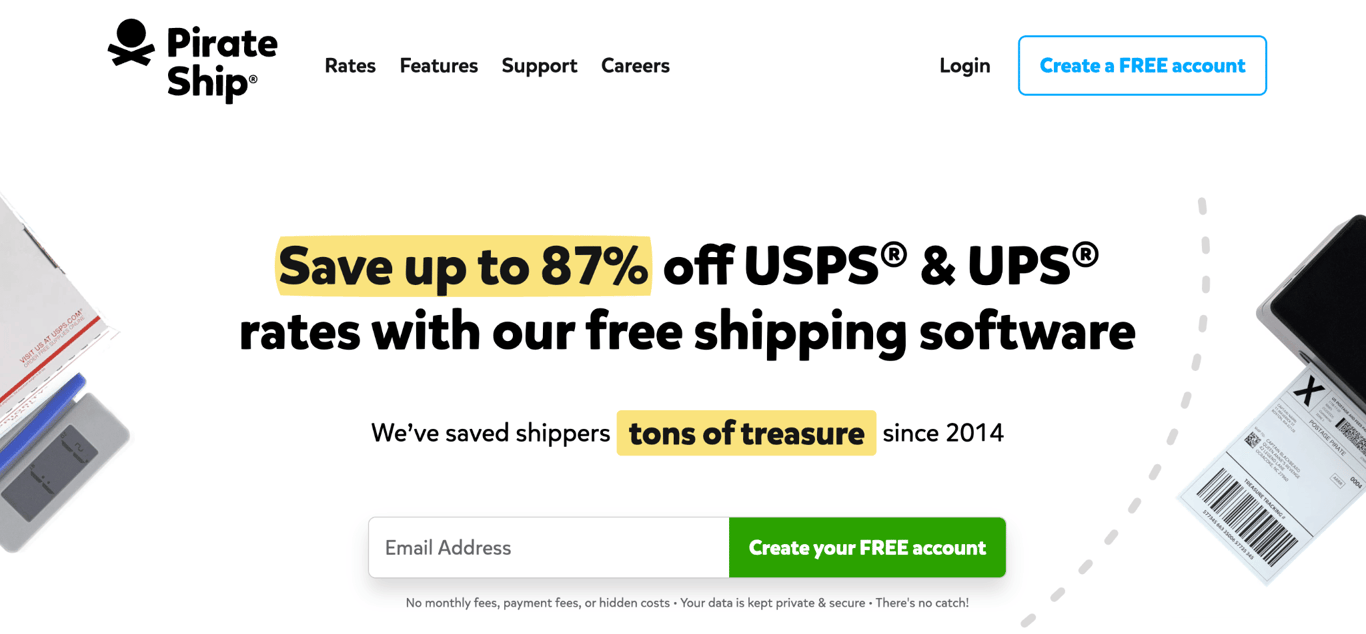
- For shipping labels, Pirate Ship offers commercial rates with no monthly fee. ShipStation saves hours if you’re doing 50+ orders daily.
- For warehouse organization, mobile apps like Sortly help you track bin locations.
- If you’re doing 500+ orders monthly, consider a third-party logistics provider like ShipBob or Fulfillment by Amazon.
Delivery and tracking
Delivery is the carrier’s job of getting the package to the customer’s door. Tracking is your communication system that keeps customers updated on exactly where their package is and when it will arrive.
Proactive tracking updates build trust and significantly reduce support tickets. This directly impacts ecommerce customer experience and repeat purchase rates.
Here’s what you should do:
- Send automated tracking emails at key moments: order confirmed, shipped, out for delivery, and delivered.
- If a shipment is delayed, notify customers before they contact you. Honesty builds more loyalty than perfection.
- For international orders, set clear expectations upfront. For example, let customers know if items typically arrive in 2-3 weeks.
- Offer package protection or shipping insurance for orders over $100
- Use AfterShip or ShipStation to automatically send tracking updates, or Route to provide real-time tracking pages.

Customer service and returns processing
Customer service supports your shoppers before, during, and after the sale. Returns processing manages the flow of items back to your warehouse, covering everything from issuing shipping labels to inspecting and restocking.
It may sound counterintuitive, but making returns easy actually increases sales and builds loyalty.
When customers know they can return something hassle-free, they feel confident enough to complete the purchase, especially when trying a new brand or buying higher-priced items.
Here’s what you should keep in mind:
- Create a self-service returns portal so customers don’t need to email back and forth.
- Offer free returns if your margins allow it. If not, be upfront about return shipping costs.
- Require customers to select a return reason as this provides valuable product feedback.
- Process refunds within 2 business days of receiving the return. This builds trust for future purchases.
- For damaged items, ask for photos before requiring a return. Sometimes a partial refund solves it.
- Track return rates by product and if something comes back regularly, investigate why.
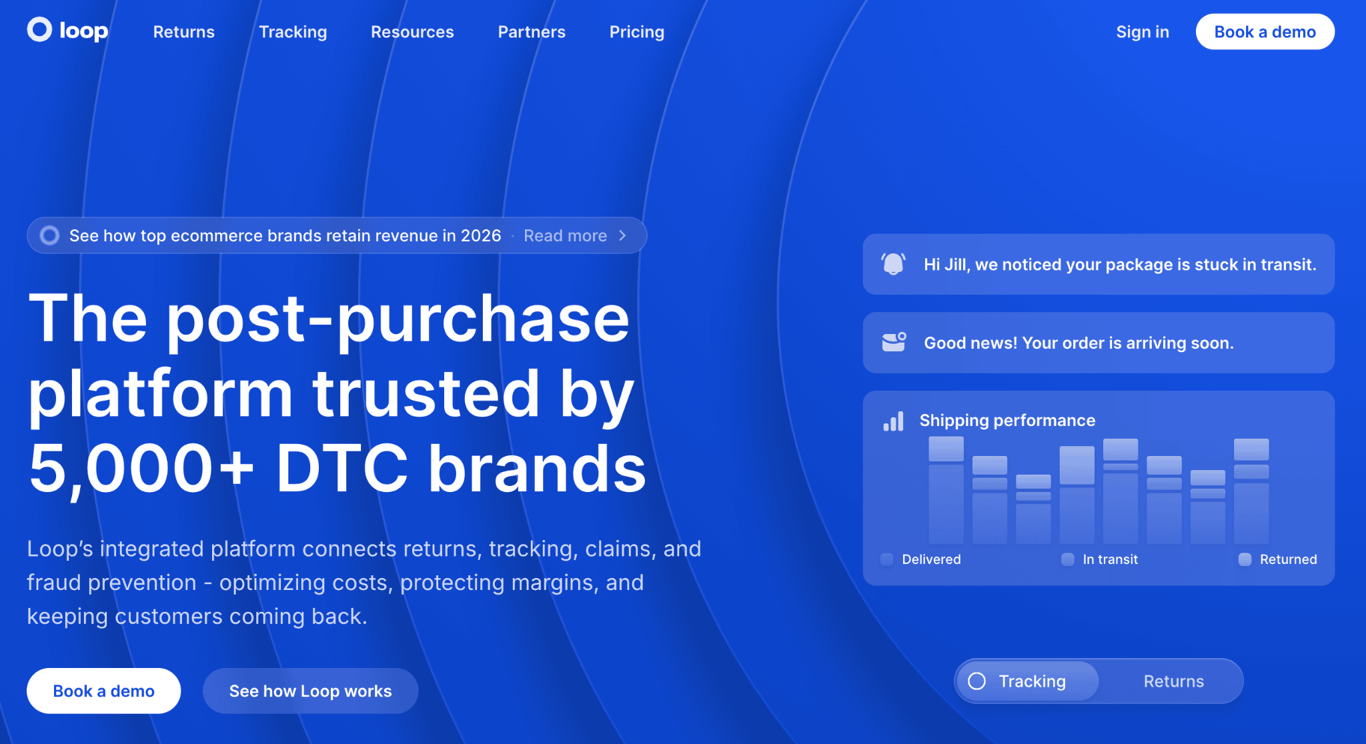
- Tools like Loop Returns and ReturnGo can automate the whole process.
- Start with a simple Google Form if you’re under 20 returns monthly, since the data collection is what matters most.
Data and analytics
Analytics is the practice of collecting and analyzing data from every step of your operations to identify bottlenecks, inefficiencies, and opportunities. It turns your gut feelings into actionable insights backed by real numbers.
Without data, you’re just guessing. You might assume returns are normal, but data shows 40% come from one product with misleading photos.
Analytics helps you prioritize since fixing common issues with returns has way more impact than optimizing your packing tape usage.
Here’s what you should focus on:
- Check vital metrics weekly, including:
- Order cycle time: time from order placed to shipped.
- Inventory turnover: how many times per year you sell through stock.
- Cart abandonment rate: the percentage of customers who add items but don’t buy.
- Return rate by product: which items come back most and why.
- Customer lifetime value: what customers spend over time, not just the first purchase.
- Set up alerts for anomalies, like a sudden spike in returns, inventory dropping to zero, and shipping delays.
- Review your slowest-moving inventory quarterly and discount or liquidate it.
- Use Google Analytics to track website behavior and cart abandonment.
- Monitor your ecommerce platform’s built-in reports for sales and inventory.
Why ecommerce operations matter
Ecommerce operations matter because they decide how much profit you keep, what people think of your brand, and if you can handle growth.
You can have the most effective marketing and the best products, but if customers get the wrong items or wait too long for shipping, they’re not sticking around.
Here’s what efficient ecommerce operations help you do:
- Keep customers. Great operations build trust. When a package arrives on time and is packed with care, you turn a one-time buyer into a repeat customer. It’s the easiest way to earn five-star reviews.
- Save money. Streamlining protects your profit margins. By batching orders and reducing errors, you lower your labor and shipping costs, keeping more revenue in your business where it belongs.
- Grow efficiently. Automation unlocks scalability. Instead of doing everything by hand, automated tools let you handle ten times the order volume during holiday rushes without needing to hire ten times the staff.

Best practices for managing ecommerce operations
Best practices for managing ecommerce operations include optimizing your inventory levels, forecasting demand based on data, and automating repetitive tasks so you can focus on growth.
Here’s where to focus your energy:
- Automate repetitive tasks. Start by automating inventory updates first, then move to automated order routing and tracking notifications. This prevents the nightmare scenario where you sell the same item twice and have to cancel an order. Tools like Sellbrite handle this automatically.
- Optimize your warehouse layout. Arrange your space so bestsellers live closest to the packing station. Use ABC analysis: “A” items (top 20% of sales) get prime real estate near packing, “B” items (middle 30%) go in the mid-zone, and “C” items (bottom 50%) can live farther away. This single change can cut picking time significantly.
- Forecast demand with actual data. Pull your sales history from the past 12-24 months and look for patterns. Do you spike every December? Trend upward in spring? Use this to predict busy seasons and prepare accordingly by hiring temporary staff 3-4 weeks before the rush, or increasing inventory for bestsellers 6-8 weeks out.
- Communicate proactively, especially when things go wrong. If a shipment is delayed, tell the customer before they have to ask. A simple email saying “Your order is running a day behind due to weather, we’ll have it to you by Friday” builds more loyalty than radio silence followed by excuses. Tools like AfterShip can send automated delay notifications.
- Batch similar tasks together. Instead of processing orders one at a time throughout the day, batch them into 2-3 processing windows. Pick all orders together, then pack them all, then print all labels. This “wave picking” approach can double your efficiency because you’re not constantly switching between tasks. The same applies to customer service – answer emails in dedicated blocks rather than constantly checking your inbox.
- Monitor the metrics that actually matter. Focus on 4-5 key numbers you check weekly, such as order cycle time (order to shipment), inventory turnover rate, cart abandonment percentage, return rate by product, and customer acquisition cost versus lifetime value. Set up a simple dashboard you’ll actually look at, not a complex report that sits ignored.
- Build relationships with your suppliers and carriers. Negotiate better rates once you hit volume thresholds, as most carriers offer discounts at 100+ packages per month. Maintain backup suppliers for critical items so you’re never completely stuck. The businesses that survive supply chain disruptions are the ones that have options and relationships, not just the cheapest vendor.
Future trends in ecommerce operations
Future trends in ecommerce operations include AI-driven logistics, affordable warehouse automation, and sustainability practices that customers now expect.
AI in ecommerce now forecasts which products will sell based on weather, trends, and historical data, helping you stock smarter. It optimizes warehouse layouts, suggests where to place items for faster shipping, and handles routine customer service.
Warehouse automation is also becoming more practical for small businesses. You don’t need Amazon’s robot army. Mobile apps guide pickers through optimal routes, automated label printers queue batches, and voice-picking systems keep workers’ hands free.
If volume and budget allows, collaborative robots (cobots) that help with packing can also help reduce labor costs and picking errors.
This push for operational efficiency naturally supports the next big trend: sustainability. Smart brands offer carbon-neutral shipping, biodegradable packaging, and trade-in programs that create new revenue while building loyalty.
The bonus? Sustainable practices often cut costs. Right-sized product packaging reduces shipping charges, optimized delivery routes decrease fuel expenses, and warehouse automation typically cuts energy use significantly.
The businesses thriving are the ones adopting these technologies strategically, focusing on innovations that solve their specific bottlenecks rather than chasing every trend.
This article is a localized version of What are ecommerce operations? A comprehensive guide, originally published in English.

Simon is a dynamic Content Writer who loves helping people transform their creative ideas into thriving businesses. With extensive marketing experience, he constantly strives to connect the right message with the right audience. In his spare time, Simon enjoys long runs, nurturing his chilli plants, and hiking through forests. Follow him on LinkedIn.


Comments
0 responses