8 best small business email hosting providers to build a professional inbox
Sep 15, 2026
/
By Jordana A. & Saulius L.
/
20 min Read
Small business email hosting gives your business a professional address like name@domain.tld, stored and delivered on mail servers run by your email provider, rather than through a free consumer account.
The best small business email hosting providers range from $0.59/mailbox/month (Hostinger Business Email) to $32/user/month (Microsoft 365 Business Premium), differing mainly in storage, security defaults, and whether they bundle a productivity suite.
- Google Workspace: best for cloud-based collaboration. Gmail on your own domain with Docs, Drive, and Meet from $7/user/month on an annual plan.
- Hostinger Business Email: best value for email-only hosting. Custom-domain email with AI tools and built-in authentication from $0.59/mailbox/month billed annually, and it runs standalone – you don’t need to host your website with Hostinger.
- Zoho Mail: best for the Zoho ecosystem. Ad-free email from $1/user/month billed annually, with native connections to Zoho CRM.
- Microsoft 365: best for teams using Office apps. Outlook bundled with Word, Excel, and Teams from $7/user/month paid yearly.
- Proton Mail for Business: best for privacy and encryption. End-to-end encrypted email under Swiss privacy law from $6.99/user/month billed yearly.
- Fastmail: best for a focused, ad-free inbox. Independent email with built-in calendars and contacts from $5/user/month on a 12-month term.
- Titan Email: best for client-facing communication. Read receipts, templates, and follow-up reminders; sold through partner registrars and hosts.
- Tuta: best for budget-friendly encrypted email. Quantum-safe encryption under German jurisdiction from ~$6.90/user/month paid annually.
The right choice comes down to whether you need a full productivity suite, how many mailboxes you will pay for, and whether your industry requires end-to-end encryption.
Provider | Starting price | Renewal price | Storage | Collaboration tools | Security | Migration support | Best for |
Google Workspace | $7/user/month (one-year commitment) | $7/user/month (no promotional entry rate) | 30 GB (Starter), 2 TB (Standard), 5 TB (Plus) pooled per user. | Docs, Sheets, Drive, Meet, Chat, Calendar | SPF, DKIM, DMARC via admin console; 2FA | Data migration tools in admin console | Cloud-based collaboration |
Hostinger Business Email | $0.59/mailbox/month (12-month term, Starter) | $1.59/mailbox/month (12-month term renewal) | 5 GB (Starter), 20 GB (Standard), 50 GB (Premium) per mailbox. | None (email only) | SPF, DKIM, DMARC configured automatically; 2FA | Built-in email, folder, and contact import | Email-only hosting value |
Zoho Mail | $1/user/month (Mail Lite, billed annually) | List price, no promotional rate | 5–10 GB (Lite), 50 GB + 50 GB retention (Premium) per user | Streams, shared inboxes, Zoho suite (paid) | SPF, DKIM, DMARC; 2FA | IMAP/POP migration on paid plans | The Zoho ecosystem |
Microsoft 365 | $7/user/month (Business Basic, paid yearly) | Auto-renews at list price | 100 GB mailbox + 1 TB OneDrive per user | Teams, Word, Excel, PowerPoint, Copilot (Standard+) | SPF, DKIM, DMARC; 2FA; DLP (Premium) | Exchange migration tools | Teams using Office apps |
Proton Mail for Business | $6.99/user/month (Mail Essentials, billed yearly) | List price; yearly billing costs 13% to 20% less than monthly | 15 GB (Essentials), 1 TB (Standard), 3 TB (Premium) per user | Encrypted docs, storage, calendar; meetings on Workspace plans | End-to-end encryption; SPF, DKIM, DMARC; 2FA | Easy Switch import tool | Privacy and encryption |
Fastmail | $5/user/month (Standard, 12-month term) | List price, no promotional rate | 6 GB (Basic), 60 GB (Standard), 150 GB (Professional) per user | Shared calendars, company address book, shared email addresses | SPF, DKIM, DMARC; 2FA | IMAP-based migration | Focused ad-free inbox |
Titan Email | Set by partner (sold through registrars and hosts) | Set by partner | Varies by partner plan | Templates, follow-up reminders, shared calendars | SPF, DKIM, DMARC; 2FA | Email import tool in admin panel | Client-facing communication tools |
Tuta | €6/user/month (Essential, paid annually, excl. taxes) | List price; annual billing costs less than monthly | 50 GB (Essential), 500 GB (Advanced), 1,000 GB (Unlimited) per user | Shared mailboxes, shared encrypted calendars | End-to-end encryption, including subject lines; 2FA | Email import tool on Unlimited plan only | Budget-friendly encrypted email |
1. Google Workspace
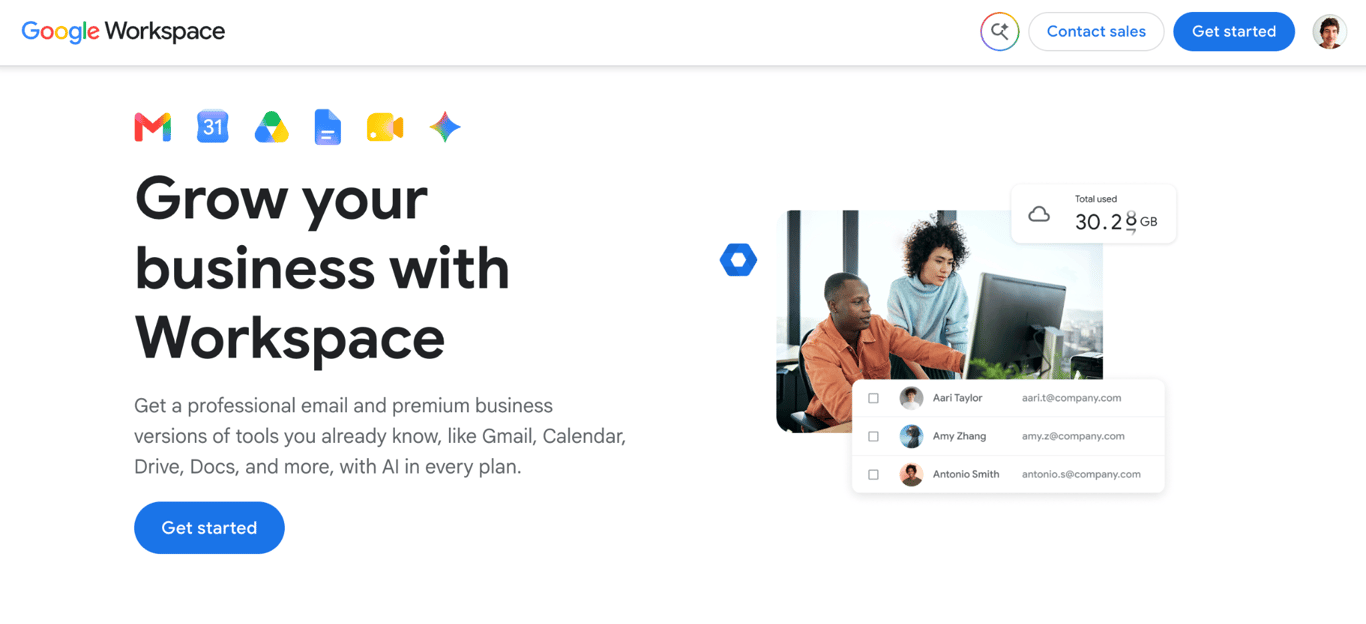
Google Workspace pairs Gmail with a full productivity suite: Docs, Drive, Meet, Calendar, and Chat, all tied to your custom domain. It is best for teams that collaborate in the browser daily and need shared documents, video calls, and cloud storage alongside email.
Google Docs, Sheets, and Slides shared through Gmail or Chat open directly in their native app, and Calendar events can attach Drive files directly.
Google Workspace key features
Every app runs in a browser tab, shares permissions natively, and syncs without a desktop client or extra sign-in.
- Gmail on your custom domain. Gmail’s search operators, filter rules, and spam detection work against your business address instead of a consumer account.
- Integrated productivity suite. Calendar, Drive, Docs, Sheets, Meet, and Chat natively share files and permissions. Google prompts you to grant access when you share a Doc in Chat that recipients can’t yet view.
- Pooled cloud storage. Every user adds 30 GB to a storage pool shared across the organization on Business Starter, rising to 2 TB per user on Business Standard and 5 TB per user on Business Plus.
- Admin console. A single dashboard manages users, devices, permissions, and every app connected to your organization.
- Gemini AI. Google’s AI assistant works in Gmail on every plan, extending to Docs, Meet, other apps on Business Standard and above, as well as the standalone Gemini app for chat.
Google Workspace limitations
Google Workspace is the most capable option in this list, but also the most expensive and the hardest to leave.
- No promotional entry pricing. The $7/user/month rate requires a one-year commitment, and month-to-month flexible billing costs about 16% more.
- Shared storage quota. Business Starter’s pooled storage fills up fast because Gmail, Drive, and Google Photos all pull from the same company-wide pool.
- Difficult to leave. Years of data stored in Google Drive, Docs, and Sheets make switching to another provider difficult in practice.
- No end-to-end encryption on Business plans. Messages are not encrypted in a way that prevents Google from accessing them, and S/MIME encryption sits on the Enterprise tier.
Who is Google Workspace best for?
Remote and collaborative teams that already use Google products get the most out of Google Workspace. These teams depend on shared documents, video calls, and cloud storage running alongside email in the same interface. Solopreneurs who only need a branded inbox will pay for a suite of tools they are unlikely to use.
Google Workspace pricing
Google Workspace charges per user per month with a one-year commitment across three business tiers, each capped at 300 users, plus a custom-priced Enterprise tier.
- Business Starter. $7/user/month; includes Gmail on your domain, 30 GB pooled storage per user, Gemini AI in Gmail, video meetings for 100 participants, and a 14-day free trial.
- Business Standard. $14/user/month; raises storage to 2 TB per user and adds Gemini in Docs and Meet, Gemini Notebook, appointment booking pages, eSignature, and recorded meetings for 150 participants.
- Business Plus. $22/user/month; raises storage to 5 TB per user and adds Vault for retention and eDiscovery, plus meetings for 500 participants with attendance tracking.
2. Hostinger Business Email
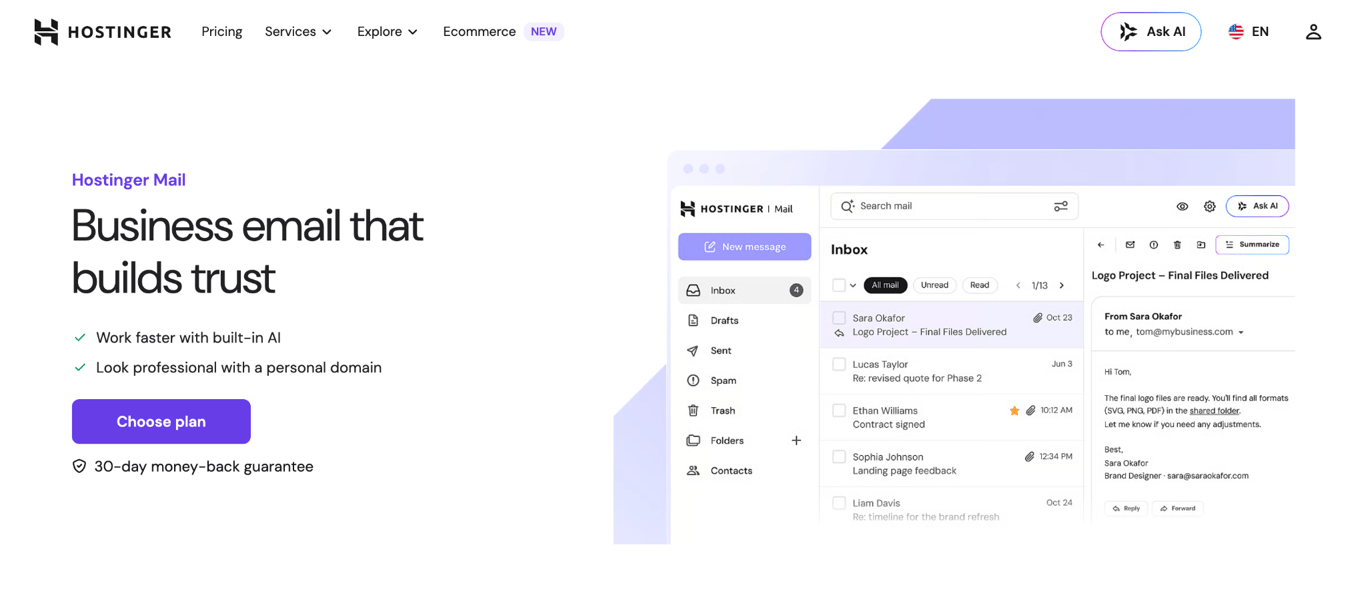
Hostinger Business Email delivers professional custom-domain email with built-in security and AI inbox tools, and its entry plan is the lowest-priced paid option in this list. It is the best-value choice for small businesses that need a credible email presence without a bundled productivity suite, and runs independently of any web host.
It focuses on email delivery, security, and inbox tools, which keeps the price low and setup simple.
Hostinger Business Email key features
Hostinger Business Email is built around reliable delivery, automatic authentication, and AI inbox tools that work without extra configuration.
- Email authentication. SPF, DKIM, and DMARC authentication is configured automatically if your domain uses Hostinger nameservers. If you’re using an external DNS provider, Hostinger dashboard walks you through adding the records manually. Either way, your emails reach inboxes and your domain is protected from spoofing from day one.
- AI inbox tools. Kodee, Hostinger’s AI assistant, writes, replies, summarizes, and searches your email, with unlimited use on the Standard and Premium plans.
- Open and click tracking. Standard and Premium show you who opened your emails, and Premium adds link click and file open tracking, so you know whether a proposal or invoice has been seen.
- Agentic Mail on every plan. AI agents get a dedicated email address with webhook triggers and sender allow/block controls, so automation tools like n8n, Make, or Zapier act the moment an email arrives.
- Storage and sending limits that scale. Storage rises from 5 GB per mailbox on Starter to 20 GB on Standard and 50 GB on Premium, and daily sending limits range from 1,000 emails on Starter to 3,000 on Premium, which covers invoices and updates for most small teams.
- Aliases, forwarding, and catch-all. Every plan includes email aliases (like info@ or sales@), forwarding rules, and a catch-all for mistyped addresses; allowances range from five aliases and five forwarding rules on Starter to 30 and 50 on Premium.
- Third-party client support. The service works via IMAP and SMTP with Outlook, Apple Mail, Thunderbird, and Gmail’s Send mail as feature.
- Email migration. If you move to a different email provider, Hostinger Webmail lets you export your emails in EML, Mbox, or Maildir format, so you leave with your full history intact.
Hostinger Business Email limitations
Hostinger Business Email gives you email and nothing more; most of its limitations stem from that deliberate focus.
- No team collaboration tools. Webmail handles calendar invitations, but there is no shared team calendar, document editing, team inbox, or task manager.
- Basic webmail interface. The webmail client is functional but noticeably less polished than Gmail, Outlook, or Zoho Mail, which matters if you rely on webmail daily.
- No compliance features. Email archiving, data loss prevention (DLP) controls, and advanced compliance tools are not available on any plan.
- Not for regulated industries. Businesses with legal or regulatory requirements around email retention will need a provider that offers archiving and eDiscovery. A freelancer or small team will not miss what’s absent, but a business with compliance obligations will.
Who is Hostinger Business Email best for?
Freelancers, solopreneurs, and early-stage small businesses that need professional email at a low monthly cost will get the most from Hostinger Business Email. The service is a strong fit if you check email through Outlook, Apple Mail, or Thunderbird rather than a browser-based client, or if you already use Hostinger for web hosting and want email in the same account.
It is the lowest-cost option on this list to get a business email with basic authentication tools. It is not the right choice for businesses that need shared calendars, document collaboration, or compliance archiving.
Hostinger Business Email pricing
Hostinger’s Business email plans have three tiers, priced per mailbox per month on a 12-month term, with a 30-day money-back guarantee.
- Starter. $0.59/mailbox/month (promotional rate), renewing at $1.59/mailbox/month; includes 5 GB storage, five aliases, five forwarding rules, a 1,000 emails/day sending limit, and Agentic Mail.
- Standard. $1.39/mailbox/month (promotional rate), renewing at $2.79/mailbox/month; includes 20 GB storage, 10 aliases, 20 forwarding rules, unlimited AI tools, and email open tracking.
- Premium. $2.99/mailbox/month (promotional rate), renewing at $3.99/mailbox/month; includes 50 GB storage, 30 aliases, 50 forwarding rules, link and file open tracking, and a free domain for one year.
Hostinger includes a free one-year email trial with its website hosting plans, so check your hosting account before buying a separate plan.

3. Zoho Mail
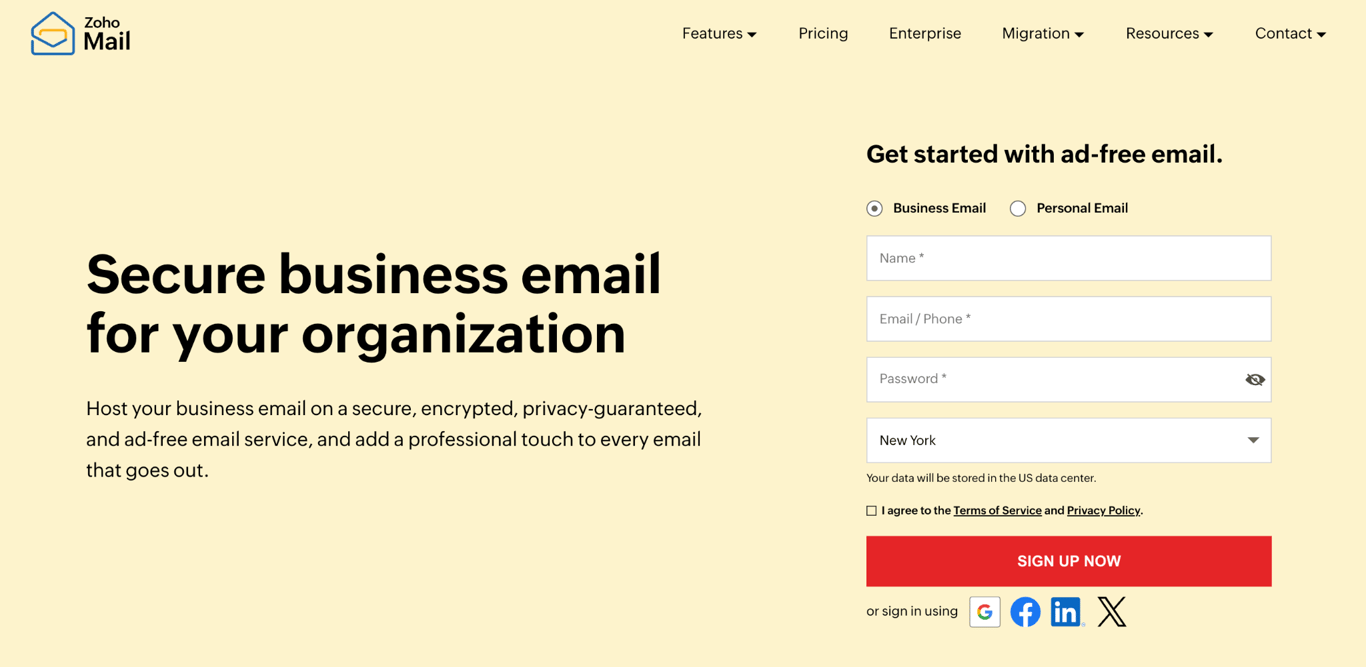
Zoho Mail is a secure, ad-free business email service with the lowest flat price in this list. It is the best choice for businesses that run (or plan to run) on the broader Zoho ecosystem.
The same account connects natively to Zoho CRM, Projects, and Desk, and a parallel line of Workplace plans adds Zoho’s full office suite when you outgrow email alone.
Hostinger and Zoho are both lower-cost options for businesses that don’t need a full productivity suite like Google Workspace or Microsoft 365. The main differences between Hostinger Mail and Zoho Mail come down to storage, inbox features, integrations, AI tools, and support.
Zoho Mail key features
Five features anchor Zoho Mail’s position at the low-cost end of this list.
- Custom-domain email with encryption options. Every paid plan hosts email on your own domain, with encryption at rest and in transit. Mail Premium adds S/MIME message encryption. You can set up Zoho Mail with your existing domain without transferring it.
- IMAP, POP3, and SMTP access. Zoho Mail works with Outlook, Apple Mail, or Thunderbird on every paid tier, and SMTP relay lets third-party tools send through your address.
- Inbox collaboration. Comment on emails, tag teammates, share files, and manage tasks inside the inbox instead of forwarding threads.
- Zoho ecosystem integration. Zoho Mail connects natively to Zoho CRM, Zoho Projects, and Zoho Desk, which saves setup time if your sales or support desk already runs on Zoho.
- Apps and AI on every paid plan. Native iOS and Android apps come alongside the new Trident desktop app, and Zia, Zoho’s AI assistant, is available on all paid tiers.
Zoho Mail limitations
Zoho Mail’s constraints have less to do with features and more to do with how you buy it.
- The free plan is gone. Zoho discontinued the Forever Free Plan it was known for, so five-user teams that relied on it now start at $1/user/month.
- Annual billing only on Mail plans. Mail Lite and Mail Premium have no monthly option, so you pay a year upfront even for a single mailbox.
- A confusing plan lineup. Email-only Mail plans and Workplace suite plans overlap in price, and Workplace Standard costs less than the email-only Mail Premium.
- Learning curve for non-Zoho users. The Zoho ecosystem is deep but unfamiliar to most teams coming from Google or Microsoft, and switching teams need time to adjust.
Who is Zoho Mail best for?
Zoho Mail is a good fit for budget-conscious teams seeking the lowest flat price on this list, as well as for businesses already running Zoho software. Mail Lite includes IMAP access and SMTP relay, which are free for consumer accounts and are gated behind higher tiers for some pricier competitors.
Teams already on Zoho CRM or Zoho Projects get native connections, and the Workplace line offers a suite upgrade path without changing providers.
Zoho Mail pricing
Zoho Mail has four paid tiers billed annually across two lines: Mail plans for email only, and Workplace plans that add Zoho’s office suite, plus a custom-priced Enterprise tier.
- Mail Lite. $1/user/month for 5 GB of mail storage per user, with a 10 GB option; includes IMAP/POP3 access, mobile apps, and SMTP relay.
- Mail Premium. $4/user/month; 50 GB mail storage plus 50 GB retention storage per user, S/MIME message encryption, and mail data loss prevention (beta).
- Workplace Standard. $3/user/month; 30 GB mail storage per user, 100 GB shared file storage per team, and Zoho’s office suite, including Writer, Sheet, Show, Meeting, and Cliq.
- Workplace Professional. $6/user/month; 100 GB mail storage plus 100 GB retention per user and 1 TB shared file storage per team.
Workplace Standard costs less than Mail Premium, so check whether the suite plan covers your needs before paying more for email alone.
4. Microsoft 365
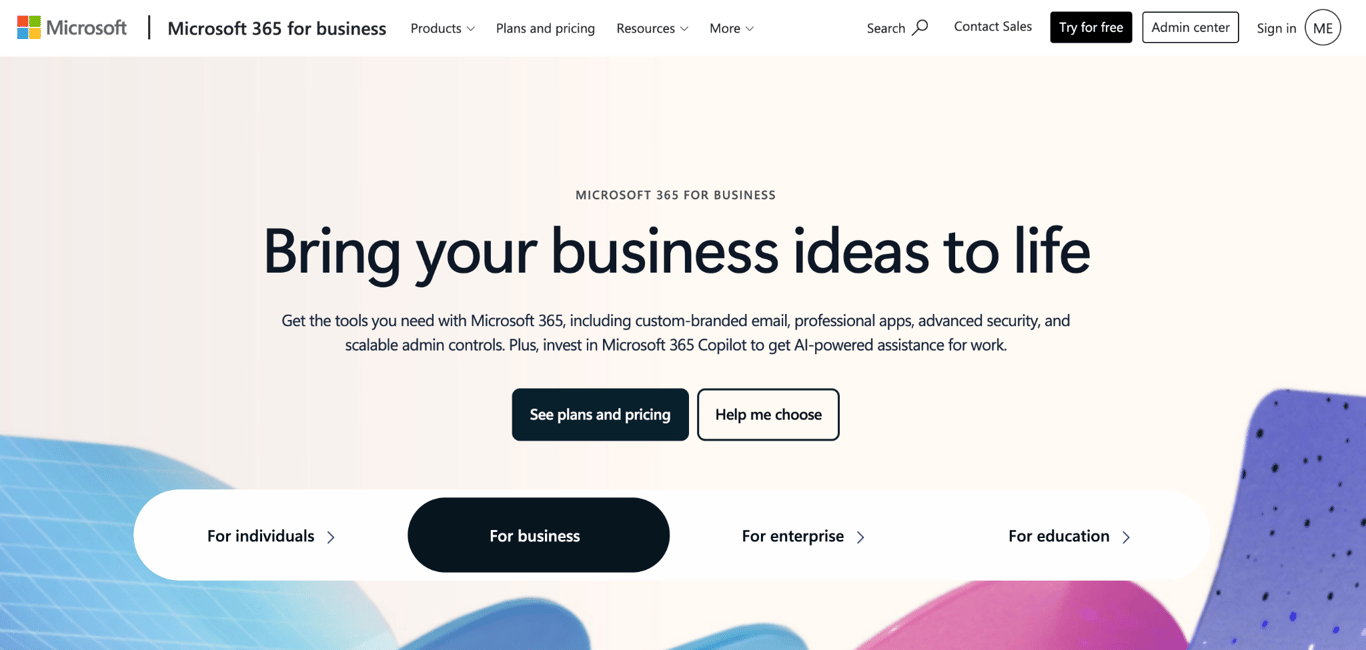
Microsoft 365 bundles Outlook email with the Office suite, including Word, Excel, PowerPoint, Teams, and OneDrive, making it the natural choice for businesses already built around Microsoft tools.
Entry-level plans cover web and mobile access only; higher tiers add desktop installations and Copilot, Microsoft’s AI assistant, which works within those apps. Like Google Workspace, this is a full productivity suite that includes email, not a standalone email service.
Microsoft 365 key features
Six elements define what Microsoft 365 delivers to small business teams.
- Outlook with a 100 GB mailbox. Every plan includes Outlook on web and mobile, with mailbox storage doubled from 50 GB to 100 GB per user, in a rollout that completes in September 2026. The Outlook desktop app requires Business Standard or above.
- Desktop Office apps on Business Standard and above. Word, Excel, PowerPoint, and Outlook are available for download on Windows and Mac, not just as browser-based versions.
- Copilot on the Standard and Premium plans. Microsoft’s AI assistant works inside Word, Excel, PowerPoint, Outlook, and Teams on the “with Copilot” tiers, and even Business Basic includes an AI chat experience with writing assistance and access to agents.
- Microsoft Teams on every plan. Video calls, team chat, screen sharing, and file sharing integrate with Outlook calendar and OneDrive.
- 1 TB OneDrive storage per user. Each user gets personal cloud storage that syncs across devices and connects to Word, Excel, and PowerPoint documents.
- Security and compliance tools on Business Premium. Device security and management, advanced threat protection, and discovery, classification, and protection of sensitive data serve businesses in regulated industries.
Microsoft 365 limitations
Microsoft 365 is priced and built for organizations larger than most small teams, and that shows in both the bill and the daily admin overhead.
- Per-user pricing scales with headcount. Every new employee adds a full subscription.
- Feature-dense interface. The volume of settings, panels, and admin options can overwhelm small teams without IT support.
- No free plan for custom-domain email. Business Basic offers a free trial, but every ongoing plan requires a paid annual subscription that auto-renews.
- More complex setup than email-only providers. Configuring Microsoft 365 for a small business takes more steps than setting up Hostinger Business Email or Fastmail.
Who is Microsoft 365 best for?
Microsoft 365 is well-suited for small businesses running on Word, Excel, and Outlook, and for regulated industries that need built-in security and compliance tools. Bundling desktop Office licenses, email, and Copilot into a single subscription can still cost less than buying each separately.
Teams that already have Office licenses through another channel gain little from paying for them again.
Microsoft 365 pricing
Microsoft 365 charges per user per month, paid yearly, across three business tiers; subscriptions auto-renew, and only Business Basic offers a free trial.
- Business Basic. $7/user/month; web and mobile versions of Word, Excel, PowerPoint, and Outlook; custom business email with a 100 GB mailbox, Teams, 1 TB of cloud storage per user, and spam and malware filtering.
- Business Standard with Copilot. $23.50/user/month; adds desktop Office apps for Windows and Mac, Copilot inside the Office apps, and webinar hosting in Teams.
- Business Premium with Copilot. $32/user/month; adds device security and management, advanced threat protection, and discovery, classification, and protection of sensitive data.
5. Proton Mail for Business
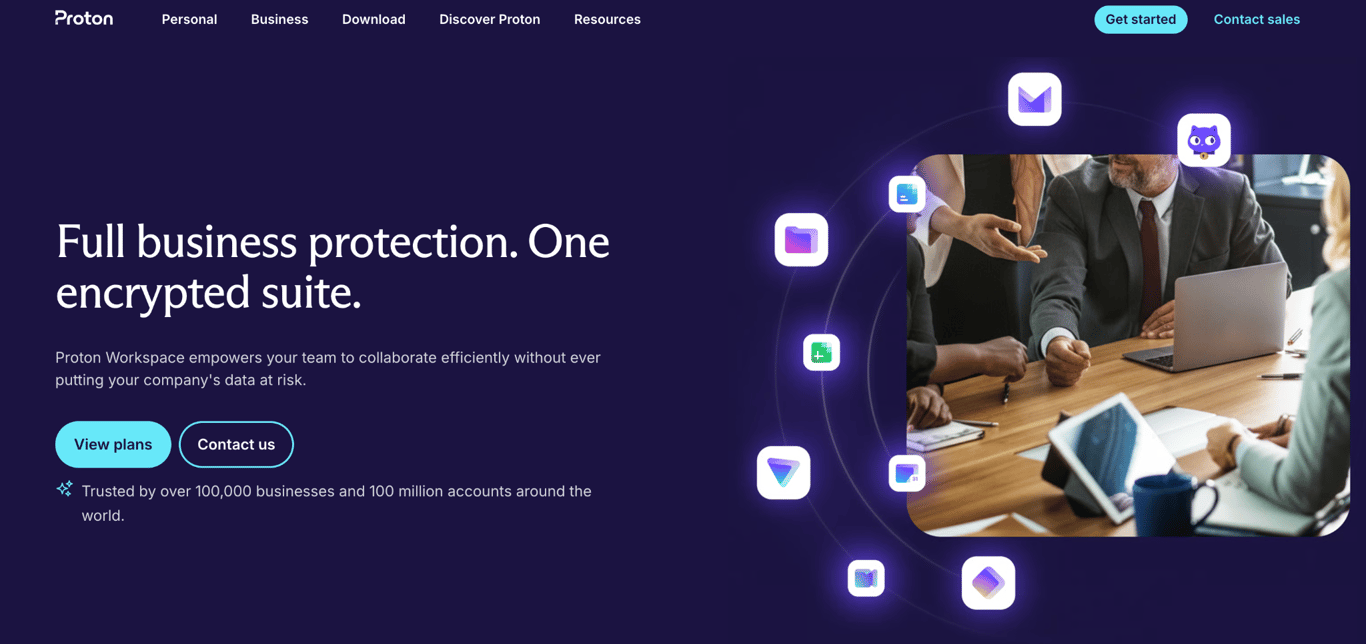
Proton Mail for Business provides end-to-end encrypted email under Swiss privacy law, making it the best choice for businesses that handle sensitive data and need encryption by default. Messages are encrypted before they leave the sender’s device, so Proton cannot read them and neither can anyone who intercepts them in transit.
The Workspace plans have grown into a privacy-first alternative to Google Workspace, bundling encrypted storage, document editing, and video meetings with email.
Proton Mail for Business key features
Proton Mail for Business treats zero-knowledge encryption as the default rather than an add-on, and each feature extends that protection.
- End-to-end encryption. All emails between Proton users are encrypted before leaving the device, so Proton itself cannot access the message content.
- Encrypted email to external recipients. You can send a password-protected, encrypted email to anyone, even if they do not use Proton.
- Automatic tracker blocking. Tracking pixels in incoming emails are blocked automatically, so senders cannot tell when or whether you opened their message.
- Encrypted documents and storage on every plan. Even Mail Essentials includes cloud storage, file sharing, and a document and spreadsheet editor. Workspace plans add video meetings for 100 participants on Standard and 250 on Premium.
- Private AI on Premium. Workspace Premium includes Lumo, Proton’s privacy-focused AI chat, and an email writing assistant.
- VPN and password manager on Workspace plans. Workspace Standard and Premium bundle Proton VPN with an ad-blocker and malware protection, and Proton Pass with team vaults.
Proton Mail for Business limitations
Proton Mail for Business trades convenience for privacy in four places.
- Higher per-user price. The security infrastructure costs more to run, and that cost is passed on: Mail Essentials is the highest-priced email-focused plan in this list.
- Requires Proton Bridge for third-party clients. To use IMAP or SMTP with Outlook, Apple Mail, or Thunderbird, you must install and run the Proton Bridge desktop app, which adds a setup step that most providers skip.
- No free business tier. A 14-day trial is available on the Workspace plans, but there is no ongoing free plan with a custom domain.
- Fewer third-party integrations. Proton connects to far fewer external tools than Google Workspace or Microsoft 365.
Who is Proton Mail for Business best for?
Proton Mail for Business is ideal for lawyers, healthcare providers, financial advisors, and journalists who handle confidential information. For these professionals, encryption has to be the default, and Proton delivers it without any extra steps from the user.
It also suits teams that want to leave Google or Microsoft without giving up the basics of their suites, since the Workspace plans cover storage, documents, and meetings. EU-based businesses benefit from data sovereignty under Swiss privacy law.
Proton Mail for Business pricing
Proton’s business plans are priced per user per month, billed yearly, with monthly billing available at a higher rate and a 14-day free trial on the Workspace plans.
- Mail Essentials. $6.99/user/month; 15 GB storage per user, three custom email domains, encrypted calendar with appointment scheduling, cloud storage, and a document and spreadsheet editor.
- Workspace Standard. $12.99/user/month; 1 TB storage per user, 15 custom email domains, video meetings for 100 participants, Proton VPN, and Proton Pass with team vaults.
- Workspace Premium. $19.99/user/month; 3 TB storage per user, 20 custom email domains, video meetings for 250 participants, Lumo private AI chat, an email writing assistant, and data retention policies.
6. Fastmail
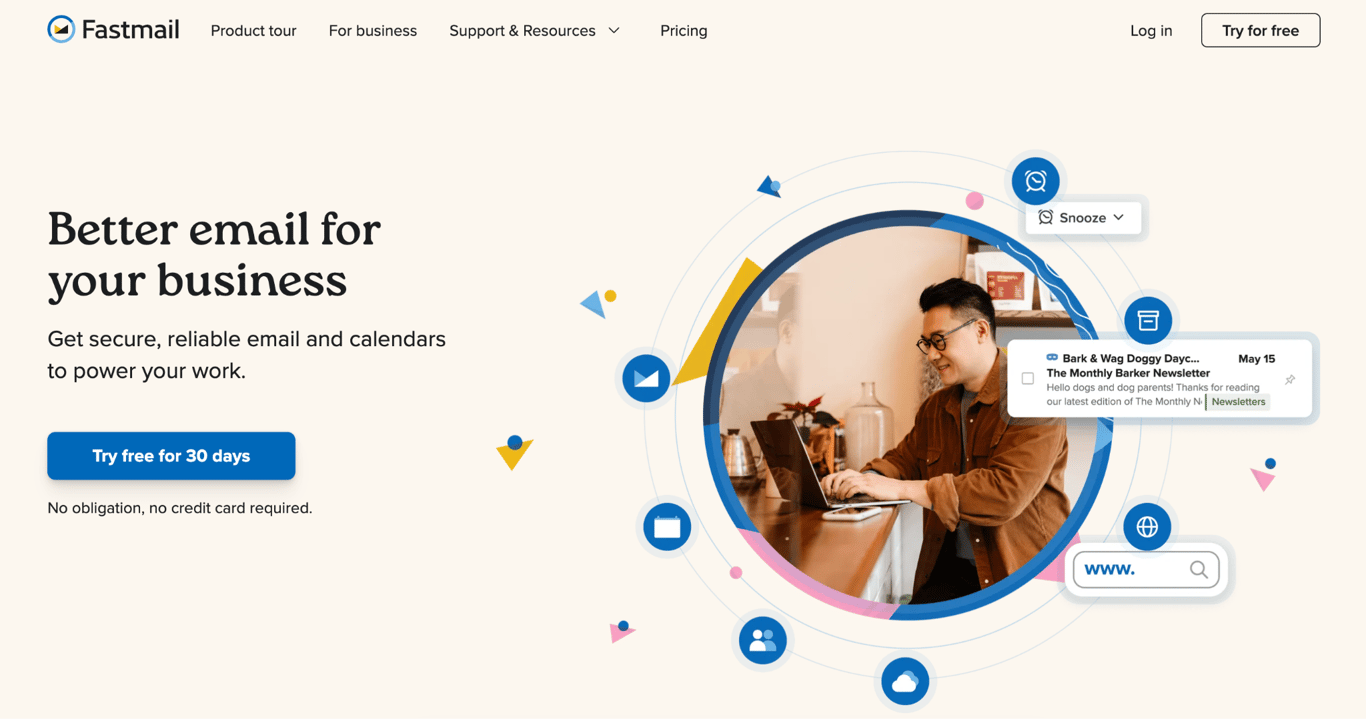
Fastmail is an independent, ad-free email provider that has run its own infrastructure since 1999, offering a fast inbox with strong search and built-in calendar and contact sync. It is best for professionals and small teams who want a focused email service with human support, rather than the bundled complexity of Google Workspace or Microsoft 365.
Fastmail does not end-to-end encrypt your messages, but it does not monetize your email data for advertising either.
Fastmail key features
Fastmail concentrates on email, calendars, and contacts, building every surrounding feature around daily inbox work.
- Custom business addresses on Standard and above. You can use your own domains for addresses like name@domain.tld, with shared addresses like support@domain.tld available on every plan.
- Shared calendars and company address book. All plans include shared calendars you can layer into a custom view, a company-wide address book, and private memos on messages.
- Third-party client support on Standard and above. Fastmail works with Outlook, Apple Mail, and other standard clients, and it is built on JMAP, the modern open protocol Fastmail helped create.
- Inbox controls that respect focus. Scheduled Send, Snooze, and thread muting on Standard and above let you handle email on your own schedule.
- Offline support. You can read, draft, search, and manage calendars and contacts without a connection, and changes sync when you’re back online.
- Email retention on Professional. The top plan adds a retention archive for legal compliance, plus 150 GB of storage per user.
Fastmail limitations
Fastmail stays deliberately narrow, and the gaps that follow are the price of that focus.
- No end-to-end encryption. Privacy is protected by policy, not by technical design. If default encryption is required, Proton Mail for Business or Tuta are alternatives.
- No document collaboration or video conferencing. Fastmail does not bundle any productivity apps beyond calendars, contacts, and shared addresses.
- The Basic plan is not a business email. It excludes custom domains and third-party email clients, so business use effectively starts at the Standard plan.
- No free tier for business use. There is a 30-day free trial on every plan, but no ongoing free plan with a custom domain.
Who is Fastmail best for?
Fastmail suits professionals, consultants, and remote workers who want a fast, focused inbox without bundled tools they will not use. It was built for power users who spend most of their day in email, backed by 24/7 support from real people – a feature many competitors reserve for pricier plans.
Fastmail pricing
Fastmail offers three plans priced per user per month on a 12-month term, each with a 30-day free trial; shorter and longer billing terms change the rate.
- Basic. $3/user/month; 6 GB of storage per user and fastmail.com addresses, without custom domain support.
- Standard. $5/user/month; 60 GB of storage per user, custom domains, third-party client access, Scheduled Send, Snooze, and thread muting.
- Professional. $9/user/month; 150 GB of storage per user and an email retention archive for legal compliance.
7. Titan Email
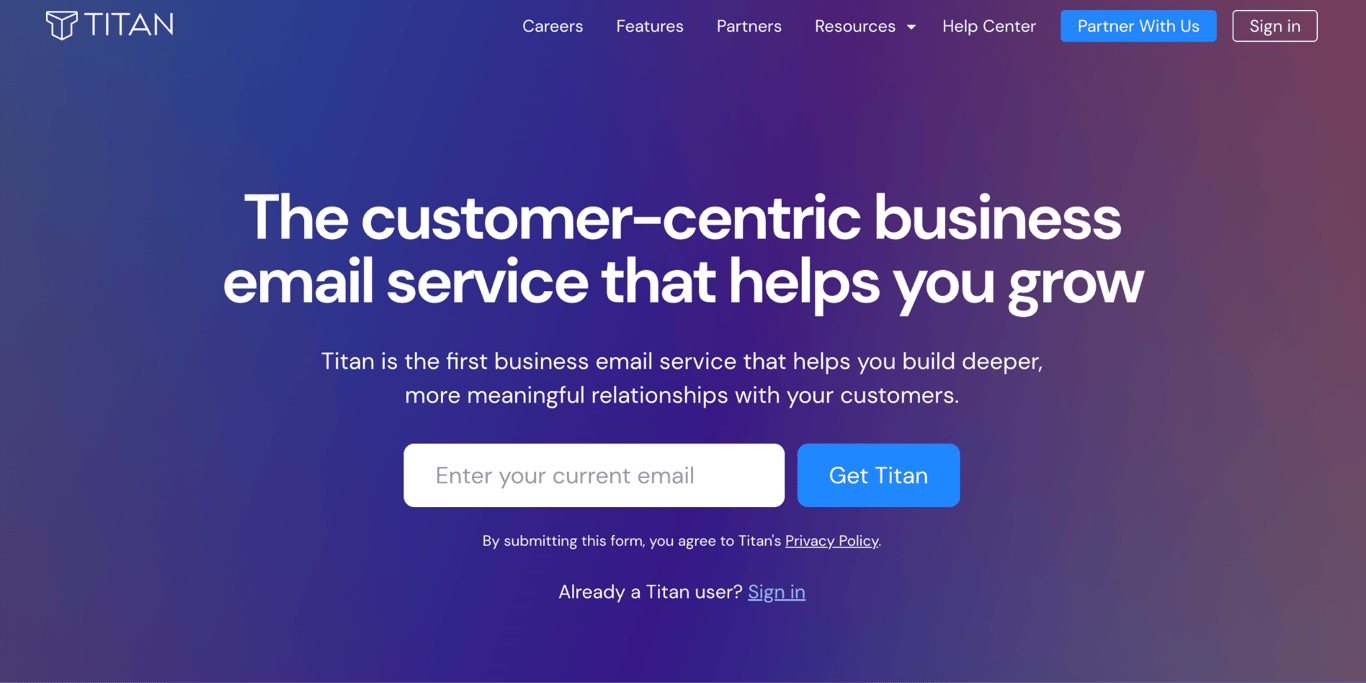
Titan Email is a business email platform sold through web hosting and domain registrar partners rather than directly. It’s built for freelancers, small business owners, and sales professionals who live in client-facing email. Its differentiator is the built-in sales toolkit: read receipts, follow-up reminders, email templates, and scheduled sending – tools that usually require a separate subscription.
If your domain or hosting provider already offers Titan, it integrates with your existing account, with pricing set by that partner.
Titan Email key features
Titan Email builds client communication tools directly into the inbox, rather than relying on third-party add-ons.
- Read receipts. You get notified the moment a recipient opens your email, so you know when a message has actually been read.
- Follow-up reminders. You can set a reminder to nudge you if a specific email does not get a reply within a defined period.
- Email templates. Save your own message formats or start from Titan’s library, which covers categories like sales follow-ups, quote confirmations, and thank-you notes.
- Scheduled send and undo send. You can time emails to land when they’re most likely to be read, and pull one back before it reaches the recipient’s inbox.
- Shareable calendars. Share your calendar with teammates and send invites to clients on Gmail, Outlook, or Apple Mail.
- Apps and admin tools. Titan runs on desktop, Android, and iOS, and admins manage mailboxes, import email data, and set up catch-all and forwarding addresses from one panel.
Titan Email limitations
Titan Email’s constraints stem more from its distribution model than from its inbox.
- Partner-only purchase. You cannot buy Titan directly; pricing, plan tiers, and even which features are included depend on the registrar or host selling it, and your billing relationship is with that partner rather than Titan.
- No productivity suite. Titan does not offer shared document editing or cloud storage, and its calendar tools only handle scheduling and meeting links, not full video conferencing – so it doesn’t replace Google Workspace or Microsoft 365.
- Fewer integrations. Titan connects to fewer third-party tools than Google, Microsoft, or Zoho, and its surrounding ecosystem is smaller.
Who is Titan Email best for?
Titan Email fits freelancers and small agencies that send many client-facing emails and want tracking, reminders, and templates without paying for separate sales tools. A freelance designer who sends proposals and invoices regularly, for example, knows when a client has opened a message without a dedicated tracking subscription.
It is also a natural fit when your domain already sits with a Titan partner like GoDaddy, Bluehost, or Namecheap. It is not the right choice for teams that need document collaboration or a direct vendor relationship.
Titan Email pricing
Titan Email has no single price list: you buy it through Titan’s partner network, and the hosting or domain provider sets the rate, the renewal terms, and which features each tier includes. Check the pricing page of your registrar or host for the exact figures, and compare its renewal rate the same way you would any provider in this list.
8. Tuta
Tuta (formerly Tutanota) is a German encrypted email provider that protects business email with end-to-end, quantum-safe encryption and extends that protection to calendars and contacts. It is the best choice for small businesses that want encryption under German jurisdiction and GDPR governance, with servers hosted in Germany.
Tuta is open source and encrypts more of the mailbox than most other providers, including the address book and the full calendar. The trade-off is that Tuta does not support standard IMAP or SMTP, so it cannot be used with Outlook, Apple Mail, or Thunderbird.
Tuta key features
Tuta encrypts by default across the whole account rather than treating encryption as an email-only feature.
- Quantum-safe end-to-end encryption. Messages are protected with post-quantum cryptography designed to withstand future decryption attacks, and subject lines are encrypted along with the body.
- Password-protected emails to anyone. You can send an encrypted message to recipients outside Tuta, who open it with a password you share separately.
- Encrypted calendar and address book. Scheduling, event invites, and contact data use the same encryption as email, and shared calendars are available on every business plan.
- Shared mailboxes on all plans. Teams can collaborate from a shared email address, and every plan includes 15 to 30 additional email addresses.
- German servers under GDPR. The code is publicly auditable, and data stays in Germany under EU jurisdiction.
- Apps everywhere, online or off. Web, desktop, and mobile apps include offline support, scheduled send, unlimited inbox rules, and unlimited search.
Tuta limitations
Tuta’s limitations start with how you access it.
Tuta only works through its own web, desktop, and mobile apps. Outlook, Apple Mail, Thunderbird, and other IMAP clients cannot connect to it.
- Key tools are reserved for the top plan. The email import tool, email templates, and custom branding are only included with Unlimited, so switching to Tuta on Essential or Advanced means moving mail manually.
- Email and calendar only. There is no document editing, video conferencing, VPN, or cloud storage beyond the mail quota.
- EUR-only pricing, taxes excluded. All plans are billed in euros with taxes added on top, which complicates budgeting for US-based businesses.
- Email-only support on Essential. Priority support requires Advanced or Unlimited.
Who is Tuta best for?
Tuta fits small businesses that need end-to-end encryption with strict EU or German data residency, and teams that want more of the mailbox encrypted than Proton covers, including subject lines and the address book. It’s also a solid pick for teams that want a large storage allowance alongside strong encryption, without paying for a full productivity suite.
If your workflow depends on a desktop email client, pick another provider from this list.
Tuta pricing
Tuta’s business plans are priced in EUR per user per month, paid annually at a discount over monthly billing, with taxes excluded. Shown here are the prices converted to USD at the time of writing.
- Essential. ~$6.90/user/month; 50 GB storage, 15 additional email addresses, three custom domains, unlimited calendars and labels, and email support.
- Advanced. ~$9.20/user/month; 500 GB storage, 30 additional email addresses, 10 custom domains, and priority support.
- Unlimited. ~$13.80/user/month; 1,000 GB storage, unlimited custom domains, the email import tool, email templates, custom branding, and login on your own website.
What are the most important criteria for small business email hosting?
Choosing a small business email hosting provider comes down to six criteria that shape daily workflow, cost, and how your business appears to clients.
- Custom domain email and branding. Your provider should make it simple to set up a custom email domain and configure the DNS records that connect your domain to your inbox. A name@domain.tld address looks more professional than a Gmail or Yahoo address does not.
- Storage and sending limits. Mailbox storage determines how many emails and attachments you can keep before the inbox fills up. Sending limits matter if your business sends invoices, updates, or transactional emails from the same inbox.
- Security and authentication. Look for built-in spam filtering, virus scanning, two-factor authentication (2FA), and automatic SPF, DKIM, and DMARC authentication records. SPF, DKIM, and DMARC are DNS records that verify your domain and help your messages reach inboxes instead of spam folders.
- Collaboration and productivity tools. Some providers bundle calendars, cloud storage, document editors, and video calls with email; others offer email only. A full productivity suite is worth paying for only if your team will use those extra tools.
- Pricing and scalability. Compare the starting price, the renewal price, and the per-user cost based on the number of users you expect to have in 12 months.
- Migration and client compatibility. Switching providers is easier when the new host supports IMAP and POP3 protocols for third-party clients and offers an import tool for existing emails. Email hosting and web hosting are separate services, so you can change email providers without moving your website.
Pro tip
Promotional prices apply to the first term only. Check the renewal rate before committing, especially on multi-year contracts.
How to choose small business email hosting for your team
The right provider depends on three factors: whether you need a productivity suite, how many mailboxes you will pay for, and whether your industry requires end-to-end encryption.
The comparison becomes simpler once you know how email hosting works: the provider stores, secures, and delivers your email, while features like cloud storage, document editors, video meetings, and AI assistants are optional extras.
Start with what you actually need from email. If your team collaborates on documents and joins daily video calls, Google Workspace or Microsoft 365 bundles everything into a single subscription.
Entry-level plans from Google and Microsoft both cost $7/user/month annually, less than buying email and productivity tools separately. You can also use Gmail with your own domain through Google Workspace, which keeps your branded email address while giving you the full suite of features.
If your team only needs professional inboxes with a custom domain, an email-only provider like Hostinger Business Email or Fastmail cuts the bill to $0.59-$5/mailbox/month under their standard terms. You skip paying for tools you will not use.
A solo founder on Zoho Mail Lite at $1/user/month barely notices the cost. A 20-person team on Google Workspace Business Starter at $7/user/month spends $1,680/year on email alone. Run the math for your current headcount and your expected headcount in 12 months.
Privacy narrows the field fast. If your industry handles medical, legal, or financial data, Proton Mail for Business and Tuta offer end-to-end encryption that Google and Microsoft do not.
Your situation | Best fit |
Need email only, no suite | Hostinger Business Email, Fastmail |
Need a full productivity suite | Google Workspace, Microsoft 365 |
One to five mailboxes, lowest cost | Hostinger Business Email, Zoho Mail Lite |
10+ mailboxes, need admin controls | Google Workspace, Microsoft 365 |
End-to-end encryption required | Proton Mail for Business, Tuta |
Budget under $2/mailbox/month | Hostinger Business Email, Zoho Mail Lite |
Must use Outlook or Apple Mail | Google Workspace, Microsoft 365, Fastmail, Hostinger Business Email, Zoho Mail |
What small business email hosting looks like for the next few years
Renewal pricing and AI features are the two forces most likely to reshape small business email hosting over the next few years.
AI is also moving from a premium add-on to a standard inbox feature. Hostinger Business Email includes unlimited AI tools on its Standard and Premium plans. Google Workspace ships Gemini AI across all plans. Microsoft folded Copilot into its Business Standard and Premium plan names.
Even privacy-first Proton now bundles Lumo, its private AI chat, on Workspace Premium. Tuta is investing in quantum-safe encryption instead, betting that privacy rather than AI will define its corner of the market.
The direction is toward AI-assisted email management becoming the baseline expectation, which will likely shift purchasing decisions toward providers that integrate AI well rather than those that simply offer large mailboxes.
Re-run the suite-versus-email-only comparison whenever your headcount changes or you add a productivity tool with its own subscription. At that point, the math often shifts in favor of a bundled plan.

Jordana is a Senior Content Writer with a background in Information Systems. She has over five years of experience in WordPress and is casually dabbling with PHP and MySQL. Her passion for writing and technology drives her to create tutorials for anyone wanting to build their online presence. Follow her on LinkedIn.

As VP of Product at Hostinger, Saulius oversees Web Hosting Platform & Tools, Managed WordPress, and WebPro Experience. Saulius enjoys observing users through their daily life activities, looking for problems to solve, and building products that make users more efficient online, help them spend more time on the things they love, and leave all the rest for technology to solve. Follow him on LinkedIn.