How to use tmux for terminal multitasking
A terminal multiplexer, or tmux, is a command-line tool that lets you manage multiple terminal sessions in a single window. With tmux, you can split...

What is the Linux tail command? how to use it with the head command?
The tail command in Linux prints the last N lines of a given file. By default, it shows the last 10 lines. When used with multiple files, tail...
How to use the tar command in Linux
The tar command in Linux simplifies file management by enabling efficient archiving and compression.Originally designed for tape archives, it has...
How to use the Linux cat command
The cat command is one of the most useful commands in Linux – it is used for displaying, combining, and manipulating text files.Its versatility...
How to create and remove Linux symlinks for files and directories
A symbolic link, or symlink, is a special file type in Linux that points to another file or directory. Similar to Windows shortcuts, symlinks provide...
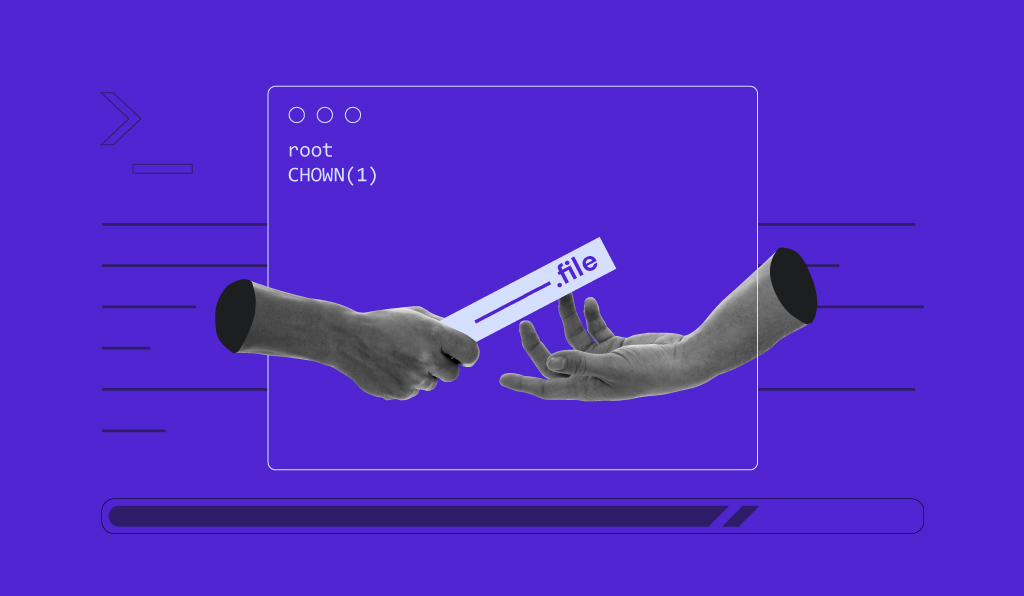
How to use the chown command in Linux
The chown command in Linux is used to change the owner and/or group of files and directories. Managing ownership is a fundamental aspect of Linux...
What is the cURL command? understanding the syntax, options, and examples
The curl command (client URL) is a command-line tool for transferring data to or from a server. At its simplest, you specify a URL and the data to...

How to use the Linux rsync command to streamline remote file synchronization
Copying files from one device to another can be a cumbersome task. Fortunately, you can simplify this process on Linux using the rsync command.rsync,...

How to set up a VPS in 6 steps
Setting up a VPS means preparing your server, connecting to it via SSH, updating the system, creating a safer user account, securing remote access,...
What is the wget command and how to use it (12 examples included)
This guide teaches you how to use the wget command on Linux. It provides 12 examples of wget commands in action to help you use them. Once...