9 best WordPress hosting to launch your website
Sep 15, 2026
/
By Leonardus N. & Marco C.
/
16 min Read
WordPress hosting is web hosting built and optimized specifically for WordPress websites, delivering faster performance, automatic updates, and managed security compared to general-purpose hosting plans. The best option depends on your budget, technical comfort, and site requirements.
Shared managed hosting suits beginners and small businesses well, offering pre-installed WordPress, automatic updates, and bundled security at predictable monthly rates. Cloud-based and premium managed options give developers and agencies more control over infrastructure, isolated containers, and resources that scale with traffic.
The 9 providers below cover both ends of that range:
- Hostinger. A WordPress.org-recommended managed host with LiteSpeed servers, AI tools on mid and top-tier plans, and a custom-built control panel for beginners and developers alike.
- SiteGround. A Google Cloud-powered WordPress host with an AI agent, in-house performance and security plugins, and award-winning 24/7 support.
- DreamHost. A beginner-friendly WordPress host with pre-installed WordPress, a free handcrafted starter site, and a managed DreamPress tier for growing sites.
- Bluehost. A WordPress hosting provider officially recommended since 2005, with staging, WP-CLI, Yoast SEO, and an AI site builder included on all plans.
- Cloudways. A managed cloud hosting platform running on DigitalOcean, Vultr, Linode, AWS, or Google Cloud, with unlimited sites and no traffic caps.
- HostGator. A WordPress host with unmetered bandwidth, AI-powered malware removal, and scalable vCPU allocation across all plans.
- Kinsta. A premium managed WordPress host on Google Cloud across 27 data centers, with enterprise security and a flexible billing model.
- IONOS. A budget-friendly WordPress host with a free domain, email, AI content tools, and a personal consultant included on all plans.
- GoDaddy. A managed WordPress host with daily backups, full malware removal, Patchstack vulnerability mitigation, and AI site tools on all plans.
1. Hostinger
Hostinger Stats:
- Best for: All types of users and businesses
- Price: Starting at ₦3,990.00/month
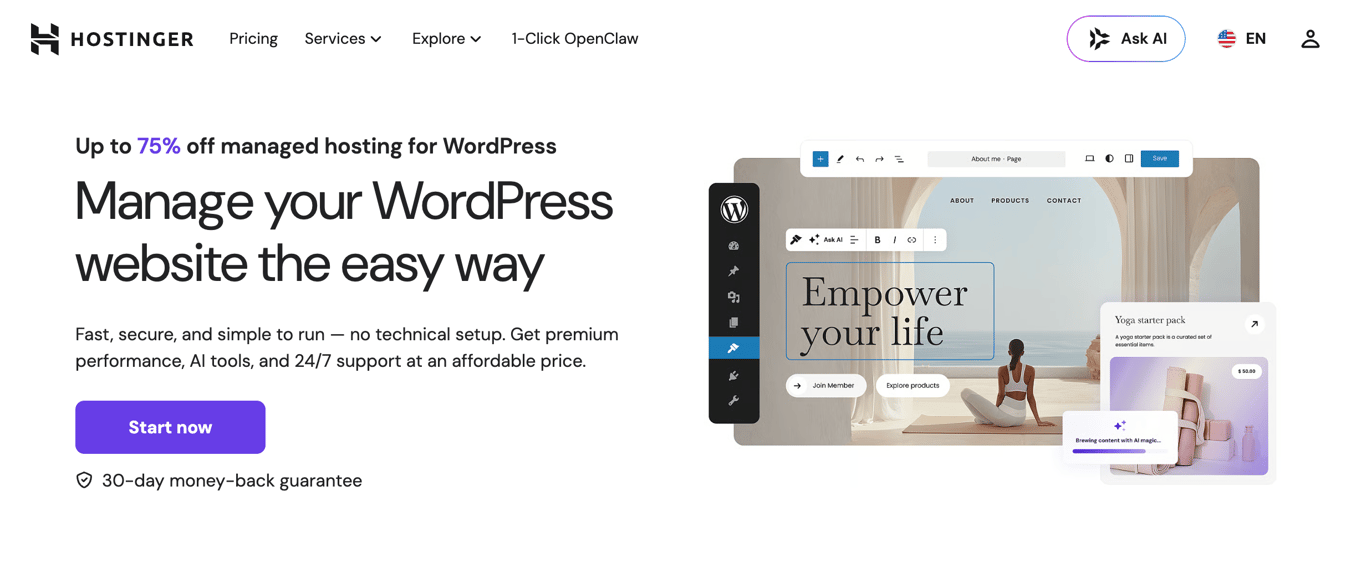
Hostinger is a managed WordPress hosting provider officially recommended by WordPress.org and built for speed, simplicity, and value.
All managed hosting for WordPress plans include one-click installation, free site migration, automatic updates, and WooCommerce optimization; everything is managed through Hostinger dashboard, Hostinger’s custom-built control panel.
Performance runs on LiteSpeed Web Server with smart caching and code minification, delivering up to a 40% speed boost. A built-in content delivery network (CDN), available on Business + AI and above, reduces latency globally. All plans are backed by a 99.9% uptime guarantee and 24/7 multilingual support via live chat and email.
Developers get WP-CLI, SSH access, Git integration, and PHP version control on all plans. The Business + AI and Cloud Startup + AI plans add Hostinger Agent, Hostinger’s AI agent for WordPress, which handles site tasks (such as publishing content, managing WooCommerce products, and configuring settings) through a simple chat interface.
The WordPress staging tool, available on Business + AI and above, lets you test changes safely before pushing them live.
Hostinger’s key features:
- AI Agent for WordPress (Hostinger Agent). Available on Business + AI and Cloud Startup + AI plans. Manages site tasks through chat – no technical input required.
- AI website builder. Builds complete WordPress sites in under a minute using Elementor or Gutenberg. Available on Business + AI and above.
- AI WordPress troubleshooter. Detects and fixes errors automatically, resolving 70% of common issues within minutes. Available on Business + AI and above.
- Hostinger dashboard control panel. Hostinger’s custom interface for managing domains, databases, FTP accounts, and site settings in one place.
- Developer toolkit. WP-CLI, SSH access, Git integration, and PHP version control included on all plans.
- Automated backups. Weekly backups on Premium; daily and on-demand backups on Business + AI and Cloud Startup + AI.
- Security suite. DDoS protection, WAF, automatic malware removal, free SSL, and WHOIS privacy protection across all plans.
- Hostinger Reach integration. Sync WordPress subscribers to Hostinger’s AI-powered email marketing tool directly from Gutenberg, Contact Form 7, or WPForms. Free for one year on all plans.
Hostinger pros:
- Starting price of ₦3,990.00/month with a free domain, SSL, and unlimited migrations included.
- AI tools included at no extra cost on Business + AI and Cloud Startup + AI plans.
- Suitable for beginners and developers, with no technical setup required to launch.
- WordPress.org-recommended host.
Hostinger cons:
- AI tools (Hostinger Agent, AI builder, AI troubleshooter) not available on the entry-level Premium plan.
- Renewal prices are significantly higher: Premium renews at $10.99/month, Business + AI at $16.99/month, Cloud Startup + AI at $25.99/month.
- Maximum of 100 websites on the top-tier plan, which may not suit large agencies.

2. SiteGround
SiteGround Stats:
- Best for: Businesses, ecommerce stores, and agencies
- Price: Starting at $2.99/month
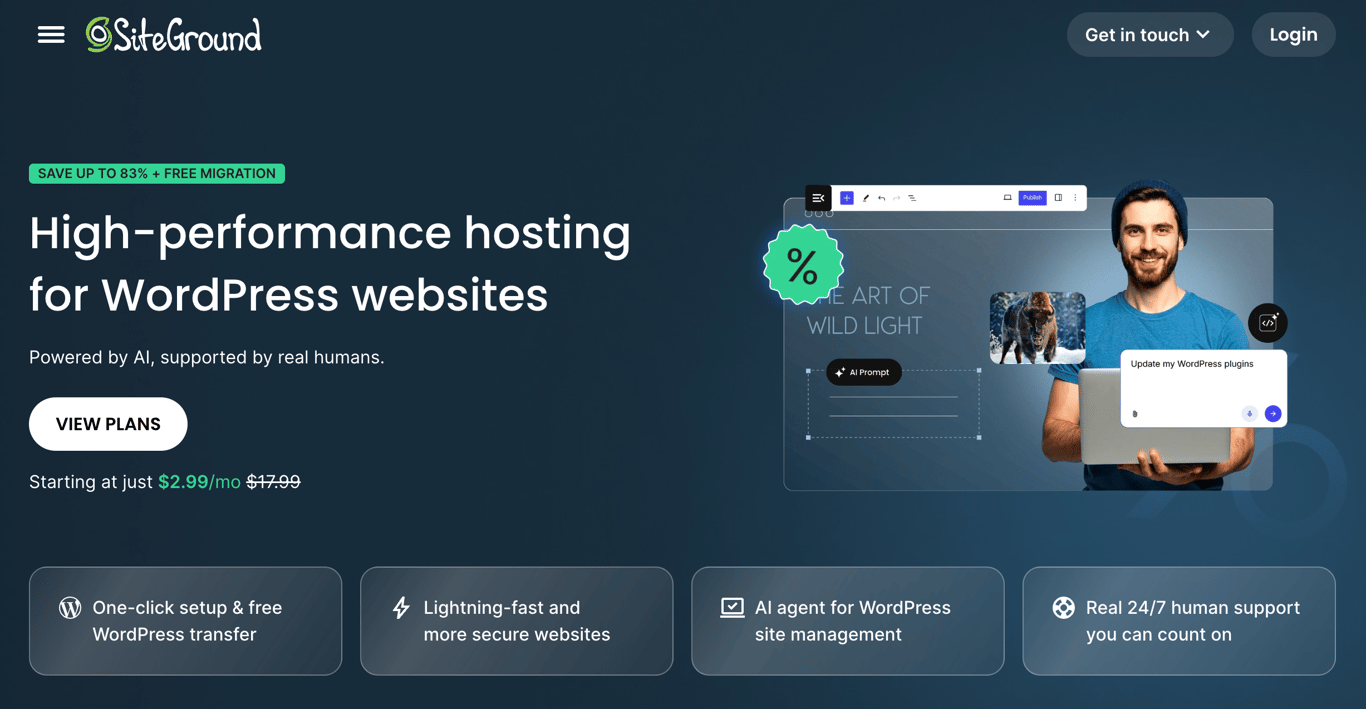
SiteGround is a WordPress hosting provider built on Google Cloud infrastructure, with a strong reputation for the quality of its support and WordPress-specific tooling.
All plans include a free domain, free SSL, CDN, daily backups, free email, WP-CLI, SSH access, and an AI agent for WordPress, making even the entry-level StartUp plan a capable option for small sites.
The platform runs its own custom Site Tools control panel rather than cPanel, with a clean interface and dedicated WordPress management tools. All plans also include the Speed Optimizer and Security Optimizer WordPress plugins, both developed in-house by SiteGround.
For agencies and developers, the GrowBig plan adds staging and on-demand backups, while GoGeek goes further with Git integration, private DNS, white-label access, and priority support, making it the strongest option for client work.
SiteGround’s key features
- AI agent for WordPress. Included on all plans. Manages your WordPress site through a chat interface, with access to multiple LLMs, including ChatGPT, Claude, and Gemini, via SiteGround’s AI Studio.
- Speed Optimizer plugin. In-house WordPress plugin included on all plans to boost site performance with multilevel caching, image optimization, and lazy loading.
- Security Optimizer plugin. In-house WordPress plugin with login protection, HTTPS enforcement, and advanced security headers — included on all plans.
- Collaboration tools. Add team members or clients to manage specific sites, transfer sites between accounts, or grant dashboard access — available on all plans.
- Staging environment. One-click staging available on GrowBig and above. GoGeek adds Git integration for version-controlled deployments.
- White-label access. GoGeek plan lets you give clients access to Site Tools without exposing SiteGround branding — useful for agencies.
- Google Cloud infrastructure. All plans run on Google Cloud with a globally distributed CDN, backed by a 99.9% uptime guarantee.
- Daily geo-distributed backups. Automatic daily backups stored at a separate location from your site, included on all plans. On-demand backups available on GrowBig and above.
SiteGround pros
- AI agent and access to multiple LLMs included on all plans, including the entry-level StartUp.
- Strong WordPress tooling out of the box — Speed Optimizer, Security Optimizer, staging, and WP-CLI all included.
- White-label client access on GoGeek makes it a solid choice for agencies.
- 99.9% uptime guarantee backed by Google Cloud infrastructure.
- Award-winning 24/7 support with a documented 98% customer satisfaction rate.
SiteGround’s cons
- No free domain privacy on any plan; it’s listed as a separate add-on.
- StartUp plan limits you to one website, which rules it out for multi-site projects.
- Renewal prices are steep: StartUp jumps from $2.99/month to $17.99/month, GrowBig from $4.99 to $29.99, and GoGeek from $7.99 to $44.99.
3. DreamHost
DreamHost Stats:
- Best for: beginners and budget-conscious users
- Price: starting at $2.89/month
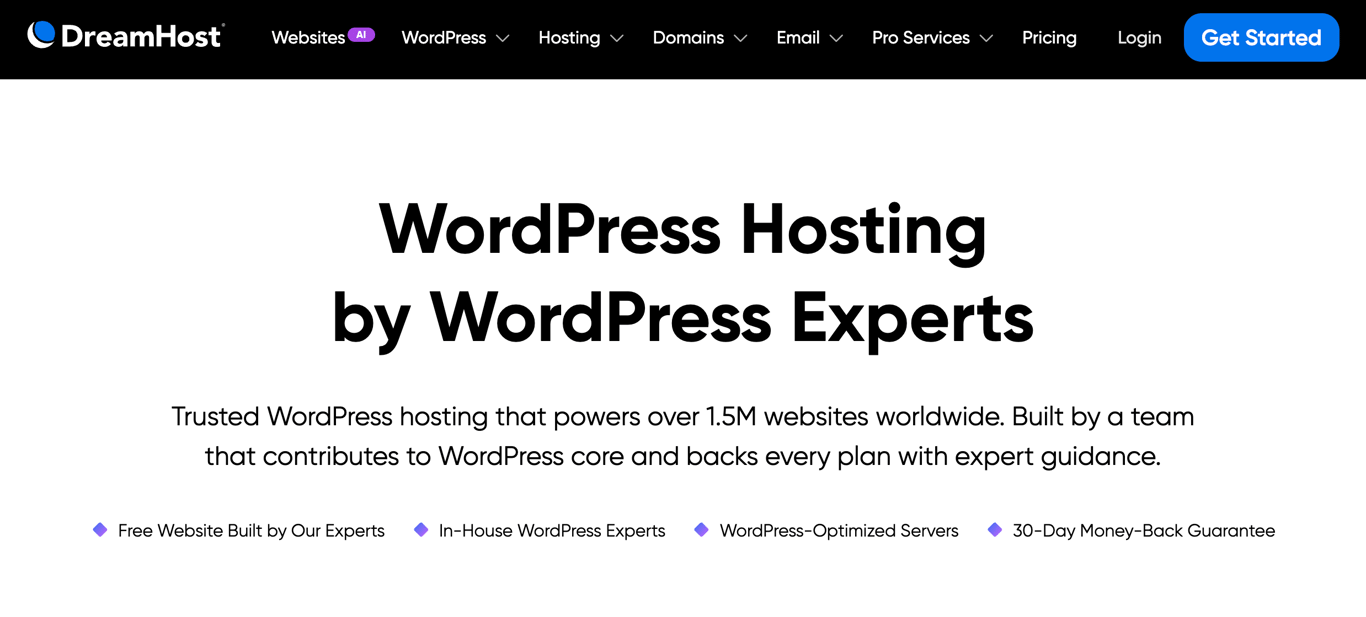
DreamHost is a WordPress hosting provider known for affordable pricing, beginner-friendly setup, and solid performance. Plans start at $2.89/month and include a free domain, daily automated backups, unmetered bandwidth, unlimited free SSL certificates, and a free handcrafted starter website built by DreamHost’s team.
All plans come with WordPress pre-installed, so you skip the installer entirely and land directly in your WordPress dashboard. DreamHost runs a custom control panel instead of cPanel, with a clean layout covering domains, email, security, and add-ons in one place.
For users who need more power, DreamPress is DreamHost’s managed WordPress tier, starting at $14.99/month. It runs on a redundant high-availability architecture with a multi-layer caching stack (Nginx and Redis), one-click staging, on-demand backups, and 24/7 support from WordPress core contributors.
DreamHost’s key features
- Free handcrafted starter website. DreamHost’s team builds a basic starter site for you on all plans, giving beginners a head start without needing design skills.
- WordPress pre-installed. All plans come with WordPress ready to go. No installation steps required.
- Daily automated backups. Included on all WordPress hosting plans, with 14-day backup retention on DreamPress plans.
- DreamPress managed tier. Starting at $14.99/month, DreamPress adds high-availability architecture, Nginx and Redis caching, one-click staging, and professional site migrations.
- Custom control panel. DreamHost’s in-house panel covers all site management needs without the complexity of cPanel.
- Unmetered bandwidth. All plans support unmetered traffic, with monthly visit caps depending on plan tier: 40k on Launch, 200k on Growth, and 400k on Scale.
- 24/7 U.S.-based support. In-house support team with WordPress core contributors on staff, available via live chat and email.
DreamHost pros
- Affordable entry price at $2.89/month with a free domain and daily backups included.
- WordPress comes pre-installed on all plans, no setup required.
- Free handcrafted starter website is a genuine differentiator for beginners.
- DreamPress offers a capable managed tier for growing sites, starting at $14.99/month.
- 30-day money-back guarantee on all plans.
DreamHost cons
- Malware scanning (DreamShield) is a paid add-on at $3/month per site, not included on any plan.
- Email is only free for 3 months on WordPress Hosting plans; ongoing email costs extra after the trial.
- Data centers are limited to the US, which affects performance for visitors in Asia, Australia, and other regions without CDN enabled.
- Monthly visit caps on WordPress Hosting plans (40k on Launch, 200k on Growth) may require upgrades for higher-traffic sites.
4. Bluehost
Bluehost Stats:
- Best for: beginners and ecommerce websites
- Price: starting at $4.99/month
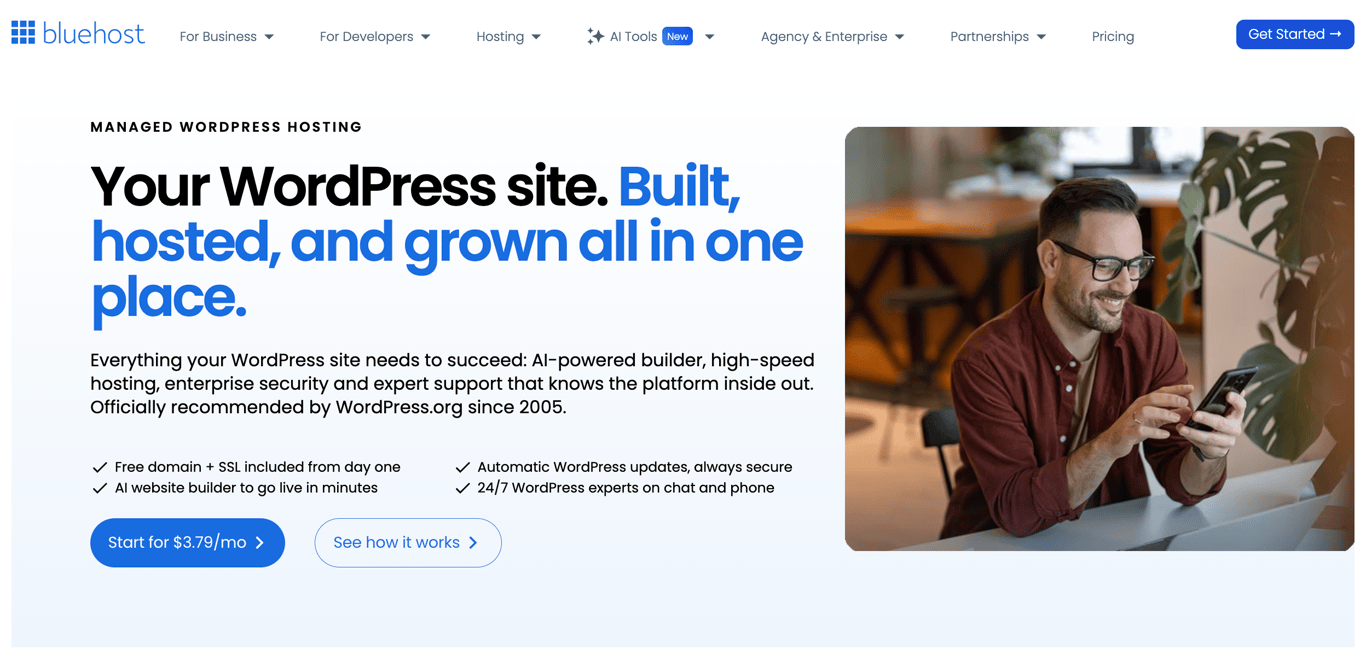
Bluehost is a WordPress hosting provider officially recommended by WordPress.org since 2005, built for users who want a complete setup out of the box.
All plans include a free domain, free SSL, free CDN, AI site creation tools, Yoast SEO pre-installed, managed WordPress updates, staging, SSH, WP-CLI, and 24/7 support, backed by a 99.99% uptime SLA.
The platform runs on NVMe SSD storage with static content caching, object caching, and a global network of data centers. Bluehost reports an average load time of 0.35 seconds, backed by independent testing from WPShout.
For online stores, the eCommerce Essentials plan at $15.99/month adds WooCommerce auto-install, secure payment processing, product subscriptions, visitor memberships, paid courses, an affiliate program, and custom email templates.
Bluehost’s key features
- AI site creation tools. Generates a complete WordPress site, including pages, images, content, and SEO setup, in under 60 seconds. Included on all plans.
- Yoast SEO pre-installed. All plans include the Yoast SEO free plugin with AI-powered keyword recommendations and real-time on-page scoring.
- Managed WordPress updates. Core, theme, and plugin updates are automatically tested and applied across all plans.
- Staging environment. One-click staging is included on all plans for safely testing changes before pushing live.
- AI-powered malware detection and removal. Available on Business and eCommerce Essentials plans. Starter includes free malware scanning only.
- eCommerce Essentials plan. Starting at $15.99/month, includes WooCommerce auto-install, secure payments, product subscriptions, memberships, paid courses, and an affiliate program.
- 24/7 WordPress support. Available via live chat on all plans. Phone support is included on Business and eCommerce Essentials plans only.
Bluehost pros
- Comprehensive feature set on all plans: staging, SSH, WP-CLI, caching, CDN, and Yoast SEO included from the entry level.
- AI site builder generates a full WordPress site in under 60 seconds.
- eCommerce Essentials plan bundles WooCommerce with memberships, subscriptions, and paid courses in one plan.
- WordPress.org recommended since 2005.
- 99.99% uptime SLA with redundant server clusters and automatic failover.
Bluehost cons
- The starting price of $4.99/month is higher than most competitors at the entry level.
- AI-powered malware detection and removal are only available on Business and above; Starter gets scanning only.
- Domain privacy is free for the first year on Business and above; not included on Starter.
- Phone support is excluded from the Starter plan.
- Renewal prices are significantly higher: Starter renews at $11.99/month, Business at $15.99/month, and eCommerce Essentials at $23.99/month.
5. Cloudways
Cloudways Stats:
- Best for: developers, agencies, and growing businesses
- Price: starting at $14/month
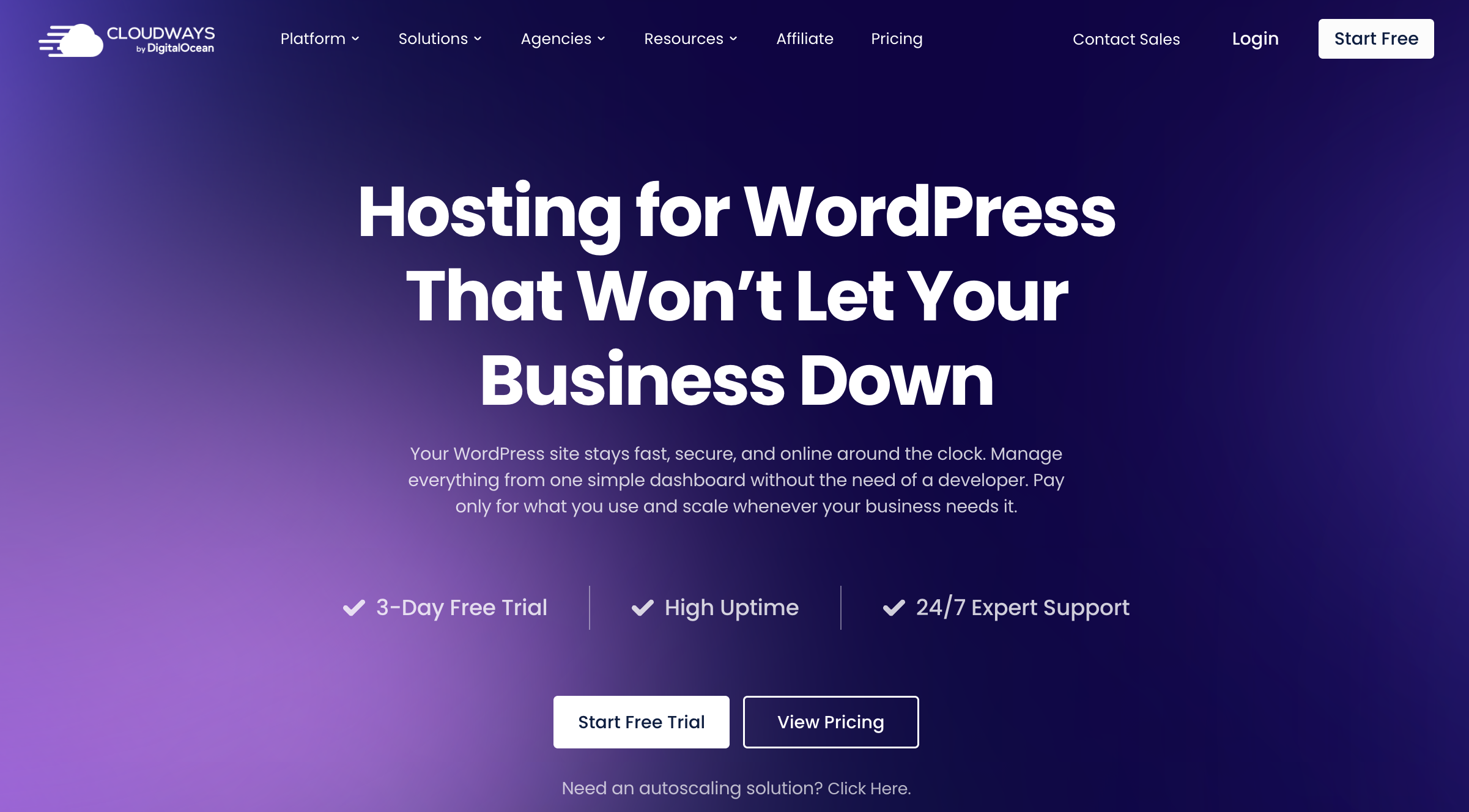
Cloudways is a managed cloud hosting platform that sits between you and your choice of cloud infrastructure provider. Instead of fixed shared hosting plans, you pick a cloud provider (DigitalOcean, Vultr, Linode, AWS, or Google Cloud), a server type, and the resources you need.
Cloudways handles the managed layer: WordPress setup, security, caching, backups, staging, and support. You pay only for what you use, with no long-term contracts.
Entry-level servers start at $14/month on DigitalOcean or Linode (1GB RAM, 1 vCPU, 25GB NVMe storage, 1TB bandwidth). Every plan supports unlimited websites and unlimited visits on a single server. Pricing scales with server size and provider: AWS and Google Cloud servers have higher base costs due to their underlying infrastructure pricing.
Cloudways also offers a separate product called Cloudways Autonomous, a fully managed autoscaling tier built specifically for high-traffic ecommerce and LMS sites that need to handle thousands of concurrent users without manual intervention.
Cloudways’ key features
- Choice of cloud provider. Run your WordPress site on DigitalOcean, Vultr, Linode, AWS, or Google Cloud. Switch providers or scale server resources at any time without migrating manually.
- Lightning Stack. Cloudways’ optimized server stack combines NGINX, Apache, MySQL/MariaDB, and PHP-FPM to handle high-volume traffic. Included on all plans.
- Free Object Cache Pro and Redis Cache. Included on all plans at no extra cost, worth $195/month combined if purchased separately.
- Free advanced staging and cloning. One-click staging environments and server cloning are included on all plans.
- AI Copilot. 5 free AI Copilot credits included on every plan for assisted site management and troubleshooting.
- WordPress vulnerability scanner. Built-in scanner included on all plans to detect plugin and theme security issues before they cause problems.
- Cloudways Autonomous. A fully managed autoscaling tier for high-traffic sites that scales up automatically during traffic spikes and scales back down when traffic drops.
- 3-day free trial. Available on all Flexible plans with no credit card required.
Cloudways pros
- Unlimited websites and visits on a single server, regardless of plan size.
- Free Object Cache Pro and Redis Cache are included on all plans, features that most hosts charge extra for.
- Full flexibility to choose your cloud provider and scale server resources without migrating your site.
- No long-term contracts; billing is monthly or hourly.
- 3-day free trial with no credit card required.
Cloudways cons
- Pricing is more complex than traditional hosting; costs vary by cloud provider, server type, and resource allocation.
- No free domain or email hosting included on any plan.
- Offsite backup storage costs extra at $0.033/GB per server per month.
- Cloudflare CDN is an add-on, not included by default.
- Requires more technical comfort than beginner-friendly shared hosting providers.
6. HostGator
HostGator Stats:
- Best for: larger websites
- Price: starting at $4.50/month
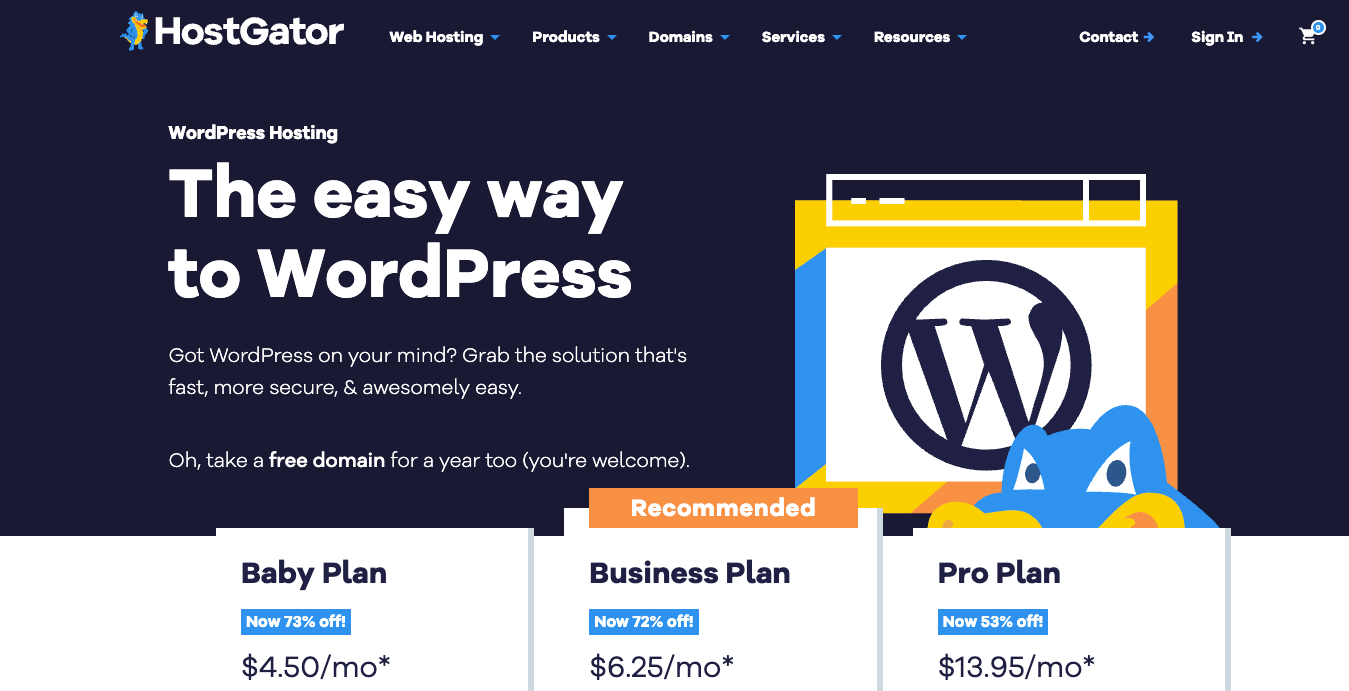
HostGator is a WordPress hosting provider with a straightforward setup and WordPress pre-installed on all plans. Plans start at $4.50/month and include unmetered bandwidth, a free domain for the first year, free SSL, Cloudflare CDN, malware scanning, and AI-powered malware detection and removal.
All plans include phone and chat support around the clock. Performance scales with the plan tier: the Baby Plan includes 2 vCPUs, Business includes 3, and the Pro Plan tops out at 5 vCPUs, making it the strongest option for high-traffic or resource-intensive sites.
Weekly website backups are included on Business and Pro plans. Domain privacy is free for the first year on Business and Pro plans only.
HostGator’s key features
- WordPress pre-installed. All plans come with WordPress ready to go on a simplified control panel.
- Unmetered bandwidth. All plans support unmetered traffic, suitable for content-heavy or high-traffic sites.
- AI-powered malware detection and removal. Included on all plans alongside daily malware scanning.
- Cloudflare CDN. Included on all plans to improve load times globally.
- Scalable vCPU allocation. Baby Plan includes 2 vCPUs, Business includes 3, and Pro includes 5, giving a clear performance path as your site grows.
- 24/7 phone and chat support. Available on all plans at no extra cost.
HostGator pros
- AI-powered malware detection and removal are included on all plans, not just higher tiers.
- Unmetered bandwidth on all plans handles traffic spikes at no additional cost.
- vCPU scaling gives a clear upgrade path for growing sites.
- 24/7 phone and chat support are included from the entry level.
HostGator cons
- Site migration is a paid service on all plans; no free migration included.
- Storage uses standard SSD rather than NVMe, which puts it behind most competitors in this list.
- Weekly backups are only available on Business and Pro plans; Baby Plan does not include backups.
- Renewal prices are steep: Baby renews at $16.49/month, Business at $21.99/month, and Pro at $29.69/month.
- No staging environment on any plan.
7. Kinsta
Kinsta Stats:
- Best for: high-traffic websites, enterprises, and agencies
- Price: starting at $30/month
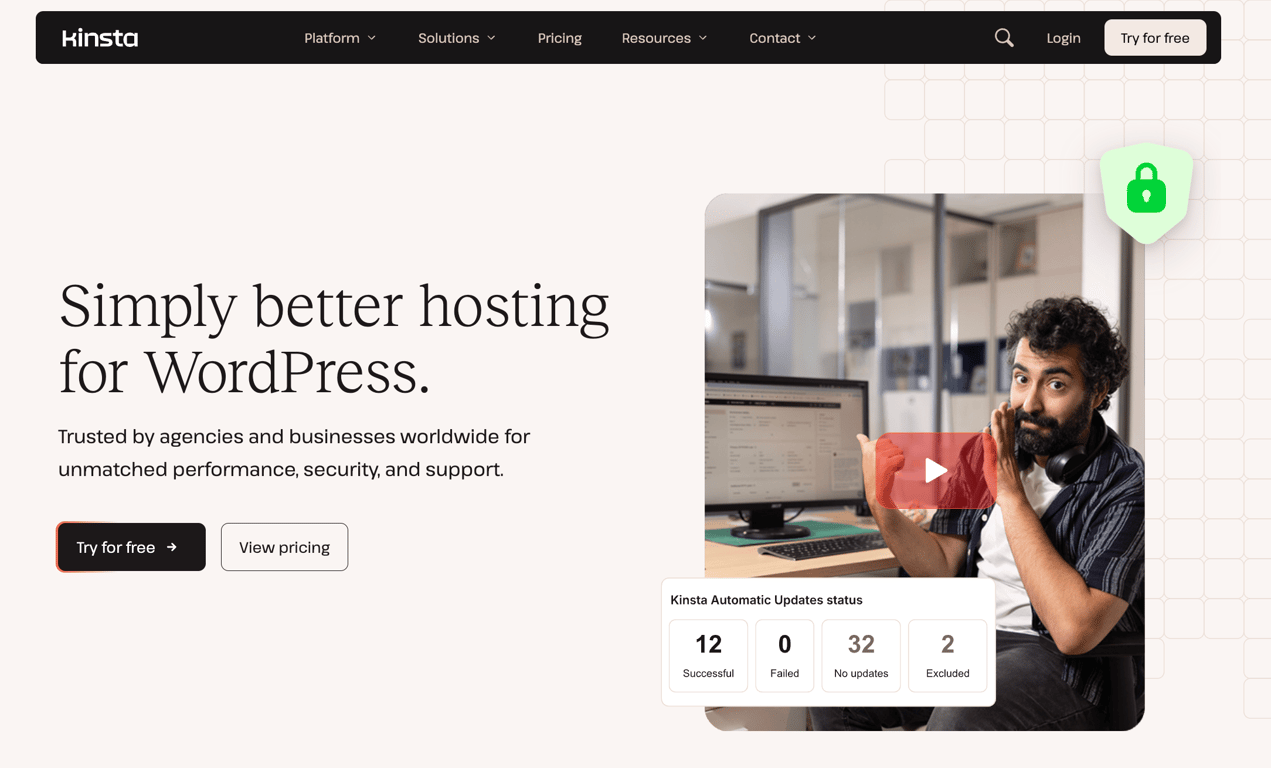
Kinsta is a premium managed WordPress hosting provider running exclusively on Google Cloud infrastructure across 27 data centers worldwide.
Plans start at $30/month with the first month free, and every plan includes unlimited free migrations, free malware removal, a built-in CDN, WAF with DDoS protection, daily automatic backups with 14-day retention, and 24/7 expert support.
Kinsta bills based on either bandwidth or visits, depending on your preference, giving more flexibility than fixed resource plans. The Single 20GB plan covers one WordPress installation with 10 GB of storage, 20 GB of server bandwidth, and 125 GB of CDN bandwidth.
Multi-site plans start at $59/month (WP 2) and scale up to WP 40 and beyond, with agency plans starting at $284/month on an annual billing plan.
For agencies, Kinsta includes an unbranded WordPress admin experience, listing in the Agency Directory, access to account management, and up to $10,000 in hosting credits for eligible agencies.
Kinsta’s key features
- MyKinsta dashboard. A unified control panel for managing all sites, staging environments, analytics, user permissions, and bulk actions in one place.
- Built-in APM tool. Identifies and visualizes performance bottlenecks across all plans, helping you troubleshoot slow queries and plugin conflicts without third-party tools.
- Flexible billing model. Plans can be billed based on bandwidth or visits, letting you choose the model that fits your traffic patterns.
- Kinsta Automatic Updates. An optional add-on at $3/environment/month that runs plugin and theme updates with visual regression testing, and automatically restores a backup if anything breaks.
- Enterprise security and compliance. All plans include a fully managed WAF, Cloudflare DDoS protection, free malware removal, SAML SSO, and SOC 2 Type II and ISO 27001 certifications.
- Flexible add-ons. Expand storage at $20/month per 20 GB, add premium staging environments at $20/month per environment, or increase backup frequency to every 6 hours ($20/site/month) or every hour ($100/site/month).
- Up to 99.99% uptime SLA. Backed by Google Cloud infrastructure with isolated containers for each site.
Kinsta pros
- First month free on Single and WP 2 plans, with no long-term contract required.
- Unlimited free migrations handled by Kinsta’s team on all plans.
- Enterprise-grade security with SOC 2 Type II, ISO 27001, WAF, and free malware removal included at no extra cost.
- Flexible billing by bandwidth or visits suits a range of traffic patterns.
- The agency plan includes an unbranded WordPress admin and up to $10,000 in hosting credits.
Kinsta cons
- The starting price of $30/month is significantly higher than most providers in this list.
- Storage is limited on entry plans: 10 GB on Single, 20 GB on WP 2. Additional storage costs $20/month per 20 GB.
- Bandwidth and visit limits apply to all plans; exceeding them incurs overage fees.
- No email hosting included on any plan.
- Kinsta Automatic Updates, premium staging, and higher backup frequency all cost extra.
8. IONOS
IONOS Stats:
- Best for: beginners and small businesses
- Price: starting at $1/month
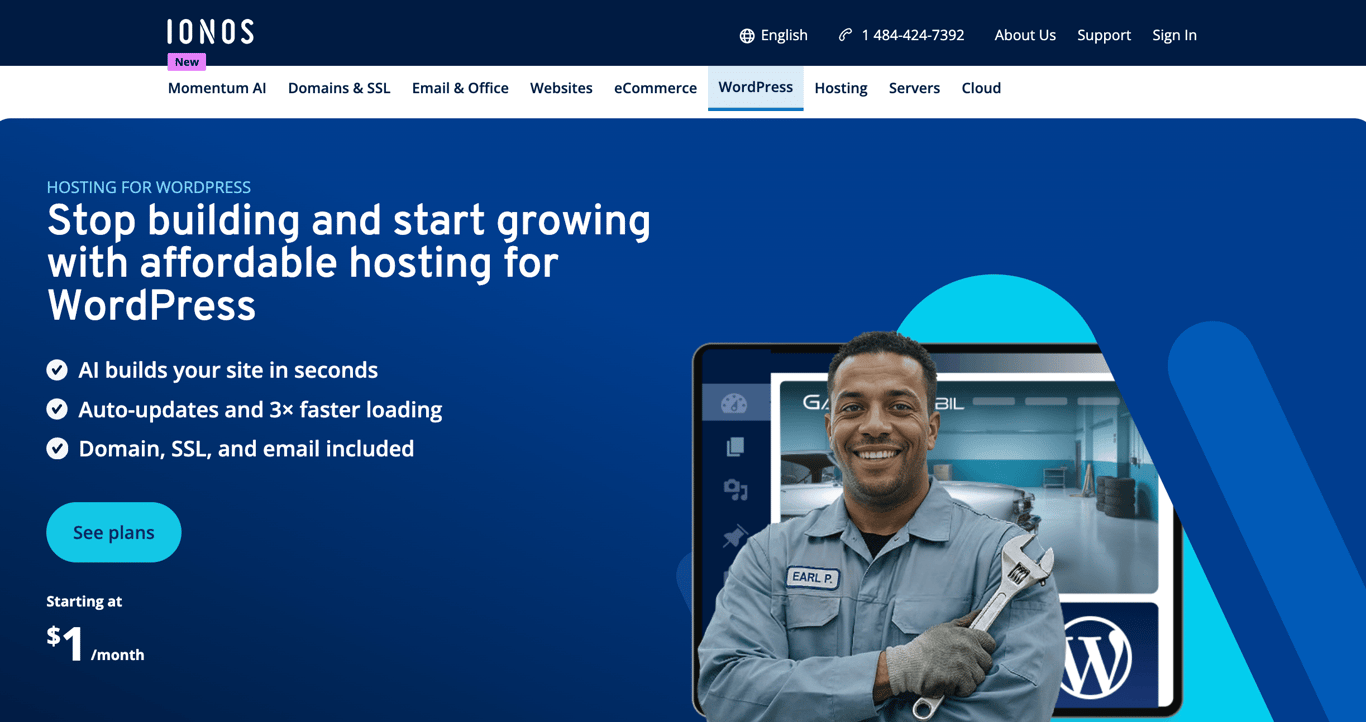
IONOS is a WordPress hosting provider built for users who want an affordable, low-maintenance setup with everything included from day one.
All plans include a free domain, email, SSL, automatic updates, vulnerability scans, automatic backups, an AI website builder, and a personal consultant, backed by a 99.99% uptime guarantee and 30-day money-back guarantee.
WordPress comes pre-installed with the Website Cockpit for WordPress on all plans, giving you a dedicated management interface without requiring any manual configuration. SSH, SFTP, and WP-CLI access are available on all plans for users who need more control.
The Grow plan at $1/month (renewing at $12/month) is the bestselling option, adding an AI assistant, AI-generated text and images, AI-generated pages and blog posts, and 12 months of Jetpack Vault. The Boost plan at $12/month adds automatic malware removal and a performance boost for resource-intensive sites.
IONOS’s key features
- AI website builder. Generates a complete WordPress site from a few questions, including text and images, included on all plans.
- AI assistant. Available on Grow and Boost plans. Writes blog posts, generates images, and creates page layouts directly inside WordPress.
- Personal consultant. Every IONOS customer gets a dedicated consultant for guidance, in addition to 24/7 phone, chat, and email support.
- Website Cockpit for WordPress. A dedicated WordPress management interface included on all plans.
- Jetpack Vault. 12 months included on Grow and Boost plans, adding real-time backups and activity logs beyond the standard automatic backups.
- MCP integration. Connects your WordPress site to external AI applications to speed up content and workflow automation.
- Developer access. SSH, SFTP, and WP-CLI included on all plans with PHP 8.2 to 8.4 support.
IONOS pros
- The promotional starting price of $1/month on the Grow plan makes it one of the most affordable options on this list.
- Free domain, email, and SSL included on all plans from day one.
- Personal consultant included at no extra cost, a feature no other provider in this list offers.
- AI tools for content creation and site building are included on the Grow and Boost plans.
- 99.99% uptime guarantee with geo-redundant infrastructure.
IONOS cons
- Automatic malware removal is only available on the Boost plan at $12/month; lower plans get only detection.
- Storage uses standard SSD rather than NVMe, putting it behind most competitors in this list.
- Renewal prices are higher than the promotional rates: Start renews at $8/month, Grow at $12/month, and Boost at $17/month.
- No migration tool included on any plan; moving an existing site requires manual migration or support assistance.
- AI assistant and Jetpack Vault are not included on the entry-level Start plan.
9. GoDaddy
GoDaddy Stats:
- Best for: bloggers, small businesses, and beginners
- Price: starting at $6.99/month
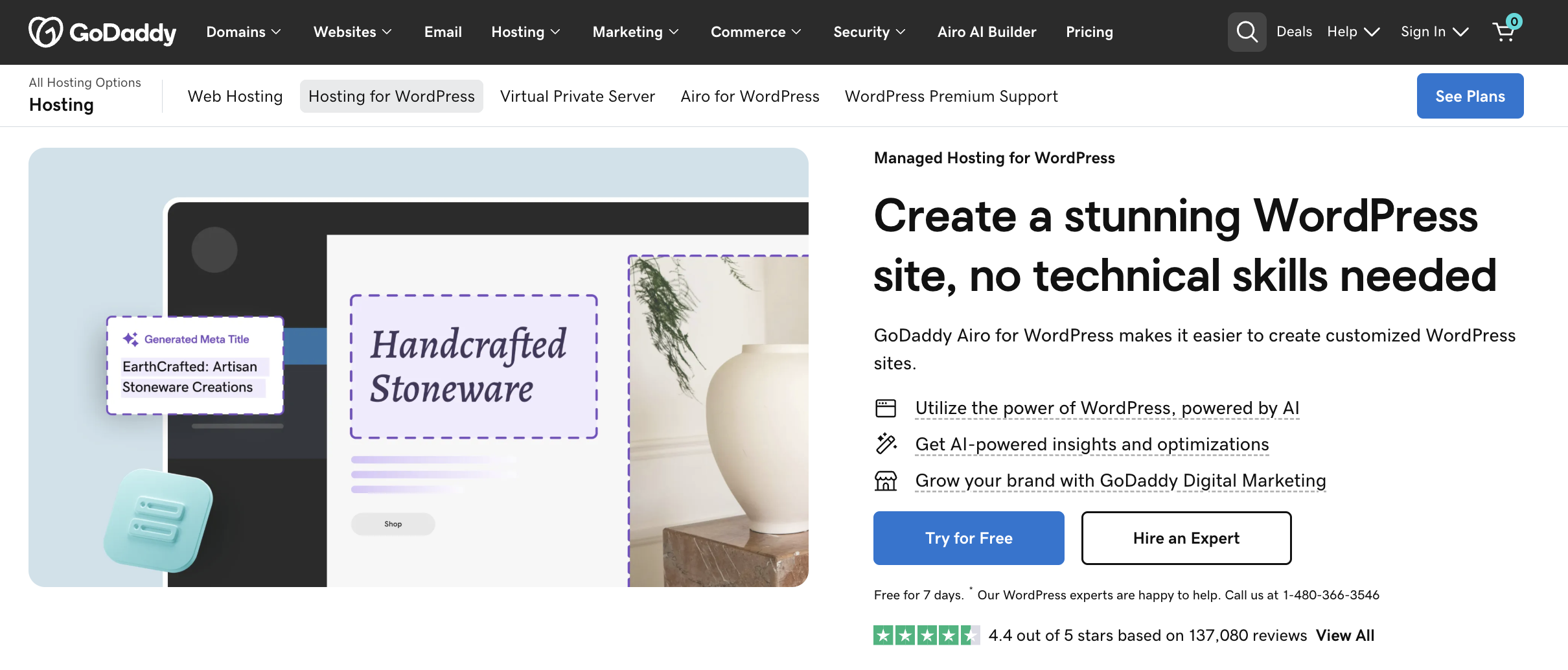
GoDaddy is a managed WordPress hosting provider backed by one of the world’s largest domain registrars, trusted by over 20 million customers worldwide.
Plans start at $6.99/month and include a free domain, free email, free SSL, WordPress pre-installed, automatic updates, daily backups with 30-day retention, automated malware scans and removal, WAF, DDoS protection, and Patchstack vulnerability mitigation on all tiers.
All plans include Airo for WordPress, GoDaddy’s AI-powered toolkit for site creation, SEO automation, and performance optimization. A 7-day free trial is available on all plans with no credit card required.
The Ultimate plan at $14.99/month adds WooCommerce, Object Cache Pro, PHP version control, Git integration, APM, version controls for WP Core, a smart plugin manager, and priority support, making it the strongest option for developers and store owners.
GoDaddy’s key features
- Airo for WordPress. An AI-powered toolkit is included on all plans, covering site creation, SEO optimization, content generation, and performance insights.
- Daily backups with 30-day retention. Automatic daily backups with on-demand backup option and one-click restore, included on all plans.
- Automated malware scans and removal. Runs every 24 hours on all plans, with WAF and DDoS protection included.
- Patchstack vulnerability mitigation. Proactively patches WordPress plugin and theme vulnerabilities before they can be exploited, including on all plans.
- CDN with up to 2x faster performance. Included on Deluxe and Ultimate plans via Cloudflare CDN.
- Ultimate developer toolkit. The Ultimate plan includes Git integration, PHP version control, Object Cache Pro, APM, version controls for WP Core, and a smart plugin manager.
- GoDaddy Agency Partner Program. A free program for freelancers and agencies offering The Hub dashboard for managing multiple client sites, partner pricing, and priority support.
GoDaddy pros
- Comprehensive security on all plans: daily malware scans and removal, WAF, DDoS protection, and Patchstack included from the entry level.
- Airo for WordPress AI tools are included on all plans at no extra cost.
- Daily backups with 30-day retention and on-demand backups available on all plans.
- 7-day free trial with no credit card required.
- Strong developer toolkit on the Ultimate plan, including Git, APM, and Object Cache Pro.
GoDaddy cons
- CDN and staging are only available on Deluxe and above; the Basic plan lacks both.
- Storage is limited: 10 GB on Basic, 20 GB on Deluxe, and 30 GB on Ultimate.
- WooCommerce is restricted to the Ultimate plan at $14.99/month.
- Renewal prices are significantly higher: Basic renews at $14.99/month, Deluxe at $19.99/month, and Ultimate at $26.99/month.
- Each plan starts with 1 website; additional sites cost extra.
How to choose the right WordPress hosting
The right WordPress hosting plan depends on your site’s size, traffic, and how much technical control you want. These are the key factors to evaluate:
- Storage and bandwidth. Match your plan to your site’s actual needs. An image-heavy portfolio or WooCommerce store needs more storage than a simple blog. Add a 20% buffer for growth, and check whether bandwidth is metered or unmetered.
- Uptime guarantee. Look for a 99.9% uptime guarantee as a baseline. Downtime affects both visitors and search rankings. Providers like Kinsta and Bluehost offer 99.99% SLA-backed uptime for sites where availability is critical.
- Ease of setup. Beginners benefit from providers that pre-install WordPress, include a custom control panel, and offer one-click domain and email setup. Hostinger dashboard, SiteGround’s Site Tools, and GoDaddy’s Airo are built with non-technical users in mind.
- Support quality. Check whether 24/7 support is available via live chat and phone, not just tickets. For business-critical sites, prioritize providers with WordPress-trained support teams, like Kinsta and SiteGround, which staff WordPress core contributors.
- Scalability. Your hosting needs will grow. Confirm you can upgrade resources or switch to a higher-tier plan without migrating your site. Cloudways lets you scale server resources on demand; Kinsta lets you add WordPress installs and storage as separate add-ons.
- Security features. Every plan should include free SSL, automated backups, malware scanning, a WAF, and DDoS protection. Check whether malware removal is included or costs extra — DreamHost and HostGator charge extra, while Hostinger and Kinsta include it on all plans.
- Pricing transparency. Promotional prices are standard across the industry, but renewal rates can be 2 to 5 times higher. Always check the renewal price before committing. SiteGround’s GoGeek plan jumps from $7.99/month to $44.99/month at renewal, for example.
- AI tools. Several providers now include AI site builders, AI agents, and content generation tools at no extra cost. Hostinger Agent, SiteGround’s AI agent, and GoDaddy’s Airo are built into their plans and can meaningfully reduce setup time for new sites.
Next steps after getting a WordPress hosting plan
Your WordPress hosting plan is live. Here’s how to get your site running:
Install WordPress if your host hasn’t pre-installed it. Most providers covered in this article handle installation automatically, so you’ll often land directly in your WordPress dashboard after signup.
From there, choose a WordPress theme that fits your brand. Start with a lightweight option to keep load times fast. You can customize it later using the built-in block editor or a page builder like Elementor.
Then install essential plugins: a security plugin, a backup tool, and an SEO plugin like Yoast or Rank Math. These three cover the basics of protection, recovery, and search visibility.
Finally, build out your core pages: homepage, about page, and either blog posts or product pages depending on your site’s purpose. Publish when ready and iterate from there.
This article is a localized version of 9 best WordPress hosting to launch your website, originally published in English.

Leo is a Content SEO Specialist and WordPress contributor. Armed with his experience as a WordPress Release Co-Lead and Documentation Team Representative, he loves sharing his knowledge to help people build successful websites. Follow him on LinkedIn.

Marco Chiesi is the Head of WordPress at Hostinger, with over 20 years of experience as a software engineer in the web industry. He specializes in open-source technologies and the WordPress ecosystem, where he has contributed in different areas: Plugin Developer (with over 10 million downloads), WordCamp speaker and organizer, Meetup organizer, Translator, and Core Contributor. He is passionate about leading his team to create innovative solutions for Hostinger's web hosting product, which hosts over 5 million WordPress installations. Follow him on LinkedIn.