How to warm up an email domain
May 19, 2026
/
Alma
/
8 min Read

To warm up an email domain, you gradually increase the number of emails you send over several weeks. This builds a sending history that tells inbox providers like Gmail and Outlook your messages are legitimate, not spam.
Without that history, new domains get filtered. According to Validity’s 2025 Email Deliverability Benchmark Report, roughly 1 in 6 legitimate marketing emails never reach the inbox; new senders face even stricter filtering because providers have no past behavior to judge them on.
A proper warm-up takes about 4–6 weeks. You start by authenticating your domain and sending to trusted contacts at low volume, around 10–20 emails per day. As your open rates and reply rates stay healthy, you gradually increase volume, monitor your sender reputation, and build the sending habits that keep your emails out of spam long after the warm-up ends.
1. Check your domain age
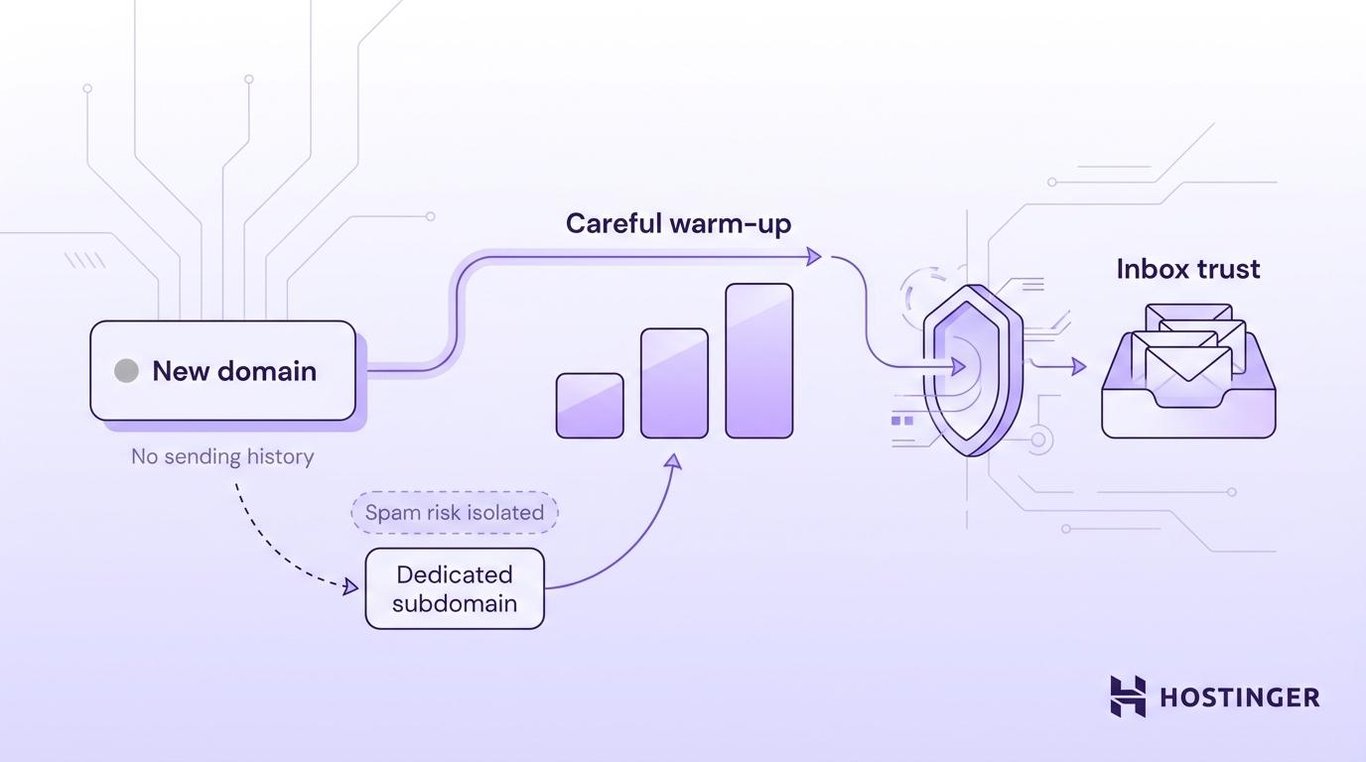
Domains under 30 days old need the slowest, most careful warm-up because inbox providers have no sending history to judge them on. Without that history, providers are more likely to throttle delivery or route your messages to spam.
A brand-new email domain that launches a cold campaign right after registration will almost certainly get filtered.
One way to reduce that risk is to use a dedicated sending subdomain. For example, you’d warm up outreach.example.com instead of sending directly from example.com. If your warm-up triggers spam complaints or a blocklist, only the subdomain takes the hit.
2. Authenticate your email domain
Email authentication tells inbox providers that your emails are coming from a legitimate sender, not someone pretending to be you. Three DNS records handle this: SPF, DKIM, and DMARC. Together, they verify that your domain authorized the email and that the message wasn’t changed in transit.
Gmail, Yahoo, and Microsoft require SPF, DKIM, and DMARC for bulk senders – roughly 5,000+ emails per day – but authentication improves deliverability at any volume. Set up all three before your first warm-up email.
Missing or broken authentication records hurt your chances of reaching the inbox, and some providers will block your emails entirely.
3. Prepare a clean recipient list
Your first warm-up emails should go to people who are likely to open, read, and reply. Start with contacts you already have a relationship with, like colleagues, partners, existing customers, or active subscribers.
On the other hand, if you send your message to purchased, scraped, or outdated email lists, that can cause bounces, and bounces tell providers your list quality is poor.
A bounce rate above 3% in the first few weeks tells providers your list is unreliable, and they’ll start routing more of your emails to spam. You can check your bounce rate in your email platform’s campaign analytics.
Good list hygiene starts before the warm-up. Run your list through email validation and remove any addresses that haven’t engaged in a while. Segmenting your email list helps you sort contacts by how recently they opened or clicked, so your warmest contacts go first.
4. Start with a low daily sending volume
Begin with 10–20 emails per day instead of launching a full campaign. Even with proper authentication and a clean list, sending hundreds of emails from a new domain triggers spam filters. Providers expect new senders to start small and build up over time.
Of the contacts on your clean list, pick the ones most likely to reply for those first sends, like team members, partners, or customers who regularly interact with your brand. Something like a short check-in, a helpful update, or a quick follow-up mimics everyday business email. That’s exactly what providers want to see from a new domain.
This kind of low-volume sending also gives providers time to build a pattern around your domain. The whole first week takes about 10 minutes of effort per day.
Most people skip this part of the email warm-up schedule. Don’t rush it. A cautious first week with 10–20 emails per day builds a stronger base than jumping straight to 50.
5. Increase email volume gradually
Once your first week of low-volume sending goes well, start increasing. Add about 25–30% more emails per week. If you sent 20 per day in week one, that means 25–30 per day in week two.
Small, steady increases give providers time to confirm each new volume level is producing real engagement. A sudden jump from 20 to 200 emails in a day triggers automated filters because that pattern matches how spammers behave.
Here’s a sample warm-up schedule:
Week | Suggested daily volume | What to monitor |
Week 1 | 10–20 emails/day | Bounces, replies, and spam placement |
Week 2 | 30–50 emails/day | Open rate, reply rate, and complaints |
Week 3 | 60–100 emails/day | Inbox placement and engagement trends |
Week 4 | 100–200 emails/day | Reputation and campaign readiness |
Some domains need 4–6 weeks before they’re ready for larger campaign volumes, especially if early engagement is low or the domain is brand new.
Your numbers tell you when you’re ready to increase. If your open rates stay above 20% and your bounce rate stays below 2–3%, you’re on track. If not, hold your current volume until the numbers improve.
If the numbers are actively getting worse, like rising bounces, growing spam complaints, or dropping open rates, slow down immediately. Adding 5–10 emails per day is safer than doubling your volume overnight.
Your sending limits should follow your data, not a calendar.
6. Send emails that earn engagement
Volume alone won’t build your reputation. Your email content determines whether recipients open, reply, or ignore you.
Engagement signals like opens, clicks, and especially replies build your domain reputation faster than send count alone. Replies are the strongest signal because they prove two-way communication, which is nearly impossible to fake, and tell providers your emails are wanted.
To earn those replies, send relevant, useful, and personalized email content instead of generic blasts. Use a clear sender name, write simple subject lines that follow email subject line best practices, and include a real reply-to address.
For example, a short message to a partner asking for feedback is more effective during warm-up than a promotional newsletter. So is a helpful update to an existing customer.
On the other hand, certain patterns trigger spam filters and undo the engagement you’re building, such as:
- Misleading subject lines
- Too many links in one email
- Heavy image-to-text ratios
- All-caps copy
- Aggressive urgency language
Keep your warm-up emails short, plain-text when possible, and focused on one topic. If you wouldn’t send it to a colleague, don’t send it to your warm-up list.
7. Monitor sender reputation
Sending the right emails to the right people is only useful if you can tell whether it’s working. Your bounce rate, spam complaints, inbox placement, reply rate, and blacklist status tell you whether to increase, pause, or reduce your daily sending volume. Without these numbers, you’re guessing whether to push forward or pull back.
Increasing volume while your bounce rate or spam complaints are rising damages your domain reputation. Recovering means dropping back to lower volumes and rebuilding from there.
Watch these signals throughout the warm-up:
- Bounce rate. A rising bounce rate means you’re sending to invalid or outdated addresses. Stay below 2–3% to keep providers from filtering you.
- Spam complaints. Even a few recipients marking your email as spam hurts your domain reputation. Keep this below 0.1%.
- Inbox placement. Check whether your emails are reaching the inbox or landing in spam. If more emails go to spam as you increase volume, slow down.
- Reply rate. A healthy reply rate shows providers that real people want your emails. Falling replies mean your content or targeting needs work.
- Blacklist status. Check whether your domain or sending IP appears on an email blacklist like Spamhaus or Barracuda. If it does, pause sending and investigate.
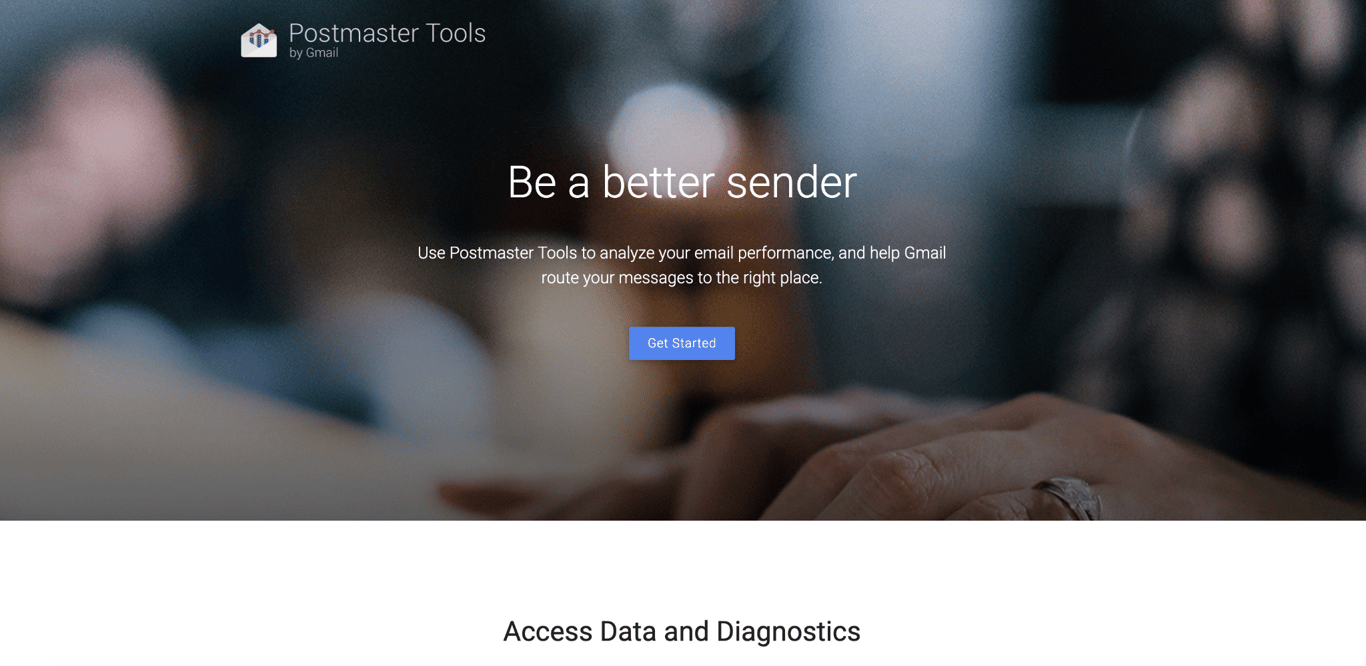
You can check most of these signals with free tools. Google Postmaster Tools shows how Gmail views your domain reputation and spam rate. It works best once you have enough sending volume for Google to generate data.
For other providers, check your email platform’s analytics. Most platforms like Hostinger Reach, Mailchimp, or Brevo show delivery rates, bounce rates, open rates, and complaint data per campaign. Blocklist checkers like MXToolbox tell you if your domain or IP has been listed.
Checking these email marketing performance metrics weekly helps you decide whether to keep increasing volume or pause to fix something first.
If any of the signals from the list above cross into problem territory, act on the specific fix for that signal before scaling further.
8. Use email warm-up and email marketing tools carefully
Tools support the warm-up process, but they don’t replace proper authentication, clean lists, gradual volume increases, and useful content. You still handle list quality, email content, and volume decisions yourself. The tools help with simulated engagement and tracking.
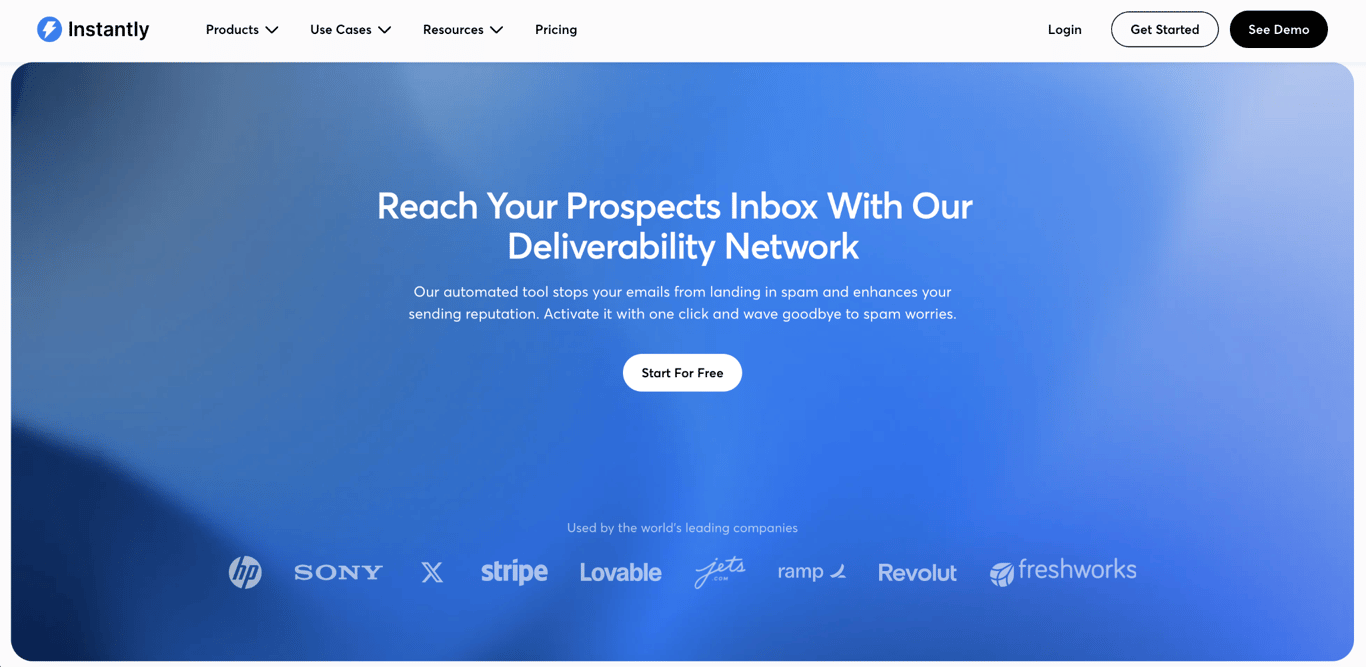
Dedicated warm-up tools like Instantly, Warmy, and Mailwarm create simulated engagement by exchanging emails across a network of inboxes. Sales outreach platforms like Salesforge also include warm-up features alongside their prospecting and email tools.
Each one handles the process differently, so compare them based on your sending volume and budget.
Be cautious with any tool that uses fake opens or replies. Gmail and Outlook have gotten better at detecting artificial engagement patterns.
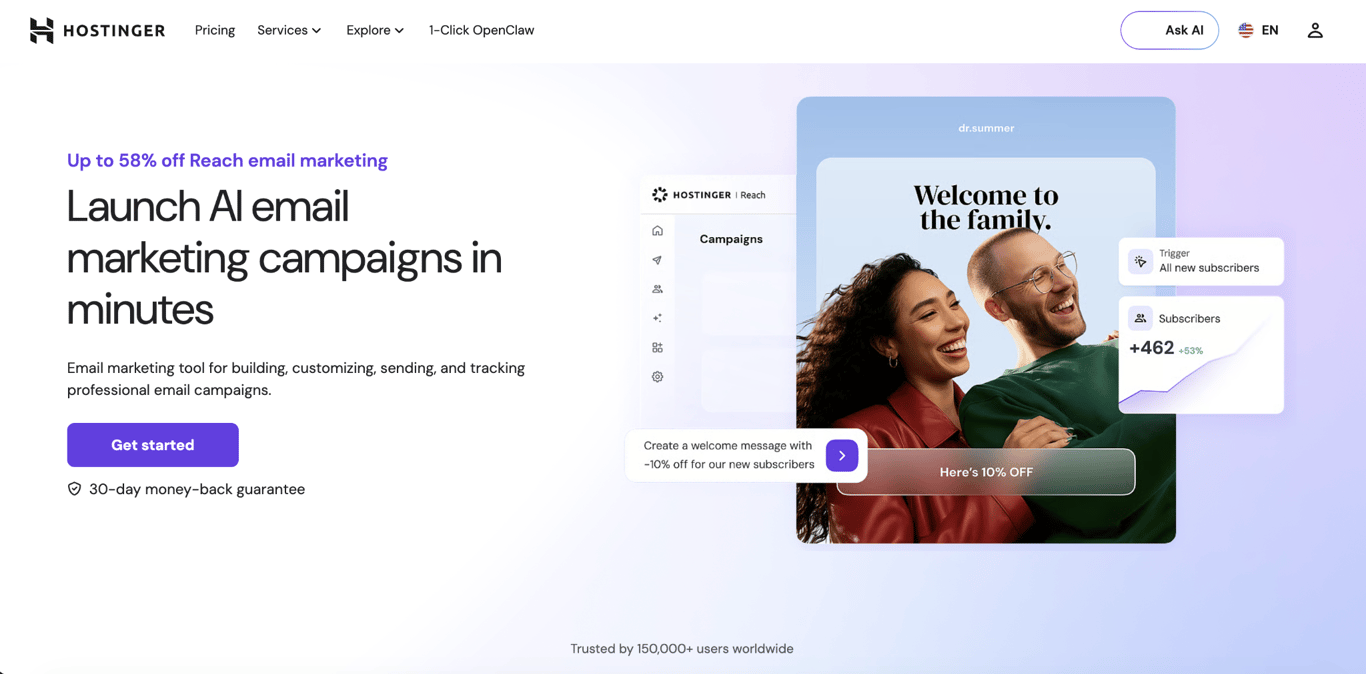
If you’d rather skip simulated warm-up tools and send directly to your own subscribers from the start, Hostinger Reach handles several warm-up steps for you.
Reach auto-configures SPF, DKIM, and DMARC if your domain uses Hostinger nameservers, supports double opt-in to keep your list clean, and includes an AI-powered Template Checker that reviews emails for spam-risk content before sending.
It also flags hard-bounced contacts after each campaign so you can remove them in one click. It doesn’t automate the warm-up itself, but it handles authentication, list hygiene, and content checking you’d otherwise do manually.
If you do use a warm-up tool, watch for patterns that providers can detect. Gmail and Outlook track whether engagement comes from the same small set of addresses, whether open times are suspiciously consistent, and whether replies follow identical patterns.
If they flag your domain for artificial engagement, your sender reputation drops and your emails start going to spam, which undoes the entire warm-up.
Common email domain warm-up issues
Even with careful setup, warm-ups don’t always go smoothly. Most email deliverability troubleshooting during warm-up falls into five categories: high bounce rates, low engagement, spam placement, authentication failures, and blacklist warnings.
Fix them before increasing your sending volume, or they’ll get worse.
Problem | Likely cause | What to do |
High bounce rate | Invalid or outdated contacts | Clean the list, and pause volume increases |
Low engagement | Weak targeting or generic content | Send to more engaged contacts and personalize the message |
Spam placement | Sudden volume growth, weak reputation, or authentication issues | Reduce volume and check the domain setup |
Authentication failure | Incorrect DNS records | Fix SPF, DKIM, or DMARC records before sending more emails |
Blacklist warning | Risky sending patterns or poor list sources | Pause campaigns and investigate the listing |
If the same issue keeps recurring, drop your daily volume back to a stable level, clean the list, and review your authentication setup. Wait until your open rates and reply rates recover before trying to scale again.
Best practices and mistakes to avoid when warming up an email domain
Email warm-up works best when you build trust gradually. Most email warm-up mistakes happen when senders rush the process, send to poor-quality lists, or stop paying attention once emails start landing in inboxes.
- Start with low volume. Begin with 10-20 emails per day, rather than sending hundreds right away. Sending too much too soon triggers spam filters before your domain has built any reputation.
- Authenticate your domain first. Set up SPF, DKIM, and DMARC before sending your first warm-up email. Without authentication, providers have less proof that your messages are legitimate.
- Send to engaged recipients. Use contacts who are likely to open, reply, or interact with your emails. Avoid purchased, scraped, or outdated lists. Bad addresses cause bounces, and high bounce rates signal to providers that your list is unreliable.
- Send useful content. Warm-up can’t fix weak emails. If recipients don’t open or reply, engagement stays low, and providers keep filtering you. Write short, relevant messages that give recipients a reason to respond.
- Increase volume gradually. Raise your sending volume by around 25-30% per week. Sudden spikes appear to be spam and trigger automated filtering.
- Monitor performance continuously. Track bounces, spam complaints, open rates, replies, and overall engagement. Don’t rely solely on a fixed schedule. If any metric starts trending the wrong way, pause and investigate before sending more.
- Keep sending consistently. Don’t stop completely after warm-up and then restart with a large campaign weeks later. A long gap followed by a sudden burst looks suspicious, even if the domain had been warmed up beforehand.
Warm-up is not a one-time task. Providers look at your sending patterns over months, so email warm-up best practices still apply after the warm-up period ends.
Following email compliance rules, such as honoring unsubscribes and maintaining list quality, protects your domain in the long term.
How to maintain domain reputation after warm-up
After the first 4-6 weeks, your focus shifts from warming up your domain to maintaining your sender reputation. You don’t need to treat every send like a test anymore. The main goal now is to keep your sending volume within a predictable range week to week.
The most common thing that breaks that predictability is adding something new. When you add a new campaign type, target a new audience segment, or plan for a seasonal spike, treat it like a smaller warm-up within your existing sending.
An even bigger break in predictability is going silent. If you stop sending for several weeks, you may need to re-warm your domain at a lower volume. This process is usually shorter the second time because providers still have your earlier sending history.
Regular monitoring reduces the chance you’ll need to re-warm. During warm-up, you check metrics after every send. After a warm-up, a weekly review of Google Postmaster Tools and your email platform’s analytics is enough to spot issues early. This helps you improve email deliverability over time and keep your email scaling strategy under control.
All of the tutorial content on this website is subject to Hostinger's rigorous editorial standards and values.

Alma is an AI Content Editor with 9+ years of experience helping ideas take shape across SEO, marketing, and content. She loves working with words, structure, and strategy to make content both useful and enjoyable to read. Off the clock, she can be found gaming, drawing, or diving into her latest D&D adventure.