20+ AI Web Development Tools for 2026: How AI Can Streamline Your Web Development Process
Mar 10, 2026
/
Matleena S.
/
11 min Read

AI tools help designers and developers automate tasks, improve content creation, optimize testing, and streamline development and deployment processes overall.
To help web developers and web designers make the most of emerging tech, we have compiled a list of the top AI tools for web developers in 2025. In this article, we will discuss the effectiveness and user-friendliness of these AI tools and how you can use them to work smarter rather than harder.
AI Tools for Web Design
When exploring AI design tools, you should focus on features like drag-and-drop interfaces, automated design generation, and responsive design capabilities. These tools empower you to create visually appealing, user-friendly websites without needing to write code.
1. Hostinger AI Website Maker

- Rating: 5/5
- Best for: Fast and easy website creation and deployment
- Price: Included in Hostinger’s web hosting plans
Hostinger’s AI Website Builder takes the complexity out of web development. It’s an ideal tool for small businesses, bloggers, and non-tech-savvy web designers needing professional-looking websites. You can make a fully-fledged website without any code-writing. Thanks to the intuitive interface and built-in AI tools, you simply choose your favorite website layout template, customize the design, and deploy your website in just a few clicks.
Key Features:
- Kodee – an AI assistant for website development
- User-friendly interface
- Built-in AI tools for design, content, and optimization
- Wide range of customizable templates
- Seamless integration with Hostinger’s hosting services
Drawbacks:
- May lack advanced features desired by experienced web developers and web designers
- Customization options may be limited compared to traditional code-based development

2. Canva

- Rating: 4.7/5
- Best for: Design suggestions, templates, and image editing
- Price: Free, premium plans available
Canva, though not exclusively an AI tool, utilizes AI algorithms to provide design suggestions, templates, and image editing capabilities. With a user-friendly interface and a wide range of design elements, Canva helps web developers create visually appealing web designs without extensive design skills.
Key Features:
- AI-powered design suggestions and templates
- Image editing and customization options
- User-friendly drag-and-drop interface
- Collaboration and sharing features
Drawbacks:
- Limited customization options for advanced users
- Some advanced features require a premium subscription
3. Divi AI
- Rating: 4.4/5
- Best for: Web designers and WordPress users looking for versatile, AI-enhanced website building
- Price: Starting at $16.08/month
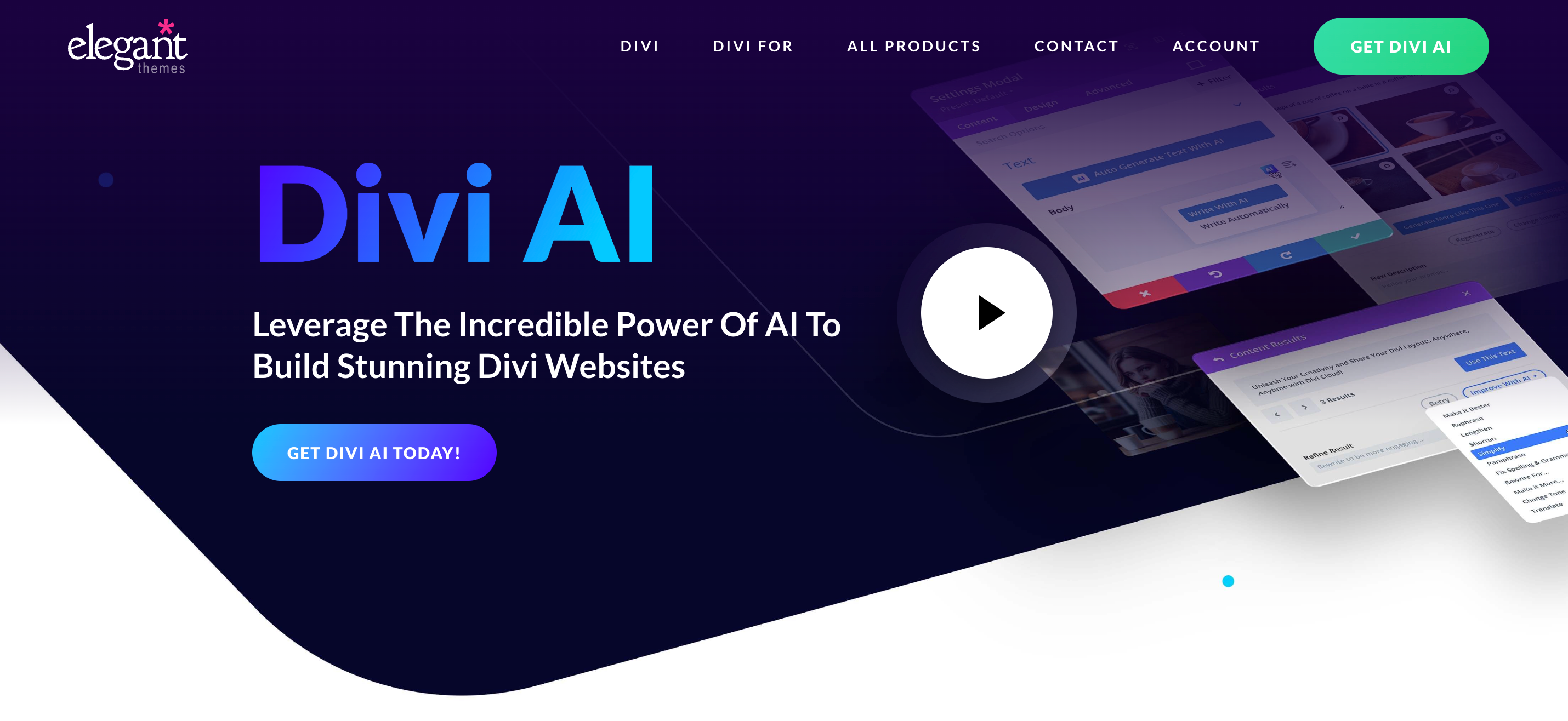
Divi AI is an intuitive yet powerful tool for website design. This platform stands out for its seamless integration of artificial intelligence, making website creation more efficient and less time-consuming.
With features like real-time design suggestions, automated SEO improvements, and adaptive content generation, Divi AI helps users design websites that are not only aesthetically pleasing but also optimized for performance.
Key Features:
- AI-driven design suggestions based on current trends and user preferences.
- Automated SEO enhancements.
- Adaptive content generation.
Drawbacks:
- New users may initially find the interface and vast array of features overwhelming.
- The starting price might be a bit steep for freelancers or small business owners on a tight budget.
4. Uizard
- Rating: 4.3/5
- Best for: Rapid prototyping and design iteration
- Price: Free, premium plans available
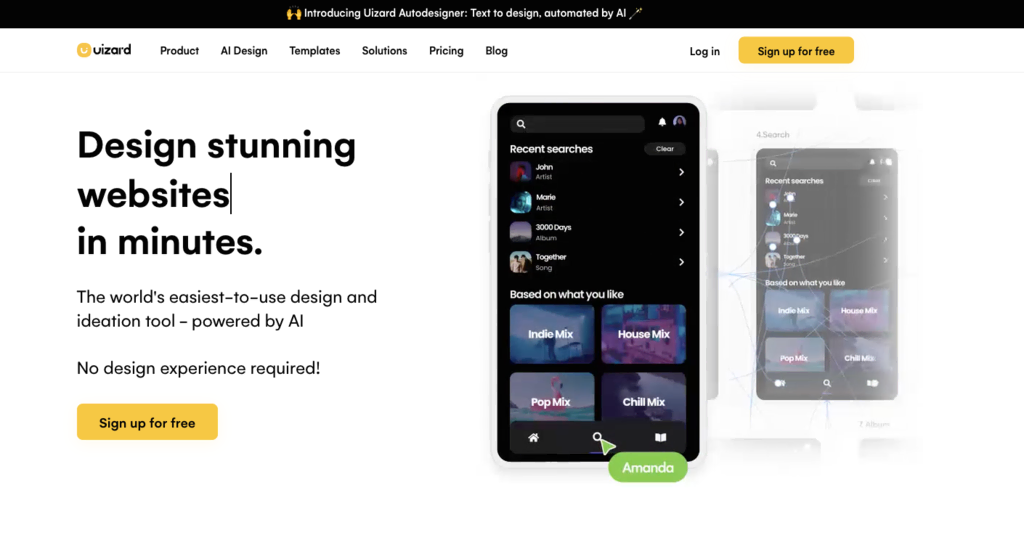
As AI tools go, the team behind UIzard uses AI to convert UX/UI design sketches into functional HTML and CSS code. This tool offers a robust platform for rapid prototyping and iterative UI design, enabling web developers to quickly bring their creative ideas to life.
Key Features:
- AI-powered sketch to HTML/CSS conversion
- Supports rapid design iteration
- Built for swift prototyping
Drawbacks:
- Conversions may require fine-tuning
- Advanced CSS features may not be fully supported
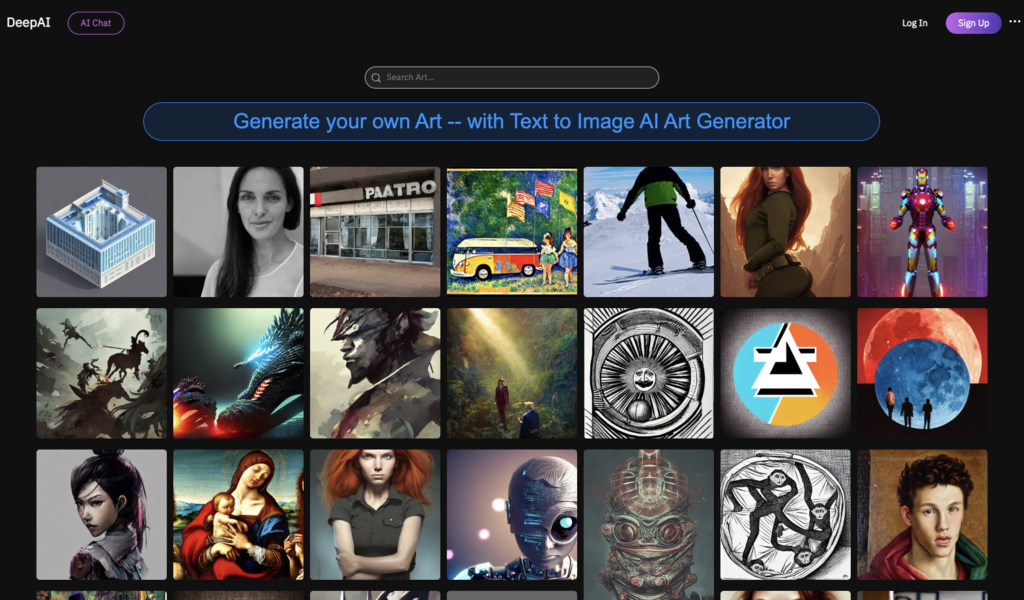
5. Art by DeepAI
- Rating: 4.2/5
- Best for: Unique visual content creation
- Price: Free, premium features available
Art by DeepAI uses AI to create captivating artwork based on a text prompt and a chosen art style. Thanks to the tool’s natural language understanding, it’s great for web developers looking to create unique visuals for their websites, ads, or social media.
Key Features:
- AI-generated text-to-image artwork
- Wide range of artistic styles
- High-resolution image output
Drawbacks:
- Art styles may not be customizable
- High-resolution images may require a premium subscription
AI Tools for Content Creation
AI-powered tools help you in generating high-quality and optimized content, saving you time and effort in content creation and enhancing your website’s visibility. Look for tools with features such as natural language generation, SEO optimization, and content analysis capabilities.
1. Hostinger AI Assistant

Hostinger AI Assistant’s Stats:
- Rating: 4.9/5
- Best for: AI-generated WordPress blog posts
- Price: free for Hostinger’s Business and cloud server hosting plan users
The Hostinger AI Assistant is a WordPress plugin that accelerates content creation for blog posts. To use it, enter a topic and specific details such as content length and important keywords. That’s it – the AI will generate a unique and SEO-friendly blog post. In addition, our AI Assistant will choose a suitable stock image for the post’s featured image.
You can edit the results and finalize them in the post editor before publishing.
Key Features
- SEO-friendly AI-generated content with meta description and keyword suggestions
- AI-picked stock pictures for posts’ featured images
- Automatically installed for new Hostinger’s Business and Cloud hosting plans users. A one-click installer is also available on hPanel
- Pre-defined options for the post type, tone of voice, and content length
Drawbacks
- Only generates one blog post at a time
- No fine-tuning options
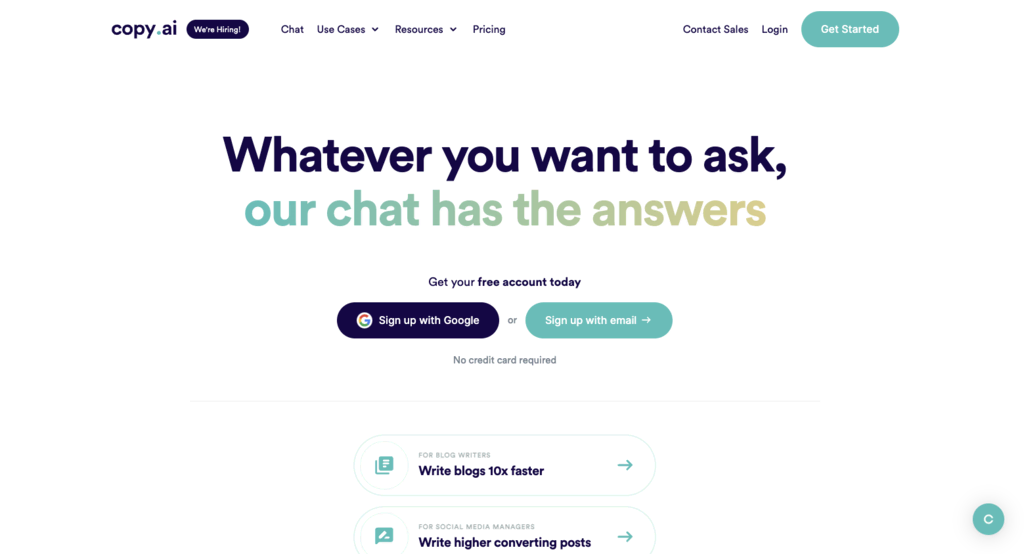
2. CopyAI
- Rating: 4.4/5
- Best for: AI-generated content writing for various purposes
- Price: Free, premium plans available
CopyAI is an AI assistant that utilizes natural language processing algorithms to generate high-quality content that is optimized for search results. From blog articles to product descriptions, CopyAI can assist web developers in producing engaging and compelling written content. The tool also has customizable templates and writing styles to match specific brand voices and tones.
Key Features:
- AI content generation
- SEO optimization for improved search engine visibility
- Customizable templates and writing styles
- Multilingual support for targeting diverse audiences
Drawbacks:
- Manual editing and fine-tuning may be required for optimal results
- Limited support for complex content
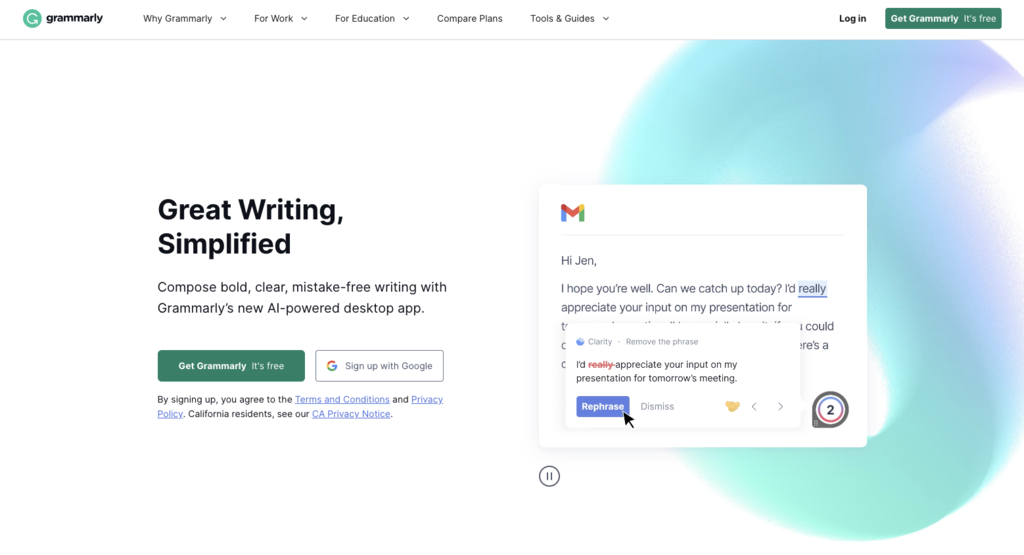
3. Grammarly
- Rating: 4.8/5
- Best for: AI-powered grammar and writing assistance
- Price: Free, premium plans available
Grammarly is a widely used AI-powered tool for content creation and writing assistance. It helps developers improve their writing by providing real-time grammar and spelling suggestions, enhancing clarity and coherence. Grammarly also offers advanced features like tone detection and plagiarism checking, making it a comprehensive writing AI assistant.
Key Features:
- Real-time grammar and spelling suggestions
- Clarity and coherence enhancements
- Tone detection and writing style adjustments
- Plagiarism checking
Drawbacks:
- Some advanced features are only available in premium plans
- Certain suggestions may not align with specific writing preferences
4. ContentBot
- Rating: 4.3/5
- Best for: AI-generated content writing and topic suggestions
- Price: $1 per 1000 words prepaid, or plans starting from $19/month
Looking for good content AI tools? ContentBot could be your tool of choice. This platform offers content writing and topic suggestions for web developers. It uses machine learning algorithms to analyze user requirements and generate high-quality content based on specific topics. ContentBot also provides SEO recommendations and assists in identifying trending topics to maximize content visibility.
Key Features:
- AI-generated content writing and topic suggestions
- SEO recommendations for improved visibility
- Trend analysis for identifying popular topics
- Multilingual support for targeting diverse audiences
Drawbacks:
- Fine-tuning may be required for specific content requirements
- Limited customization options for advanced users
5. WordLift
- Rating: 4.4/5
- Best for: AI-powered content optimization for improved visibility
- Price: Plans starting from 49€/month
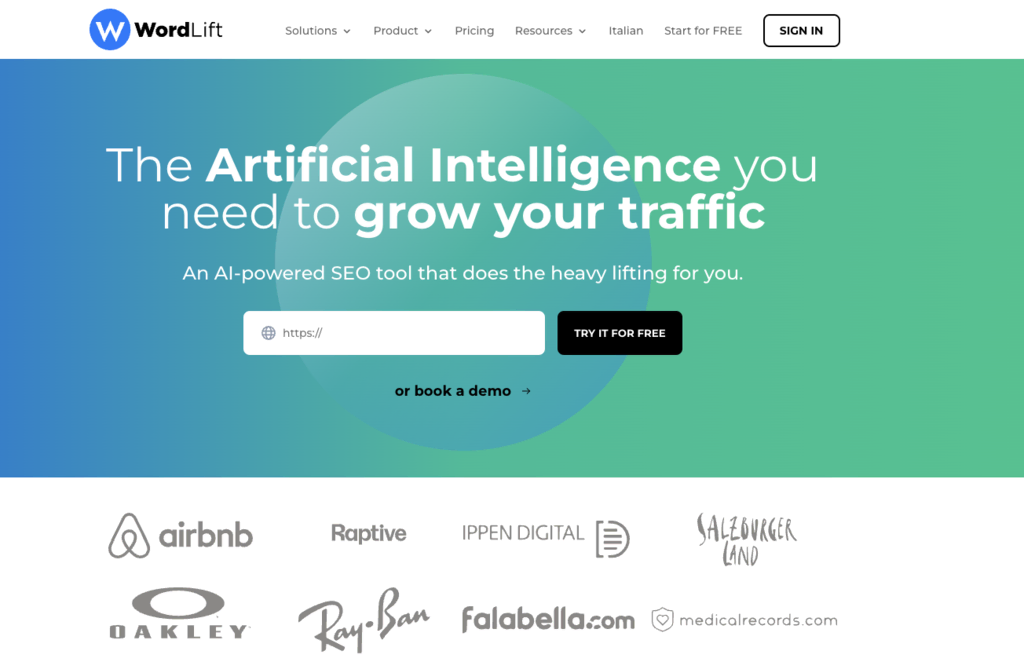
WordLift is one of the best AI tools that help web developers improve the visibility and SEO performance of their website content. By automatically generating metadata and applying semantic markup, WordLift enhances the structure and relevance of content, making it more search engine-friendly.
Key Features:
- AI-generated metadata and semantic markup
- SEO optimization for improved visibility
- Enhanced content structure and relevance
- Data-driven insights for optimization
Drawbacks:
- Pricing only available upon request
- Requires integration with CMS platforms
6. Article Forge
- Rating: 4.2/5
- Best for: AI-generated high-quality articles
- Price: Free trial, plans starting from $27/month
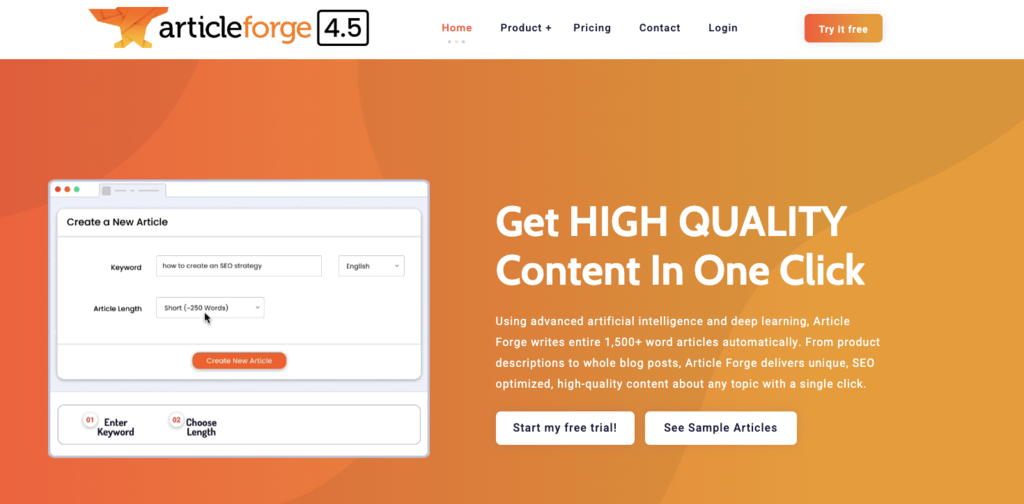
Article Forge is an AI tool that generates high-quality articles based on given topics. With advanced natural language processing algorithms, Article Forge saves web developers time by providing ready-to-use content for their websites, covering a wide range of subjects and industries.
Key Features:
- AI-generated high-quality articles
- Fast content creation for web projects
- Multilingual support for diverse audiences
- Customizable content and tone options
Drawbacks:
- Some fine-tuning and editing may be required
- Limited customization options for advanced users
7. Rank Math SEO
- Rating: 4.9/5
- Best for: AI-powered SEO optimization for WordPress
- Price: Plans starting from $4.92/month
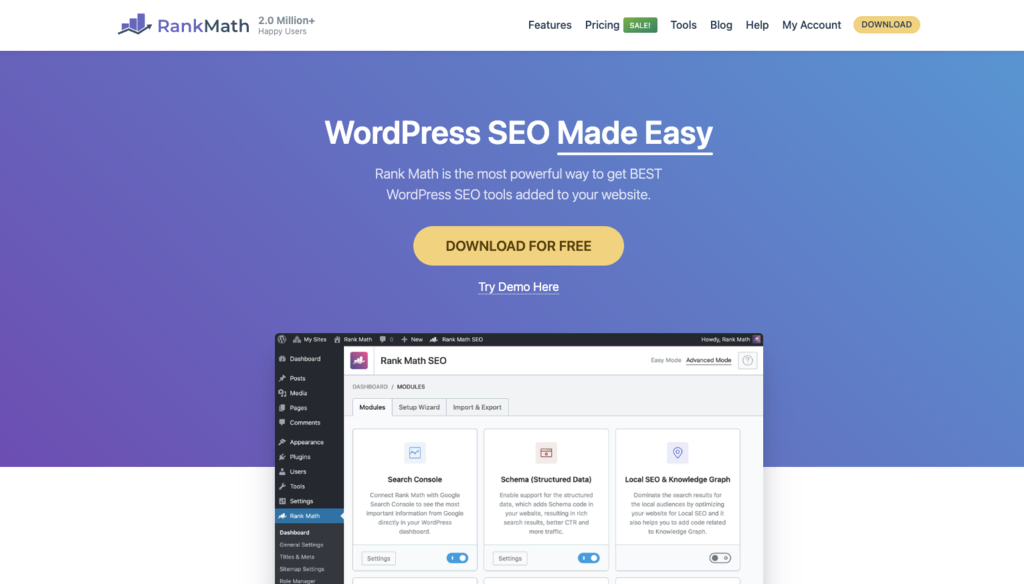
Rank Math SEO is a powerful WordPress plugin focused on AI-driven SEO optimization features. The tool helps with content analysis, keyword suggestions, and schema markup, improving your website’s visibility and search engine rankings.
Key Features:
- AI-powered content analysis and optimization suggestions
- Keyword suggestions and tracking
- Schema markup for enhanced search engine visibility
- Integration with popular WordPress plugins and themes
Drawbacks:
- Advanced features may require technical knowledge for optimal usage
- Steep learning curve for users who are new to SEO concepts
8. GPT-4 by OpenAI
- Rating: 4.5/5
- Best for: Automated content creation
- Price: Varies based on usage
GPT-4, an advanced language model developed by OpenAI, can generate human-like text through a chat interface based on text prompts. It’s a valuable tool for content creation, helping developers and writers create high-quality content for their websites.
Key Features:
- AI-powered text generation
- Supports a variety of use cases, including chatbots and automated content creation
- Generates human-like, coherent text
Drawbacks:
- May require fine-tuning and supervision for accurate output
- Text generation quality might vary based on input
Pro Tip
Interested in learning more about ChatGPT and OpenAI? We tested how easy it is to build a website with ChatGPT.
AI Technologies for Testing and Optimization
When it comes to testing and optimization, you should prioritize AI tools that support split testing, user behavior analysis, and conversion rate optimization features. These tools enable you to analyze and optimize your website’s performance, identify conversion bottlenecks, and deliver a seamless user experience.
1. Optimizely
- Rating: 4.6/5
- Best for: Split testing and website optimization
- Price: Contact for a quote
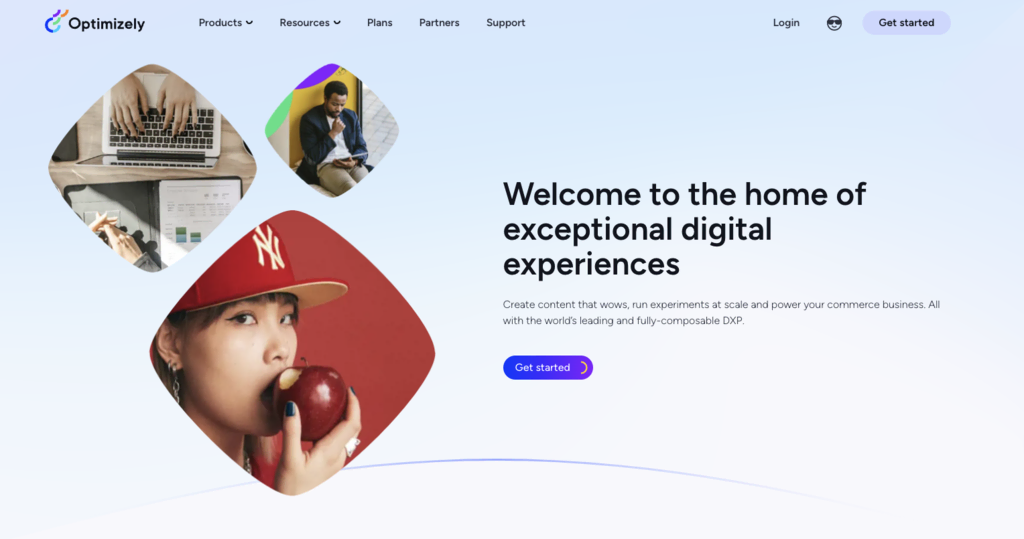
Optimizely is a comprehensive AI testing and optimization tool that helps web developers improve their websites’ performance and user experience. Equipped with split testing capabilities, you can use the tool to compare different website designs and content variations to identify the most effective elements. Optimizely provides valuable insights into user behavior with features like heatmaps and click-tracking.
Key Features:
- Comprehensive website performance analysis
- Split testing for design and content variations
- Heatmap and click-tracking features
- Conversion rate optimization tools
Drawbacks:
- Complex setup and configuration process
- Advanced features may require technical expertise
2. VWO
- Rating: 4.5/5
- Best for: Conversion rate optimization and website testing
- Price: Contact for pricing details
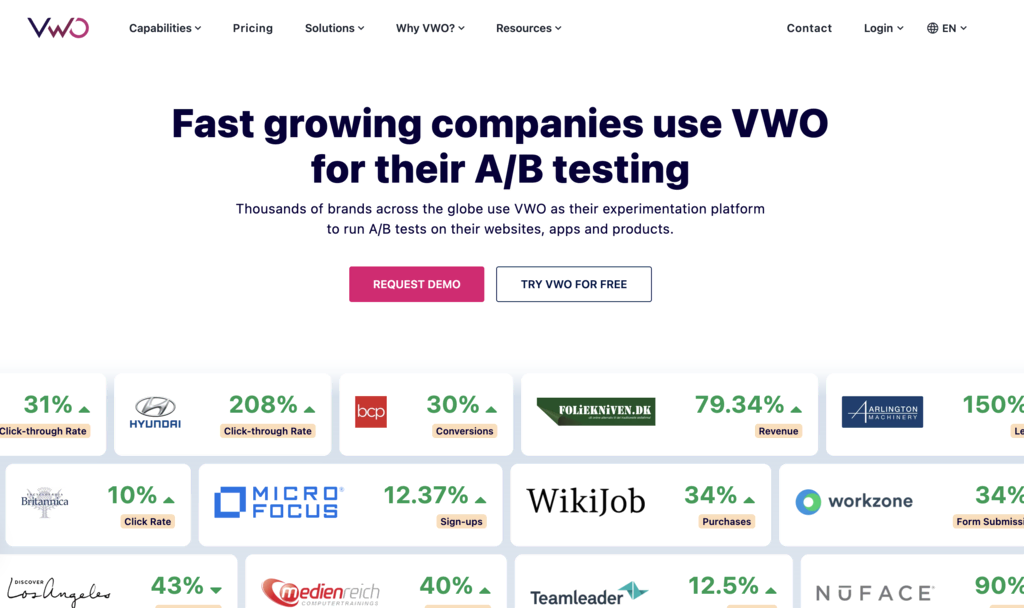
VWO (Visual Website Optimizer) helps web developers to optimize their websites for improved conversion rates. With features like split testing, heatmaps, and behavioral targeting, the tool helps you better understand user behavior and make data-driven decisions. VWO provides a user-friendly interface and comprehensive analytics to guide developers’ optimization efforts.
Key Features:
- Split testing for design and content variations
- Generative AI copy suggestions
- Comprehensive analytics and reporting
- Easy-to-use interface for seamless optimization
Drawbacks:
- Complex pricing structure
- Advanced features may require technical expertise
3. Hotjar

- Rating: 4.6/5
- Best for: Heatmap and user behavior analysis
- Price: Free, premium plans available
As AI development tools go, Hotjar is a crowd favorite – and for a reason. This tool offers heatmap and user behavior analysis features that assist developers in understanding how users interact with their websites. By visualizing user behavior, Hotjar helps you optimize your page designs, identify bottlenecks, and improve overall conversions. Hotjar’s AI research assistant helps you create surveys, summarize data findings, and suggest actionable recommendations based on your site data.
Key Features:
- Heatmap and user behavior analysis
- Visitor recordings for session replays
- Conversion funnel analysis
- Feedback and survey tools
- AI research assistant
Drawbacks:
- Advanced features are available in premium plans only
- Limited customization options for heatmaps
4. Nelio A/B Testing
- Rating: 4.7/5
- Best for: AI-powered split testing and conversion optimization
- Price: Plans starting from $29/month
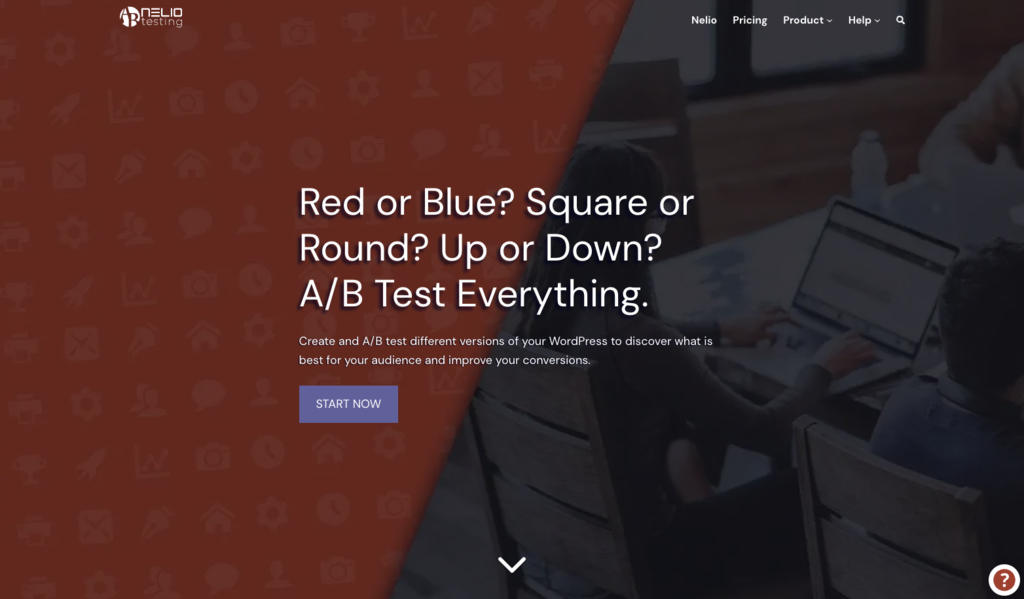
Nelio A/B Testing is a WordPress plugin that offers AI-powered split testing and conversion optimization. It enables developers to test different design elements, layouts, and content variations to identify the best-performing design options and improve website conversions.
Key Features:
- AI-powered split testing for design and content variations
- Conversion optimization insights and recommendations
- Heatmap and click-tracking for user behavior analysis
- Multisite compatibility for managing multiple WordPress installations
Drawbacks:
- Some advanced features only available in premium plans
- Complexity may require familiarity with split-testing concepts
5. Bubble
- Rating: 4.4/5
- Best for: Testing and optimization of websites
- Price: Free, premium plans available
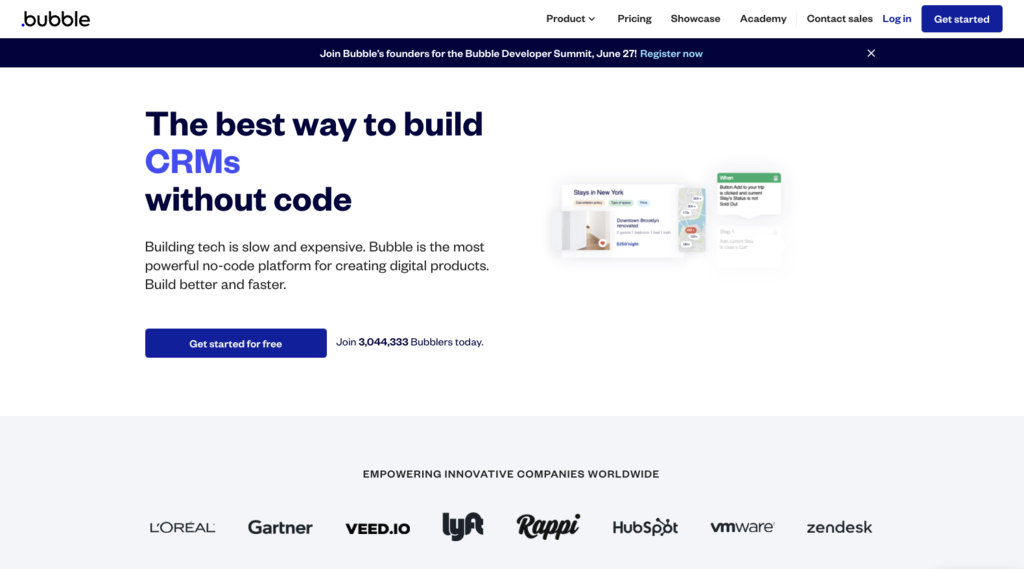
As AI tools go, Bubble employs AI to simulate user interactions on websites and report potential issues, making it an efficient tool for quality assurance (QA). It helps you as a web developer to optimize your sites, ensuring a smooth and personalized experience for visitors.
Key Features:
- AI-powered testing and QA
- Simulation of user interactions
- Detailed reporting of potential issues
Drawbacks:
- Automated testing might not cover all possible real-world scenarios
- The user interface might be complex for novice users
Artificial Intelligence for Development and Deployment
AI technologies simplify the development process, accelerate deployment, and enhance your productivity as a web developer. Focus on AI tools that offer features such as automated code generation, infrastructure management, and scalability.
In addition, integrating innovative AI web app development tools can further streamline your workflow and boost efficiency across the development cycle.
1. AWS Amplify
- Rating: 4.5/5
- Best for: AI-powered development and deployment
- Price: Usage-based pricing, free tier available
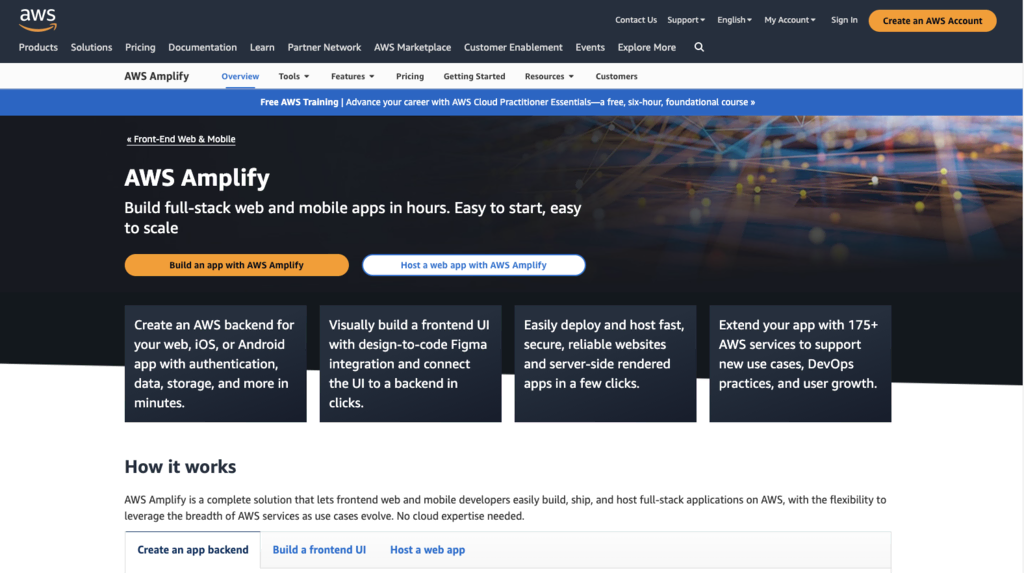
AWS Amplify is a development and deployment platform that leverages AI to streamline the full software development process. As one of the more comprehensive AI tools on our list, AWS Amplify offers a wide range of AI-powered features, including coding assistants for code generation, data visualization and analytics, and automated deployment. With seamless integration with other AWS services, Amplify simplifies developing and deploying web applications and progressive web apps.
Key Features:
- AI-powered code generation and predictive analytics
- Automated deployment and scaling
- Seamless integration with other AWS services
- Collaboration and version control capabilities
Drawbacks:
- Requires familiarity with AWS services and infrastructure
- A steeper learning curve for beginners
2. Firebase
- Rating: 4.6/5
- Best for: AI-powered development and hosting for web and mobile apps
- Price: Usage-based pricing, free plan available
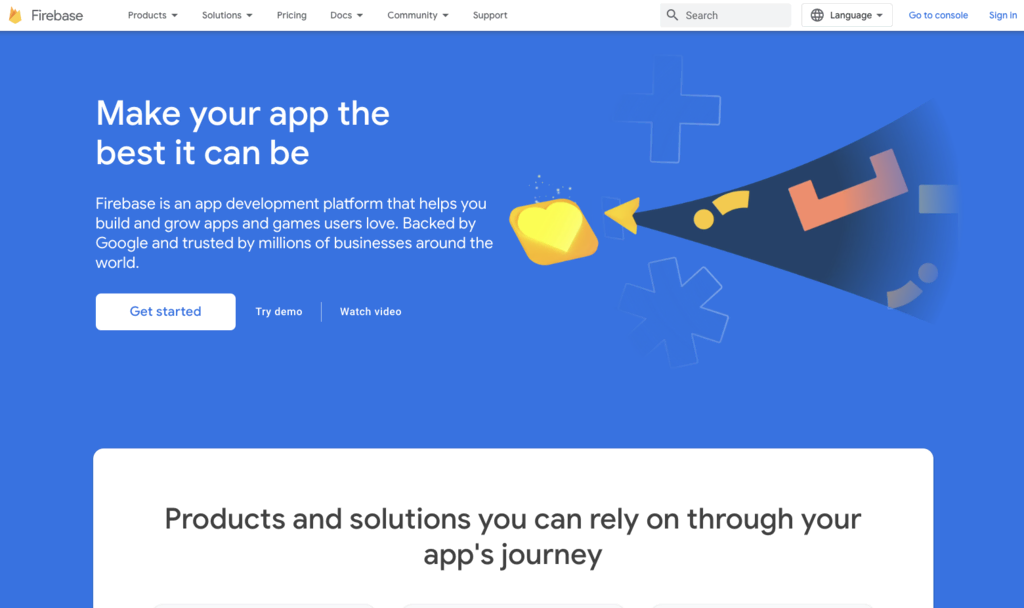
Firebase is Google’s powerful AI-driven software development and hosting platform. Packed with a wide range of features, you get features like real-time database, authentication, hosting, and cloud functions. Firebase leverages machine learning algorithms to enhance app performance, optimize database queries, and deliver personalized user experiences.
Key Features:
- Real-time database and authentication features
- Hosting and cloud functions for seamless deployment
- AI-driven app performance optimization
- Personalized user experiences through AI algorithms
Drawbacks:
- Requires familiarity with Google Cloud services and setup process
- Some advanced features may require technical expertise
3. Azure Machine Learning (AML)
- Rating: 4.6/5
- Best for: AI-powered development and deployment
- Price: Usage-based pricing, free plan available
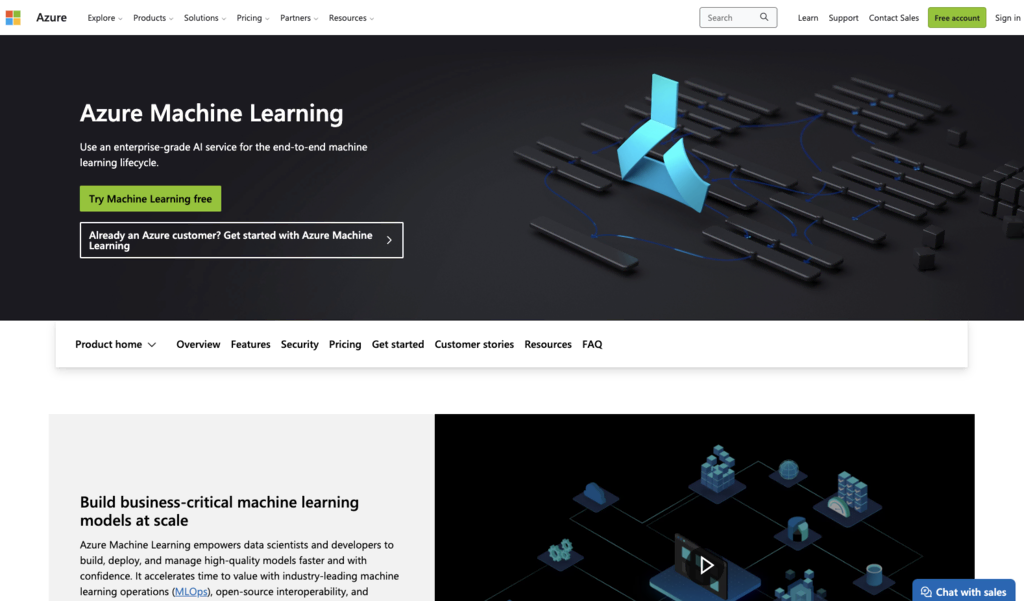
Azure Machine Learning (AML) is a great example of machine learning in web development. This comprehensive AI platform enables developers to build, deploy, and manage machine learning (ML) models for various development applications. With its extensive set of tools and services, AML streamlines the development and deployment process for AI-powered web projects.
Key Features:
- Tools for building, training, and deploying ML models
- Integration with popular development frameworks and tools
- Scalable infrastructure for handling large datasets
- Built-in model evaluation and monitoring capabilities
Drawbacks:
- Usage-based pricing can vary based on resource consumption
- Requires familiarity with ML concepts and frameworks
4. GitHub Copilot
- Rating: 4.6/5
- Best for: Code suggestions and bug fixes
- Price: Included with GitHub Pro, Team, and Enterprise Cloud subscriptions
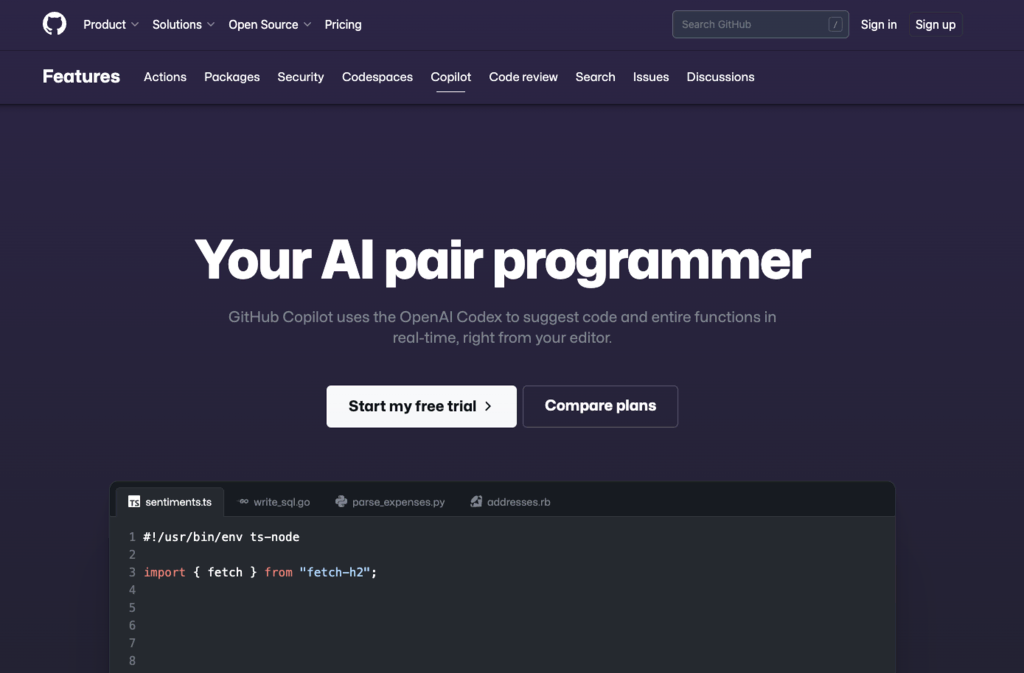
GitHub Copilot, powered by OpenAI Codex, assists developers by providing line and function suggestions as they code. It’s one of the best AI tools for bug fixing, learning new languages, and accelerating the coding process overall.
Key Features:
- AI-generated code suggestions
- Supports a variety of programming languages
- Assists in bug fixing
Drawbacks:
- Suggestions might not always be accurate or optimal
- Requires some understanding of coding to use effectively
5. TensorFlow.js
- Rating: 4.6/5
- Best for: Building and training ML models in JavaScript
- Price: Free
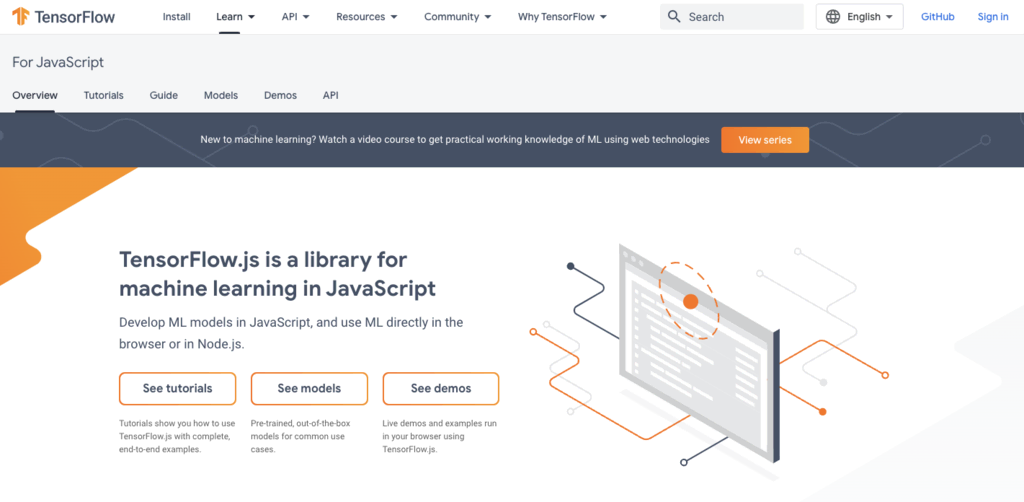
TensorFlow.js is a JavaScript library for machine learning (ML) that can be executed in a web browser or on Node.js. It enables developers to build and train ML models in JavaScript, directly integrating into development workflows.
Key Features:
- JavaScript support for ML
- Can run on a web browser or Node.js
- Supports building and training ML models
Drawbacks:
- Requires a solid understanding of ML concepts
- Might have a steep learning curve for beginners
6. Jungle Scout

- Rating: 4.4/5
- Best for: eCommerce market insights
- Price: Plans start from $29/month
Looking for eCommerce-focused AI tools? Jungle Scout uses AI to analyze vast amounts of market data, providing valuable insights about trends. The platform also uses AI to optimize product descriptions and other listing copy. While primarily an AI tool for Amazon sellers, it can be a useful tool for web developers working on eCommerce sites.
Key Features:
- AI-powered market analysis
- Offers valuable insights for eCommerce developers
- Extensive data coverage
- AI writer for product listings and descriptions
Drawbacks:
- Primarily targeted at Amazon sellers
- Maybe less useful for non-eCommerce developers
Suggested Reading
Discover the top large language models and their role in web development. Using the right AI prompts can streamline and enhance your web design workflow.
Conclusion
AI tools for web development and design are valuable assets in streamlining development processes. From creating web apps to design and API development, image recognition, and finally, deployment, these tools offer innovative ways to enhance productivity, improve user experience, and save web developers precious time and effort.
AI tools aren’t going to replace web developers any time soon. Instead, by harnessing the power of AI, developers can unlock new possibilities and achieve exceptional results in their next development projects.
AI in Web Development FAQ
In this section, we will cover the most commonly asked questions about artificial intelligence-powered website development.
What Kind of AI Tools Are Available for Web Development?
There are AI tools available for almost all aspects of back- and front-end AI development. For example, you can use AI technologies for designing websites, content creation, code QA and testing, and deployment.
Are Development AI Tools Expensive?
Most AI tools vary in cost, with some platforms offering free versions or trial periods. Pricing depends on the provider and the available artificial intelligence-powered features.
Can AI Tools Completely Replace Human Web Developers?
AI tools enhance developer capabilities but cannot fully replace human expertise and creativity in crafting unique web applications.
All of the tutorial content on this website is subject to Hostinger's rigorous editorial standards and values.

Matleena is a seasoned Content Writer with 5 years of content marketing experience. She has a particular interest in emerging digital marketing trends, website building, and AI. In her free time, Matleena enjoys cups of good coffee, tends to her balcony garden, and studies Japanese. Follow her on LinkedIn