8 best hosting providers for web apps
Sep 18, 2026
/
By Simon L. & Dainius K.
/
7 min Read

Web app hosting is a service designed to deploy and manage dynamic applications that process data, execute backend logic, and respond to user interactions.
This type of hosting provides the server-side computing power and environment necessary to run application code and databases, unlike static website hosting, which only serves pre-built HTML, CSS, and image files without server-side processing.
Developers choose specialized hosting platforms because they offer streamlined deployment workflows, automatic scaling, and reduced infrastructure management compared to traditional hosting. Here are the best providers to choose from:
- Hostinger. An all-in-one solution for AI-generated and custom applications of any scale.
- Vercel. A frontend-centric cloud platform that streamlines deployment for Next.js and React frameworks.
- Railway. A developer-focused service that simplifies backend provisioning through serverless infrastructure.
- Render. A unified cloud solution that offers seamless deployment and scaling.
- Firebase Hosting. A Google-backed platform integrating real-time databases and authentication for dynamic apps.
- DigitalOcean App Platform. A Platform-as-a-Service (PaaS) that abstracts infrastructure management for rapid code deployment.
- AWS Amplify. A comprehensive toolset for building full-stack applications leveraging the Amazon Web Services ecosystem.
- Cloudflare Pages. A JAMstack-oriented platform that deploys sites to a global edge network for maximum speed.
1. Hostinger
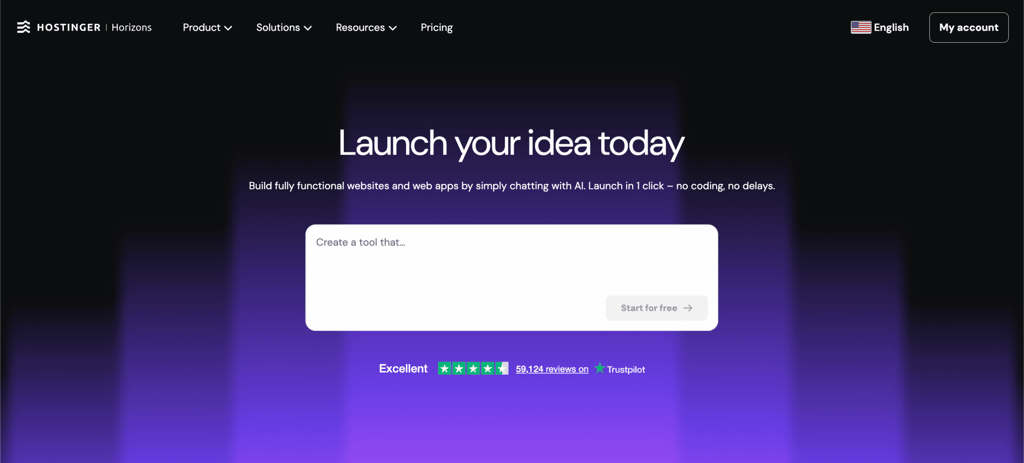
Hostinger offers a range of solutions for web applications, catering to a diverse audience, from hobby coders to full-stack engineers.
Hostinger AI Builder is an all-in-one solution for users who want to build and deploy an application quickly without managing infrastructure. Users can build an application using the AI app builder and deploy it live from the same interface.
This makes it a strong fit for beginners, solo creators, and small teams working on MVPs, internal tools, or simple SaaS ideas. If your goal is to validate an idea fast or launch without dealing with technical setup, Hostinger AI Builder keeps the process simple and fast.
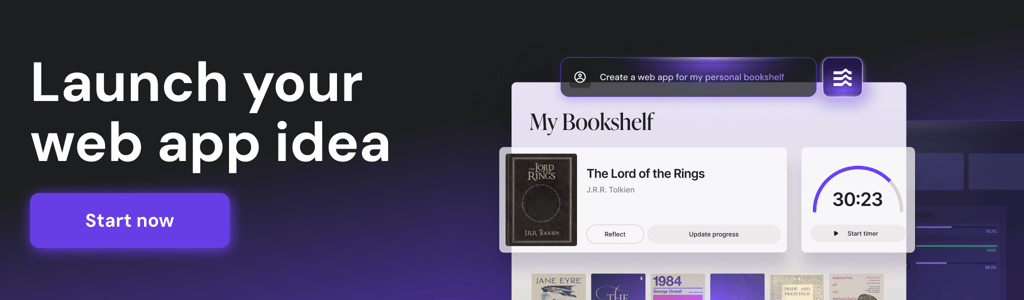
For developers creating custom applications, Hostinger’s managed web apps hosting is a strong choice. It offers managed services with a high level of flexibility. For example, it supports various JavaScript frameworks, including Vue.js and React, and integrates with GitHub and FTP for easy deployment. If you build in an AI-assisted IDE, you can deploy to Hostinger straight from your editor via the Connector.
This option works well for developers building dynamic web apps, dashboards, or APIs who want control over their code but don’t want to spend time managing infrastructure. It’s a practical choice for projects that are growing and need a stable, flexible environment.
For complex, large-scale applications demanding total control, Hostinger VPS hosting is the ideal solution. A VPS acts as a dedicated space on a physical server, providing you with root access to set up various Linux operating systems, software packages, and firewall rules, which isn’t possible on other plans.
It’s best suited for advanced users, teams, or businesses running large-scale applications, custom backend systems, or workloads that require specific configurations. If your project needs performance tuning, custom server setups, or the ability to scale without restrictions, VPS gives you that flexibility.

Hostinger key features
- Flexible scaling across all solutions. Upgrade resources as your app grows, whether you’re using Hostinger AI Builder, Node.js hosting, or VPS, with minimal disruption.
- Multiple development approaches. Build without code (Hostinger AI Builder), deploy custom JavaScript apps (Node.js), or fully configure your own environment (VPS).
- Built-in security and protection. All plans include firewall protection against common threats like SQL injections, plus automated backups to protect your data.
- Easy deployment workflows. Use GitHub integrations, FTP, or one-click deployment depending on your setup, so you can push updates quickly.
- Full control when needed. VPS hosting includes root access, custom OS selection, and the ability to configure software, ports, and firewall rules.
- Performance-ready infrastructure. Dedicated resources on VPS and optimized environments for Node.js apps help maintain stable performance under load.
- Hostinger dashboard control panel. A simple interface to manage your hosting, with tools like an AI assistant, file manager, and backup controls to streamline your workflow.
2. Vercel
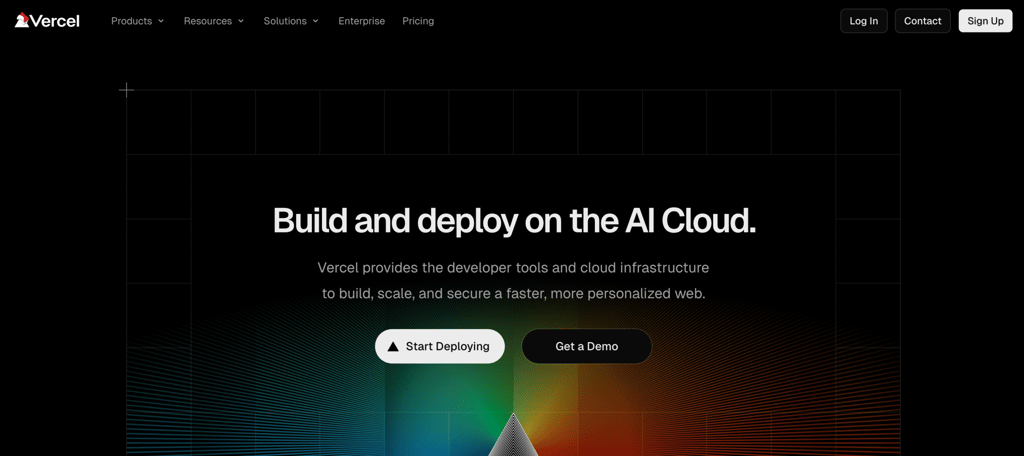
Vercel is a cloud platform that makes front-end development and deployment easy. It simplifies development through Git integration and offers a global Content Delivery Network (CDN) that helps web applications load quickly.
Geared towards developers and more technical users, Vercel offers support for various popular web app development frameworks, including Next.js, Svelte, React, and Nuxt.
For users working in a team environment, Guest & Team access controls enable developers to collaborate while maintaining a secure environment, with simple settings that determine who can view, edit, or deploy specific projects.
Vercel key features
- Serverless functions. Vercel runs backend code, such as Python, on demand according to the number of events, automatically scaling up for traffic spikes and down when idle.
- Integrated database. This web hosting platform offers various built-in database solutions tailored to different needs, such as Vercel Blob for handling large files and Vercel KV for real-time applications.
- Robust anti-bot detection. Features like Challenge Mode, DDoS Mitigation, and BotID help prevent automated bot attacks by distinguishing between malicious and legitimate traffic.
3. Railway
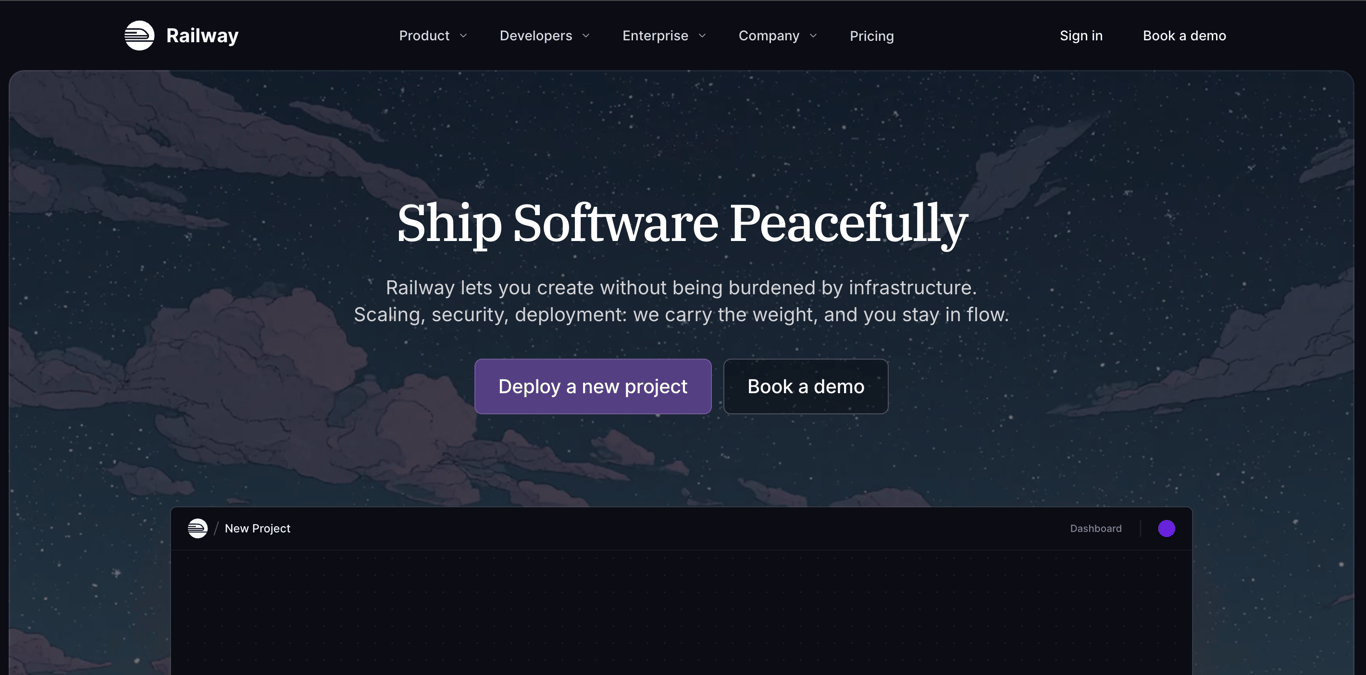
Railway is a developer-friendly cloud platform that makes deploying and managing front-end and back-end web apps simple. It supports full-stack development through serverless containers and is compatible with various tools, including GitHub and Docker.
The platform offers valuable features, including real-time performance metrics, persistent deployments that remain active during inactivity periods, and global content distribution that enables fast loading of web applications for users worldwide.
Railway uses a pay-as-you-go pricing model that only charges for the resources you actually use, making it an excellent choice for independent developers, startups, and growing companies.
Railway key features
- Private networking. You can create a private internal network to allow services and databases within the same project to communicate securely without exposing ports to the public internet.
- Unlimited team seats. Companies using Railway’s pro plan can add an unlimited number of team members without any additional cost.
- Usage-based pricing. Railway charges are specifically for the CPU and RAM resources consumed, rather than a flat monthly fee for reserved capacity.
4. Render
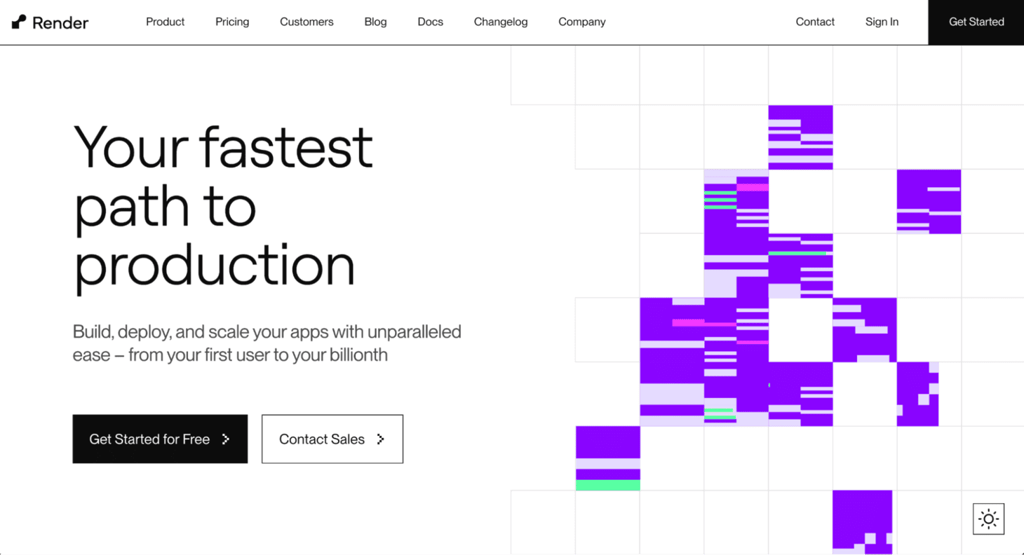
Render is a comprehensive cloud platform designed to simplify hosting and deploying web apps with minimal setup. For example, it provides automatic deployments from Git repositories, eliminating the need for manual configuration.
Moreover, this platform supports Docker-based deployment, which enables you to build an app from a Dockerfile or pull from a container registry. It also offers Autoscaling that scales the number of your app instances based on traffic to avoid usage spikes.
Render supports popular programming languages, including JavaScript, Python, and Ruby. Moreover, its global CDN ensures fast load times for users around the world, making it a great choice for growing projects.
Render key features
- Zero-downtime deployment. This approach ensures that your application remains available to users after updates are pushed by redirecting traffic only when the new app version is verified to work.
- Persistent disks. Developers can attach persistent block storage to services that require retaining data between restarts, such as custom databases or CMS file uploads, to ensure data integrity.
- DDoS protection. Includes Cloudflare-powered automated mitigation against distributed denial-of-service attacks to maintain application uptime and availability.
5. Firebase Hosting
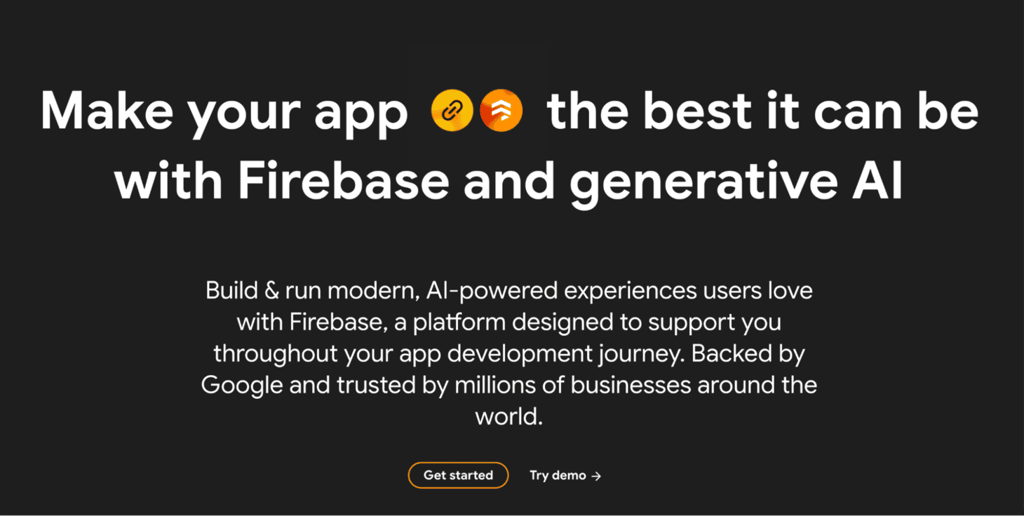
Firebase Hosting is a fast, secure, and reliable platform for deploying web apps on a robust infrastructure integrated with Google Cloud services.
Built by Google, it offers features like built-in Secure Sockets Layer (SSL), global CDN, and seamless integration with Firebase’s backend services, making it a strong choice for developers who need real-time database support, authentication, and other cloud functions.
Firebase Hosting also supports both static and dynamic content, offering flexibility for different types of apps.
Firebase key features
- Preview channels. Firebase Hosting generates temporary, shareable URLs for different development branches of their application, allowing teams to test changes in a real-world scenario before merging.
- Cloud Functions integration. Events or HTTP requests in your app can trigger backend code stored in the Google Cloud infrastructure, eliminating the need for setting up a back-end service for such functions.
- Atomic deployments. Firebase guarantees that a deployment either fully succeeds or fails, preventing users from ever seeing a broken or partially updated site.
6. DigitalOcean App Platform
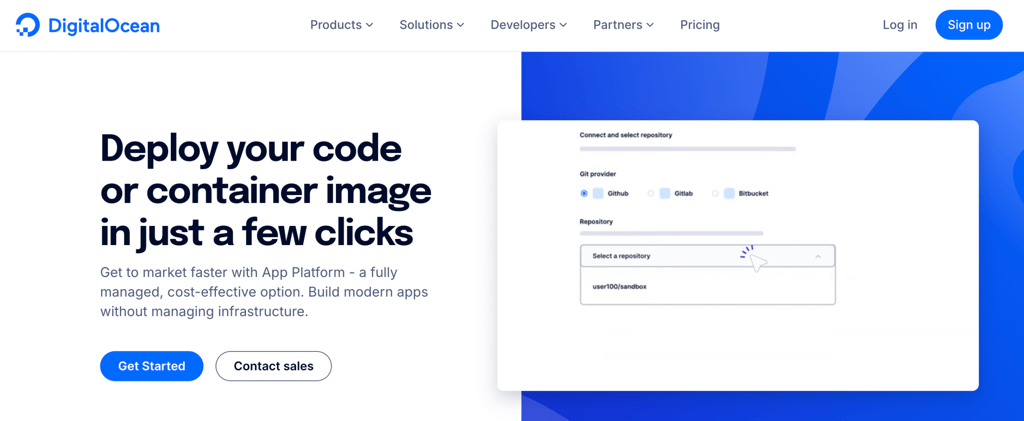
DigitalOcean App Platform is a platform-as-a-service that deploys applications directly from Git repositories while integrating with DigitalOcean’s cloud infrastructure. It bridges simplified deployment with the transparency and pricing DigitalOcean is known for.
The platform provides managed runtime environments for multiple languages and frameworks, including Node.js, Python, Ruby, PHP, and Go. Developers can deploy monorepos, microservices, or static sites without configuring servers or containers manually.
Built-in CI/CD workflows connect directly to GitHub and GitLab, automatically testing, building, and deploying code on every push. This eliminates the need to set up separate CI/CD pipelines or manage deployment scripts—commits trigger deployments without additional configuration.
DigitalOcean App Platform key features
- Vertical scaling. Developers can increase the CPU and RAM capacity of their application hosting environment to easily meet new requirements without scaling the project horizontally, which is more complicated.
- Component scaling. Instead of the entire infrastructure, developers can independently scale different app components, like web workers, to optimize costs.
- Application alerting. DigitalOcean App Platform automatically notifies users of failed deployments or health check errors, ensuring a rapid response to downtime events.
7. AWS Amplify
AWS Amplify is a set of tools and services that helps developers quickly build and deploy full-stack web apps with a focus on front-end development.
Amplify supports frameworks such as React, Angular, and Vue.js, and integrates seamlessly with AWS backend services for authentication, storage, and analytics.
This integration enables you to easily connect complex services, like Amazon Cognito for secure user authentication, to your application. Normally, you need to develop the feature or integrate an API from scratch, which can be tedious.
AWS Amplify key features
- Pull request previews. AWS Amplify automatically builds and deploys a version of your website for every pull request, simplifying visual reviews and testing.
- Amplify Studio. A visual interface that allows developers to easily develop their application’s front end with minimal coding.
- Amplify Command Line Interface (CLI). A toolchain that enables you to configure and maintain your app back end remotely from your local desktop.
8. Cloudflare Pages
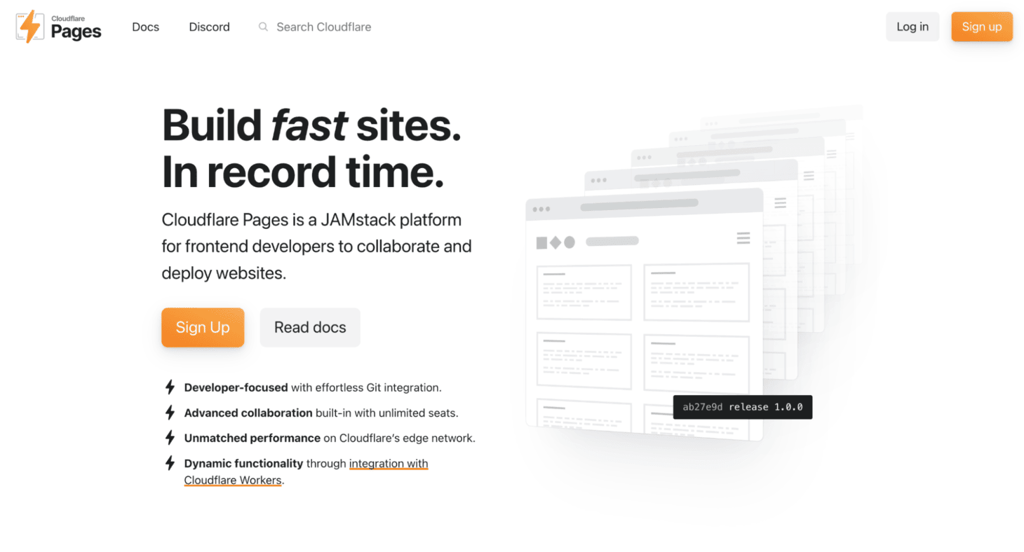
Cloudflare Pages is a platform designed for building and deploying fast, secure static websites and JAMstack apps.
This platform offers seamless integration with GitHub and GitLab for automatic deployments and includes built-in Continuous Deployment (CD) pipelines.
Cloudflare’s global CDN ensures fast load times and secure delivery worldwide. It is an excellent option for developers building static sites or dynamic JAMstack apps that require low latency.
Cloudflare Pages key features
- Pages Functions. Developers can set up workers to run serverless functionality on static sites, such as handling form submissions or API calls, directly from the edge network.
- Cloudflare access. Enterprises can set up a specific access policy to restrict access to their application for security and access control.
- Unlimited bandwidth. Cloudflare Pages offers unmetered requests and bandwidth on all plans, preventing unexpected overage charges during traffic spikes.
What is the best platform to host a large-scale web app?
A large-scale web app is an application that handles high traffic, large databases, and complex functionalities. These apps often require high availability, performance optimization, and the ability to scale quickly to accommodate growth.
For such apps, VPS hosting is often the best choice. It provides dedicated resources and root access, enabling you to tailor the environment to meet specific performance needs, such as optimizing database queries or configuring custom caching layers.
However, front-end web hosting (or PaaS solutions) can also be effective for large-scale apps if they support auto-scaling. These platforms automatically handle traffic surges by spinning up new instances, although they offer less control over the underlying infrastructure compared to a VPS.
How to host a web application
Choosing the right web hosting for web apps is just the first step in deploying a web application. To successfully launch your application, you must also navigate configuring DNS records, setting up SSL encryption, and establishing a CI/CD pipeline for updates.
The steps may differ depending on your hosting provider. For example, Hostinger’s web app hosting solution integrates with GitHub, meaning you don’t need to set up a deployment pipeline from scratch.
For a detailed walkthrough on setting up your environment, configuring servers, and deploying your code, read our complete guide on how to host a web app.
All of the tutorial content on this website is subject to Hostinger's rigorous editorial standards and values.

Simon is a dynamic Content Writer who loves helping people transform their creative ideas into thriving businesses. With extensive marketing experience, he constantly strives to connect the right message with the right audience. In his spare time, Simon enjoys long runs, nurturing his chilli plants, and hiking through forests. Follow him on LinkedIn.

Dainius Kavoliunas is the Head of Product for Hostinger Horizons, with a passion for building innovative solutions. As an expert in product management, he combines deep expertise in UX, experimentation, and data analysis with a technical background to lead product strategy and build strong teams. He is particularly excited about the practical applications of AI and its potential to transform how we work and live. Follow him on LinkedIn.