9 best WordPress menu plugins
Dec 02, 2025
/
Leonardus N.
/
8min read
The menu bar on a website not only functions as a navigation tool for exploring content, but can also be used to grab the visitors attention. In other words, displaying a fully-functioning menu is often not enough. You might need to add an aesthetic element to make it more interesting.
Luckily, there are numerous menu plugins for WordPress that you can choose. Many of them offer great customization options and beautiful displays without sacrificing their main function as your site’s roadmap.
In this article, we have selected the 10 best menu plugins for WordPress.
How to create a menu in WordPress video guide
Are you wondering how to create a menu on your WordPress website without a plugin? Check out this video tutorial below.


Top 9 WordPress menu plugins
Whether creating a WordPress mega menu or a simple dropdown menu, there are tons of WordPress plugins that you can use. Comparing each of them would take a lot of your time, so below is a list of 10 of the best WordPress menu plugins based on their functionality and features.
1. Max Mega Menu
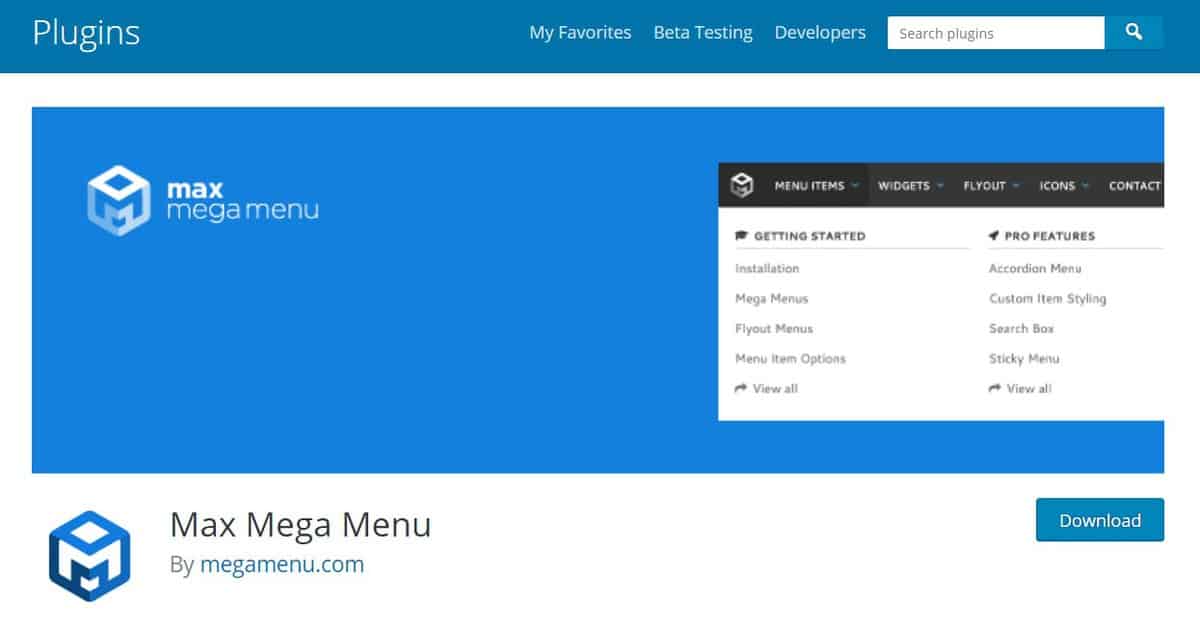
Max Mega Menu will automatically replace the default menu of your WordPress theme. This WordPress menu plugin offers a variety of menu customization options and allows you to add various interactive elements to the theme you are using, like embedding Google Maps or pitching sales forms.
It provides a fast, responsive menu that uses less than 2kb of JavaScript. The configuration is super easy that all you need to do is just click a few options and everything will be ready to use!
The Max Mega Menu is available for free. However, you can purchase its paid version for $29-$99/year.
The paid version gives you the flexibility to use Google fonts, custom icons, and Woocommerce integration. You will also get regular updates and priority support to ensure the optimization of plugins when used on your website.
2. Responsive Menu
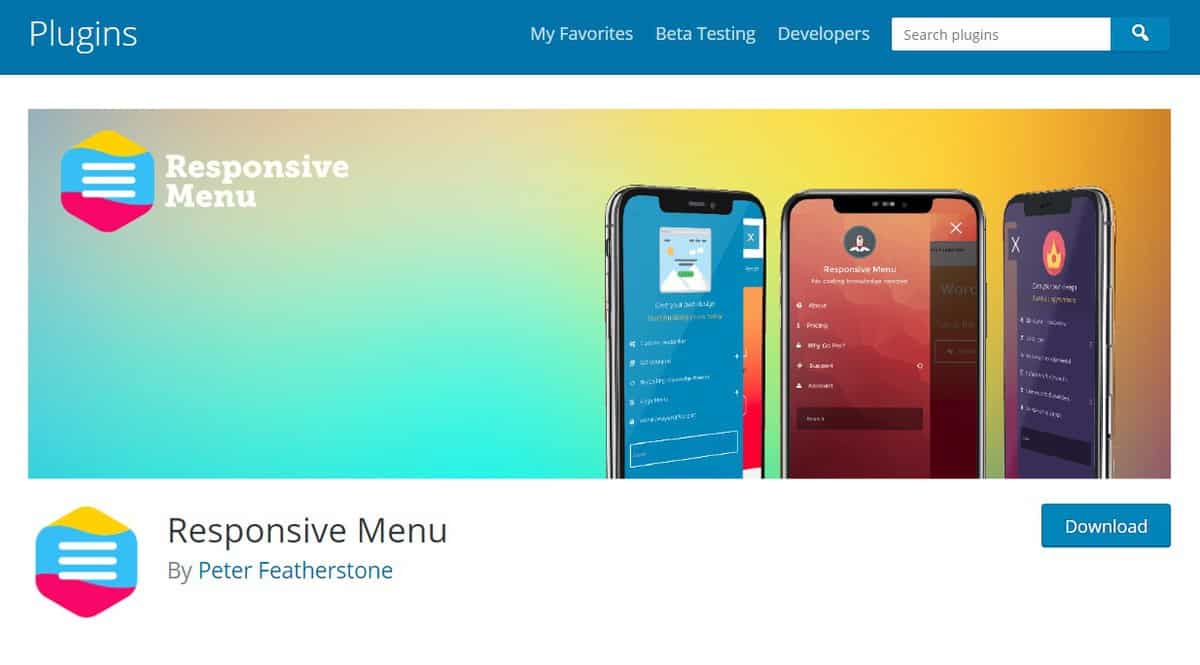
Responsive Menu offers more than 150 customization options that can be combined to create a function that suits you. This plugin uses a lightweight and simple interface that is easy to use, even for WordPress beginners.
The premium version of a plugin allows you to enhance the look of the menu by providing text, background, and border color customization. You can also choose the animation used for displaying the menu as well as uploading your own logo for each menu icon.
Responsive Menu offers two different lifetime plans: single license ($49.00) and multi-license (starting at $79.99).
3. QuadMenu
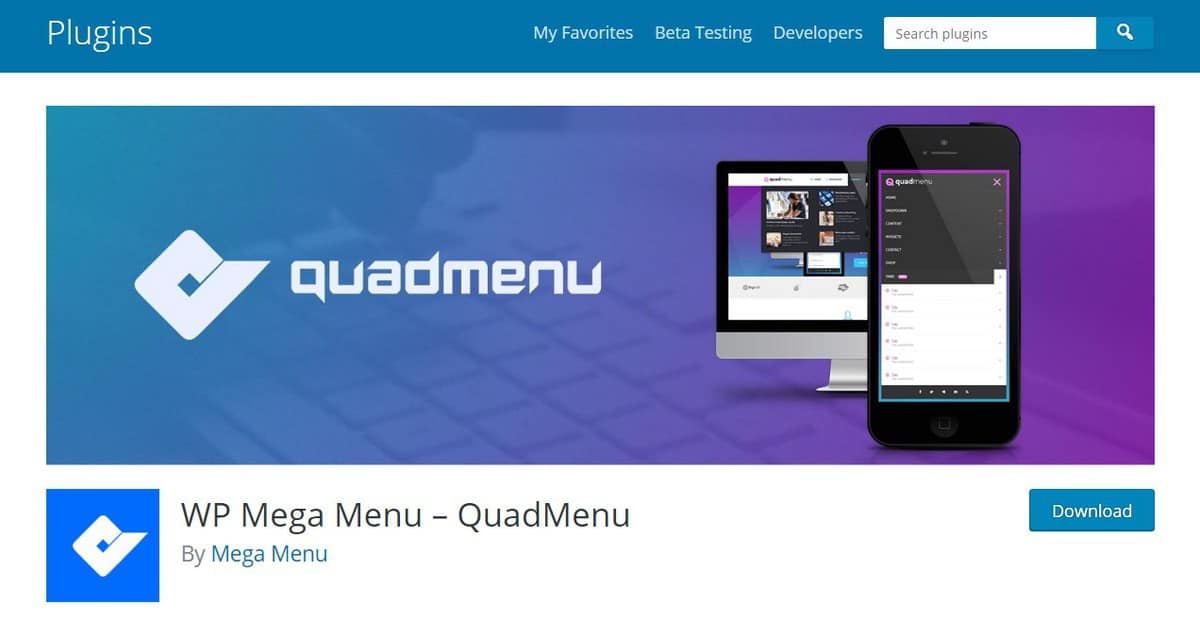
QuadMenu provides fast integration to help you create various types of menus in the WordPress theme that you use. This WordPress plugin does not change many things, but it is able to enhance the default menu settings in WordPress.
QuadMenu is equipped with tons of features and filters to let you customize the behavior and appearance of your WordPress site.
It has an automatic core integration, hundreds of free menu themes, and customizable animation for the menu display. It also supports Font Awesome Icons, child themes, and visual composer drag and drops function.
QuadMenu is available for free. Nonetheless, you can upgrade it to the yearly or lifetime premium plans. The premium plan will grant you a lot of extra features, such as a carousel menu builder, personalized support from the developer, and free updates.
4. WP Mobile Menu
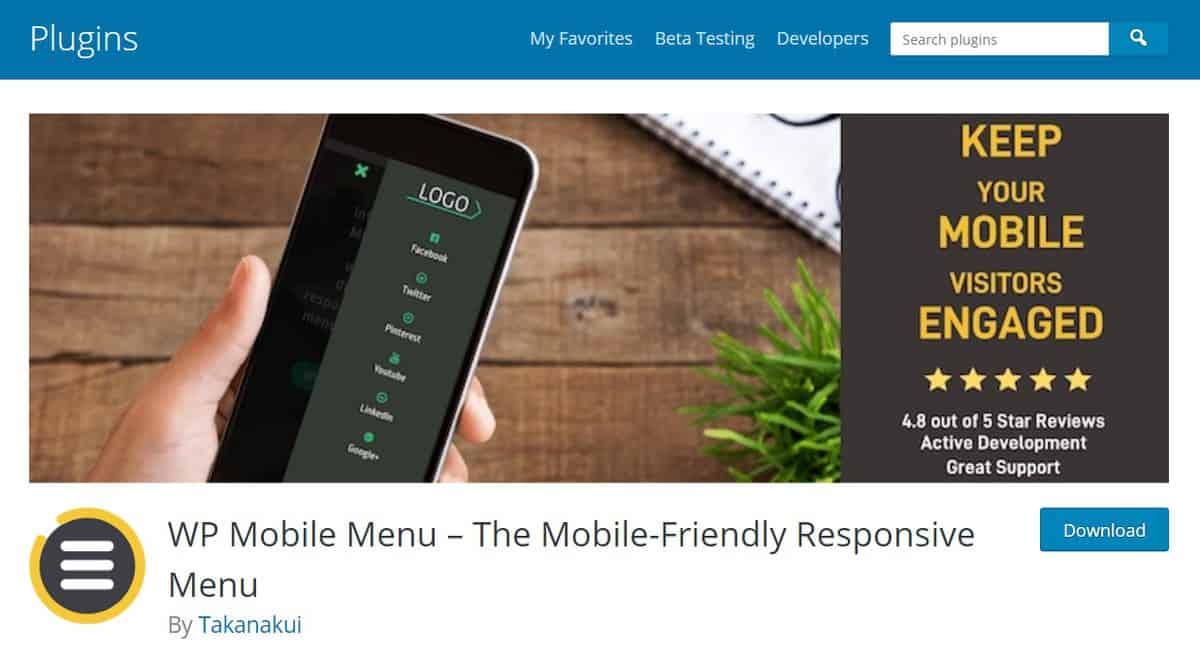
For those who want to optimize the website menu for mobile devices, the WP Mobile Menu Plugin is the best solution. This plugin offers a fast, simple, and responsive menu designed specifically to enhance your site’s experience on mobile devices.
WP Mobile Menu plugin is a great tool for users who are starting blogs, eCommerce sites, and business websites. It has multiple supporting features, such as free customization styling for menus, text or logo branding, and 3 depth menu levels.
While it is available for free, we advise you to purchase one of the premium plans that cost between $6.49-29.99/month for a single website. Additional plans are available, whether you need multi-site support or want to a lifetime licence. These plans offer a great deal that will surely bring the plugin’s usability to the next level.
Some of the premium features that you would get are full support of WooCommerce (including menu cart icon, checkout page, and chart buttons), live search, and thousands of free fonts and animated icons.
Furthermore, you can use the 14-day trial for the premium version first to see whether this plugin is worth your money.
5. JetMenu

JetMenu is a popular WordPress menu plugin that provides complete compatibility for Elementor users. With this plugin, you can easily create a Vertical Mega Menu or Mega Menu using the drag-and-drop editor.
This menu plugin is well-known for its mega menu toolkit. It provides a mega menu container where you can fit anything, from multimedia and contacts to products, dynamic content, templates, blog articles, and forms. With JetMenu, you have complete freedom to design and build a menu that suits your website’s needs.
You can buy JetMenu as a stand-alone WordPress plugin for $43/year for one website. Or, purchase the Crocoblock toolkit, which starts at $199/year for one website.
6. WP Mega Menu
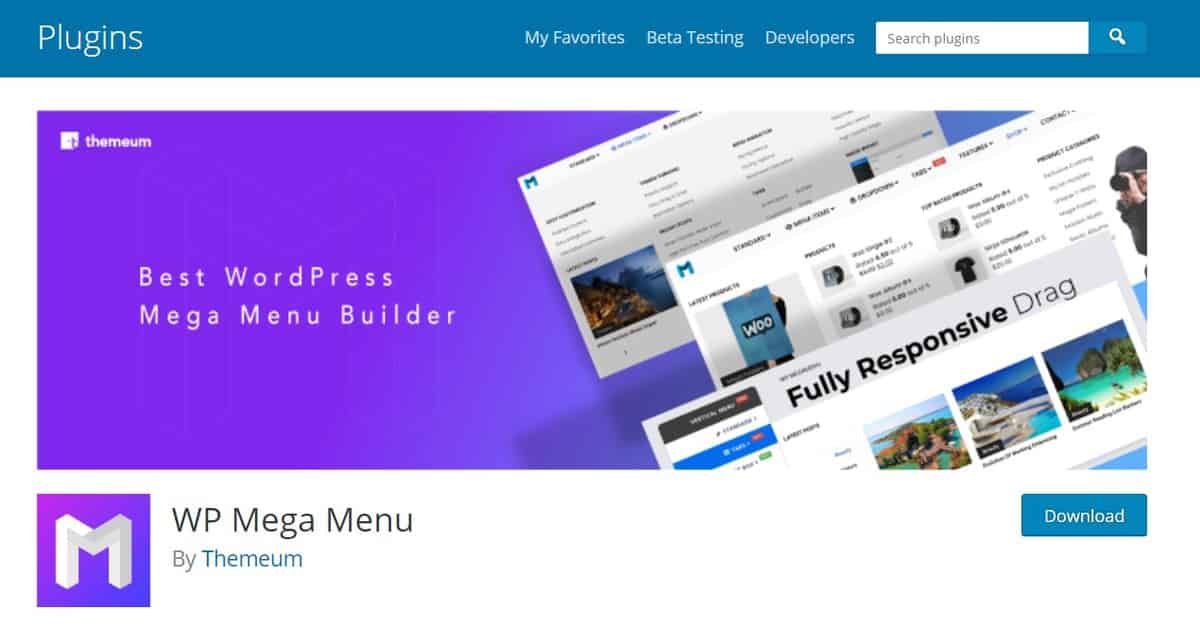
Building a stunning, fully-functioning mega menu is way easier with WP Mega Menu plugin. This tool has everything you need to elevate those dull and lifeless default menus of WordPress.
WP Mega Plugin features a lot of customization options, including logo branding, social icons, and free WordPress themes. It also supports Dashicons and Font Awesome Icon that could give you unlimited icon styling.
WP Mega Menu can be used for free, but it is also has a pro version with tons of additional features and professional support. The pro version costs only $19/year.
7. Advanced Sidebar Menu
Advanced Sidebar Menu will make sure that your website menu is well-organized. It is able to create, replace, and manage your parent and child menu while providing a lot of useful options to help you customize the look of your sidebar menus.
Some of its main features are the ability to separate categories or pages by embedding a comma between them, show a single post category in a widget, and quick child categories integration.
The plugin also gives a customizable widget styling. However, the functions are very limited for the free version. You need to purchase Advance Sidebar Menu Pro for $74 to be able to use the advanced customization options, such as custom background styling, bullet style section, and accordion menu optimizations.
Moreover, the pro version will also grant you priority support and free updates.
8. UberMenu
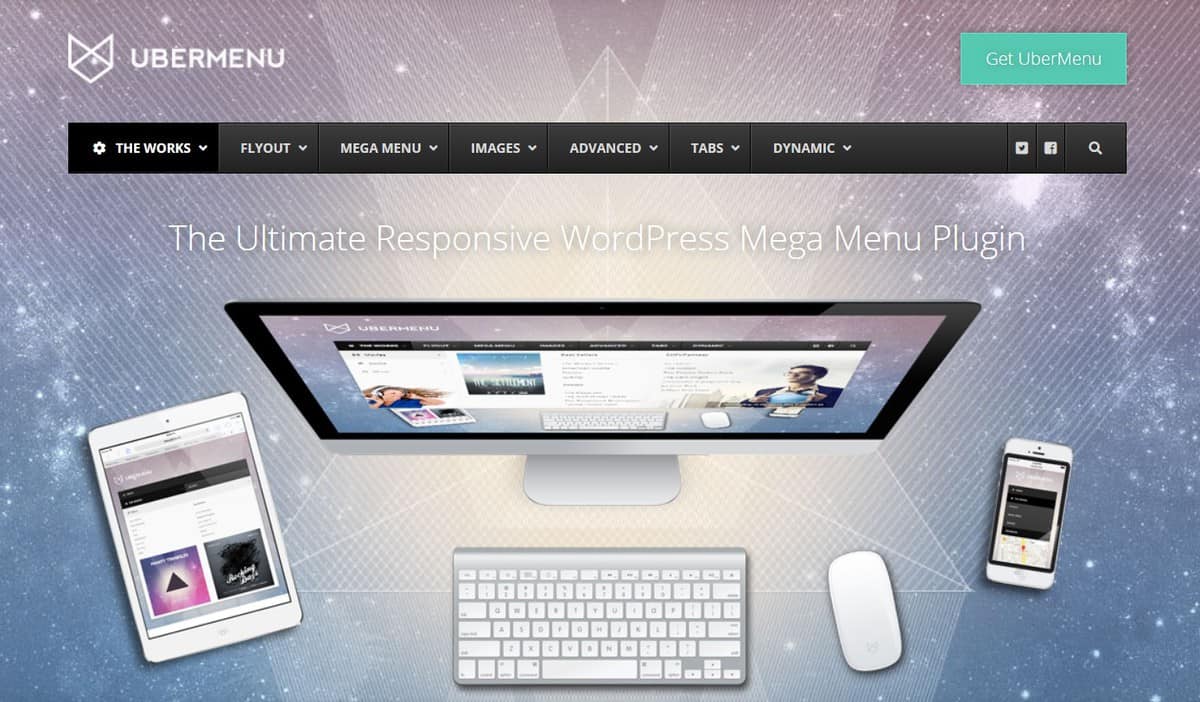
UberMenu is a user-friendly menu plugin for WordPress. With this tool, you can fully customize your menu, including its background, icons, layout, and categories. You can even add your own images to the menu sub-category.
Moreover, UberMenu is equipped with a smart style generator that will help you to input your preferred custom CSS3 codes.
You can also use or modify one of its templates to create a unique, fully-working design that enhanced the overall appearance of your website.
UberMenu is not free. It is a premium plugin that costs $29/year. Your subscription grants you six months of support, which can be extended for another six months by paying an extra $9.
9. Slick Menu

Slick Menu offers multi-level push menus: a set of fixed options that will automatically slide out from the edges of your website’s page by clicking a specific icon or text.
This plugin gives you tons of beautiful animation effects and icons. However, it is not available for free. You need to choose a plan, starting from $49/year for one website.
Slick Menu has many amazing features. One of the most notable features is the Live Customizer which allows you to monitor any changes you made in real-time.
This tool will save a lot of time since you do not need to go back and forth every time you made a small change to your WordPress menu.
We suggest you try the free live demo first before deciding whether this plugin is the one you are looking for.
Discover Other WordPress Plugins to Help Build Your Website
Best WordPress Directory Plugins
Best WordPress Live Chat Plugins
Best WordPress Plugins for Gutenberg Block Editor
Best WordPress Translation Plugins
Best WordPress Plugins for Menu Creation
Best WordPress Comment Plugins
Best WordPress Contact Form Plugins
Best WordPress Plugins for Adding Tables
Best WordPress Search Plugins
Best WordPress Security Plugins
WordPress Portfolio Plugins
Why are WordPress menus important?
While the menu looks like a mere list of texts or icons with links, they actually have an important role to optimize your WordPress website.
Just like a roadmap, the menu has to present clear navigation and utter precision for its users. The more complicated your menus are, the more likely users will find them confusing and irritating. This bad precedent will prevent users from staying and exploring your website.
How the menu affects your bounce and conversion rate
For those of you who are wondering about the “real” impact of a bad menu on a website, here is your answer: it will badly affect your bounce and conversion rate!
Bounce rate is the percentage of visitors who leave your website after opening only one page. For example, a visitor found your website through the search engine, he opens the main page of your website, then “bounce” back into the search engine or goes to another website.
Higher bounce rate means that there are tons of people who cannot find what they are looking for in your website.
This trend could lead to a disaster, especially if you rely on the conversion rate to monetize your website.
To put it simply, the conversion rate is the percentage of website visitors who make paid transactions on your website.
Having a bad conversion rate is as bad as losing money.
While the reason for this problem could vary, a badly organized menu could be the main cause. Therefore, you should always make sure that your website has beautiful, fully-functioning navigation by using the right menu plugin.
Why not use the default menu?
Most, if not all, free WordPress themes are equipped with a usable default menu. Unfortunately, its functions and customization options usually only contain generic basic functions that are not that interesting or practical.
Meanwhile, a WordPress menu plugin provides more practical functions and better display customization options. Some of these plugins can even be optimized to boost your website’s speed.
How to install WordPress menu plugin using the official plugin directory
There are three methods of installing a WordPress plugin. However, we will only explain how to install it using the official plugins directory since it is the easiest way compared to other methods, such as using an FTP client or File Manager.
Here are the steps to install the WordPress menu plugin:
- Go to your WordPress dashboard, then choose Plugins.
- Navigate to Add new option.
- Now, you can browse all plugins in WordPress. Make sure that you search for the Menu plugin to get the relevant search results. (You can also browse for all the best WordPress plugins; just enter the relevant keyword in the keyword box.)
- Click Install now on your preferred plugin. The plugin will be installed automatically, and you will only need to wait a couple of seconds.
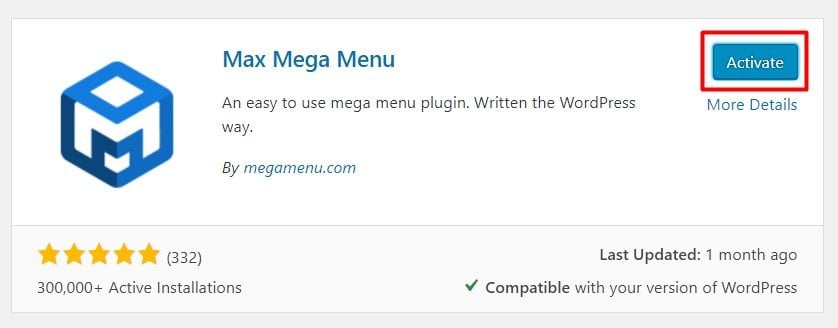
- Now, you need to activate the plugin. All new plugins are set to be inactive after the installation, so you need to click on Activate.

Conclusion
Finding the perfect WordPress menu plugin for your website is not easy. However, the options above should make your search easier than finding a needle in a haystack.
To summarize it all, here are the key features of the 10 best WordPress menu plugins we’ve discussed:
- Max Mega Menu – an excellent plugin that allows you to add various interactive elements to a WordPress theme.
- Responsive Menu – this plugin has 150 customization options that can be combined to create a custom function.
- QuadMenu – a great menu plugin that offers automatic core integration, hundreds of free menu themes, and customizable animations.
- WP Mobile Menu – The best WordPress plugin to optimize your website menu for mobile devices.
- WP Mega Menu – it offers a stunning, fully-functioning mega menu with numerous customization options.
- Nextend Accordion Menu – the best plugin to bring your “accordion” menu to the next level.
- Advanced Sidebar Menu – an excellent plugin to keep your website well-organized.
- WP Responsive Menu – a perfect plugin for minimalist WordPress themes that offers various tweaks and custom features.
- UberMenu – this plugin is equipped with a smart style generator that allows you to create new customization options.
- SlickMenu – has an excellent Live Customizer that allows you to monitor any changes you made in real-time.
Finally, we strongly suggest you try the free live demo of those menu plugins, especially the premium ones. This way, you would know for sure whether the plugin is really useful for you before spending your hard-earned money. Good luck!
WordPress menu plugins FAQ
Learn more about WordPress menu plugins from the following answers to frequently asked questions.
How do I make my WordPress navigation menu responsive?
To make your WordPress navigation menu responsive, you can use a responsive WordPress theme or a plugin like Responsive Menu or Max Mega Menu. Another option is to add custom CSS code to adjust the menu’s styling for different screen sizes.
Can I create a dynamic menu without using a plugin?
Yes, you can create a dynamic menu in WordPress without using a plugin by registering a custom navigation menu located in your theme’s functions.php file and using the wp_nav_menu() function to display the menu in your theme’s template files.
How do I customize the style of my WordPress site menu?
To customize the style of your WordPress site menu, you can use the built-in WordPress menu customizer, add custom CSS code to your theme’s style.css file or use a plugin like Max Mega Menu or Responsive Menu to add advanced customization options.

Leo is a Content SEO Specialist and WordPress contributor. Armed with his experience as a WordPress Release Co-Lead and Documentation Team Representative, he loves sharing his knowledge to help people build successful websites. Follow him on LinkedIn.


