8 best mobile website builders to create a site on your phone
May 20, 2026
/
Auksė Å.
/
9 min Read
Mobile website builders are tools that let you design, launch, and manage a website directly from your smartphone—without needing desktop access or coding skills. As mobile-first browsing becomes the norm, these platforms help business owners, creators, and freelancers stay productive on the go.
In this guide, we review the 8 best mobile website builders that combine ease of use, AI-driven features, and responsive design. Whether you’re building an online store, a portfolio, or a personal blog, we’ll compare top options like Hostinger, Squarespace, and Shopify based on mobile functionality, app performance, customization tools, and pricing.
Here are the top picks:
- Hostinger – Best all-in-one solution with powerful AI tools
- Squarespace – Best for visually polished websites, mostly managed from desktop.
- Shopify – Great for managing online stores on the go
- WordPress.com – Flexible builder for bloggers and small businesses
- SITE123 – Simplified mobile editor for quick site setup
- Wix – Rich customization and AI design with mobile editing tools
- Weebly – User-friendly mobile app for basic websites
- GoDaddy – Fast setup with business-oriented mobile features
Let’s explore how each tool stacks up for mobile-first site creation.
1. Hostinger
Best for: users seeking an all-in-one mobile website design solution
AI tools: AI Website Builder, AI Logo Generator, and AI Writer
Price: starting at CA$ 4.19/month
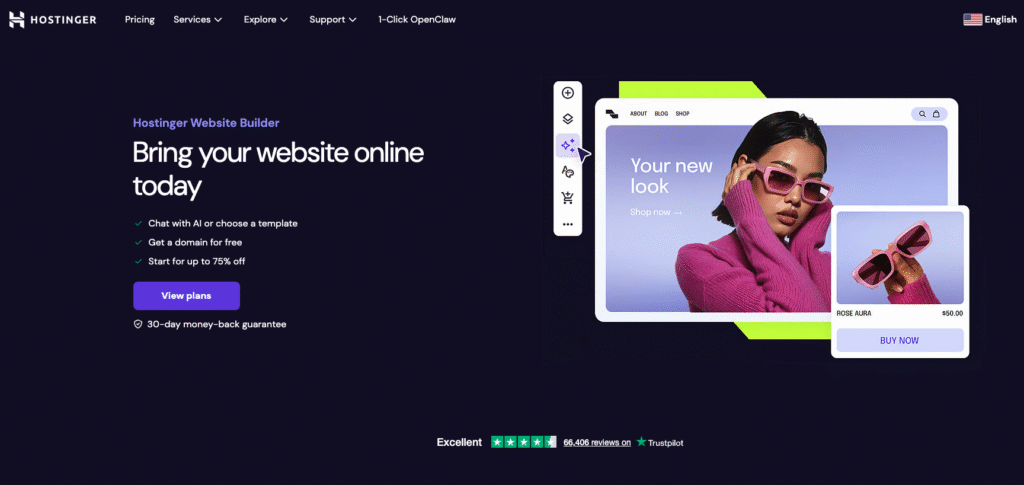
Hostinger’s mobile editor is built for on‑the‑go site creation: you can log in from your smartphone to edit, publish, and manage your website directly. Its drag‑and‑drop interface supports adding or resizing text, images, buttons, managing navigation menus, and previewing changes—all from the mobile editor.
If you’re building a simple site or store and want solid mobile functionality at a low cost, Hostinger remains one of the strongest options-but for highly customized or feature‑dense sites, be sure to test its limits with the AI website builder trial.
You also have access to a range of AI-driven tools in the mobile version of the editor. These AI tools are tailored to help with various aspects of website creation, from layout design to content generation:
- AI Builder – Describe the website you have in mind, and our AI tool will generate it from scratch within minutes.
- AI Writer – Enter your prompts, and the AI will generate unique, SEO-optimized content copy for various purposes, including blog posts, meta titles, and product descriptions.
- AI Logo Generator – Enter your brand name and description, then describe your preferred logo style. The tool then offers AI-generated logo options for you to choose from.
Key Features:
- Sidebar menu – the mobile builder’s sidebar menu streamlines website creation on your smartphone, eliminating the need to constantly switch tabs or windows.
- Drag-and-drop editor – you don’t need coding knowledge to change the website design seamlessly.
- Responsive design – all 150 Hostinger Website Builder templates are mobile responsive.
- Customization – the site editor provides a wide range of customization options. You can change color schemes, fonts, buttons, and animations to customize your site truly.
- Navigation control – easily manage your site’s navigation bar, including adding or removing pages, creating dropdown menus, and integrating social media links.
- AI tools – use AI to help with logo creation, content writing, search engine optimization, and even website generation.
- Device view switcher – edit, test, and see how your site looks on different devices.
- Free custom domain – Hostinger Website Builder users who purchase for a minimum of 12 months get a free custom domain.

2. Squarespace
Best for: Ecommerce websites
AI tools: copy, email, and product description generator
Price: starting at $16/month
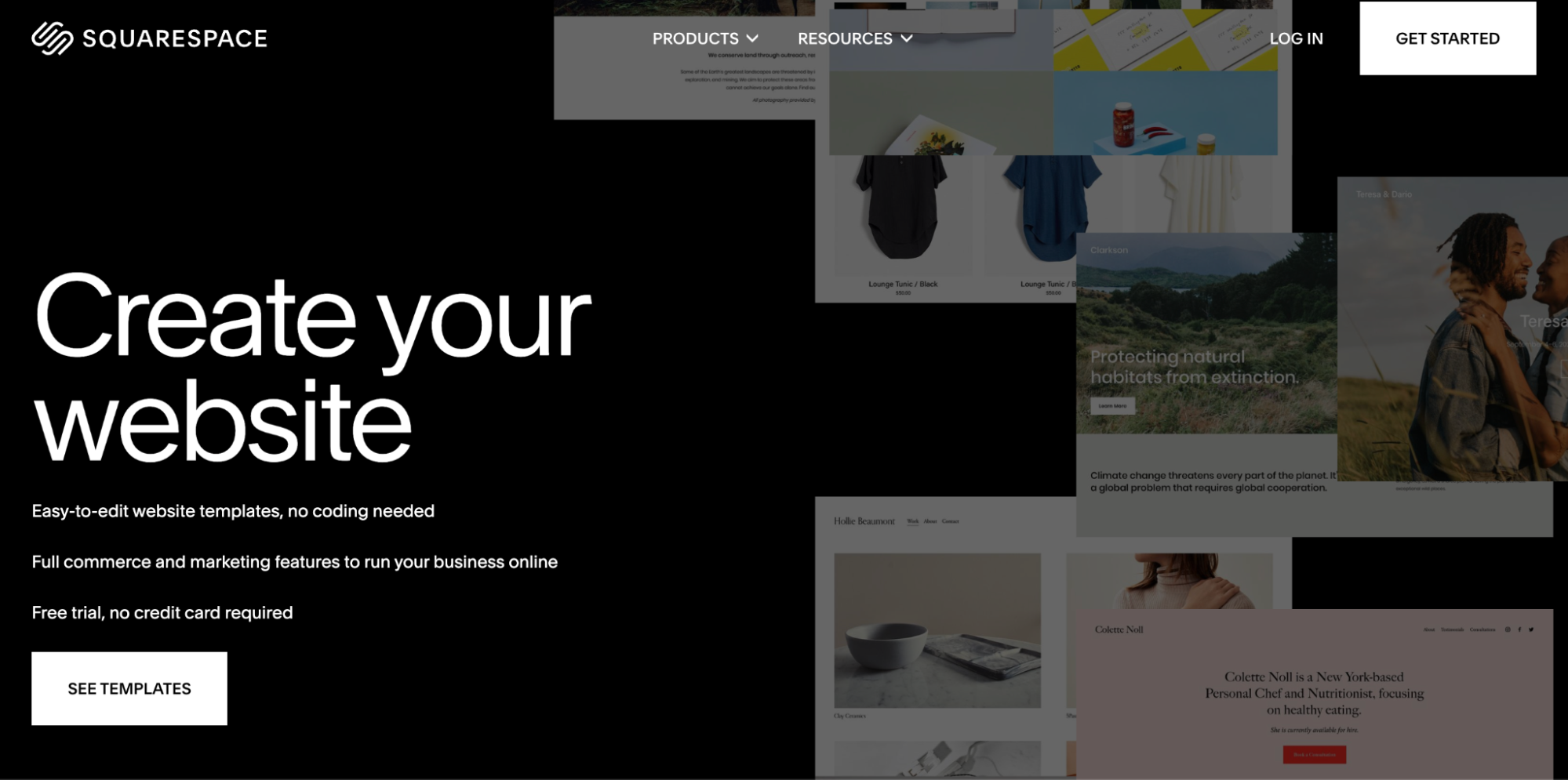
Squarespace offers a hybrid mobile editing experience—you can make many content updates via its mobile app (iOS/Android), such as editing pages, uploading images, and managing blog posts or store inventory. For layout and visual tweaks, you’ll typically use the browser editor’s Device View / mobile preview mode, which lets you reposition, resize, or reorder blocks for mobile screens.
With Squarespace 7.1’s Fluid Engine, mobile layout editing becomes more flexible: you can move blocks in mobile view independently of the desktop layout, giving you finer control over how your site appears on phones—while still using shared styles across all devices.
However, there are limitations with the mobile editor; you can’t add or reorder blocks—only edit content within existing blocks. Many design settings, advanced style changes, or commerce configurations still require access via a desktop.
Key Features:
- Drag-and-drop creator – users can easily design their website by changing the layout and adding and removing elements, but functionality is limited in the mobile app
- Built-in image editor – the builder features an integrated image editor that enables convenient cropping, resizing, and filtering before uploading.
- Mobile-friendly design – Squarespace templates are all designed to ensure a responsive website that adapts to different device screen sizes.
- Ecommerce features – Business plan users and above get inventory management capabilities, shopping carts, as well as shipping and tax calculators for their online store.
3. Shopify

Best for: Ecommerce websites
AI tools: automatic text generation, ecommerce virtual assistant
Price: starting at $29/month
Shopify’s mobile app brings serious admin power to your fingertips. From your smartphone, you can access a mobile theme editor that allows you to customize sections, move blocks, and adjust theme settings—all on the go.
You can also manage pages, menus, blog posts, products, orders, and store analytics directly from mobile. While many layout changes are possible, major design edits (custom CSS, deep theming, app integrations) still require using the desktop interface.
Some standout features include support for unlimited products, multi-channel selling (online, social, in-store via POS), and the ability to extend capabilities via Shopify’s extensive app ecosystem.
Higher plans unlock advanced analytics, shipping discount tiers, and better transaction rates. Shopify recently introduced a built-in AI Store Builder that can generate store layouts from descriptive keywords—though it’s still early in adoption.
Key Features:
- Streamlined store setup – setting up an online store is straightforward, with guided prompts and a user-friendly dashboard.
- Customizable themes – choose from over 160 professional themes to give your online store a distinct, on-brand look.
- Mobile-friendly design – Shopify stores are automatically optimized for mobile shopping, so customers can freely shop on the go.
- App Store – extend your store’s capabilities with a vast selection of apps available on the Shopify App Store.
- AI tools – AI-powered store builder to automatically build sites from descriptive keywords.
- Secure transactions – with integrated payment gateways and SSL certificates, selling online with Shopify is seamless and secure.
4. WordPress.com
Best for: bloggers, small to medium-sized businesses
AI tools: available through third-party plugins
Price: freemium, with paid plans starting at $4/month
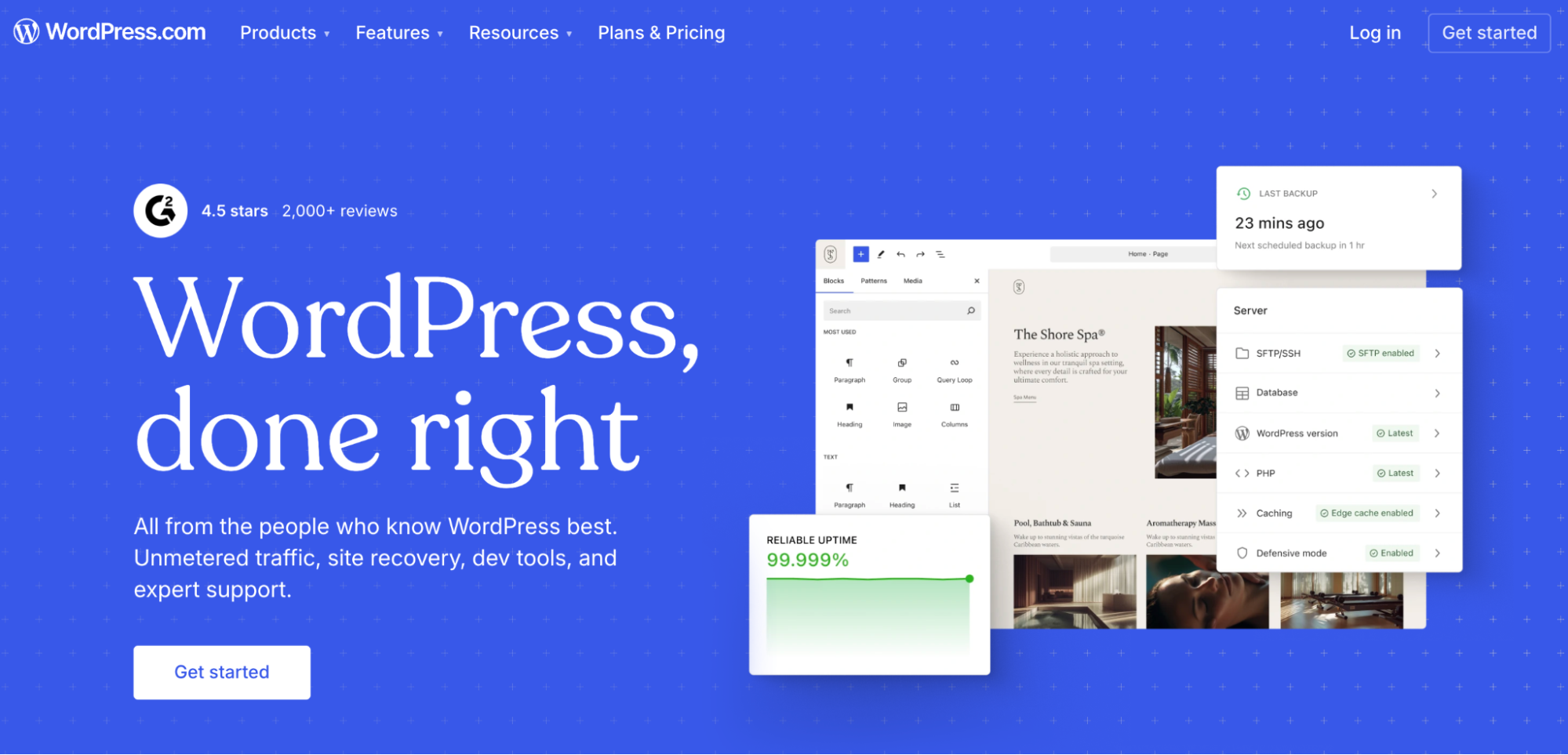
WordPress.com offers a flexible and scalable platform ideal for bloggers, freelancers, and small businesses—many of whom work directly from their phones. While it doesn’t have a standalone mobile site editor, the core editor includes responsive controls and mobile previews to help you adjust how your site appears across devices.
The WordPress mobile app supports essential functions like writing and publishing blog posts, managing comments, editing pages, and monitoring basic analytics. However, theme and plugin management, advanced design customization, and ecommerce features generally require desktop access and higher-tier plans.
WordPress.com also launched AI Site Builder in limited release—allowing users to generate full website layouts, imagery, and copy using simple prompts. This feature is promising for mobile-first creators, though it’s currently best suited for simpler projects, as advanced commerce or integrations still require hands-on adjustments.
Key Features:
- Intuitive editor – the block-based editor lets users easily drag, drop, and customize content to create engaging and dynamic web pages.
- Extensive theme library – with thousands of themes available, users can select a design that best aligns with their vision and brand identity.
- Advanced customization with plugins – enhance functionality by integrating a plethora of plugins available on the platform.
- Responsive designs – the mobile-friendly themes ensure a seamless experience for visitors, regardless of their device’s screen size.
- Built-in SEO – expand your reach and optimize your website’s visibility in search engines with integrated SEO capabilities and social sharing options.
- Ecommerce capabilities – with WooCommerce integration, users can set up an online store, manage inventory, and handle transactions.
Suggested Reading
Learn more about the differences betweenWordPress.com vs WordPress.org.
5. SITE123
Best for: small businesses and hobbyists looking for a straightforward web-building experience
AI tools: text generation
Price: freemium, with paid plans starting at $12.80/month
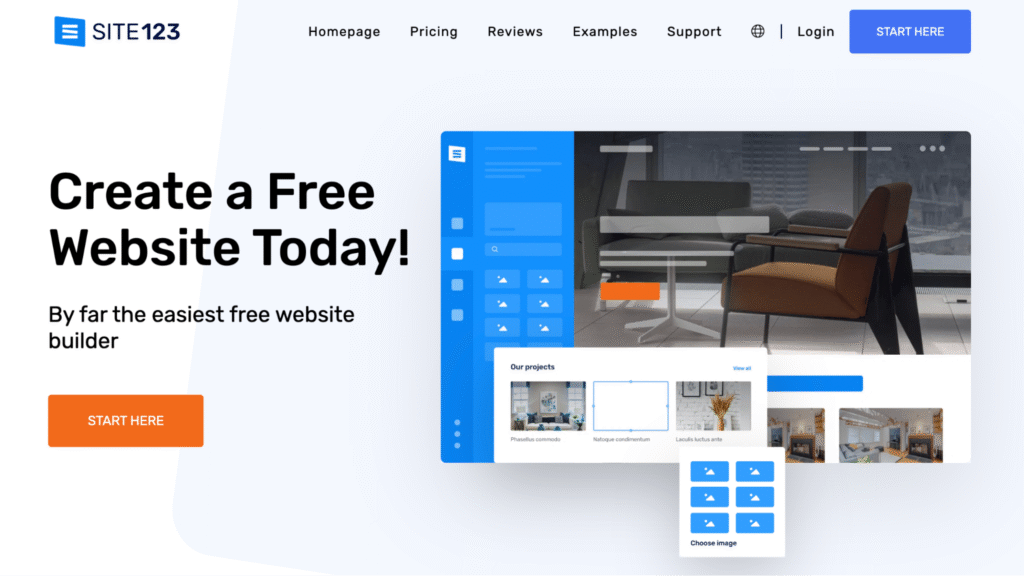
SITE123 is a beginner-oriented website builder that emphasizes speed and simplicity while ensuring mobile responsiveness. Its templates automatically adapt to smartphones, tablets, and desktops, and you can preview different device views directly in the editor.
Because its editor is section‑based rather than freeform drag-and-drop, design freedom is more constrained—but this also helps reduce decision paralysis for mobile-first users.
While SITE123 supports ecommerce functionality, many of its tools—such as product management, inventory, coupons, and payment gateway integration (Stripe, 2Checkout, etc.)—are gated behind paid plans.
Key Features:
- Easy setup – Answer a few questions about your website goals, and SITE123’s setup wizard will generate a ready-made layout in minutes.
- Responsive design templates – Choose from a wide selection of mobile-friendly templates that automatically adapt to smartphones, tablets, and desktops.
- Section-based editor – Customize your website using a streamlined, block-based editor. Adjust fonts, colors, and layout settings without needing to code.
- Integrated ecommerce tools – Sell products online with built-in tools for product listings, inventory management, discount codes, and payment gateway integrations like Stripe and 2Checkout.
- Built-in SEO and analytics – Optimize your site with editable meta tags, automatic sitemaps, 301 redirects, and analytics integrations to track performance.
- Multilingual support – Reach a global audience by publishing your website in multiple languages using the built-in translation manager.
- Custom code support – Inject custom HTML, CSS, or JavaScript into your website to unlock more design and functional flexibility (available on paid plans).
- Free hosting and 24/7 support – SITE123 provides secure hosting, SSL certificates, and around-the-clock live chat support for all users.
6. Wix
Best for: all website types
AI tools: Wix ADI (Artificial Design Intelligence), AI logo maker, AI writer
Price: freemium, with paid plans starting at $17/month
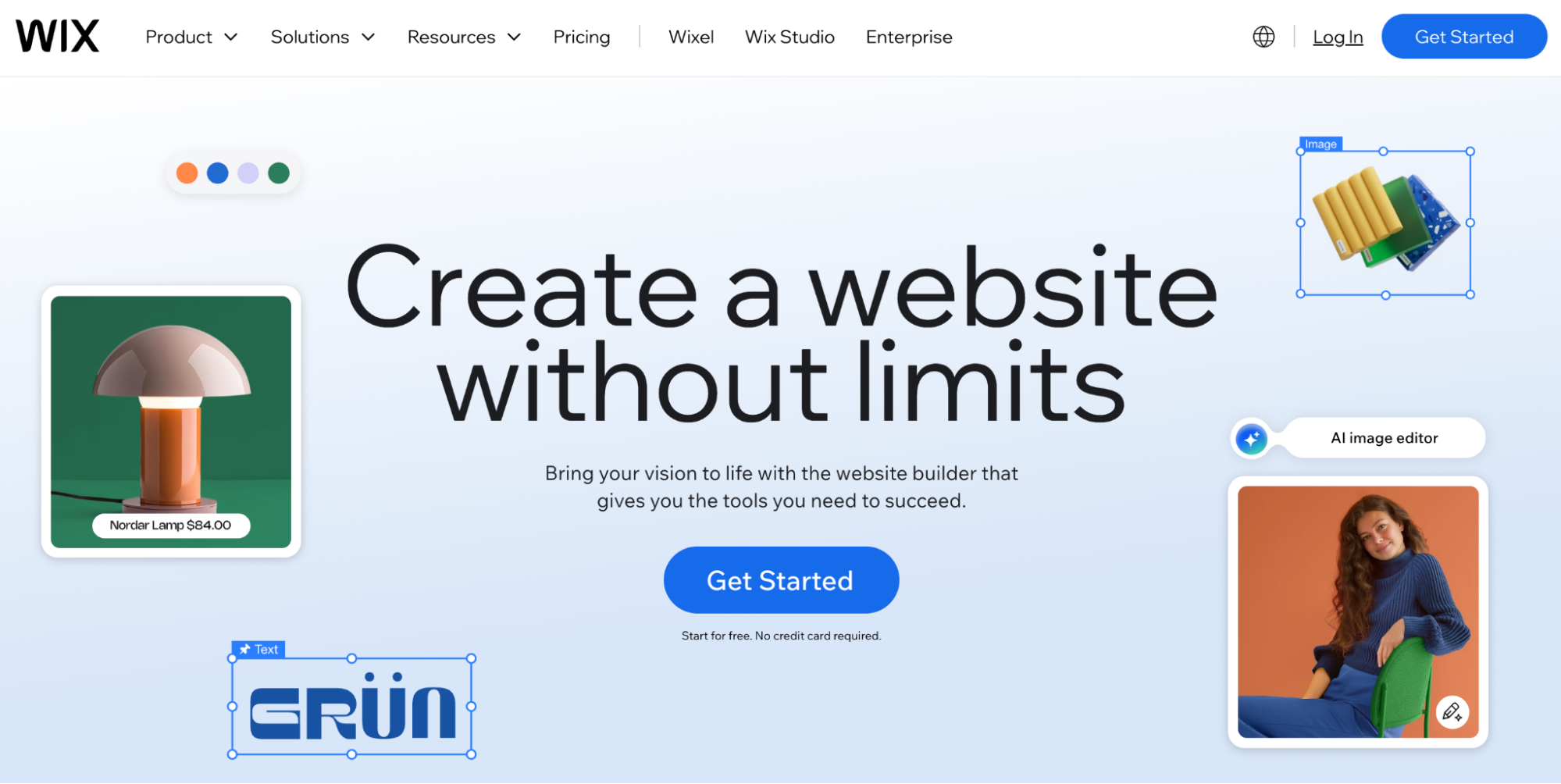
Wix makes it possible to build and manage your website directly from your phone, making it a strong choice for users who want full control without needing a computer. With the Wix Owner mobile app, you can create new pages, edit content, upload images, publish blog posts, and even manage ecommerce functions—all from your smartphone.
For design tweaks, Wix automatically generates a mobile version of your site based on your desktop content, and you can enter the mobile editor view to customize how your site looks and functions on phones.
You can hide or show content, add mobile-only buttons, adjust layout spacing, and preview your site as it would appear to mobile visitors. While the app doesn’t support full drag-and-drop like the desktop version, it covers nearly everything a non-technical user needs for mobile site management—including blogging, SEO, and basic product management.
Key Features:
- Drag-and-drop editor – with the Wix editor, users can easily add, remove, and customize elements, layout, and design without having to edit any code.
- Wix ADI – a powerful AI tool that helps design websites and populates them with professional text and images based on user input.
- Responsive design – all Wix templates can adapt to mobile screens.
- Mobile-specific editing tools – the platform provides tools that facilitate mobile optimization through features such as image compression and layout adjustments.
- App market – Wix offers a vast selection of apps and integrations through the Wix App Market to enhance your site’s performance and functionality.
- AI tools – Wix also offers other AI-driven tools, including logo and content generators, to streamline the site-building process.
7. Weebly
Best for: all types of websites for beginners, small businesses
AI tools: not available
Price: freemium, with paid plans starting at $10/month
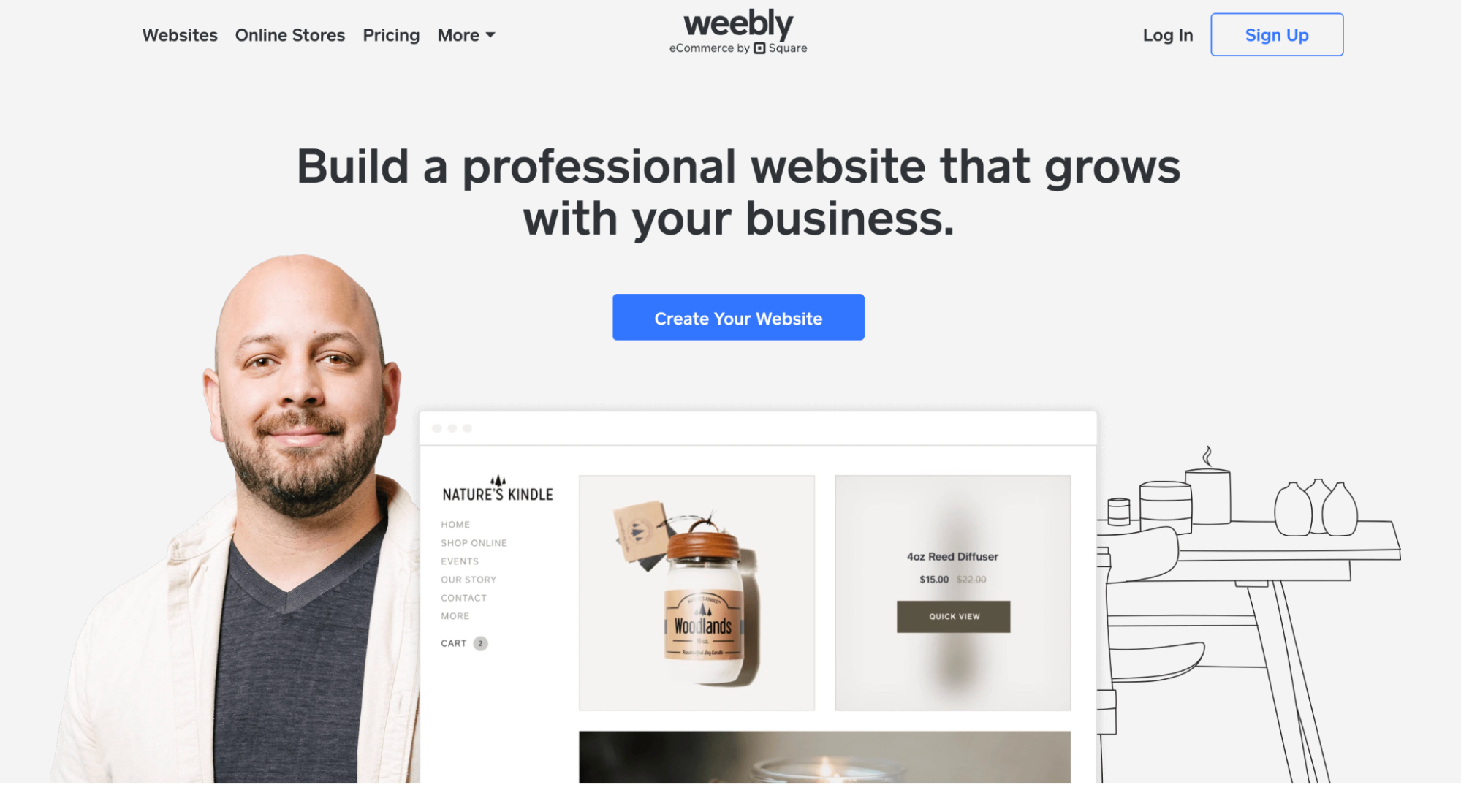
Weebly empowers you to create and manage a website entirely from your mobile device. Through its mobile app, you can set up pages, add blog posts, upload images, design layouts, and even manage your online store—all from your phone or tablet.
Editing is touchscreen-optimized, allowing drag-and-drop of elements directly in the app, while changes sync seamlessly across devices.
With the app, you can fully run your ecommerce store on the go: add new products, update pricing and inventory, process orders, and monitor sales metrics in real time. The dashboard also gives you instant insights into site traffic, comments, and form responses so you can stay on top of performance even when you’re away from your desk.
Weebly sites use responsive templates by default, ensuring your site looks polished across devices. You can also enhance your site’s functionality via the Weebly App Center, adding plugins and integrations that work across mobile and desktop.
Key Features:
- Mobile-first website creation – Design, edit, and publish your entire website directly from your smartphone using the Weebly mobile app.
- Touchscreen drag-and-drop editor – Arrange text, images, and other elements with an intuitive editor built for mobile gestures.
- Real-time analytics and monitoring – Track site visits, sales, form submissions, and customer interactions on the go.
- Responsive themes by default – All templates automatically adjust to mobile, tablet, and desktop screens without manual tweaking.
- Offline editing mode – Make changes to your website even when offline; updates sync automatically once reconnected.
8. GoDaddy
Best for: beginners
AI tools: AI design assistant, AI content generation
Price: freemium, with paid plans starting at $9.99/month
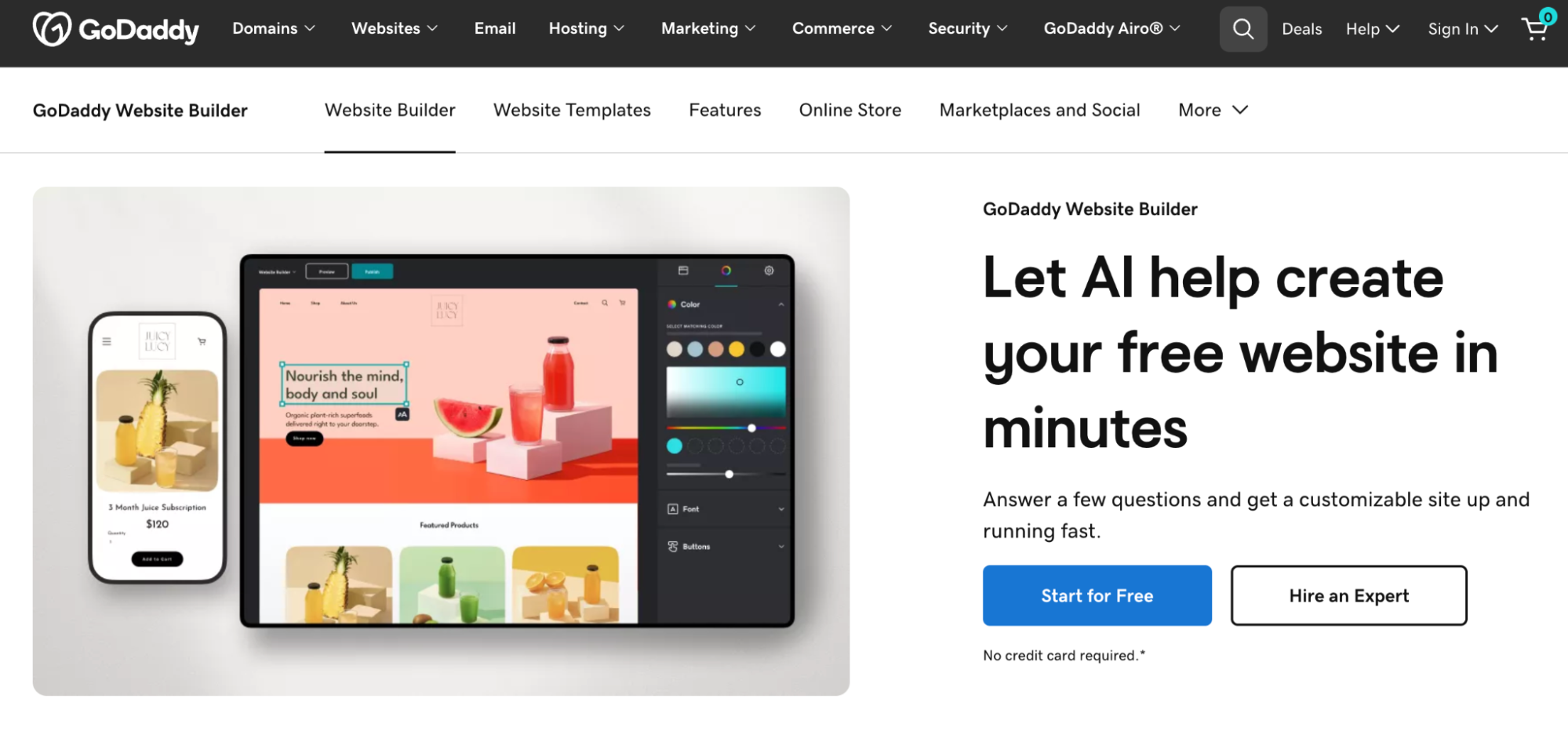
GoDaddy gives you the power to build and maintain a website entirely from your phone through its mobile app. Whether you’re updating pages, uploading images or videos, managing appointments, or processing orders, you can do it all from your smartphone.
Getting started is fast; GoDaddy uses its AI‑powered site builder to generate an initial layout tailored to your business needs. You can then personalize sections, edit text, and adjust content blocks right from your phone.
The builder is based on sections, so while you don’t get full freeform drag-and-drop, it’s optimized for simplicity and ease-of-use.
On the ecommerce side, GoDaddy lets you run your store from mobile: add products, track orders, manage inventory, and accept payments through GoDaddy Payments. It also supports booking and appointment tools, enabling service-based websites to collect deposits or take bookings via mobile.
Key Features:
- AI-powered setup assistant – Launch your website quickly with GoDaddy’s Airo tool, which auto-generates a ready-to-edit layout based on your goals.
- Section-based editor – Customize your website structure by editing modular content blocks directly from your phone.
- Integrated ecommerce and payments – Sell products, track inventory, and accept payments using GoDaddy Payments—all from your mobile device.
- Appointment and booking tools – Enable scheduling, service bookings, and payment collection with mobile-friendly tools for service-based businesses.
- In-app media upload – Instantly add images or videos from your phone’s camera or gallery to your website content.
How to choose the right mobile website builder
Choosing the right mobile website builder begins with understanding your goals, technical comfort level, and the level of flexibility you need—especially when working on a smartphone.
If you’re building an online store, prioritize platforms with mobile product management and secure, responsive checkout. For personal projects or portfolios, look for builders with mobile-friendly templates and simple editing tools you can use on the go.
Also consider factors such as AI assistance, mobile preview functionality, drag-and-drop editing on small screens, and responsive support from mobile devices. Whether you’re a beginner or need advanced customization, the right builder should make mobile website creation seamless from start to finish.
For a full breakdown of all key decision factors—like design flexibility, pricing models, ecommerce features, and growth options—read our complete guide to choosing a website builder.
Next steps: Launching your mobile-friendly website
Choosing the right mobile website builder is just the first step toward creating an effective online presence. Whether you’re building a personal blog, launching an online store, or establishing a business website, your builder should make it easy to design, customize, and manage your site entirely from your smartphone.
Once you’ve selected a platform that fits your goals, focus on laying a strong foundation. This includes finalizing your branding elements, setting up your navigation, testing responsiveness across devices, and ensuring your content loads quickly.
Mobile optimization isn’t just about screen size—it’s about performance, readability, and delivering a seamless user experience that encourages engagement and conversions.
To ensure your new site is truly ready to go live, we recommend following a structured pre-launch workflow. Our website launch checklist walks you through every critical step—from verifying your domain and enabling SSL to optimizing for SEO and configuring mobile display settings.

Auksė Žirgulė is the Head of Website Builder at Hostinger, where she focuses on creating real value for customers. With a career that started in QA, her journey into product management broadened her perspective and deepened her understanding of what it takes to build a successful product. Auksė is known for her energetic approach and a passion for leading teams to achieve impressive growth. Follow her on LinkedIn.