The 10+ Best No Code Website Builder Options for 2026
Jan 07, 2025
/
Nurul S.
/
8 min Read
Building a website has never been easier, thanks to the latest no-code website builders. These user-friendly platforms cater to various needs, from personal blogs to sophisticated eCommerce sites.
This article presents the top 11 no-code website builders that will bring your website to life seamlessly. We’ve selected these website builders after thorough testing and examination of their key features and user experience to ensure they provide reliable and effective solutions.
Download website launch checklist
Top 10+ No Code Website Builder Options
Here are the 10+ best no-code website builders that help you build a website easily with no coding skills required.
1. Hostinger Website Builder
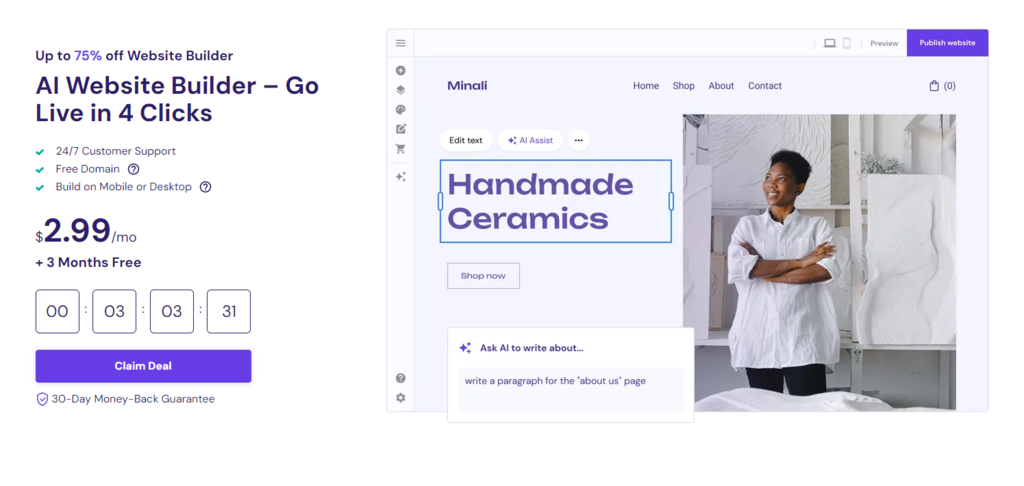
Hostinger Website Builder Stats:
- Rating: 4.9/5
- Best for: Small businesses and freelancers looking for easy and affordable professional website creation
- Price: RM9.99/month
Hostinger Website Builder emphasizes ease of use and a user-friendly experience. It’s known for being well-rounded, affordable, and ideal for straightforward website creation.
To start using the builder, purchase the Website Builder & Web Hosting plan, which costs RM9.99/month. The plan includes web hosting and a custom domain name for a complete website creation.
After going through the guided setup, start creating a website with a blank page or a pre-made template. There are 150 responsive website templates across 15 niche-specific categories, including eCommerce, technology, and education, ensuring relevant designs for any purpose.

Key Features:
- All-in-one platform – On top of web hosting and domain name, the website builder plan includes free business email, unlimited bandwidth, and SSL certificates.
- AI tools – Tools such as AI Logo Maker, Writer, Blog Generator, and Heatmap simplify the website development process.
- eCommerce support – Quickly set up and run an eCommerce website with marketing integrations and support for 20+ global payment methods. This functionality is available in the Business plan and above.
- Comprehensive learning resources – Users can access articles and video tutorials related to the builder.
Suggested Reading
Check out our tutorial explaining how you can create a website, including using a website builder.
Drawbacks:
- Limited header customization – Users can only do basic header customization. However, this feature is under development, and the new customization will include adding a button, social icons, and choosing from various header layouts.

2. Duda
Duda stats:
- Rating: 4.6/5
- Best for: Small businesses and agencies with multiple projects
- Price: Freemium (Premium plan starts at $19/month)
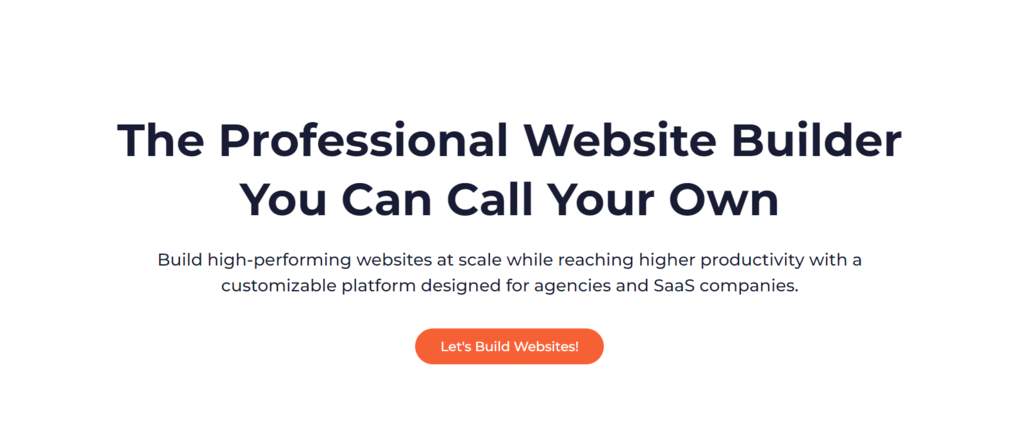
Duda is a no-code website builder tool designed to help agencies and software-as-a-service (SaaS) companies create professional websites. It offers an intuitive drag-and-drop editor, flexible design tools, and eCommerce features.
Additionally, Duda offers team collaboration and client management tools to streamline communication between designers, developers, and clients. These tools are handy for agencies handling multiple client projects simultaneously.
The premium version offers advanced features such as dynamic data customization, customer segmentation, and custom domain configuration.
Key Features:
- Ongoing website optimization – Duda continually adapts to the latest web standards and user behaviors.
- Analytics dashboard – Gain valuable insights into your website’s performance with Duda’s comprehensive analytics.
- Multilingual site translation – Expand your reach globally with Duda’s efficient multilingual translation capabilities.
Drawbacks:
- Pricing tiers – Duda’s pricing structure may not be suitable for smaller businesses or individuals on a tight budget.
- SEO limitations – The SEO capabilities may not be as advanced or comprehensive as other website-building platforms.
3. Webflow
Webflow Stats:
- Rating: 4.3/5
- Best for: Beginners to professional web developers
- Price: Freemium (Premium plan starts at $14/month)
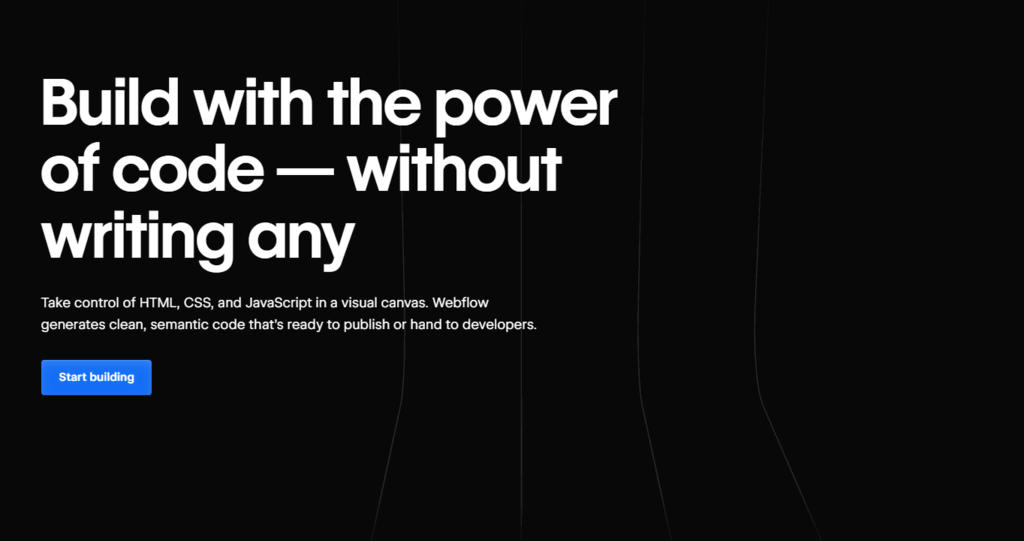
Webflow distinguishes itself from other website builders by offering a no-code experience of customizing HTML, CSS, and Javascript.
The free plan offers flexibility for simple website design. It includes a Starter template, core design layout, and animation features, ideal for small projects or personal websites without custom domains or high traffic.
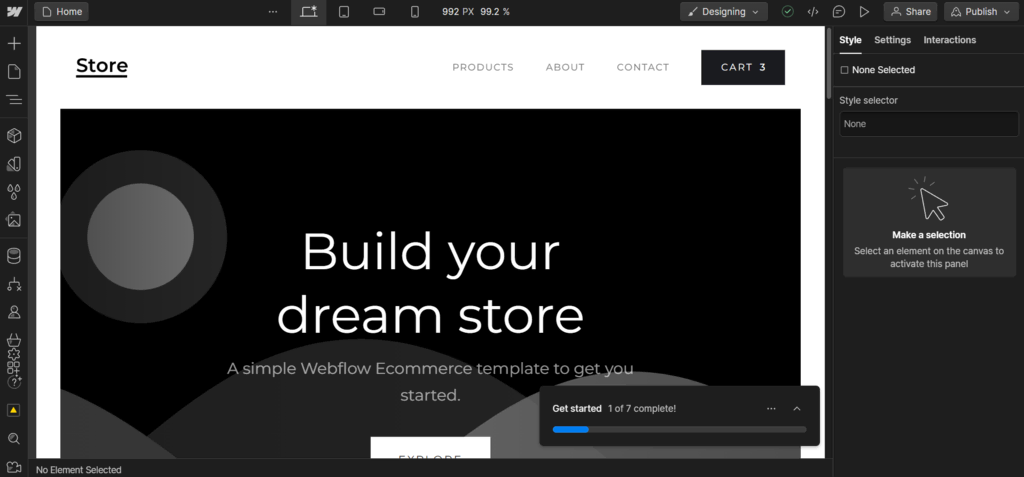
Webflow provides a complete solution for businesses with its CMS and eCommerce features. The integrated CMS enables easy content management and effortless creation of web pages and online stores.
Key Features:
- App library – Free and paid apps available to enhance your website capabilities, including Unsplash, Jasper, and Typeform.
- Comprehensive customization – No pre-formatted website elements that limit your creative ideas.
- Editor and commenter roles – Add team members as editors or commenters to collaborate during the website design process.
Drawbacks:
- Learning curve – Beginners with no basic HTML and CSS knowledge may take longer to design a website.
- Limited free templates – Webflow offers free starter templates, but most templates are paid and priced between $29 and $129.
4. Appy Pie
Appy Pie Stats:
- Rating: 4.9/5
- Best for: Simple, no-code website building
- Price: Freemium (The premium plan starts at $18/month)
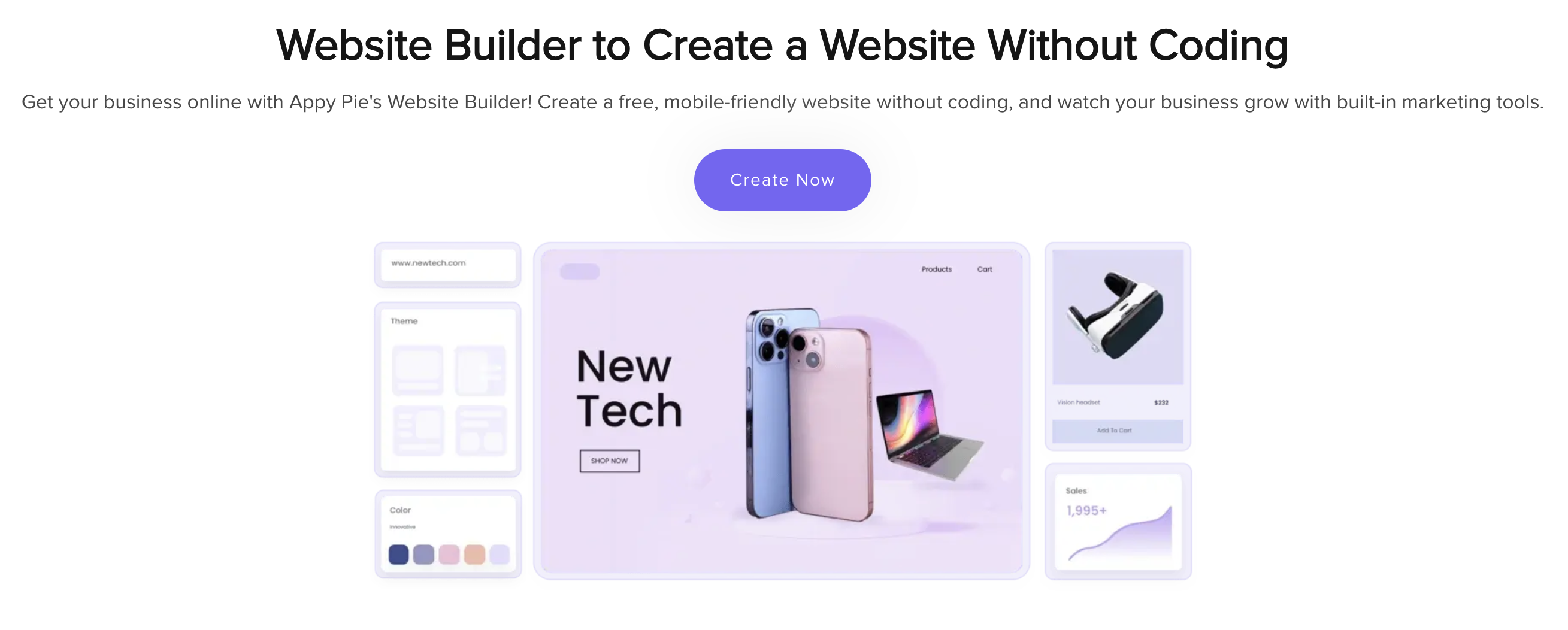
Appy Pie no-code website builder is designed for users with no technical skills, offering a straightforward drag-and-drop editor that enables them to build websites easily. The platform includes pre-built templates and customizable blocks, making the website-building process smooth and efficient.
The guided setup assists users in choosing their website’s layout, features, and design elements based on industry-specific needs.
Appy Pie also supports integrations with popular third-party apps, ensuring your website can handle everything from eCommerce to surveys with ease.
Key Features:
- Fast website creation – Build websites in minutes using pre-built templates and drag-and-drop tools.
- Mobile-optimized: All websites are automatically responsive, ensuring they look great on mobile devices.
- eCommerce support: Set up an online store easily with secure payment gateways, product listings, and order management tools.
Drawbacks:
- Limited design flexibility – While easy to use, advanced customization options are only available with higher-tier plans.
- Restricted features in the Free plan – Some advanced features, such as custom domain integration, are available only in the Premium plan.
5. Strikingly
Strikingly Stats:
- Rating: 4/5
- Best for: One-page or simple websites
- Price: Freemium (Premium plan starts at $8/month billed yearly)
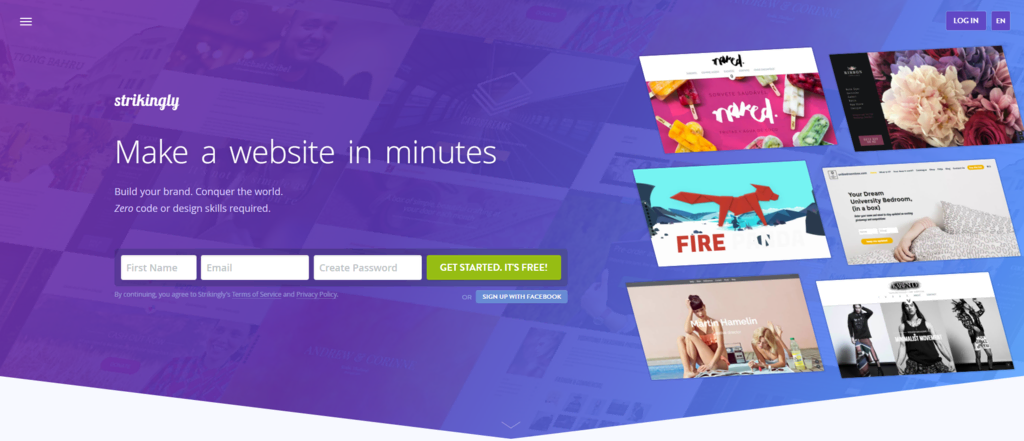
Strikingly is a freemium, no-code builder designed to create stylish one-page websites. The builder only requires a quick registration before you can start choosing from its vast collection of website templates.
After choosing your template, start designing the website by adding more sections. The live preview makes it easy to see the changes you made. Strikingly also comes with a straightforward admin panel to manage the website after publishing.
The Free plan allows you to create up to five pages per site. The paid Limited and Pro plans (with a 14-day free trial) allow you to create up to 100 pages.
Key Features:
- Quick setup – The hassle-free sign-up process lets you bring your design ideas to life in a few clicks.
- Website analytics – It is one of the website builders with a simple analytics dashboard, perfect for beginners.
Drawbacks:
- Limited online store capabilities – The Free plan only allows you to sell one product.
- No custom domain – With the Free plan, your default domain name will look like yoursitename.strikingly.com, along with a “Create a Site with Strikingly” badge at the bottom.
6. Dorik
Dorik Stats:
- Rating: 4.6/5
- Best for: Simple website creation
- Price: Freemium (Premium plan starts at $15/month billed yearly)
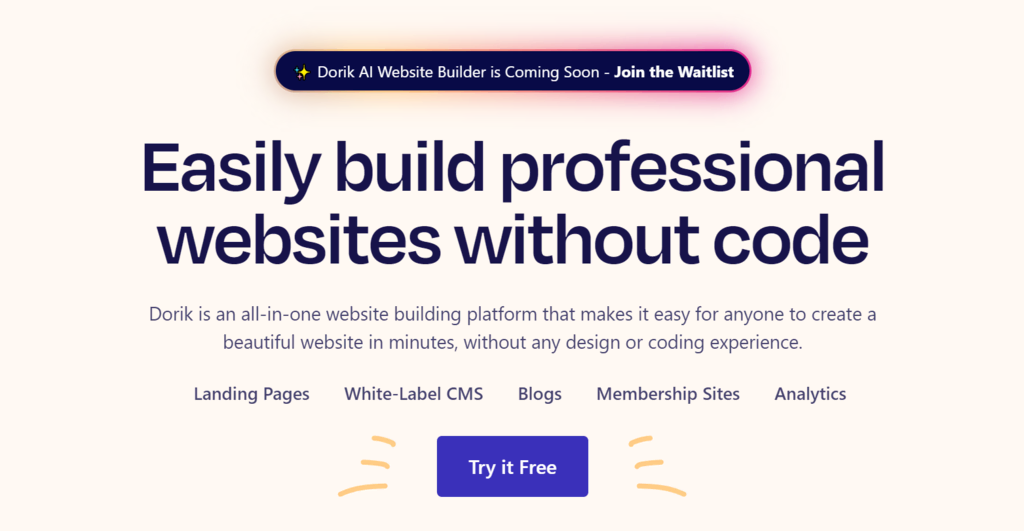
Dorik is a site builder that caters to the needs of freelancers, small business owners, and non-technical individuals looking for simple and efficient website building.
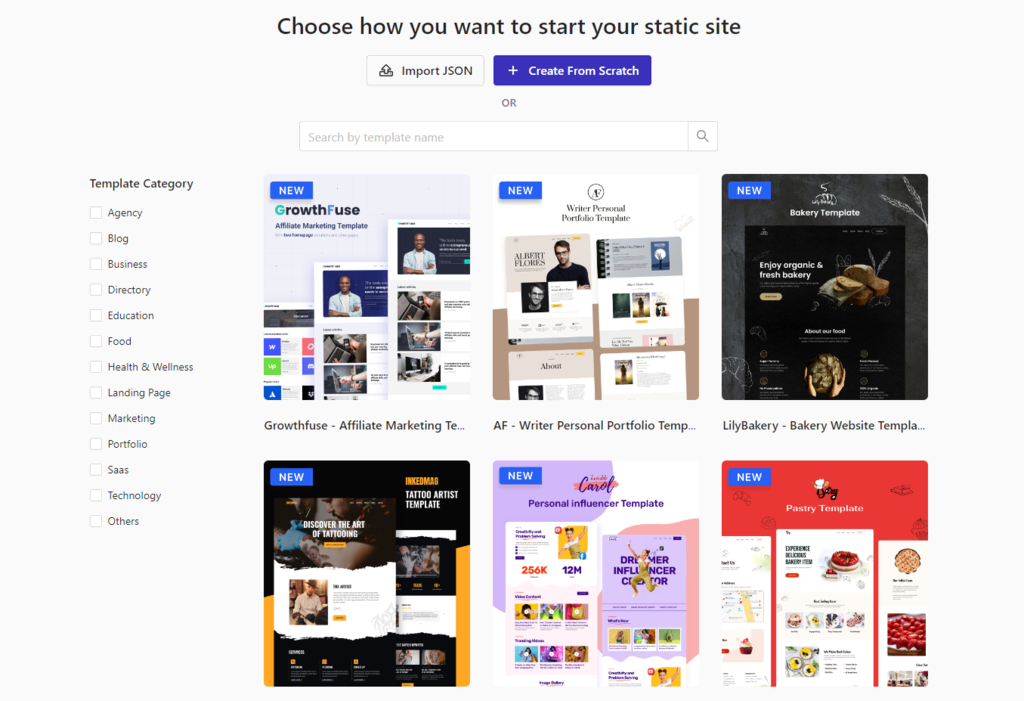
While various niche-specific templates are available, Dorik sets itself apart by offering SaaS and Technology categories that are not commonly found elsewhere.
Key Features:
- Pre-designed UI blocks – 250+ user interface blocks that can be easily integrated into your website design.
- Stripe integration – Easier and more secure online payment transactions, making it a valuable asset for eCommerce sites.
Drawbacks:
- No custom domain in the free plan – Users need to connect their own domain, which might pose challenges for users without technical expertise.
- Limited eCommerce features – Aside from Stripe payment support, it doesn’t have as many eCommerce features as other no-code website builders.
7. Siter

Siter Stats:
- Rating: 4.6/5
- Best for: Collaborative web design
- Price: Freemium (Premium plan starts at $8/month)
Siter is a contemporary website builder tool that emphasizes collaboration and design flexibility, making it well-suited for design teams and small to mid-sized businesses.
Its user-friendly interface facilitates teamwork, allowing multiple members to work on projects at the same time. The platform’s integration with tools like Figma, coupled with customizable design blocks, enables teams to create brand-aligned user experiences.
Key Features:
- Real-time collaboration tools – Multiple team members can work on the same project simultaneously.
- Customizable design blocks – Create a unique visual experience that matches your brand’s identity.
- Image library – Access thousands of free and royalty-free images for use in your projects.
Drawbacks:
- Learning curve – No tutorials or a guided setup during the first website development. This might be challenging for users not familiar with no-code website builders.
8. Tilda
Tilda Stats:
- Rating: 4.6/5
- Best for: Intuitive website building
- Price: Freemium (Premium plan starts at $10/month billed yearly)
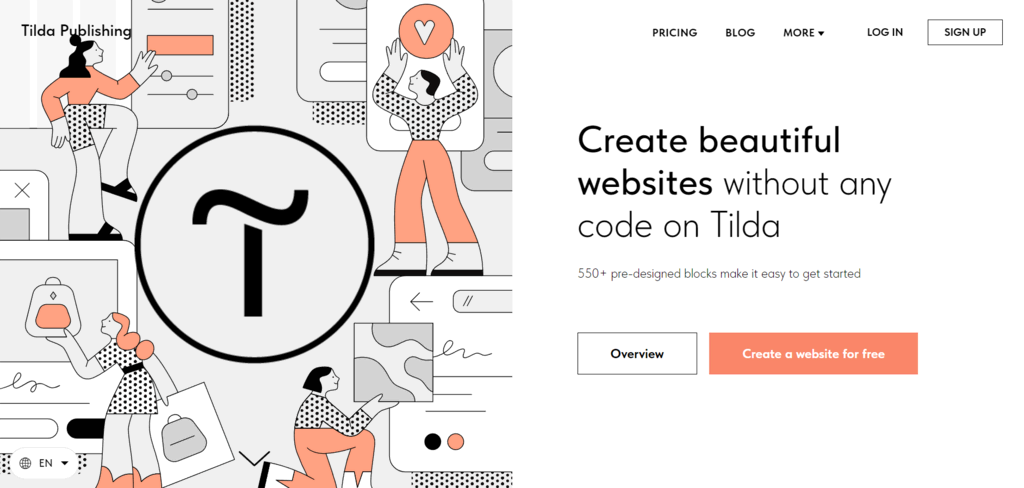
Tilda is a simple website maker that empowers users to create stunning websites or landing pages with its quick sign-up process, user-friendly interface, and pre-made template options.
The Free plan provides enough flexibility and creative freedom for a single website, from drag-and-drop functionality to customizable design elements. Users can upgrade to the Paid plan to unlock the SEO features, add custom codes, and upgrade website storage.
Key Features:
- Built-in database – Helpful for storing and managing data.
- Access to CRM – Can be used to track customer interactions, build reports, and more.
Drawbacks:
- Added cost for most features – Costs can escalate with increased usage or advanced features.
9. Sheet2Site
Sheet2Site Stats:
- Rating: 4.8/5
- Best for: Creating websites from Google Sheets data
- Price: Freemium (Premium plan starts at $29/month billed yearly)
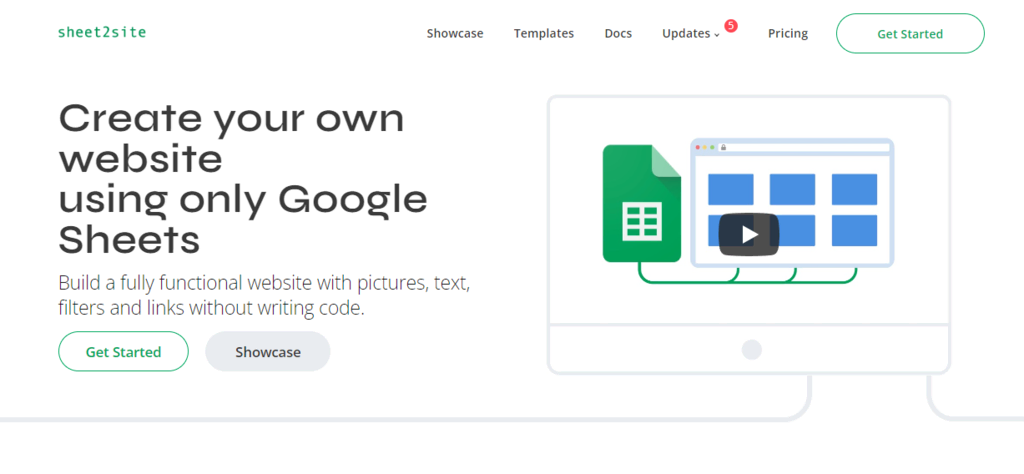
Sheet2Site is a unique platform that allows users to transform data from Google Sheets into functional websites, streamlining the process of creating and maintaining websites for those already proficient with Sheets.
The site builder is suitable for websites that require regular content updates or data-driven functionalities, like listings, directories, event calendars, and product showcases.
Sheet2Site also offers a variety of premade templates, allowing users to choose a design that best fits their data and desired website style.
Key Features:
- Google Sheets integration – Easily convert spreadsheets into professional-looking websites without any coding.
- Automated website updates – Changes made in the Google Sheet are automatically reflected on the website.
Drawbacks:
- Limited design flexibility – While templates offer ease of use, they may restrict creative control over the website’s design.
10. Unstack
Unstack Stats:
- Rating: 4.4/5
- Best for: Website building with analytics and marketing functionality
- Price: Freemium (Premium plan starts at $49/month billed yearly)
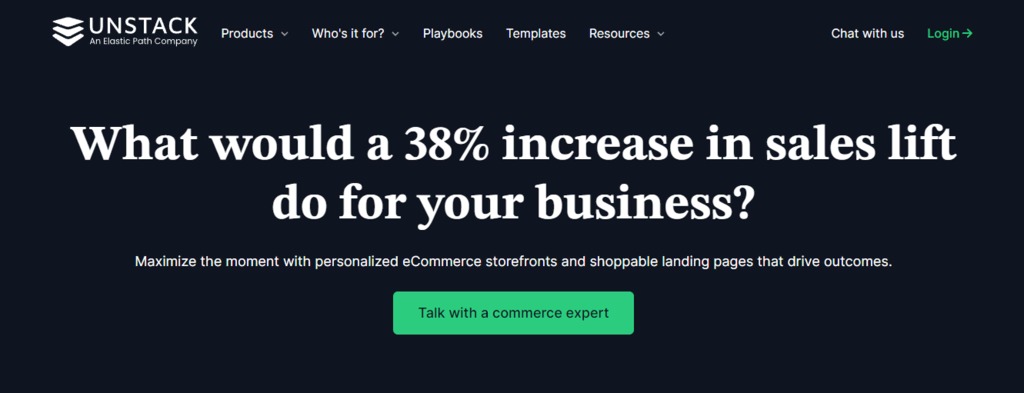
Unstack is a comprehensive builder tailored for those who need website creation, analytics, and marketing tools in one place. It stands out for its flexible, user-friendly interface and tools to build, launch, and manage websites.
Launching and managing campaigns is made easy through its integration with popular analytics and marketing tools. These include Google Analytics, HubSpot, Mailchimp, and Meta Pixel.
Key Features:
- A/B testing capabilities – Create multiple web pages to test which version performs better with your audience.
- CRM integration – Seamlessly connect your website with popular CMS systems for better lead management and data analysis.
Drawbacks:
- Learning curve for advanced features – Mastering advanced marketing and analytical functionalities can be challenging for beginners.
11. Weebly
Weebly Stats:
- Rating: 4.1/5
- Best for: Beginner-friendly eCommerce website building
- Price: Freemium (Premium plan starts at $13/month)
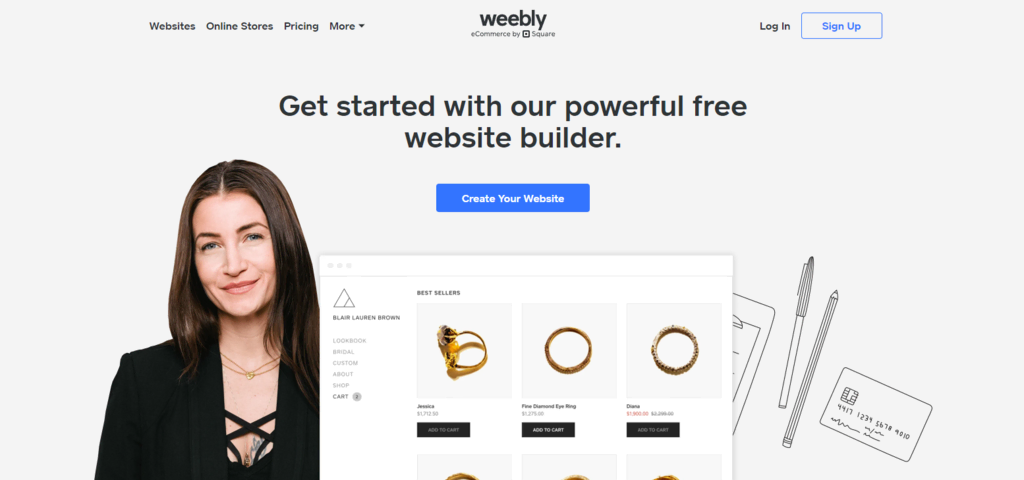
Weebly by Square is a freemium builder suitable for users looking to create an online store. Aside from its drag-and-drop feature, the platform offers pre-made UI blocks, making the website-building process easier.
It features a beginner-friendly guided setup that assists in selecting the right theme, website type, and industry-specific content.
The no-code builder offers eCommerce features like product promotion tools, automated tax calculations with payment system integration, discount codes, and an abandoned cart recovery system.
Key Features:
- Built-in analytics tools – Track website traffic and measure individual campaigns’ success.
- Multilingual support – With a low-cost upgrade, create multilingual sites with Weebly.
- SEO features – Optimize their products by adding permalinks, SEO titles, and SEO descriptions.
Drawbacks:
- Limited customization in the Free plan – Many functions and features fall under the Premium plan.
- Lack of payment gateways – Some regions may not have access to popular payment gateways.
Why Choose a No Code Website Builder?
Aside from no coding required, here are more reasons to opt for a no-code site builder:
- A cost-effective solution. A no-code site builder is an affordable way to create a professional-looking website in minutes. There is no need to hire developers or purchase expensive coding programs.
- Intuitive drag-and-drop functionality. Drag-and-drop website builders enable you to customize your website’s layout and elements without technical expertise.
- Extensive template selection. Having templates and various web page style and design options allows you to find the perfect fit for your brand.
- SEO and marketing support. Many no-code website builders provide built-in tools and guidance for optimizing your website’s SEO and implementing effective marketing strategies.
Conclusion
Choosing the right no-code builder helps you build websites with ease. We’ve highlighted the top 11 options for 2025, each with unique features.
The standout no-code website builders are:
- Hostinger Website Builder – best all-in-one no-code site builder with AI.
- Duda – best no-code platform for team collaboration.
- Weebly – best template-based website builder for small businesses.
When choosing, consider your website’s specific requirements, such as user-friendliness, design flexibility, or specialized functionalities. This ensures that the builder you choose aligns with your goals and preferences.
Suggested Reading
Find more information related to websites, such as
Best Website Builder, WYSIWYG Web Builders, and Web Design Best Practices.
No Code Website Builder FAQ
Read these frequently asked questions on no-code website builders.
What Is a No Code Website Builder?
No-code website builders are user-friendly platforms that allow you to create websites without coding skills. They use a simple drag-and-drop interface, pre-designed templates, and various built-in features, making website design accessible to everyone.
Can I Build a Professional Website With a No Code Builder?
Absolutely. No-code website builders offer a range of customizable templates and design tools to help build websites quickly. These platforms have SEO, marketing, and analytics tools to ensure your site stands out.
How Do I Choose the Right No Code Website Builder?
Choose the right no-code site builder tool based on your needs. Consider website type, customization options, ease of use, pricing plans, support, SEO tools, and eCommerce capabilities.
All of the tutorial content on this website is subject to Hostinger's rigorous editorial standards and values.

Nurul Siregar has over 3+ years of experience in the tech industry with a passion for writing about digital marketing. Nurul enjoys reading fiction novels and making digital illustration in her free time. Follow her on LinkedIn.