What is Vite and how does it work?
Jun 12, 2026
/
By Alma
/
7 min Read

Vite is a front-end build tool and development server. It serves your code through native ES modules (ESM) during development, so your dev server starts fast, and code changes show up in the browser instantly through Hot Module Replacement (HMR).
Evan You, the creator of Vue.js, built Vite in 2020 to fix the slow startup times that tools like Webpack are known for. For production, Vite bundles, minifies, and tree-shakes your code using Rolldown in Vite 8+ (or Rollup in earlier versions). You run npm run build, and the output goes into a dist/ folder you can deploy anywhere.
Vite works with Vue, React, Svelte, and plain JavaScript or TypeScript. Its plugin system builds on Rollup’s API, and its CLI creates new projects with built-in templates for each framework.
What is Vite?
Vite (pronounced “veet,” from the French word for “quick”) is a build tool that removes the bundling step from development. It’s one of the most widely used frontend software development tools, with 65 million weekly npm downloads as of March 2026. It works with Vue, React, Svelte, Preact, Lit, and plain JavaScript or TypeScript.
Older tools like Webpack bundle the entire project before the browser can show anything. The bigger the project, the longer the wait.
Vite skips the upfront bundle. It serves source files as native ES modules, so the browser requests only what it needs — and the dev server starts in milliseconds, even on large projects.
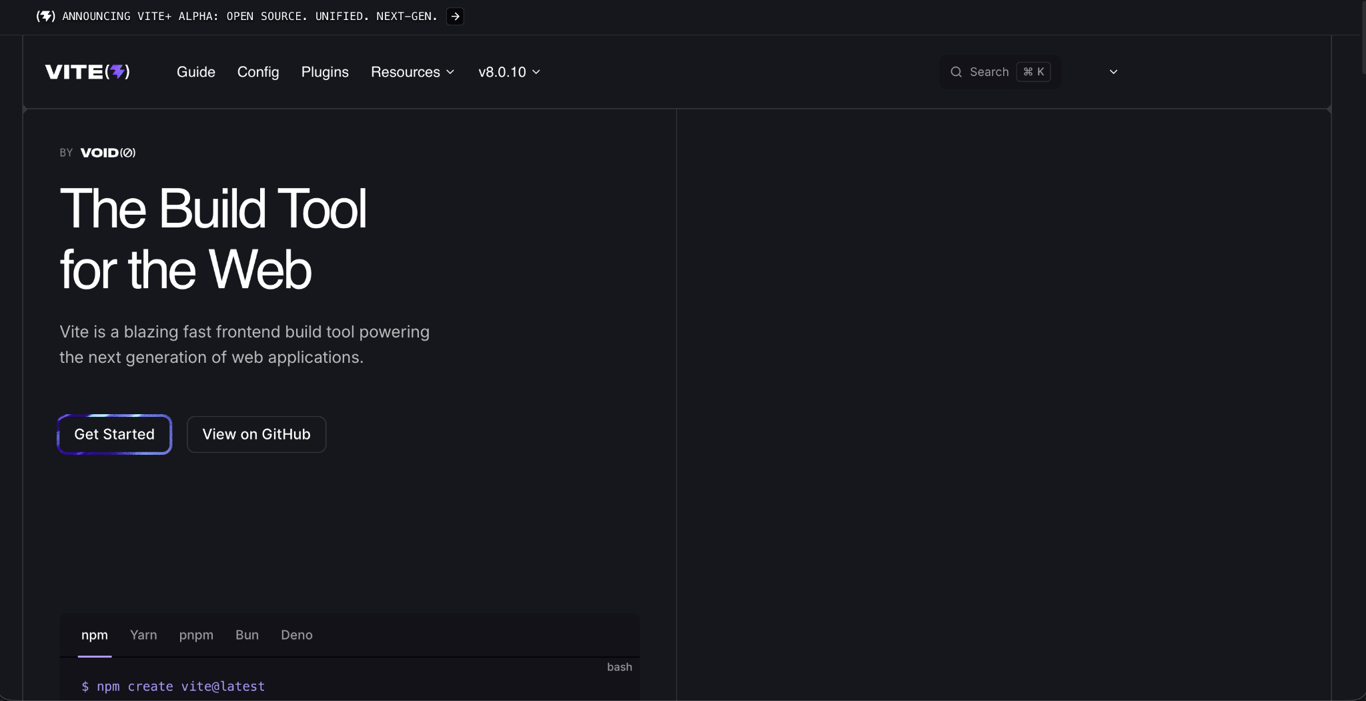
You also don’t need much configuration to start. One command gives you a working project with TypeScript support, CSS handling, static asset support, and a fast dev server.
How Vite works
Vite has two modes: development and production. In development, Vite serves your files one at a time through native ES modules without bundling them first. In production, it bundles, minifies, and tree-shakes everything into a dist/ folder.
Development phase
When you run npm run dev, Vite starts a local dev server. It does not bundle your whole application first. It serves files on demand.
Vite treats two types of files differently:
- Dependencies are packages from
node_modules, like React or Lodash. They don’t change often, so Vite pre-bundles them once at startup. - Source code is the code you write and edit. Vite keeps it unbundled and serves it as native ES modules.
When you open a page, the browser requests only the modules that page needs. Vite transforms each one on the fly. This is why your dev server stays fast even as your project grows. Vite only processes the files the current page actually uses.
Production build
When you run npm run build, Vite creates a dist/ folder with files ready to deploy. It switches from on-demand serving to full bundling, because visitors load fewer, optimized files faster than hundreds of small ones.
The build does three things automatically:
- Tree-shaking removes code your app never calls.
- Minification shrinks file sizes by removing whitespace and shortening variable names.
- Code splitting breaks your app into smaller chunks. Visitors only download the code for the page they’re viewing.
Vite isn’t the only project making this move. Biome, Bun, and OXC are also rewriting JavaScript tooling in compiled languages like Rust and Go, which is one of the bigger software development trends in the frontend ecosystem right now.
Vite also adds unique hashes to image and font filenames during the build, so browsers can cache them long-term without serving outdated versions.
Key features of Vite
Vite’s speed comes from how it uses five tools and browser features: native ES modules, esbuild, Rollup/Rolldown, HMR, and its plugin system.
Native ES modules
During development, Vite serves your source files directly to the browser without bundling them first. This works because modern browsers support ES modules natively. They can load JavaScript files using import and export statements on their own.
Some dependencies need extra handling. Many npm packages are still published in CommonJS or ship multiple formats that browsers can’t always load as native ES modules. Vite pre-bundles these into ESM once at startup. After that, they load as a single request instead of hundreds of separate files.
Fast development with esbuild (Vite 7 and earlier)
In Vite 7 and earlier, esbuild handled code transforms and dependency pre-bundling during development. When you write TypeScript or JSX, browsers can’t read those formats directly. Esbuild converts them into plain JavaScript about 20–30x faster than the standard TypeScript compiler (tsc) because it’s written in Go, a compiled language.
When you save a .tsx file, esbuild transforms it in single-digit milliseconds, and your HMR update reaches the browser almost instantly. In Vite 8, Rolldown takes over these tasks as part of Vite’s unified pipeline.
Vite 8 and Rolldown
Vite 8 shipped on March 12, 2026, with Rolldown as its unified Rust-based bundler. According to Vite's official announcement, Rolldown delivers up to 10–30x faster builds, and most existing Vite plugins work out of the box. If you're starting a new project today, you'll get Rolldown by default.
Production bundling: Rollup (Vite 7) and Rolldown (Vite 8+)
In Vite 7 and earlier, esbuild handled development while Rollup handled production builds. Esbuild was fast but produced less polished output. Rollup generated smaller, cleaner bundles with better tree-shaking.
You configure your production build through vite.config.js. Rollup’s plugin API gives you control over chunk sizes, loading order, and how assets get processed. That same API carries over to Rolldown in Vite 8.
Vite 8 replaced both esbuild and Rollup with Rolldown as a single unified bundler. Rolldown aims for high compatibility with Rollup’s plugin API, so most existing plugins still work. Companies like Linear reported production build times dropping from 46 seconds to 6 seconds after switching.
Hot module replacement (HMR)
HMR updates your app in the browser as soon as you save a file, without reloading the page.
Say you’re styling a dropdown menu. You change the padding, save, and the update appears instantly. The dropdown stays open. Without HMR, you’d reload the whole page, reopen the dropdown, then check your change.
Vite’s HMR runs over native ES modules, so it only replaces the single module that changed. Traditional bundlers combine files into larger chunks, so updating a single file can trigger a rebuild of the entire chunk. Vite skips that, so update speed stays consistent no matter how large your project gets.
Plugin system
Vite uses a plugin system based on Rollup’s plugin API. That means most Rollup plugins also work in Vite without changes.
Plugins add framework support, CSS preprocessing, image compression, and more. For example:
@vitejs/plugin-reactadds React support and React Fast Refresh.@vitejs/plugin-vueadds support for Vue single-file components.
Most popular frameworks and web development tools already offer official Vite plugins. Start with those before reaching for community alternatives. The Vite plugin registry at registry.vite.dev lists both official and community options.
Types of projects built with Vite
Vite works with most popular front-end frameworks and with plain JavaScript or TypeScript. You scaffold any of these with the Vite CLI (create-vite), which includes ready-to-run templates.
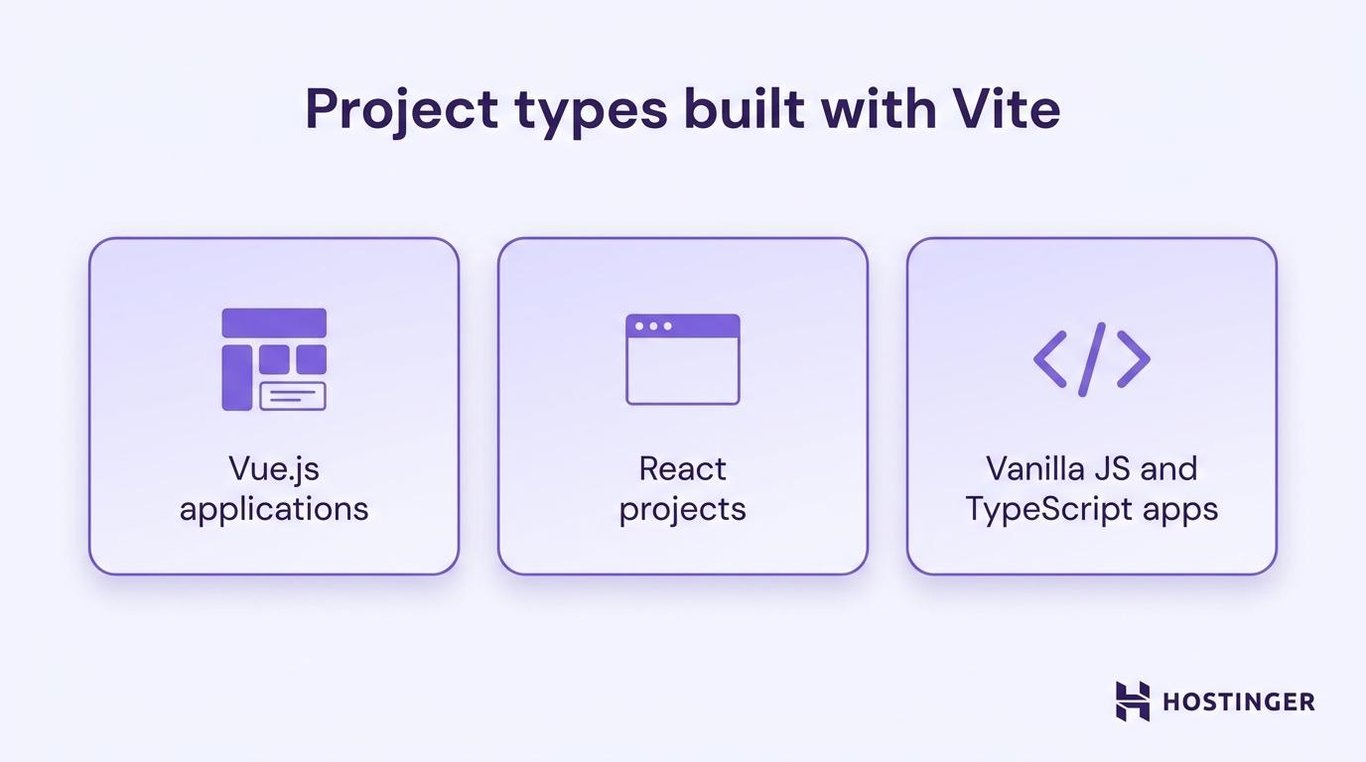
Vue.js applications
Vue and Vite share the same creator, so the integration is especially smooth. The official @vitejs/plugin-vue handles .vue single-file components, and create-vue sets up new Vue projects with Vite by default. Nuxt 3 and VitePress also run on Vite.
React projects
React works with Vite through @vitejs/plugin-react, which adds JSX support and React Fast Refresh. You save a file, and the update shows in the browser within milliseconds.
More React frameworks are using Vite as their default build tool. Remix (React Router) and TanStack Start both run on it, reflecting trends in web development where multiple frameworks share the same build tooling instead of maintaining their own.
Scaffold a React project:
npm create vite@latest my-app -- --template react
Vanilla JS and TypeScript apps
You don’t need a framework to use Vite. It supports plain JavaScript and TypeScript out of the box. Vite also has a library mode for building npm packages with clean ESM output.
npm create vite@latest my-tool -- --template vanilla-ts
Best practices for using Vite
These five things prevent the most common performance and security issues in Vite projects:
- Keep secrets out of client-side variables. Vite exposes anything prefixed with
VITE_to browser code. Anyone can read those values in DevTools. Keep API secrets, tokens, and database credentials on the server only. - Avoid deep barrel file chains. Barrel files (
index.jsfiles that re-export from many other files) add extra module requests during development. Module resolution is how Vite finds and loads the files your code imports, and it slows down when the browser has to follow a long chain of re-exports. Use direct imports instead. - Start with official plugins. Official plugins like
@vitejs/plugin-reactand@vitejs/plugin-vueare tested against each Vite release. Community plugins are useful for edge cases, but check their update frequency and open issues before depending on them. - Keep Vite and plugins in sync. Run
npm outdatedregularly. Major upgrades (like Vite 7 to 8) come with migration guides. Read them before upgrading. - Use dynamic imports for large features.
import('./HeavyComponent.js')tells Vite to create a separate chunk for that module. The browser loads it only when a visitor needs it. Useful for routes, modals, and features that don’t appear on every page.
Common challenges when using Vite
Most Vite issues come from Webpack migration, older browser support, and legacy npm packages.
- Some Webpack plugins have no Vite equivalent. Vite and Webpack use different plugin systems. Check the Vite plugin registry for alternatives. Most common use cases are covered, but niche plugins may need workarounds.
- Older browsers need extra setup. Vite targets modern browsers by default. If you need to support browsers that lack native ESM, dynamic imports, or
import.meta, add@vitejs/plugin-legacy. It adds polyfills and transforms, but your build time and bundle size will increase. - Webpack config doesn’t translate directly. Vite has different defaults, config names, and a different development model. Start with a clean Vite config and add only what your project needs, rather than copying a Webpack setup line by line.
- Some older packages expect CommonJS. Libraries that use
require()or assume a CommonJS environment can cause issues during development. Vite’s pre-bundling handles most cases, but you may need to add specific packages tooptimizeDeps.includein your config.
Security considerations for Vite
Vite’s build process can expose secrets, open your dev server to outside access, and give third-party plugins full access to your source code if you’re not careful.
- Environment variables. Anything prefixed with
VITE_ends up in your built JavaScript. Anyone with DevTools can read it. Double-check your.envfiles before each deploy to ensure API keys, tokens, and passwords don’t include theVITE_prefix. - Dev server access. Vite’s dev server is meant for local use. Running it on
0.0.0.0makes it accessible to anyone on your network. Uselocalhostby default, and add a firewall in shared environments. - Third-party plugins. Vite plugins run during your build and have full access to your source code. Check each plugin’s repository, update history, and open issues before installing it.
- Source maps. Source maps can expose your original code. For production, set
build.sourcemaptofalseorhiddenin yourvite.config.js. - Lockfiles. Commit your
package-lock.jsonorpnpm-lock.yaml. This prevents unexpected dependency updates between deploys.
How to deploy your Vite web app
Build your app by opening your terminal in your project folder and running:
npm run build
This creates a dist/ folder containing your final HTML, CSS, and JavaScript. That folder is everything your hosting provider needs.
Next, connect your project to a hosting platform. Most platforms ask you to set two things:
- Build command:
npm run build - Output directory:
dist
If your app is a single-page application (SPA) with client-side routing, you’ll also need to configure a fallback to index.html. A route like /dashboard/settings doesn’t exist as a real file on the server. Your JavaScript handles that navigation in the browser, so without the fallback, refreshing the page returns a 404. Static sites and multi-page apps don’t need this step.
Hostinger’s web app hosting handles most of this for you. You connect your GitHub repo, set the build command and output directory, and Hostinger takes care of SSL, CDN, and framework detection automatically.
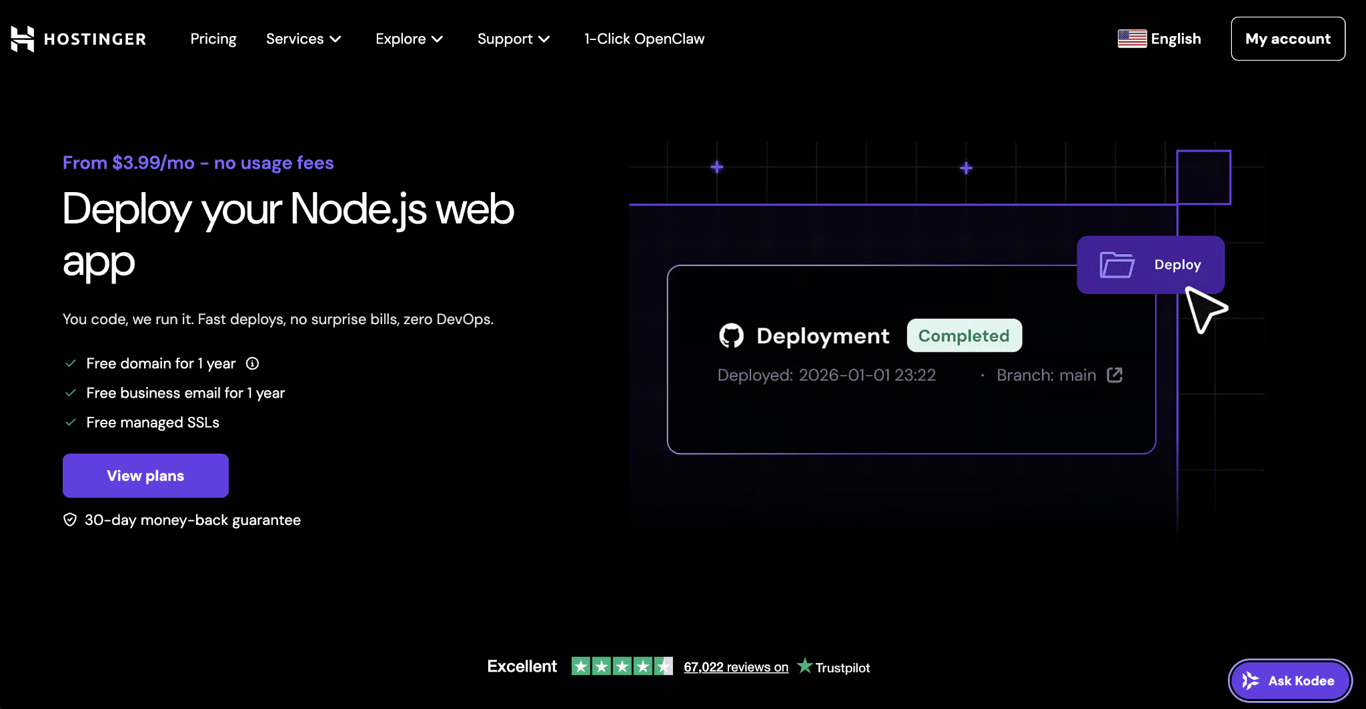
The full process, from building your app to hosting a web application with a custom domain, takes about five minutes on Hostinger.

All of the tutorial content on this website is subject to Hostinger's rigorous editorial standards and values.

Alma is an AI Content Editor with 9+ years of experience helping ideas take shape across SEO, marketing, and content. She loves working with words, structure, and strategy to make content both useful and enjoyable to read. Off the clock, she can be found gaming, drawing, or diving into her latest D&D adventure.