6 best Vercel alternatives for application hosting
Sep 15, 2026
/
By Simon L. & Justina B.
/
10 min Read
Vercel is a deployment platform built around frontend frameworks and serverless functions. It’s tightly integrated with Next.js (which Vercel created), and it handles automatic previews, global content delivery, and edge functions really well. For frontend-heavy projects, it’s a solid choice.
But Vercel also has real limitations. Its serverless architecture means your backend code runs as short-lived functions with cold starts, execution time limits, and usage-based billing that can spike without warning.
If your web app gains traction and starts handling real traffic, you’ll quickly feel the limits: backend functions timing out, bandwidth overages stacking up at $0.15 per extra GB, and a five-person team already paying $100/mo in seat fees before any usage charges.
That’s a lot of friction for a full-stack app that just needs a server running. Several platforms solve this with persistent server environments, broader framework support, and more predictable pricing.
Here are the top picks at a glance:
- Best overall Vercel alternative: Hostinger, for budget-friendly Node.js hosting with full backend control and flat-rate billing.
- Best for developer flexibility: Render, with straightforward full-stack deployments and managed infrastructure.
- Best for fast prototyping: Railway, for quick deployments with minimal configuration.
Platform | Best for | Pricing |
Hostinger | Full-stack Node.js apps with predictable costs | From RM16.99/month (fixed monthly rate) |
Render | Simple full-stack deployments | Free tier; paid services from $7/month |
Railway | Fast prototyping and MVPs | Starts at $5/month with usage-based billing |
Netlify | Frontend apps and Jamstack sites | Free tier; Paid plans from $9/month |
Fly.io | Global, low-latency container apps | Pay-as-you-go (from ~$2/mo per small VM) |
Coolify | Self-hosted deployments, no vendor lock-in | Free (self-hosted); Cloud from $5/month |
1. Hostinger
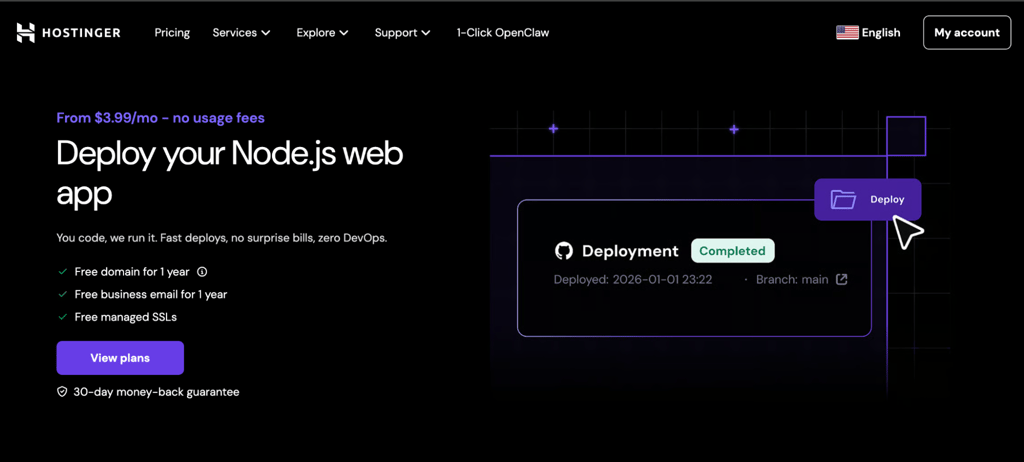
Vercel runs your backend as serverless functions, while Hostinger runs it as a persistent process. With Vercel, every request triggers a fresh instance that starts, executes, and shuts down. With Hostinger app hosting, your application stays running continuously.
Your Express.js server stays warm. Your NestJS API doesn’t cold-start. Your Next.js app doesn’t hit execution time limits.
For developers building backend-heavy apps, startups shipping full-stack products, and small-to-medium businesses learning how to make a web app without DevOps overhead, this is exactly the kind of hosting that makes sense.
It supports all the major Node.js frameworks and AI-generated or vibe-coded projects from tools like Lovable and Bolt.new.
The pricing difference is probably the biggest draw. On Vercel, a moderately popular app can easily rack up $50-100+/mo in overages from bandwidth, function invocations, and build minutes.
With Hostinger web app hosting, you pay a flat monthly rate regardless of traffic. No metering, no surprises, no anxious dashboard-checking after a traffic spike.
Deployment is flexible too. Connect a GitHub repo for automatic deploys, upload a ZIP file, or use agentic deployment through the Hostinger Connector extension in VS Code, Cursor, or Claude Code.
Hostinger pros:
- Persistent server-side processes mean your app is always on. No cold starts, no spin-up delays, no execution time limits.
- Supports Express.js, NestJS, Fastify, Next.js, Nuxt.js, SvelteKit, and Astro as proper long-running apps, not squeezed into serverless functions.
- Deploy via GitHub integration, ZIP upload, or directly from your IDE using Agentic Deployment, so you’re not locked into a single workflow like on Vercel.
- Hostinger dashboard puts Node.js versions, env vars, build settings, deployment logs, and resource usage graphs (CPU, RAM, I/O) in a single dashboard, which keeps context-switching to a minimum.
- Content delivery network (CDN), web application firewall, DDoS protection, a free domain, and managed SSL are included on Business and Cloud plans without extra line items on your bill.
Hostinger cons:
- No automatic horizontal scaling. If you outgrow your plan’s resources, you’ll need to manually upgrade to a larger plan or move to VPS.
- Node.js Web Apps require a Business plan or higher, as they aren’t available on the entry-level Premium tier.
- Lower-tier plans have shared resource limits for CPU, RAM, and I/O.
- Only one GitHub account can connect per hosting plan, which may be limiting for agencies or teams with multiple orgs.
- Caps on the number of Node.js apps per plan (5 on Business, up to 10 on Cloud Startup), so large portfolios may need multiple plans or a VPS.
Hostinger pricing:
Plans with Node.js support start from RM16.99/month. Cloud hosting plans offer more headroom for growing apps. Either way, you pay the same amount whether you get 1,000 visitors or 100,000.

2. Render
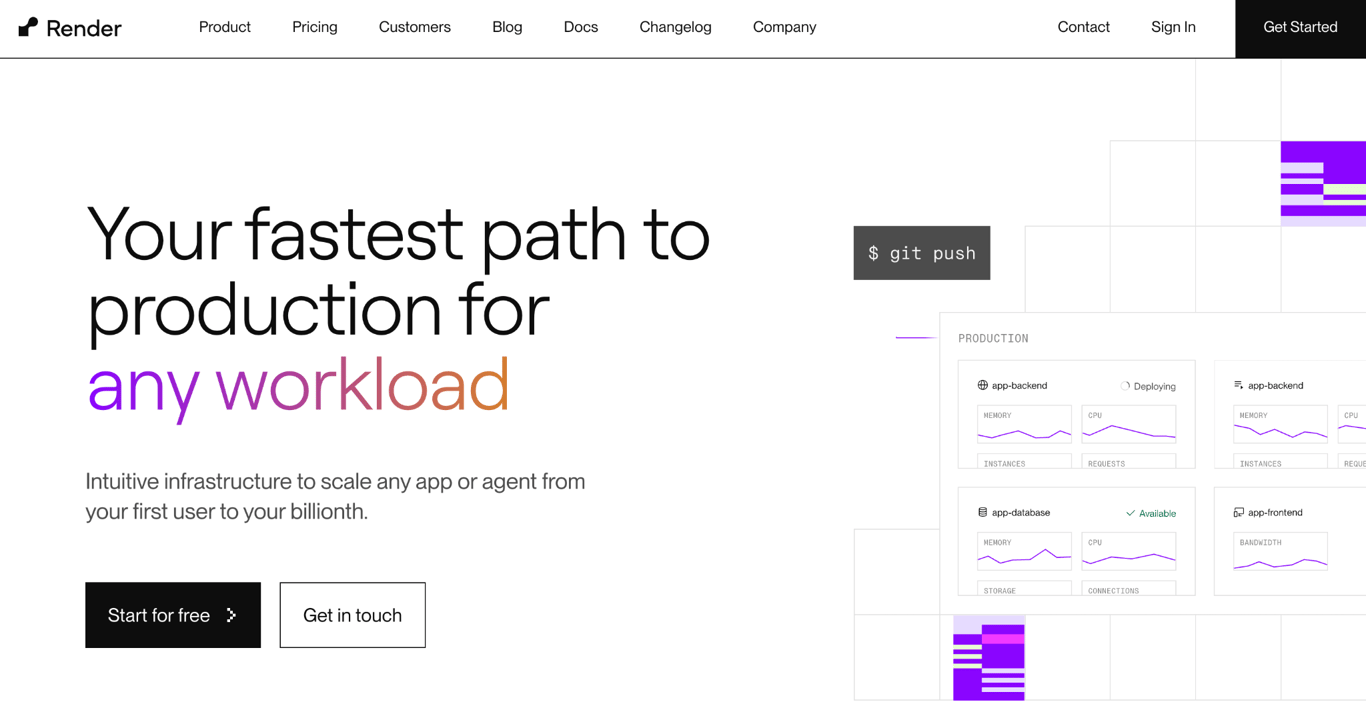
Render is a solid middle ground between the simplicity of Vercel and the power of AWS. It handles web services, APIs, background workers, cron jobs, and managed databases from a single dashboard, and it does it without making you feel like you need a cloud engineering degree.
The workflow is straightforward: connect a Git repo, Render detects your app, and you’re deployed. It natively supports Node.js, Python, Go, Rust, Ruby, Elixir, and Bun (plus Docker for everything else), so you’re not tied to any one ecosystem.
Where Render really shines compared to Vercel is backend support. You can run background workers and cron jobs as first-class services, which is something Vercel’s serverless model doesn’t handle natively.
Render is a strong fit, but if you’d prefer flat-rate pricing over usage-based billing, Hostinger gives you more cost certainty.
Render pros:
- Dead simple deployment from Git. Connect, push, done.
- Real backend support with background workers and cron jobs as first-class service types, not just serverless functions bolted on.
- Natively supports Node.js, Python, Go, Rust, Ruby, Elixir, and Bun (plus Docker for anything else), so you can switch stacks without switching platforms.
- Free tier is genuinely useful for static sites and small experiments, though free Postgres databases expire after 30 days.
- Plan-based pricing is easier to predict than Vercel’s multi-dimensional usage billing.
Render cons:
- Costs add up faster than you’d expect. A typical production setup (web service, worker, and database) can run up to $50/month or more.
- Free tier services spin down after 15 minutes of inactivity, so cold starts are a real issue for anything user-facing.
- Less infrastructure control than a VPS. SSH into paid services is supported, but you can’t customize the underlying OS, kernel, or server configs.
- Services with attached persistent disks can’t scale horizontally, and paid services don’t scale to zero. You pay for always-on compute even during idle periods.
- Fewer global regions compared to Hostinger, so latency may be an issue for globally distributed users.
Render pricing:
Free tier includes 750 hours of compute. Paid instances start at $19/month for always-on services. The thing to watch is total architecture cost: a web service, background worker, and database together can run costs up pretty quickly.
3. Railway
Railway is the fastest path from “I have code” to “my app is live.” It auto-detects your framework, provisions databases alongside your app, and handles deploys so quickly that it almost feels like cheating. For prototyping and shipping minimum viable products (MVPs), it’s a great choice.
You can deploy from a GitHub repo, a Docker image, or the Railway CLI. The built-in database provisioning (PostgreSQL, MySQL, MongoDB, Redis) means you don’t need to set up a separate database service.
Compared to Vercel, you get real backend and database support with way less configuration. Just add a database to your project, and Railway will handle the connection strings and networking.
Railway pros:
- One of the fastest deployment experiences. Minutes from push to live app, with auto-detection via Railpack/Nixpacks (no Dockerfile required).
- Built-in provisioning for PostgreSQL, MySQL, MongoDB, and Redis alongside your app, plus any other database you can deploy via Docker image.
- Clean interface that doesn’t overwhelm you with options.
- No artificial limits on the number of services you deploy. You pay for resource consumption, not per-app fees.
- Spend limits let you cap your bill, which is a nice safety net for side projects.
Railway cons:
- Usage-based billing can surprise you. A small app might cost less than $10/month, but a production app with moderate traffic can easily reach up to $80/month.
- Limited control over the underlying infrastructure. You can’t tune kernel settings, access the host OS, or configure servers directly, as everything runs in managed containers.
- Not battle-tested for large-scale production in the same way Render or Hostinger are. It has real production customers but a smaller ecosystem, less documentation, and a shorter track record at scale.
- Debugging can be frustrating when something goes wrong at the infrastructure level. Railway’s own support explicitly says they can only tell you how much you’re consuming, not why, and the usage dashboard has documented lag in showing real-time charges.
- Only 4 regions (US West, US East, EU West, Asia Southeast), so users in Latin America, Africa, Oceania, or South Asia will see added latency.
Railway pricing:
Plans start at $5/month with $5 in usage credits. Beyond those credits, you pay per-minute rates for CPU, memory, storage, and bandwidth. For consistent workloads, flat-rate hosting like Hostinger or plan-based pricing like Render can be more economical.
4. Netlify
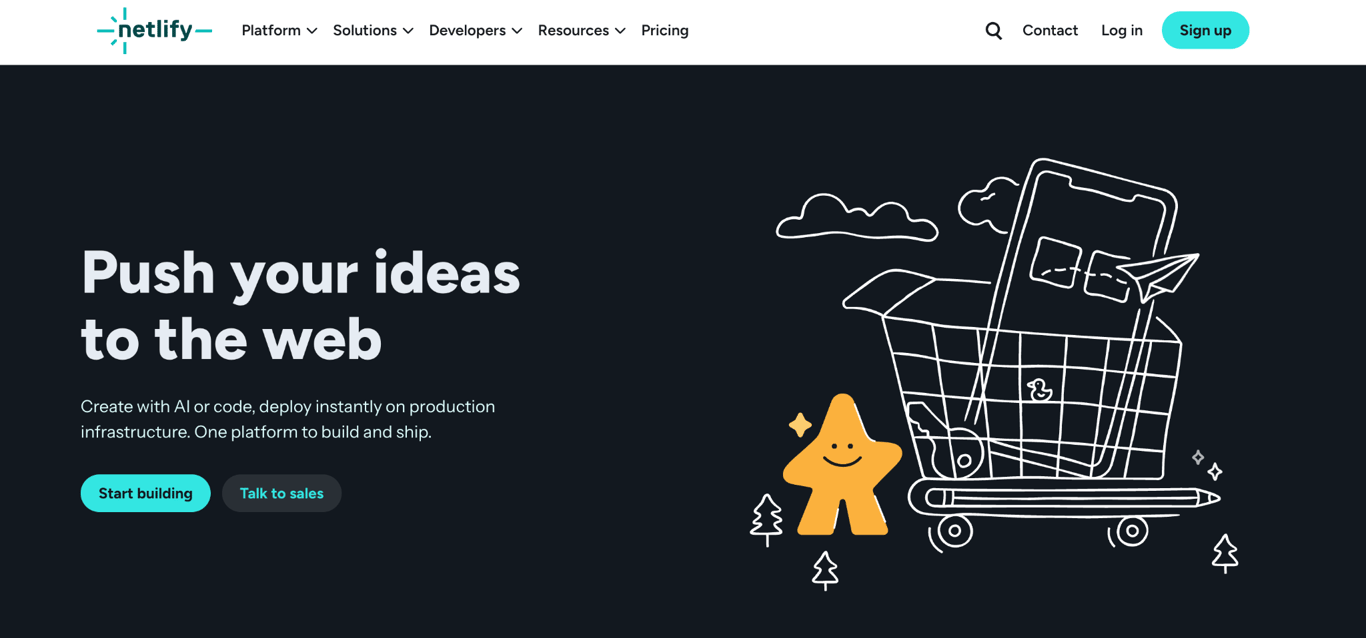
Netlify is the closest thing to a direct Vercel alternative. It targets the same audience (frontend developers), solves the same problems (Git-based deployment with global CDN), and has a very similar feature set.
If you’re choosing between Vercel and Netlify specifically, it often comes down to ecosystem preference and small workflow differences.
Where Netlify stands on its own is in its CI/CD experience. Deploy previews for every pull request, branch deploys, and instant rollbacks are all polished and well-integrated.
That said, Netlify shares most of Vercel’s limitations for full-stack work. If you need persistent backend processes, heavy server-side logic, or long-running tasks, there are better Netlify alternatives out there, including Hostinger, Render, and Railway.
Netlify pros:
- Arguably the best deploy preview experience for team collaboration on frontend projects, with unlimited deploy previews and branch deploys on all plans.
- Strong ecosystem support for React, Vue, Svelte, Astro, Hugo, and pretty much every static site generator out there, plus modern meta-frameworks like Next.js, Nuxt, SvelteKit, and Remix.
- Serverless and edge functions cover lightweight backend needs.
- Free tier covers enough bandwidth and builds for a portfolio, a docs site, or a small business page without spending anything.
- The Pro plan ($20/month) includes unlimited team seats, which is a better deal than Vercel’s per-seat pricing for growing teams.
Netlify cons:
- Not built for full-stack applications. No persistent Node.js processes or always-on workers. Background Functions help with async batch work up to 15 minutes, but heavy backend logic and real-time services need a different platform.
- Synchronous serverless functions run on AWS Lambda with a default 30-second timeout and documented cold starts in the 200–500ms range.
- The credit-based billing system makes cost estimation more complex than it could be.
- High-traffic sites can hit unexpected bandwidth and function overage charges. Traffic spikes have produced large surprise bills for otherwise simple sites.
- If a single project exceeds its credit allotment, all projects on your account are paused until the next billing cycle or an upgrade.
Netlify pricing:
Free tier includes 300 credits/month, while paid plans start at $9/month with 1,000 credits and go up to $20/month with 3,000 credits and unlimited team seats. Once you exceed your credits, additional usage is billed separately, so teams with frequent deploys or high traffic should keep an eye on consumption.
5. Fly.io
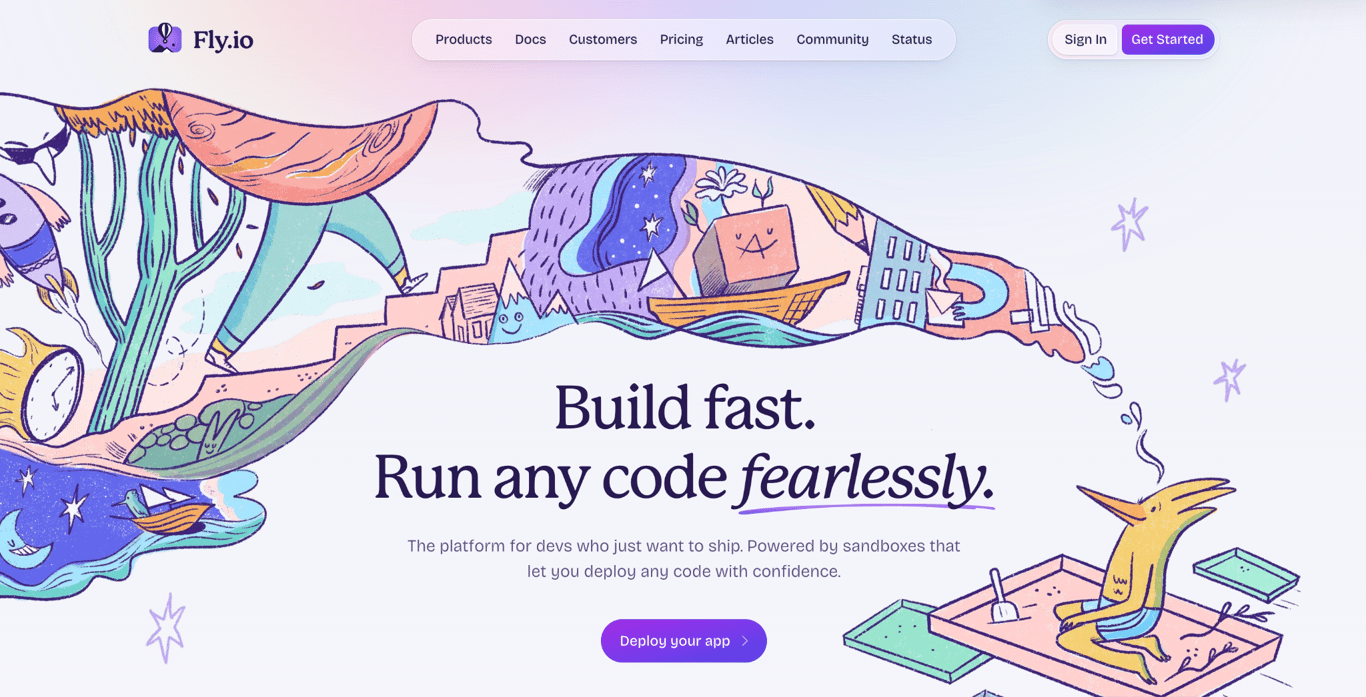
Fly.io is the option for developers who care deeply about where their app runs and how close it is to their users. It deploys your application as containers across 18 hosting regions, routing traffic to the nearest instance automatically.
If you’re building a real-time chat app, a multiplayer game backend, or an API that serves users on multiple continents, this kind of global edge deployment is a genuine advantage over Vercel’s CDN-based approach.
The trade-off is complexity. Fly.io gives you more infrastructure control than any other platform on this list (except Coolify), but it also expects you to understand concepts like multi-region networking, persistent volumes, and container configuration.
If you don’t need multi-region edge deployment and would prefer a simpler experience, Render or Hostinger will get you there with less overhead.
Fly.io pros:
- Global deployment across 18 hosting regions, with traffic intelligently routed to the nearest instance via a global Anycast network.
- Full container-based control. Docker images run as Firecracker VMs, so any runtime, any process, and any duration works.
- Per-second billing means you only pay for actual compute time. Shared-CPU instances start around $1.94/month if always on.
- Supports long-running processes, WebSocket connections, and persistent storage.
- The accidental-deployment waiver for paid support customers is a thoughtful touch. If a misconfigured CI/CD run or a stray zero on a scale command surprises your bill, Fly will refund it.
Fly.io cons:
- Steeper learning curve than every other platform on this list. You’ll want DevOps experience.
- No permanent free tier. New accounts get roughly 2 VM hours or 7 days of trial, then everything is pay-as-you-go with a required credit card.
- Hidden costs sneak in. Dedicated IPv4 addresses cost $2/month per app, persistent volumes are billed even when machines are stopped, outbound bandwidth runs $0.02/GB, volume snapshots are now billable as of January 2026, and inter-region private networking is billed at machine rates as of February 2026.
- Outbound bandwidth pricing varies sharply by region. $0.02/GB in North America and Europe, $0.04/GB in Asia-Pacific, Oceania, and South America, and $0.12/GB in Africa and India. Serving global traffic from the wrong region can quietly inflate your bill.
- Multi-region architectures multiply every cost. Each replica is a separate always-on machine, and now cross-region traffic is metered too, so a simple-looking setup can get expensive fast.
Fly.io pricing:
Purely usage-based. A small shared-CPU instance (256 MB RAM) costs around $1.94/month running continuously. Storage is $0.15/GB per month, and outbound bandwidth starts at $0.02/GB. A single small app might cost $5-10/month, but multi-region setups with databases and dedicated IPs climb fast. Use their pricing calculator before committing.
6. Coolify
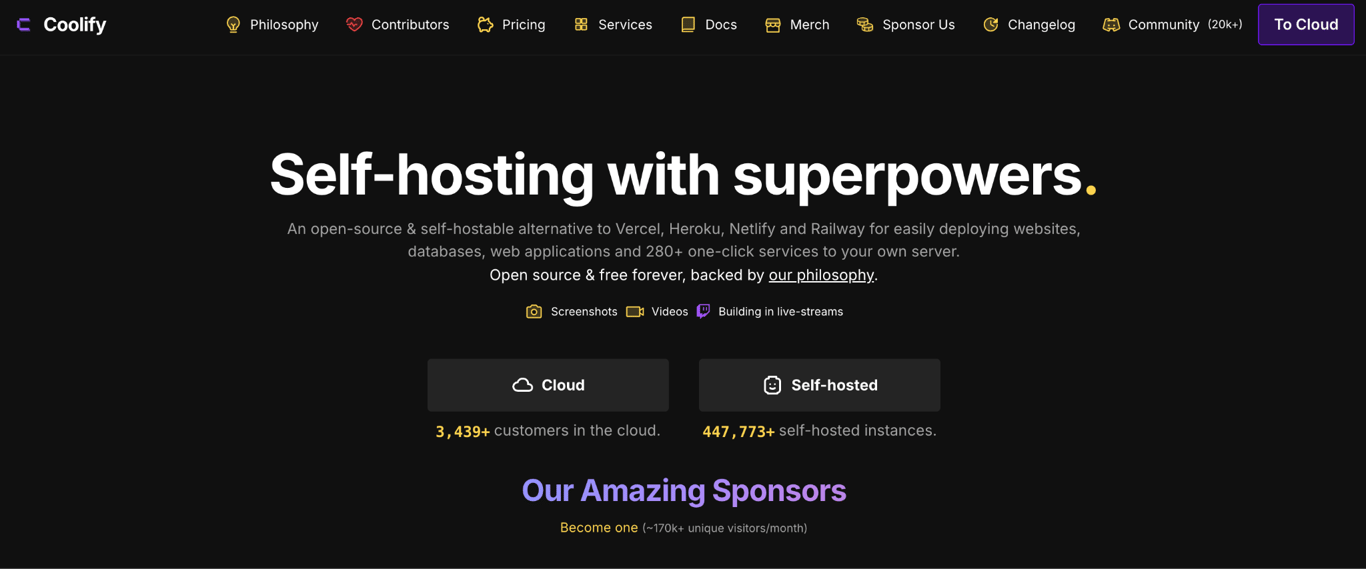
Coolify is the DIY option. It’s an open-source, self-hostable deployment platform that gives you push-to-deploy workflows, automatic SSL, managed databases, and a clean web dashboard, all running on your own server.
No platform fees, no per-seat pricing, no bandwidth metering.
You install it on a VPS, connect your Git repos, and deploy. It supports Docker, Docker Compose, and Nixpacks, with over 280 one-click templates for popular frameworks and services.
The project has a strong open-source community behind it (53,000+ GitHub stars, 500+ contributors), and it’s actively maintained with frequent releases.
If you’re comfortable with basic server management and want full ownership of your infrastructure, it’s a compelling option. If you’d rather not worry about OS patches and uptime, a managed platform like Hostinger or Render will save you that headache.
Coolify pros:
- Fully open-source and free to self-host, with every feature available. A hosted version (Coolify Cloud, $5/month) is available if you’d rather skip the sysadmin work.
- Zero vendor lock-in. Your configs live on your server, so you can walk away from Coolify without losing anything.
- Deploy anything: static sites, full-stack apps, databases, and 280+ one-click services.
- Git integration with GitHub, GitLab, Bitbucket, and Gitea, plus automatic SSL and S3-compatible backups.
- The math works in your favor at scale. A $5/month VPS running Coolify can do the same job as a platform subscription that costs ten times more.
Coolify cons:
- You’re the sysadmin. Server updates, security patches, and uptime are your responsibility.
- Initial setup (installation and configuration) requires Linux and Docker comfort, plus SSH access to a VPS.
- The recommended architecture uses two servers (one for Coolify, one for your apps), so your real baseline is closer to $10/month than $5.
- No managed support team to call when something breaks. You’re relying on documentation and community help.
Coolify pricing:
Self-hosted Coolify is free with no features behind a paywall. Your only cost is the VPS itself, typically $4-5/month per server ($10/month for the recommended two-server setup). Coolify Cloud starts at $5/month for two servers, plus $3/month per additional server.
Factors to consider when choosing a Vercel alternative
The right choice depends on what your app actually needs, not which platform has the flashiest features.
Start with your deployment model. If your app is frontend-only, serverless platforms like Netlify will do fine. But the moment you need a persistent backend process, a WebSocket connection, or a long-running task, you’ll want containers (Fly.io, Coolify) or managed web apps hosting like Hostinger instead.
Then look at pricing honestly. Usage-based billing rewards low-traffic apps but can punish growth. Ask yourself what happens to your bill when traffic doubles. If that question makes you nervous, fixed-rate pricing like Hostinger’s removes the uncertainty.
Finally, consider how much infrastructure work you’re willing to do. Fully managed platforms like Render or Railway handle everything but limit customization. Self-hosted setups (Coolify) give you total control at the cost of your time.
Just make sure your platform actually supports your stack. Vercel is built around Next.js, so if you’re working with Express.js, NestJS, Fastify, or another backend framework, verify that it’s fully supported, not bolted on as an afterthought.
Deploy your web applications without the hassle
Vercel does frontend deployment exceptionally well, but its serverless model, per-seat pricing, and usage-based billing make it a harder sell for full-stack applications, persistent backend services, or teams that need predictable costs.
If you want the smoothest path from code to a running full-stack app without billing surprises, Hostinger’s web apps hosting is worth a serious look.
You get full Node.js support, persistent server-side processes, and a flat monthly rate, all managed through Hostinger dashboard without needing to think about infrastructure.
It’s particularly well-suited for developers who’ve outgrown serverless limitations but don’t want to manage their own servers.
Web app hosting also isn’t the only way to get an app live. If you’re working with vibe-coded projects, Hostinger AI Builder and other v0 alternatives offer different paths to bring AI-built apps online.
This article is a localized version of 6 best Vercel alternatives for application hosting, originally published in English.
All of the tutorial content on this website is subject to Hostinger's rigorous editorial standards and values.

Simon is a dynamic Content Writer who loves helping people transform their creative ideas into thriving businesses. With extensive marketing experience, he constantly strives to connect the right message with the right audience. In his spare time, Simon enjoys long runs, nurturing his chilli plants, and hiking through forests. Follow him on LinkedIn.

Justina is a Content Writer passionate about marketing, with a background in social media and customer success management. She also loves reading books, traveling and exploring new places as well as cooking, and trying out new recipes. Follow her on LinkedIn.