What is a web application?
Mar 10, 2026
/
Matleena S.
/
6 min Read
A web application, or web app, is a software program that runs in a web browser. Unlike traditional desktop apps, web apps don’t need to be downloaded or installed – users access them directly via the internet using any device.
Behind the scenes, web apps rely on several key components to function properly. These include a backend server, a frontend user interface, databases, APIs, and a browser to bring everything together.
Web applications come in various forms, catering to different needs and industries. Some common types include:
- Static web applications. Deliver fixed content, typically used for portfolios or landing pages.
- Dynamic web applications. Respond to user input and generate real-time content, like social media platforms and collaborative tools (like Google Docs).
- Ecommerce web applications. Enable online shopping and secure transactions (think Amazon, eBay).
- Progressive Web Apps (PWAs). Offer app-like experiences directly in the browser, such as offline access and push notifications (such as Starbucks PWA).
- Content Management Systems (CMS): Allow users to manage and publish content without coding (like WordPress).
Let’s break down how web applications work, what their core components are, and the different types you might come across.
How do web apps work?
Here’s a simple step-by-step overview of how a typical web application works:
- User accesses the web app through a browser. When you open Gmail in your browser, it sends a request to Gmail’s servers via the Internet. Essentially, your browser asks Gmail, “What’s in my inbox?”
- A request is sent to the web app server. Gmail’s servers receive this request. The server uses backend logic to process it – checking your login credentials and gathering the necessary data (like your emails and account settings).
- The server communicates with backend APIs. Application programming interfaces (APIs) help the server pull or push data from a database or other services securely and efficiently. In our example, Gmail’s server calls APIs to pull your data from storage. These APIs help retrieve information such as your latest emails, contacts, or any other data needed to display your inbox. It’s a secure and efficient process that ensures only the right data is fetched for you.
- Data is retrieved from the database. Next, Gmail’s server accesses the database where all your emails are stored. It queries the database, retrieving the necessary data – like new messages or notifications – and formats them for display.
- The server sends a response back to the frontend. Once the server processes your request, it sends the information back to your browser. It sends content, often in HTML, CSS, and JavaScript, which will be displayed on your screen (for example, showing your inbox with all the new emails).
- Client-side code renders the UI. The frontend code (HTML, CSS, and JavaScript) takes over in your browser, rendering the user interface. You can now see your emails, interact with the inbox, click on messages, or search for a specific email. Each interaction sends another request to the backend, and the cycle continues.
This entire cycle happens in milliseconds, powered by web app technologies like JavaScript frameworks, cloud servers, and APIs.
What is the difference between a web app and a website?
A web application is interactive and performs specific functions like logging in, uploading files, or editing documents. A website, on the other hand, is mostly informational – it delivers mostly static content like blog posts, images, and various pages.
However, the lines can blur in some cases. For example, many news websites and platforms like Reddit may seem like traditional websites, but they include interactive features such as personalized feeds, commenting, and real-time updates. These elements make them more app-like, even though their primary focus is still content consumption.
To put it simply, all web apps are websites, but not all websites are web apps. Web apps are dynamic, often requiring user input and server communication, while websites typically don’t have this level of interaction, though some modern websites may include app-like elements. For instance, Reddit is a website designed for content consumption, but features like the personalized feed and the commenting bring it closer to being a web app.
👉 Learn more about the difference between web application and a website.
What are the key components of a web app?
The essential parts that make a web application work include the following:
- Frontend (client-side). The visual part that users interact with, built using HTML, CSS, and JavaScript.
- Backend (server-side). Handles logic, authentication, database queries, and server communication.
- Database. Stores and retrieves user data, such as profiles, content, or settings.
- APIs. Connect the web app to external tools or internal services for real-time data and functions.
- Web servers. Receive and process requests from the client and send back responses.
- Load balancer. Distributes incoming traffic to ensure performance and avoid overload.
- Content delivery network (CDN). Delivers static files like images or scripts faster by using global servers.
- Cache. Speeds up content delivery by temporarily storing frequently accessed data.
Common types of web applications
Web application types can be categorized by function (what they help users do) or purpose (what they were built for). Some focus on displaying information, others on user interaction or content management.
Below, we’ll go through the main types of web apps you’ll encounter, along with a few specialized ones used in specific industries.
Web apps overview
Let’s start with the most common types of web applications, based on how they function and how users typically interact with them:
1. Static web applications
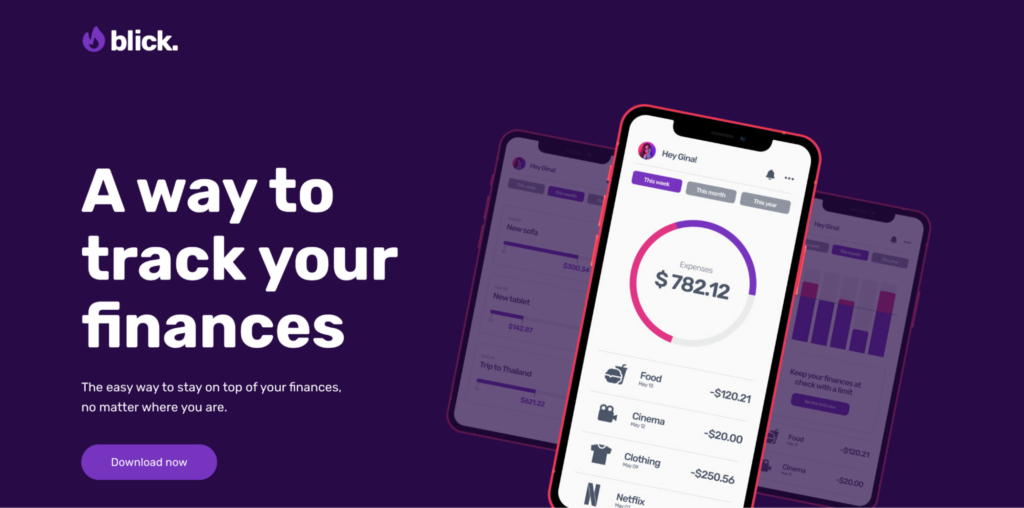
Examples: Portfolio sites, digital resumes, landing pages
These web apps deliver fixed content – what the developer codes is exactly what the user sees. They don’t process user input or change dynamically. They are simple and fast to load, but limited in functionality.
2. Native web applications

Examples: Facebook Lite, Twitter Lite
Native web apps are built to behave like mobile apps but run entirely in a browser. They’re optimized for touch, responsive layouts, and mobile hardware, blending mobile usability with browser accessibility.
3. Dynamic web applications
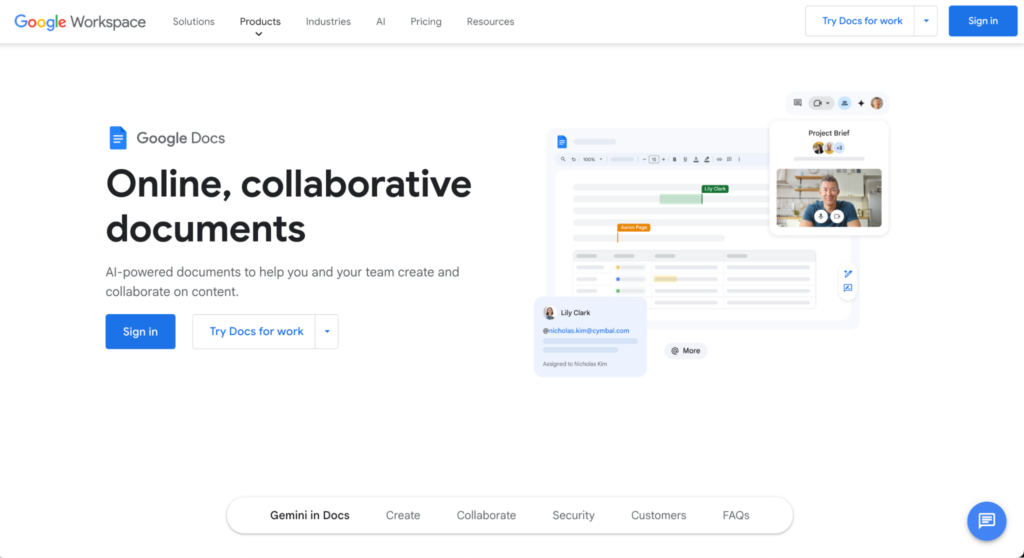
Examples: Google Docs, Trello, LinkedIn
Dynamic web apps respond to user actions in real time. They rely on backend logic and databases to deliver personalized content, handle inputs, and support live updates like chat or notifications.
Specialized web apps
Beyond the common types, some web applications are built for specific use cases or industries, offering tailored features for tasks like online shopping, publishing, or mobile-first experiences.
1. Ecommerce web applications
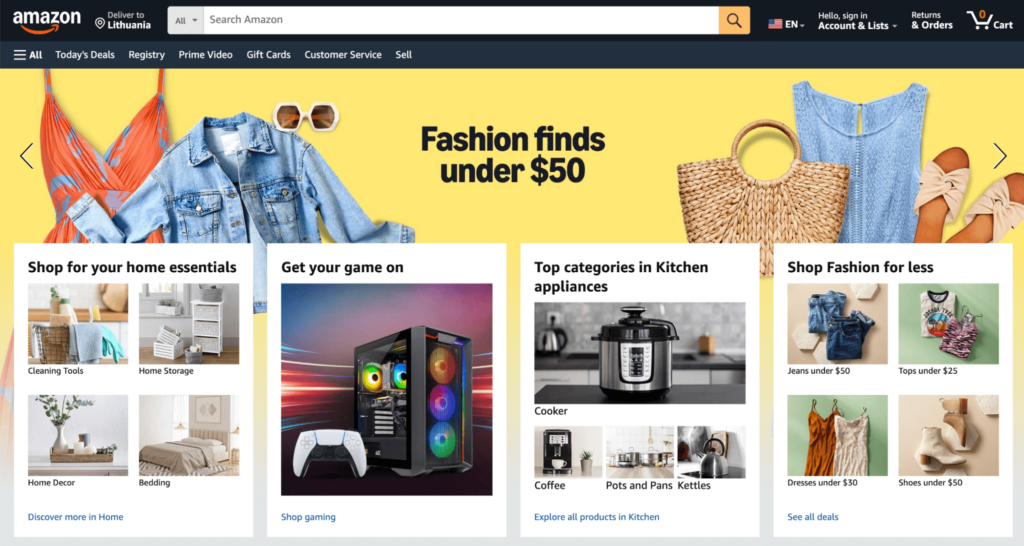
Examples: Shopify, Amazon, eBay
These apps let users buy and sell goods online. They support product listings, user accounts, payment gateways, order tracking, and inventory systems – all from the browser.
2. Progressive web applications (PWAs)
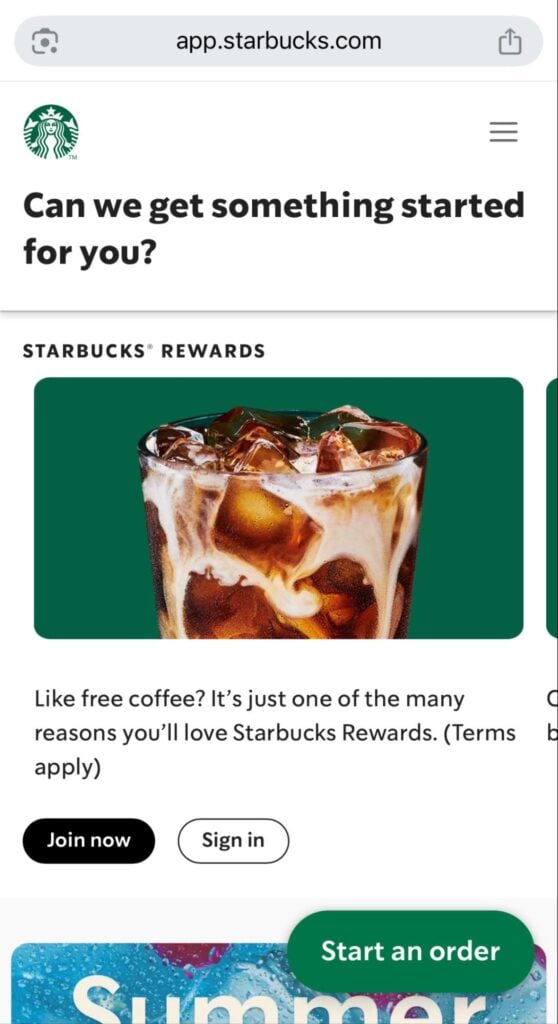
Examples: Starbucks PWA, Twitter PWA, Uber Lite
PWAs combine the speed and offline capabilities of native apps with the flexibility of web apps. They can be installed on a device, work without internet, and send push notifications – all via the browser.
3. Content management systems (CMS)
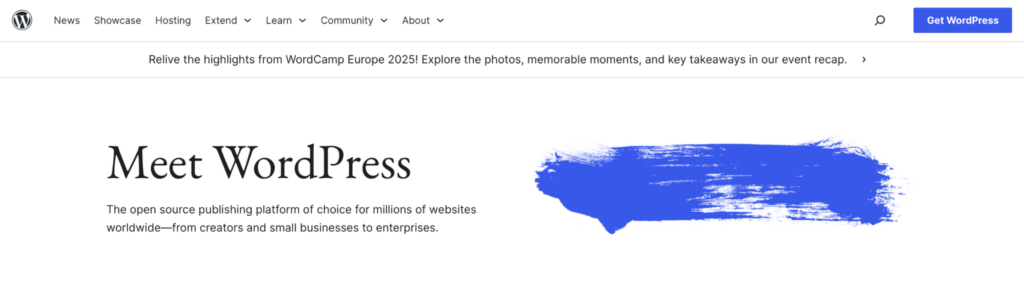
Examples: WordPress, Joomla, Ghost
CMS web apps make it easy to create, edit, and manage digital content. They’re widely used for blogs, news sites, and business websites where multiple users can update content without writing code.
Popular examples of web applications
Some of the most widely used software today are web apps. Think of platforms like Google Docs, Gmail, Canva, or Trello. These tools run entirely in the browser, allow real-time collaboration, and work across devices.
They’re great examples of web-based software – designed for flexibility, speed, and global access. We have curated a list of the most popular web application examples if you want to learn more or need inspiration.
How to build a web app?
Building a web application involves planning your features, choosing a tech stack (frontend, backend, database), designing the user interface (UI), and writing code that ties it all together. You’ll also need to deploy your web app on a server and configure security, performance, and scalability settings.
The deployment and server configuration process may differ depending on the hosting environment. For example, using a VPS to host a web app can be complex because you manage all aspects of the system. Meanwhile, using a managed solution like Hostinger’s web app hosting plan is easier because we provide built-in features and manage the server for you.
If you’re new to this, follow our detailed guide on how to build a web application – from idea to launch.
Can I build a web application with AI?
Yes, it’s possible to build web apps using AI tools. AI helps to generate code, build prototypes, or even design your app structure. Some platforms, like Hostinger Horizons, also allow visual or prompt-based app development with minimal coding.
This trend is often called vibe coding, where AI tools understand your intent and translate it into functional software. You can learn more in our guide to AI-assisted software development.

Future trends in web application development
In the near future, we expect to see more AI-powered platforms, smarter backend automation, and advanced personalization features. As SaaS platforms grow, web apps will continue to integrate machine learning, better APIs, and no-code tools.
Some of the key trends in web app development to look out for include:
- AI-powered development tools. AI tools help developers create more reliable apps faster, reducing bugs and speeding up updates for smoother user experiences.
- Personalized user experience. Web apps now learn your preferences, offering content and recommendations tailored just for you, making browsing faster and more enjoyable.
- Natural language interfaces for development. Developers can now use simple language to build apps, making them more intuitive and easier to use for everyone.
- Industry-specific applications (telehealth, financial services, education). Specialized apps like telehealth and finance make it easier to manage tasks like remote consultations or budgeting, offering more relevant services.
- Serverless architecture. Apps run faster and more reliably, as server management is outsourced, minimizing slowdowns even during high-traffic times.
- Low-code and no-code platforms. These platforms allow fast feature updates, helping businesses quickly create apps to meet user needs without needing coding expertise.
- Voice search optimization. Voice commands are making it easier to interact with apps, whether it’s checking the weather, ordering food, or finding products.
- WebAssembly (WASM). WASM allows web apps to handle complex tasks like gaming and video editing in your browser without performance lags or downloads.
- Blockchain integration. Blockchain makes web apps more secure, ensuring safer transactions and protecting your data during online activities.
But why should you care about all these trends? Because they’ll make web apps better for you. You’ll experience:
- Faster apps that load quickly and update in real-time.
- More personalized experiences that show you what you actually want, without the fluff.
- Easier, more natural interactions with apps that understand you better.
- Safer, more secure apps that you can trust with your personal data.
These trends are making web apps smarter, faster, and more user-friendly – and businesses that adopt these innovations will give you the best possible experience.
Read more about the latest web app development trends shaping 2025 and beyond.

Matleena is a seasoned Content Writer with 5 years of content marketing experience. She has a particular interest in emerging digital marketing trends, website building, and AI. In her free time, Matleena enjoys cups of good coffee, tends to her balcony garden, and studies Japanese. Follow her on LinkedIn