10 best vibe coding tools for software development
May 15, 2026
/
Emman Z.
/
15 min Read
Vibe coding tools transform software development by converting plain-language instructions into working code. Instead of writing every line manually, developers can describe the features or functionality they want, and the AI generates the code to build it.
These AI-powered tools are great for building quick prototypes, learning new skills, and creating apps without worrying about complex syntax. Vibe coding software uses artificial intelligence to build and deploy apps from your prompts while guiding you through the process.
Whether you’re an expert coder or just getting started, the right AI tools can make your work much more efficient. Platforms like Hostinger Horizons and Replit are great for fully chatbot-driven visual app design, while Cursor and Bolt work best for editing code and building complex applications.
We picked these options based on how easy they are to use, the quality of the generated code, how well they work with other tools, fairness of pricing, and what makes each one special.
Here are the top vibe coding tools:
- Hostinger Horizons: Best for visual web development
- Replit: Best for collaborative coding environments
- Lovable: Best for rapid React app development
- Cursor: Best for AI-enhanced code editing
- Bolt: Best for full-stack prototyping
- v0 by Vercel: Best for UI component generation
- Softr: Best for database-driven apps
- GitHub Copilot: Best for code completion
- Claude Code: Best for terminal-based app building
- Tabnine: Best for code-based app development
Each tool offers different benefits for various types of projects, with pricing and features that work for beginners and experts alike.
1. Hostinger Horizons
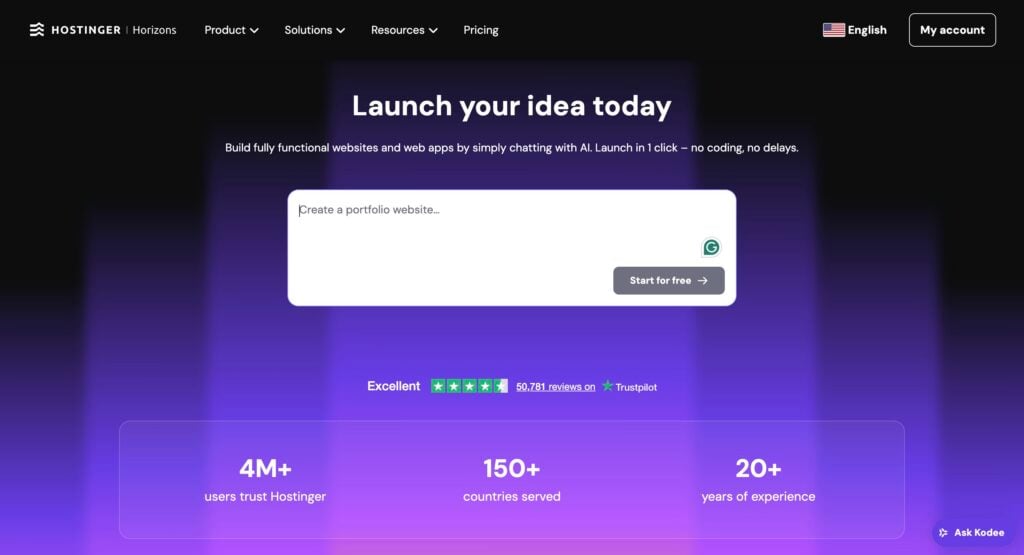
Best for: Entrepreneurs, startups, and small businesses looking to build MVPs without coding knowledge.
Price: Starting at CA$ 9.79/month.
Hostinger Horizons is an AI-powered no-code app builder that lets you create custom web apps or web software in minutes.
It works through a simple chat interface. Simply describe what kind of app you need: for example, try “build a task manager with multiple priority levels, multiple categories, and a visual workflow manager that can be displayed as a timeline, a list, or a grid” or “create a customer feedback form with email notifications that are sent to the appropriate contact within the company.” The more detail you can provide in the beginning, the better the first iteration will be.
Once you’ve sent the prompt, the AI will generate the code and show you a live preview. You can then make changes and refine by typing more instructions, and the app will update in real time.
The platform supports voice commands if you prefer talking over typing, and you can upload screenshots or sketches as visual references.
What makes Horizons stand out from other platforms is its all-in-one setup. Most AI coding tools just generate code and leave you to figure out hosting, domains, and SSL certificates.
Horizons is connected to Hostinger’s web hosting platform, so once your app preview is ready, simply click the Publish button to launch your app.
Horizons’ AI code editor allows you to edit the underlying code manually as well. This makes Horizons useful for developers who want to speed up their vibe coding workflow.
Key features:
- Chat-based development. Describe your app in plain English, use voice commands, or upload images as references.
- Multi-project management. Create up to 50 web apps on a single account.
- Custom domain connection. Connect your own domain or use free subdomains.
- Automatic backups. Daily backups with one-click restore functionality.
- Built-in analytics. Track user behavior and app performance without external tools.
- Team collaboration. Share projects with team members for joint editing.
- Mobile-responsive design. Apps work seamlessly on smartphone and tablet browsers.
- Database integration. Include a database to your web app with the built-in backend system.
- 80+ languages supported. Build apps in multiple languages.
- 24/7 customer support. Expert customer support in over 8 languages.

2. Replit
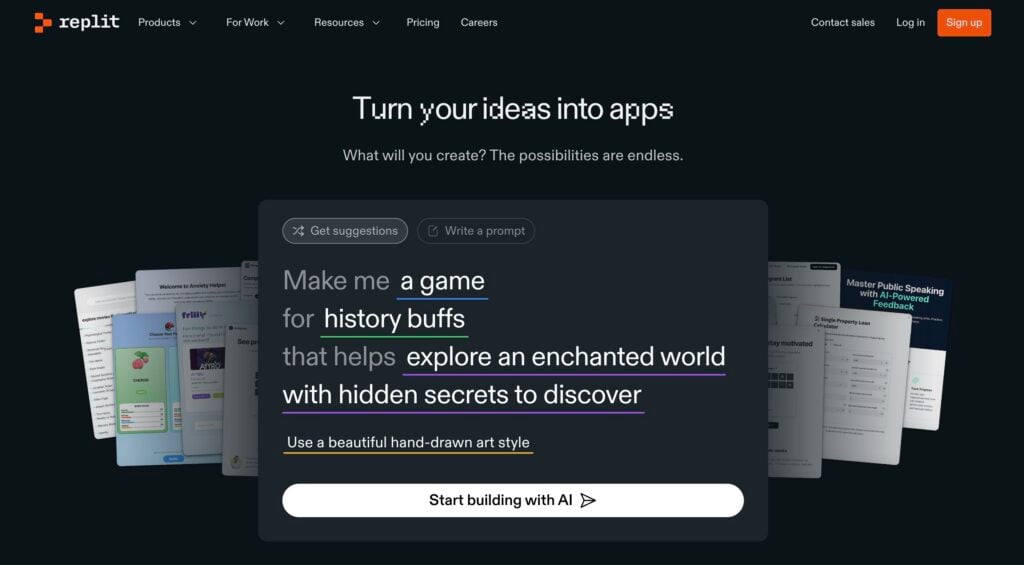
Best for: Developers who want AI-powered coding assistance, students learning programming, and teams building collaborative projects.
Price: Free plan available, Core plan starting at $20/month.
Replit brings programming AI directly into a cloud-based coding environment that runs in your browser. You can either write code yourself with AI help, or let the AI Agent build entire apps from your descriptions.
The AI vibe coding chatbot, called Agent, can generate complete apps from simple descriptions. Tell it to “create a to-do list app with user authentication” and it will build the full application structure, write the code, and set up databases. But Replit also works as a traditional IDE where you can write code yourself and use the AI for suggestions, debugging, and instruction.
Coding with AI on Replit feels natural because everything happens in real time. The AI assistant understands your project context and can make coordinated changes across multiple files. If you’re stuck on a bug, you can ask the AI to explain the problem and suggest fixes.
For more complex features, the Agent can handle the entire implementation while you focus on higher-level decisions.
What makes Replit particularly useful for vibe coding is its educational approach. The AI code editor doesn’t just write code – it explains what it’s doing and why. This makes it valuable for learning new programming concepts while building real applications.
However, complex projects can get expensive with Replit’s usage-based pricing for AI features. The cost scales with the complexity of requests, so building more sophisticated applications requires careful budget planning.
If you want to explore other similar options, you can check out these alternatives to Replit.
Key features:
- 50+ programming languages. Support for Python, JavaScript, Java, C++, and many more.
- Real-time collaboration. Multiple users can edit code simultaneously with live chat.
- Instant deployment. One-click hosting for web apps, APIs, and bots.
- Version control. Built-in Git integration with branch management.
- Package management. Automatic installation of libraries and dependencies.
- Figma integration. Import designs and convert them to working code.
- Mobile coding. Full development environment accessible on phones and tablets.
3. Lovable
Best for: Developers and entrepreneurs who want to build full-stack React applications quickly.
Price: Free plan with five credits daily, Pro plan starting at $25/month.
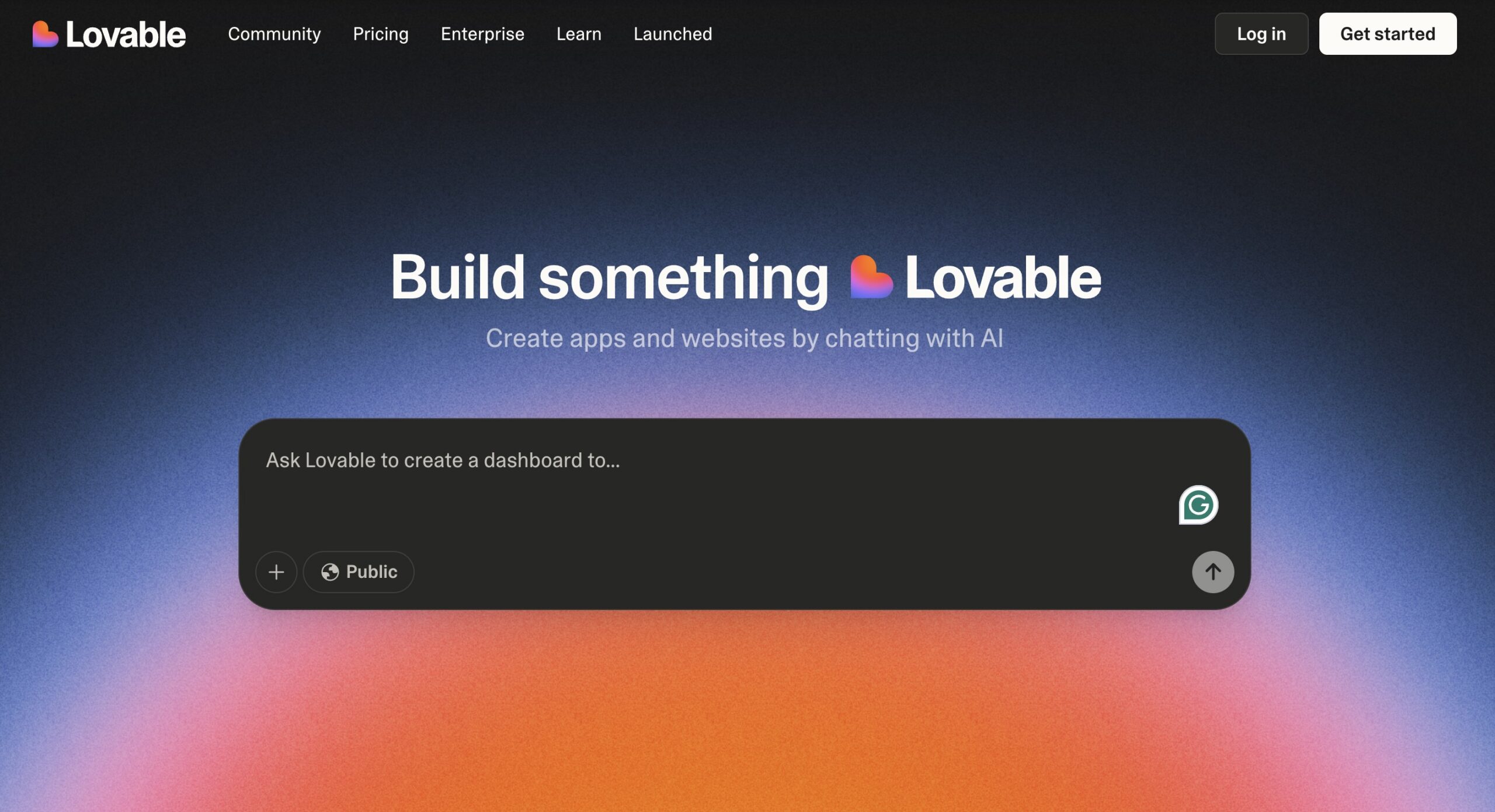
Lovable specializes in building production-ready React applications through natural language prompts. The platform focuses specifically on React, Tailwind CSS, and Supabase integration, making it powerful for creating modern web applications with databases and authentication.
Just describe your app idea in plain English, and Lovable generates the complete full-stack application, including frontend components, back-end logic, database schema, and even authentication flows. The platform excels at creating complex user interfaces and connecting them to working back ends without manual technical setup.
Lovable works particularly well for rapid prototyping and MVP development. The AI understands modern web development patterns and generates clean, maintainable code that follows industry best practices.
However, the platform is limited to React-based applications, so you might want to look into our alternatives to Lovable if your project requires Vue, Angular, or other frameworks. Additionally, while the AI is good at generating standard components, highly customized designs or complex animations may require manual adjustments.
Key features:
- React and Tailwind focus. Specializes in modern React development with practical styling.
- Supabase integration. Built-in database creation and access.
- GitHub export. Full code ownership with direct repository synchronization.
- Visual editing. Click-to-edit interface for making quick design changes.
- Production deployment. One-click deployment to live URLs with custom domains.
- Team collaboration. Multi-user editing with shared workspaces.
- Component library. Extensive pre-built components for faster development.
4. Cursor
Best for: Professional developers who want an AI-first IDE with advanced code implementation and multi-file editing capabilities.
Price: Free Hobby plan, Pro plan at $20/month.
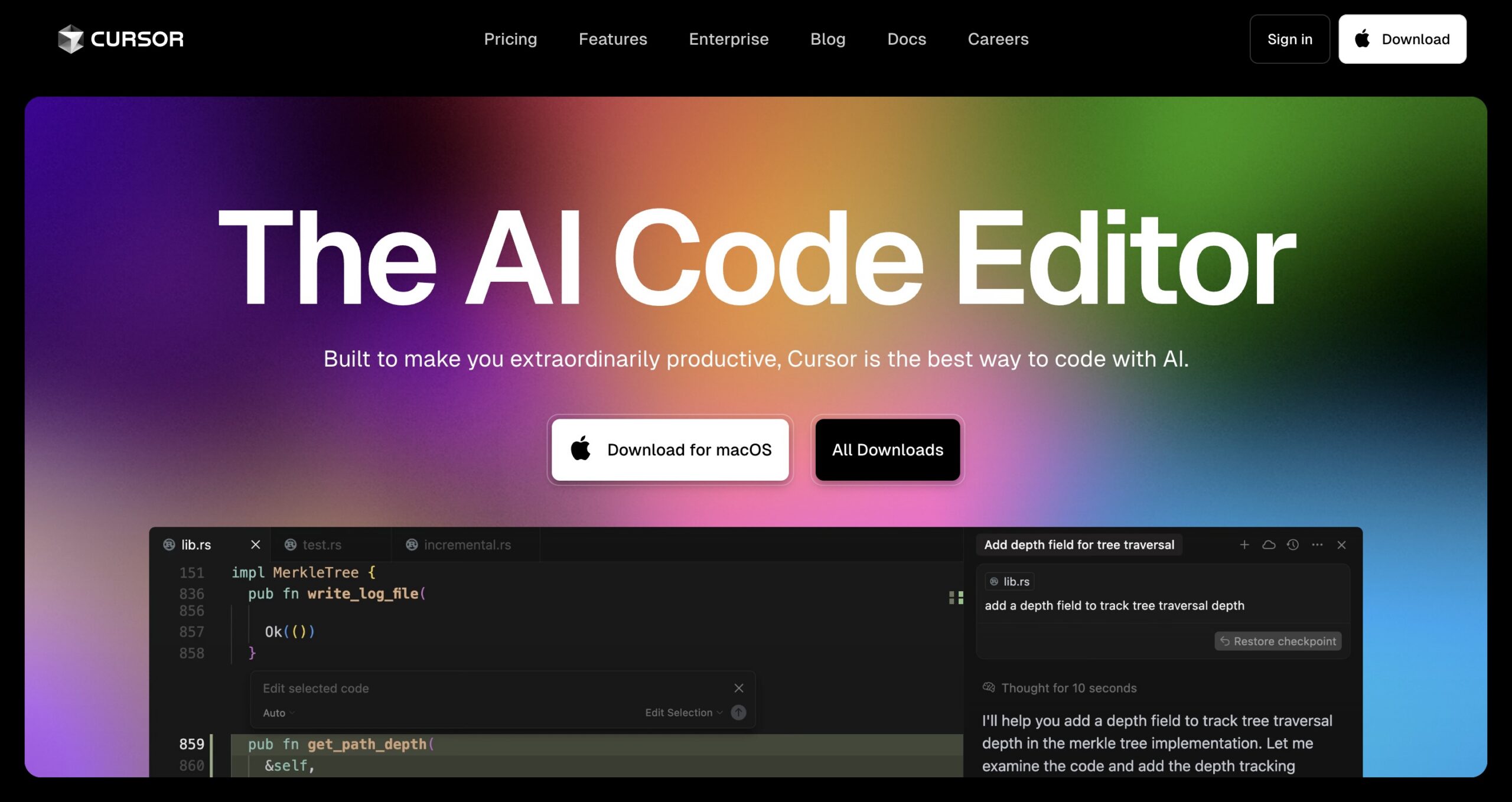
Cursor is an AI-powered code editor built on Visual Studio Code that integrates artificial intelligence directly into the development workflow. Rather than being a simple code generator, it acts as an intelligent programming partner that can interpret your entire codebase and make coordinated changes across multiple files.
When you ask Cursor to refactor a component or add a feature, it analyzes your entire project to understand dependencies, patterns, and architecture. This means it can make changes that are consistent with your existing code style, and it can coordinate imports, exports, and cross-file relationships.
What makes Cursor particularly powerful for experienced developers is its Agent mode. This feature can autonomously work on larger tasks, creating new files, updating configurations, and even running terminal commands.
However, Cursor can be overwhelming for beginners due to its extensive feature set and AI-first approach. The interface includes AI buttons and suggestions throughout, which some developers find cluttered compared to traditional editors.
For those seeking simpler options, there are several alternatives to Cursor worth considering.
Key features:
- VS Code compatibility. Full compatibility with existing VS Code extensions and settings.
- Multi-file refactoring. Coordinate changes across entire codebases with context awareness.
- Inline code editing. Select and modify code using natural language descriptions.
- Agent mode. Autonomous task completion, including file creation and terminal commands.
- Smart autocomplete. Advanced Tab completions that recognize project patterns.
- Codebase chat. Ask questions about your code, and get answers with full repository context.
- Custom model support. Choose between GPT-4, Claude, and other AI models for various tasks.
5. Bolt
Best for: Developers/non-developers who need rapid full-stack prototyping with instant deployment capabilities.
Price: Free plan available, paid plans start at $25/month.
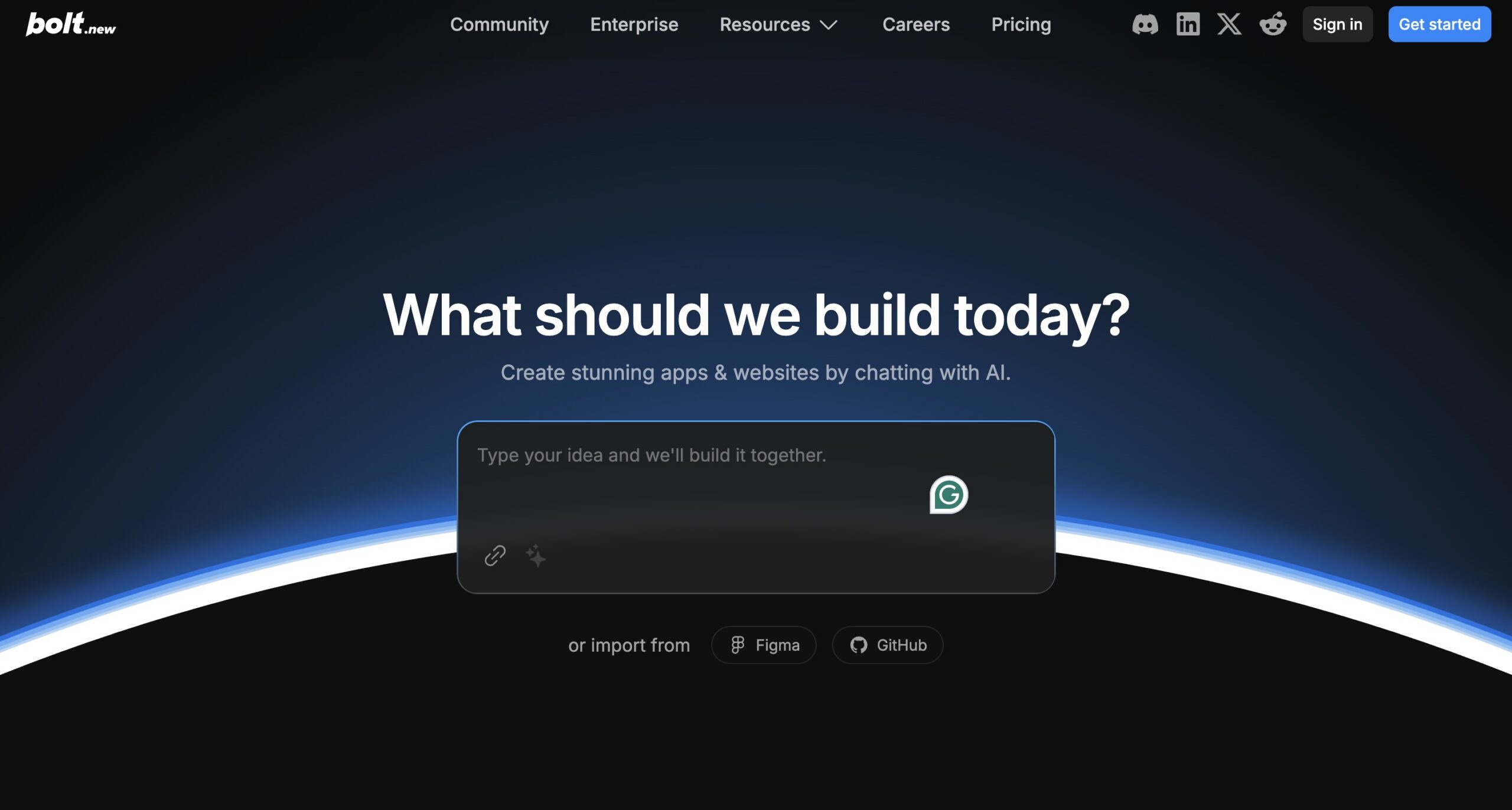
Built by StackBlitz, Bolt runs complete development environments directly in your browser using WebContainers technology. This breakthrough approach eliminates local setup requirements while providing full access to npm packages, back-end services, and modern frameworks.
Bolt’s unique strength lies in giving AI models complete control over your development environment. The AI doesn’t just generate code – it can install packages, run servers, configure databases, and even debug errors automatically.
This level of environmental control means you can go from a simple prompt to a fully deployed application faster than traditional development workflows.
Framework support is extensive, covering React, Vue, Next.js, Astro, Svelte, and many others. The integrated terminal and real-time preview make it feel like a local development environment, but with the convenience of browser-based access. When errors occur, Bolt’s AI actively monitors and suggests fixes without manual intervention.
The main drawback is the token-based pricing model, which can become expensive for heavy usage. Complex projects may require significant token consumption, especially during the debugging and refinement phases.
There are various alternatives to Bolt available for those seeking similar approaches.
Key features:
- WebContainers technology. Full Node.js development environment running in the browser.
- AI environment control. Complete filesystem, server, and terminal management by AI.
- Instant deployment. One-click publishing to Netlify with live URLs.
- Framework flexibility. Support for all major JavaScript frameworks and tools.
- Package management. Install and run any npm package directly in the browser.
- Error monitoring. Automatic error detection with AI-suggested fixes.
- Team collaboration. Real-time editing and sharing capabilities.
6. v0
Best for: Front-end developers and designers who need to generate React components and UI layouts quickly.
Price: Free tier with 5 credits monthly, Premium at $20/month.
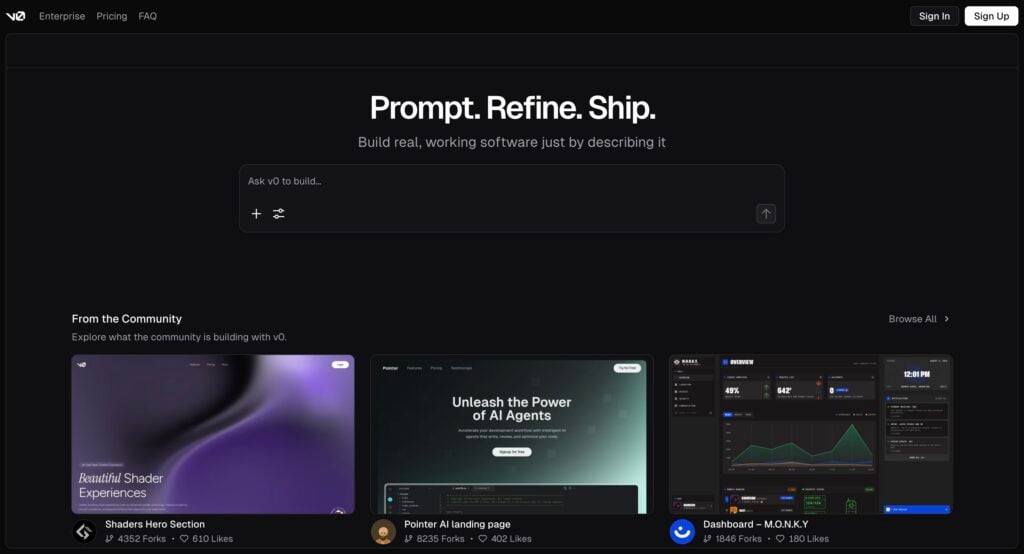
v0 by Vercel focuses specifically on creating user interface elements rather than full websites. Think of it as a tool that builds individual pieces (like login forms, navigation bars, or pricing tables) that you can then copy into your actual website projects.
You can ask for things like “create a pricing table with three options” or “make a contact form with validation,” and v0 generates clean, ready-to-use code. Each request gives you several different design options to choose from.
v0 can also scan existing websites and help you recreate similar designs. You can upload screenshots of interfaces you like, and it will build similar components for you. This makes it useful for designers who see something they want to recreate but don’t know how to code it.
The main limitation is that v0 only works with React (a specific way of building websites) and focuses purely on the visual parts of websites. It won’t help you build backend features like databases or user accounts. The credit system can also get expensive if you’re experimenting with lots of different designs.
Consider exploring some alternatives to v0 by Vercel if you need broader framework support.
Key features:
- React component creation. Builds individual website pieces that work with React.
- Multiple design options. Each request shows you several different styles to pick from.
- Website copying. Look at any website and recreate similar designs.
- Screenshot to code. Upload images of designs and turn them into working code.
- Instant testing. Try out your components immediately before using them.
- Copy-paste ready. Generated code is clean and ready to add to your projects.
- Modern styling. Uses current design trends and responsive layouts.
7. Softr
Best for: Small businesses and teams who want to turn their spreadsheets into professional web applications.
Price: Free plan available, Basic plan starts at $49/month.
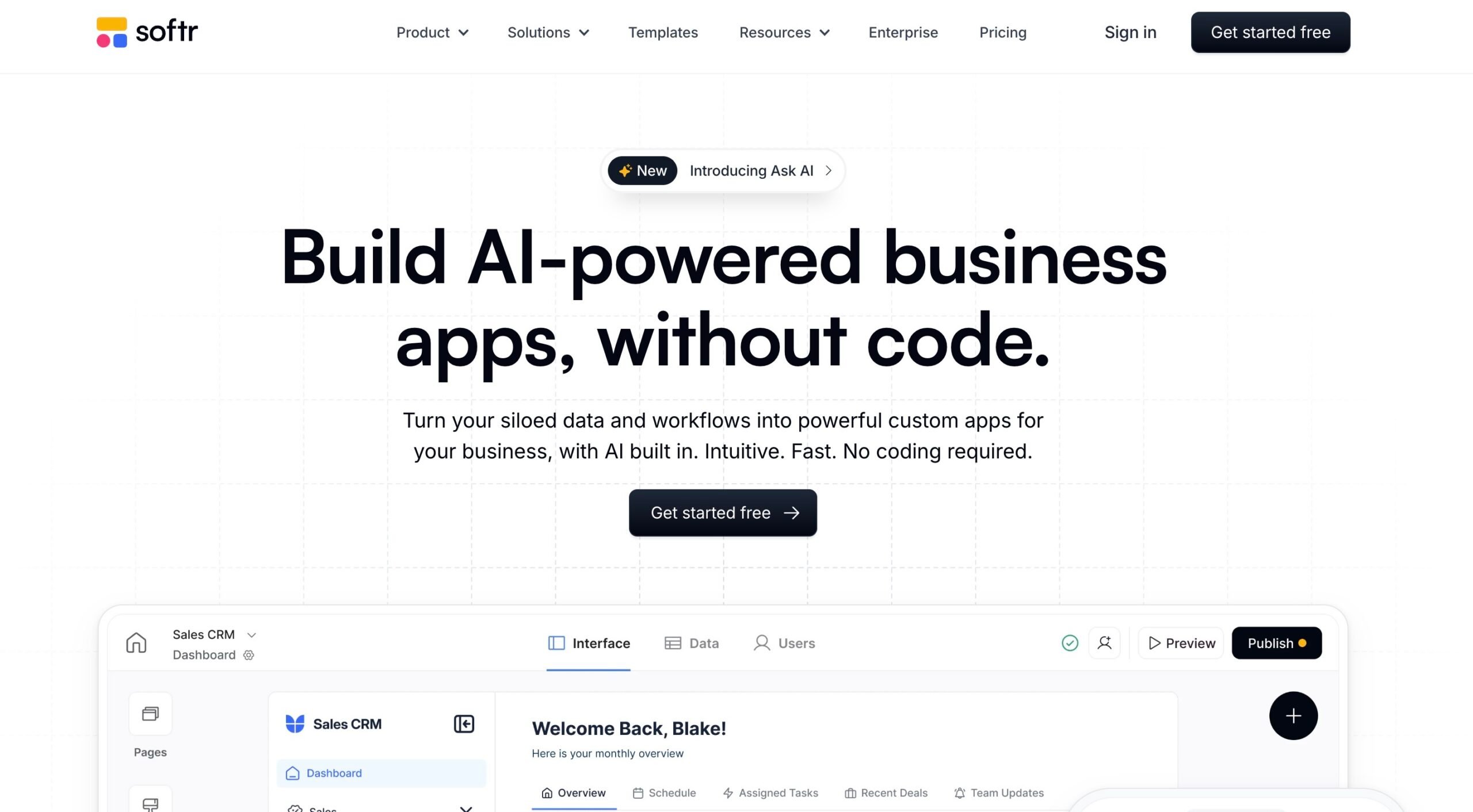
Softr specializes in transforming your existing data from spreadsheets or database apps like Google Sheets or Airtable into professional web applications. You connect your spreadsheets, and Softr automatically creates beautiful data interfaces.
This approach is well-suited to businesses that manage information in spreadsheets but need a more attractive and user-friendly way to share it with clients or team members. You can turn a client database into a professional portal, transform project tracking sheets into team dashboards, or convert inventory lists into searchable catalogs.
The platform offers over 100 ready-made templates for common business needs like client portals, project management tools, and membership directories. You can also use Softr’s AI assistant to generate custom applications by describing what you need in plain English.
The main limitation is that you need to bring your own data source – Softr doesn’t include a built-in database. The platform also focuses primarily on web applications rather than mobile apps.
If this doesn’t seem suitable, you may want to explore alternatives to Softr.
Key features:
- Spreadsheet integration. Connect Google Sheets, Airtable, and other data sources instantly.
- Template library. 100+ professionally designed templates for business applications.
- AI app generator. Describe your needs and let AI build the initial structure.
- Real-time data sync. Changes in your spreadsheet appear immediately in your app.
- User permissions. Control access levels and what different users can see.
- Custom forms. Create forms that feed data directly back to your spreadsheets.
- SEO optimization. Built-in tools to help your applications rank in search engines.
8. GitHub Copilot
Best for: Developers who want AI assistance while coding in their existing development environment.
Price: Free plan with basic features, Pro at $10/month.
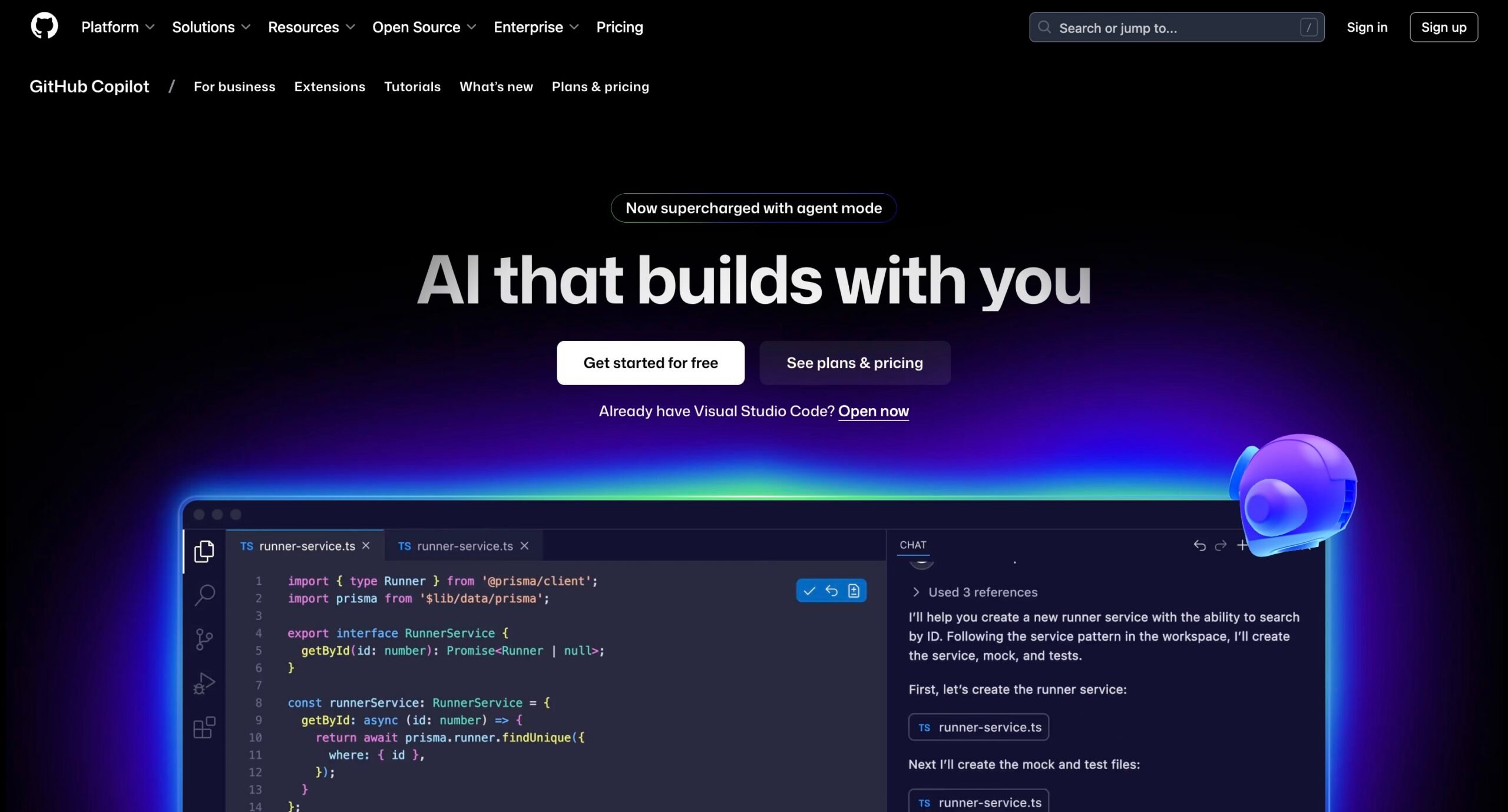
GitHub Copilot works as your AI programming partner that lives directly inside your code editor. Rather than building entire applications, Copilot helps you write better code faster by suggesting completions, explaining complex functions, and generating code based on your comments.
This tool integrates seamlessly into popular code editors like Visual Studio Code, JetBrains IDEs, and others. As you type, it suggests relevant completions – from simple variable names to entire functions.
You can also write a comment describing what you’re trying to achieve, and Copilot will generate the corresponding code.
GitHub also offers Copilot’s autonomous coding agent. You can assign GitHub issues to Copilot, and it will create pull requests with proposed solutions, though these still require human review before implementation.
However, Copilot requires existing programming knowledge to be most effective. It’s designed to accelerate experienced developers rather than teach beginners how to code from scratch.
Key features:
- Code completion. Intelligent suggestions for lines and entire functions as you type.
- Multi-language support. Works with JavaScript, Python, Java, C++, and dozens more languages.
- Chat assistance. Ask questions about your code and get detailed explanations.
- Test generation. Automatically create unit tests for your functions and classes.
- Code instruction. Can break down complex algorithms and explain what the code does.
- IDE integration. Works natively in VS Code, JetBrains, Visual Studio, and other editors.
- Autonomous agent. Assign tasks to Copilot and receive pull request solutions.
9. Claude Code
Best for: Experienced developers needing an AI-powered code assistant to handle complex, multi-file projects.
Price: Available with a Claude Pro subscription starting at $17/month.
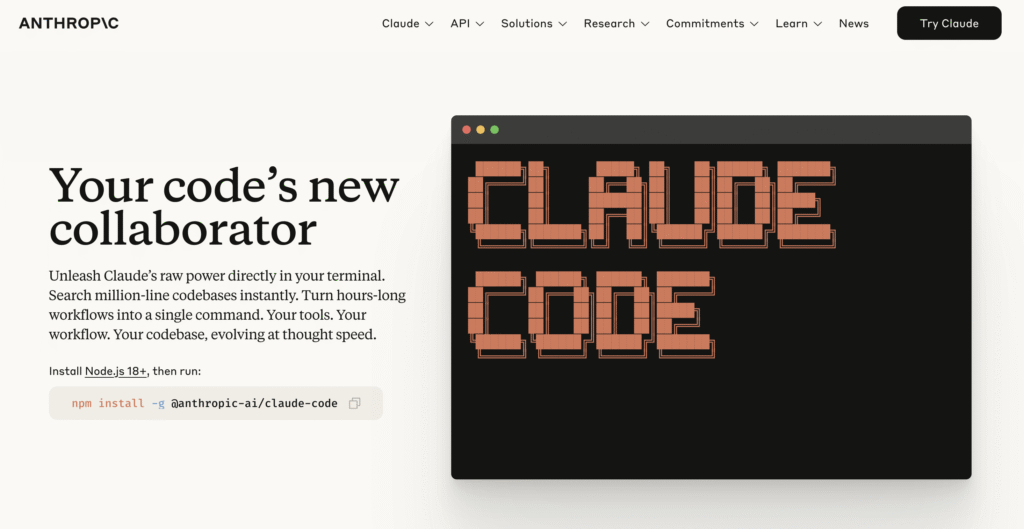
Claude Code represents a different approach to AI coding assistance as it operates entirely from your terminal rather than inside a code editor. This command-line tool can parse and work with entire codebases, not just individual files, making it ideal for complex programming tasks.
The tool excels at tasks that require managing relationships between multiple files and components. You can ask Claude Code to refactor large portions of your application, implement new features across several files, or debug issues that span your entire codebase.
It can also read your project structure, keep track of dependencies, and make coordinated changes that actually work together.
Claude Code runs locally on your machine and integrates with your existing development tools like Git, GitHub, and various command-line utilities. It can create pull requests, run tests, commit changes, and even deploy applications – all while keeping you informed about what it’s doing at each step.
Keep in mind that Claude Code is designed for developers who are comfortable with command-line tools and want an AI assistant that can handle substantial programming work independently.
Key features:
- Terminal-based operation. Works directly from the command line without requiring IDE integration.
- Codebase interpretation. Analyzes entire projects and recognizes file relationships.
- Multi-file editing. Makes coordinated changes across multiple files simultaneously.
- Git integration. Handles version control, commits, and pull requests automatically.
- Autonomous task execution. Works independently on complex programming tasks.
- Local operation. Runs on your machine with your existing development tools.
- Background processing. Can work on tasks while you focus on other priorities.
10. Tabnine
Best for: Developers seeking intelligent code completion with strong privacy controls.
Price: $59/month.
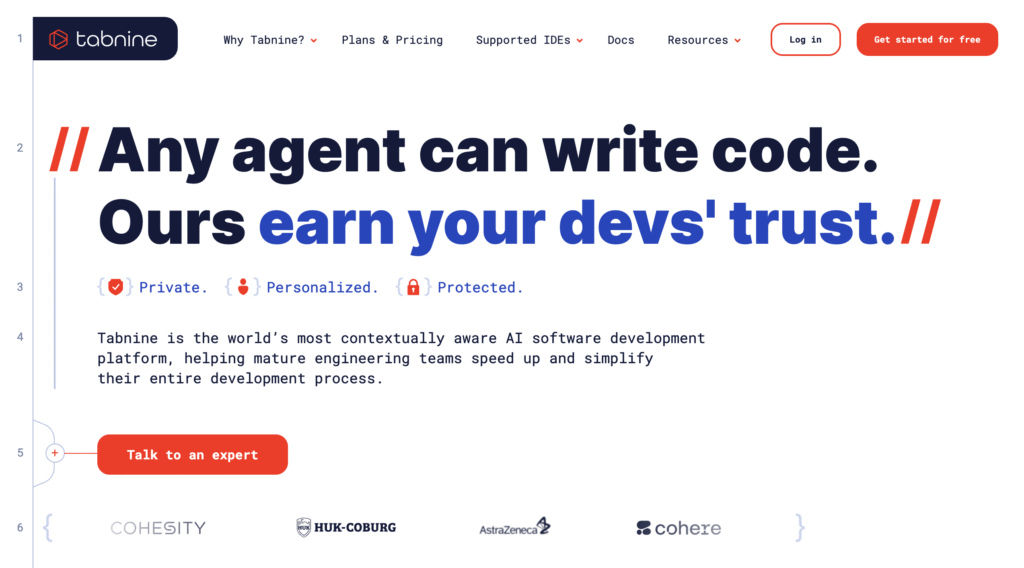
Tabnine is an AI-powered code completion tool that predicts what you’re going to type based on the context of your code.
Rather than simple autocomplete that finishes variable names, Tabnine can suggest complete functions, method calls, and multi-line code blocks.
One of the best things about Tabnine is how it handles data privacy. You can run it entirely on your local machine or company servers, which means your code doesn’t get sent to external services.
Companies can also train Tabnine on their internal codebases to get suggestions that match their specific frameworks, libraries, and coding standards.
Unlike AI coding tools like Replit that provide complete development environments, Tabnine focuses specifically on enhancing your existing coding workflow through intelligent autocomplete. It works across different programming languages and can help reduce time spent on repetitive coding tasks.
It’s very useful for writing boilerplate code, remembering API syntax, and maintaining consistent coding patterns across team projects.
However, like other AI tools, the quality of suggestions depends on having enough context and similar code patterns to learn from.
Key features:
- Intelligent code completion. Suggests entire lines and code blocks based on context and patterns.
- Privacy-first architecture. Can run completely offline or on private infrastructure.
- Team learning. Trains on your organization’s codebase for personalized suggestions.
- Universal IDE support. Works with 20+ editors and development environments.
- Multi-language support. Covers all major programming languages and frameworks.
- Real-time adaptation. Learns from your coding style and improves suggestions over time.
- Enterprise security. SOC 2 compliant with advanced security controls for large organizations.
Summary: Best vibe coding tools
| Tool | Best for | Main features | Pricing |
| Hostinger Horizons | Visual web development | Drag-and-drop interface, AI-powered design suggestions, integrated hosting, responsive templates | Free plan available, Premium plans start at CA$ 9.79/month |
| Replit | Collaborative coding environments | Real-time collaboration, cloud-based IDE, multiplayer coding, instant deployment | Free tier available, Core plan starting $20/month |
| Lovable | Rapid React app development | React-focused generation, component library, fast prototyping, modern UI patterns | Free tier, Pro plans from $25/month |
| Cursor | AI-enhanced code editing | Advanced AI autocomplete, natural language commands, code refactoring, multi-language support | Free version, Pro $20/month |
| Bolt | Full-stack prototyping | End-to-end app generation, database integration, API creation, deployment automation | Free tier, Pro plans from $25/month |
| v0 | UI component generation | Component-focused development, design system integration, React/Next.js optimization | Free tier with $5 credits monthly, Premium at $20/month. |
| Softr | Spreadsheet-to-app conversion | Database-driven apps, pre-built blocks, Airtable integration, responsive design | Free plan, Pro from $49/month |
| GitHub Copilot | Code completion and suggestions | AI pair programming, multi-language support, IDE integration, context-aware suggestions | Free plan, Pro plan starts from $10/month (individual) |
| Claude Code | Terminal-based coding assistance | Command-line integration, agentic coding tasks, direct terminal access, project management | Part of Claude Pro subscription $17/month |
| Tabnine | Intelligent code completion | AI-powered autocomplete, privacy-focused, team learning, enterprise security | $59/month for an annual subscription |
What are the most important criteria for choosing an AI vibe coding tool?
Selecting the right AI coding assistant depends on several key factors.
- Integration capabilities. The tool should work seamlessly with your existing development environment and workflow. Look for compatibility with your preferred code editor, version control system, and other development tools you use daily.
- Code quality and accuracy. Evaluate how well the tool generates syntactically correct and logically sound code suggestions. The best tools produce code that follows best practices and requires minimal manual corrections.
- Privacy and security. Consider where your code data is processed and stored, especially for proprietary or sensitive projects. Some tools offer on-premises deployment while others require cloud processing.
- Learning and customization. Look for tools that can adapt to your coding style, project patterns, and team conventions over time. The ability to train on your specific codebase can significantly improve suggestion quality.
- Language and framework support. Ensure the tool covers the programming languages and frameworks you work with regularly. Some tools excel in specific languages while others offer broader coverage.
- Pricing structure. Compare subscription costs against your budget and usage patterns. Consider whether team licenses, enterprise features, or usage limits align with your needs.
Evaluating these criteria will help you evaluate the specific advantages and potential drawbacks of different AI coding tools.
What are the advantages of vibe coding assistants?
AI coding assistants offer several compelling benefits that can significantly enhance developer productivity and code quality.
- Increased development speed. AI assistants can write boilerplate code, complete functions, and suggest entire code blocks instantly. This automation reduces repetitive typing and allows developers to focus on higher-level problem-solving. Many developers report 20-40% faster coding when using these tools effectively.
- Reduced cognitive load. These tools help manage the mental burden of remembering syntax, API methods, and implementation details across different languages and frameworks. Instead of constantly switching between documentation and code, developers can rely on intelligent suggestions that appear contextually. This reduces decision fatigue and helps maintain focus on core logic.
- Learning and skill development. AI assistants expose developers to new approaches, libraries, and coding patterns they might not have discovered otherwise. Junior developers can especially benefit from seeing well-structured code examples and learning established conventions. Even experienced developers can discover more efficient ways to implement familiar functionality.
- Consistency and best practices. When trained on high-quality codebases, AI tools help enforce coding standards and best practices across teams. They can suggest consistent naming conventions, proper error handling, and established architectural patterns. This leads to more maintainable code and reduces technical debt over time.
- Multilingual support. Most AI coding assistants work across dozens of programming languages, making it easier for developers to work on diverse projects. This is valuable in polyglot environments where teams use multiple languages and frameworks for different components.
However, these benefits come with certain limitations and potential drawbacks that developers should carefully consider.
What are the disadvantages of AI coding assistants?
While AI coding tools offer significant benefits, they also introduce several challenges and limitations that can impact development workflows. Understanding these drawbacks helps set realistic expectations and avoid potential pitfalls.
- Code quality inconsistency. AI-generated code can vary in quality, sometimes producing syntactically correct but inefficient or poorly structured solutions. Developers may receive suggestions that work but don’t follow best practices, use deprecated methods, or create security vulnerabilities. This requires careful review and testing of all AI-generated code, which can slow down the development process.
- Over-dependence and skill atrophy. Heavy reliance on AI assistants can lead to decreased problem-solving skills and reduced understanding of fundamental programming concepts. Developers might become less capable of writing code from scratch or debugging complex issues without AI assistance. This dependency can be problematic when working in environments where AI tools aren’t available.
- Context limitations. AI tools often struggle with large, complex codebases and may not fully understand the broader architectural context of a project. They might suggest solutions that work locally but create integration issues or violate established design patterns. The tools typically analyze only a limited window of code, missing important relationships between distant parts of the system.
- Privacy and security concerns. Many AI coding assistants process code on external servers, raising concerns about intellectual property protection and data security. Even tools that claim not to store code may still transmit it for processing. Organizations working on sensitive or proprietary software may face compliance issues or risk exposing confidential information.
- Cost and licensing complexity. Subscription fees for AI coding tools can add up quickly, especially for large development teams. Enterprise features often require significant additional investment, and usage-based pricing models can be difficult to predict and budget for.
Despite these challenges, AI coding assistants continue to find valuable applications across many development scenarios.
What are some use cases of vibe coding tools?
Here are some of the most common and effective use cases where these tools provide clear benefits:
1. Rapid prototyping and MVP development
When speed matters more than perfect optimization, AI tools excel at generating functional code quickly. Startups and product teams use these tools to build proof-of-concepts, create demo applications, and iterate on ideas without getting bogged down in implementation details.
2. Learning new technologies
Developers exploring unfamiliar programming languages, frameworks, or APIs benefit from AI-generated examples and explanations. The tools provide immediate guidance on syntax, common patterns, and best practices without requiring extensive documentation reading.
3. Boilerplate and repetitive code generation
Tasks like setting up database connections, creating CRUD operations, writing test scaffolding, and implementing common algorithms are ideal for AI assistance. These routine tasks consume significant development time but don’t require creative problem-solving.
4. Code refactoring and modernization
AI tools can help update legacy code to use modern language features, migrate between frameworks, or improve code organization. They’re useful for suggesting more efficient implementations of existing functionality.
5. Cross-language development
Teams working with multiple programming languages benefit from AI assistants that can translate concepts and patterns between different tech stacks, helping maintain consistency across polyglot projects.
Will vibe coding replace traditional coding?
AI coding assistants are changing how we write software, but they won’t replace human developers anytime soon. Think of these tools more like advanced calculators for programmers – they handle the routine math while humans focus on solving the actual problems.
The reality is that building software involves much more than just writing code. Someone still needs to understand what the business actually wants, design how different parts of the system will work together, and make judgment calls about trade-offs between performance, maintainability, and cost.
AI tools are great at generating boilerplate code and remembering syntax, but they can’t replace the experience and critical thinking that developers bring to complex projects.
There are also some important ethical questions we’re still figuring out. When AI generates code, who owns it? What happens if that code has security vulnerabilities or introduces bugs?
These tools are trained on massive amounts of existing code, which raises concerns about copyright and whether they might accidentally reproduce proprietary code patterns.
The current limitations are also pretty significant. AI assistants often miss the bigger picture of how their suggestions fit into larger systems. They might write code that works in isolation but breaks something else entirely. They also struggle with understanding the specific business context that drives technical decisions.
Looking ahead, the most successful developers will probably be those who learn to work effectively with AI tools while maintaining their core problem-solving skills.It’s less about traditional coding versus vibe coding and more about finding the right balance between AI efficiency and human expertise for each project.

Emman is a Content Writer at Hostinger where she helps simplify complex topics for readers around the world. With over 5 years of experience in crafting SEO content, she’s passionate about making tech topics easy to understand. In her free time, Emman enjoys traveling and watching Formula 1 races. Follow her on LinkedIn.