15 best WordPress membership plugins to enable user subscription
Dec 02, 2025
/
Andzelika D.
/
13 min Read

WordPress membership plugins are key to building engaging and functional membership sites. They offer useful features, such as restricting content, managing subscriptions, and creating online communities.
However, with so many options, it can be difficult to choose the right one. To save you hours of research, we tested dozens of plugins and compared their features, pricing, ease of use, and feedback from users.
In this guide, you’ll find the top 15 WordPress membership plugins for any need and use case, whether you’re a beginner website owner or a pro.
Download all-in-one WordPress cheat sheet
Top 15 WordPress Plugins for Membership Websites
WordPress membership plugins turn your site into a gated community, allowing you to control access, charge subscriptions, and build a loyal following.
Below, we list the best WordPress plugins for membership websites in 2025 and describe their distinctive features.
1. MemberPress
- Rating: 4.5/5
- Best for: Beginner website owners, coaching platforms, and online courses.
- Price: Plans start at $179.50/year
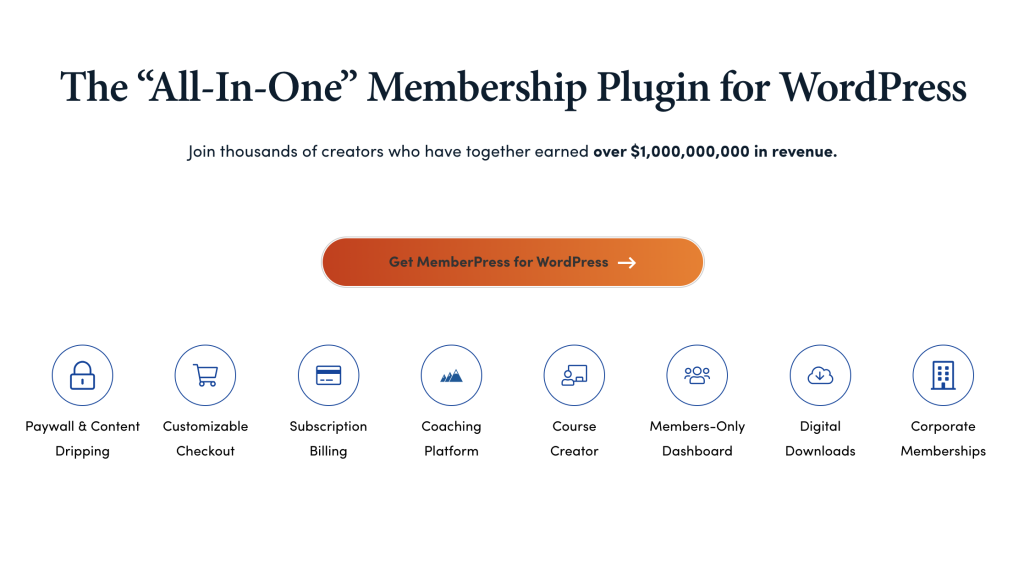
MemberPress is an all-in-one WordPress membership plugin designed for creators who want to monetize their content, manage subscriptions, offer online courses, and build membership sites.
Website owners can set up paywalls, create drip content schedules, handle billing, and customize checkouts — all within the same interface.
This plugin is intuitive and easy to use, making it a great option for beginners with no technical background.
To get started with MemberPress, purchase your plan on the plugin’s website. Next, install and activate it on your WordPress site.
Then, you’ll need to set up membership levels, configure payment gateways, and establish content access rules for different member types. You can also use its ReadyLaunch™ page builder to create engaging pages in minutes without any coding.
What’s more, MemberPress combines membership management, LMS (Learning Management System), and paywall functionalities in one plugin.
It also offers customization features for online coaching platforms and online courses, making it a perfect solution for users in this category.
Key Features:
- Paywall and content dripping. Control when and how content is released to members.
- Built-in LMS for online courses. Create and sell online courses with an integrated Learning Management System.
- ReadyLaunch™ Page Builder: Build professional pages with zero coding involved.
- Integration with the most popular payment gateways. Let users choose from a wide range of payment methods, including Apple Pay, Google Wallet, and more.
- Corporate memberships. Create accounts for groups and handle permissions collectively (e.g. if your users are businesses and organizations).
2. Ultimate Member

Plugin Stats:
- Rating: 4.5/5
- Best for: Online communities, intermediate users without technical skills, educational platforms, businesses looking to manage corporate memberships and employee directories
- Price: Free (Premium plans start at $249/year)
Ultimate Member is one of our favorite WordPress membership plugins, offering a highly functional free version.
However, you’ll need to purchase a paid plan to access some extra features, such as drag-and-drop form builders and customizable user profiles.
This plugin is lightweight and can be further tailored, making it perfect for creating all kinds of membership sites and online communities.
It allows your membership site’s users to sign up easily, manage profiles, and access restricted content.
To get started with Ultimate Member, install and activate the plugin on your WordPress site, set up user profiles, registration, and login forms, and configure content restriction settings.
Key Features:
- Front-end user profiles. Create customizable and beautiful user profiles with ease.
- Drag-and-drop form builder. Build and customize registration, login, and profile forms with a user-friendly interface.
- Member directories. Create searchable and sortable member directories to enhance community building.
- Social features. Use extensions for social logins, user tags, user reviews, and social activity streams.
3. Simple Membership
- Rating: 4.5/5
- Best for: Content creators and bloggers, small businesses, educational platforms
- Price: Freemium
Simple Membership is a flexible, well-supported, and easy-to-use WordPress membership plugin. You can use it to create both free and premium content for your membership site.
This plugin’s core feature lets you control your posts and pages, ensuring that only members can view protected content. You can also set up unlimited membership levels and manage paid member subscriptions.
To get started with Simple Membership, install and activate the plugin on your WordPress site, set up membership levels, and configure content protection settings.
The tool lets you integrate popular payment gateways like PayPal, Stripe, and Braintree to handle paid member subscriptions.
Best of all, this plugin is free. While some add-ons cost extra, you can install and use its basic features without registration or extra cost.
Key Features:
- Unlimited membership levels. Create and manage unlimited membership levels (e.g., free, silver, gold).
- Content protection. Selectively protect posts, pages, and custom post types, allowing you to control access based on membership levels.
- Integration with popular payment gateways. Accept payments via PayPal, Stripe, and Braintree, supporting both one-time and recurring payments.
- Member login widget. Easily add a customizable member login widget to your site’s sidebar using shortcodes.
4. LearnDash

- Rating: 4.6/5
- Best for: Educators and owners of online courses, content creators providing premium content (blogs, podcasts, etc.)
- Price: Prices start at $199/year
LearnDash offers membership software that helps educators, freelancers, content creators, and agencies build and monetize online courses and membership websites.
To get started, choose the product of your preference on LearnDash’s website and follow installation guidelines.
You can select:
- The MemberDash membership plugin
- The LearnDash LMS plugin
- The LearnDash Cloud solution
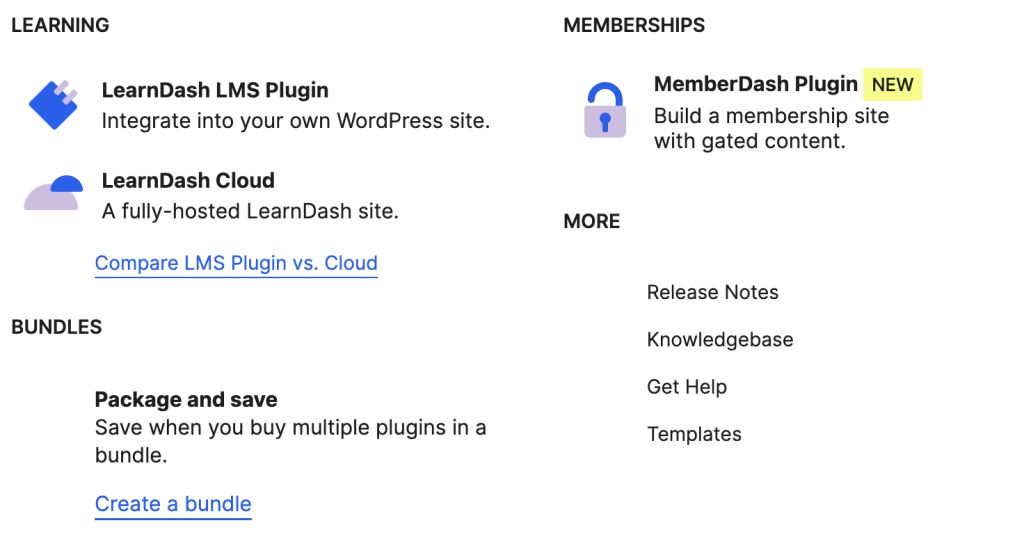
Combining LearnDash and MemberDash gives you access to a full set of features for building engaging and interactive online courses, as well as further monetizing them.
However, you can also use each solution separately. Both tools offer deep integration with the WordPress ecosystem and flexibility in handling online courses and membership sites.
Key Features
- Monetize any content. Sell access to courses, blogs, podcasts, and other premium content.
- Flexible memberships. Choose from various subscription types and integrate with PayPal or Stripe.
- Community building. Create an active online community with easy account management and invoicing.
- LearnDash LMS. Customize your course designs and pricing models, create quizzes, assignments, certifications, and more.
5. WP-Members
Plugin Stats:
- Rating: 4.5/5
- Best for: Users with a basic understanding of WordPress, site owners who need advanced content restriction capabilities
- Price: Freemium
WP-Members is the original WordPress membership plugin, providing robust content restriction, custom registration, and more.
This WordPress plugin is easy to configure and customize, making it a popular choice, especially since it’s free to use.
To install this WordPress membership plugin, upload it to the /wp-content/plugins/ directory, activate it through the ‘Plugins’ menu in WordPress, and follow the instructions to restrict content and customize settings as needed.
WP-Members stands out for its simplicity and vast documentation library. It also features extensive features for restricting content on your membership site.
Key Features:
- Custom registration fields. Create custom registration and profile fields to gather specific information about your members.
- Admin approval. Hold new registrations for admin approval to maintain control over who joins your site.
- Teaser content. Automatically create post excerpts as teaser content to encourage non-members to join.
- Menu restriction. Limit menu items to logged-in users to control navigation based on membership status.
6. Restrict User Access
- Rating: 4.5/5
- Best for: Website owners looking for dynamic content restriction features, websites with complex membership tiers
- Price: Freemium
Restrict User Access is a simple WordPress membership plugin that helps you quickly set up content restriction rules.
It lets you assign different membership levels and define advanced content access rules for each member.
Restrict User Access also automates membership levels based on user actions and provides powerful contextual content protection.
This means it can dynamically assign membership levels to users depending on what they do on your site, like making a purchase or logging in.
Additionally, it offers extra control over who can see specific content, allowing you to restrict access to content based on various conditions.
Key Features:
- Membership level automation. Automatically assign membership levels based on user actions or attributes, such as roles, WooCommerce purchases, or donations.
- Contextual content protection. Restrict access to posts and pages based on conditions like tags, categories, authors, and more.
- Grant and deny capabilities. Full control over member capabilities and override default permissions set by other roles or plugins.
- Integration with popular plugins. Seamless integration with bbPress, BuddyPress, WooCommerce, Easy Digital Downloads.
7. JetEngine
- Rating: 4.9/5
- Best for: Content-rich websites, eCommerce stores
- Price: Plans start at $26/year
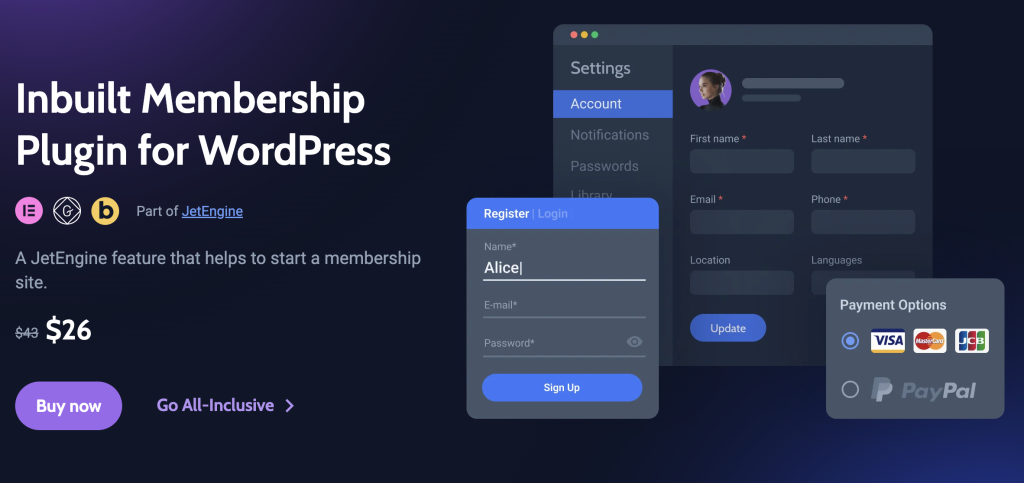
The Inbuilt Membership Plugin by Crocoblock is part of JetEngine — a dynamic WordPress content plugin. It’s one of the best and most modern WordPress membership plugins to try in 2025.
It offers a full set of fundamental features for creating and managing a membership site, including membership levels, a drag-and-drop builder for forms and pages, and content handling access rules.
The JetEngine subscription also provides other features for building dynamic websites, such as custom post types, custom fields, listings, etc.
You’ll get all essential membership plugin features alongside extra tools for creating personalized website experiences. This will let you display content dynamically and add membership rules and restrictions on the fly.
Key Features:
- Varied payment options. Integrate PayPal, Stripe, and WooCommerce to manage membership subscriptions.
- Custom user profiles and pages. Create and manage custom user profiles, restrict admin area access, and set up personalized member areas with unique content and menus.
- Advanced content protection. Use dynamic settings to control what different membership levels can see and access.
- Dynamic content management. Use JetEngine’s features for custom content types, taxonomies, and fields.
8. MemberMouse

- Rating: 4.7/5
- Best for:
- Price: Plans start at $199.50/year
MemberMouse is an enterprise-level WordPress membership plugin that helps you scale a profitable membership website.
It allows you to sell products and subscriptions, protect content, manage members, and maximize revenue with powerful analytics.
MemberMouse focuses on handling enterprise-level requirements while remaining a suitable option for startups and smaller businesses.
It includes built-in features that other plugins require as extensions, such as detailed member management, enhanced reporting tools, and a scalable architecture for large membership sites.
Key Features:
- Flexible product sales and billing. Sell various products and subscriptions with custom checkout and upsells. You can also offer flexible payment options, including one-click purchases and coupon codes.
- Content protection. Easily password-protect pages and posts to deliver premium content and use drip and scheduled content features.
- Member management. Manage free and paid members using an intuitive CRM dashboard and support automation features.
- Revenue maximization: Track critical metrics such as sales, lifetime customer value, and retention rates. The tool also supports affiliate channel tracking.
9. Thrive Apprentice

- Rating: 4.1/ 5
- Best for: Coaches, owners of online courses, small businesses
- Price: Plans start at $149/year
Thrive Apprentice is a WordPress membership software designed to create and manage online courses and membership sites.
It features an intuitive drag-and-drop course builder, advanced drip content features, and increased design freedom.
All this makes it an ideal choice for educators and entrepreneurs looking to build professional online learning platforms.
Thrive Apprentice positions itself as a 360-degree tool that helps you build your online business. For example, it offers all membership features like drip schedules for content restriction and analytics.
But there’s more to it as the plugin integrates marketing and design tools to create personalized user experiences and boost your online sales.
Besides, you can use Thrive Apprentice as a part of the Thrive Suite, which includes more tools and WordPress plugins for growing an online business.
Key Features:
- Drag-and-drop course builder. Easily create and organize courses with a user-friendly drag-and-drop interface.
- Advanced drip content. Organize flexible drip schedules that can be triggered by various events, such as purchase dates, specific calendar dates, quiz results, and custom events via third-party integrations.
- Design customization. Adjust every aspect of your course’s appearance with the Thrive Visual Editor.
- Built-in marketing tools. Use conditional display, dynamic labels, and integration with email marketing and CRM tools.
- Integrated membership management. Manage member access, track progress, and deliver personalized content without additional plugins.
10. Paid Memberships Pro
- Rating: 5/5
- Best for: Associations, online communities, education platforms
- Price: Freemium (paid plans start at $247/year)
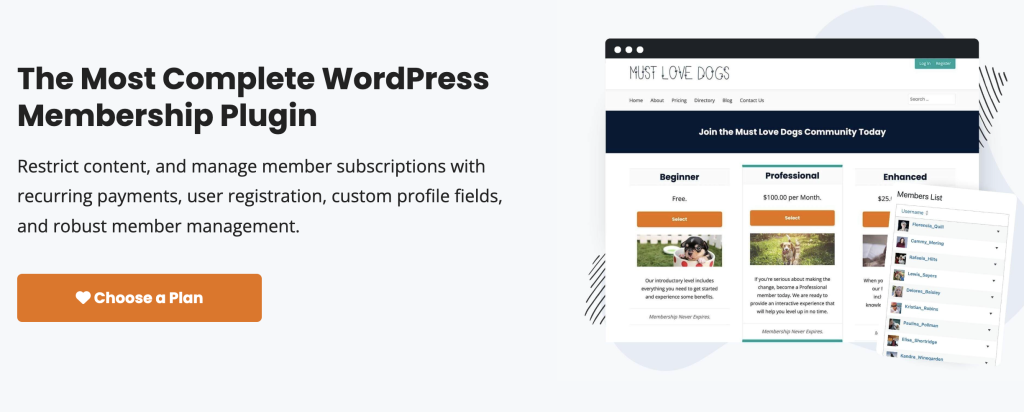
Paid Memberships Pro is another powerful WordPress membership plugin that helps you manage member subscriptions, restrict content, and enable recurring payments.
This plugin is ideal for creating sophisticated membership sites that require tailored member experiences and advanced functionality, as it can handle complex membership models with ease.
It offers unlimited membership levels with varied pricing, content protection, and seamless integration with popular WordPress plugins and third-party services.
The plugin is open-source and allows for various add-ons, meaning you can customize it the way you want.
Key Features:
- Membership level management. Create unlimited membership levels with unique pricing, content access rules, and customizable user fields.
- Content dripping and personalization. Release your content on a scheduled basis, personalized for each member.
- Detailed admin reporting. Use in-depth reporting tools, including sales and revenue tracking, member signups and cancellations, and individual member activity logs.
- Integration with popular services. Connect it with third-party tools like WooCommerce, Mailchimp, Zapier, MailChimp, and various LMS plugins.
11. WishList Member

- Rating: 4.8/5
- Best for: Anyone needing a flexible and comprehensive membership plugin
- Price: Plans start at $149/year
WishList Member is an all-in-one membership plugin that includes a full range of features, from membership and payment management to analytics and course creation.
The plugin offers a lot of flexibility to help you build the perfect membership platform, as it allows you to connect any WordPress theme to design your website.
What’s more, WishList Member integrations, tools for course creation, and content control features make the whole process a breeze.
Key Features:
- Detailed content control. Control access with features like drip content, scheduled release, and pay-per-post models.
- Integration with popular tools. WishList Member integrates with over 50 services, including payment gateways like PayPal and Stripe, email marketing platforms like MailChimp and ConvertKit, and LMS tools like LearnDash and TutorLMS.
- Full REST API for customization. The full REST API and WordPress-style template tags enable extensive customization for advanced users.
- Easy course creation. The included CourseCure feature helps you build engaging online courses and quizzes.
12. ARMember

- Rating: 4.7/5
- Best for: Consultants, content creators, community builders
- Price: Freemium (ARMember Pro costs $69)
ARMember is a robust WordPress membership plugin that caters to diverse membership site needs.
It’s an all-in-one solution with useful features like flexible pricing models, advanced content restriction, a built-in form builder, and a user-friendly membership setup wizard.
ARMember is a great choice for businesses and individuals who need a comprehensive, flexible, and cost-effective solution.
Its one-time payment model and features like the Membership Setup Wizard can help you quickly configure your membership site without technical hassle and hidden costs.
Key Features:
- Flexible membership pricing models. ARMember supports a variety of pricing models, including one-time payments, recurring subscriptions, and pay-per-post options.
- Built-in form builder. Create registration, login, and password management forms.
- Drip content functionality. Schedule content release over time and maintain member engagement by delivering content gradually.
- User-friendly membership setup wizard. Use this all-in-one configuration tool to get your membership site up and running quickly.
13. SureMembers
- Best for: Websites with a large number of members, agencies, eCommerce entrepreneurs, bloggers
- Price: Plans start at $69/year
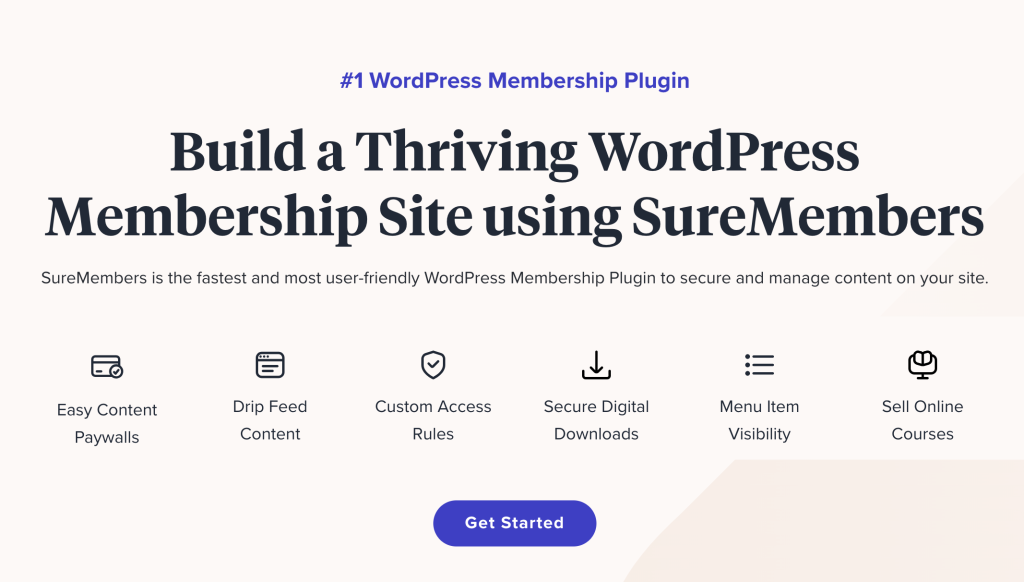
SureMembers is one of the newest WordPress membership plugins on the market, but it sure delivers a lot of value. It stands out for its user-friendly interface, solid features, and seamless integration with popular WordPress tools.
SureMembers offers all the key features you will need to build and maintain a website, be it an online course or a restricted website area for your clients.
The tool lets you set custom access rules, define membership levels, and create content paywalls.
Key Features:
- Content control and protection. Create paywalls, drip feed content, and custom access rules.
- Dynamic user management. The tool enables role synchronization and bulk editing of users.
- Integration with SureTriggers. Combining SureMembers with SureTriggers improves your site’s functionality via integration with other tools and plugins.
- Advanced menu visibility and secure downloads. Adjust menu visibility based on user roles to improve navigation and user experience. The tools also let you securely manage digital downloads.
14. Ultimate Membership Pro

- Rating: 4.5/5
- Best for: Content creators, agencies, bloggers, and consultants
- Price: The price starts at $59 (one-time payment)
Ultimate Membership Pro is a premium plugin that helps you monetize your website by managing member subscriptions for valuable content.
It offers a complete suite of features, making it one of the most comprehensive and user-friendly WordPress membership plugins.
You can easily control access to content, run recurring payments, and manage memberships. You can also use this plugin to monetize your blog, offer exclusive online courses, or build a member community.
Ultimate Membership Pro provides everything you need for a membership business. It features a sleek interface and useful, easy-to-use tools and dashboards.
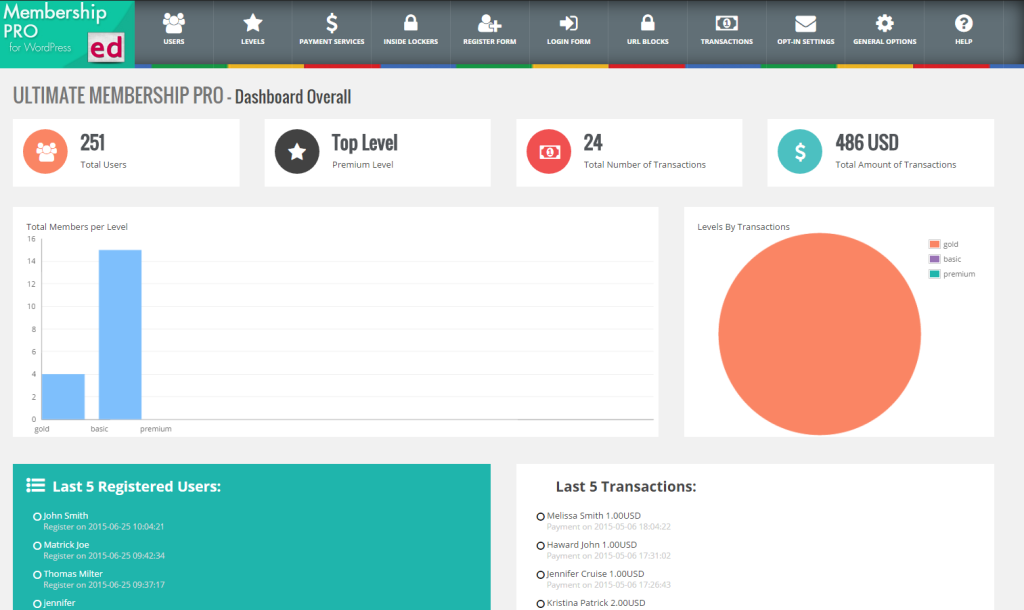
Key Features:
- Advanced content restriction. Restrict access to any WordPress content including pages, posts, custom post types, categories, files, and navigation menus.
- Integrated affiliate program. Seamlessly integrate with Ultimate Affiliate Pro to create a comprehensive affiliate program to boost your site’s revenue.
- Extensive email notifications. Automate member communication with nearly 50 customizable email notifications.
- Built-in addons and extensions. The Pro Addons Bundle provides access to over 41 built-in addons, including features like WooCommerce integration, membership badges, and subscription prorating.
- Developer-friendly. With hundreds of hooks and API calls, developers can easily extend the functionality of Ultimate Membership Pro to meet specific requirements.
15. WooCommerce Memberships
- Rating: 4.1/ 5
- Best for: WooCommerce users, eCommerce stores, bloggers, online educators, consultants
- Price: Plans start at $199/year
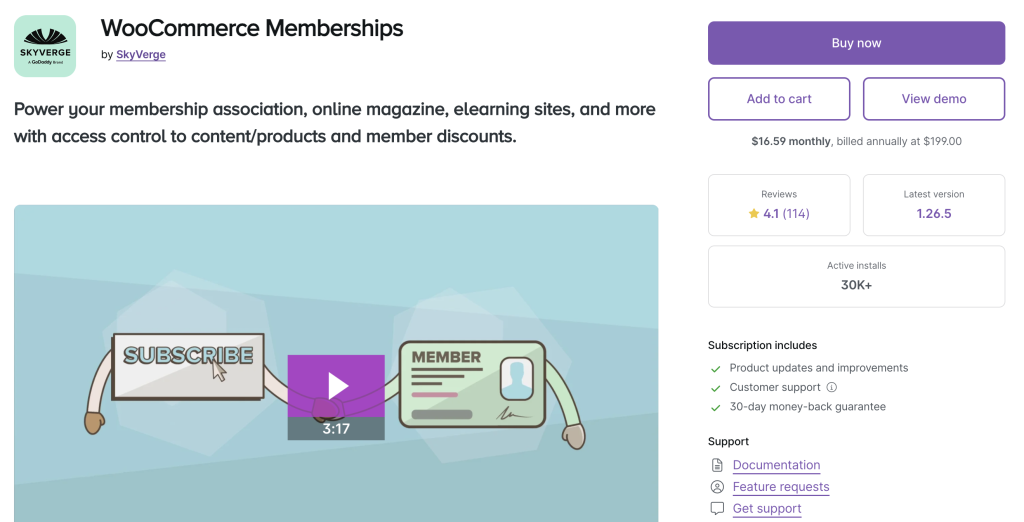
WooCommerce Memberships by SkyVerge is a membership plugin that seamlessly integrates with your WordPress website.
It allows you to manage content and product access, set up member discounts, and more.
Use it to enhance your WooCommerce store with membership features and offer exclusive perks to your customers.
WooCommerce Memberships is perfect for eCommerce stores that offer member-exclusive products, discounts, and perks.
However, it works for other types of websites, too.
Educators and trainers can benefit by managing access to online courses, using content dripping for structured learning, and providing exclusive content to students.
It also lets bloggers, podcasters, and influencers monetize their content by offering exclusive access to their members.
Key Features:
- WooCommerce integration. This plugin integrates directly with WooCommerce, allowing you to sell memberships as standalone products or bundle them with other products.
- Flexible content dripping. The content dripping feature lets you schedule content releases over time, perfect for serialized content, online courses, and structured learning programs.
- Exclusive member products and discounts. Create members-only products and provide special discounts.
- Advanced access control. WooCommerce Memberships lets you control who can view and purchase cetrain products, as well as restrict content by posts, pages, categories, and specific URLs.
- Enhanced member management: The member area consolidates all member information, making it easy for members to see their perks and for administrators to control memberships.
What to Look for in a Membership Plugin?
There are several key aspects to consider when choosing the best WordPress membership plugin for your site.
Let’s summarize the essential factors you may need to help you make the right decision.
1. Ease Of Use
The usability of your plugin is essential if you don’t have a team of developers to support you. A user-friendly interface can save you hours of work and reduce the learning curve.
Look for tools that offer setup wizards, drag-and-drop interfaces, and clear documentation with tutorials.
2. Payment Getaway Integration
Integrating a payment getaway ensures you can monetize your website with ease. The best membership plugins support multiple gateways based on your customers’ preferences.
Choose an option that offers various payment options (e.g. Stripe and PayPal), supports recurring payments, and lets you create flexible pricing models.
3. Content Types
Your membership platform may include many different types of content, from blog posts and pages to videos and courses.
Choose a plugin that lets you restrict access to specific content such as pages, posts, custom post types, and even individual files.
It’s also a good idea to look for tools that enable flexible content control and content dripping.
4. Dedicated Support
Look for plugins that offer responsive and flexible support teams that are ready to assist you with any issues.
All of the WordPress membership plugins we included on this list are praised for providing high-quality support.
5. Other Considerations
Other important factors you may want to consider include:
- Unlimited membership levels. Your plugin should let you add various membership types with their own access rules and benefits.
- Regular updates. The plugin should be regularly updated to fix bugs, improve security, and add new features.
- Integration with other tools. A fully functional membership website will require integrating with other software for marketing and website management.
- Additional membership site features. Depending on whether you are looking to create a fully-fledged educational platform or a blog with premium content, some membership plugins offer extra features for designing websites and online courses.

Conclusion
Choosing the right plugin is key when building a membership website, whether for an online course or a community forum.
The best WordPress membership plugins don’t require any coding, provide flexible payment gateway integrations, and let you dynamically restrict content for various membership levels.
Here’s a quick rundown of the top options to try in 2025:
- MemberPress: Ideal for beginners and those looking to monetize their site with online courses and coaching platforms
- Ultimate Member: Perfect for creating online communities and user-driven sites.
- WooCommerce Memberships: Best for eCommerce sites looking to add membership functionalities.
- ARMember: A comprehensive and cost-effective solution with a one-time payment model.
- MemberMouse: Best for mid-market and enterprise firms looking to scale their membership websites.
We hope this guide helped you find the perfect tool for your needs.
WordPress Membership Plugins FAQ
Below, we address some of the common questions about WordPress membership plugins.
Is WordPress Good for Membership Website?
WordPress is a great choice for building membership websites due to its flexibility, ease of use, and extensive plugins for every use case. With the right membership plugin, you can easily manage subscriptions, restrict content, and create a personalized user experience. Websites of all types and from all niches can find an option that caters to their needs.
Can I Make Money With a Membership Website?
Membership websites can be a great source of revenue. You can generate recurring payments and build a loyal customer base by offering exclusive content, courses, or products to your paying members. It’s key to focus on providing valuable content and creating a smooth experience for your members.
Can I Create a Membership Website Without a Plugin?
Building a membership website without a plugin is possible but challenging. It requires custom coding to manage user registrations, payments, and content restrictions. At the end of the day, you’ll still end up with code added to your WordPress site. Using a high-quality membership plugin simplifies the process and avoids creating issues for your website.

Andzelika is a Content Writer and Editor with over 5 years of experience in the digital marketing industry. With passion for technology and the art of the written word, she loves to combine the two worlds and produce actionable content.



Comments
December 23 2021
Great work! It really the best ever blog I had gone to today. so beautifully you explained all comparisons of plugins. It's helped me to find the best reliable blog for my Wordpress site.
December 30 2021
Happy to hear you found it helpful, Jasen!