10 best website builders for SEO
May 20, 2026
/
Simon L.
/
13 min Read

Choosing the best website builder for SEO determines how easily search engines can understand your content, index your pages, and rank your site. The right platform gives you fast performance, clean code, mobile-ready templates, and built-in tools that support structured data, alt text, meta tags, and overall site architecture.
In this guide, we review the 10 best website builders for SEO, comparing their optimization features, AI tools, customization options, and long-term value. You’ll see how each platform handles key ranking factors like page speed, mobile responsiveness, structured data, and content management, along with the drawbacks that may limit your results.
Here’s a quick look at the top picks:
- Hostinger Website Builder – Best overall SEO toolset with AI features.
- Squarespace – Great for responsive templates and clean markup.
- Shopify – Strong eCommerce SEO with automated technical setup.
- GoDaddy Website Builder – Good for simple sites with guided optimization.
- IONOS – Budget-friendly option with built-in SEO automations.
- Weebly – Easy to use and suitable for beginners managing blogs or small stores.
- DreamHost Website Builder – Ideal for quick WordPress SEO setup.
- Webflow – Best for full control over structured data and page markup.
- SITE123 – Simple editor with essential SEO tools and automatic redirects.
- Ucraft – Good for high-traffic sites needing fast performance and clean structure.
Each website builder excels in different areas. Some focus on speed and clean markup, while others prioritize AI tools, eCommerce features, or advanced customization. This guide breaks down those differences so you can choose the platform that aligns with your goals, technical needs, and long-term SEO strategy.
1. Hostinger Website Builder
Best for: improving SEO with AI
Price: starts at CA$ 4.19/month
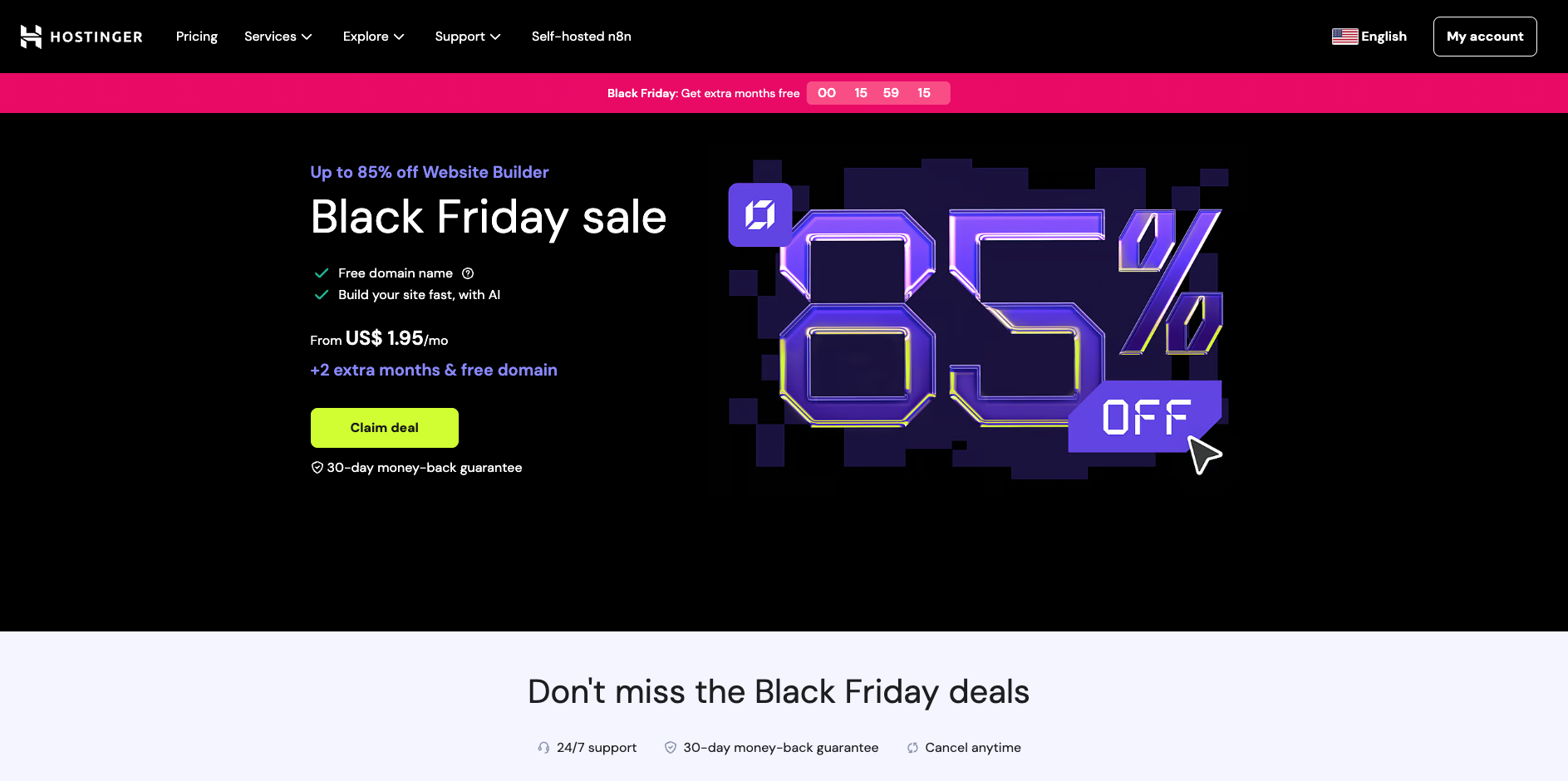
Hostinger Website Builder is a code-free, AI-powered platform that combines hosting, a website builder, and SEO tools in one plan. You can choose from 150+ responsive templates or answer a few questions and let the website maker generate a complete site with layout, content, and images for you.
For on-page SEO, you get dedicated SEO settings for each page, including custom meta titles, descriptions, URLs, and keywords, plus an AI SEO Assistant that suggests optimized titles and descriptions. You can also add alt text to images and control indexation, which helps search engines understand and rank your content more accurately.
Technical SEO basics are handled automatically: Hostinger generates and updates an XML sitemap at /sitemap.xml as you edit your site, making it easier for search engines to crawl and index your pages.
On the business side, plans include free SSL, a free domain for the first year, and business email accounts, so you can launch a branded site without extra add-ons. Ecommerce features include 0% transaction fees and support for 20+ payment methods, which makes it a solid option for small online stores that care about SEO and brand building on a budget.
Hostinger’s key features:
- 24/7 Customer Success – get fast support anytime through live chat.
- eCommerce – accept over 20 payment methods and keep 100% of your revenue with zero transaction fees.
- Easy editing – customize your site with a drag-and-drop editor and smart grid alignment for clean, proportional layouts.
- AI tools – generate website layouts, page content, images, and SEO-ready meta tags using built-in AI assistants.
- SEO settings – edit titles, descriptions, URLs, and indexing options for every page, plus get help from the AI SEO Assistant.
- Responsive templates – choose from 150+ mobile-ready designs optimized for speed and usability.
- Built-in hosting – get fast, secure hosting with free SSL and a free domain for the first year.
- Automatic sitemap – an XML sitemap is generated and updated for you to help search engines crawl your site efficiently.

2. Squarespace
Best for: visually-rich brand websites with strong design control
Price: starts at $16/month when billed annually
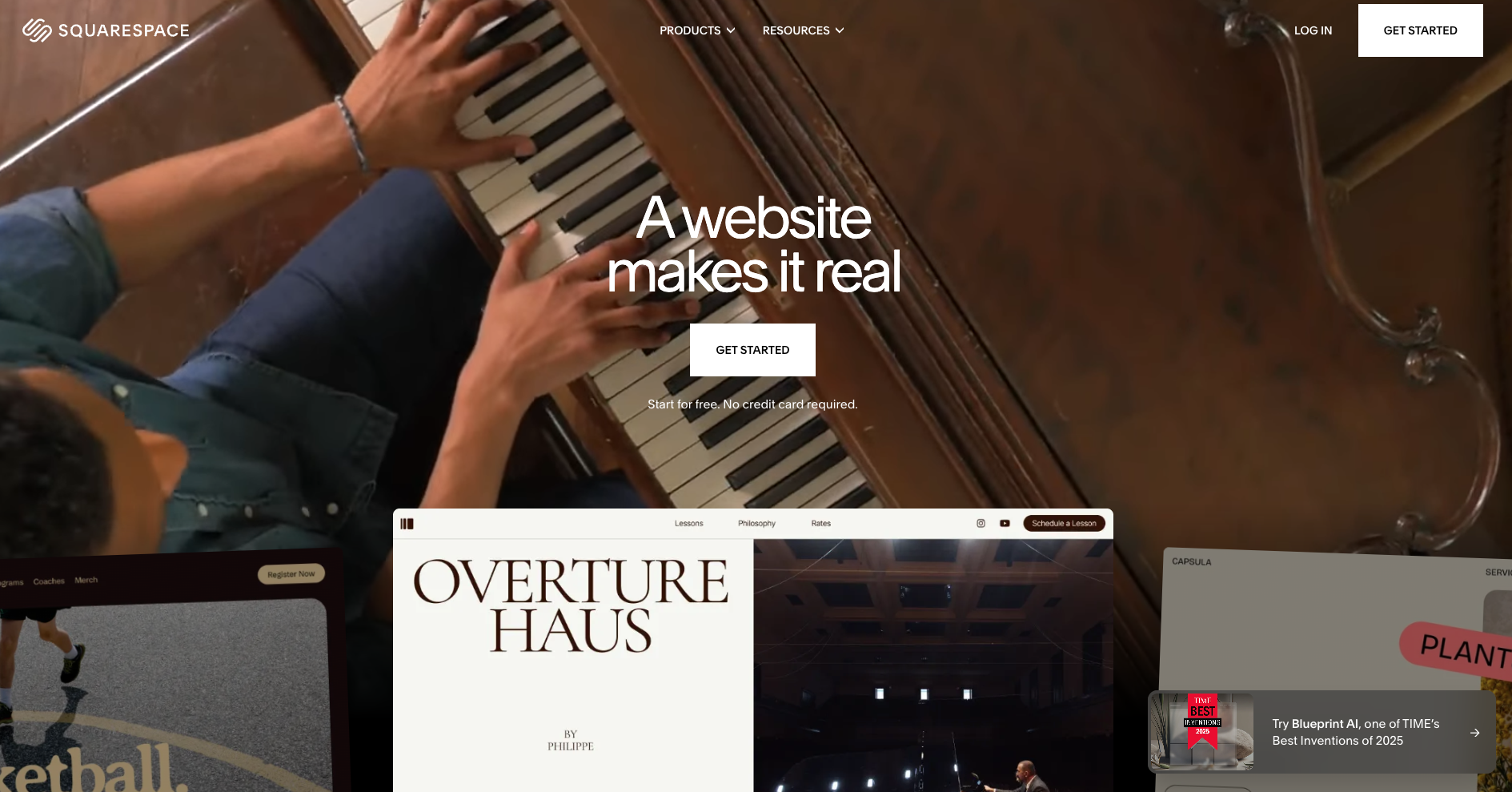
Squarespace is a code-free platform offering stylish templates and a full website builder + hosting stack. You can select from its curated design library or use the built-in AI tool (Blueprint AI) to generate an initial site layout and content.
For on-page SEO, Squarespace provides clean URLs, editable meta titles/descriptions, automatic SSL, mobile-optimized design and built-in site analytics. Technical SEO essentials are handled for you, templates are responsive, SSL is included, and all pages are served with secure hosting by default. Medium-to-large stores get access to no or low transaction fees at higher tiers.
Squarespace’s key features:
- Flexibility – build an eCommerce store, schedule appointments, or sell memberships.
- Drag-and-drop editor – move and place page elements visually with the Fluid Engine interface.
- SEO settings – manage meta titles, descriptions and indexing for every page; templates generate mobile-friendly markup automatically.
- AI-assisted setup – Blueprint AI offers a one-page site draft (layout + content)-after-profile input, speeding up build time.
- Compatibility – it works well with various marketing tools like Google Search Console.
3. Shopify
Best for: eCommerce features
Price: starts at $29/month for the Basic plan (billed annually)
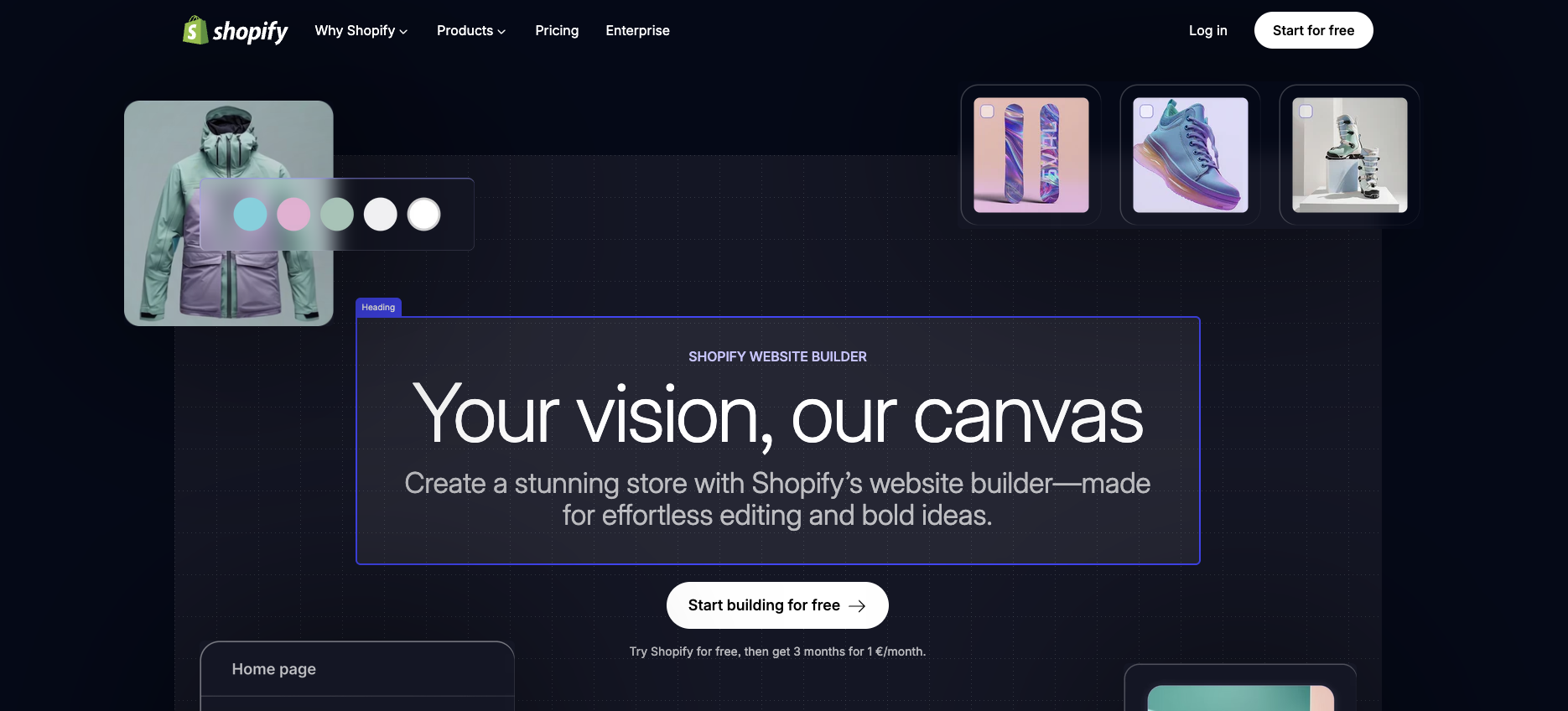
Shopify’s website builder is built specifically for online stores. It combines drag-and-drop site design, product management, payment processing, hosting, and SEO tools into one platform.
For on-page SEO, Shopify allows you to edit meta titles, descriptions, alt text for images, and custom URLs for products and collections. It also handles canonical tags, automatic sitemap generation, and mobile-friendly themes out of the box. Technical SEO basics such as SSL, secure hosting, optimized URL structure and global CDN are included, which supports faster loading and better crawlability for search engines.
You can also integrate your website with Google Search Console to improve your SEO strategy with data-driven decisions.
Shopify’s key features:
- Scalability – plan upgradable to support higher traffic, advanced analytics, multiple locations, and enterprise features.
- eCommerce-centric tools – unlimited products, multichannel selling, built-in checkout, and extensive analytics.
- Easy editing – use a drag-and-drop interface to adjust layouts, product pages, fonts, and visuals without code.
- SEO settings – edit meta titles, descriptions, URLs, alt text and indexing rules for products and collection pages.
- Mobile-optimized themes – all themes are responsive and designed to perform well on mobile with built-in speed optimization.
- Automatic sitemap & canonical tags – store structure and relevant metadata are auto-managed to support search engines.
4. GoDaddy Website Builder
Best for: simple personal or small business sites
Price: starts at $10.99/month
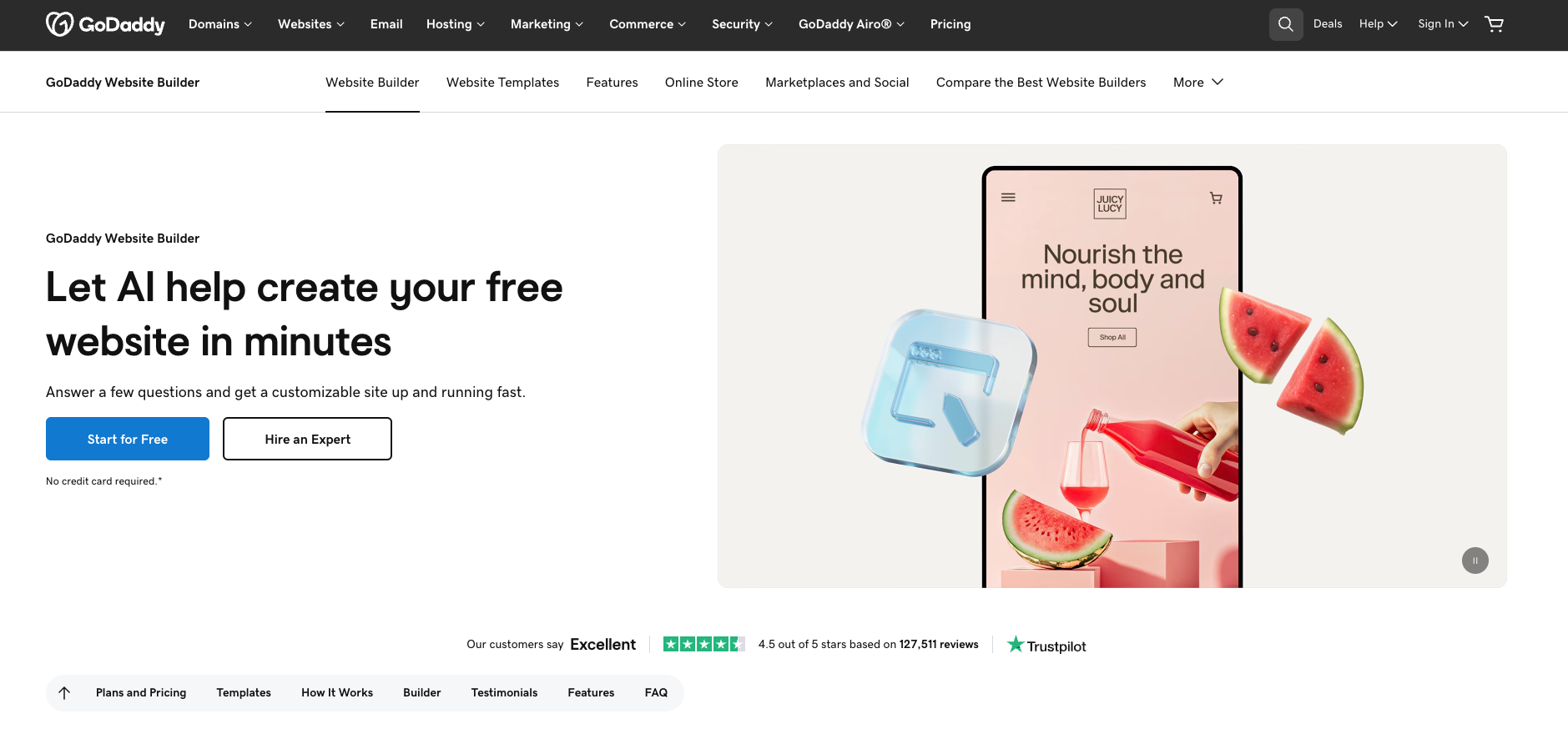
GoDaddy Website Builder provides a straightforward way to create a basic website without dealing with code. It includes ready-made templates, an AI-based setup assistant, and built-in marketing tools. Its SEO Wizard offers simple optimization suggestions, such as adjusting titles or updating descriptions, which can be helpful for beginners but is more limited compared to the SEO toolsets of more advanced builders.
On the technical side, GoDaddy includes SSL, mobile-responsive templates, and a basic analytics dashboard. Plans also offer access to GoDaddy Studio for simple content creation, but many features, especially for SEO and eCommerce, require higher-tier subscriptions.
Overall, it works for users who want speed and convenience, but it may feel restrictive for those who need deeper customization or detailed SEO control.
GoDaddy’s key features:
- Basic SEO tools – use the SEO Wizard for simple, guided suggestions to improve titles, descriptions, and keyword usage.
- Easy editing – build pages with a simple, section-based editor meant for quick setup rather than detailed customization.
- GoDaddy Studio – create branded graphics and social posts directly within the builder.
- Mobile-ready templates – choose from a limited set of responsive themes designed for small business websites.
- Simple online selling – sell products or services, though full eCommerce features require higher-priced plans.
5. IONOS
Best for: budget-conscious users who want quick setup
Price: starts at $1/month (renews higher)
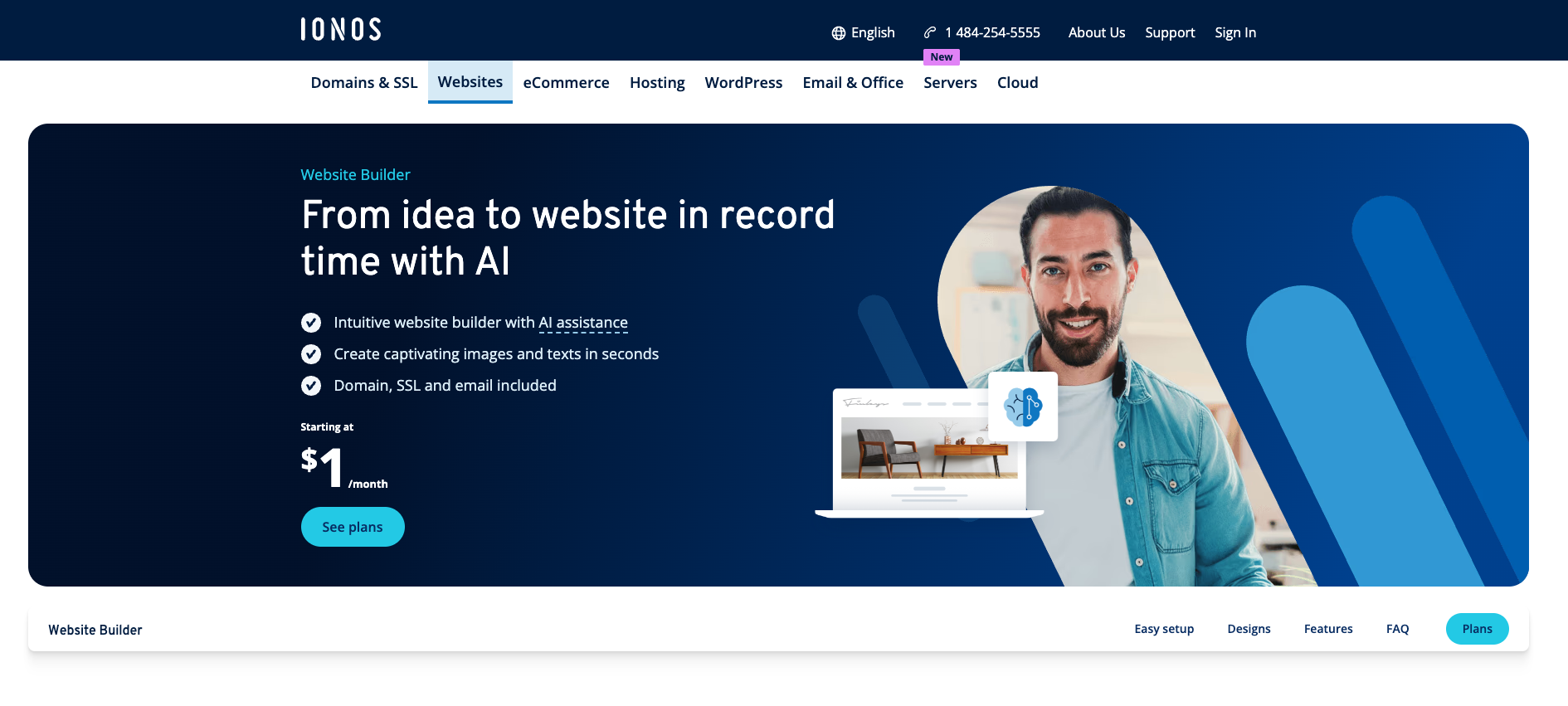
IONOS Website Builder focuses on affordability and simplicity, offering basic site-building tools and several AI assistants to help generate initial content, titles, and descriptions. It includes page-level SEO fields, alt text options, and a built-in SEO Checker that provides straightforward suggestions such as improving headings or adjusting metadata. While helpful for beginners, the recommendations are limited compared to more advanced platforms.
On the technical side, IONOS includes automatic SSL, mobile-responsive templates, and basic performance optimization. The platform also offers a library of stock images and integrates simple analytics.
However, many features, especially eCommerce tools and expanded site customization, sit behind higher-tier plans or renew at a much steeper rate after the introductory period.
Overall, IONOS works for small projects or temporary sites, but its SEO and design flexibility are more restrictive than most competitors.
IONOS’ key features:
- AI Text Improver – update and refine simple on-page content using a built-in AI editor.
- SEO Checker – receive basic suggestions for improving titles, descriptions, and page structure.
- Stock media library – access a large collection of royalty-free images for quick page design.
- Mobile-ready templates – use responsive layouts optimized for basic mobile performance.
- Simple eCommerce – set up a basic online store, though full commerce features require higher-tier plans.
6. Weebly
Best for: basic websites and simple online stores
Price: freemium (with paid plans starting at $10/month)
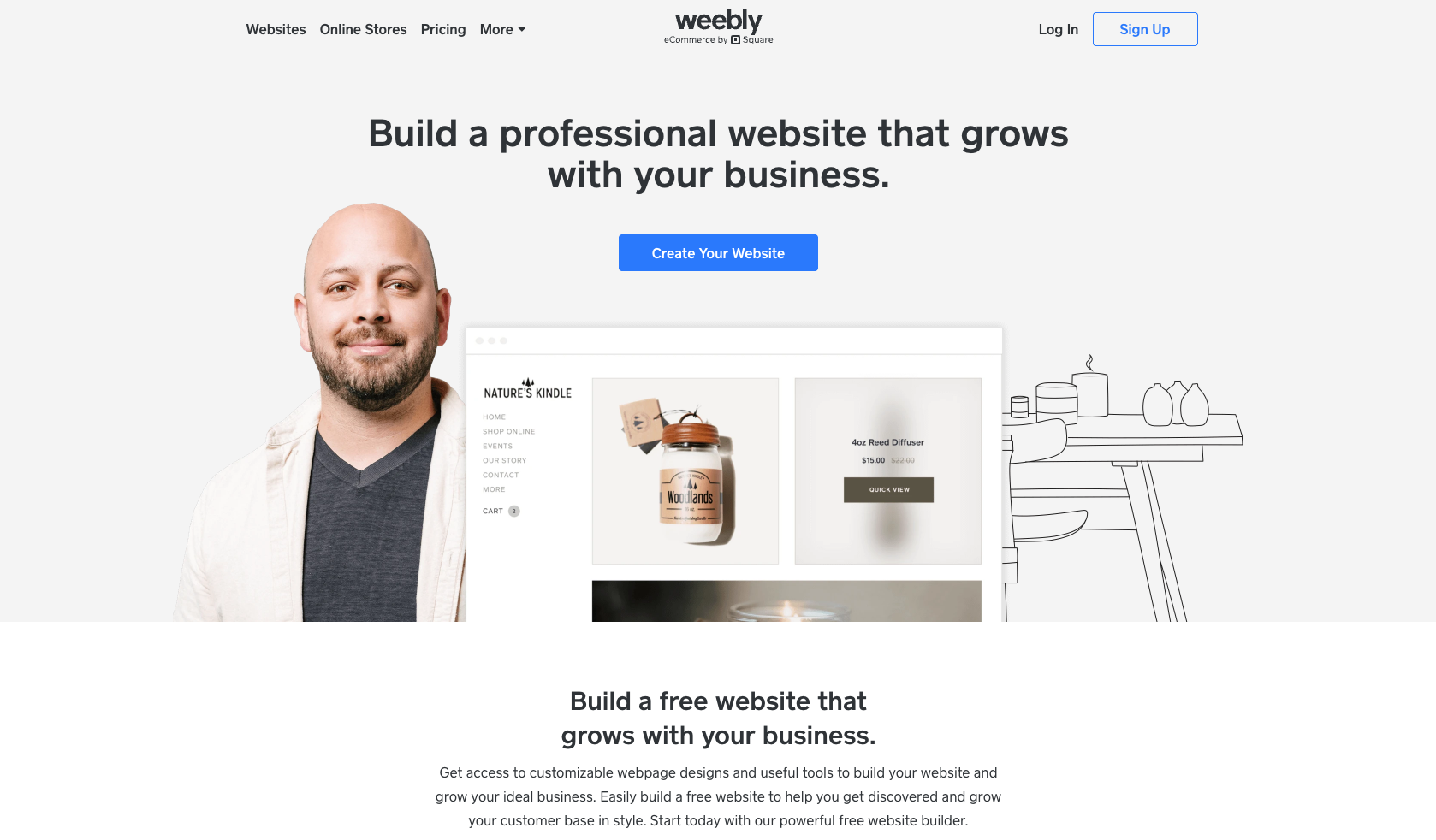
Weebly is a beginner-friendly website builder known for its simple drag-and-drop interface and straightforward setup. It includes built-in SEO fields for titles, descriptions, and image alt text, along with automatic sitemap generation and mobile-responsive themes. These features make it easy for new users to cover essential SEO basics without handling technical configuration. However, since Weebly is owned by Square, development has slowed, and many advanced customization and eCommerce features now exist primarily to support Square’s payment ecosystem.
Weebly still works for small blogs, hobby sites, or basic stores that only need limited functionality. But its editor is more restrictive than modern builders, and its design flexibility hasn’t kept pace with newer platforms. Users who want up-to-date SEO tools, deeper customization, or more scalable eCommerce options will likely outgrow Weebly fairly quickly.
Weebly’s key features:
- Free plan – build a basic website without upfront costs, though features are limited.
- Easy editing – use a simple drag-and-drop builder suitable for non-technical beginners.
- SEO fields – edit meta titles, descriptions, URLs, and image alt text on each page.
- Automatic sitemap – Weebly generates a sitemap to help search engines crawl your site.
- Mobile-responsive templates – choose from a modest library of templates designed for basic mobile compatibility.
- Square integration – access simple commerce tools if you connect to Square’s payment system.
7. DreamHost Website Builder
Best for: beginners who want a simple WordPress setup
Price: starts at $2.59/month
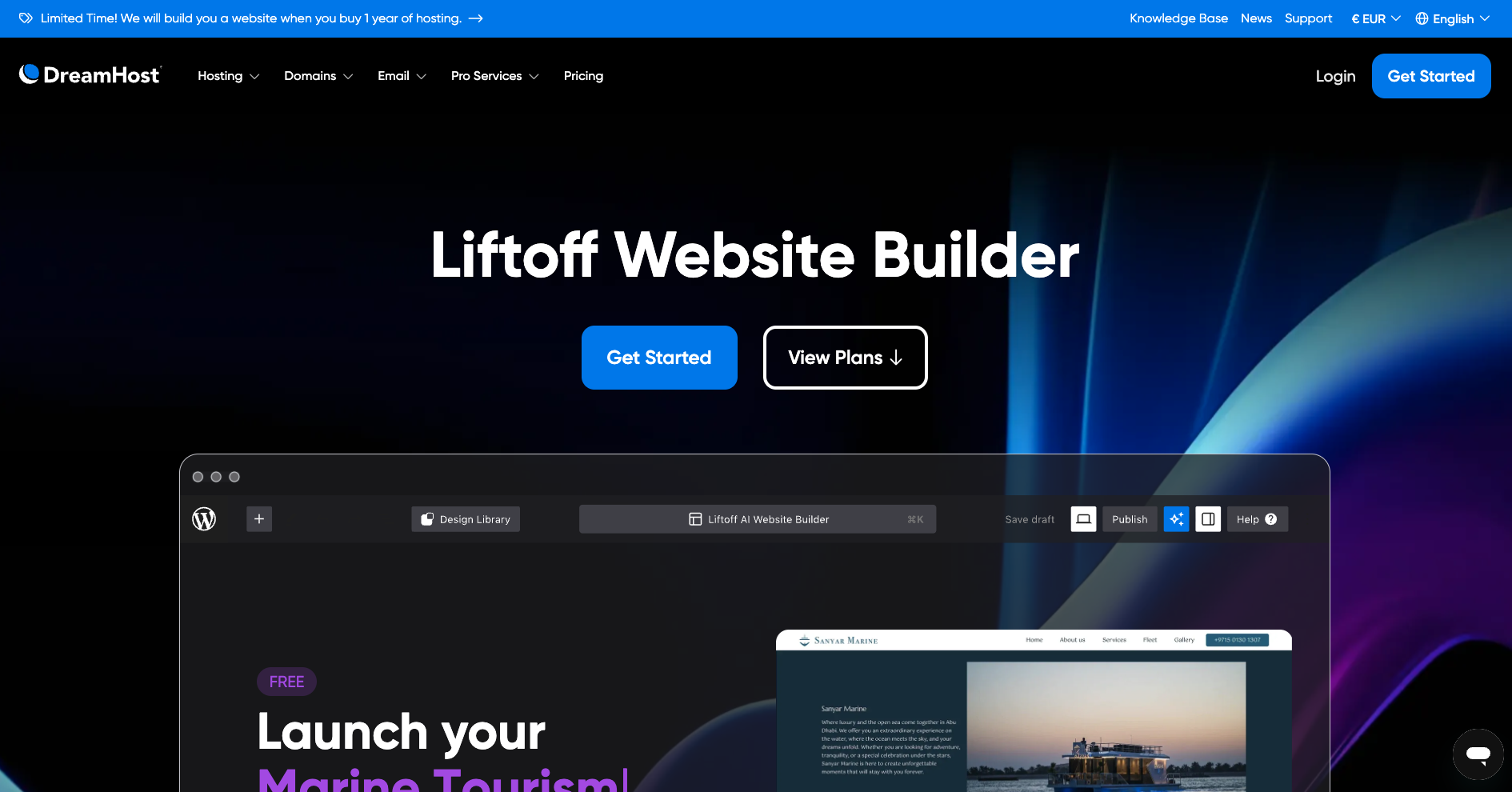
DreamHost’s website builder is a simplified WordPress setup powered by BoldGrid, offering pre-designed starter layouts and a drag-and-drop editor on top of standard WordPress. It’s built for users who want to use WordPress but prefer a guided onboarding experience instead of configuring everything manually. The builder includes basic SEO tools, mainly through WordPress plugins, along with page-level controls for titles, descriptions, and URLs.
Technically, DreamHost handles hosting, SSL, backups, and updates in the background, which reduces setup work. However, because the builder sits on top of WordPress, many additional SEO features and customizations depend on plugins, which can increase maintenance needs.
It works well for simple personal sites or blogs but is more limited than full-featured WordPress setups or modern no-code builders.
DreamHost’s key features:
- Easy WordPress start – use a pre-configured WordPress environment with the BoldGrid editor.
- Drag-and-drop editing – customize pages visually without needing to edit code directly.
- SEO basics – manage titles, descriptions, URLs, and content structure using WordPress plugins.
- Starter templates – choose from over 200 beginner-friendly layouts to speed up setup.
- Simple blogging tools – take advantage of WordPress’s built-in blogging and content management.
8. Webflow
Best for: designers and developers who want full control over site structure
Price: freemium (with paid plans starting at $14/month)
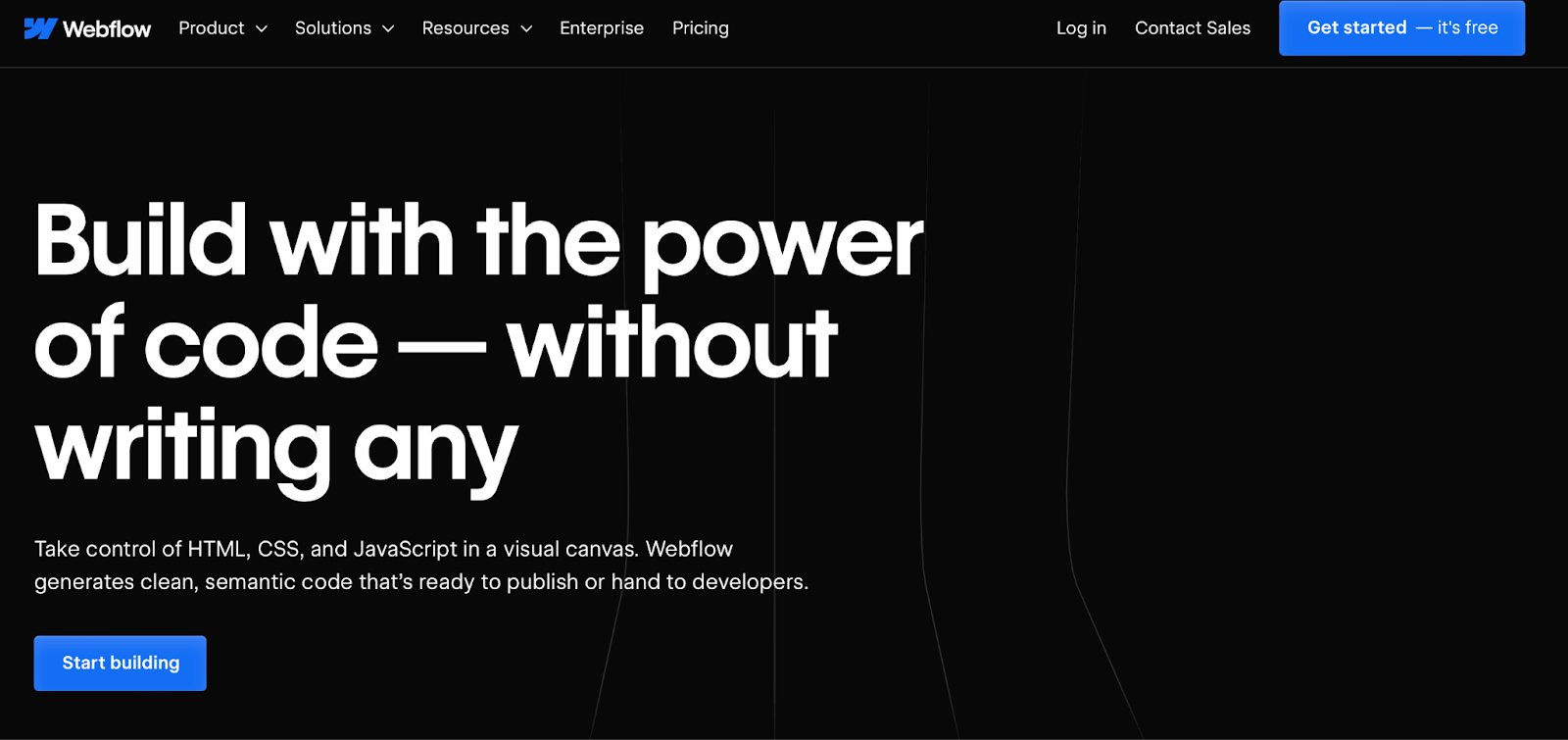
Webflow is a visual web design platform built for users who want granular control over layout, animations, and page structure. It offers a powerful visual editor that mirrors front-end development concepts—ideal for advanced users who want flexibility but less suited for beginners. The platform includes detailed SEO settings for each page, including meta tags, alt text, structured data fields, automatic XML sitemaps, and clean HTML/CSS output when used correctly.
Webflow also supports CMS Collections, where you can define dynamic templates and apply metadata at scale. Technical SEO is generally strong due to responsive design, fast hosting, built-in SSL, and CDN delivery.
However, because Webflow’s editor has a steeper learning curve, achieving good SEO structure relies heavily on how well the user implements elements like headings, schema, and layout structure.
Webflow’s key features:
- Advanced design control – adjust layout, spacing, animations, and interactions with a visual editor modeled after front-end development.
- CMS Collections – create dynamic pages (like blogs or product lists) with reusable templates and page-level SEO fields.
- SEO settings – edit meta titles, descriptions, alt text, indexing rules, and structured data fields for each page.
- Responsive templates – access a library of designer-built templates optimized for modern mobile layouts.
- Built-in hosting & SSL – secure hosting with automatic SSL and a global CDN included in all site plans.
- Automatic sitemap – Webflow generates and updates an XML sitemap to help search engines crawl your site.
- Custom code options – add schema markup, tracking scripts, or specialized SEO enhancements if you have coding knowledge.
- Global audience – leverage machine-powered translations or connect to a translation management system (TMS).
9. SITE123
Best for: quick, no-frills websites
Price: freemium (with paid plan starting at $12.80/month)
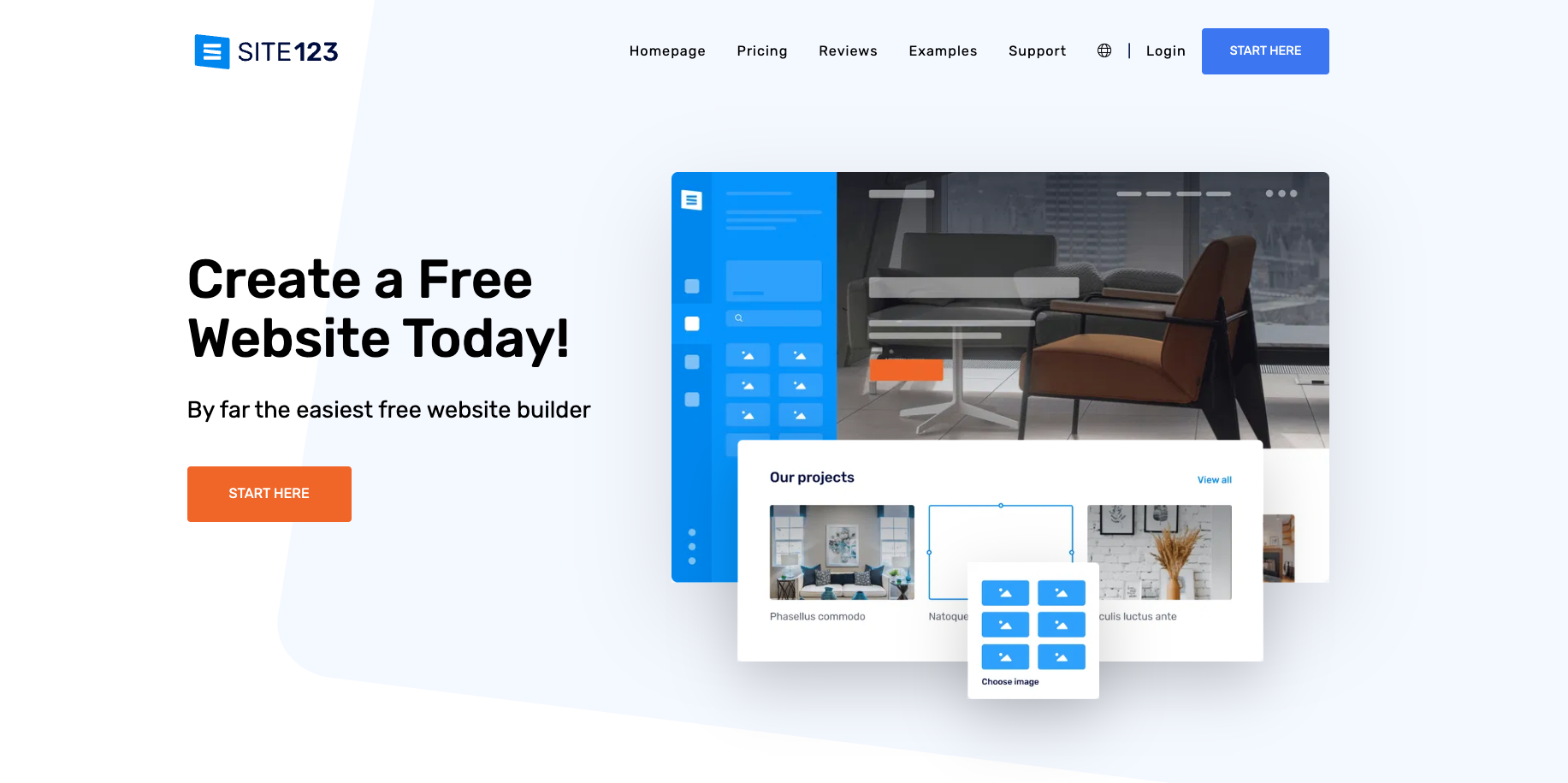
SITE123 is a simple website builder designed for users who want to get online quickly with minimal setup. It provides guided onboarding, preset layouts, and basic customization options, making it suitable for small personal websites, portfolios, or simple blogs. For SEO, SITE123 includes page-level fields for titles, descriptions, and URLs, along with alt text support and automatic XML sitemap generation. It also offers built-in 301 redirects, which help preserve rankings if you move or rename pages.
While it covers essential SEO basics, the design flexibility is limited compared to modern builders. The editor uses a structured, block-based system that prioritizes speed over customization, meaning you have fewer layout and design options.
Its free plan is also restrictive, with ads and no ability to connect a custom domain.
SITE123’s key features:
- Basic SEO tools – edit meta titles, descriptions, URLs, alt text, and redirects for individual pages.
- Automatic sitemap – an XML sitemap is generated to help search engines crawl your site.
- Mobile-responsive templates – choose from simple templates optimized for basic mobile viewing.
- Stock media library – access free images, icons, and videos to fill out your pages.
- Built-in hosting & SSL – hosting and SSL certificates included with all paid plans.
- Simple CRO tools – use features like promotional popups or related products to support basic conversion needs.
- Brand identity – establish your brand with a free domain name and logo tools.
- Media – SITE123 offers a large library of free images, icons, and videos for you to use.
10. Ucraft
Best for: small businesses needing clean templates and simple design tools
Price: freemium (with paid plans starting at $10/month)
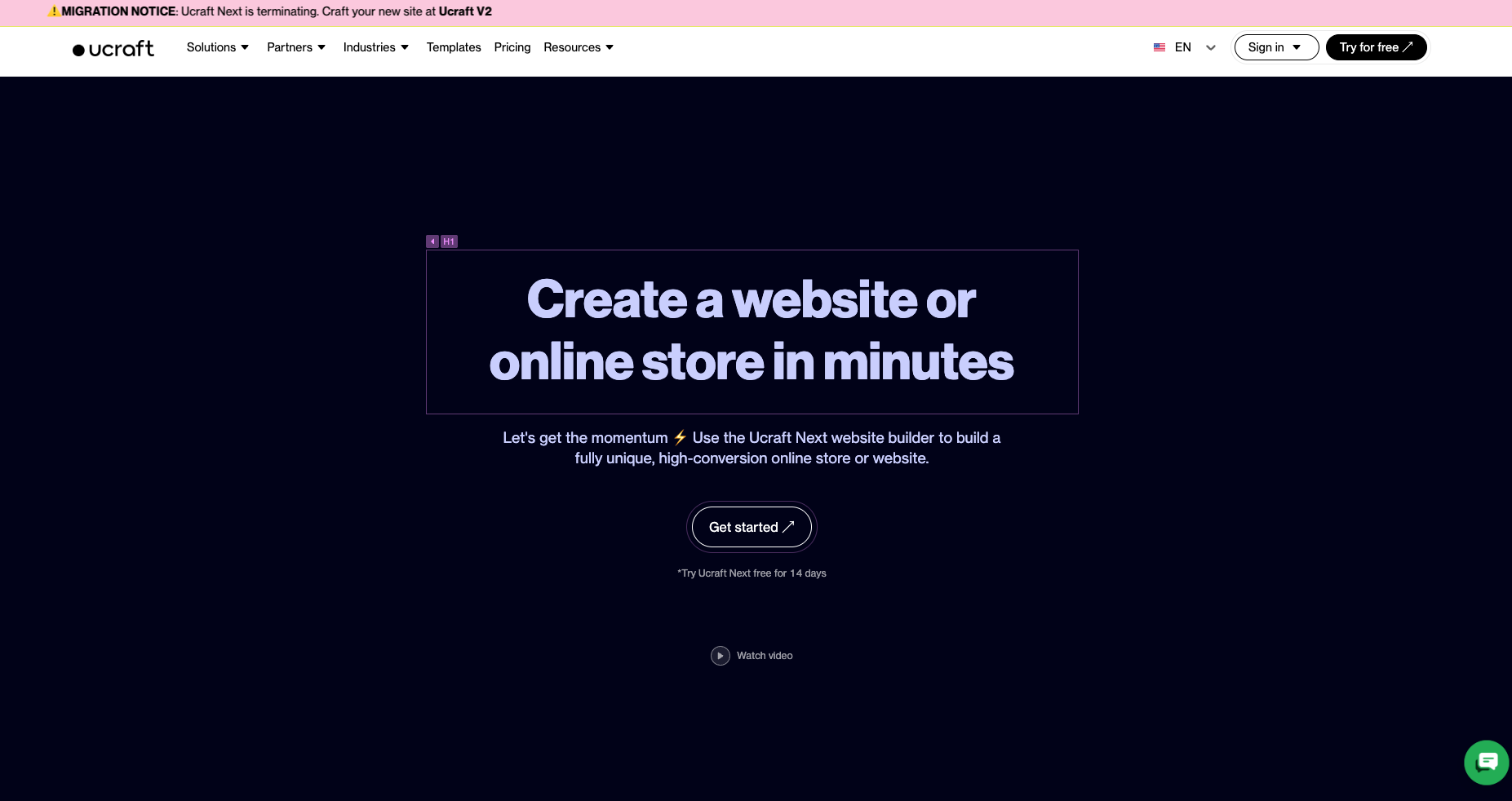
Ucraft is a template-based website builder focused on clean layouts and quick setup. It offers a selection of modern, mobile-responsive templates, along with a block-style editor that keeps design simple. Users can edit meta titles, descriptions, and alt text for basic SEO, and the platform includes automatic sitemap generation and SSL on all paid plans. Ucraft also supports custom domains and offers a built-in logo maker, which helps small businesses establish basic branding without extra tools.
While Ucraft covers essential features, its customization options are more limited than those of advanced builders. Some design elements are locked into preset structures, and many features—particularly eCommerce tools—require higher-tier plans. The platform works best for small sites that don’t need deep optimization or complex layouts.
Ucraft’s key features:
- Beginner-friendly – reach out to support 24/7.
- Easy editing – use a block-based editor to structure pages with simple, clean layouts.
- SEO basics – update meta titles, descriptions, URLs, and alt text across your site.
- Automatic sitemap – Ucraft generates an XML sitemap to help search engines index pages.
- Mobile-ready templates – choose from modern templates optimized for mobile performance.
- Logo maker – create a simple logo directly within the builder to support brand identity.
- Built-in hosting & SSL – paid plans include hosting and automatic SSL certificates.
- Simple eCommerce – sell products through built-in store tools, with more features unlocked on higher tiers.
- Marketing integrations – use with popular software like Zapier, Mailchimp, and Hubspot.
- Security – get free SSL to protect your client’s sensitive information.
How we tested these website builders for SEO
We evaluated each platform against the search-engine factors that actually move rankings. For every builder on this list, we built a test site (or used an existing live site where one was available), then ran the same set of checks:
- On-page controls. Can you edit the meta title, meta description, slug, and image alt text at the page level? Can you set
noindexon individual pages? Can you control the H1 independently of the page title? - Technical SEO. Does the platform generate a valid XML sitemap and
robots.txt? Are canonical tags applied correctly? Is the URL structure clean (no session parameters, no?p=123-style slugs by default)? Does it support 301 redirects in the UI? - Structured data. What schema types are supported out of the box — Article, Product, FAQ, BreadcrumbList, LocalBusiness — and can you add custom JSON-LD when you need to?
- Core Web Vitals and rendering. We ran each builder’s sample site through Google PageSpeed Insights and Chrome DevTools Lighthouse on both mobile and desktop, checking LCP, INP, CLS, and the rendered HTML for client-side-only content that search engines may struggle to crawl.
- Mobile readiness. We tested templates in Chrome’s mobile emulator and on a real device, looking for layout shift, tap-target sizing, and whether the mobile and desktop versions serve identical content (Google’s mobile-first index assumes they do).
- Integrations. Does the builder connect cleanly to Google Search Console, Google Analytics 4, and Bing Webmaster Tools? Can you add Google Tag Manager without a developer?
- AI-assisted SEO. Where AI features exist (SEO assistants, meta-tag generators, content suggestions), we evaluated the output for whether it produces usable copy or generic placeholder text.
- Real cost of “SEO-ready.” Some platforms put basic features — schema, redirects, custom code injection — behind higher tiers. We noted which features sit at which price points so you can budget accurately.
How to choose the best website builder for strong SEO performance
Choosing a website builder for SEO depends on how well the platform handles site speed, mobile responsiveness, structured data, metadata, and overall technical stability. If you want a broader framework for evaluating design tools, templates, and usability, see our guide on how to choose a website builder.
Below are the SEO-specific elements that matter most when selecting the right platform:
- Meta tags – Meta tags tell search engines what your page is about and how it should appear in search results. A good website builder lets you edit titles, descriptions, and robots settings for every page so you can control relevance, improve click-through rates, and keep your content aligned with user intent.
- Image alt text – Alt text describes what appears in an image, improving accessibility and helping search engines understand visual content. Builders that offer clear alt-text fields or automatic suggestions make it easier to maintain consistent, keyword-aligned descriptions across your entire site.
- Site speed – Fast loading times improve user experience and search rankings. Look for builders that provide optimized code, caching, CDNs, and image compression. These features reduce delays, improve Core Web Vitals, and prevent unnecessary scripts from slowing down your pages.
- Mobile responsiveness – Google uses the mobile version of your site to determine rankings, so your builder must produce layouts that scale cleanly across screens. Responsive templates and mobile previews ensure your design stays readable, fast, and functional on every device.
- Structured data – Structured data helps search engines understand your content type more accurately and can qualify your pages for rich results, which may help you drive more organic traffic. Builders that support adding or customizing schema, such as product, article, or event markup—give your website a stronger technical foundation for visibility.
- User-friendliness – A simple, intuitive editor helps you maintain clean layouts, proper headings, and consistent metadata. This reduces technical errors and makes it easier to update or expand your site without disrupting your structure or hurting your SEO.
- Domain and hosting pricing – Transparent pricing matters when evaluating long-term value. Many builders bundle domains, SSL certificates, and security tools into their plans. Understanding renewal costs and included features helps you avoid unexpected expenses and choose a builder that supports growth.
- SSL certification – SSL encrypts user data and signals trustworthiness to search engines. A strong SEO-focused builder includes free SSL and renews it automatically so you can take full advantage of key SSL benefits, which is essential for protecting sensitive information and preventing security warnings that reduce traffic.
- Page categorization – Categories create a clear hierarchy that helps users and search engines navigate your site. Builders that support blog categories, product groups, or custom taxonomies make it easier to maintain structure and ensure your content is grouped logically.
- Customization options – If you’re looking to design a website that reflects your brand, customizable templates help you apply consistent styles across every page. With control over fonts, colors, layouts, and images, your site stays visually coherent, easy to navigate, and structured in a way that supports both user experience and search performance.
Next steps: Build an SEO-ready website with confidence
Choosing the right website builder is the first step toward creating a site that performs well in search engines. Now that you know which platforms offer fast performance, clean structure, mobile-ready designs, and strong optimization tools, the next move is putting those features into practice. Start by outlining the type of website you want to create and the pages you’ll need. Define your structure early, decide how you’ll organize content, and plan the SEO elements that matter most — from metadata and headings to page speed and mobile layout.
Before launching, take time to explore your builder’s SEO settings, connect analytics, and review your templates across devices. Getting familiar with these features helps you avoid common setup mistakes and keeps your site aligned with search best practices from day one.
When you’re ready to begin, follow our step-by-step guide on how to make a website. It walks you through planning, building, and publishing your site using the same SEO principles covered in this guide, so you can launch with confidence and grow sustainably.

Simon is a dynamic Content Writer who loves helping people transform their creative ideas into thriving businesses. With extensive marketing experience, he constantly strives to connect the right message with the right audience. In his spare time, Simon enjoys long runs, nurturing his chilli plants, and hiking through forests. Follow him on LinkedIn.